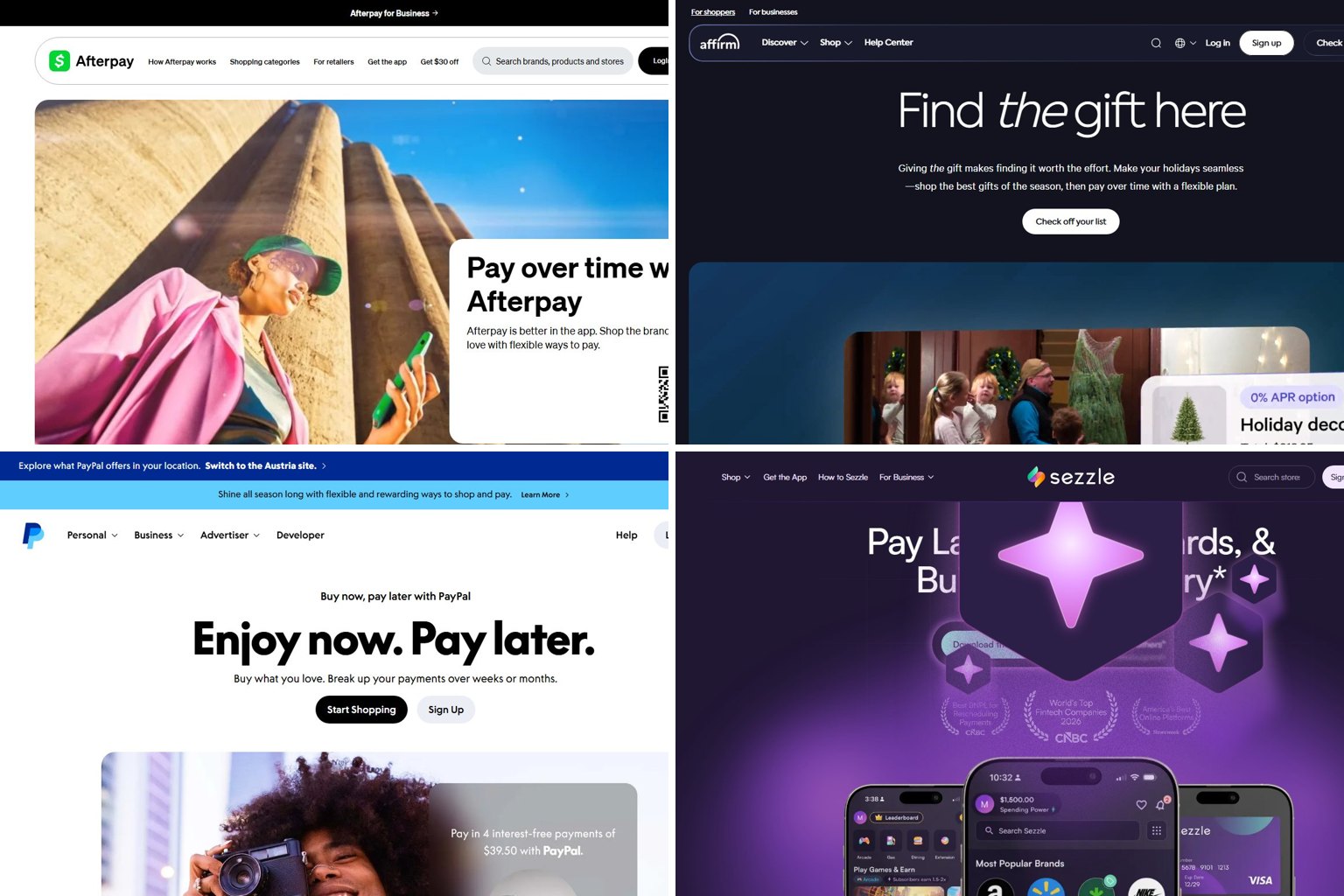
Klarna now works at 1.35 million merchants, according to its Q3 2026 results, but it still declines shoppers one purchase at a time, and its late fee goes up to $7 per missed payment. If Klarna said no, or you just want cheaper terms, the other pay-later apps differ in ways that matter: some charge no late fees, some report every loan to the credit bureaus, and a few charge you even when you pay on time.
Key takeaways
- Affirm is the best all-round Klarna alternative: no late fees, interest shown before you agree, and it works at Amazon.
- PayPal Pay in 4 charges no late fees on purchases from $30 to $1,500, so it’s the safest pick if your payday moves around.
- Klarna and Afterpay both cap total late fees at 25% of the order, so a $200 order can cost up to $50 extra in fees.
- Affirm reports all its loans, Pay in 4 included, to Experian and TransUnion. Sezzle only reports if you opt in through Sezzle Up.
- 47% of BNPL users paid at least one installment late in the past year (LendingTree 2026), so pick the app whose late terms you can live with.
Fact-checked
We checked these key facts against the sources named, on November 19, 2026:
- The most you can ever pay in late fees on that order is $40, which is 25% of $160 (source: nerdwallet.com)
- PayPal’s help pages list a fixed APR of 9.99% to 35.99% based on creditworthiness (source: paypal.com)
- Affirm began reporting all its loans, including Pay in 4, to Experian in April 2025 and to TransUnion in May 2025 (source: businesswire.com)
- A Gallup poll from April 2026 found 51% of Americans have used it for online purchases and 10% rely on it frequently (source: semafor.com)
- PayPal Pay in 4 splits eligible purchases of $30 to $1,500 into four payments every two weeks, with no interest and no late fees (source: nerdwallet.com)
The short answer: the best apps like Klarna right now
Affirm is the best Klarna alternative for most US shoppers. It charges no late fees, shows the interest before you commit, and covers both small Pay in 4 orders and big monthly-plan purchases. The others win in particular situations:
- Affirm. Best overall and best for big-ticket purchases.
- Cash App Afterpay. Best for small, everyday fashion and beauty orders.
- PayPal Pay in 4 and Pay Monthly. Best if you already check out with PayPal and want no late fees.
- Sezzle. Best if you might need to move a payment date.
- Zip (formerly Quadpay). Best for paying in four almost anywhere with a virtual card.
- Splitit. Best if you have a credit card and want to avoid a new loan.
- Perpay. Best for bad credit with steady paycheck income.
- Uplift. Best for flights, cruises and vacation packages.
How these picks were ranked
The ranking comes from each provider’s published terms and independent reviews (NerdWallet, CNBC Select), all checked in November 2026. The criteria, from most to least weight:
- Cost when things go wrong (heaviest weight). Late fees, fee caps and whether interest can appear. Most of the money people lose to BNPL goes here.
- How clear the pricing is. Is the APR shown before you agree, and do you pay fees even when you’re on time?
- Where it works. Online stores, big retailers such as Amazon, Walmart and Target, and in-store use through a card.
- Approval flexibility. How each app treats thin or damaged credit.
- Credit reporting. Whether paying on time can help you, and whether paying late can hurt.
Klarna’s own terms, so you know what you’re comparing against
Klarna gives you three ways to pay: Pay in 4 (four payments every two weeks), Pay in 30 days, and monthly financing of 6 to 24 months. Pay in 4 and Pay in 30 carry no interest. The monthly plans usually charge interest unless the store pays for a 0% promotion.
Here’s the baseline in detail:
- Late fees. Up to $7 per missed payment, charged once a payment is 10 days late. Total late fees on one order are capped at 25% of the order value.
- Credit check. NerdWallet’s review says Klarna runs a soft credit check for Pay in 4, Pay in 30 and Pay Over Time. A soft check doesn’t affect your score.
- Spending limit. There’s no fixed credit limit. Klarna decides your “purchasing power” fresh for each purchase.
- Scale. Klarna reported 122 million active consumers (up 7% year over year) and 1.35 million merchants (up 59%) in its Q3 2026 results, released November 17, 2026. Gross merchandise volume reached $36.1 billion, revenue was about $1.0 billion and the quarter’s net loss was $65 million. US volume grew 24%.
- Longer plans. Klarna’s Fair Financing monthly plans are now offered at 283,000 merchants, up from 150,000 a year earlier.
Klarna’s US monthly financing is issued through a partner bank, WebBank, which also backs PayPal’s Pay Monthly. Interest on those plans depends on your credit and the store. It can be 0%, or it can run into the 30s on a promotional-free offer.
Did you know?
Klarna’s merchant count jumped 59% in a year to 1.35 million, according to its Q3 2026 results. Most of that growth came from big payment processors switching Klarna on by default at checkout, which is why you now see it at stores that never offered it before.
Why Klarna said no (and why it can say yes tomorrow)
Klarna approves or declines each purchase on its own, so a “no” only applies to that cart at that moment. The most common triggers:
- Too many open plans or a high balance. If you’re already paying off several Klarna orders, the next one is more likely to be declined.
- A recent late or failed payment. One bounced installment can tighten your purchasing power for a while.
- The cart is too big. A $400 order can fail when a $150 one would go through.
- Card or billing mismatch. The card on file is expired, prepaid, or has a billing address that doesn’t match your Klarna details.
- A thin history. New accounts usually start with lower amounts that rise after a few on-time payoffs.
This also answers a question people ask a lot: why does Klarna give me a lower limit than my friend? Purchasing power depends on your own repayment history with Klarna, what’s currently open, and the soft-check result. Two people with similar incomes can get very different numbers.
Side-by-side: Klarna vs the alternatives
The table below gives the core terms for each app, checked November 2026. Fees can vary by state, so the final figure is always the one in your loan agreement.
Klarna vs the best alternatives at a glance (terms checked November 2026)
| App | Plans offered | Purchase range / limit | Interest | Late fee | Credit check | Reports to credit bureaus? | Works in-store? |
|---|---|---|---|---|---|---|---|
| Klarna | Pay in 4, Pay in 30, 6-24 months | Decided per purchase | 0% on Pay in 4/30; APR on monthly plans | Up to $7, capped at 25% of order | Soft | Not clear for Pay in 4 | Yes, via app card |
| Cash App Afterpay | Pay in 4; Pay Monthly 3, 6, 12, 24 months | Usually $35+; Pay Monthly $100-$10,000 | 0% on Pay in 4; Pay Monthly 0%-35.99% APR | Up to $8, capped at 25% of order | Soft on longer plans | Not clear for Pay in 4 | Yes, via Afterpay Card |
| Affirm | Pay in 4, monthly plans | Varies by store and approval | 0% on Pay in 4; 0%-36% APR monthly | None | Soft | Yes, all loans: Experian, TransUnion | Yes, Affirm Card |
| PayPal | Pay in 4; Pay Monthly 6-24 months | Pay in 4 $30-$1,500; Pay Monthly $199-$10,000 | 0% on Pay in 4; Pay Monthly 9.99%-35.99% APR | None on Pay in 4 | Soft | Varies by product | Mostly online |
| Sezzle | Pay in Full, Pay in 2, 4, 5, long-term | Decided per account | 0% on short plans; APR on long-term | Up to $16.95 (state rules apply), capped at 25% | Soft | Only with Sezzle Up (opt-in) | Yes, with Sezzle Anywhere |
| Zip | Pay in 4 over six weeks | Decided per purchase | No interest; per-installment fee | Varies by state | Soft | Not as standard | Yes, virtual card |
Two things stand out. First, only Affirm and PayPal Pay in 4 charge nothing at all for a late payment. Second, Zip is the only mainstream app here that charges a fee when you pay on time.
Cash App Afterpay: best for small, everyday purchases
Afterpay is the closest like-for-like swap for Klarna’s Pay in 4. You split an order into four interest-free payments every two weeks. Purchases usually start at $35, and the app is everywhere in fashion, beauty and sneaker retail.
How Afterpay’s pricing works
Pay in 4 charges no interest. If you miss a payment, the late fee is up to $8, and total late fees on one order can’t go above 25% of the order value. Afterpay charges no late fees in Rhode Island because of state rules.
For bigger orders, Pay Monthly lives inside Cash App now that Afterpay is owned by Block. It covers purchases from $100 to $10,000, spread over 3, 6, 12 or 24 months, at 0% to 35.99% APR according to NerdWallet and CNBC Select. Afterpay’s Pay Monthly loans are issued by First Electronic Bank.
Worked example
Say you buy a $160 jacket with Pay in 4. You pay $40 today and $40 every two weeks after that. If you miss one installment, you could be charged up to $8. The most you can ever pay in late fees on that order is $40, which is 25% of $160.
Who it’s for, and the watch-outs
Afterpay suits frequent small orders at mall-type retailers. It’s a poor choice if your paydays are irregular, because there’s no standard way to push a due date back. It also pauses your account after a missed payment, so one slip can block your next order.
Outside the US, Afterpay goes by Clearpay in the UK. It’s the same company with the same Pay in 4 model, just a different brand name and local fee rules.
Affirm: best for big-ticket purchases (and the top pick)
Affirm is the best Klarna alternative for most people. It never charges late fees, and it shows the full interest cost in dollars before you agree. It covers both a $60 Pay in 4 order and a $3,000 laptop on a monthly plan.
Pay in 4 vs monthly plans at Affirm
Pay in 4 is interest-free. Monthly plans run from 0% to 36% APR depending on your credit and the store. Many merchants pay for 0% promotions. Competitors sometimes say Affirm has “no fees charged”, which leaves out a key detail: the monthly plans can carry interest, and on a 36% APR loan that interest is real money.
Take a $1,200 TV on a 12-month plan. At a store-sponsored 0%, you pay $100 a month and nothing more. At a high APR, Affirm shows the extra cost on the checkout screen before you confirm. That up-front number is the main reason Affirm ranks first here.
Credit reporting changes the stakes
Affirm began reporting all its loans, including Pay in 4, to Experian in April 2025 and to TransUnion in May 2025. Paying on time can build your file. Paying late can also show up there.
Did you know?
Affirm reports even its interest-free Pay in 4 loans to Experian and TransUnion, according to SuperMoney’s October 2026 credit guide. A $100 pair of sneakers split into four payments can appear on your credit report.
The Affirm Card
The Affirm Card is a debit card that works wherever Visa is accepted. After a purchase, you can choose to turn it into Pay in 4 or a monthly plan. That makes Affirm usable in stores that don’t offer it at checkout. Pay-over-time on the card still needs approval.
Watch-outs: no late fee doesn’t mean no consequences. Missed payments get reported, and your future approvals will shrink.
PayPal Pay in 4 and Pay Monthly: best if you already check out with PayPal
PayPal Pay in 4 splits eligible purchases of $30 to $1,500 into four payments every two weeks, with no interest and no late fees. If a store already takes PayPal, you get Pay in 4 at checkout without signing up for another app.
Pay Monthly terms
Pay Monthly is PayPal’s longer plan, issued by WebBank. It covers purchases from $199 to $10,000 over 6 to 24 months. PayPal’s help pages list a fixed APR of 9.99% to 35.99% based on creditworthiness. Unlike Affirm, it doesn’t regularly offer 0%, so a big purchase almost always costs interest here.
Where it falls short
PayPal is built for online checkout. If you mostly shop in physical stores, Afterpay, Affirm, Zip or Klarna’s own card are more practical. The $1,500 Pay in 4 ceiling also rules out bigger electronics unless you move to Pay Monthly.
For someone who keeps getting caught by late fees, though, PayPal Pay in 4 is the easiest switch from Klarna. The structure is almost the same, minus the penalty.
Sezzle: best if you might need to move a payment
Sezzle lets you reschedule an installment by up to two weeks. That one feature answers a question people search a lot: which app lets me push back a payment if payday is late? Plans include Pay in Full, Pay in 2, Pay in 4, Pay in 5 and long-term financing.
Fees to know
- Reschedule fee. NerdWallet lists up to $7.50 per reschedule.
- Late fee. Up to $16.95 per NerdWallet, subject to state limits, with total late fees capped at 25% of the order.
- Subscriptions. Sezzle Premium is reported at $13.99 a month and Sezzle Anywhere at $19.99 a month.
Rescheduling for a small fee beats a late fee and a paused account. Just don’t let it become a monthly habit.
Sezzle Up and Sezzle Anywhere
Sezzle Up is opt-in credit reporting. If you switch it on, your Sezzle payments are reported to the credit bureaus, which can help a thin file. If you leave it off, your Sezzle history stays off your report.
Sezzle Anywhere is a subscription virtual card that works wherever Visa is accepted in the US. At $19.99 a month it only makes sense if you use Sezzle a lot. That fee is $240 a year, more than most people would ever pay in late fees.
Zip: best for using almost anywhere
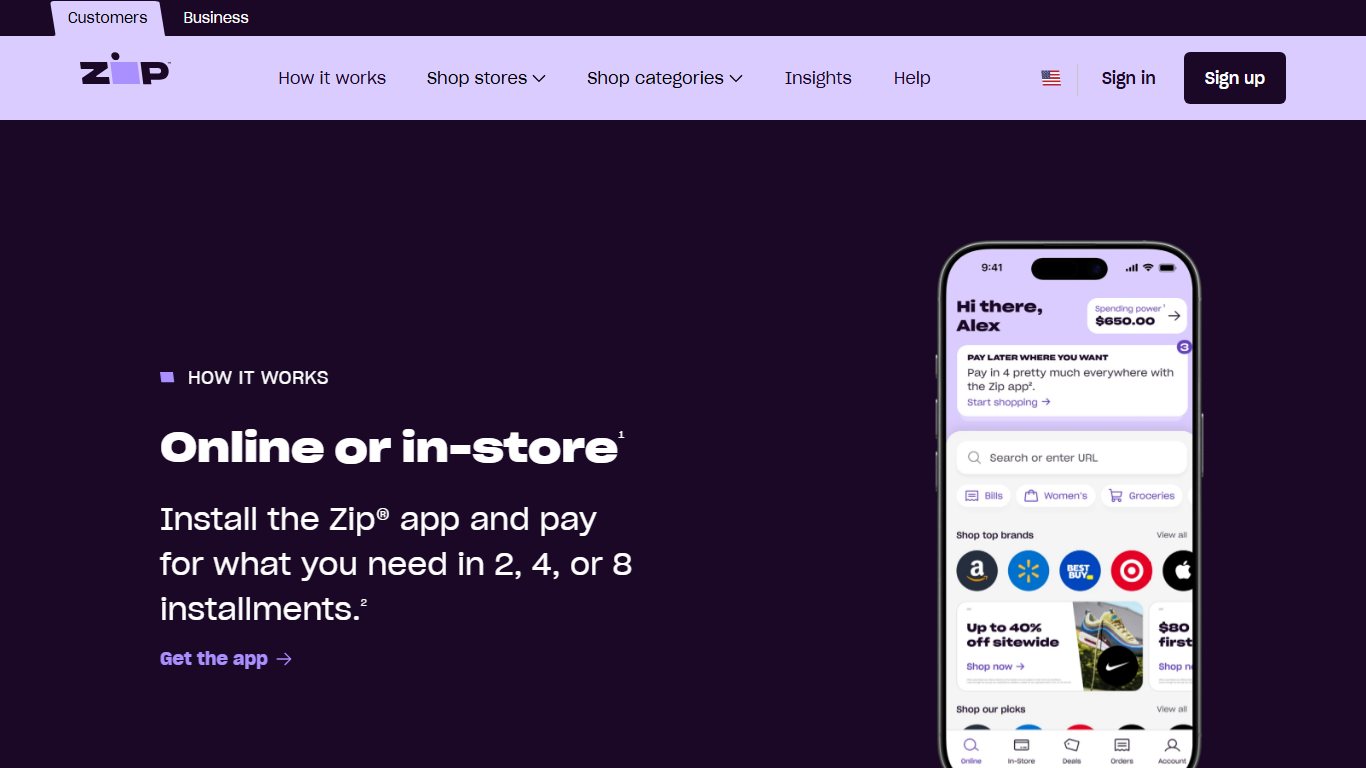
Zip, which used to be called Quadpay in the US, splits purchases into four payments over six weeks. Its app creates a one-time virtual card for stores that don’t partner with it directly, including in-store with a phone wallet. That reach is its main selling point.
The fee most people miss
Zip charges a small per-installment fee even when you pay on time. Reviews commonly put it around $1 per installment, which works out to about $4 on a four-payment order. On a $40 purchase, that’s like paying 10% interest for six weeks. Late fees vary by state and are reported as up to about $10. NerdWallet also lists a possible origination fee.
Bad credit and Zip
Zip uses a soft check and looks at more than your credit score, so some shoppers with weaker credit get approved here after a Klarna decline. The trade-off is that you pay for that flexibility on every order. Zip makes sense for occasional, mid-sized purchases. For frequent small buys, the fees add up fast.
Other names you’ll see (and which to skip)
Many “apps like Klarna” lists pad their count with services that are dead, medical-only or limited to one industry. Here’s how the rest of the field actually lines up.
Worth knowing
- Splitit. Splitit splits a purchase into installments on your existing Visa or Mastercard credit card. You don’t take out a new loan, and the amount is held against your card’s available credit. It’s a good fit if you have a credit card but want interest-free installments at a participating store.
- Perpay. Perpay is a shopping marketplace paid through deductions from your paycheck. It’s aimed at people with bad or no credit and approves based on income, not your credit score. Prices on its marketplace can run higher than at regular retailers, so compare before you buy.
- Uplift. Uplift finances travel such as flights, cruises and vacation packages through airline and travel partners. Use it only for travel bookings.
Names to skip
| Name | What it actually is | Should you use it instead of Klarna? |
|---|---|---|
| Laybuy | BNPL app that went into receivership on June 17, 2024 | No, closed to new purchases |
| CareCredit | Healthcare credit card for medical, dental and vet bills | Only for medical costs |
| Cherry | Financing for medical and cosmetic treatments | Only through participating clinics |
| PayZen | Hospital bill payment plans | Only for hospital bills |
| Zilch | UK-focused BNPL card | Not for US shoppers |
| Tabby | Middle East BNPL (UAE, Saudi Arabia) | Not for US shoppers |
Laybuy is the clearest example of stale advice. Some 2026 lists still recommend it, but its New Zealand and Australian businesses entered receivership in June 2024, and Klarna later bought its New Zealand assets.
Apps like Klarna in Europe and the UK
UK shoppers mostly choose between Klarna, Clearpay (Afterpay’s UK brand), PayPal Pay in 3 and Zilch. Since 15 July 2026, BNPL loans taken out in the UK have been regulated by the Financial Conduct Authority, which means affordability checks and complaint rights. That’s a level of protection US shoppers don’t get by default.
“No credit check” apps: what the catch usually is
Apps advertised as “guaranteed approval” or “no credit check” Klarna alternatives are often cash-advance apps, not pay-later services. They make money through monthly memberships, “optional” tips and instant-transfer fees. Add those up against a small advance and the cost often beats any BNPL late fee. Mainstream pay-later apps use a soft check that doesn’t hurt your score, so “no credit check” rarely saves you anything worth paying for.
Got declined by Klarna? Try this, in this order
A Klarna decline is usually about that one cart, not about you as a person. Work through these fixes from quickest to most involved before you move to another app.
Fix it
- Retry with a smaller cart, or split the order into two smaller ones.
- Pay off or finish one open Klarna plan, then try again.
- Check that your card isn’t expired or prepaid and that the billing address matches your Klarna profile.
- Update the Klarna app and confirm your email and phone number are verified.
- Clear any overdue or failed payment in the app first.
- Wait until a few days after your next on-time payment, then retry.
- If it still fails, pick an alternative from the table below based on the reason.
Pro tip
Approval is decided per purchase, so a “no” today isn’t permanent. Paying off one open plan and retrying with a smaller cart fixes more declines than switching apps.
Why won’t Klarna let me pay in 4?
Sometimes the store only offers Pay in 30 or financing for that item, or the order falls outside the range the store allows. Other times Klarna will only approve a smaller amount. If the Pay in 4 option is missing completely, the merchant has probably limited it, and that’s not a decline on your account.
Why does Klarna deny me when I’ve paid everything on time?
On-time history helps, but it doesn’t cover everything. Several open plans at once, a large new order compared with your past orders, or a change in your soft-check result can still trigger a decline. Fewer open plans usually helps faster than anything else.
Why is Klarna not working at checkout?
If you get an error rather than a decline, it’s usually technical: a browser ad blocker, an outdated app, or a payment card that’s failing verification. Try the merchant’s site in a different browser or in the Klarna app before assuming you’ve been rejected.
Klarna rejected me, what app should I try instead?
Match the alternative to the reason you were declined:
Which app to pick for your situation
| Your situation | Best pick | Runner-up | Why |
|---|---|---|---|
| Declined for too many open plans | Wait and pay down | PayPal Pay in 4 | A new app won’t fix a stretched budget; PayPal at least adds no late fees |
| Thin or new credit file | Affirm | Sezzle with Sezzle Up | Both can help you build a file with on-time payments |
| Bad credit, steady paycheck | Perpay | Zip | Perpay approves on income; Zip looks beyond your score |
| Small, frequent orders | Cash App Afterpay | PayPal Pay in 4 | Wide retail acceptance, no interest on Pay in 4 |
| Big purchase over $1,500 | Affirm | Afterpay Pay Monthly | Interest shown up front, frequent 0% store offers |
| Irregular paydays | Sezzle | PayPal Pay in 4 | Reschedule option; no Pay in 4 late fees |
| You have a credit card already | Splitit | PayPal Pay in 4 | No new loan, uses existing card credit |
| Shopping in-store anywhere | Zip | Affirm Card | Virtual cards work where the store doesn’t partner directly |
| Travel booking | Uplift | Affirm | Built for airline and travel partners |
Which app works where: Amazon, Walmart, Target, in-store
Affirm is Amazon’s long-standing pay-over-time partner in the US, so it’s the app to pick if you shop there. Other apps reach big retailers either through a direct partnership or through a virtual card that you add to the checkout like a normal Visa.
- Amazon. Affirm appears at checkout on eligible orders. Other BNPL virtual cards sometimes work, but acceptance isn’t guaranteed and can change.
- Walmart. In 2025 Walmart’s fintech OnePay announced Klarna as its exclusive pay-later partner, replacing Affirm. If you’re switching away from Klarna for Walmart shopping, a virtual card from Zip, or the Affirm Card, is the usual workaround.
- Target. Target has offered Affirm at online checkout. Check the app’s store directory for current in-store options.
- In-store generally. Afterpay (Afterpay Card through Cash App), Affirm (Affirm Card), Zip (virtual card in a phone wallet), Sezzle (Sezzle Anywhere) and Klarna’s own card all work in physical stores. PayPal is mostly online.
Retailer partnerships change often. Before you shop, search the store’s name in the app’s “Shop” or “Stores” tab, or look for the app’s logo on the store’s checkout page.
Will these apps affect my credit score?
Checking whether you qualify usually won’t affect your score, because most apps use a soft check. What can affect it is the reporting afterward: Affirm reports every loan, Sezzle reports only if you opt in, and a payment that goes to collections can hurt you no matter which app it came from.
BNPL and your credit file
| App | Soft or hard pull | Bureaus it reports to | Opt-in? |
|---|---|---|---|
| Klarna | Soft for Pay in 4, Pay in 30, financing | Not clear for Pay in 4 | No |
| Cash App Afterpay | Soft | Not clear for Pay in 4 | No |
| Affirm | Soft | Experian and TransUnion, all loans | No, automatic |
| PayPal | Soft | Varies by product | No |
| Sezzle | Soft | Credit bureaus, only with Sezzle Up | Yes |
| Zip | Soft | Not as standard | No |
FICO Score 10 BNPL, explained
In June 2025, FICO announced two new score models, FICO Score 10 BNPL and FICO Score 10 T BNPL, that count pay-later loans. Lenders can choose whether to use them, so your mortgage or car lender may not see your BNPL history yet. As more lenders adopt them, a long record of on-time Affirm or Sezzle Up payments could help you, and a pattern of late ones could hurt.
How a missed payment reaches your credit report
Even when an app doesn’t report regular payments, unpaid debt can be sold or handed to a collection agency, and collectors can report it. The usual order is late fees, then a paused account, then collections if the balance stays unpaid. Keeping an eye on your reports matters here. A free monitoring tool, including the credit karma alternatives that pull Experian or Equifax data, will show if a BNPL account appears.
The real risks in 2026 (and the rules that protect you)
The biggest risk isn’t any one app. It’s running several at once without tracking them. LendingTree’s 2026 survey found that 47% of BNPL users paid at least one loan late in the past year, up from 41% in 2025 and 34% in 2024. Only 38% said they had never paid late.
BNPL is now mainstream. A Gallup poll from April 2026 found 51% of Americans have used it for online purchases and 10% rely on it frequently. That popularity is exactly why the lack of a single set of federal rules matters.
What a missed payment actually costs
Here’s a realistic example: a $200 Pay in 4 order, so four installments of $50.
What a missed payment costs on a $200 Pay in 4 order
| App | Fee on first missed payment | Maximum total late fees | Can you reschedule? |
|---|---|---|---|
| Klarna | Up to $7 | $50 (25% of order) | Limited |
| Cash App Afterpay | Up to $8 | $50 (25% of order) | No standard option |
| Affirm | $0 | $0 | Contact Affirm |
| PayPal Pay in 4 | $0 | $0 | No standard option |
| Sezzle | Up to $16.95 (state limits apply) | $50 (25% of order) | Yes, up to 2 weeks, fee up to $7.50 |
| Zip | Varies by state | Varies by state | Check in app |
On Klarna or Afterpay, a missed installment you never catch up on can cost you up to a quarter of the purchase. That’s the same as paying 25% extra for the jacket or headphones.
Pro tip
If you think you might miss a date, pick an app with no Pay in 4 late fees (PayPal Pay in 4 or Affirm) or one that lets you reschedule (Sezzle).
Stacking: is it a bad idea to have Klarna, Afterpay and Affirm all at once?
Having the accounts isn’t the problem. Having open plans on all three at the same time is. Each app only sees its own balance, so none of them can stop you from taking on more than your paycheck covers. A simple fix: write every due date from every app in one list or one calendar, and don’t start a new plan until an old one is finished.
The rules: federal pullback, state action
The CFPB withdrew its May 2024 BNPL interpretive rule in May 2025, the rule that had treated pay-later lenders like credit card issuers for disputes and refunds. The agency has confirmed it has no plans to reissue it. That leaves your federal protections depending largely on each app’s own policies.
New York has moved on its own. Its Buy Now Pay Later Act was enacted in 2025, and the New York Department of Financial Services (NYDFS) published draft rules on February 23, 2026, followed by a formal proposal in July 2026. The proposal includes licensing for BNPL lenders, a late-fee cap of $8, monthly statements and a dispute process. The rules generally take effect 180 days after adoption. In practice, your protections now depend on your state.
When a return or dispute goes wrong
If you return an item, the store has to process the refund before your BNPL plan updates. Until then, keep paying installments, or the app may charge a late fee on an order you’ve already sent back. Most apps let you report a return or open a dispute in the order details, which can pause payments while it’s reviewed. If the merchant and the app both stall, file a complaint with your state attorney general or banking regulator, or with the CFPB’s complaint portal, which still accepts BNPL complaints.
How to find your real limit, APR and due dates in each app
The banner on a store page saying “4 interest-free payments” doesn’t tell you your actual terms. Open the app before you check out. It takes about a minute.
Pro tip
Set autopay to a debit card or account that will have money on the due date, and add a phone calendar reminder the day before each installment.
Klarna
Open the Klarna app and look for your purchasing power on the home screen or in the payment section. It’s an estimate, since the final decision happens at checkout. Tap any open order to see its payment schedule. To change the card that pays your plans, go to your profile’s payment settings.
Cash App Afterpay
In the Afterpay app or the Afterpay section of Cash App, your available spending amount appears near the top. Each order shows its four due dates. Pay Monthly offers show the APR and total interest before you confirm. If the number is high, back out.
Affirm
The Affirm app shows a prequalified amount without hurting your credit. At checkout, compare the dollar interest on each plan length. A shorter plan with a higher monthly payment often saves more than people expect. Manage autopay under each loan’s details.
PayPal
In the PayPal app, open the Pay Later section to see active Pay in 4 and Pay Monthly plans, upcoming payments and the funding source. Make sure autopay pulls from a bank account or debit card with money in it, not a nearly empty balance.
Sezzle and Zip
Sezzle shows your spending power and each order’s schedule on the dashboard. The reschedule option sits inside the order details, along with its fee. Zip shows available spending and the per-installment fee before you create a virtual card. Check that fee on small orders, where it hits hardest.
Before you start
Never let autopay pull from a card that’s close to its limit or a bank account you rarely top up. A failed autopay can trigger both a late fee and a bank charge.
FAQ
What else can I use instead of Klarna?
The main US alternatives are Affirm, Cash App Afterpay, PayPal Pay in 4, Sezzle and Zip. Affirm is the strongest all-round pick, with no late fees and clear interest. PayPal Pay in 4 is the easiest switch if you already use PayPal.
What is the easiest pay later app to get approved for?
There’s no app that guarantees approval. Perpay approves based on paycheck income rather than credit score, and Zip looks at more than your score, so both are often easier for people with weak credit. Splitit doesn’t need new credit at all if you have a credit card with available credit.
Who is Klarna’s biggest competitor?
In the US, Affirm and Cash App Afterpay are Klarna’s biggest direct rivals, with PayPal’s Pay Later products close behind thanks to PayPal’s huge checkout reach.
Is Clearpay better than Klarna?
Clearpay is Afterpay’s name in the UK. It’s simpler, with Pay in 4 only, while Klarna offers more plan types. Clearpay suits small fashion and beauty orders. Klarna is more flexible for larger purchases.
Is Afterpay or Klarna better?
They’re close. Klarna’s late fee goes up to $7 and Afterpay’s up to $8, and both cap total late fees at 25% of the order. Klarna offers Pay in 30 and more financing, while Afterpay’s Pay Monthly in Cash App starts at $100 and covers up to $10,000. Pick whichever your favourite stores accept.
Which buy now pay later apps work on Amazon?
Affirm is Amazon’s built-in pay-over-time option in the US. Virtual cards from other apps may work at checkout, but acceptance isn’t guaranteed, so check before you rely on it.
Are there apps like Klarna for bad credit?
Yes. Perpay is built for bad or no credit and uses payroll deductions. Zip and Sezzle use soft checks and approve some weaker-credit shoppers. Pay off any overdue BNPL balances first, because they hurt approval more than your score does.
Are there apps like Klarna with no credit check?
Splitit doesn’t do a credit check because it uses your existing credit card. Most mainstream apps do a soft check, which doesn’t affect your score. Be wary of “no credit check” cash-advance apps, since their membership and transfer fees often cost more than BNPL.
Do apps like Klarna affect your credit score?
Checking your eligibility usually doesn’t, because it’s a soft pull. Affirm reports all loans to Experian and TransUnion, Sezzle reports only through opt-in Sezzle Up, and any app’s debt can hurt your score if it goes to collections.
Does Klarna or Afterpay report to the credit bureaus?
Neither reports every Pay in 4 loan the way Affirm does. Your loan agreement for each plan says whether it’s reported, and longer financing plans are more likely to be reported than short ones.
Can I use more than one buy now pay later app at a time?
Yes, and nothing stops you, which is exactly the risk. If you use more than one, keep all due dates in a single calendar and finish old plans before you start new ones. Stacking is how most people end up paying late.
Before you tap “Pay in 4” again
Choose the app whose worst-case terms you can live with, not the one with the nicest checkout button. For most people that’s Affirm, or PayPal Pay in 4 for smaller online orders, since a missed date costs nothing extra on either. Before your next purchase, open the app, check the real schedule, point autopay at an account that will have money in it, and put every due date in one calendar.