
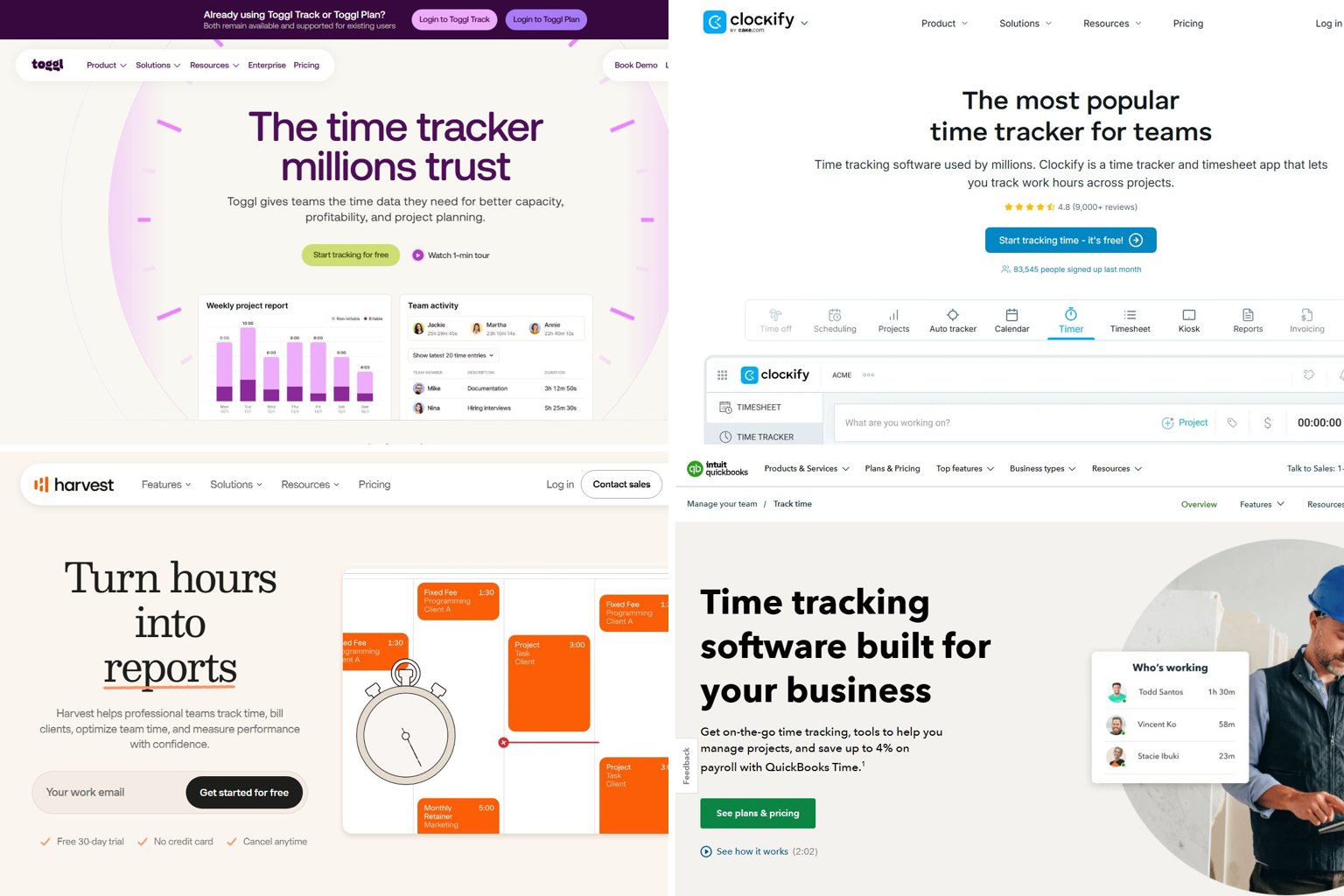
Clockify, one of the best-known free time trackers, reportedly started limiting its free plan to 5 users in April 2026. Most “best of” lists still call it the free option. This November 2026 guide compares 13 time tracking apps on real prices, free-plan limits and how much each one watches you, so you can match the tool to how you work.
Key takeaways
- Toggl Track is the best all-round pick: free for up to 5 users, with Starter at $9 per user/month billed annually.
- Clockify’s free plan was reportedly capped at 5 users from April 21, 2026, and users say some reports and exports moved to paid plans.
- QuickBooks Time raised its per-user fees by $2 on July 1, 2026, so 10 users on Premium now cost about $120 a month.
- Hubstaff and Time Doctor take screenshots and score activity. Toggl Track, Harvest and My Hours don’t.
- US employers can use any timekeeping method, as long as the records are complete and accurate.
Fact-checked
We checked these key facts against the sources named, on November 15, 2026:
- My Hours: best simple multi-client tracking My Hours is a simple project and client time tracker from a company that has been around since 2002 (source: myhours.com)
- Microsoft Teams includes Shifts, which has a time clock for clocking in and out on Teams mobile, desktop and web (source: support.microsoft.com)
Quick answer: the best time tracking software in November 2026
The short version: Toggl Track is the best pick for most people and small teams. Harvest is the best for freelancers who invoice. QuickBooks Time fits QuickBooks payroll, Hubstaff fits remote teams that need proof of work, and ClockShark fits field crews.
| Pick this if… | App | Why | Price (November 2026) |
|---|---|---|---|
| You want a free plan for a small team | Toggl Track (up to 5 users), Jibble (unlimited users) | Toggl has a clean timer with no screenshots. Jibble’s free time clock has no user cap | $0 |
| You’re a freelancer who invoices | Harvest | Time, expenses and invoices in one place | Free for 1 seat and 2 projects. Teams is $9 annual / $11 monthly per user |
| You pay hourly staff through QuickBooks | QuickBooks Time | Hours go straight into Intuit payroll | Premium: $20/month base + $10/user |
| You run a remote team and need proof of work | Hubstaff | Screenshots, activity levels and payroll | Grow: $7.50/seat annual, 2-seat minimum |
| You run a field or construction crew | ClockShark | GPS clock-in and job costing, built for crews | Standard: $42/month base + $9.50/user |
| You just want to see where your day goes | Toggl Track Free, RescueTime or ATracker | Personal insight, no billing set-up | Toggl Track Free costs $0 |
How these picks were chosen
These rankings come from published pricing, vendor documentation, plan comparisons and recent independent reviews. They weren’t produced in a lab. Each app was scored on five criteria. Here they are, from most to least important:
- Honest pricing and free-plan value (30%). This covers what you pay at 1, 5 and 10 users once you add base fees, seat minimums and add-ons.
- Ease of tracking (25%). How quickly you can start a timer, fix a mistake and get people to actually use it.
- Fit for the job (20%). Invoicing for freelancers, payroll and approvals for employers, GPS for field crews.
- Monitoring level and privacy (15%). Whether the tool watches more than it needs to.
- Platforms and integrations (10%). Desktop, phone and browser apps, offline support, and connections to QuickBooks, Jira, Asana and Microsoft Teams.
Vendor-written roundups often rank the vendor’s own product first. Apploye’s list does this, and so does Clockify’s homepage, which just promotes Clockify. None of the apps below paid for placement.
What changed in 2026 (read this before you pick a free plan)
Three price changes this year affect almost every comparison you’ll read. Clockify reportedly tightened its free plan, QuickBooks Time raised per-user fees, and Harvest replaced its plans. Many ranking articles were written before these changes.
Clockify’s free plan now has limits
According to a report published by Jibble, Clockify’s parent company CAKE.com announced on April 21, 2026 that the free plan would be limited to 5 users. Jibble is a direct competitor, so read its framing with that in mind. The change itself is widely reported.
Jibble’s report also collects user complaints that reporting, exports and billable tracking left the free tier. These are user reports, not a feature list from Clockify, so check clockify.me/pricing for your own account. If you’re asking “reports and exports disappeared from my free Clockify account with no warning, is that normal now?”, many free users describe the same thing since spring 2026.
Clockify’s homepage still says “used by millions” and shows a 4.8 rating from more than 9,000 reviews. The product is still good. The free plan just isn’t the no-limits deal it used to be.
If your team used Clockify Free
If more than 5 people used Clockify’s free plan, export your time entries now. Then compare Toggl Track, Jibble or a paid Clockify tier before you lose reports or exports.
QuickBooks Time per-user prices went up $2
Intuit raised per-user fees for QuickBooks Time (formerly TSheets) by $2 on July 1, 2026. The base fees stayed the same. Premium is now $20 a month plus $10 per user, up from $8. Elite is $40 a month plus $12 per user, up from $10.
Did you know?
QuickBooks Time’s July 1, 2026 increase only touched the per-user fee, not the base fee, so bigger teams take a bigger hit. A 10-person Premium team pays $20 more a month, while a solo user pays $2 more, according to ClockIt’s QuickBooks Time review.
Harvest’s new Teams and Enterprise plans
Harvest dropped its old Pro and Premium plans. Its free plan stays at 1 seat and 2 projects, according to TimeCamp’s 2026 coverage. The reported paid tiers are Teams at $11 per user/month billed monthly or $9 billed annually, and Enterprise from $14.
Productive.io, another competitor, says Harvest also moved from flat per-seat pricing to tiers with usage fees above an included allowance. If you depend on Harvest’s invoicing, check your plan’s allowance before your next renewal.
What existing users should do now: export your data, write down your current per-user cost, and compare it with the true-cost table further down. Switching mid-year takes about a day of setup for a small team. Overpaying for a year costs a lot more.
Free time tracking apps compared: what you really get
For one person, Harvest’s free plan is the most useful if you invoice clients, and Toggl Track Free is best if you don’t. For a team of up to 5, Toggl Track Free is the safest choice. Above 5 people, Jibble is the only major tracker whose free plan has no user cap.
| App | Max users (free) | Projects | Reports/exports | Billable rates | Catch |
|---|---|---|---|---|---|
| Toggl Track Free | 5 | Unlimited | Basic reports | Paid plans only | Billable rates and project estimates need Starter |
| Clockify Free | 5 (reported, since April 2026) | Unlimited | Users report reporting and exports were removed | Users report it moved to paid plans | Check your account for what’s still included |
| Harvest Free | 1 seat | 2 | Included for that seat | Yes, with invoicing | Only suits a very small freelance workload |
| My Hours Free | 5 | Unlimited | Included | Yes | No employee monitoring, which suits most people |
| Everhour Free | 5 | Projects and tasks | Basic reports and data export | No | No integrations on the free plan |
| Jibble Free | Unlimited | Basic | Automated timesheets | Paid plans only | Built for attendance more than project billing |
| TimeCamp Free | Free with no time limit | Basic | Basic | Paid plans only | Invoicing is on paid tiers |
Best free option for one person
For a freelancer, Harvest Free is the most complete free deal for billing. You can set rates and invoice the client from the same account. The 2-project limit is the catch: one client with one ongoing project works, but three clients doesn’t.
If you have more clients, My Hours Free is the answer to “Which free tracker lets me set billable rates and send a client a report?” It covers up to 5 users, has billable amounts and doesn’t monitor anyone. My Hours says it has been in business since 2002 and is used by more than 100,000 businesses.
Best free option for a small team
Toggl Track Free is the best choice for a 5-person team that tracks projects. The apps are good on every platform, there’s no monitoring, and you can upgrade to Starter without moving your data.
Jibble Free is the best choice for hourly staff who clock in and out, because it allows unlimited users and builds the timesheets automatically.
If you’re asking “Clockify just limited the free plan to 5 users, what’s the best alternative?”, the answer depends on team size. Up to 5 people, use Toggl Track or My Hours. Beyond 5, use Jibble Free for attendance, or pay for Clockify Basic or Toggl Starter if you need project reports.
Free plans that come with monitoring you might not want
Some free and low-cost plans are trial versions of employee-monitoring tools. Hubstaff and Time Doctor are built around screenshots and activity scores. That’s fine when everyone knows about it and agrees to it. It isn’t fine as a surprise. If you only want hours on projects, choose a timer-first app.
The best time tracking software, reviewed
Each review gives the price as of November 15, 2026, the free plan, platforms, monitoring level (Low, Medium or High), a standout feature, a dealbreaker and who should skip it. “Low” means a timer only. “Medium” means app tracking or GPS at clock-in. “High” means screenshots, activity scores or continuous location tracking.
1. Toggl Track: best overall and best for privacy
Toggl Track is a timer-first tracker for freelancers, agencies and small teams that want accurate hours without surveillance. It’s the clear top pick because it combines a good free plan, apps on every major platform and no screenshots.
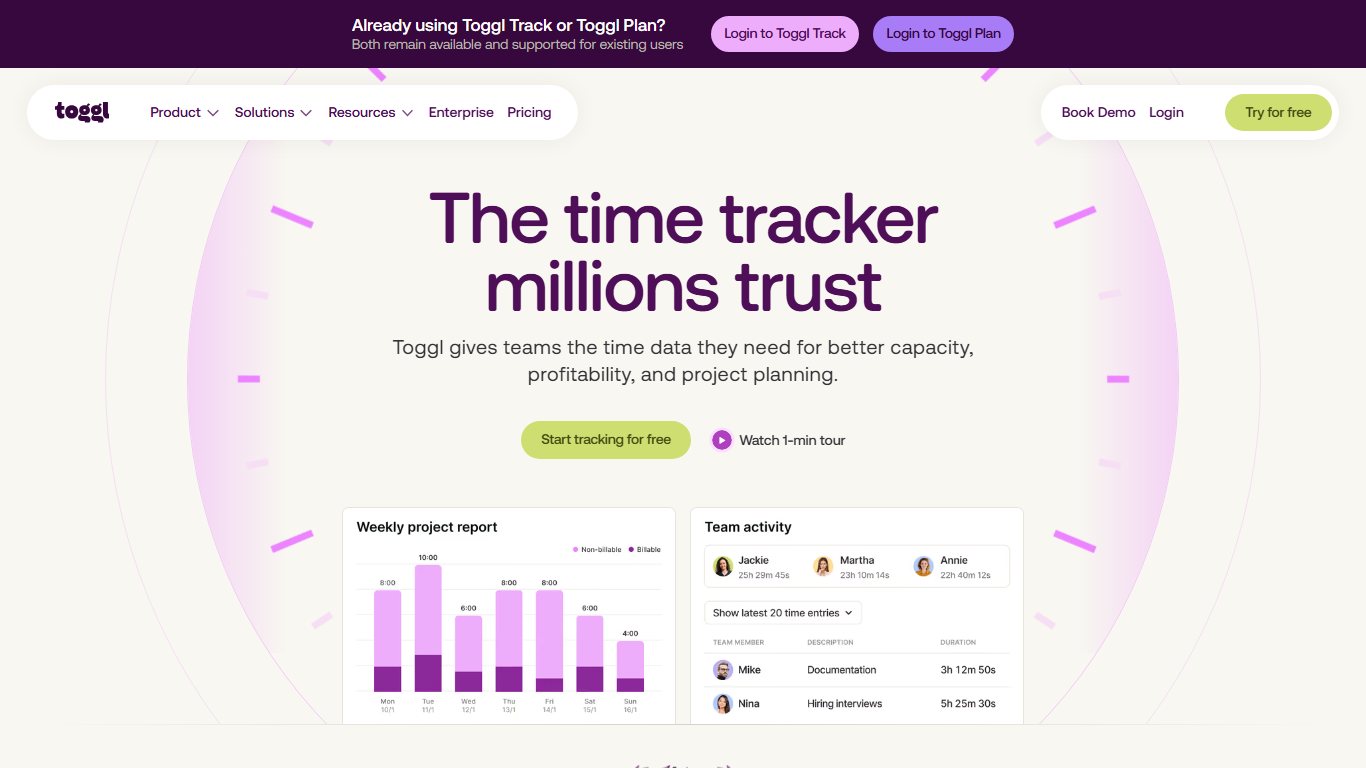
- Price: Free for up to 5 users. Starter is about $9 per user/month billed annually, or about $10 to $12 billed monthly. Premium is about $18 annually or $20 monthly. Starter and Premium come with a 30-day free trial.
- Platforms: Windows, Mac, Linux, iPhone, Android, web and a browser extension that adds a timer to tools like Asana, Jira and Gmail.
- Monitoring level: Low. The desktop Timeline records your apps and sites to help you fill in gaps, and that record is for you, not your manager.
- Standout: The browser extension. You can start a timer from inside the task you’re working on.
- Dealbreaker: No payroll, and billable rates are not in the free plan.
- Skip it if you need GPS clock-ins for hourly staff or payroll exports to QuickBooks.
Toggl Track vs Clockify: At 5 users or fewer, Toggl Track Free is now the safer free plan. Clockify’s paid tiers cost less per user, so a 20-person team on a budget may still prefer Clockify.
2. Clockify: best low-cost paid plans for growing teams
Clockify, made by CAKE.com, is a full time tracker with timesheets, kiosks, approvals and invoicing. Its paid plans cost less per user than most rivals. It suits teams that have grown past 5 people and want to pay as little as possible per seat.
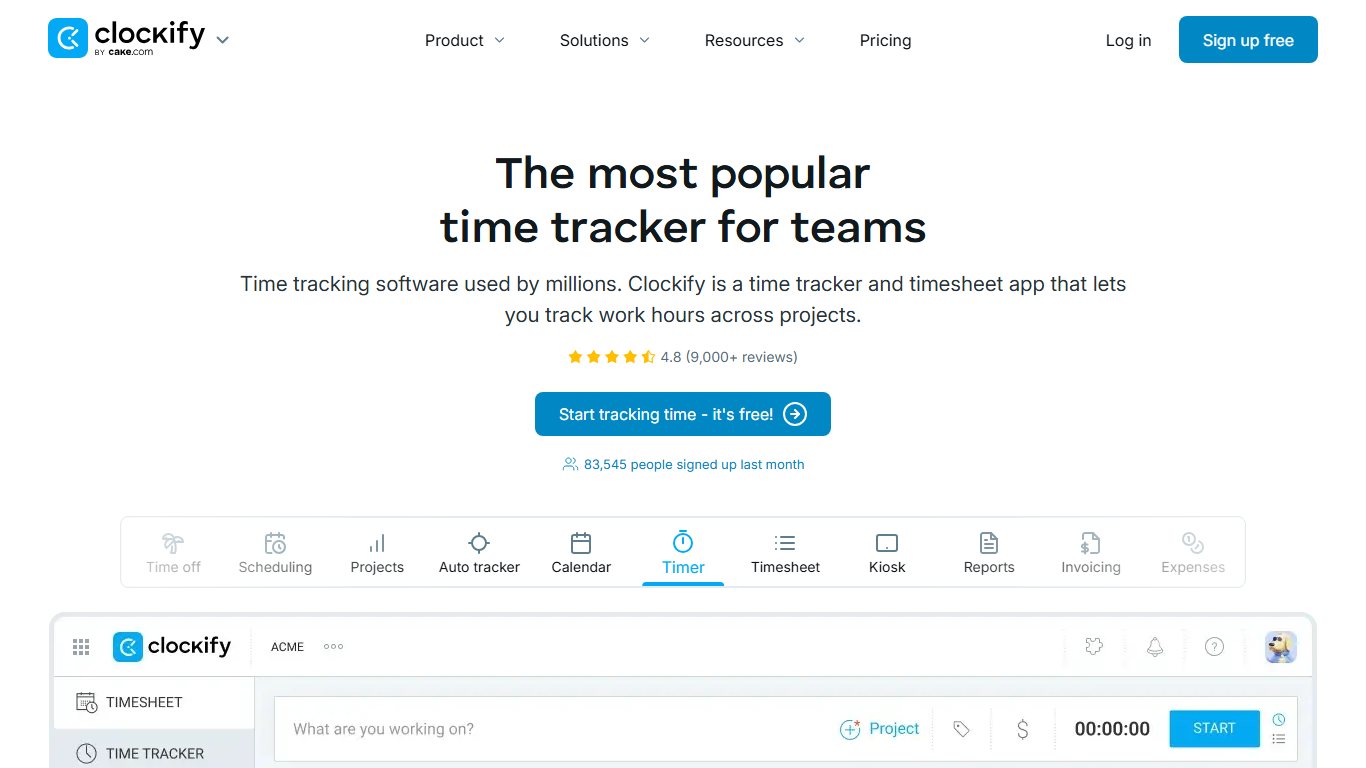
- Price: Free for up to 5 users (reported, since April 2026). One 2026 pricing listing gives Basic at $4.99, Standard at $6.99 and Pro at $9.99 per user/month. Enterprise is reported at $14.99 per seat/month billed monthly. Annual billing costs less.
- Platforms: Windows, Mac, Linux, iPhone, Android, web and browser extensions.
- Monitoring level: Low to Medium. Screenshots and GPS location are optional extras on higher paid plans, so your admin decides whether they’re on.
- Standout: A lot of features per dollar, including a kiosk mode for shared devices.
- Dealbreaker: The 2026 free-plan changes. Teams that relied on free reports were caught out.
- Skip it if you’re a team of 6 or more that needs everything free. Jibble fits that better.
3. Harvest: best for freelancers and agencies that invoice
Harvest combines time tracking, expenses, budgets and invoicing. It’s the classic pick for freelancers, consultancies and marketing agencies that bill hours to clients. Its project budget reports show when a fixed-fee job is about to lose money.
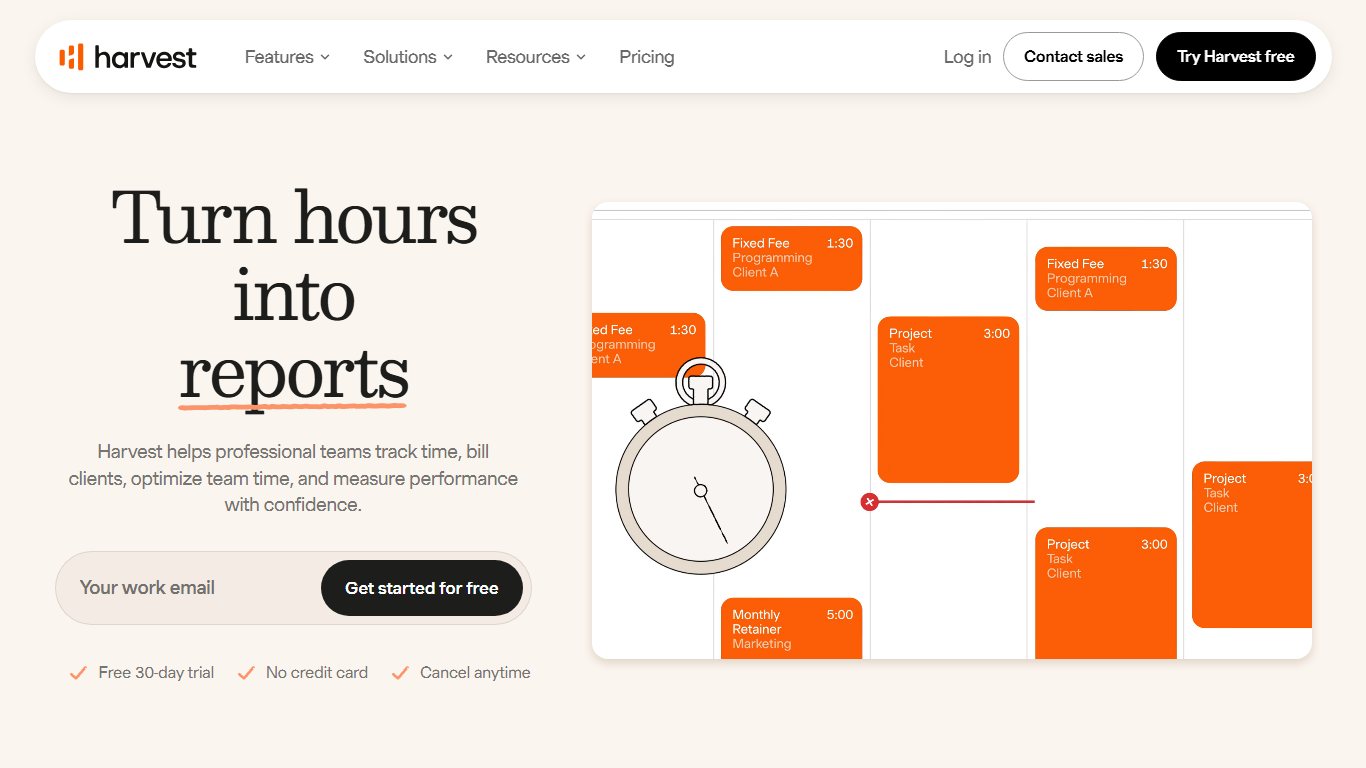
- Price: Free for 1 seat and 2 projects. Teams is reported at $11 per user/month billed monthly or $9 billed annually. Enterprise starts at $14. Usage allowances replaced the old Pro and Premium plans.
- Platforms: Mac, Windows, iPhone, Android, web and a browser extension. It also connects with Microsoft Teams, Outlook, Asana and Jira.
- Monitoring level: Low.
- Standout: You can go from tracked hours to a client invoice in a few clicks, with payments accepted online.
- Dealbreaker: The new usage-fee model makes costs harder to predict than a flat per-seat price.
- Skip it if you mainly need payroll for hourly staff.
Harvest vs My Hours: Harvest has better invoicing and payment collection. My Hours is cheaper and its free plan covers more people.
4. QuickBooks Time: best for QuickBooks payroll
QuickBooks Time, formerly TSheets, is Intuit’s time clock and scheduling app. It suits small businesses with hourly or field staff whose payroll already runs through QuickBooks. Approved hours go straight into payroll without retyping.
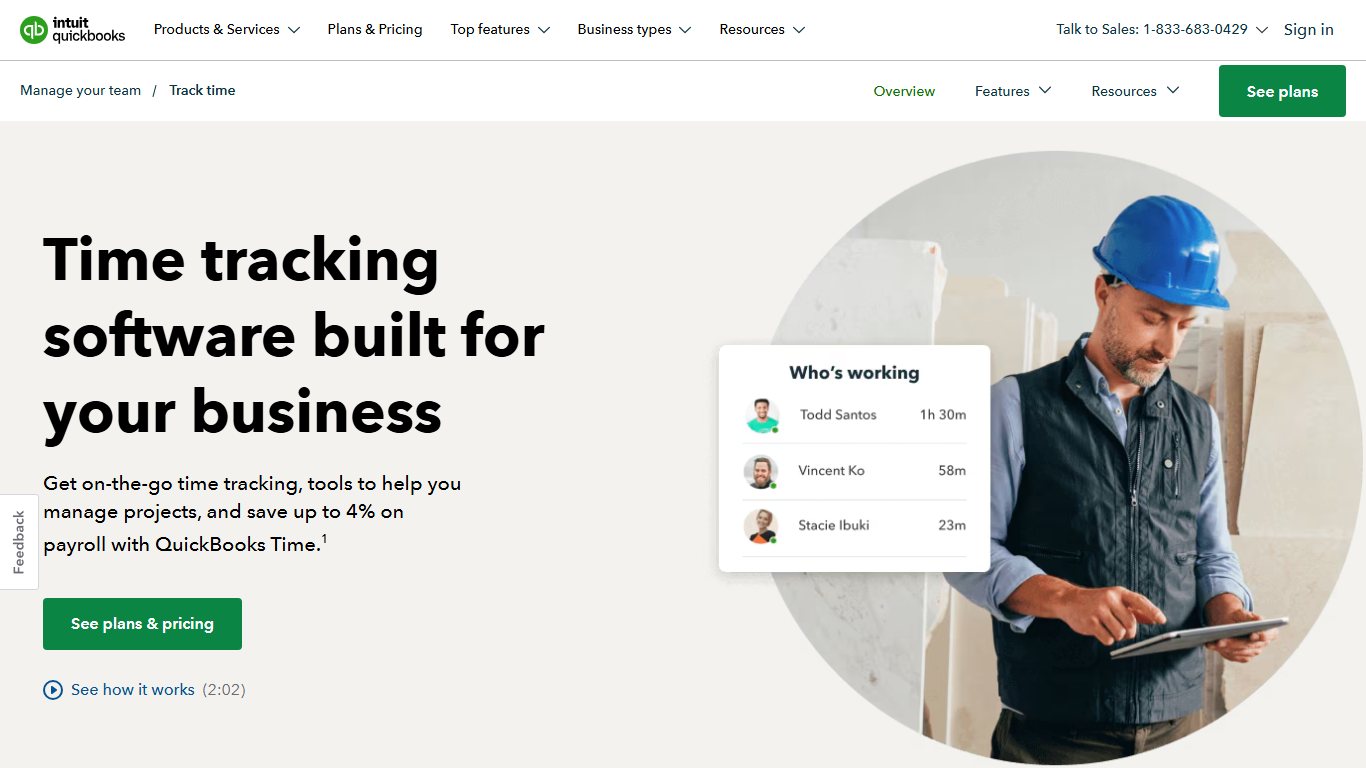
- Price: Premium is $20/month base + $10 per user/month. Elite is $40/month base + $12 per user/month (from July 1, 2026). At 10 users, that’s about $120 a month on Premium and $160 on Elite before promotions. Intuit now sells it alongside QuickBooks Online and QuickBooks Payroll, so budget for that subscription too.
- Platforms: iPhone, Android, web and a kiosk mode for shared tablets.
- Monitoring level: Medium. It can record GPS location while people are on the clock, and Elite adds geofencing.
- Standout: Elite’s project estimates vs actuals, mileage tracking and project activity feed.
- Dealbreaker: The price climbs quickly with team size, and the QuickBooks requirement adds to it.
- Skip it if you don’t use QuickBooks. ClockShark or Jibble will cost less.
“QuickBooks Time got more expensive again, is it still worth it for a small crew?” If payroll is already in QuickBooks, often yes. Cutting out data entry and payroll mistakes is usually worth more than $2 a head. If you’re not tied to Intuit, a 5-person crew pays $70 a month on Premium. My Hours or Jibble cost much less.
Price QuickBooks Time correctly
Add the base fee to your quote. Ten users on Premium cost about $120 a month, not $100, and you still need the QuickBooks subscription.
5. Hubstaff: best for remote teams that need proof of work
Hubstaff is a time tracker with monitoring and payroll for remote and distributed teams. It suits agencies and outsourcing companies that pay contractors by the hour and need to show clients evidence of the work.
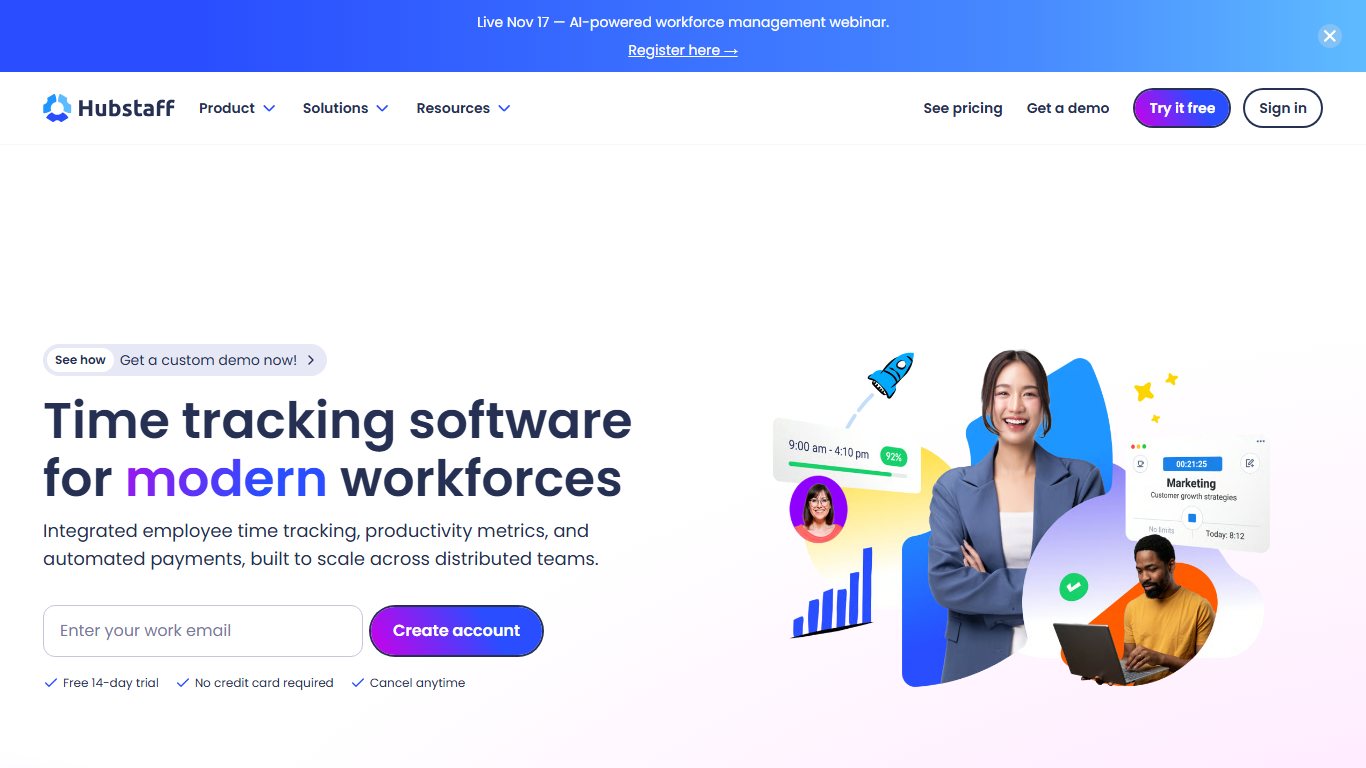
- Price (annual, per seat/month): Starter $4.99, Grow $7.50, Team $10, Enterprise $25. Monthly billing is about $7, $9 and $12 for the first three. Every paid plan has a 2-seat minimum. Locations, Tasks and Insights are paid add-ons.
- Screenshot limits: 500 per seat/month on Starter, 1,500 on Grow and unlimited on Team. Integrations with Jira, Asana and QuickBooks need the Team plan.
- Platforms: Windows, Mac, Linux, iPhone, Android and Chrome.
- Monitoring level: High. Screenshots, app and URL tracking, activity percentages and GPS on mobile.
- Standout: Automatic contractor payroll based on tracked hours.
- Dealbreaker: The 2-seat minimum and the add-ons push up the real cost.
- Skip it if your team would see screenshots as a sign you don’t trust them.
“Why does Hubstaff charge me for two seats when it’s just me?” Because every paid plan has a 2-seat minimum. A solo freelancer on Grow pays $15 a month, not $7.50.
Did you know?
Hubstaff requires at least 2 seats on every paid plan, so a solo freelancer always pays for two, according to HireInSouth’s 2026 Hubstaff pricing breakdown.
6. My Hours: best simple multi-client tracking
My Hours is a simple project and client time tracker from a company that has been around since 2002. It suits consultancies, accountants and small agencies that juggle many clients and don’t want monitoring. It’s rated 4.8 on Capterra, 4.6 on G2 and 4.8 on GetApp.
- Price: Free for up to 5 users. Basic is $4 per user/month annually ($5 monthly). Pro is $8 annually ($9 monthly). Enterprise is quote only. Pro has a 14-day free trial.
- Platforms: Web, iPhone and Android.
- Monitoring level: Low. It has no employee monitoring features at all.
- Standout: Billable and cost rates per person, project and task, with reports you can share with clients.
- Dealbreaker: A plainer interface and fewer integrations than Toggl Track.
- Skip it if you need GPS or payroll.
7. Jibble: best free attendance and time clock app
Jibble is an attendance and time clock app for hourly, shift and field workers. Its free plan covers unlimited users, and it suits restaurants, cleaning firms, schools and site crews that need clock-ins rather than project timers.
- Price: Free for unlimited users. Premium is about $4.49 per user/month billed annually ($5.99 monthly). Ultimate is about $7.99 annually ($10.99 monthly). European prices are lower, at €2.99 and €5.99 billed monthly.
- Platforms: Web, iPhone, Android, desktop apps and shared kiosks.
- Monitoring level: Medium. It can check GPS location, apply geofences and ask for a selfie at clock-in to stop “buddy punching” (one worker clocking in for another).
- Standout: Automated timesheets and attendance for any number of users at no cost.
- Dealbreaker: Billing and project reporting are weaker than Toggl Track or Harvest.
- Skip it if you mainly bill clients for project hours.
8. Time Doctor: best for detailed activity monitoring
Time Doctor is an employee monitoring tool for companies that manage remote staff at scale, such as call centres and offshore teams. It tracks time, apps, websites and productivity.
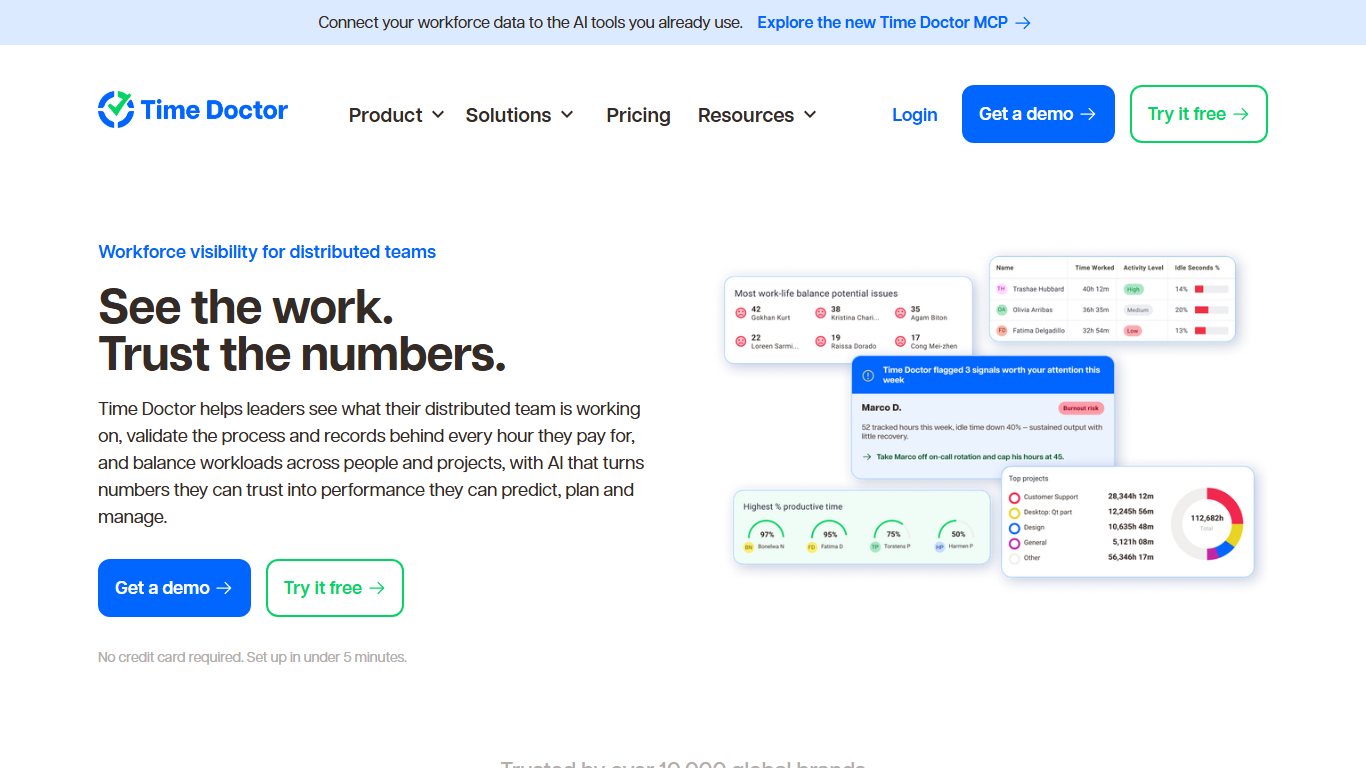
- Price (annual, per user/month): Basic about $6.67, Standard about $11.67, Premium about $16.70. Monthly billing is about $8, $14 and $20. Enterprise is quote only. Video recording and AI benchmarks are add-ons at about $3 per user/month.
- Platforms: Windows, Mac, Linux and Android.
- Monitoring level: High. Screenshots, app and URL tracking, productivity ratings and optional screen video. A “silent” mode can track without a visible timer.
- Standout: Productivity reports across large teams.
- Dealbreaker: It goes well beyond time tracking. Expect pushback from staff unless you’re open about it.
- Skip it if you trust your team and just need timesheets.
Time Doctor vs Hubstaff: Hubstaff is cheaper and has better payroll. Time Doctor has deeper productivity analysis.
9. TimeCamp: best for automatic tracking with invoicing
TimeCamp automatically tracks which apps and websites you use, matches them to projects, and adds attendance and invoicing on paid tiers. It suits small agencies that want hands-off tracking and productivity insights in one tool.
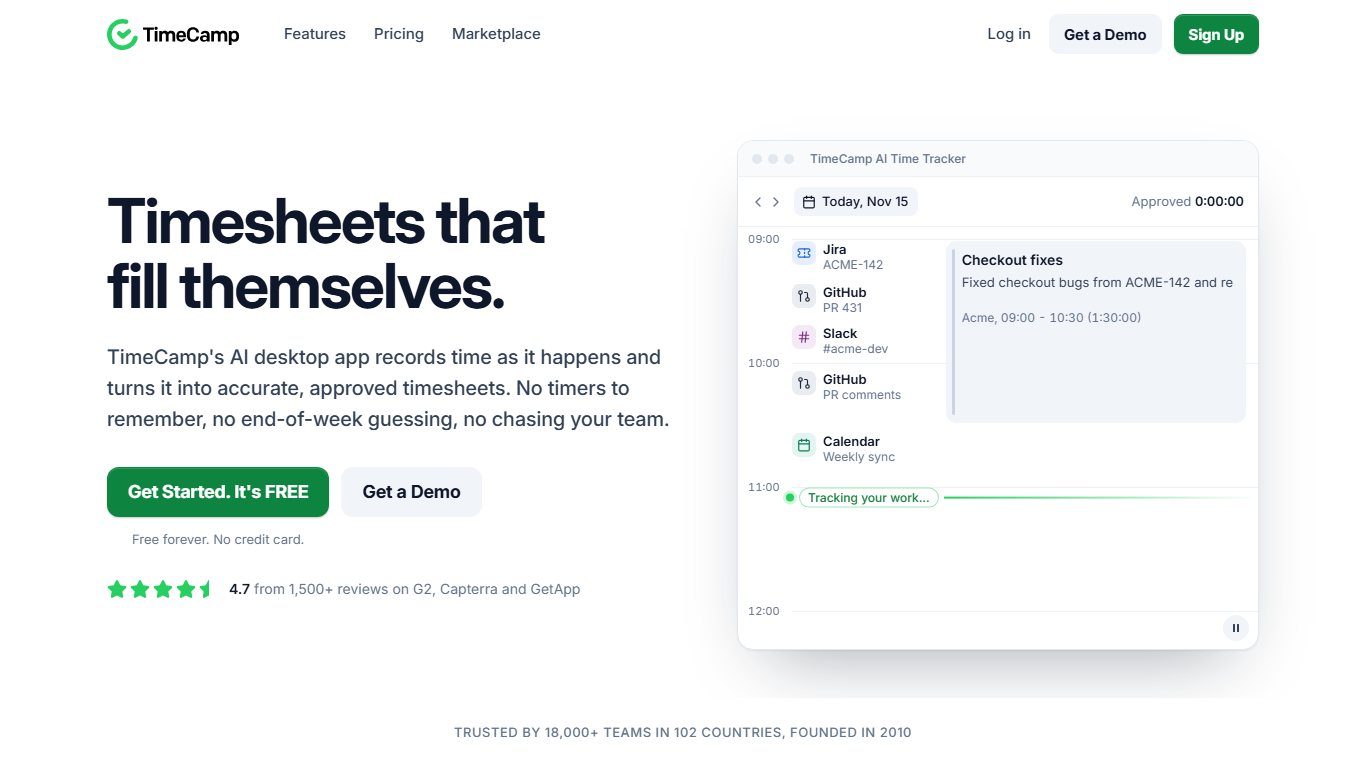
- Price: Free plan with no time limit. Starter is about $3.99 per user/month annually ($5.49 monthly). Premium is about $6.99 annually ($9.99 monthly). Ultimate is about $13.99 monthly. Enterprise is quote only.
- Platforms: Windows, Mac, Linux, iPhone, Android and a browser extension.
- Monitoring level: Medium. It tracks apps and websites by default. Screenshots are an option on higher plans.
- Standout: Keyword rules that assign your activity to the right project automatically.
- Dealbreaker: Features move between tiers in ways that are hard to follow. Check that invoicing is on the tier you pick.
- Skip it if you want the simplest possible timer.
10. ClockShark: best for field and construction teams
ClockShark is a GPS time clock and job-costing app for construction, landscaping, HVAC and other field trades. Foremen can clock in a whole crew, and office staff can see who’s on which job.
- Price: Standard about $42/month base + $9.50 per user. Pro about $63/month base + $11.50 per user (vendor page as checked in October 2026). No free plan. It has a free trial.
- Platforms: iPhone, Android, web and kiosk.
- Monitoring level: Medium. GPS at clock-in and geofencing for job sites. No screenshots.
- Standout: Crew clock-in plus job costing built for trades.
- Dealbreaker: The base fee makes it expensive for a crew of two.
- Skip it if your team works in an office.
ClockShark vs QuickBooks Time: ClockShark is built for trades from the ground up. QuickBooks Time works better if you run payroll through Intuit.
11. Everhour: best inside project management tools
Everhour adds time tracking and budgets inside Asana, ClickUp, Jira, Trello and Basecamp. It suits teams that already plan their work there and want timers on every task.
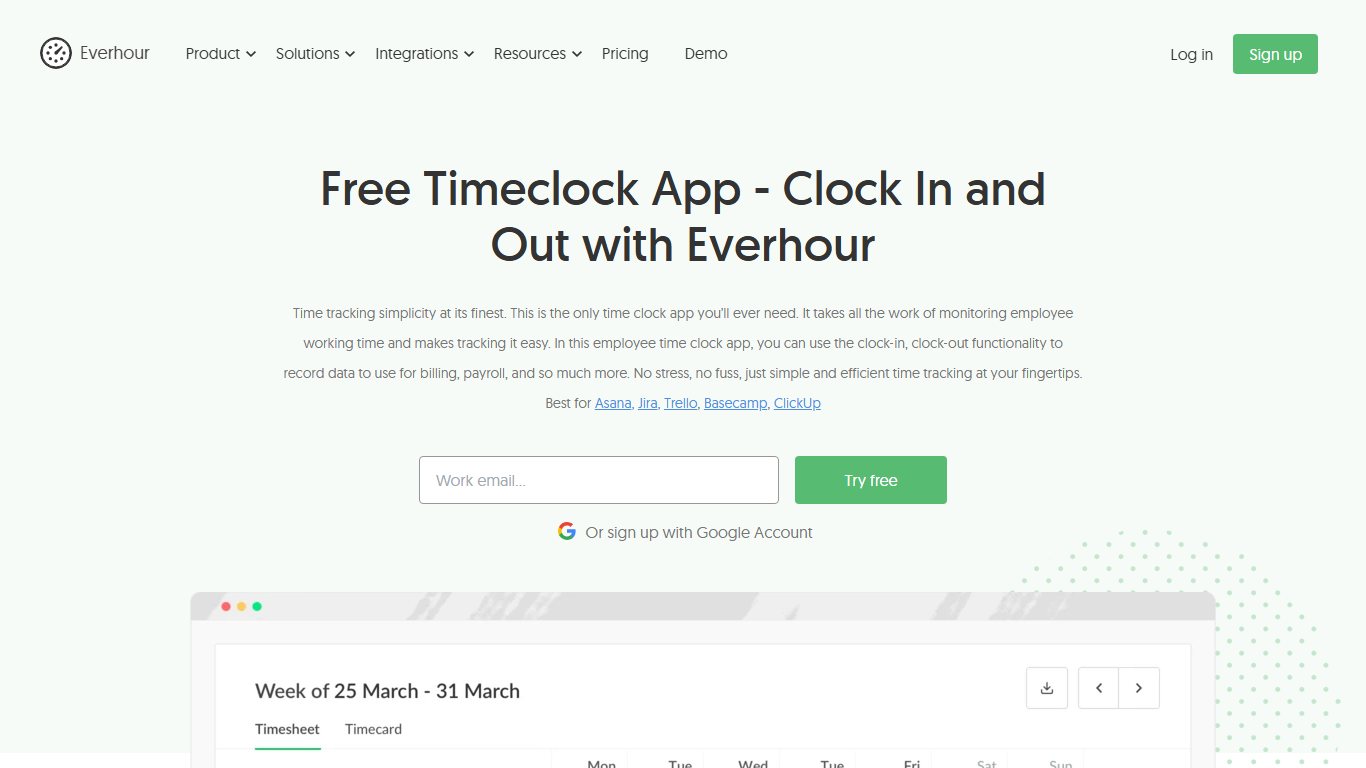
- Price: Free for up to 5 users, with basic reports and exports but no billable tracking or integrations. Team is $8.50 per seat/month billed annually or $10 monthly, with a 5-seat minimum. Custom plans need 50 seats or more.
- Platforms: Web, browser extension and desktop.
- Monitoring level: Low.
- Standout: The timer appears inside the task card in your project management tool.
- Dealbreaker: A 3-person team pays for 5 seats.
- Skip it if you don’t use one of the tools it integrates with.
12. Memtime: best automatic tracker that stays private
Memtime records the apps, files, emails and meetings you work in. You then assign that record to projects later. It’s the answer to “I keep forgetting to start the timer, is there something that tracks automatically?” The activity record stays on your own computer, so your employer can’t watch it live.
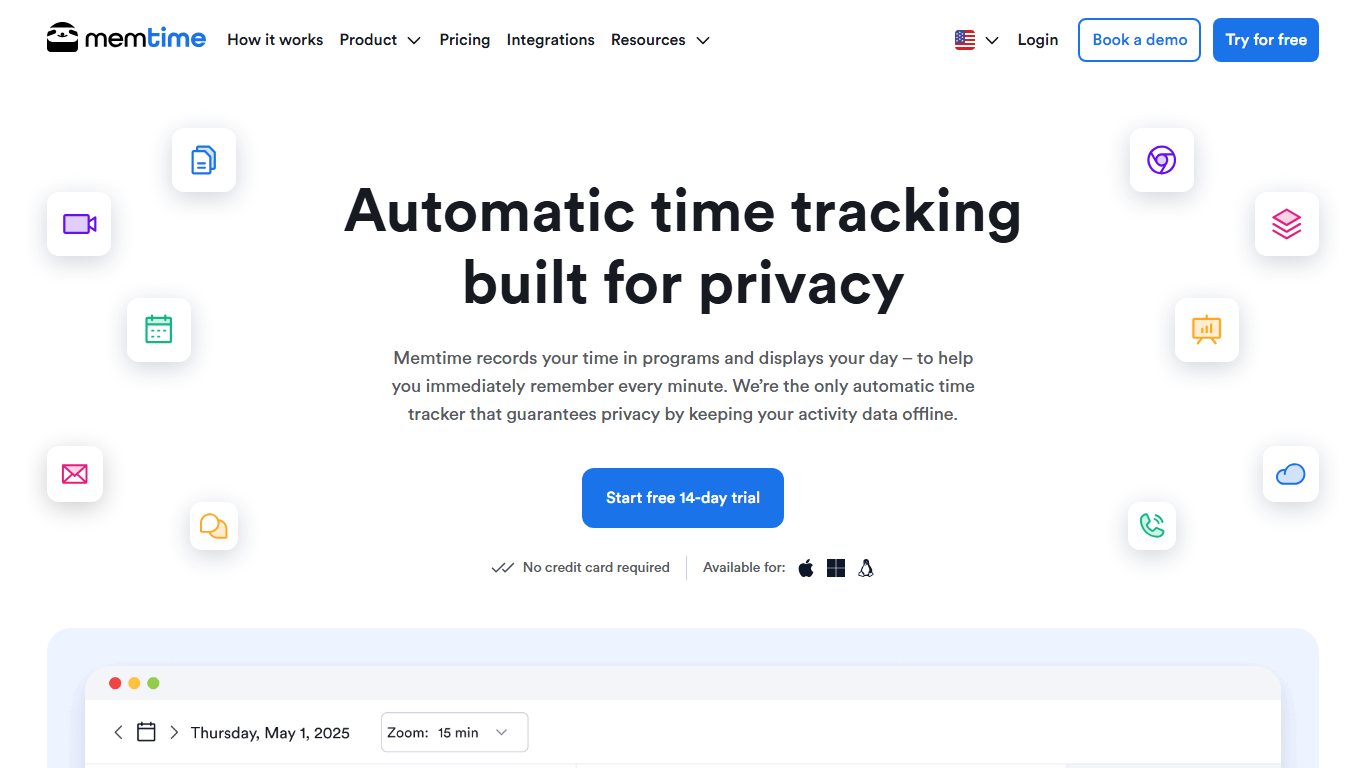
- Platforms: Windows and Mac, and it connects with many project and billing tools.
- Monitoring level: Low for employers, because only you see the detailed record.
- Standout: A full record of your day, with no start button.
- Dealbreaker: Desktop only, and you still need a few minutes each day to sort the record into projects.
13. EARLY (formerly Timeular): best for physical tracking and quick logging
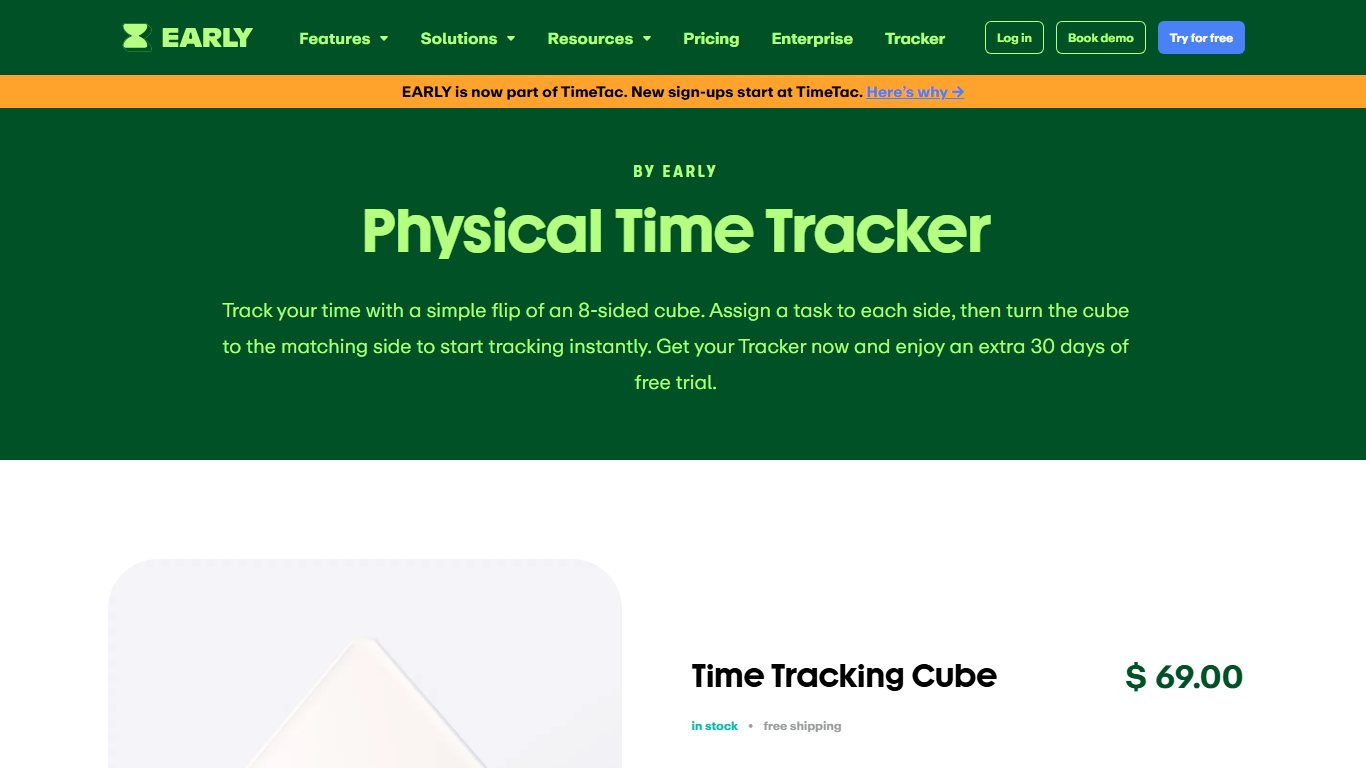
EARLY is the new name for Timeular. It’s known for an eight-sided physical tracker: you turn the cube to a side to switch what you’re tracking. The apps add automatic time suggestions and leave tracking.
- Platforms: Windows, Mac, iPhone and Android, plus the optional tracker device.
- Monitoring level: Low.
- Standout: Logging time takes one physical action, which helps people who hate timers.
- Dealbreaker: The cube is a gimmick if you rarely switch between tasks.
Others worth knowing about (and what dropped off)
Tick is still a solid project budget tracker for agencies that bill by the job. TrackingTime and Apploye are reasonable alternatives to My Hours and Hubstaff. DeskTime and Timely are still active, but they cover the same ground as Time Doctor and Memtime.
ClickUp and Connecteam were dropped from this list. ClickUp is project management software with a built-in timer, and Connecteam is a broader workforce app. RescueTime moves to the personal-use section below.
Time tracking software at a glance (November 2026)
This table compares all the paid trackers above on the attributes that matter most when you’re choosing. Prices are the lowest paid tier, per user per month. EARLY and Memtime are covered in the reviews above.
| App | Best for | Free plan | Paid from (per user/mo) | Platforms | Monitoring level | Invoicing | Payroll/QuickBooks |
|---|---|---|---|---|---|---|---|
| Toggl Track | Most people, privacy | Up to 5 users | $9 annual | Win, Mac, Linux, iOS, Android, web, extension | Low | Paid plans | Integrations |
| Clockify | Low-cost growing teams | 5 users (reported) | $4.99 monthly | Win, Mac, Linux, iOS, Android, web, extension | Low to Medium | Paid plans | Integrations |
| Harvest | Freelancers who invoice | 1 seat, 2 projects | $9 annual | Mac, Win, iOS, Android, web, extension | Low | Yes, built in | QuickBooks integration |
| QuickBooks Time | QuickBooks payroll | No | $20 base + $10 | iOS, Android, web, kiosk | Medium | Through QuickBooks | Native |
| Hubstaff | Remote teams | No (trial) | $4.99 annual, 2-seat min | Win, Mac, Linux, iOS, Android, Chrome | High | Yes | Built-in payroll, QuickBooks on Team |
| My Hours | Multi-client firms | Up to 5 users | $4 annual | Web, iOS, Android | Low | Yes | Exports |
| Jibble | Free attendance | Unlimited users | About $4.49 annual | Web, iOS, Android, desktop, kiosk | Medium | No | Payroll exports |
| Time Doctor | Detailed monitoring | No (trial) | $6.67 annual | Win, Mac, Linux, Android | High | Limited | Payroll features |
| TimeCamp | Automatic tracking | Yes, no time limit | $3.99 annual | Win, Mac, Linux, iOS, Android, extension | Medium | Paid tiers | Integrations |
| ClockShark | Field crews | No (trial) | $42 base + $9.50 | iOS, Android, web, kiosk | Medium | No | QuickBooks integration |
| Everhour | Asana and Jira users | Up to 5 users | $8.50 annual, 5-seat min | Web, extension, desktop | Low | Yes | Integrations |
Which type of time tracker do you need?
There are four types of time tracker: timer and timesheet apps, time clocks, automatic trackers and monitoring tools. Pick by what you need to prove: billable hours to a client, attendance for payroll, your own focus, or output for a remote manager.
Timer and timesheet apps
You press start, work, and press stop, or you type hours into a weekly timesheet. Toggl Track, Harvest, My Hours, Clockify and Everhour all work this way. A designer billing three clients by the hour needs nothing more than this.
Time clocks and kiosks for hourly staff
Workers clock in and out on a phone, a shared tablet or a wall kiosk, and the app turns those punches into payroll hours. QuickBooks Time, Jibble and ClockShark are built around this. A café with 12 shift workers needs a time clock, not a project timer.
Automatic trackers (no start button)
Memtime, TimeCamp, EARLY and RescueTime record what you do in the background and help you sort it later. They suit people who forget timers, and lawyers or consultants who need to rebuild a full day of billable work.
Monitoring with screenshots and GPS
Hubstaff and Time Doctor take screenshots, score keyboard and mouse activity, and log apps and URLs. Field tools record GPS location. This suits clients who demand proof of offshore hours, or crews whose location affects pay. It’s overkill for most office teams.
Best picks by situation
Choose based on your situation. The best tracker for a solo writer is different from the best one for a 20-person roofing company.
For personal use
If you’re asking “What’s a simple app to see where my day actually goes, not for work billing?”, there are three good choices:
- RescueTime tracks your apps and websites automatically and sends a weekly summary.
- ATracker, on iPhone and Android, lets you tap a task and view pie charts of your day.
- Toggl Track Free works well if you want a manual timer on your desktop and phone.
Start with RescueTime if you won’t remember to press buttons.
For freelancers billing clients
Harvest is the best fit when invoicing matters most. My Hours is the best fit when you have many clients and a small budget. Toggl Track Starter is the best fit when you want the nicest timer and invoice through other software. Avoid Hubstaff for solo work, because the 2-seat minimum doubles the price.
For small businesses running payroll
If payroll runs in QuickBooks, use QuickBooks Time. If you need free attendance for any number of staff, use Jibble. If staff split their time between projects and payroll, look at Clockify’s paid tiers. Whichever you pick, turn on timesheet approvals so a manager signs off hours before payroll runs.
For remote employees
For remote employees who want fair records without being watched, Toggl Track or Memtime work well. When a client contract requires proof of work, Hubstaff is the honest compromise, because its tracking only runs while the timer is on.
For field and construction crews
ClockShark is built for trades, with crew clock-in, GPS and job costing. QuickBooks Time Elite adds geofencing and mileage for teams on Intuit. Jibble covers basic GPS and geofenced clock-ins for crews on tight budgets.
What it really costs: base fees, seat minimums and add-ons
The per-user price you see in ads is rarely what you pay. Base fees, seat minimums and required subscriptions can more than double the bill for small teams. The table below shows monthly totals before tax and promotions.
| App and plan | Base fee | Per user | Seat minimum | 1 user | 5 users | 10 users | Required extras |
|---|---|---|---|---|---|---|---|
| Toggl Track Starter (annual) | None | $9 | None | $9 | $45 | $90 | None |
| Clockify Standard (monthly) | None | $6.99 | None | $6.99 | $34.95 | $69.90 | None |
| Harvest Teams (annual) | None | $9 | None | $9 | $45 | $90 | Possible usage fees above your allowance |
| My Hours Pro (annual) | None | $8 | None | $8 | $40 | $80 | None |
| QuickBooks Time Premium | $20 | $10 | None | $30 | $70 | $120 | QuickBooks Online or Payroll |
| QuickBooks Time Elite | $40 | $12 | None | $52 | $100 | $160 | QuickBooks Online or Payroll |
| Hubstaff Grow (annual) | None | $7.50 | 2 seats | $15 | $37.50 | $75 | Locations, Tasks, Insights add-ons |
| Hubstaff Team (annual) | None | $10 | 2 seats | $20 | $50 | $100 | Add-ons as above |
| Everhour Team (annual) | None | $8.50 | 5 seats | $42.50 | $42.50 | $85 | None |
| ClockShark Standard | $42 | $9.50 | None | $51.50 | $89.50 | $137 | None |
Worked example: take a 5-person landscaping crew. ClockShark Standard costs $89.50 a month. QuickBooks Time Premium costs $70, plus whatever you already pay for QuickBooks. Jibble Free costs $0 if basic GPS clock-ins are enough. Over a year, that’s a spread of $1,074 between the most expensive and the free option. Decide whether job costing is worth that.
Annual vs monthly billing: annual plans usually save 15% to 30%. Hubstaff’s monthly rates are about 30% higher than its annual ones. That’s worth it only after you know your team will actually use the tool.
Try monthly before you commit
Choose annual billing only after a month on monthly. You pay a little more for that month, but you can walk away if the team won’t use it.
Does Microsoft 365 have time tracking built in?
Yes, but only for attendance. Microsoft Teams includes Shifts, which has a time clock for clocking in and out on Teams mobile, desktop and web. Shifts doesn’t track time by project or client.
Microsoft’s documentation adds another limit: timesheets can be viewed and edited only in the Teams mobile app. Microsoft Planner has no built-in time tracking for tasks either. So Microsoft 365 covers “did they show up” but not “how long did the Jones project take.”
To fill the gap, add a tracker that connects to Teams and Outlook. Harvest is a strong choice for billable work. Timeneye logs time from Outlook calendar events and Planner tasks. Timeclock 365 adds fuller attendance features. Our roundup of the best apps for Microsoft Teams covers more add-ons like these.
Did you know?
Microsoft Teams already includes a time clock through Shifts, but according to Microsoft Support, timesheets can only be viewed and edited in the Teams mobile app, not on desktop or web.
Privacy: what your employer’s tracker can see
A timer-only app shows your employer the hours you logged and the project you logged them to. Monitoring apps can also show screenshots, apps and websites, activity percentages and your location. Which of these you get depends on the app and on how your admin set it up.
| App | Screenshots | App/URL tracking | GPS/geofencing | Activity % | Runs only when timer is on? |
|---|---|---|---|---|---|
| Toggl Track | No | Private Timeline for you only | No | No | Yes |
| Clockify | Optional, paid plans | Optional auto tracker | Optional, paid plans | No | Yes |
| Harvest | No | No | No | No | Yes |
| My Hours | No | No | No | No | Yes |
| Everhour | No | No | No | No | Yes |
| QuickBooks Time | No | No | GPS while clocked in; geofencing on Elite | No | Yes, while clocked in |
| ClockShark | No | No | GPS at clock-in, geofencing | No | Yes, while clocked in |
| Hubstaff | Yes | Yes | Yes, mobile | Yes | Yes |
| Time Doctor | Yes, plus optional video | Yes | Limited | Yes | Not always (silent mode) |
| Memtime | No | Recorded locally, private to you | No | No | Records all day, private to you |
“Is there a time tracker that doesn’t take screenshots of my screen?” Yes. Toggl Track, Harvest, My Hours and Everhour don’t offer screenshots at all.
Before you install a tracker your employer sends you, ask these five questions:
- Does it take screenshots, and can I delete or blur them?
- Does it log app names and website URLs, and who can see them?
- Does it track location, and only while I’m clocked in?
- Does it run only while my timer is on, or whenever my computer is on?
- How long is the data kept, and can I see what my manager sees?
To check for yourself, stop the timer and look at the app’s tray or menu bar icon. Most tools show a paused or grey icon when they aren’t recording.
If you track employees’ hours: US recordkeeping basics
Under the Fair Labor Standards Act (FLSA), you must keep accurate records of hours worked for every non-exempt employee. Any timekeeping method is acceptable, as long as it’s complete and accurate. The US Department of Labor Wage and Hour Division explains the rules in Fact Sheet #21, and the full regulations are in 29 CFR Part 516.
In plain English:
- Record hours every day and every week. You need hours worked each workday, total hours each workweek, and the day and time the workweek begins.
- Any method works. A paper card, a kiosk or an app is fine if the records are complete and accurate.
- Fixed schedules are allowed. If someone works a set schedule, you can keep the schedule and record only the exceptions, such as a late finish or a short day.
- Keep records for the right length of time. Keep payroll records for 3 years. Keep time cards and other records used to calculate wages for 2 years.
To comply using an app, export approved timesheets at the end of each pay period as CSV or PDF and store them with payroll. Don’t rely only on the vendor’s servers. If you cancel, you might lose access to old records. State laws can add rules about breaks and overtime, so check with your state labor department or an employment attorney before you set policy.
Set up your time tracker in 15 minutes
Most setup problems come from skipping three things on day one: the browser extension, idle detection and a daily reminder. The steps below work in Toggl Track, Clockify, Harvest and My Hours. Menu names vary slightly between apps.
First-day setup checklist
Set up in 15 minutes
- Install the desktop app on Windows or Mac and sign in.
- Install the phone app on iPhone or Android for time away from your desk.
- Add the browser extension to Chrome, Edge or Firefox.
- Create your clients, then one project per client job.
- Set billable rates per project or per person in the project settings.
- Turn on idle detection in the desktop app’s settings.
- Set a daily reminder for the end of your workday.
- Track a full day, then run your first weekly report on Friday.
Add the browser extension too
Install the browser extension alongside the desktop app. You can then start a timer from inside Gmail, Asana or Jira without switching windows.
Fixing common mistakes (forgotten timers, duplicate entries)
The most common timesheet error is a timer left running overnight. Open the entry, change the end time to when you actually stopped, and save. Idle detection prevents most of these. It asks whether to keep or discard idle time when you come back to your computer.
Duplicate entries usually happen when you start timers on two devices. Delete the shorter one in the detailed view. On teams, a weekly approval step catches both problems before they reach payroll or an invoice.
How to export your data if you switch apps
Before you start
Export everything before you cancel or downgrade. Some apps limit exports once you leave a paid plan.
- In Clockify, open Reports, choose the Detailed report, set the widest date range and export to CSV or Excel.
- In Harvest, open Reports, choose the Time report, set the range to all time and export to CSV.
- In Toggl Track, open Reports, switch to the Detailed view and export to CSV.
- Save one file per year, along with your client and project lists.
- Import the CSV into the new app, or keep it as your recordkeeping archive.
If you’re on Clockify’s free plan and exports are already gone, check whether a short paid month brings them back. That’s often cheaper than rebuilding records by hand.
FAQ
Is Clockify still free?
Yes, but with limits. Since April 2026, Clockify’s free plan is reportedly limited to 5 users. Users also report that reporting, exports and billable tracking moved to paid tiers. Check your account to see what’s still included.
Is there a free time tracking app?
Yes. Toggl Track, My Hours and Everhour are free for up to 5 users. Jibble is free for unlimited users. Harvest is free for 1 seat and 2 projects.
How much does QuickBooks Time cost per month?
Since July 1, 2026, Premium costs $20 a month plus $10 per user, and Elite costs $40 a month plus $12 per user. At 10 users, that’s about $120 on Premium or $160 on Elite, plus your QuickBooks subscription.
Does Microsoft Office have a time tracking tool?
Only for attendance. The Shifts app in Microsoft Teams has a time clock, but it doesn’t track projects or clients, and you can edit timesheets only in the Teams mobile app. Planner has no built-in time tracking.
What is the best time tracking software for small business?
If you use QuickBooks payroll, QuickBooks Time. For free attendance, Jibble. For project tracking, Toggl Track or Clockify. Field crews should look at ClockShark.
What is the best free time tracking app for personal use?
Toggl Track Free if you like a manual timer. RescueTime if you want automatic tracking with weekly summaries. ATracker if you want a simple tap-to-track phone app.
Can my employer see my screen with time tracking software?
Only if the tool takes screenshots and your employer has turned them on. Hubstaff and Time Doctor can do this. Toggl Track, Harvest and My Hours can’t. Ask your employer which features are enabled.
Toggl Track vs Clockify: which is better in 2026?
For a team of up to 5, Toggl Track is better. Its free plan is stable and its apps are more polished. For bigger teams on a budget, Clockify’s paid plans cost less per user.
What’s the difference between a time tracker and employee monitoring software?
A time tracker records hours against tasks. Monitoring software also records screenshots, apps, websites, activity levels or location, to judge how people work rather than only how long.
Do I legally have to track employee hours in the US?
Yes, for non-exempt employees under the FLSA. You must record daily and weekly hours. Keep payroll records for 3 years and time cards for 2 years. You can use any method, as long as it’s complete and accurate.
The next step
Pick two apps from the quick-answer table and run both for one full week with real work. The one your team still uses on Friday without being reminded is the right choice. Before you pay, add up the real monthly cost with base fees and seat minimums, and export your old data before you switch.













