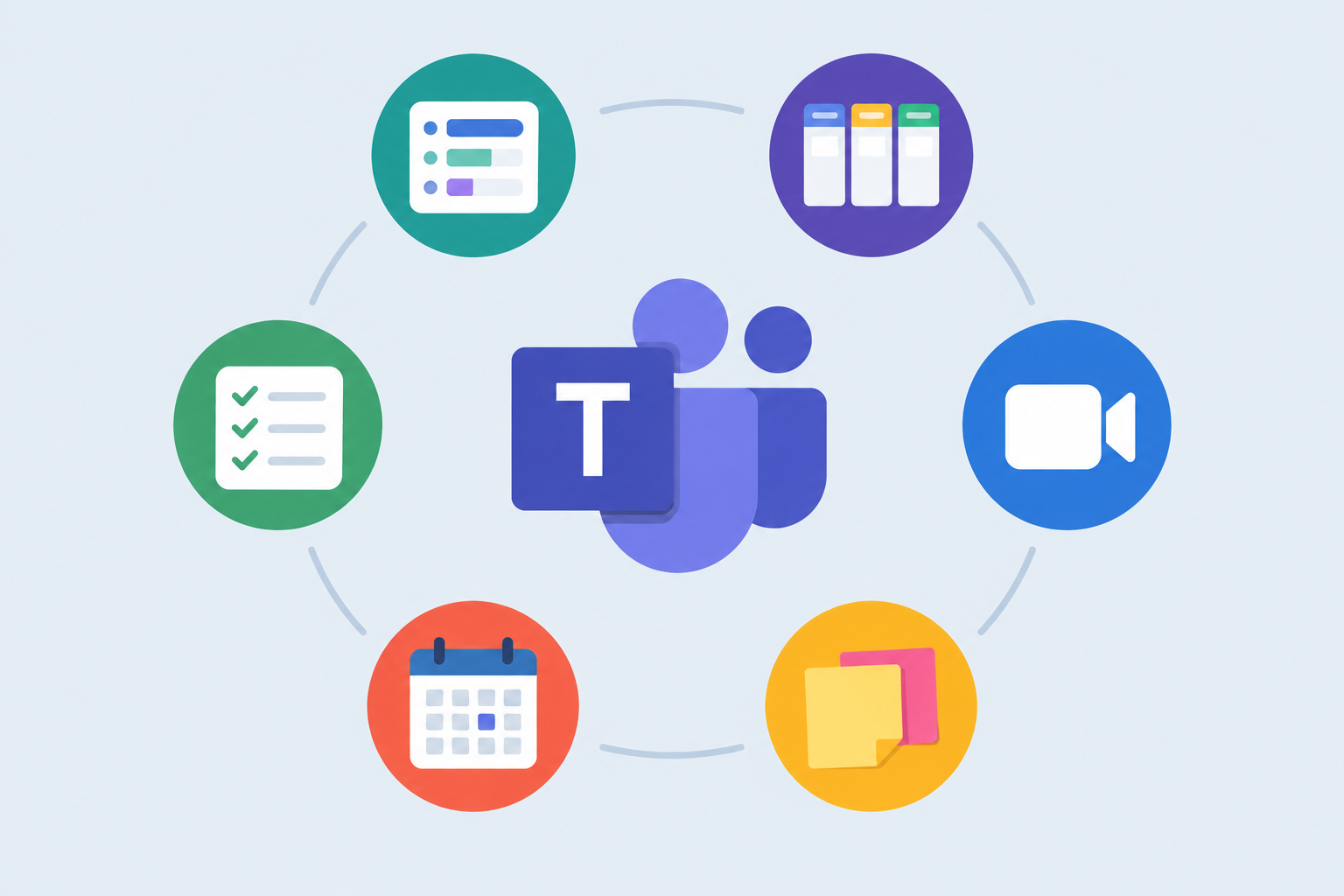
Polly, Trello and the Zoom app are still the most useful add-ons on this list for most Microsoft Teams users in November 2026. To add any of them, select Apps on the left side of Teams, search the store and choose Add. Two picks have changed since the list was first made. Freehand by InVision closed on 31 December 2024, and Miro, which bought it, brought some Freehand features into its own whiteboard. Stack Overflow‘s business product is now sold as Stack Internal. Your IT admin can also block any third-party app, so a missing app is often a company policy and not a fault.
The Microsoft Teams store lets you add apps without the hard cap that Slack’s free plan puts on integrations. Many of these apps connect Teams to services like Zoom, GitHub, Trello and Salesforce. Others help people inside and outside your organization work together. Adding an app costs nothing, but many apps need their own subscription once you go past a free tier. The picks below are the ones that make everyday communication in Teams easier.
How to find, add and remove apps in Microsoft Teams
Teams comes with several built-in apps, and you can add more from the Teams app store. Here is how to manage them:
- Open the store. Select Apps on the left side of Teams. Search for an app by name, or browse the categories. Depending on your Teams version, the entry may be labelled View more apps or Get more apps.
- Add an app. Select the app, then choose Add. Some apps ask you to sign in with your account for that service.
- Add an app to a chat, channel or meeting. Open the conversation, select Add a tab (the + at the top), and pick the app. You can also reach apps from the message box below the chat.
- Remove an app. Right-click the app’s icon in the left bar and choose Uninstall.
Team owners and IT admins can limit who adds apps. If an app does not appear in your store, your organization has probably not approved it.
Best apps for Microsoft Teams
1. Polly
Polly lets you run quick polls and surveys in meetings, direct messages and group chats. It supports multiple choice, yes or no, rating-scale questions and more. The most useful feature is the anonymity toggle. It hides who answered, which makes it easier to get honest feedback.
Polly is not unlimited for free anymore. According to Polly’s help pages, the free Teams plan allows 25 responses per sender each calendar month. The paid Pro and Standard plans raise that to 2,500 and 500 responses per sender per month respectively. Every plan comes with a 14-day free trial, and no credit card is needed.
Key features:
- Quickly start polls in direct messages, group chats and video calls
- Schedule surveys and see results in real time
- Anonymity toggle to hide the identity of people who respond
2. Evernote
Teams already works closely with OneNote, since both are Microsoft products. If your notes live in Evernote, the Evernote app for Microsoft Teams lets you share those notes and work on them with colleagues inside Teams.
Some organizations remove apps like this from their Teams store. Ohio State University, for example, took Evernote off its list of approved Teams apps. If it is missing for you, ask your IT team before trying another workaround.
Key features:
- Share your Evernote notes quickly
- Lets several people collaborate on notes inside Microsoft Teams
3. Trello
Trello is a popular board for tracking projects and ideas. Its Microsoft Teams app does not add much new functionality, but it makes sharing a card fast. Type @Trello in a direct message or group chat, search for the card, and share its text and link.
Key features:
- Quickly search for and share Trello cards
- Create cards, schedule them and add due dates
4. Remember this
Teams lets you save messages so you can come back to them later. In practice, people often forget to go back to saved messages. RememberThis, a free bot from ThoughtStuff, fixes this by posting a timed reminder about a message or thread. Mention the bot in a message and tell it the day and time.
The bot works best inside a message thread. Being able to set reminders for older messages would make it even more useful.
Key features:
- Set reminders with plain English commands like “Remind me at 3 pm”
5. Zoom Conferences
If you work with people outside your organization, getting everyone onto Microsoft Teams can be hard. The Zoom app for Teams solves this by letting you start Zoom meetings that outside guests can join without a Teams account.
Zoom’s free Basic plan lets you host meetings with up to 100 participants for up to 40 minutes. Guests do not need a Zoom account to join. Inside Teams, you can type @Zoom start to begin an instant meeting, or use the app’s screens to schedule and set up meetings. The first time you use it, Zoom asks you to sign in and grant access to some of your Microsoft data.
If your organization uses Cisco, the Webex app for Microsoft Teams does a similar job.
Key features:
- Start, join and share Zoom meetings from inside Teams
- Schedule and set up Zoom meetings without leaving Teams
6. Freehand
Freehand by InVision was once the go-to whiteboard add-on for Teams. It offered more shapes and image support than Microsoft Whiteboard, and you could work on a board without starting a video call. Teams used it for storyboards, sprint planning, wireframes and prototypes.
That version no longer exists. Miro announced it had bought Freehand from InVision on 7 November 2023. InVision then shut down its design collaboration services, including the standalone Freehand, on 31 December 2024. Freehand files did not move over automatically. Miro offers a bulk importer for old Freehand documents. Today, the Miro app for Microsoft Teams fills the same role and works both in chats and during meetings. If you only need simple sketching and shapes, Microsoft Whiteboard is built into Teams meetings and costs nothing extra.
What the Miro app offers in its place:
- Real-time collaboration on boards with or without a video call
- Shapes, images, sticky notes and templates beyond basic inking
- Well suited to wireframes, storyboards and sprint planning
7. Mio
Mio connects Microsoft Teams with other chat platforms. Its listings cover Slack, Zoom Team Chat, Webex and Google Chat. Built-in options from the chat vendors are much more limited. Joining a channel from another platform does not bring across direct messages and regular chats, so people miss messages.
Mio relays messages both ways, so your colleagues on Slack or Webex can keep using their own app while you stay in Teams. You can also send direct messages to a contact on the other platform. The old pricing of one free universal channel and $10 a month for each extra channel is gone. Mio now sells through its sales team, and third-party listings quote very different figures, so ask Mio for a quote.
Key features:
- Bridges Microsoft Teams with Slack, Webex, Zoom Team Chat and Google Chat
- Supports emojis, GIFs, edits and deleted messages across platforms
- Works for both channels and direct messages
8. Friday
Slack users often rely on birthday bots to keep track of colleagues’ birthdays, and Teams has no exact built-in match. Friday fills the gap. It is mainly a workflow and reminder app, but it can post recurring reminders to channels. That makes it flexible enough for daily check-in reminders in direct messages and repeating birthday reminders in team channels.
Key features:
- Handles both birthday reminders and daily reminders
- Built-in templates for morning and weekly reminders
- Can send organization-wide reminders, congratulations and announcements
9. Stack Overflow
Stack Overflow’s business product lets developers search, ask and answer programming questions from inside Microsoft Teams. It is especially handy during brainstorming calls, when you want a quick answer without switching windows. The product was called Stack Overflow for Teams and is now sold as Stack Internal. According to the company’s FAQ, the Teams app lets you search, ask questions and capture solutions without leaving Teams.
The $5 a month starting price and the free access until 30 June 2020, offered during the pandemic, both ended long ago. Pricing is per user and has changed several times, and recent plan pages tie some integrations to higher tiers. Check the current plan page before you choose a plan if the Teams integration matters to you.
Key features:
- Quickly search, post, view and share questions and answers
- Set up notifications on specific topics so new questions reach your channel
Final thoughts
Most apps on this list are general tools that suit almost any company. Pick the two or three that solve a real problem for your team, such as polls, reminders or meeting guests from outside. That works better than installing everything. If you are moving from Slack, expect a learning curve: Teams is a bigger, more complex app and can feel overwhelming at first. Before you roll anything out company-wide, check with your IT admin that the app is approved and find out which plan you will need once the free tier runs out.
FAQ
Are Microsoft Teams apps free?
Adding an app from the Teams store is free, but many apps charge for their service. Polly, for example, has a free plan capped at 25 responses per sender per month, and Zoom’s free Basic plan limits meetings to 40 minutes. Read each app’s pricing page before your team depends on it.
Why can’t I find an app in the Teams store?
Your organization’s IT admin or team owner has probably blocked it or limited who can add apps. Some universities and companies only allow a short approved list. Ask your admin to review the app rather than looking for a way around the policy.
What happened to Freehand by InVision in Teams?
Miro announced it had bought Freehand on 7 November 2023, and InVision shut down the standalone Freehand on 31 December 2024. The Miro app for Microsoft Teams is the closest replacement, and Miro offers a bulk importer for old Freehand files. Microsoft Whiteboard is a free built-in alternative for simpler sketches.
Can I use Zoom inside Microsoft Teams?
Yes. Add the Zoom app from the Teams store, sign in to your Zoom account, and start meetings from the app or by typing @Zoom start in a chat. This is useful when guests from outside your organization do not use Teams.
How do I remove an app from Microsoft Teams?
Right-click the app’s icon in the left bar of Teams and choose Uninstall. If the app was added to a channel as a tab, remove the tab from that channel too. Apps that your admin installs for everyone may not be removable from your side.
Can Microsoft Teams talk to Slack?
Not fully on its own. A bridge app like Mio relays channel messages and direct messages between Teams and Slack, so each side keeps its own app. Expect to pay for this kind of tool, and contact the vendor for current pricing.
Sources
- Microsoft Support: Find and use apps in Microsoft Teams
- Microsoft Support: Add an app to Microsoft Teams
- Polly for Microsoft Teams pricing
- Polly help: Response limitations explained
- Zoom: Free video conferencing
- Zoom for Microsoft Teams on Microsoft AppSource
- Miro: The future for Miro and Freehand
- InVision: Design collaboration services shutdown
- ThoughtStuff: About RememberThis
- Mio
- Stack Internal FAQ