
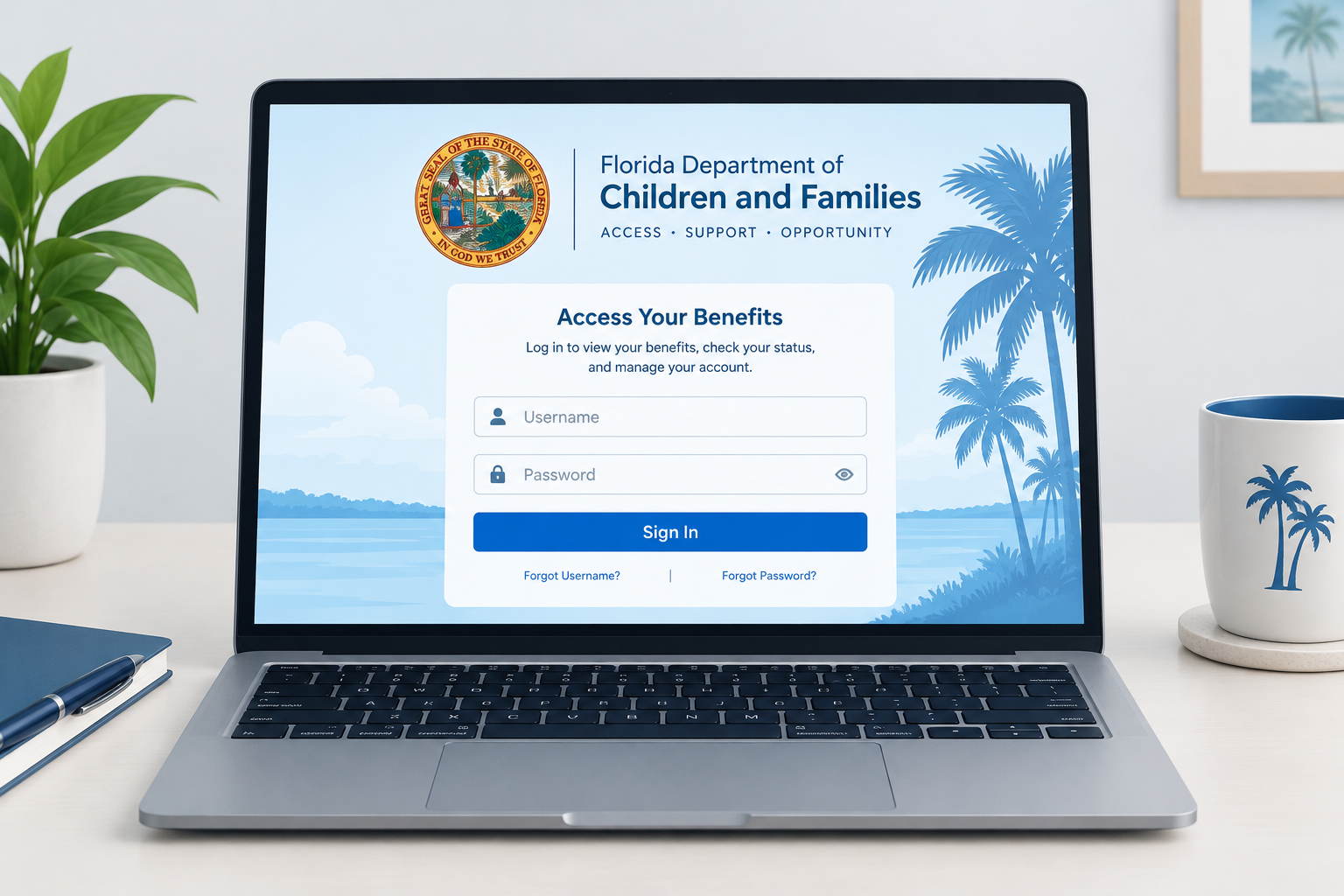
To sign in to Florida’s benefits portal, go to myaccess.myflfamilies.com, the official MyACCESS site run by the Florida Department of Children and Families (DCF). If you forgot your User ID, click “Forgot your User ID” on the sign-in page and enter your case number, which is printed at the top of your Notice of Eligibility Review letter. Once you have your User ID, use “Forgot Password” to reset your password. If your only account dates from before December 5, 2023, it no longer works, and you need to create a new account and link your case to it.
The ACCESS Florida system is how DCF runs Florida’s main public assistance programs: the Food Assistance Program (SNAP, often called food stamps), the Temporary Cash Assistance Program (TCA) and Medicaid. These programs support low-income families while they work toward financial stability.
How to Access MyFlorida Access FL Login and Florida User ID Reset Guide
The Automated Community Connection to Economic Self Sufficiency (ACCESS) system lets Florida residents view their public assistance information through a MyACCESS account. With an account, you can apply for benefits, check the status of an application, report a change, renew your benefits and see details about your current benefits. The portal is open 24 hours a day, seven days a week. You can also upload requested documents through your MyACCESS account.
DCF replaced the old portal with a modernized version on December 5, 2023. It kept the MyACCESS name and works in English, Spanish and Haitian Creole. Old accounts could not be moved over to the new system. Everyone had to create a new account, which requires an email address, and then link their existing case to it. DCF said people already getting benefits would keep the same assistance after the switch.
If you have an Electronic Benefits Transfer (EBT) card, your MyACCESS account also shows information about your benefits, and you can ask for a replacement card there if yours is lost. For a balance or recent transactions on your Florida EBT card, you can also call the EBT customer service number on the back of the card. That line is open around the clock.
To use any of these features, sign in to your MyACCESS Florida account at myaccess.myflfamilies.com. If you are having trouble signing in, read on.
MyAccess Florida Login
The most common reason people cannot get into their MyACCESS Florida account is a forgotten User ID. You need to recover it before you can sign in. The second most common reason is an account created on the old portal before December 2023. Those logins stopped working when the new system launched. If that applies to you, create a new account instead of trying to recover the old one.
Only enter your details on myaccess.myflfamilies.com. Several look-alike websites copy the MyACCESS name with small spelling changes, and they are not run by the state. To reset your MyAccess User ID, follow the steps in the guide below.
MyAccess Florida User ID Reset Guide
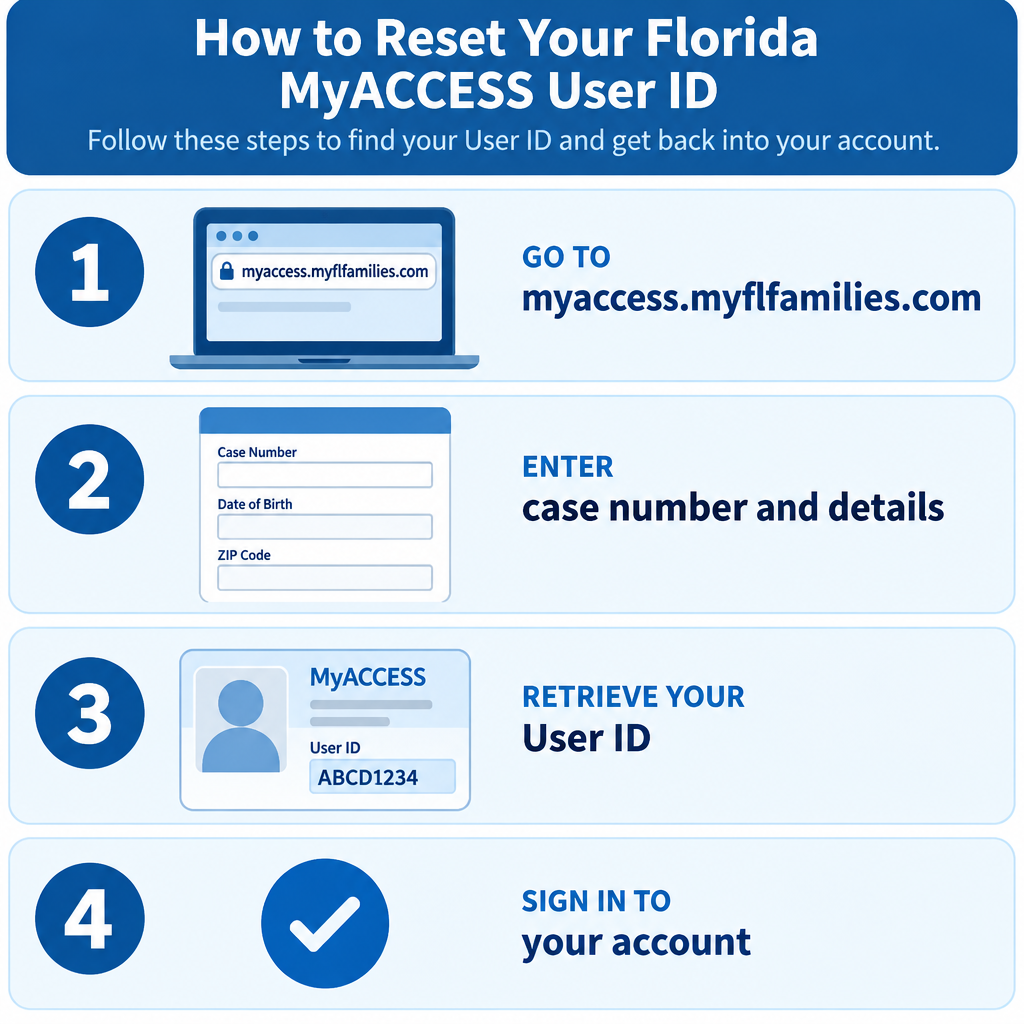
You can recover the User ID for your MyAccess Florida login in four steps.
Step One: Go to the MyACCESS Florida Site
Open myaccess.myflfamilies.com in your browser. Under the sign-in fields for returning users, click the “Forgot your User ID” link. If the page does not load correctly, check your internet connection, clear your browser’s cache or try a different browser.
Step Two: Enter Your Details on the Forgot User ID Page
After you click “Forgot your User ID,” a recovery page opens. It asks for details that prove the case is yours. The key one is your case number, which DCF prints at the top of your Notice of Eligibility Review letter. Have that letter in front of you, along with the account holder’s full name and date of birth, before you start. If any detail is missing or does not match DCF’s records, the recovery will not go through.
Step Three: Recover Your MyAccess User ID
When every field is filled in correctly, click the button at the bottom of the page to continue. The next screen shows your User ID or tells you how to get it. If you also forgot your password, recover the User ID first. The “Forgot Password” page asks for your User ID before it lets you reset the password.
Step Four: Sign In to Your MyAccess Florida Account
Go back to the MyACCESS sign-in page, type your User ID and password, and click the sign-in button. You can now see your public assistance information and use all the account features.
If you still cannot get in, call the MyACCESS Customer Call Center at (850) 300-4323. Agents work 8:00 a.m. to 5:00 p.m., Monday through Friday. Some county pages also list a toll-free number, 1-866-762-2237. You can also visit a DCF service center or a community partner office, where staff can help you with the portal.
Other login help guides cover the jcp com associate kiosk, the firstpremier com login and the mycsulb student portal.
FAQ
What is the official MyACCESS Florida login website?
The official address is myaccess.myflfamilies.com, and DCF’s information page is at myflfamilies.com/MyACCESS. Sites with similar names, such as ones with extra letters in “access,” are not run by the state. Never enter your case number or date of birth on those sites.
Why does my old ACCESS Florida login no longer work?
DCF launched the new MyACCESS portal on December 5, 2023, and accounts from the old system could not be converted. You need to create a new account with an email address and then link your existing case to it. Your benefits stayed the same through the switch.
Where do I find my case number?
Your case number is at the top of your Notice of Eligibility Review letter from DCF. It also appears on other DCF letters about your case. You need it both to recover a forgotten User ID and to link a case to a new account.
What should I do if I forgot both my User ID and password?
Recover your User ID first, using the “Forgot your User ID” link and your case number. Then click “Forgot Password” and enter that User ID to set a new password. Doing it in the other order fails, because the password reset asks for your User ID.
Who can help if I am locked out of my account?
Call the MyACCESS Customer Call Center at (850) 300-4323, Monday through Friday from 8:00 a.m. to 5:00 p.m. Have your case number ready so the agent can find your records. A DCF service center or community partner office can also help in person.
Can I check my EBT balance through MyACCESS?
Yes. Your MyACCESS account shows information about your benefits, and you can ask for a replacement EBT card there. For a quick balance check at any hour, call the EBT customer service number on the back of your Florida EBT card.
Sources
- MyACCESS: Same Name, New Portal (Florida Department of Children and Families)
- Department of Children and Families Announces Modernized MyACCESS Portal (DCF press release)
- MyACCESS Forgot Your Password page (DCF)
- Medicaid information and FAQ (DCF)
- ACCESS Florida Assistance (Hernando County)













