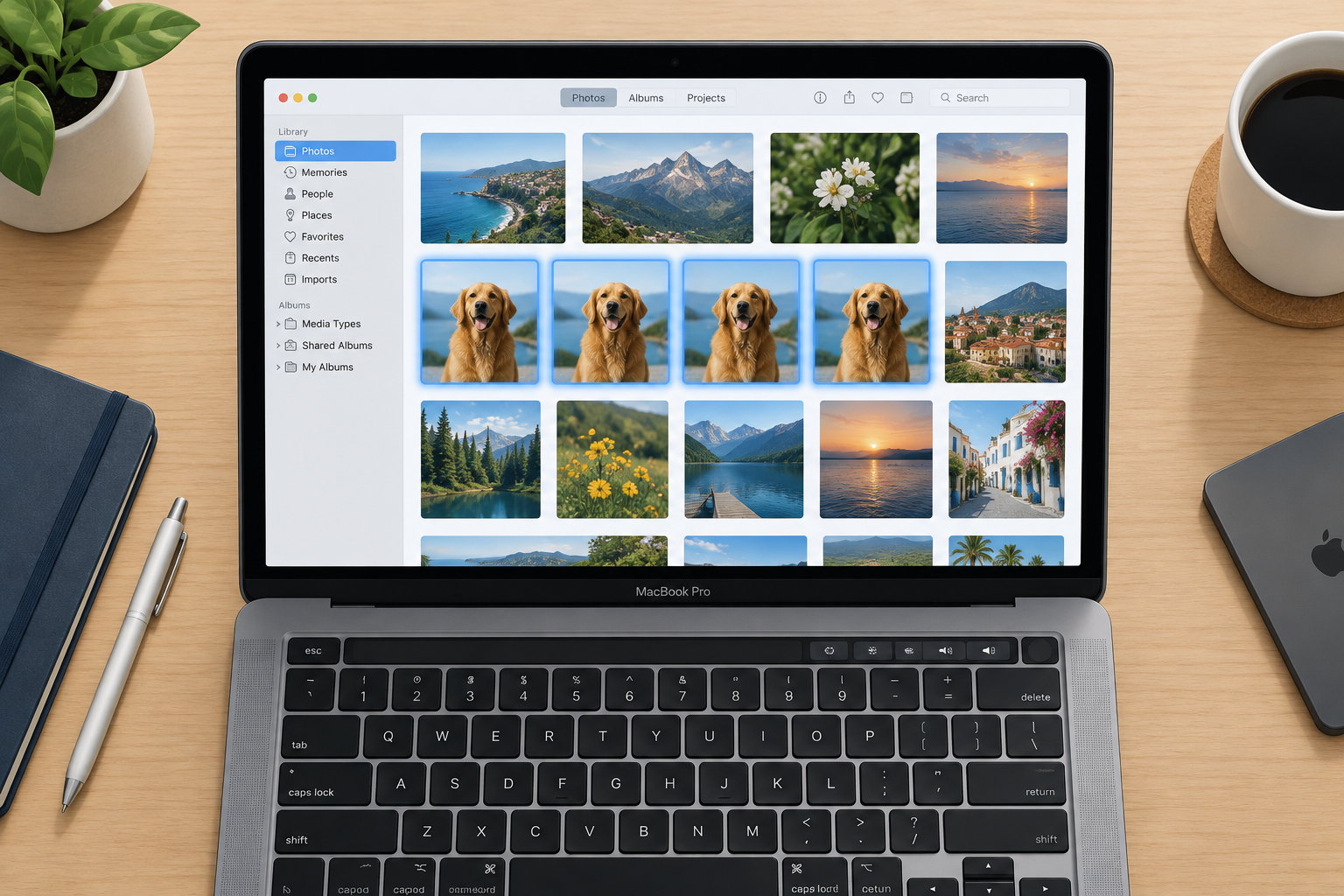
You can move your iCloud Photos library to Google Photos with Apple’s free transfer service. Sign in at privacy.apple.com with your Apple Account, choose “Request to transfer a copy of your data”, pick Google Photos, then sign in to Google and allow access. The transfer sends a copy, so your originals stay in iCloud. It usually takes three to seven days.
Apple keeps adding tools to its Data and Privacy page. When the page first launched, it offered these:
- Get a copy of your data
- Correct your data
- Temporarily deactivate your account
- Delete your account
In March 2021 Apple added a new option that lets iPhone, iPad and Mac users send a copy of their iCloud Photos library straight to Google Photos. If your iCloud storage is nearly full, you can move a copy of your library to Google without downloading everything to a computer first. Your Google account still needs enough free space for the copy, though.
How the iCloud to Google Photos transfer works
Google Photos is a cloud storage service like iCloud Photos. It keeps your whole photo and video library online, so you can open it from any device at any time.
Apple’s tool copies your photos and videos from iCloud Photos straight to your Google account, server to server. Nothing goes through your phone or computer. Google Photos is still the only destination Apple offers for this tool.
What this guide covers
- How to transfer iCloud Photos directly to Google Photos
- Whether the transfer affects the photos and videos you keep with Apple
- Whether everything in your library transfers
- Who can use the service
The short answers: the transfer does not remove or change anything you store with Apple, because it only sends a copy. Only content stored in iCloud Photos transfers. Some formats and features, such as Smart Albums, Live Photos and some RAW files, may not come across. Apple says the service is available in more than 240 countries and regions.
What you need before you start
Check these things before you start the transfer:
- You use iCloud Photos to store your photos and videos with Apple. Photos that only live on your iPhone and are not synced to iCloud Photos will not transfer.
- Your Apple Account (formerly called Apple ID) uses two-factor authentication.
- You have a Google Account to use with Google Photos.
- Your Google account has enough free storage for the whole transfer.
Once all of these are in place, you can start the transfer.
How storage and albums work in Google Photos
Everything you transfer from iCloud counts against your Google account’s total storage. Google gives every account 15 GB free, and Gmail, Google Drive and Google Photos all share it. A large iCloud library will usually need a paid Google One plan. In the US these start at $1.99 a month for 100 GB.
Albums carry over too, but each album can hold up to 20,000 photos and videos. If an iCloud album holds more than that, all the items still transfer, but anything past 20,000 won’t be added to the album. Some album and video file names may also start with “Copy of” once they land in Google Photos.
If you add more photos or videos to iCloud Photos before the transfer starts, you will need extra space in your Google account to finish it.
How to transfer iCloud Photos directly to Google Photos
Follow these steps to transfer your photos and videos from iCloud to Google Photos:
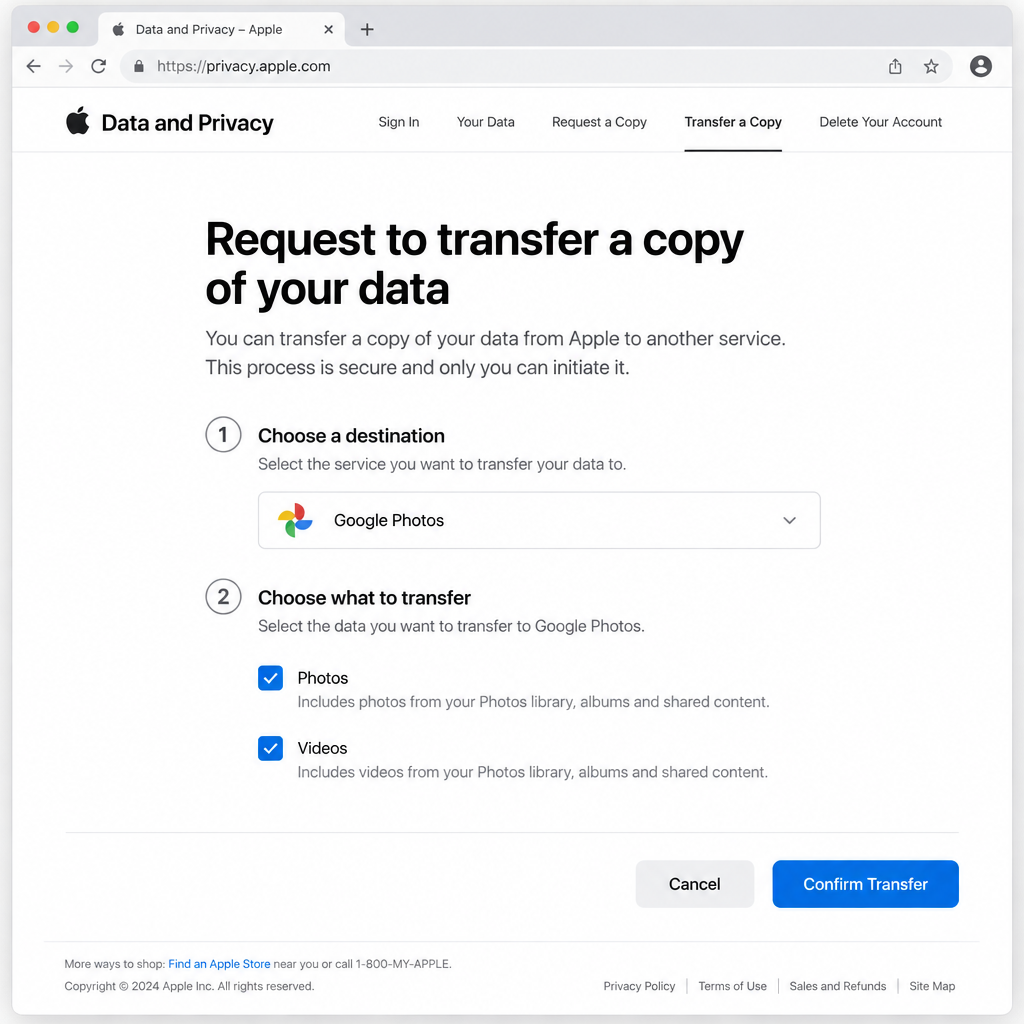
- Go to privacy.apple.com and sign in with the Apple Account that holds the photos you want to move.
- Find the section called “Transfer a copy of your data”.
- Click “Request to transfer a copy of your data”.
Note: When Apple launched the service in 2021, it only worked in Australia, Canada, the European Union, Iceland, Liechtenstein, New Zealand, Norway, Switzerland, the United Kingdom and the United States. Apple now offers it in more than 240 countries and regions, so most people will see the option.
- Choose Google Photos as the destination from the drop-down menu.
- Choose what you want to transfer. Tick both Photos and Videos to move everything, or tick only the one you want.
- Check how much storage the transfer needs and compare it with the free space in your Google account. If Google runs out of space, the transfer pauses.
- Sign in to your Google account and click Allow so Apple can add the selected content to Google Photos.
- Follow the on-screen instructions, check the details, then click “Confirm Transfer”. Apple then starts copying your iCloud photos and videos to Google Photos.
What happens after you confirm the transfer
The transfer only starts after you sign in to your Google account and give permission. Apple then emails you to say the request has started, and sends a second email when it is done. Apple says the whole process takes three to seven days, partly because it checks that the request really came from you.
You can cancel the request at any time before it finishes. If you cancel partway through, any photos and videos already copied stay in Google Photos. A stopped transfer doesn’t mean the operation did not complete successfully for those files. They are safe in Google, and you can request a new transfer for the rest.
The transfer is a one-time copy, not a sync. Photos you take after it finishes will keep going to iCloud Photos and won’t appear in Google Photos. If you want new photos in Google too, turn on backup in the Google Photos app on your iPhone.
FAQ
Does transferring iCloud Photos to Google Photos delete my photos from iCloud?
No. Apple sends a copy of your photos and videos to Google Photos and leaves your iCloud library as it is. If you want to free up iCloud space afterwards, check that everything arrived in Google Photos first, then delete from iCloud yourself.
How long does the transfer take?
Apple says the transfer takes between three and seven days. Very large libraries can take longer. You get an email when the transfer starts and another when it is done.
Why are some of my photos missing after the transfer?
Some content in iCloud Photos may not transfer, including Smart Albums, Live Photos and some RAW files. Photos that were never uploaded to iCloud Photos aren’t included either. If an album has more than 20,000 photos and videos, the extra items transfer but won’t show up in that album.
Do I need to pay for Google storage?
Only if your library is bigger than your free Google space. Every Google account gets 15 GB, which Gmail, Drive and Photos share. Larger libraries need a Google One plan, which starts at $1.99 a month for 100 GB in the US.
Will new iPhone photos keep syncing to Google Photos?
No. Apple’s tool makes a one-time copy. New photos keep going to iCloud Photos. To get them into Google as well, install the Google Photos app on your iPhone and turn on backup.
Can I move photos from Google Photos back to iCloud?
Yes. Apple and Google also offer a transfer in the other direction, from Google Photos to iCloud Photos. You start it from Google’s side. You’ll need enough iCloud storage for the copy.
Sources
- Apple Support: Transfer a copy of your iCloud Photos collection to another service
- Google Photos Help: Transfer iCloud photos and videos to Google Photos
- Apple Support: Transfer a copy of your photos and videos to iCloud Photos
- Google One plans