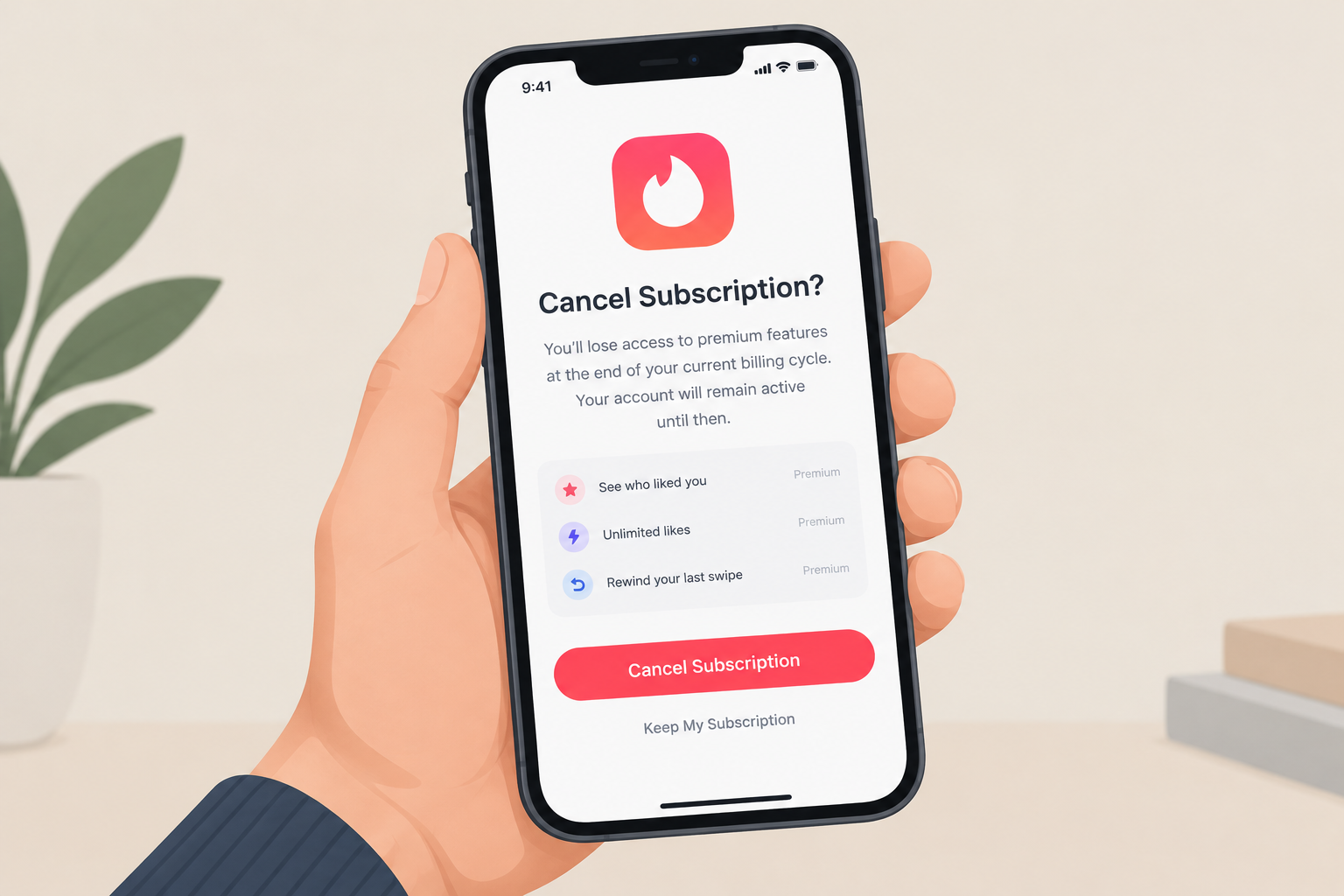
To cancel Tinder Plus, Gold or Platinum on an iPhone or iPad, open Settings, tap your name, tap Subscriptions, choose Tinder, then tap Cancel Subscription. You can also get to the same screen from the App Store by tapping your profile picture and then Subscriptions. Deleting the app or your Tinder account does not stop the charges. You keep your premium features until the end of the period you already paid for.
Tinder is a free dating app, and many people pay for one of its premium tiers: Tinder Plus, Tinder Gold or Tinder Platinum. These add features such as unlimited likes, Rewind and Passport, and the higher tiers also show you who already liked you.
Why so many people cancel Tinder Plus and Gold
Tinder’s paid plans are a big business. In its first-quarter 2026 results, Match Group (Tinder’s parent company) reported about 8.6 million Tinder payers, 5% fewer than a year earlier. In its third-quarter 2026 results, released on 2 November 2026, payers were down 4% year over year.
Many people sign up for a month to try the extra features and then find the cost hard to justify. Prices change with your country, your age and the plan length, so check the price in the app before you renew or sign up again.
If you want to stop paying for Tinder Plus, Gold or Platinum on an iPhone or iPad, the steps below work for all three tiers.
How to cancel a Tinder subscription on iOS
If you paid through the Tinder app on an iPhone or iPad, Apple bills you, so you have to cancel through your Apple Account, not inside Tinder. Removing or uninstalling the app does not cancel the subscription. According to Tinder’s help center, if your order number starts with MK, the purchase was made in the Tinder iOS app and Apple handles the billing.
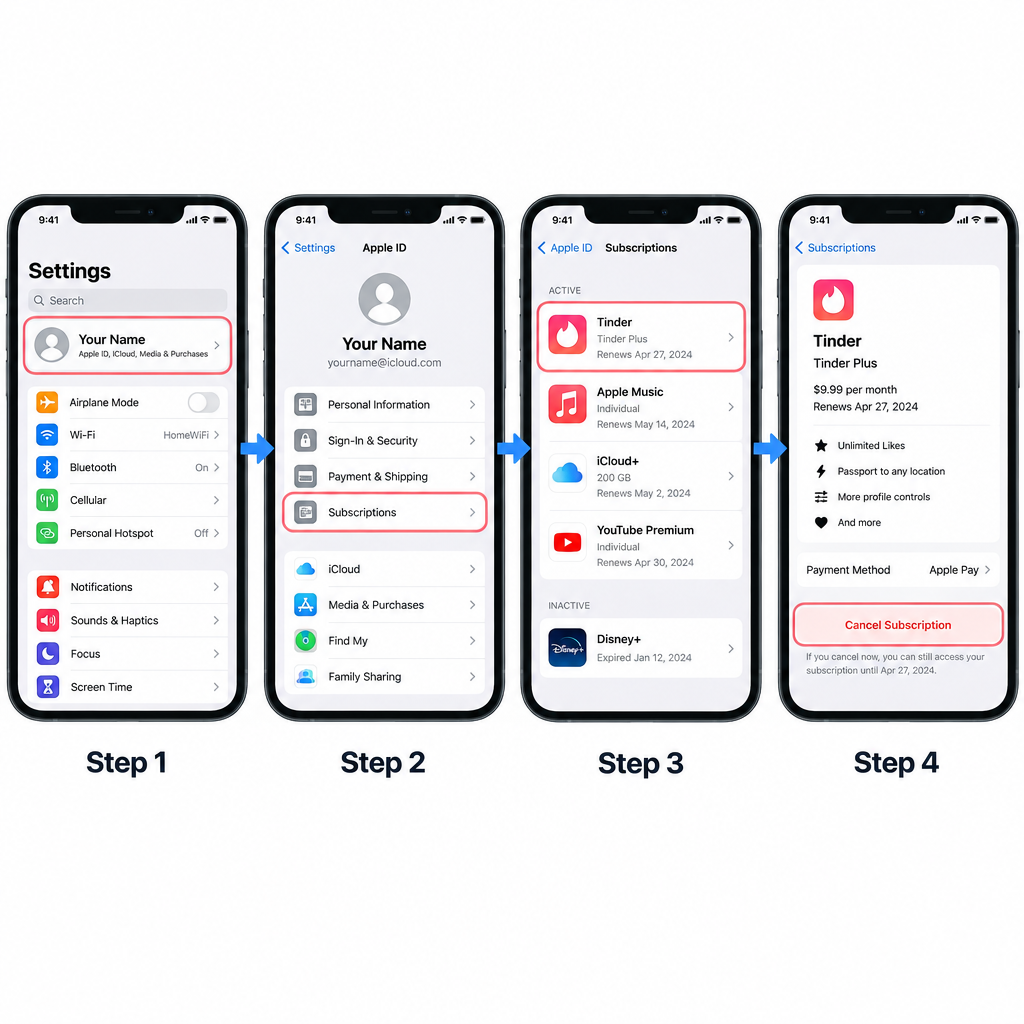
Option 1: From the Settings app
- Open Settings on your iPhone or iPad.
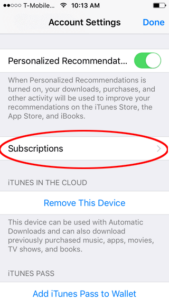
- Tap your name at the top.
- Tap Subscriptions.
- Tap Tinder.
- Tap Cancel Subscription. You may need to scroll down to see it, then confirm.
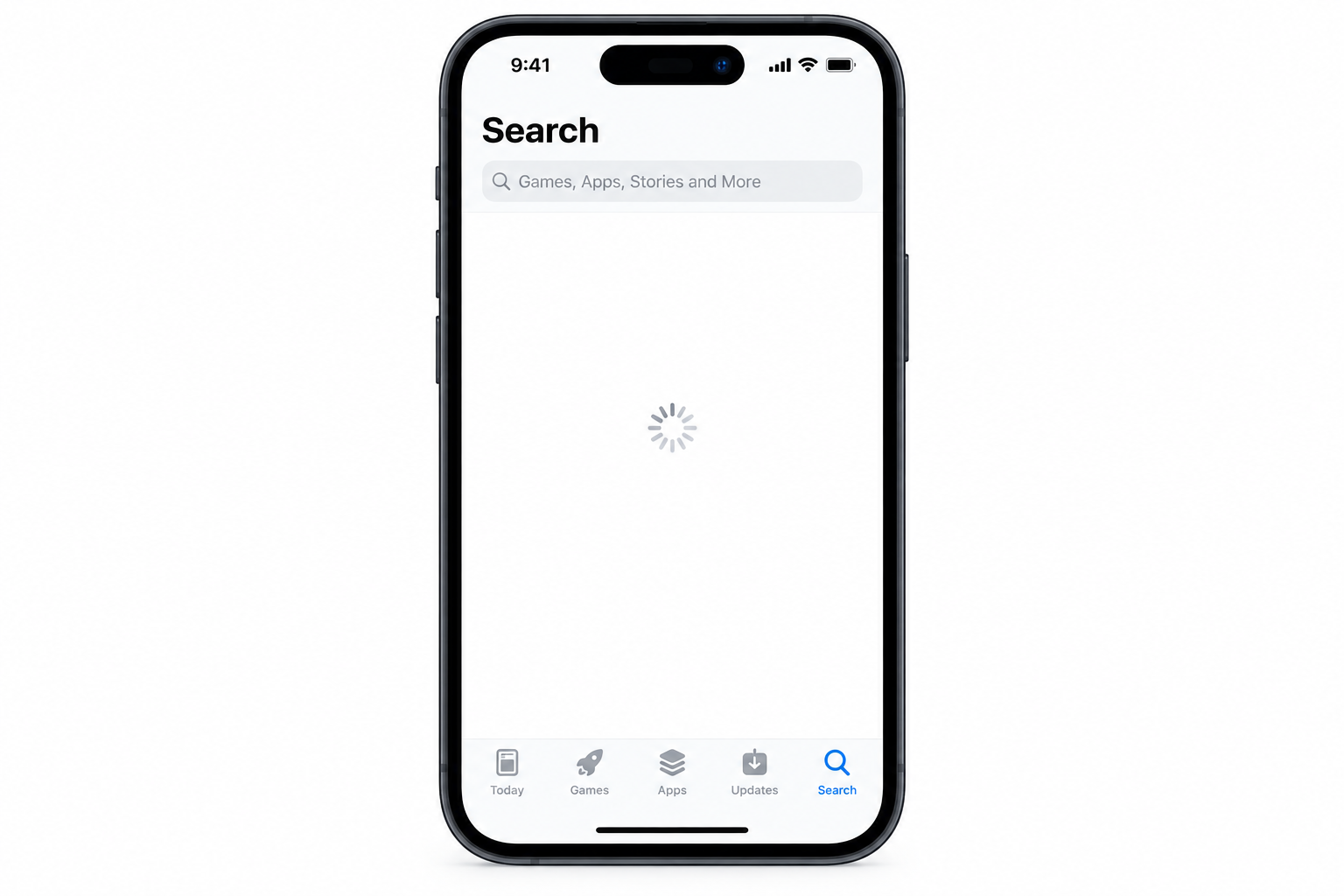
Option 2: From the App Store
- Open the App Store.
- Tap your profile picture or account icon in the top-right corner.
- Tap Subscriptions.
- Tap Tinder, then tap Cancel Subscription and confirm.
You must be signed in with the same Apple Account you used to buy the subscription. If Apple asks you to sign in, use that account’s details.
On the Tinder subscription screen, Apple also lists the other plans available, so you can switch to a cheaper tier instead of cancelling. If there is no Cancel button, or you see an expiry date in red text, the subscription has already been cancelled.
If Tinder isn’t in your Subscriptions list
- Wrong Apple Account: Look for the “receipt from Apple” email for Tinder to see which account paid. If a family member’s account appears on the receipt, that person has to cancel it, because you can’t cancel a family member’s subscription.
- Paid somewhere else: If you subscribed on the Tinder website, on Android through Google Play, or through your phone carrier, Apple doesn’t bill you. Your bank or card statement shows which company charges you, and you have to cancel with that company.
- No iPhone nearby: You can also manage Apple subscriptions by signing in at account.apple.com in a web browser.
What happens after you cancel
After you cancel Tinder Gold or Tinder Plus on your iOS device, you can still use the premium features until the end of the period you paid for. After that date the subscription does not renew and your account goes back to the free version of Tinder. Your matches and messages stay in place.
You can subscribe again at any time, from inside the Tinder app or from the Subscriptions screen in Settings.
Cancelling does not give you money back for the time you’ve already paid for. If you were charged by mistake, or charged after you thought you had cancelled, request a refund from Apple at reportaproblem.apple.com. Tinder can’t refund purchases that Apple billed.
FAQ
Does deleting the Tinder app cancel Tinder Plus or Gold?
No. Deleting the app or even your Tinder account does not stop the subscription, and Apple keeps billing your Apple Account. Cancel through Settings > your name > Subscriptions first, then delete the app if you want to.
Will I lose Tinder Plus right away if I cancel?
No, not for a paid subscription. You keep the premium features until the end of the current billing period, and then the plan stops renewing. A free trial is different: Apple’s rules let a cancelled trial end straight away, so it’s safer to cancel a trial close to its end date but more than 24 hours before it renews.
Why can’t I find Tinder in my iPhone subscriptions?
Most likely you paid with a different Apple Account, or you bought the plan outside the App Store, for example on the Tinder website or through Google Play. Check your Apple receipts or your bank statement to see who bills you. If it isn’t Apple, cancel with that company.
Can I get a refund for Tinder Plus bought on an iPhone?
Apple handles refunds for anything bought through the App Store, so ask at reportaproblem.apple.com. Apple decides each request case by case, and simply cancelling doesn’t refund the time you have left.
Can I downgrade from Tinder Gold to Tinder Plus instead of cancelling?
Yes. Open the Tinder subscription in Settings > your name > Subscriptions, and the screen lists the other plans you can switch to. Choose the cheaper option and confirm.
Sources
- Apple Support: If you want to cancel a subscription from Apple
- Tinder Help Center: Canceling a subscription
- Match Group first quarter 2026 results (SEC Form 8-K)