

Google Optimize has been gone since September 30, 2023, and Google never built a replacement. GA4 cannot run A/B tests by itself. Many of the “best alternatives” lists still ranking for this search were written before two of the three tools Google recommended merged into one company, so their prices and free plans are out of date. This guide, last checked November 19, 2026, ranks the tools that still exist, shows what each one costs now and explains how to remove old Optimize code without breaking your GA4 setup.
Key takeaways
- Google Optimize and Optimize 360 shut down on September 30, 2023, and GA4 never took over their testing features.
- VWO and AB Tasty now operate as one company, Wingify, and VWO’s free Starter plan has been retired.
- GrowthBook, which is open source, and PostHog, which gives you 1 million free flag requests a month, are the only free options that are free for good rather than trials.
- Sites with under roughly 25,000 monthly visitors to the tested page should usually skip classic A/B testing until traffic grows.
- Before you install any new tool, remove the old Optimize and anti-flicker snippets, because they still slow your pages down.
Fact-checked
We checked these key facts against the sources named, on November 19, 2026:
- You want to detect a 20% relative lift, from 3.0% to 3.6%, so d = 0.006 (source: evanmiller.org)
- Third-party tracker CostBench puts paid plans at roughly $299 to $599 a month (source: costbench.com)
- According to Wingify, the combined business has more than $100 million in annual recurring revenue and more than 4,000 customers (source: vwo.com)
- In May 2025, TechCrunch reported that Datadog had acquired Eppo, a feature-flagging and experimentation platform, for a reported $220 million (source: datadoghq.com)
- Both were among the three integrations Google named in its Optimize sunset notice, so their GA4 connections are the most established on this list (source: infotrust.com)
Quick answer: the best Google Optimize alternatives in 2026
There is no single best replacement for everyone. Your pick depends on budget, platform and who will build the tests:
- Free, or you have a developer: GrowthBook (open source, can be self-hosted) or PostHog (free up to 1 million feature-flag requests a month).
- WordPress site: Thrive Optimize for landing page split tests.
- Shopify store: Shoplift, or Shopify’s built-in Rollouts if you only want to test themes.
- Small business that wants testing plus heatmaps: Crazy Egg.
- Mid-market marketing team: Convert, or VWO/AB Tasty, which now sit under Wingify.
- Enterprise: Optimizely or Adobe Target.
The ranking below scores each tool on five criteria. Cost and the existence of a genuine free option carry the most weight, because the typical Optimize user paid nothing. Next come ease of use for non-developers, the range of test types, how well results connect to GA4, and how stable the vendor is after the 2025 and 2026 acquisitions. Scores come from published documentation, vendor pricing pages and third-party pricing trackers. Where a vendor publishes no price, the table says the figure is an estimate.
Google Optimize alternatives compared (checked November 2026)
| # | Tool | Best for | Free option? | Starting price (source type) | Test types | GA4 integration | Ownership / 2026 note |
|---|---|---|---|---|---|---|---|
| 1 | GrowthBook | Free replacement, dev-friendly teams | Yes: open source, plus a free cloud Starter tier for up to 3 users | Pro $40 per seat/month (official) | A/B, visual editor, feature flags, server-side | Reads GA4 data via BigQuery export | Independent, open source |
| 2 | PostHog | Product and app teams | Yes: 1M flag requests/month | Usage-based after free tier (official) | A/B, multivariate, server-side, feature flags | Own analytics built in | Independent |
| 3 | Convert | Agencies and mid-size marketing teams | Trial only | About $299 to $599/month (third-party) | A/B, multivariate, split URL | Yes | Independent |
| 4 | VWO | Mid-market all-in-one testing | Free Starter retired; 30-day trial only | Growth about $665/month annual at 100K MTU (third-party estimate) | A/B, multivariate, split URL, server-side | Yes (Google-announced partner) | Part of Wingify since 2026 |
| 5 | AB Tasty | Personalization-heavy marketing | No | Quote only | A/B, multivariate, split URL, personalization | Yes (Google-announced partner) | Part of Wingify since 2026 |
| 6 | Crazy Egg | Small businesses wanting heatmaps plus tests | Trial only | $29/month, billed annually (third-party) | A/B, heatmaps, recordings | Own reports | Independent |
| 7 | Optimizely | Enterprise programs | No | About $36,000 a year and up (third-party estimate) | A/B, multivariate, server-side, bandits, feature flags | Yes (Google-announced partner) | Independent |
| 8 | Thrive Optimize | WordPress landing pages | No | About $199/year (third-party snapshot of vendor page) | Split tests of WordPress pages | Own reports in WordPress | Part of Thrive Themes |
| 9 | Shoplift | Shopify stores | Trial only | About $74 to $99/month (Shopify App Store, third-party) | Theme, template and URL tests | Shopify analytics | Independent |
| 10 | Kameleoon | Mid-market and enterprise, regulated industries | 30-day trial (reported) | Mostly quote-based | A/B, server-side, feature flags, personalization | Yes | Independent |
Matomo, Omniconvert, Adobe Target, Sitecore Personalize, OptinMonster, FunnelKit, Shopify Rollouts and OptiMonk are covered in the sections below. They suit narrower situations.
Is Google Optimize still available? What happened and what replaced it
No. Google’s Analytics Help Center confirms that Google Optimize and Optimize 360 were sunset on September 30, 2023, and every active experiment and personalization stopped on that date. Paying Optimize 360 customers lost access on the same day as free users.
Google has not launched a replacement since then. In its sunset announcement, Google said it was building GA4 integrations with three third-party testing vendors: AB Tasty, Optimizely and VWO. Google’s position was that dedicated vendors would handle testing and GA4 would handle measurement.
What Optimize used to do
Optimize was free, it plugged into Google Analytics, and it was simple enough for marketers to use without a developer. In one tool it covered:
- A/B tests: two or more versions of a page element, built in a visual editor.
- Multivariate tests: several elements changed at once, with up to 16 combinations according to Shopify’s explainer on the tool.
- Redirect tests: traffic split between two separate URLs, now usually called split URL tests.
- Personalization: a fixed version of a page shown to a chosen audience, such as visitors from a specific campaign.
Most small businesses that relied on Optimize used it because it was free and connected to Google Analytics automatically. That combination is what makes replacing it hard. Very few tools today are both free for good and simple enough for non-developers.
Does GA4 have A/B testing?
No. GA4 has no experiment builder, no visual editor and no way to split traffic. Several competing articles say Optimize’s features “transferred over” to GA4, and that is wrong. What GA4 can do is receive experiment data from a testing tool. Your testing tool assigns visitors to variants and sends an event or user property to GA4, and you then compare conversions by variant in GA4’s Explorations or through the BigQuery export.
So when people ask what replaced Optimize, the honest answer is a third-party testing tool connected to GA4. Nothing inside Google does the job.
What changed in 2025 and 2026 (and why older lists are wrong)
Since 2025 the testing market has been consolidating fast. Most lists that rank for this keyword still treat these companies as independent, which makes their pricing and recommendations unreliable.
Did you know?
Two of the three testing tools Google pointed Optimize users to, VWO and AB Tasty, are now one company. According to Wingify’s own announcement, the two agreed to combine on January 20, 2026.
VWO + AB Tasty = Wingify
On January 20, 2026, VWO and AB Tasty announced they would combine, backed by the investment firm Everstone Capital. According to Wingify, the combined business has more than $100 million in annual recurring revenue and more than 4,000 customers. VWO co-founder Sparsh Gupta is CEO. Industry coverage on ProductExperimentation.com reports that the company now runs under the Wingify brand with a single platform.
For you, this means that comparing VWO with AB Tasty is no longer a choice between rival vendors. If you are on either product, expect product roadmaps, plan names and contract terms to converge. Ask your account manager in writing which product your contract renews into, and check whether the current price is locked for the renewal term.
Is VWO still free?
No. VWO’s free Starter plan, which covered up to 50,000 monthly tracked users, has been retired, and VWO’s own blog now says the Starter Plan has been sunset. New accounts get a 30-day free trial instead.
If you were on VWO’s free Starter plan, you have two practical routes. Upgrade if VWO’s paid tiers fit your budget. Otherwise, move to GrowthBook or PostHog, which are covered in the next section.
If you used VWO Starter
Log in and export your test results and screenshots of your winning variants while you still can, because historical reports may not come with you to a new tool.
Statsig and Eppo acquisitions
Two developer-focused experimentation platforms were bought by larger companies in 2025:
- Statsig: On September 2, 2025, OpenAI agreed to acquire Statsig in an all-stock deal valued at about $1.1 billion, as reported by PYMNTS. Statsig founder Vijaye Raji became OpenAI’s CTO of Applications.
- Eppo: In May 2025, TechCrunch reported that Datadog had acquired Eppo, a feature-flagging and experimentation platform, for a reported $220 million. The product continues as “Eppo by Datadog”. Datadog is the monitoring company that often appears on Splunk alternatives shortlists, so Eppo is now part of a much larger observability suite.
Who owns what now: 2025 and 2026 testing-tool deals
| Tool | New owner / partner | Date | Deal value | What it means for users |
|---|---|---|---|---|
| VWO | Combined with AB Tasty as Wingify (Everstone Capital-backed) | Announced Jan 20, 2026 | Not disclosed | Plans and contracts likely to merge; free Starter retired |
| AB Tasty | Combined with VWO as Wingify | Announced Jan 20, 2026 | Not disclosed | Expect a single platform; confirm your renewal terms |
| Statsig | OpenAI | Announced Sept 2, 2025 | About $1.1B (all stock) | Roadmap now tied to a large AI company; watch for product changes |
| Eppo | Datadog | May 2025 | Reported $220M | Continues as Eppo by Datadog; likely bundled with Datadog products |
The general lesson is lock-in. Experiments are easy to rebuild. The things that are hard to move are your event tracking, your historical results and the habits your team has built around one tool. Keep raw experiment data in GA4 or a warehouse you control, and an acquisition becomes much less of a problem.
Free Google Optimize alternatives that are actually free
Only two serious tools are free with no time limit and still let you run real experiments: GrowthBook and PostHog. Matomo comes close if you already self-host it, but its official A/B testing module is paid. Nearly everything else marketed as free is a 14- or 30-day trial.
What’s really free in 2026
| Tool | Free limit | Hosting | Skill needed | Catch |
|---|---|---|---|---|
| GrowthBook (self-hosted) | Unlimited, open source | Your server | Developer to install and maintain | You run updates, backups and security |
| GrowthBook Cloud Starter | Up to 3 users, unlimited flags, experiments and traffic (official) | GrowthBook’s cloud | Moderate | Needs a data source such as a warehouse to analyse results |
| PostHog | 1M feature-flag requests per month | PostHog cloud (self-hosting available) | Moderate to developer | Backend local evaluation counts 10 times per request |
| Matomo (On-Premise) | Analytics core is free | Your server | Developer | Official A/B testing plugin is a paid annual subscription |
| Matomo Simple A/B Testing (community plugin) | Free | Your Matomo install | Developer | Third-party plugin with limited features |
| Most commercial tools | 14- to 30-day trials | Vendor cloud | Low | Billing starts when the trial ends |
GrowthBook: best overall free replacement (our top pick)
GrowthBook is the closest thing to a free, long-term replacement for Optimize, and it is the top pick in this guide. Its core platform is open source. You can self-host it at no cost, or use GrowthBook’s free cloud Starter tier. According to GrowthBook’s pricing page, Starter covers up to 3 users with unlimited feature flags, experiments and monthly tracked users. Pro costs $40 per seat per month for up to 50 users, and Enterprise is priced by quote.
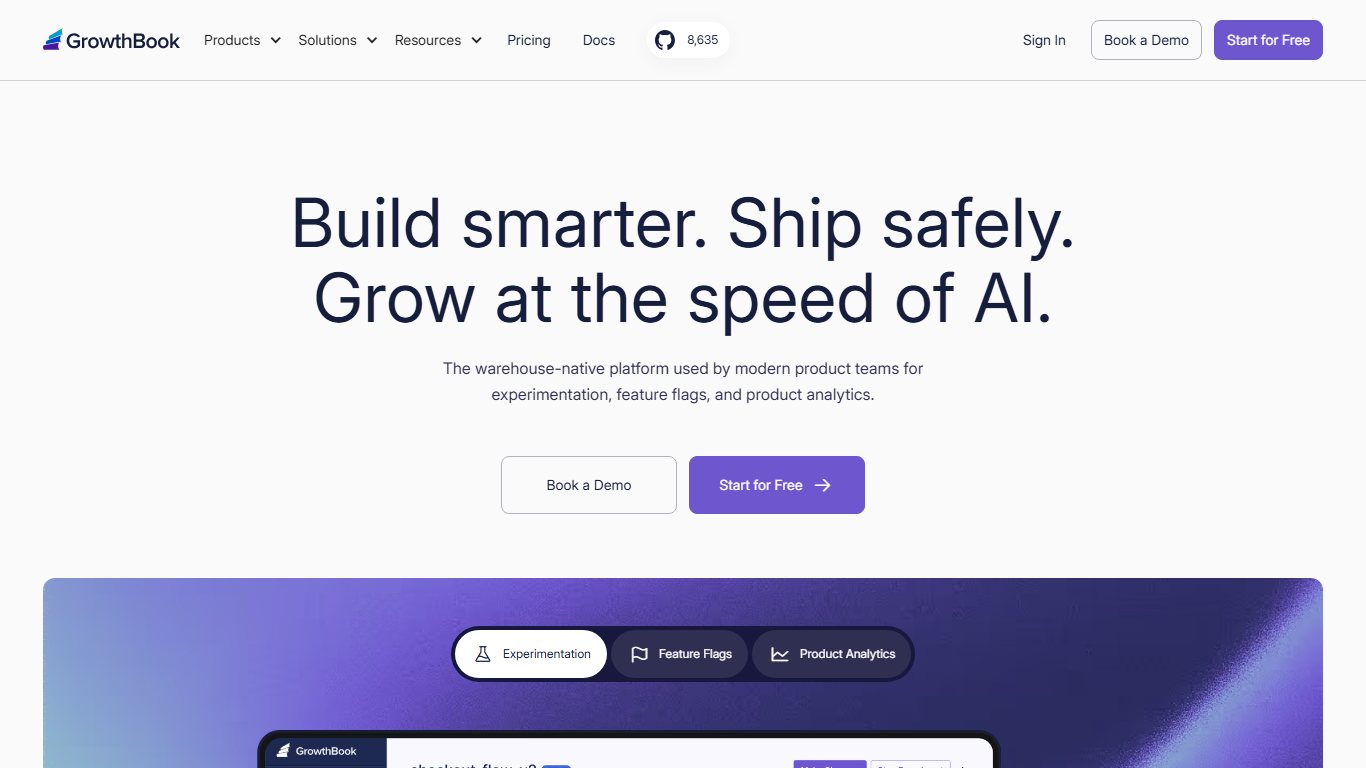
How it works: GrowthBook does not try to replace your analytics. It assigns visitors to variants, either through its SDKs or its visual editor for front-end changes, and then reads conversion data from a data source you already have. For a former Optimize user, the usual route is GA4’s free BigQuery export. Your experiment results are calculated on the same events you already trust.
Worked example. A small SaaS company with 4 marketers wants to test a new pricing page headline. On GrowthBook Cloud, 3 of them fit on the free Starter tier. Adding the 4th means moving to Pro, and Pro is billed per seat, so 4 seats cost $160 a month. If only 3 people need logins, the cost stays at $0, and traffic volume never changes the bill. That is the main difference from MTU-based tools like VWO.
The trade-off: someone has to set up the data connection and understand basic SQL or event naming. If nobody on your team can do that, a paid visual tool will cost less than the hours spent fighting setup.
PostHog: best free option for product and app teams
PostHog Experiments has no separate fee. According to PostHog’s experiments pricing page, experiments are billed through feature-flag requests, the first 1 million requests each month are free, and there are no per-seat charges. PostHog also includes product analytics, session replay and surveys, so a small team can run tests and watch recordings of the losing variant in the same place.
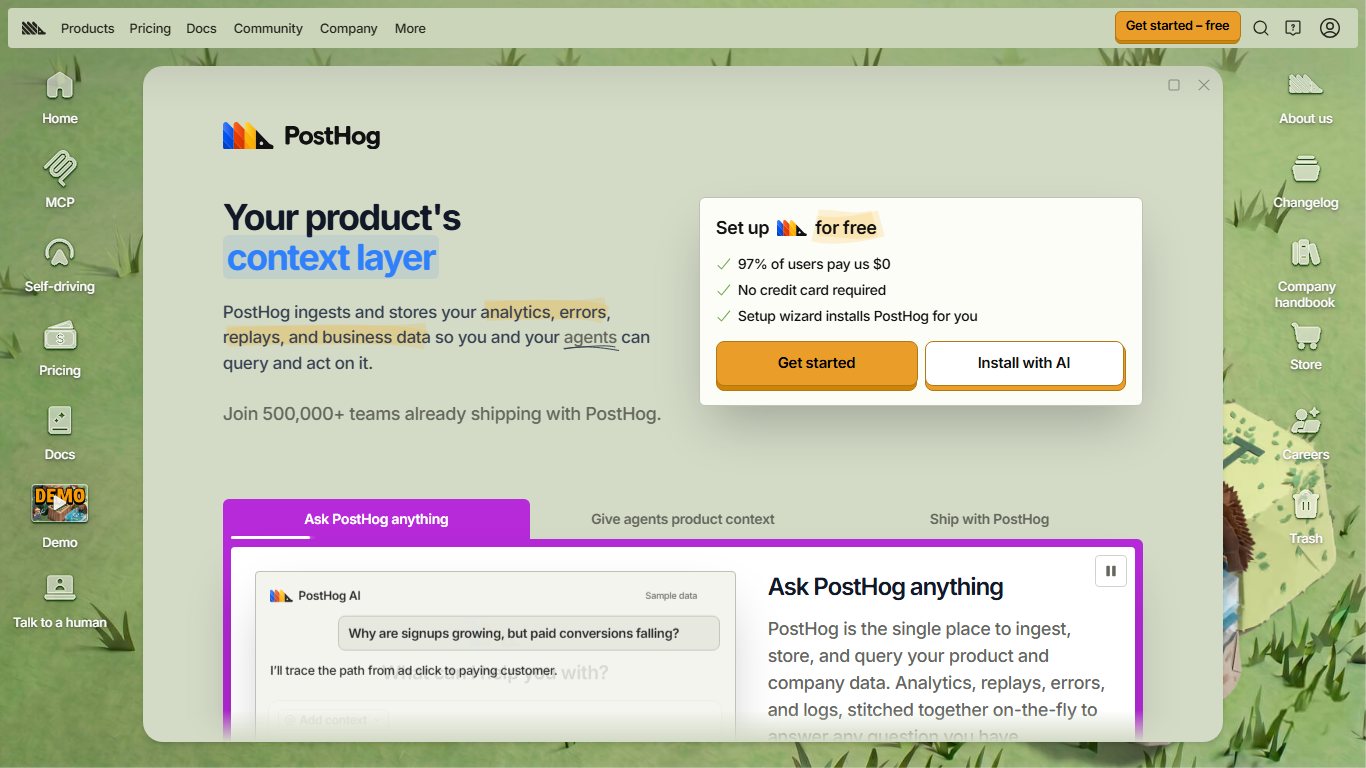
The catch is in how requests are counted. PostHog’s billing docs explain that each local-evaluation request counts as 10 feature-flag requests. A server that polls for flag definitions every 30 seconds makes 2 polls a minute, or 86,400 a month. Multiplied by 10, that is about 864,000 requests a month, most of your free allowance used before a single visitor has seen a test.
Did you know?
According to PostHog’s billing documentation, one server checking feature flags every 30 seconds uses about 864,000 of your 1 million free monthly requests, because each local evaluation counts as 10 requests.
Keep PostHog free
Use client-side flag evaluation for website tests and avoid backend local evaluation unless you really need it. Also set a billing limit in PostHog so a traffic spike cannot run up a bill.
Matomo: free analytics, paid testing
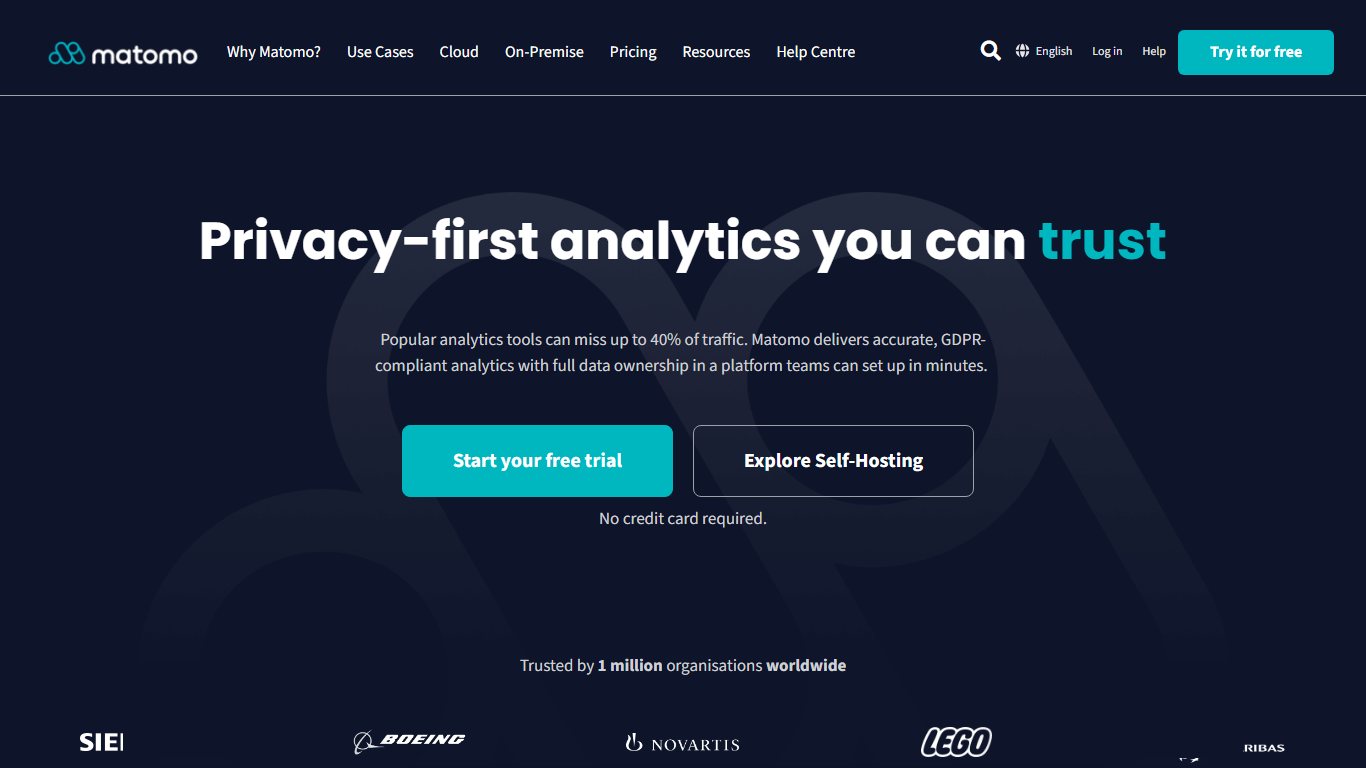
Matomo is the privacy-focused analytics platform many European sites use instead of Google Analytics. Its On-Premise core is free and open source. According to Matomo’s own FAQ, though, A/B testing is a premium feature. It comes included in Matomo Cloud, but self-hosted users have to buy the A/B Testing plugin from the Matomo Marketplace as an annual subscription. A free community plugin, Matomo Simple A/B Testing, also exists, and its author describes it as an alternative to Google Optimize. It is basic, though, and depends on one maintainer.
Matomo vs Optimizely
Many people compare these two, but they solve different problems. Matomo is an analytics suite that can run tests. Optimizely is an experimentation platform that needs analytics alongside it.
| Matomo | Optimizely | |
|---|---|---|
| Main job | Web analytics with an A/B testing add-on | Enterprise experimentation and feature flags |
| Hosting | Your server or Matomo Cloud | Optimizely cloud |
| Cost | Core free; A/B testing paid | About $36,000 a year and up (estimate) |
| Server-side testing | Limited | Yes, via Feature Experimentation |
| Best for | Privacy-first sites wanting one tool | Large teams running many tests at once |
Choose Matomo if data ownership and GDPR come first and you run a few tests a quarter. Optimizely only makes sense once testing is a full-time program with a dedicated team.
Free trials vs free forever
Many small businesses felt left in the lurch after Optimize shut down, because nothing replaced it on the same terms: free, visual and connected to Google. Tools like Convert, Crazy Egg, Kameleoon and Shoplift offer trials that end after a few weeks. Treat a trial as a demo, not a plan. If your budget is truly zero, GrowthBook or PostHog are the only realistic long-term options.
Best alternatives for small businesses and marketers
If you want a visual editor, vendor support and no servers to manage, budget roughly $30 to $700 a month. The four tools below cover that range.
Crazy Egg
Crazy Egg suits small businesses that want heatmaps, scroll maps, session recordings and basic A/B testing in one subscription. Third-party pricing tracker CostBench lists the plans at Starter $29, Plus $99, Pro $249 and Enterprise $599 a month. UXtweak’s January 2026 review notes that the plans are billed annually, so the $29 tier is really a $348 upfront commitment.
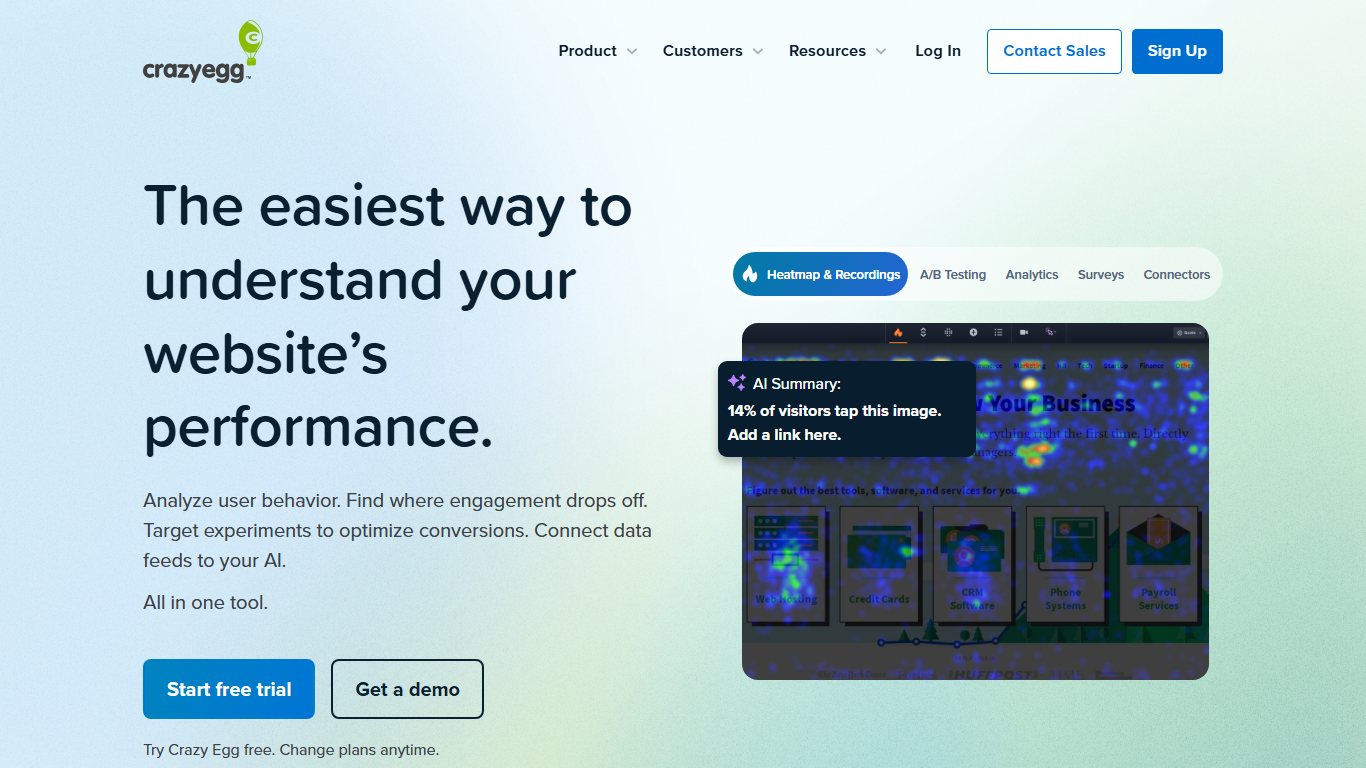
Its strength is context. You can see where visitors click on version A, then test version B, without connecting two separate tools. Its A/B testing is lighter than Convert’s or VWO’s, so if you plan multivariate or server-side tests you will outgrow it.
Convert
Convert is the main option for agencies and marketing teams who find Optimizely too expensive and too complex. Third-party tracker CostBench puts paid plans at roughly $299 to $599 a month. Growth costs about $399, and Pro costs about $599 billed monthly or about $420 a month billed annually. Enterprise is quoted separately.
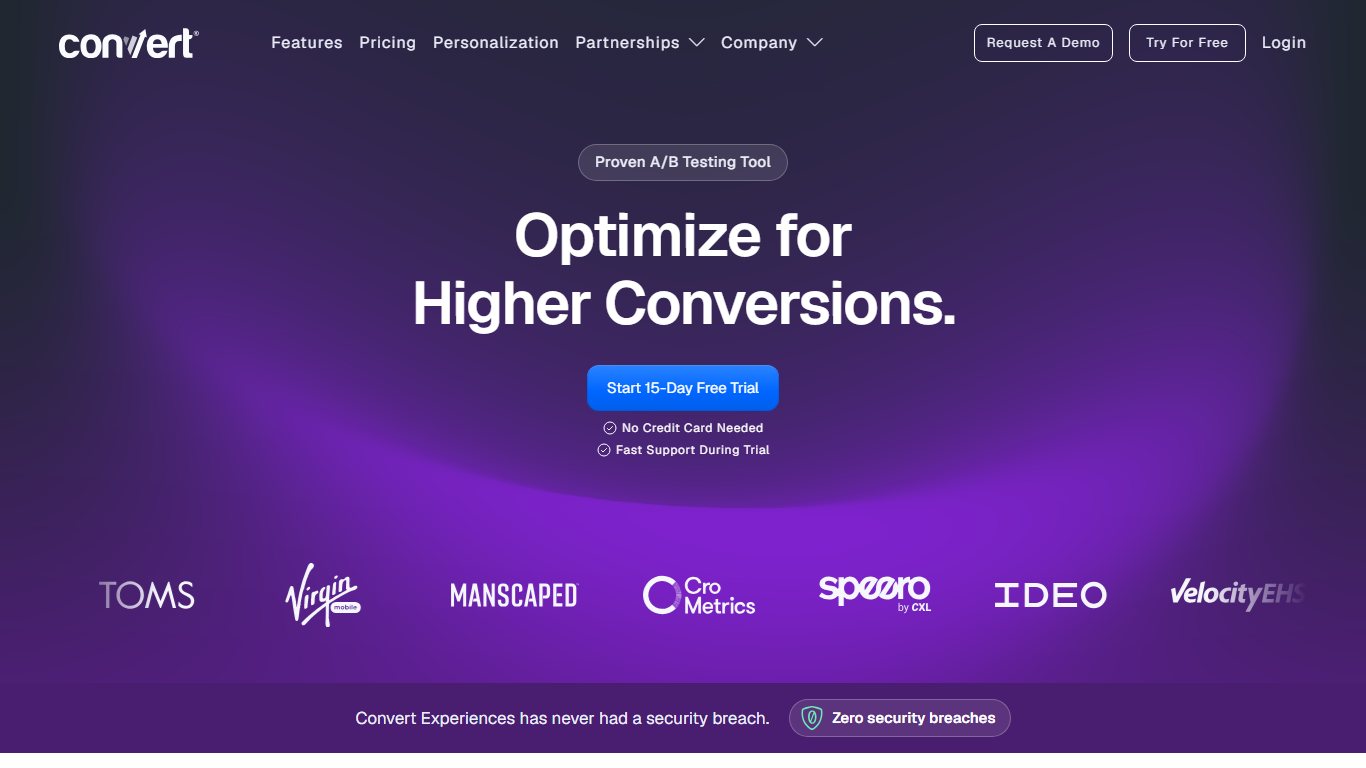
Convert covers A/B, multivariate and split URL tests, connects to GA4, and publishes its own guides for testing Shopify themes. Its pricing is closer to flat-rate than MTU-based plans, which helps if your traffic is seasonal.
VWO and AB Tasty (Wingify)
VWO is the broadest all-in-one platform in the mid-market. It covers testing, heatmaps, session recordings, surveys and server-side experiments. VWO does not publish list prices. Pricing analysis from Mida estimates VWO Growth at about $665 a month billed annually (about $798 billed monthly) at 100,000 monthly tracked users.
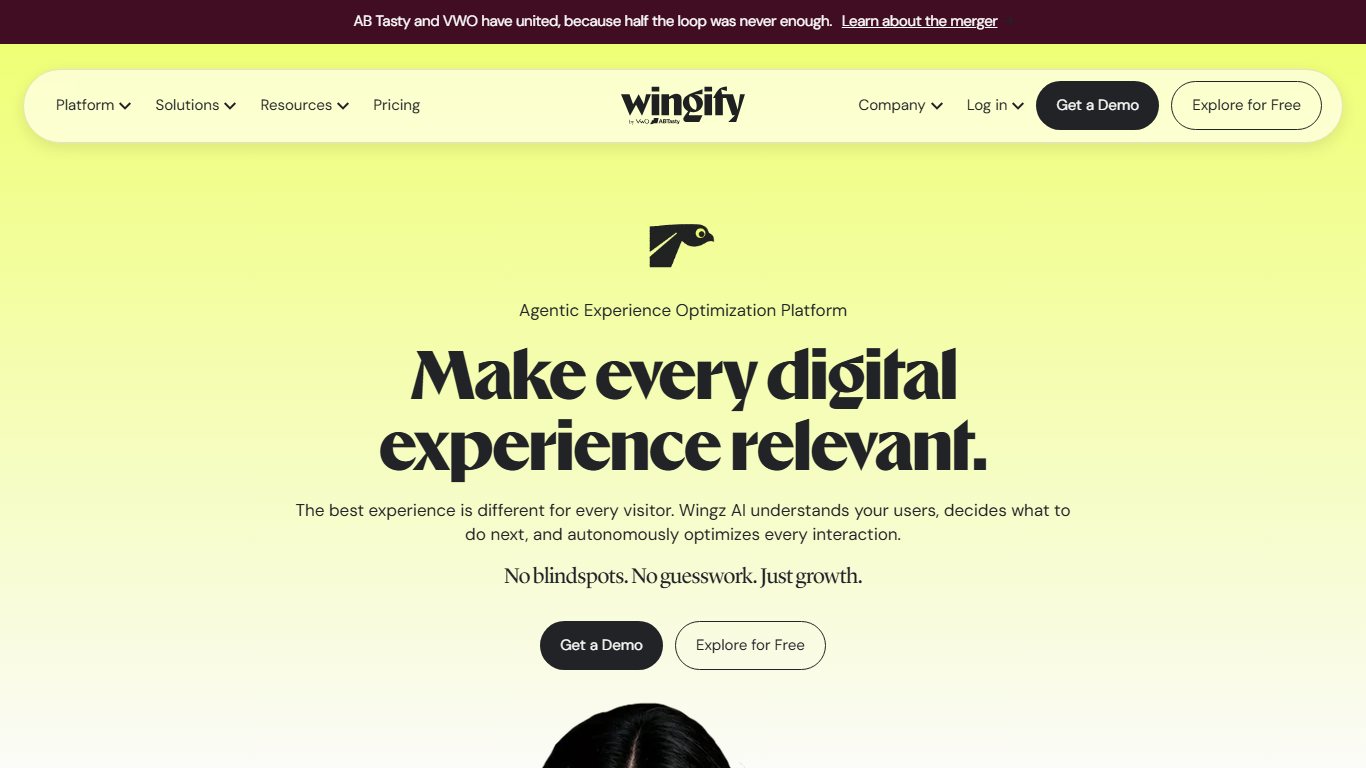
AB Tasty has always leaned toward personalization and AI-driven audience targeting, and it sells through quotes. Since the January 2026 merger, both products belong to Wingify. Both were among the three integrations Google named in its Optimize sunset notice, so their GA4 connections are the most established on this list. If you sign up now, ask how the merger affects your plan over a multi-year contract.
Omniconvert
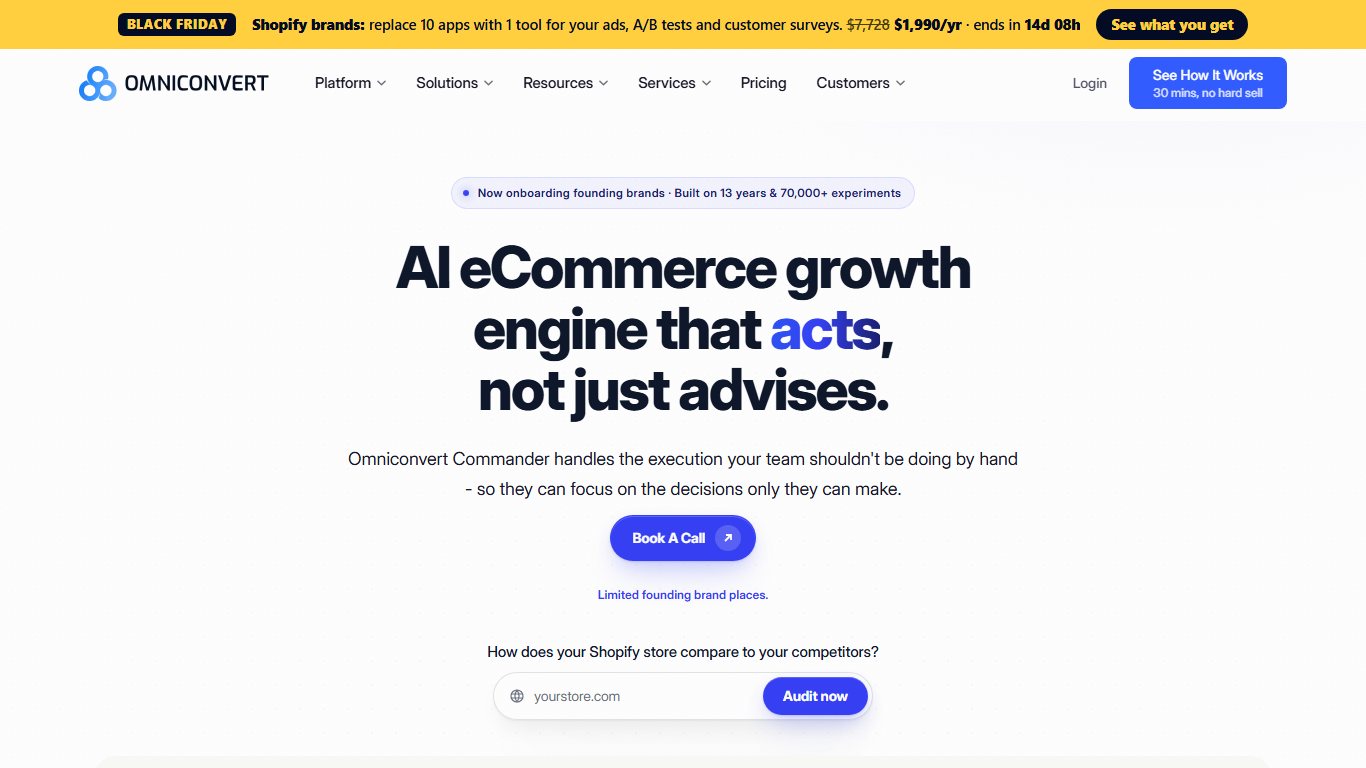
Omniconvert Explore is built for ecommerce. It combines A/B testing with surveys and segmentation by customer behaviour. Prices vary by source and by how many tested views you buy. TrustRadius lists $245 a month for 100,000 views and $1,293 a month for 700,000, and other directories show entry plans between about $245 and $390 a month. Omniconvert bills by tested views or sessions rather than MTU, so ask for a quote based on your real traffic.
Best options for WordPress sites
On WordPress you can usually skip a general-purpose testing script. A plugin that tests pages inside WordPress is simpler, avoids most flicker, and costs less.
| Plugin | What you can test | Best for | Price note |
|---|---|---|---|
| Thrive Optimize | Full landing pages and page variations built with Thrive Architect | Marketers and course sellers | About $199/year standalone, with bundles costing more (snapshot of vendor page, 2026) |
| OptinMonster | Popups, slide-ins, floating bars and their offers | Email list growth | Paid plans, billed annually |
| FunnelKit | WooCommerce checkout pages, order bumps, upsells and funnel steps | WooCommerce stores | Paid Pro plans |
| UserFeedback | No testing; on-site surveys | Learning why a variant lost | Free and paid versions |
Thrive Optimize comes from Thrive Themes and is the best pick for testing whole landing pages without code. You duplicate a page, change the headline or layout in the Thrive Architect editor, set a traffic split and a goal such as a form submission, and the plugin can automatically send all traffic to the winner. Because the variants are served by WordPress itself rather than swapped in by JavaScript afterwards, visitors don’t see the original page flash before the variant loads.
OptinMonster tests lead-capture campaigns rather than pages. FunnelKit is the right choice when the page you want to test is a WooCommerce checkout or post-purchase upsell. Pair any of them with a survey plugin like UserFeedback to find out why a variant won.
The limitation is that these plugins only test what they build. To test a theme template, a menu or a page made with another builder, you need a site-wide tool such as GrowthBook or Convert.
Best options for Shopify stores
Shopify store owners have two good routes: Shopify’s own Rollouts feature for theme tests, or a dedicated app such as Shoplift for anything more detailed.
Shopify Rollouts is built into the Shopify admin and was introduced with Shopify’s Winter ’26 Edition. It lets you publish a theme change to part of your traffic and compare conversion. Coverage from Shopify agencies says it handles visual tests such as layout, hero sections and navigation well. Its metrics cannot be customised, and it cannot test prices or shipping rates. Rollouts and experiment access depend on your Shopify plan, so check under your plan settings before you count on it.
Shoplift is the specialist for testing Shopify themes, templates and URLs, and it was the first A/B testing app with Shopify Plus Certification. Its Shopify App Store listing shows plans from $99 a month with a free trial. Software directories list an older $74 Core plan. Because Shoplift works with Shopify’s own theme and template system rather than rewriting the page in the visitor’s browser, it avoids the flicker problem that people asking for cheap Shopify testing usually worry about.
OptiMonk tests popups, sticky bars and on-site messages, much as OptinMonster does on WordPress. Use it to test offers and lead capture, not product page layouts.
Choose a general tool such as Convert or Kameleoon over a Shopify app if you also run a non-Shopify site, such as a blog or a separate landing page domain, and want one tool for all of it. Both publish setup guides for Shopify.
Enterprise platforms: Optimizely, Adobe Target, Kameleoon, Sitecore
Enterprise platforms are worth the cost only when you run many experiments at once, need server-side testing or feature flags across web and apps, and have staff dedicated to experimentation. A team that runs one homepage test a quarter does not need any of them.
Optimizely
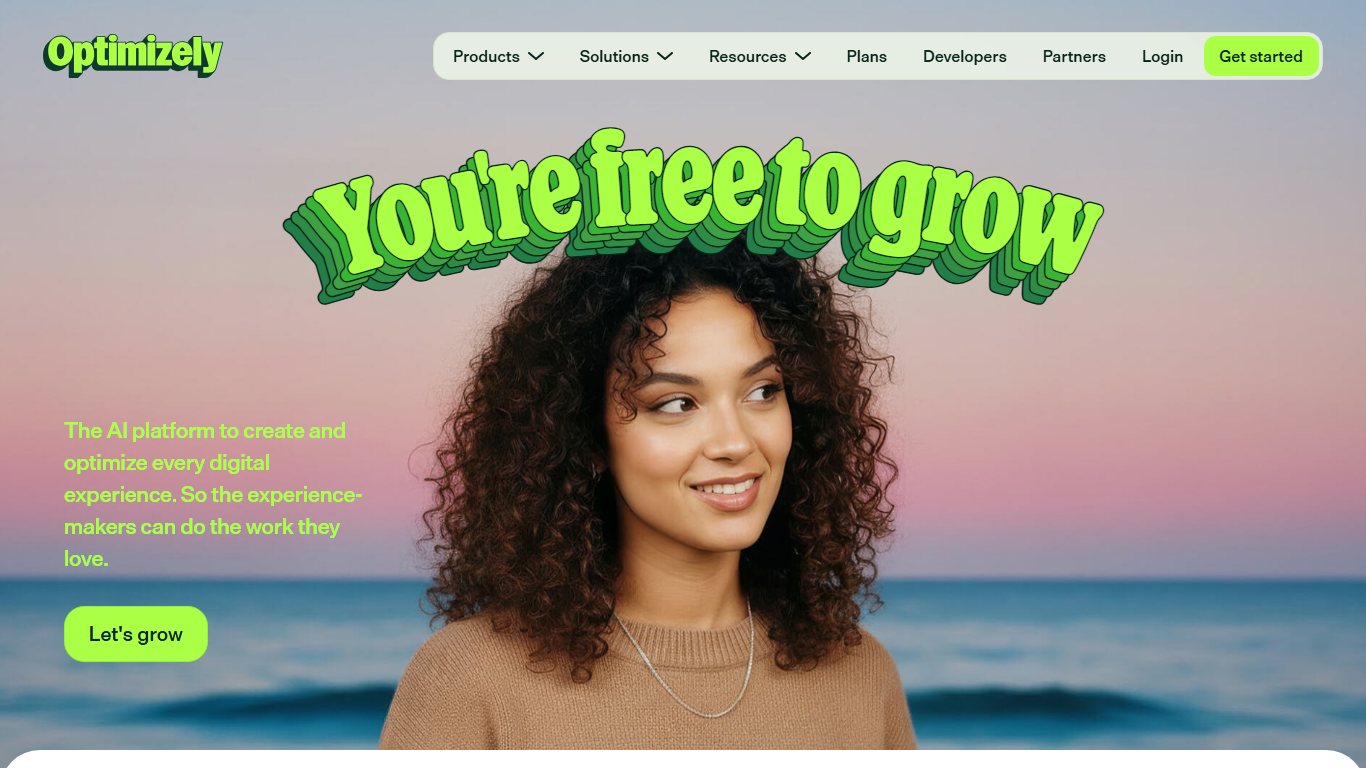
Optimizely publishes no prices. Pricing analysis from ConversionWax estimates that Web Experimentation starts around $36,000 to $40,000 a year on annual contracts, and Vendr purchasing data puts the median Optimizely contract at about $78,000 to $81,000 a year. For that you get a mature visual editor, stats designed to stop people from calling winners too early, multi-armed bandit tests, and a separate Feature Experimentation product for server-side tests.
Did you know?
Optimizely does not publish a list price. According to Vendr purchasing data cited by ConversionWax, the median Optimizely contract runs about $78,000 to $81,000 a year.
Lightweight teams often say Optimizely is overkill and far too expensive for them. That reaction is usually right. A five-person marketing team gets 80% of the value from Convert or VWO at less than a fifth of the cost.
Adobe Target
Adobe Target is the testing and personalization tool in Adobe Experience Cloud. Adobe sells it through custom quotes. It makes sense when your company already uses Adobe Analytics and Adobe Experience Manager, because audiences and data are shared across them. Outside the Adobe ecosystem it is hard to justify.

Kameleoon
Kameleoon covers web and feature experimentation in one platform and is popular in regulated industries such as banking and healthcare. Pricing is mostly by quote. OMR lists a 30-day free trial, and some trackers describe its pricing as flat-rate rather than MTU-based. Ask for both models when you request a quote.
Sitecore Personalize
Sitecore Personalize is the testing and personalization module of Sitecore’s composable digital experience platform. It is a sensible add-on if your site already runs on Sitecore, and rarely worth buying on its own.
How to choose: 6 questions to ask before you pay
Start with your traffic and your platform. Those two answers rule out most of the list before price even comes up.
- Do you have enough traffic to detect a winner? See the worked example below.
- What platform is your site on? WordPress and Shopify have native-style options that are cheaper and faster.
- Client-side or server-side? Client-side tools change the page in the browser and suit marketers. Server-side tools change it before it is sent and suit developers, apps and pricing logic.
- Do you need GA4 integration? If GA4 is your source of truth, choose a tool that sends experiment data to it or reads from its BigQuery export.
- How much flicker and slowdown can you accept? Client-side scripts can briefly show the original page before the variant appears, which is called flicker. Anti-flicker snippets hide the page until the script loads, which delays everything. Server-side tools and platform-native tools like Shoplift and Thrive Optimize avoid both problems.
- How is it priced? Find out whether it is billed per monthly tracked user, per tested view, per seat or as a flat fee.
Test types explained simply
| Test type | What it does | Good first use |
|---|---|---|
| A/B | Splits visitors between two or more versions of one element | Headline, button text, hero image |
| Multivariate | Tests combinations of several elements at once | High-traffic pages only |
| Split URL | Sends visitors to entirely different page URLs | A full landing page redesign |
| Server-side | Variant is chosen on the server before the page is sent | Pricing, search, checkout logic |
| Multi-armed bandit | Shifts traffic toward the leading variant during the test | Short promotions where speed beats certainty |
Do you have enough traffic to A/B test?
Probably less than you think. With a standard 95% confidence level and 80% statistical power, a common rule of thumb is that each variant needs about 16 × p × (1 − p) ÷ d² visitors. Here p is your current conversion rate and d is the absolute change you want to detect.
Worked example. Your landing page converts at 3%. You want to detect a 20% relative lift, from 3.0% to 3.6%, so d = 0.006. That gives 16 × 0.03 × 0.97 ÷ 0.000036, or roughly 12,900 visitors per variant, about 26,000 in total. At 1,000 visitors a week, the test takes about six months. To detect a smaller 10% lift, you would need about 52,000 visitors per variant.
If your traffic is below that, don’t pay for a testing platform yet. Make bolder changes instead of tweaking button colours. Watch session recordings in Crazy Egg, PostHog or the free Microsoft Clarity. Run five-second tests or customer interviews. Then launch the clear improvements directly and compare before-and-after periods in GA4.
MTU pricing explained
MTU means monthly tracked users: the number of unique visitors the testing script sees in a month, usually whether or not they enter a test. VWO’s estimated Growth price of about $665 a month assumes 100,000 MTU. A Black Friday sale or a viral post can push you past that limit, and some vendors then move you up a tier automatically.
Ask about overages
Before signing, ask the vendor in writing whether you are billed per MTU, what counts as a tracked user, and what happens if you exceed your limit. Also ask whether the script can run only on tested pages, because that keeps your MTU count down.
Which tool for which situation
| Your situation | Pick | Why | Approx. cost (Nov 2026) |
|---|---|---|---|
| Zero budget, some technical help | GrowthBook | Open source, unlimited traffic, reads GA4 via BigQuery | $0 self-hosted or Starter; Pro $40/seat/month |
| SaaS or app team | PostHog | Flags, experiments, analytics and replays in one place | $0 up to 1M flag requests/month |
| WordPress blog or course site | Thrive Optimize | Tests whole pages without code or flicker | About $199/year |
| WooCommerce store | FunnelKit | Tests checkout and upsell steps | Paid Pro plans |
| Shopify store | Shoplift (or Rollouts for themes only) | Uses Shopify’s own templates, no flicker | About $74 to $99/month |
| Small business wanting insight plus tests | Crazy Egg | Heatmaps, recordings and A/B in one tool | From $29/month billed annually |
| Agency or mid-size marketing team | Convert | Full test types, close to flat pricing | About $299 to $599/month |
| Mid-market wanting an all-in-one suite | VWO or AB Tasty (Wingify) | Broad features, Google-named GA4 partners | About $665/month at 100K MTU (estimate) |
| Privacy-first site already on Matomo | Matomo A/B Testing | One self-hosted stack | Paid plugin or Matomo Cloud |
| Enterprise with a testing team | Optimizely or Adobe Target | Server-side, feature flags, governance | About $36,000+/year (estimate) |
Switching checklist: moving off old Optimize code
Optimize stopped working in 2023, but its code is still on thousands of sites. That leftover code does nothing except slow your pages down. In the worst case, the anti-flicker snippet hides your page for several seconds while it waits for a script that will never load.
Before you start
Back up your theme files and export your Google Tag Manager container (Admin > Export Container) before deleting anything. That way you can roll back if a tag turns out to be shared.
Fix it
- Search your site’s source code (View Page Source in Chrome) for “googleoptimize.com”, “optimize.js”, “async-hide” and container IDs beginning with “OPT-“.
- In Google Tag Manager, open Tags and delete any Google Optimize tags, then publish a new container version.
- Remove the anti-flicker snippet from your theme header, or from a header plugin on WordPress or theme.liquid on Shopify.
- Install your new testing tool’s snippet, ideally high in the head, or through its official Shopify app or WordPress plugin.
- Connect the tool to GA4 so experiment exposures arrive as an event or user property, then confirm them in GA4’s DebugView.
- Recreate your conversion goals in the new tool so they match your GA4 key events.
- Run an A/A test (two identical variants) for one to two weeks to confirm traffic splits evenly and neither side “wins”.
- Rebuild your best old Optimize tests from screenshots or notes, and start with the one most likely to affect revenue.
Measure the speed win
Run PageSpeed Insights on your homepage before and after removing the old Optimize and anti-flicker code. The drop in Largest Contentful Paint is often the easiest performance gain you will get this year.
If an A/A test shows a “significant” winner, stop and contact the vendor’s support before you run real tests. A failed A/A test usually means the snippet is firing twice, caching is serving the same variant to everyone, or a consent banner is blocking assignment for part of your audience.
FAQ
Is Google Optimize still available?
No. Google shut down Google Optimize and Optimize 360 on September 30, 2023, and every experiment and personalization ended that day. You cannot sign up, and old containers no longer serve variants.
What replaced Google Optimize?
Nothing from Google. Google pointed users to third-party tools with GA4 integrations: AB Tasty, Optimizely and VWO. Since then, VWO and AB Tasty have combined under Wingify. For a free replacement, GrowthBook and PostHog are the closest fits.
Does GA4 have A/B testing?
No. GA4 cannot split traffic or build variants. It can only receive experiment data from a testing tool, which you then analyse in Explorations or BigQuery.
Is there a free Google Optimize alternative?
Yes, two that stay free: GrowthBook, which is open source and also has a free cloud Starter tier for up to 3 users, and PostHog, which includes 1 million free feature-flag requests a month. Most other “free” tools are 14- or 30-day trials.
Is VWO still free?
No. VWO’s free Starter plan, capped at 50,000 monthly tracked users, has been retired. New sign-ups get a 30-day free trial instead.
What is the best free A/B testing tool?
GrowthBook for website and marketing tests, especially if you already export GA4 data to BigQuery. PostHog for product and app teams who also want analytics and session replay in the same tool.
How much does Optimizely cost?
Optimizely publishes no prices. Third-party estimates put Web Experimentation at about $36,000 to $40,000 a year to start, with a median contract of about $78,000 to $81,000 a year according to Vendr data.
What happened to AB Tasty and VWO?
They agreed to combine on January 20, 2026, backed by Everstone Capital. The combined company has more than $100 million in annual recurring revenue and more than 4,000 customers, operates as Wingify, and is led by VWO co-founder Sparsh Gupta.
Which tool integrates with GA4 the way Optimize did?
None connects as automatically as Optimize did, because Optimize was a Google product. VWO, AB Tasty and Optimizely have GA4 integrations that Google announced. GrowthBook reads GA4 data through the BigQuery export.
Is there open-source or self-hosted A/B testing I can run myself?
Yes. GrowthBook is the most complete open-source option and is free to self-host. PostHog can also be self-hosted. Matomo’s core analytics is open source, but its official A/B testing plugin is paid.
Can I A/B test in WordPress without coding?
Yes. Thrive Optimize lets you duplicate a landing page, edit it visually and split traffic without code. OptinMonster does the same for popups, and FunnelKit does it for WooCommerce checkout steps.
How do I A/B test on Shopify?
For theme changes, start with Shopify Rollouts in your admin if your plan includes it. For template, page and URL tests without flicker, use Shoplift, which lists plans from about $99 a month on the Shopify App Store.
Where to start this week
Remove the dead Optimize code first, because that improves your site speed today at no cost. Then check your traffic against the sample-size example above. If you get at least 25,000 visitors a month to the page you want to test, set up GrowthBook or PostHog’s free tier and run an A/A test. Pay for Convert, VWO or Shoplift only after the free setup becomes the bottleneck.













