

For most websites in November 2026, OneSignal is the safest place to start. Its free plan still covers web push, and paid Growth plans start at $19 a month. If you want a free tool with no vendor platform in between, Google’s Firebase Cloud Messaging costs nothing but takes developer work. If you run a store or a marketing team, PushEngage, Aimtell, iZooto, Pushwoosh and SendPulse add segmentation and automation, with prices that rise as your subscriber list grows.
Every browser push tool fights for the same space on a screen. A notification shows up next to messages from chat apps, email and the operating system, so the right service is one that lets you send fewer, better-targeted messages. The list below explains what each service does, what it costs today and who it suits.
How these services were compared
The services below were compared on four points: current published pricing, browser and platform coverage, how easy it is to set up on a normal website, and how much targeting and automation you get. Price had the most weight, because most of these tools charge by subscriber or by monthly active user, and the cost changes a lot once a list grows.
Prices come from each vendor’s own pricing page wherever one is published. Where a vendor only quotes on request, the entry says so.
What a website push notification is
A website push notification is a short message sent to people who opted in through their desktop or mobile browser. It can appear even when your site is not open in a tab, as long as the browser itself can run in the background.
Here is how it works. Your site registers a small script called a service worker. When a visitor clicks “Allow”, their browser creates a subscription with its own push service: Google’s Firebase Cloud Messaging for Chrome, Mozilla’s push service for Firefox, and the Apple Push Notification service for Safari. When you publish something new, your push provider sends an encrypted message to that push service, which delivers it to the visitor’s device.
Logo and branding matter more than people expect. Every notification shows your site icon, so a clear, square logo makes your messages easy to recognise and less likely to be blocked.
On Apple devices, Safari on macOS 13 Ventura and later supports standard web push. On iPhone and iPad, web push arrived with iOS and iPadOS 16.4, but it only works for sites the user has added to the Home Screen and opened from there. It does not work in a regular Safari tab.
How to add push notifications to a website
To add push notifications to a website, you need a provider (or your own setup) that handles the subscription prompt, the service worker and the sending. Your site also has to run on HTTPS, because browsers only allow service workers on secure pages.
The usual setup looks like this:
- Sign up with a push provider and add your site’s address.
- Install the provider’s WordPress, Shopify or other plugin, or paste its JavaScript snippet into your site header.
- Upload the service worker file to your domain root if the provider asks you to.
- Set up the opt-in prompt. A soft prompt that explains what people will get works better than the browser’s prompt firing on page load.
- Send a test notification to your own browser before you message real subscribers.
Here is a quick comparison of the services covered below.
| Service | Free option | Paid pricing (November 2026) | Best for |
|---|---|---|---|
| Firebase Cloud Messaging | Yes, free to use | None | Developers building their own setup |
| OneSignal | Yes, web push free (10,000 subscribers per send) | Growth from $19/month plus $0.004 per web push subscriber | Most websites and apps |
| PushEngage | Yes, 200 subscribers | Business about $8/month, Growth about $24/month (billed annually) | WordPress and small stores |
| Aimtell | 14-day trial | Basic $49, Plus $99, Pro $199/month | Growing ecommerce sites |
| WebEngage | No | Quote on request | Multichannel marketing teams |
| VWO Engage | No | Quote on request | Teams already using VWO |
| Wigzo | No | Quote on request | Indian D2C brands on Shiprocket |
| iZooto | Free plan for publishers | Rise from $85/month | News and content publishers |
| SendPulse | Yes, 10,000 subscribers | Paid tiers scale by subscriber count | Small businesses on a budget |
| PushAssist | Yes, 3,000 subscribers | Starter $9, Business $25, Elite $299/month | Simple blogs and small sites |
| Pushwoosh | Yes, 1,000 monthly active users | $13 per 1,000 MAU, push-only $7 per 1,000 MAU | Apps plus web |
| FoxPush | Free plan offered | Custom plans on request | Basic sending only |
1. Firebase Cloud Messaging
Price: Free
Platforms: Android, iOS and web browsers, including Safari
Type: Developer SDK and API
Firebase Cloud Messaging (FCM) is Google’s cross-platform messaging service, and it is free to use. It is the engine behind many of the paid services on this list.
With FCM you can send notification messages to single devices, to groups, or to topics that users subscribe to. A message can carry a payload of up to about 4 KB (4,096 bytes), which is plenty for a title, body, icon and link.
The trade-off is the work involved. There is no ready-made dashboard for campaigns, segments or A/B tests, so you need a developer. Google also retired FCM’s legacy APIs in 2024, so any older setup has to use the newer HTTP v1 API. Choose FCM if you have developers and want full control at no cost.
2. OneSignal
Price: Free plan; Growth from $19/month plus $0.004 per web push subscriber; Professional and Enterprise quoted on request
Platforms: Web (Chrome, Firefox, Edge, Safari), iOS, Android, email, SMS
Type: Software platform with plugins and SDKs
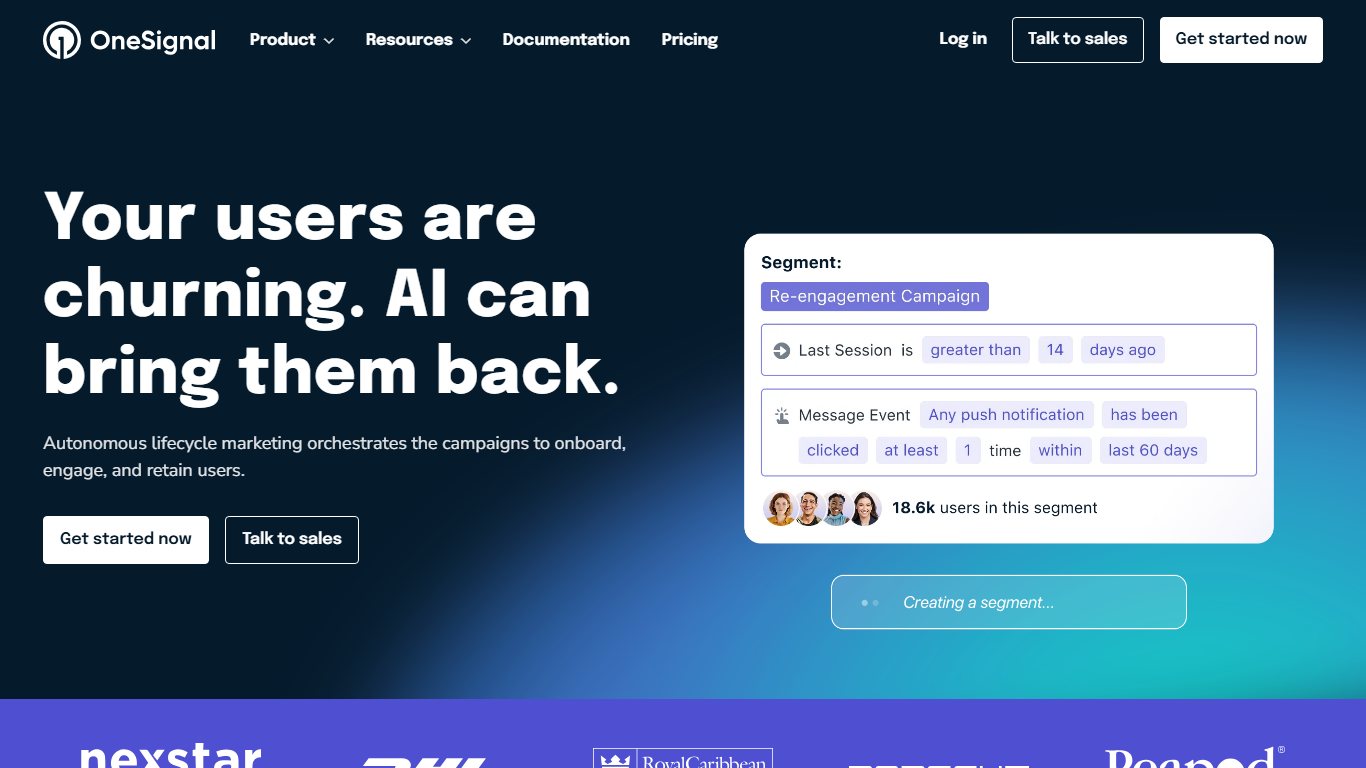
OneSignal (sometimes written One Signal) is the most widely used push service, and its free plan is the main reason why. Web push is free, but each free send can reach up to 10,000 web push subscribers. From September 2026 for new accounts, and October 2026 for existing ones, free mobile push and in-app messaging are capped at 1,000 monthly active users. Web push and email stayed free.
The WordPress plugin can send an alert automatically every time you publish a post. You can also target people by how often they visit, what they have done on your site, or tags you set yourself.
On the Growth plan, the $0.004 per subscriber charge adds up. A site with 50,000 web push subscribers pays about $200 a month for web push on top of the $19 base fee, so do the maths before you upgrade.
3. PushEngage
Price: Free plan (200 subscribers, 30 campaigns); Business about $8/month and Growth about $24/month billed annually; Enterprise quoted on request
Platforms: Chrome, Firefox, Safari, Edge, Opera, Samsung Internet
Type: Plugin and JavaScript snippet
PushEngage (older listings sometimes split the name as Push Engage.) is one of the quickest services to get running. You go live by adding a JavaScript snippet or installing its WordPress plugin.
Your site needs HTTPS. Setup usually means uploading a service worker file to the root of your domain, and the WordPress plugin handles that for you.
The free plan is fine for testing, but 200 subscribers runs out fast. Monthly billing costs noticeably more than the annual prices above, and paid plans come with a 14-day money-back guarantee.
4. Aimtell
Price: Basic $49/month (up to 10,000 subscribers), Plus $99/month (up to 50,000), Pro $199/month (up to 100,000), Enterprise custom
Platforms: Chrome, Firefox, Safari, Edge, plus a Shopify app
Type: Software
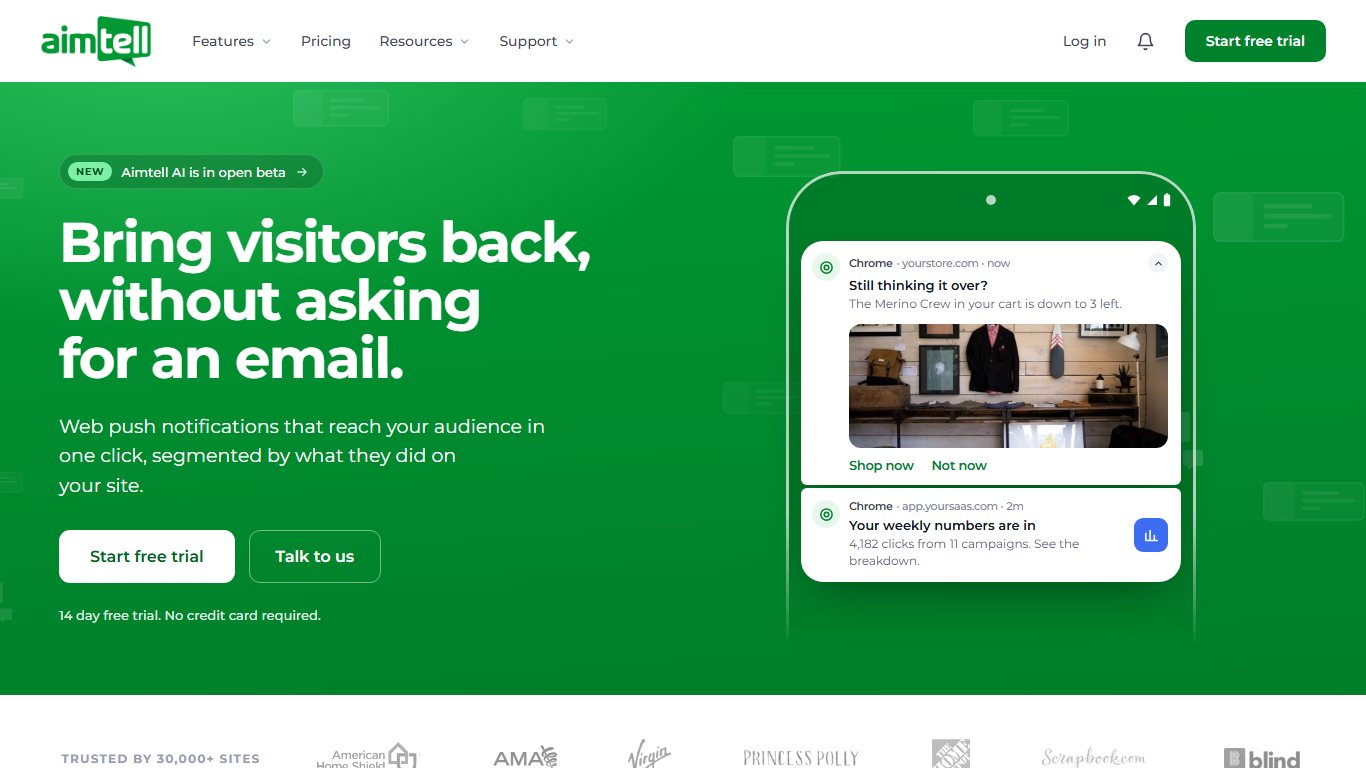
Aimtell is a full-featured push service aimed at online stores. Every paid plan includes unlimited notifications, so you pay for list size rather than message volume.
Like other push services, it can send instant alerts to all your subscribers. It can also personalise alerts using a subscriber’s location, pages viewed, products bought and browsing history.
You can build tightly targeted segments from that data, and Aimtell’s triggers send alerts automatically, such as abandoned cart and price drop messages. There is no free plan, but a 14-day trial lets you test it on your own site.
5. WebEngage
Price: Quote on request
Platforms: Web browsers, Android and iOS apps
Type: Software
WebEngage is a marketing automation platform where browser push is one channel among several, alongside mobile push, email, SMS, in-app messages and WhatsApp.
The platform is built to reach users who have left your site or app, on both web and mobile. You can run triggered, recurring and transactional campaigns, use dynamic templates, view detailed user-level insights and test notifications before you send them.
It is more than a small site needs. It suits companies that want one platform for every channel and have the budget for a sales-led contract.
6. VWO Engage
Price: Quote on request
Platforms: Major desktop and Android browsers
Type: Software
VWO Engage, formerly PushCrew, is the web push product from VWO, the A/B testing company. It can schedule notifications for when your audience is most active, which helps click-through rates.
You can send personalised notifications with large images. Its contact management lets you split your audience by behaviour, pages visited and other criteria, then send each group its own message.
It makes the most sense if your team already uses VWO for testing, because both tools live in the same account.
7. Wigzo
Price: Quote on request
Platforms: Web browsers, email, SMS, WhatsApp
Type: Software
Wigzo is a marketing automation suite for ecommerce that is now part of Shiprocket, the Indian logistics company. It powers Shiprocket’s Engage 360 product.
Browser notifications sit alongside email, SMS and WhatsApp, with campaign segmentation and contact management. One useful feature is the triggered subscription prompt, which lets you choose exactly when visitors are asked to opt in. Wigzo also sends personalised notifications based on what each shopper browsed or bought.
It suits D2C brands, especially ones already shipping with Shiprocket.
8. iZooto
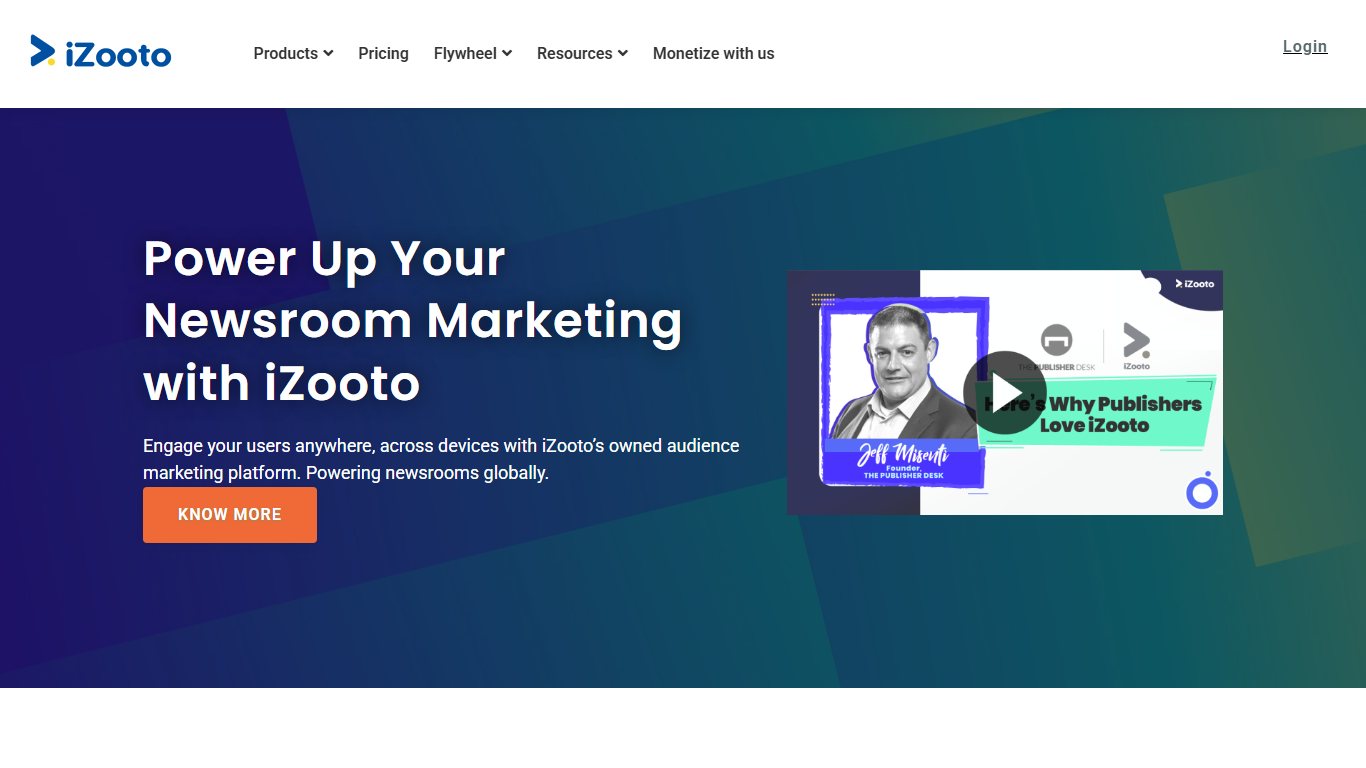
Price: Free Monetize plan for publishers; Rise from $85/month (up to 30,000 subscribers); agency and Enterprise plans quoted
Platforms: Chrome, Firefox, Edge, Safari, Opera, Android browsers
Type: Software and WordPress plugin
Izooto, written iZooto by the company, focuses on news and content publishers. It supports all major browsers and lets you send messages in different languages depending on where your audience is.
It can show a built-in call to action asking readers to sign in or register, and it can retarget visitors so occasional readers come back more often. The free Monetize plan earns money from ads placed in notifications, which suits publishers but not brands that want full control over their messages.
Paid plans include a 14-day free trial, and half-yearly or annual billing comes with a discount.
9. SendPulse
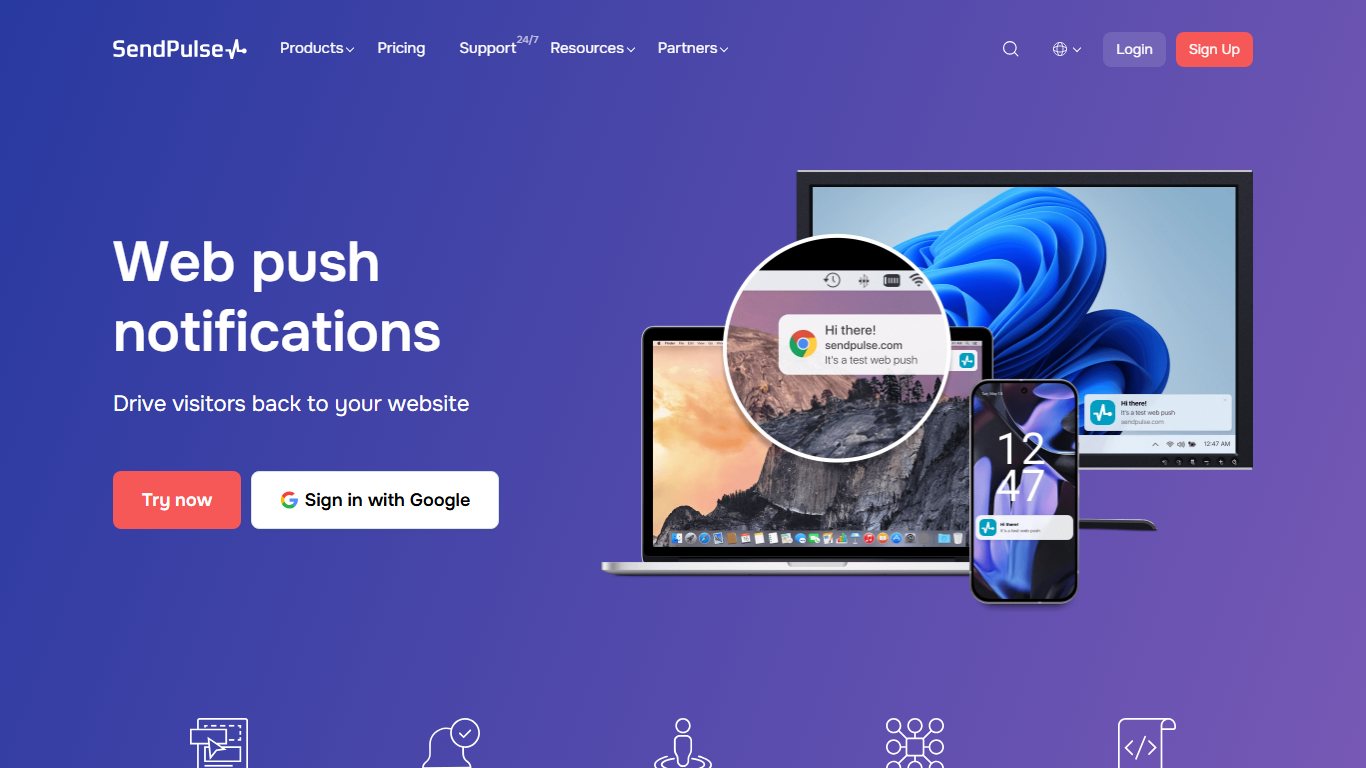
Price: Free up to 10,000 subscribers; paid tiers priced by subscriber count (about $19/month for 30,000 subscribers)
Platforms: Chrome, Firefox, Safari, Edge, Opera on desktop and Android
Type: Software
SendPulse has the most generous free plan in this list for web push. You get up to 10,000 subscribers and unlimited notifications without a credit card, and it works on both HTTP and HTTPS sites.
Notifications can be tailored to a subscriber’s location and behaviour. For example, if someone browsed T-shirts on your store, an automated message can tell them about your T-shirt prices or a sale. That kind of reminder is what turns a browser into a buyer.
You also get RSS-to-push and automated message series. SendPulse is also an email and chatbot platform, so it fits small businesses that want several channels from one cheap account. Check the live pricing page before upgrading, because prices change with billing period and promotions.
10. PushAssist

Price: Free up to 3,000 subscribers; Starter $9/month; Business $25/month; Elite $299/month
Platforms: Chrome, Firefox, Safari, Edge, Opera
Type: Software and plugins
The easier a tool is to use, the more you will use it. PushAssist is known for a simple setup, with plugins for WordPress, Drupal and other platforms.
You can send your first notification a few minutes after signing up. PushAssist shows campaign results in real time, with click and traffic data available as soon as it comes in.
Location and browsing history drive its segmentation, which makes it easy to target likely buyers. The free plan keeps PushAssist branding on your notifications. You have to upgrade to a paid plan to remove it.
11. Pushwoosh
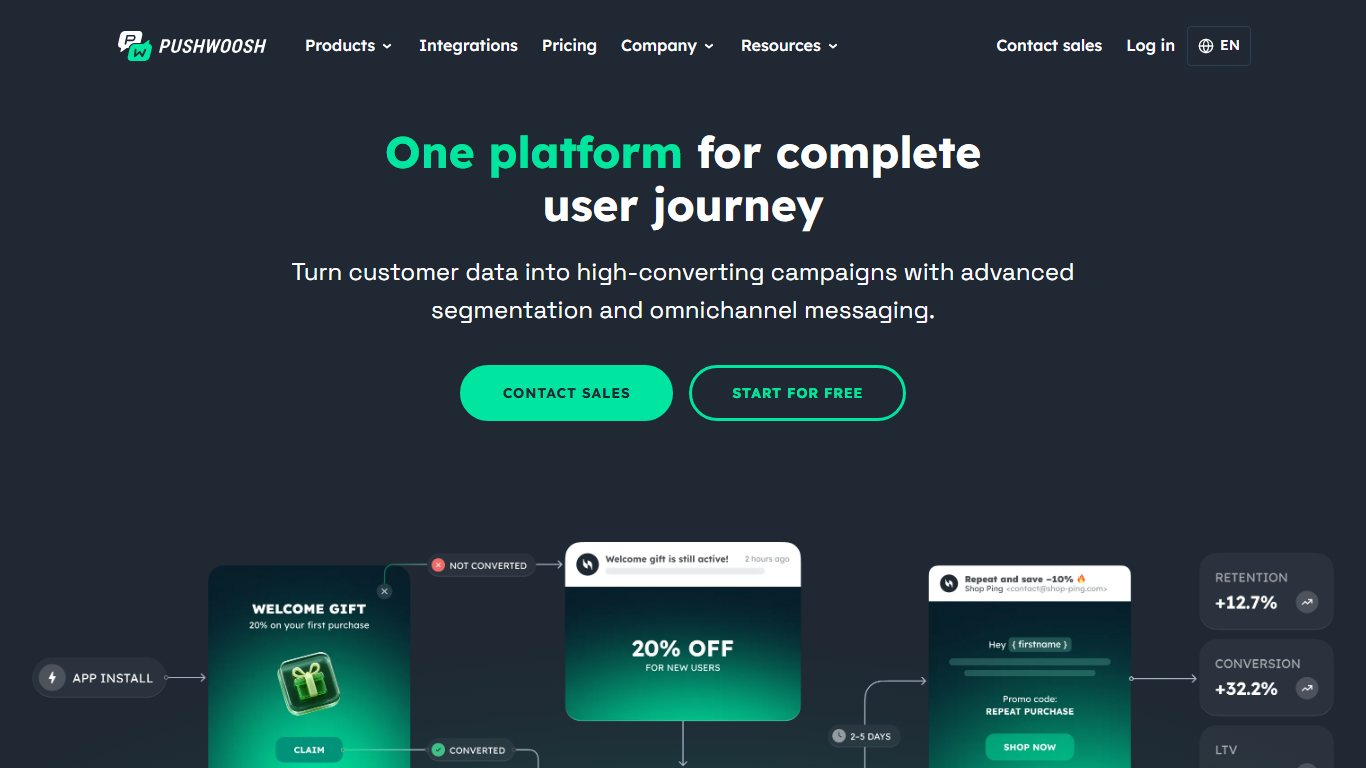
Price: Free up to 1,000 monthly active users (MAU); pay as you go at $13 per 1,000 MAU, or $7 per 1,000 MAU on the Push-only plan
Platforms: Web browsers, iOS, Android, Windows, macOS
Type: Software and SDKs
PushWoosh, styled Pushwoosh today, sends personalised notifications with images and other rich media. It is built for companies that have both an app and a website.
With multi-language support, users get alerts in their own language. You can automate messages by segment, cap how often each person receives them, and watch real-time stats to adjust a campaign while it runs.
Pricing is based on monthly active users rather than subscribers. Under the Push-only plan, a user counts once they receive a push, in-app or web push message that month, so a large list you rarely message costs less than it would under per-subscriber pricing.
12. FoxPush
Price: Free plan; custom plans on request
Platforms: Major desktop and mobile browsers
Type: Software
FoxPush is a smaller web push service with a free plan and custom paid plans. Paid features have included emoji support and country targeting, which help with location-focused campaigns.
FoxPush publishes far less current information than the other services on this list. A competitor, PushEngage, says FoxPush’s terms allow it to share publisher data with third parties. That claim comes from a rival, so read FoxPush’s own terms and privacy policy before you add it to your site.
Keep your audience engaged with push
Push notifications are worth adding if you can stay disciplined about them. A few useful alerts a week will keep subscribers, while daily promotional messages will get you blocked.
As a next step, start on a free plan (OneSignal, SendPulse or PushAssist), send one test campaign to a small segment, and only upgrade once your opt-in rate and clicks show the channel is paying for itself.
FAQ
Are browser push notifications free to send?
Yes, they can be. Firebase Cloud Messaging is free, and OneSignal, SendPulse, PushAssist, PushEngage and Pushwoosh all have free plans. The limits are on subscribers or monthly active users, not on the browsers themselves.
Do web push notifications work on iPhone?
Yes, on iOS and iPadOS 16.4 or later, but only for websites the user has added to the Home Screen and opened from there. Your site also needs a valid web app manifest. A regular Safari tab on iPhone cannot receive web push.
Does my website need HTTPS for push notifications?
For standard web push, yes. Browsers only allow service workers on secure pages. A few providers, such as SendPulse, offer a workaround for HTTP sites by collecting subscriptions on their own subdomain, but moving your site to HTTPS is the better fix.
What is the difference between web push and mobile app push?
Web push goes through the browser and needs no app, just a click on “Allow”. App push needs an installed iOS or Android app and goes through Apple’s and Google’s push services. Platforms such as OneSignal and Pushwoosh handle both from one dashboard.
Which push notification service is best for WordPress?
OneSignal, PushEngage, PushAssist and iZooto all have official WordPress plugins that can send a notification automatically when you publish a post. OneSignal is the strongest free choice. PushEngage is the easiest to set up if you will pay for a small plan.
How many push notifications should a site send?
Fewer than most sites expect. Send messages people actually want, such as new posts they follow, price drops or order updates, and keep promotional blasts to a minimum. Most providers let you cap how often each subscriber hears from you, so set a cap before your first campaign.
Sources
- OneSignal pricing
- OneSignal billing FAQ
- Apple Developer: Sending web push notifications in web apps and browsers
- WebKit: Web Push for Web Apps on iOS and iPadOS
- Firebase blog: FCM for Safari
- SendPulse web push pricing
- PushAssist pricing plans
- Pushwoosh pricing
- Pushwoosh Push-only plan
- VWO Engage help center
- Aimtell on the Shopify App Store
- iZooto web push FAQ













