
On Zoom’s free plan, a call between just two people still cuts off at 40 minutes, and it has done so since 2022. Google Meet lets two people talk for up to 24 hours, then drops the limit to 60 minutes once a third person joins. This guide covers every major free group calling option as of November 15, 2026: how many people each allows, how long a call can run, and who needs an account.
Key takeaways
- Zoom, Google Meet and Microsoft Teams all cap free group calls: 40 minutes on Zoom, 60 on Meet and Teams.
- The host’s account sets the limit. One paid host lifts it for everyone, and a free host caps the call even when the guests pay.
- FaceTime, WhatsApp and Signal have no meeting timer and use end-to-end encryption, but their groups are smaller.
- Skype shut down on May 5, 2025. Its free users were moved to Microsoft Teams Free.
- The public Jitsi server now makes the host sign in, and users report a 95-minute cap.
Fact-checked
We checked these key facts against the sources named, on November 16, 2026:
- For most groups, Google Meet: up to 100 people and 60 minutes for groups (source: support.google.com)
- Teams Essentials (about $4 to $4.50 a month on an annual plan) gives meetings up to 30 hours and 300 people (source: learn.microsoft.com)
- In May 2022, Zoom announced in its Community forum that Basic one-on-one meetings would get the same 40-minute cap as group meetings (source: community.zoom.com)
- Teams Essentials, the cheapest standalone paid tier, was listed at $4 per user per month on an annual plan, with an increase to $4.50 scheduled for July 2026 (source: pumble.com)
- A pricing tracker (a community source, not Whereby itself) logged a change to Whereby’s pricing page between October 19 and 26, 2026 that adds a 30-minute limit per meeting on the free Explore plan (source: pricingsaas.com)
Quick answer: the best free video call apps for groups (November 2026)
For most groups, Google Meet is the best free option. It takes up to 100 people, runs 60 minutes for three or more, and lets two people talk for up to 24 hours. Families who mostly use phones should pick FaceTime or WhatsApp, which handle 32 people each and have no meeting timer. If you came from Skype, use Microsoft Teams Free, which is where Microsoft moved Skype accounts.
The rankings below rest on the limits each vendor publishes, cross-checked against recent independent reporting. The criteria were weighted in this order. Time limit and group size come first, because those decide whether your call gets cut off. Next is how easily a non-technical guest can join. Last come privacy and extra features like screen sharing. Each app’s pricing is listed in its own section.
Free plan limits at a glance
| App | Max people (free) | Group call limit (3+) | 1:1 limit | Host needs account? | Guests need account/app? | Join in browser? | Last verified |
|---|---|---|---|---|---|---|---|
| Zoom Workplace Basic | 100 | 40 min | 40 min | Yes, free Zoom account | No | Yes | Nov 2026 |
| Google Meet (free) | 100 | 60 min | 24 hours | Yes, Google account | Google account recommended | Yes | Nov 2026 |
| Microsoft Teams (free) | 100 | 60 min | Plan for 60 min | Yes, Microsoft account | No | Yes | Nov 2026 |
| Jitsi Meet (meet.jit.si) | Varies by server | Users report 95 min | Users report 95 min | Yes: Google, GitHub or Facebook sign-in | No | Yes | Nov 2026 |
| Whereby (free Explore) | Small rooms (trackers list 4) | Reported 30 min since Oct 2026 | Reported 30 min | Yes | No | Yes | Nov 2026 |
| FaceTime | 32 | No meeting timer | No meeting timer | Yes, Apple Account | Apple device, or a link in a browser | Yes, via FaceTime link | Nov 2026 |
| 32 | No meeting timer | No meeting timer | Yes, phone number | Yes, WhatsApp app | No | Nov 2026 | |
| Signal | 75 | No meeting timer | No meeting timer | Yes, phone number | Yes, Signal app | No | Nov 2026 |
Which one to set up for family and friends
When you’re the one organizing family calls, you’ll be the host, so the account choice comes down to you. If everyone has an iPhone, use FaceTime. If the family uses a mix of iPhones and Android phones, put everyone on WhatsApp. If some relatives only use a laptop or tablet, send a Google Meet link and tell them to click it. That covers about 90% of family situations without anyone paying.
Some well-known names no longer exist. Skype was retired in May 2025. Google Hangouts was replaced by Google Meet and Google Chat. Google Duo was merged into Google Meet, and UberConference is now Dialpad Meetings. If a list still recommends any of those, it’s out of date.
Is there a free video call with no time limit?
Yes, but you won’t get one from the big meeting apps. Zoom cuts free group calls at 40 minutes, and Google Meet and Teams cut them at 60. Phone-based apps like FaceTime, WhatsApp and Signal don’t use a meeting timer at all. A Jitsi server you run yourself has no imposed cap either.
Apps that cut you off and when
Meeting apps limit time because time is what their paid plans sell. Zoom Workplace Basic lets you host as many meetings as you like for up to 100 participants, and each one stops at 40 minutes. On a personal Google account, Google Meet ends group calls at 60 minutes, and Microsoft Teams Free stops meetings at 60 minutes too.
If you plan for the cap, it’s not a problem. A 90-minute book club on Meet needs one planned restart. On Zoom free, the same club would need two.
Apps that don’t use a meeting timer
FaceTime, WhatsApp, Signal and Facebook Messenger work like phone calls, not scheduled meetings. A call stays up until people hang up, the connection drops or a battery dies. In exchange you get smaller groups, you need the app (FaceTime links are the exception), and the host tools are limited: no waiting room and very little moderation.
That’s why “free, no time limit” usually means “use a messaging app.” Most of these calls are between family and friends, and most family groups are well under 32 people, so that trade-off rarely matters.
Jitsi Meet: still free, but no longer “no account”
Jitsi Meet is open-source video conferencing software. Its public server, meet.jit.si, used to let anyone create a room without signing in. That changed in 2023. Hosts must now sign in with Google, GitHub or Facebook to start a room, while participants still join without an account. If Jitsi suddenly asked you to sign in with Google, this change is the reason.
Users on the Privacy Guides forum also report that calls on meet.jit.si now end at 95 minutes. That comes from community reports, not an official notice from Jitsi, so treat it as likely but unconfirmed. To get rid of these limits, you can run Jitsi on your own server, or pay 8×8 for hosted Jitsi as a Service (JaaS). The 8×8 developer FAQ says JaaS has no limit on concurrent meetings. Self-hosting suits tech-savvy clubs and developers. For most families, it’s more work than the problem is worth.
Zoom free plan in 2026: what you actually get
The free tier is called Zoom Workplace Basic. You get unlimited meetings for up to 100 participants, each capped at 40 minutes, and that includes two-person calls. Guests don’t need a Zoom account. Upgrading to Zoom Workplace Pro raises the limit to 30 hours per meeting.
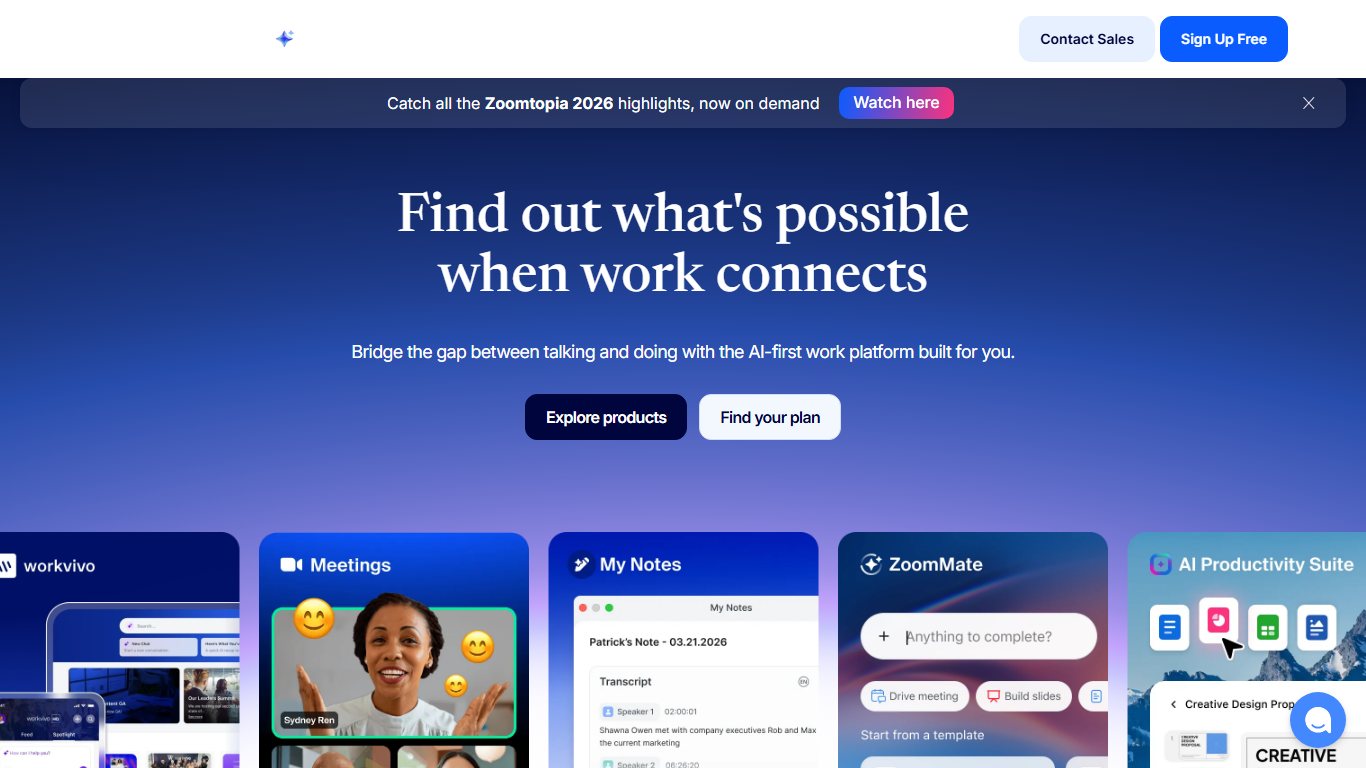
The Basic plan includes the features most groups use: screen sharing, in-meeting chat, virtual backgrounds and waiting rooms. Recordings are saved to your own computer rather than to Zoom’s cloud. If you keep recordings of family events, back up that folder with free file backup software, because a single laptop failure would wipe them out.
Pricing (November 2026):
| Plan | Price | Meeting length |
|---|---|---|
| Zoom Workplace Basic | Free | 40 minutes, up to 100 people |
| Zoom Workplace Pro | $14.16 per user/month, billed annually | Up to 30 hours |
| Zoom Workplace Business | $18.33 per user/month, billed annually | Up to 30 hours |
According to pricing trackers, Zoom raised the annual price of Pro from $13.33 to $14.16 in March 2026.
Compared with Google Meet: both allow 100 people on the free plan, but Meet gives you 20 more minutes per group call and up to 24 hours for two people. Zoom is better at handling large, structured meetings, and many people already have it installed. For a free plan alone, Meet is better value.
Is Zoom still free for 40 minutes?
Yes. The Basic plan is still free, and every meeting is still capped at 40 minutes. Zoom’s own page says “unlimited,” but that means the number of meetings, not how long each one lasts.
Does the 40-minute limit apply to 2 people?
Yes. If Zoom started cutting off your two-person calls, here’s why: in May 2022, Zoom applied the 40-minute cap to one-on-one meetings on Basic accounts. Before that, two-person calls had no limit. The cap follows the host’s account. Zoom Community answers from August 2026 confirm it applies even when a meeting starts without the host.
Did you know?
Two-person calls on Zoom’s free plan used to have no time limit. In May 2022, Zoom announced in its Community forum that Basic one-on-one meetings would get the same 40-minute cap as group meetings.
How to restart a Zoom call when time runs out
Zoom allows this openly. University IT guidance, including the Florida Institute of Technology’s Zoom help pages, notes that Basic hosts can run back-to-back 40-minute meetings as many times as they want, as long as the meetings don’t overlap. The catch is that everyone gets dropped and has to rejoin.
Restart a capped Zoom call
- Before the call, tell everyone: “If it cuts out, click the same link again.”
- When the 40-minute warning appears, finish what you’re saying.
- Let the meeting end, or click End, then End meeting for all.
- As host, start the same meeting again from the Zoom app or your invite link.
- Guests reopen the original link. Admit anyone sitting in the waiting room.
The cost is about one or two minutes and broken momentum each time, plus anyone who doesn’t come back. For a weekly 90-minute meeting, that’s two interruptions per session. At that point a cheap paid host plan is usually worth it.
Google Meet free: best all-rounder for groups
Google Meet is the best free choice for most groups. A personal Google account can host up to 100 participants. Group calls of three or more people end at 60 minutes, and one-on-one calls can run up to 24 hours. Guests join from a browser on a computer, with nothing to install.
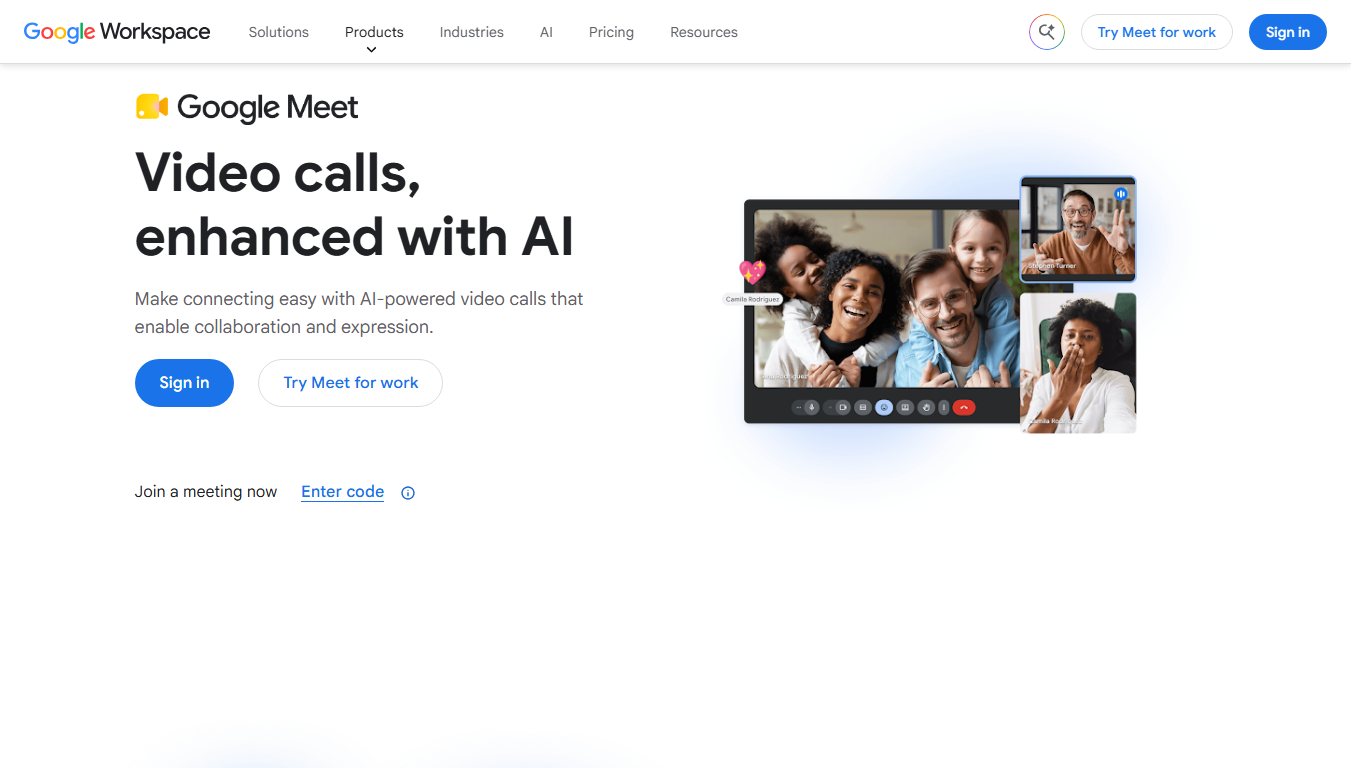
Meet has a split personality on the free plan. It’s the most generous mainstream free option for two people, and it’s tied with Teams for groups. Google’s original statement when the limit started in 2020, reported by Cult of Mac, still describes how it works: “To extend the call, the host can upgrade their Google account. Otherwise, the call will end at 60 minutes.”
Free Meet includes screen sharing, chat, captions and background blur. Recording isn’t included on free personal accounts. Paid Google Workspace plans add recording and larger meetings. Pricing as of October 2026:
| Plan | Price (annual commitment) | Price (Flexible, monthly) | Meeting size |
|---|---|---|---|
| Free personal account | Free | Free | 100 (60 min groups) |
| Business Starter | $7 per user/month | $8.40 per user/month | 100 |
| Business Standard | $14 per user/month | $16.80 per user/month | 150 |
| Business Plus | $22 per user/month | $26.40 per user/month | 500 |
Workspace plans are business accounts and need a domain name, so they’re more setup than a family really needs.
Did you know?
On Google Meet’s free plan, a two-person call can last up to 24 hours. Once a third person joins, the limit drops to 60 minutes, according to tl;dv’s 2026 breakdown of Meet’s time limits.
Compared with Teams Free: same 100 people, same 60 minutes for groups. Meet wins for two-person calls and for people who already use Gmail or Android. Teams wins when guests have no Google account, because Microsoft lets them join from a browser without signing in.
Who needs a Google account
The host always needs one. Plan on guests having one as well. Most Android users and anyone with Gmail already do, and being signed in skips the “ask to join” step that can confuse older relatives. Guests on a computer join in Chrome, Edge, Firefox or Safari. Guests on phones get the smoothest experience with the Google Meet app.
What happens at 60 minutes
Meet shows a warning shortly before the cutoff, and then the call ends for everyone. As with Zoom, the limit comes from the host’s account, so a free host caps the call even if every guest pays for Google Workspace.
Pro tip
If a call is mostly between two people, hold it on Google Meet and add the third person only when you need them. Two-person calls run up to 24 hours on the free plan.
Microsoft Teams Free (and what happened to Skype)
Microsoft Teams Free hosts meetings of up to 60 minutes with up to 100 participants, and guests can join from a browser without an account. After Microsoft retired Skype on May 5, 2025, it moved consumer Skype accounts here. That makes Teams Free the default next step for anyone who used Skype to call family.
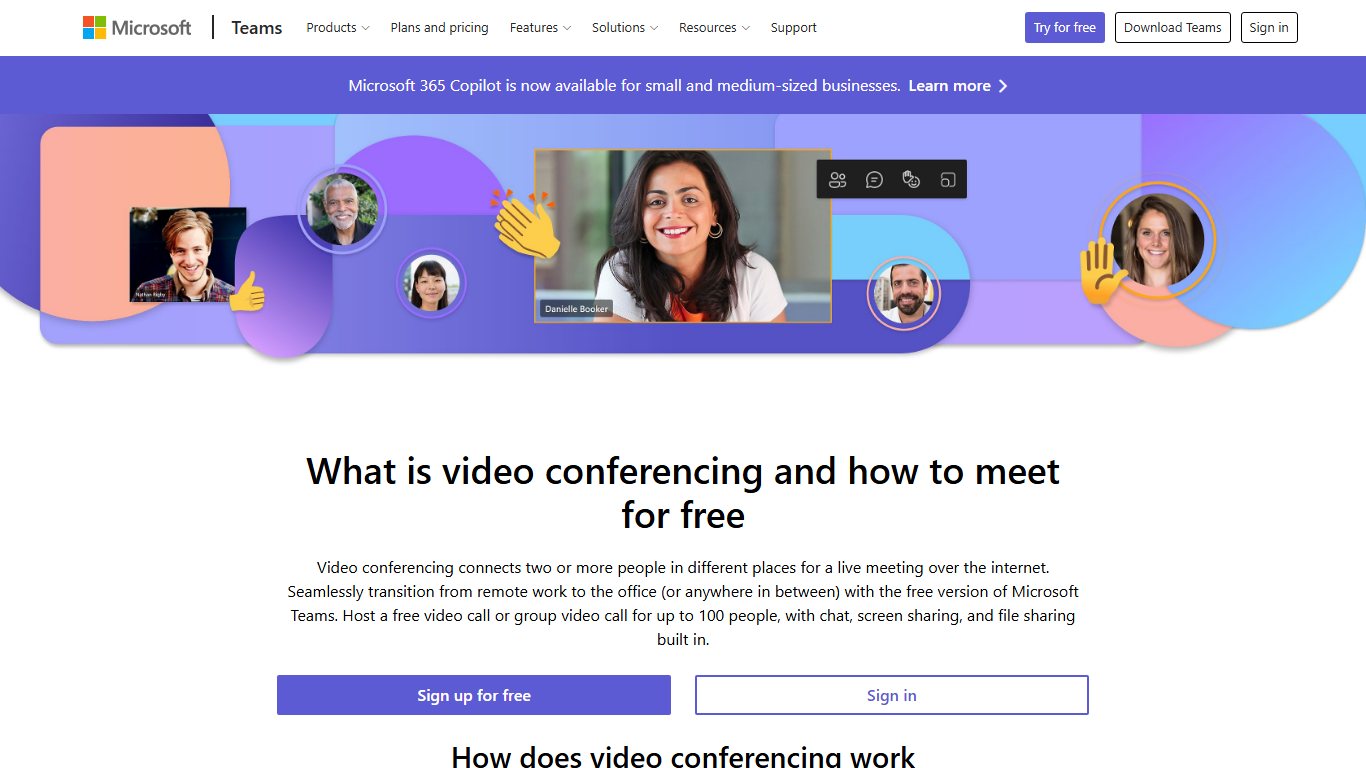
Microsoft’s paid plans raise meetings to 30 hours and 300 people. Teams Essentials, the cheapest standalone paid tier, was listed at $4 per user per month on an annual plan, with an increase to $4.50 scheduled for July 2026. Teams also comes with Microsoft 365 business plans, which start at about $7 per user per month for Business Basic.
Compared with Google Meet: the limits are the same on paper. Teams is the better pick when guests have no Google account, or when your group already uses Outlook and Windows. Meet is simpler on Android and better for two-person calls. Teams also has a large add-on ecosystem: if a small team wants to build workflows around chat, there are plenty of apps for Microsoft Teams to choose from.
Did you know?
Skype ran for more than two decades before Microsoft retired it on May 5, 2025, for both free and paid users. Skype for Business wasn’t part of that shutdown. Microsoft’s support pages confirm consumer accounts moved to Teams Free.
Moving from Skype to Teams Free
If your answer to “Skype is gone, what do I use to call my parents now?” is Teams, here’s the path:
- Install Microsoft Teams on your Windows PC, Mac, iPhone or Android phone, from the Microsoft Store, the App Store, Google Play or Microsoft’s own site.
- Sign in with the same Microsoft account you used for Skype.
- Look for your contacts and chat history. Microsoft carried them over during the migration.
- Start a meeting, copy the meeting link and send it to your parents by text or email.
If you used to record Skype calls, Teams Free handles meetings differently. Check your recording options before an important family call.
If your parents are on iPhones, FaceTime is easier than Teams. If they’re on Android, WhatsApp is easier. Teams is worth it when someone is on a Windows PC and already has a Microsoft account.
Joining a Teams call without an account
Guests click the link, choose to continue in the browser, type a name and wait to be admitted. Microsoft confirms on its free video conferencing page that no account is needed. Chrome and Edge give the most reliable results.
No download, no sign-up: browser-only options
Link-only rooms are best for one-off calls with people who won’t install anything. You send a link, they click it, and they’re in. Whereby and Jitsi are the best-known options. Both have tightened their free tiers, so check the current terms before planning a regular meeting.
Whereby free plan: what changed
Whereby is a European browser-based meeting service. Its free plan used to be a common recommendation for quick, no-download calls. The free tier now seems to be changing. A pricing tracker (a community source, not Whereby itself) logged a change to Whereby’s pricing page between October 19 and 26, 2026 that adds a 30-minute limit per meeting on the free Explore plan. Other trackers list free rooms as holding only about 4 participants. Whereby hasn’t publicly confirmed the change, so treat its free plan as fine for a short call with a few people, and nothing larger.
Whereby’s own 2021 comparison article still says free group meetings last 45 minutes with up to 100 participants. That number is several years out of date.
We.Team Meet works the same way, with link-based rooms, but publishes few hard limits for its free use. Jitsi Meet (covered above) remains the strongest no-cost, browser-only option. It only needs the host to sign in.
When a link-only room is the right call
Use one when you’re meeting someone once, like a contractor, a parent you met at school or a group from a forum. For any recurring meeting, Google Meet, Teams Free or Zoom are more predictable, and their limits are published.
Business-focused services such as Webex, Zoho Meeting and Dialpad Meetings also have free tiers. They’re designed around sales and support teams rather than families. If you need inbound customer phone lines rather than meetings, look at a cloud call center service instead.
Group calls on your phone: FaceTime, WhatsApp, Signal, Messenger
Phone apps are the best free option for family and friends. FaceTime and WhatsApp each handle 32 people, Signal handles 75, and none of them uses a meeting timer. All three are end-to-end encrypted, which the standard meeting apps aren’t by default.
| App | Max video participants | Platforms | End-to-end encrypted | Best for |
|---|---|---|---|---|
| FaceTime | 32 | iPhone, iPad, Mac; Android and Windows join via link | Yes | All-Apple families, Grandma on an iPhone |
| 32 | iPhone, Android, desktop apps | Yes | Mixed iPhone and Android families, relatives abroad | |
| Signal | 75 | iPhone, Android, desktop apps | Yes | Private group calls, larger clubs on phones |
Signal’s support center lists 75 as its current group call limit. That’s well up from 40 in December 2021, and news coverage dates the latest increase to April 2026. Signal’s call links let people join a call from a link without being in the group chat.
Facebook Messenger also does group video calls, and Meta made end-to-end encryption the default for personal Messenger calls. It’s useful when your extended family already lives on Facebook. Otherwise, WhatsApp, also owned by Meta, is the cleaner choice.
Mixed iPhone and Android family
WhatsApp is the simplest answer to “free video call app for family with no time limit that works on iPhone and Android.” Since a December 2022 update, reported by MacRumors, it supports group video calls of up to 32 people. Everyone needs the app and a phone number.
FaceTime is the other route. An iPhone user can create a FaceTime link, and Android or Windows users open it in Chrome or Edge to join. They can join from a browser but can’t start FaceTime calls themselves.
Pro tip
For a mixed family, put everyone in one WhatsApp group and start group calls there. If one relative refuses to install anything, an iPhone user can create a FaceTime link and text it to them, and they can join from a browser.
Most private option
Signal is the most private choice. It’s run by a nonprofit, encrypted end to end by default, and collects very little data. FaceTime and WhatsApp are also end-to-end encrypted. Zoom, Google Meet and Teams encrypt traffic in transit on their free plans but not end to end by default. Zoom does offer an optional end-to-end mode that turns off some features. For sensitive conversations, use Signal.
Which one should you pick? By group size and situation
Start with how many people you need. Then decide whether a mid-call restart is acceptable. Group size rules out most of the options before features even come up.
| Group size | Best free pick | Runner-up | Watch out for |
|---|---|---|---|
| 2 people | Google Meet (24 hours) | FaceTime or WhatsApp | Zoom cuts two-person calls at 40 minutes |
| 3 to 8 | WhatsApp or FaceTime | Google Meet | Meet and Teams end at 60 minutes |
| Up to 32 | FaceTime | Phone screens get crowded past a dozen faces | |
| Up to 75 | Signal | Google Meet with one restart | Everyone needs Signal and a phone number |
| Up to 100 | Google Meet | Teams Free | 60-minute cap; plan restarts |
| Over 100 | Paid host plan | Self-hosted Jitsi | Free plans top out at 100 |
Grandma-friendly: FaceTime if she has an iPhone or iPad. Otherwise, a Teams or Zoom link she can open in a browser without signing in.
Weekly club of 30 to 60 people, about 90 minutes: a single paid host license is the cleanest fix. Teams Essentials (about $4 to $4.50 a month on an annual plan) gives meetings up to 30 hours and 300 people. That’s cheaper than Zoom Workplace Pro at $14.16 a month. If the club meets for free, run Google Meet with one planned restart at the hour mark.
Study group: Google Meet. Students usually have Google accounts, and screen sharing is built in.
Small business: Teams Essentials or Google Workspace Business Starter. Both put chat and video calling in one app, so you aren’t juggling tools. A business that also needs to record client podcasts or interviews should look at dedicated podcast creation apps.
The rule most people miss: the host’s account sets the limit
The time cap comes from whoever hosts the meeting. On Zoom, Google Meet and Teams, a free host caps the call for everyone, even guests who pay for their own plans. The reverse is also true: if one person with a paid plan hosts, everyone gets that plan’s limit.
This answers a common question, “does the limit go by who hosts or by everyone’s account?” It goes by the host only. Koalendar’s 2026 breakdown of Google Meet pricing confirms this for Meet, and Zoom Community answers confirm it for Zoom.
In practice:
- Find out whether anyone in your group has a paid work account: Zoom Pro, Google Workspace or a Microsoft 365 business plan.
- Ask that person to schedule the meeting and send the link.
- Check that the invite shows their name as organizer, not yours.
- If nobody pays, take turns hosting so one person isn’t always the one restarting the call.
Before you borrow a work account, check your employer’s policy. Some companies don’t allow personal use of work meeting accounts.
Pro tip
Ask whoever has a paid Zoom, Google Workspace or Microsoft 365 business account to host. The time limit follows their plan, so everyone on the call gets the longer meeting.
How to set up a group call for less-techy relatives
The most reliable approach is one link, a browser join and a five-minute test call the day before. Most failed family calls come down to camera or microphone permissions, not the app.
What you need:
- A host account (Google, Microsoft, Zoom or Apple) on your side
- A device with a camera for each relative: phone, tablet or laptop
- A current browser: Chrome, Edge, Safari or Firefox
- A stable Wi-Fi connection, or a strong mobile signal
Set up the call
- Create the meeting and copy the full link, not just the meeting ID.
- Text the link with one line: “Tap this at 7pm, then tap Join.”
- Run a test call with the least confident person the day before.
- Have them allow camera and microphone when the browser asks.
- Agree on a backup: if it drops, tap the same link again.
Expected result: each person taps the link, sees their own face in a preview, types a name if asked and lands in the call. You admit them from the waiting room when needed.
Common mistakes:
- Sending a meeting ID and passcode instead of a clickable link
- Tapping “Block” on the browser’s camera prompt
- The host joining late on Zoom free, which still triggers the 40-minute limit
- Several people in one room on separate devices, causing echo
Before you start
Never ask relatives to download “video call” apps from links in pop-ups or ads. Install only from the App Store, Google Play, the Microsoft Store or the vendor’s own website.
Camera/mic permission fixes
If someone says “they can’t hear me” or sees a black square instead of video, permissions are the most likely cause. Here’s where to fix it on each system:
- iPhone and iPad: Settings > Privacy & Security > Camera, and Settings > Privacy & Security > Microphone, then turn the app on. For browser joins in Safari, go to Settings > Apps > Safari > Camera and Microphone (on older versions, Settings > Safari).
- Android: Settings > Apps > [app name] > Permissions > Camera and Microphone, set to Allow. Also swipe down to Quick Settings and check that the Camera access and Microphone access tiles are on.
- Windows 11: Settings > Privacy & security > Camera, then turn on “Let apps access your camera” and “Let desktop apps access your camera.” Repeat under Microphone.
- Mac: System Settings > Privacy & Security > Camera, and Microphone, then turn on the browser or app. Quit and reopen it afterward.
- Any browser: click the icon to the left of the web address, then set Camera and Microphone to Allow and reload the page.
Bad connection fixes
Try these in order, from quickest to most involved:
- Turn off the camera for a moment. Audio needs much less bandwidth than video.
- Move closer to the router, or switch to the 5 GHz Wi-Fi network if there is one.
- Pause any streaming, downloads or cloud backups on the same network.
- Switch from Wi-Fi to mobile data, or the other way round.
- Restart the router if calls keep freezing at home.
If audio and video still fail on every app after all of that, the device or the internet service is the problem. That’s when to call the internet provider or a local repair shop.
FAQ
What is a good free app for group calls?
For most groups, Google Meet: up to 100 people and 60 minutes for groups. For family on phones, WhatsApp or FaceTime, with up to 32 people and no meeting timer. For bigger groups that use phones, Signal takes up to 75.
Is there a free video conferencing app with no time limit?
Phone apps don’t use meeting timers: FaceTime, WhatsApp, Signal and Messenger. Among meeting apps, only a self-hosted Jitsi server avoids caps. The public meet.jit.si reportedly ends calls at 95 minutes.
Is Zoom still free for 40 minutes?
Yes. Zoom Workplace Basic is free, with unlimited meetings for up to 100 people, and each meeting ends at 40 minutes.
Does the Zoom 40-minute limit apply to 2 participants?
Yes. If you’ve noticed Zoom kicking you off at 40 minutes even with just 2 people, that isn’t new. It started in May 2022.
Is there anything like Zoom but free without the 40 minute thing?
Google Meet and Teams Free both give 60 minutes for groups. Meet also gives two-person calls up to 24 hours. For no timer at all, use WhatsApp, FaceTime or Signal.
How long can a free Google Meet call last?
Group calls of three or more people last up to 60 minutes. One-on-one calls last up to 24 hours. The host’s account decides.
Is Microsoft Teams free for video calls?
Yes. Teams Free hosts meetings of up to 60 minutes with 100 participants, and guests join from a browser without an account.
What replaced Skype for free group video calls?
Microsoft Teams Free. Skype was retired on May 5, 2025, and consumer accounts were moved to Teams Free. FaceTime and WhatsApp are simpler for phone users.
Can people join a video call without downloading an app or signing up?
Yes. Zoom and Teams guests can join from a browser with no account, and so can Jitsi participants. Android and Windows users can join FaceTime calls through a link in Chrome or Edge. For Google Meet, guests who are signed in to Google have the easiest time.
If the call ends, can we just rejoin the same link?
Yes, on Zoom, Meet and Teams. The host restarts the meeting and everyone reopens the original link. Each restart drops everyone for a minute or two.
How many people can be on a FaceTime or WhatsApp video call?
Each supports up to 32 people. Signal supports 75.
What’s the best platform for adding both chat and video calling to one app?
For teams, Microsoft Teams and Zoom Workplace both combine team chat and meetings, and Google pairs Meet with Google Chat. For developers building chat and video into their own product, 8×8’s Jitsi as a Service or a self-hosted Jitsi server are the open-source routes.
Which group video app is actually private?
Signal, then FaceTime and WhatsApp. All three are end-to-end encrypted by default. Standard meeting apps encrypt calls in transit unless you turn on special modes.
Once you’ve picked an app, send the link, run a five-minute test with your least techy relative, and agree on “tap the same link again” as the backup plan before the first real call.













