

As of November 2026, most US childcare centers start their shortlist with Brightwheel, Procare (which bought Playground in September 2026) and Lillio, the app that used to be called HiMama. Kangarootime, Famly and LifeCubby are strong alternatives. Parents usually don’t get to pick the app. You use whichever one your center chose, and the parent side is normally free. If you run a center, book demos with two or three vendors, use the free trials and get written quotes, because most of these companies don’t publish full prices.
The 15 daycare apps at a glance
The table compares the 15 apps on this list by use case, pricing model and free option. Each one has its own entry further down.
| App | Best for | Pricing model | Free option |
|---|---|---|---|
| Brightwheel | Single centers that want one easy app | Free tier, Premium by quote | Yes, limited free tier |
| Procare* | Large and multi-site centers | Quote | No free tier |
| Lillio* | Daily reports and family engagement | Custom quote | Free trial |
| Kangarootime* | Billing-heavy centers | Quote | Ask for a demo |
| Famly | Parent visibility and staff planning | Quote | Ask for a demo |
| LifeCubby | Curriculum and developmental records | Quote | Ask for a demo |
| Playground* | Modern all-in-one setup | Quote | Ask for a demo |
| myKidzDay | Low-cost daily reports | About $1 per child per month | Free trial |
| Illumine | All-in-one management with bus tracking | Quote | Ask for a demo |
| Jackrabbit Care | Preschool and after-school programs | Quote | Ask for a demo |
| EZCare | Enrollment, billing and scheduling | Quote | Ask for a demo |
| Tadpoles | Parent communication and daily reports | Quote | Free for parents |
| Daily Connect | Home daycares and nannies | Per child, sliding scale | 14-day free trial |
| MyKidReports | Very small programs on a budget | $0.99 per child per month | Free up to 5 children |
| ClassDojo | Communication-only add-on | Free for schools | Free |
*Status notes: Lillio was called HiMama until November 2023. Procare stopped supporting local (non-hosted) installs of its desktop software on January 1, 2026. Procare bought Playground on September 14, 2026, and both products are still sold separately. Kangarootime bought the AI platform Clay in April 2024.
Quick picks
Here is the short version: one app for each common situation, with the reason it wins.
- Best overall: Brightwheel. Staff learn it fast, parents like it, and you can start on the free tier before paying for Premium.
- Best free: MyKidReports. Its Free Forever plan covers up to 5 children with no time limit.
- Best for home daycares: Daily Connect. It has small-provider plans and low per-child rates that suit a family daycare.
- Best for multi-site groups: Procare. It has the deepest accounting, billing and reporting of any app here, and it is now hosted in the cloud.
- Best for curriculum documentation: LifeCubby. It was built around lesson planning and detailed developmental records.
- Best for multilingual families and best communication-only add-on: ClassDojo. It is free for schools and translates messages into more than 190 languages.
What are the best daycare apps?
For most US centers, the best daycare apps are Brightwheel (best all-rounder), Procare (best for large or multi-site centers) and Lillio (best for daily reports). The best options on a budget are MyKidReports, Daily Connect and myKidzDay, and ClassDojo is the best free tool if you only need messaging.
A daycare app handles check-in and check-out, attendance, billing, daily reports and messages between parents and teachers in one system. On the surface they look alike. The real differences are in billing depth, how prices are set, how strong the free tier is and who owns the company. The ranking below puts most weight on how well each app covers the core jobs of a US center (check-in, billing, parent messaging, licensing records). Next comes how clear the pricing is, then how stable the product is after recent renames and acquisitions. It is based on vendor documentation, published pricing pages and public review listings.
1. Brightwheel
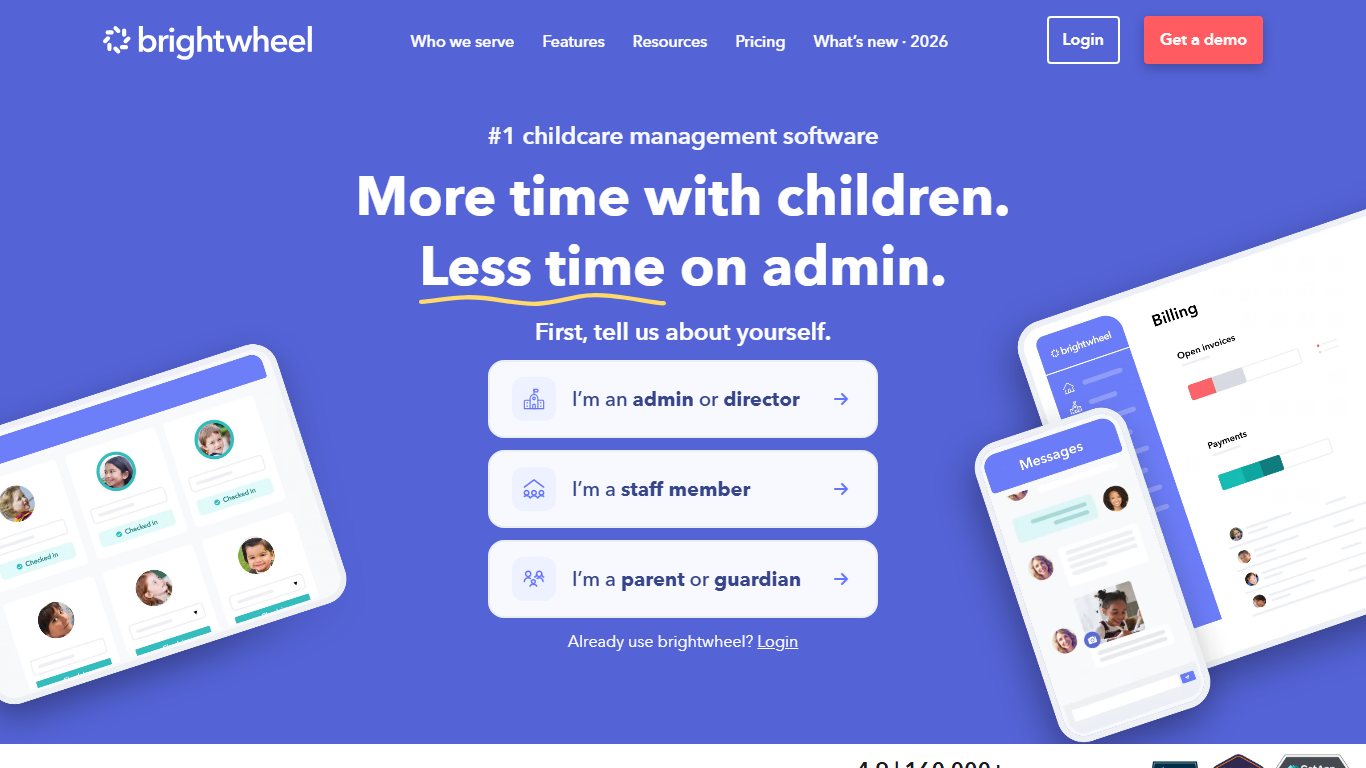
Best for single centers and small groups, because it combines billing, check-in and parent messaging in an app staff learn quickly, with a free tier to start.
- Price: Free tier. Premium is quote-based through Brightwheel’s sales team.
- Free plan: Yes. Brightwheel’s own guide describes the free version as basic messaging with daily reports and photos (no video), for one staff member and fewer than 20 students.
- Platforms: Web, iOS, Android.
- Standout strength: State partnerships that have paid for Premium for licensed providers.
- Main limitation: Premium prices are not published, and card and bank payment fees come on top of the subscription.
Brightwheel is a cloud platform for scheduling, billing and payments, parent communication, check-in and daily reports. Teachers send photos, videos and updates to parents, and the reporting tools cut down on paperwork. Brightwheel’s help center lists Premium as adding staff tools, video sharing, meal planning and lower billing fees. That last item means payment processing costs more on the free tier.
Some states have paid for Brightwheel access for licensed providers. Kentucky’s program, for example, covers premium features through December 2026, so check with your state childcare agency before you pay full price.
What users say: Capterra reviewers often praise how much the free version covers and how quickly parents take to the app. The main cost concern centers raise is payment processing fees, so ask for the rate sheet before you switch on online billing.
2. Procare
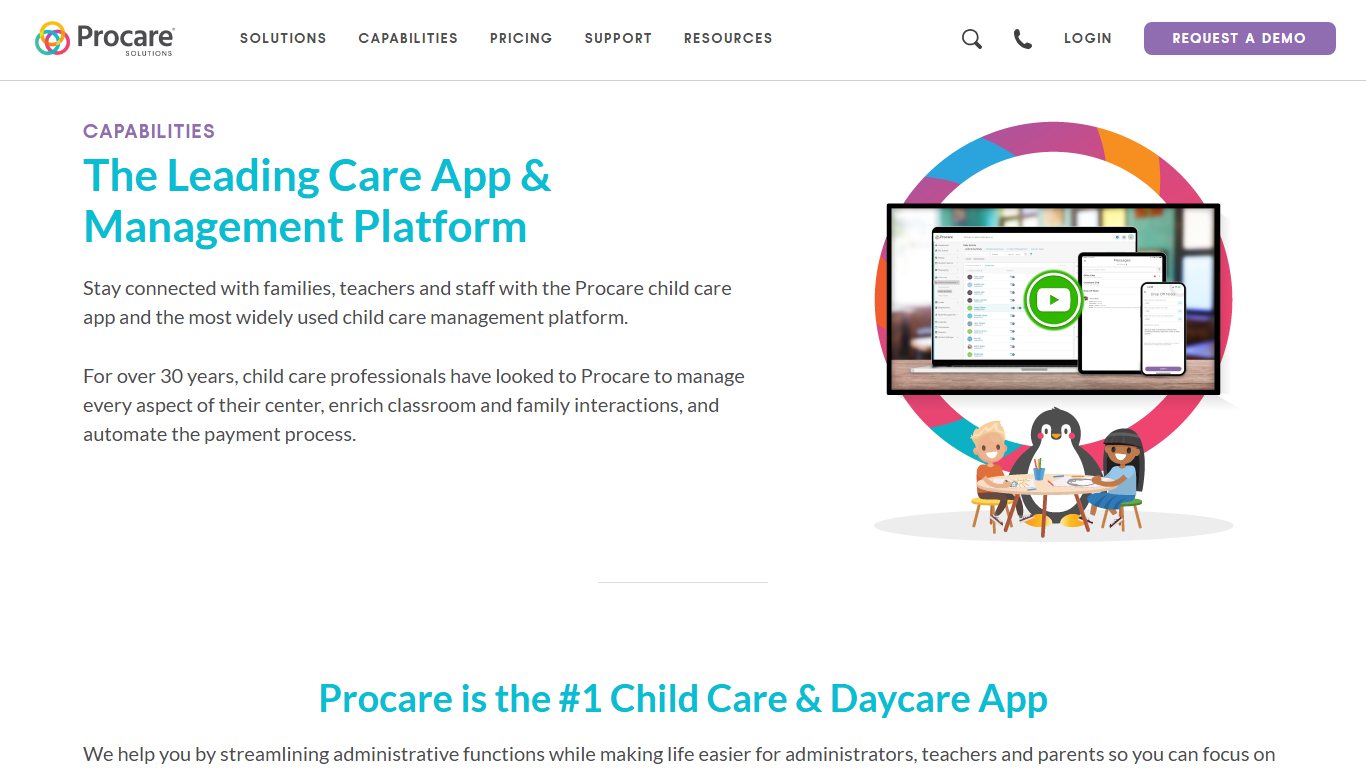
Best for large and multi-site centers, because its accounting, billing, payroll and licensing reports go deeper than any other app here.
- Price: Quote-based. Procare advertises “one low monthly price” and asks you to request pricing.
- Free plan: No.
- Platforms: Hosted Windows software, Procare Online on the web, mobile apps for staff and parents.
- Standout strength: Accounting and subsidy-ready reporting.
- Main limitation: Local installs lost support on January 1, 2026, so every customer now has to use the hosted version.
Procare Solutions makes the long-running desktop program and its web side, Procare Online. Procare says it serves more than 40,000 childcare centers. Since January 2024 it has been a business unit of Roper Technologies.
How you run Procare has changed. Since January 1, 2026, Procare no longer supports its software on local (non-hosted) installs, and the yearly maintenance plan for local installs has ended. To keep getting updates and support, you need the hosted (cloud) version. Procare Online still gets monthly updates. The October 2026 release, published October 13, 2026, made changes in the desktop program show up on the website faster.
Procare also bought Playground, another childcare platform, on September 14, 2026, and reports describe the deal as a way to add AI tools. Procare’s CEO, Joe Gomes, said nothing changes for now for customers of either product.
What users say: Owners value how much Procare can handle once it is set up. The common complaints are the learning curve and the older look of the desktop side. In 2026, the forced move to hosting is the change local-install customers have had to plan for.
3. Lillio
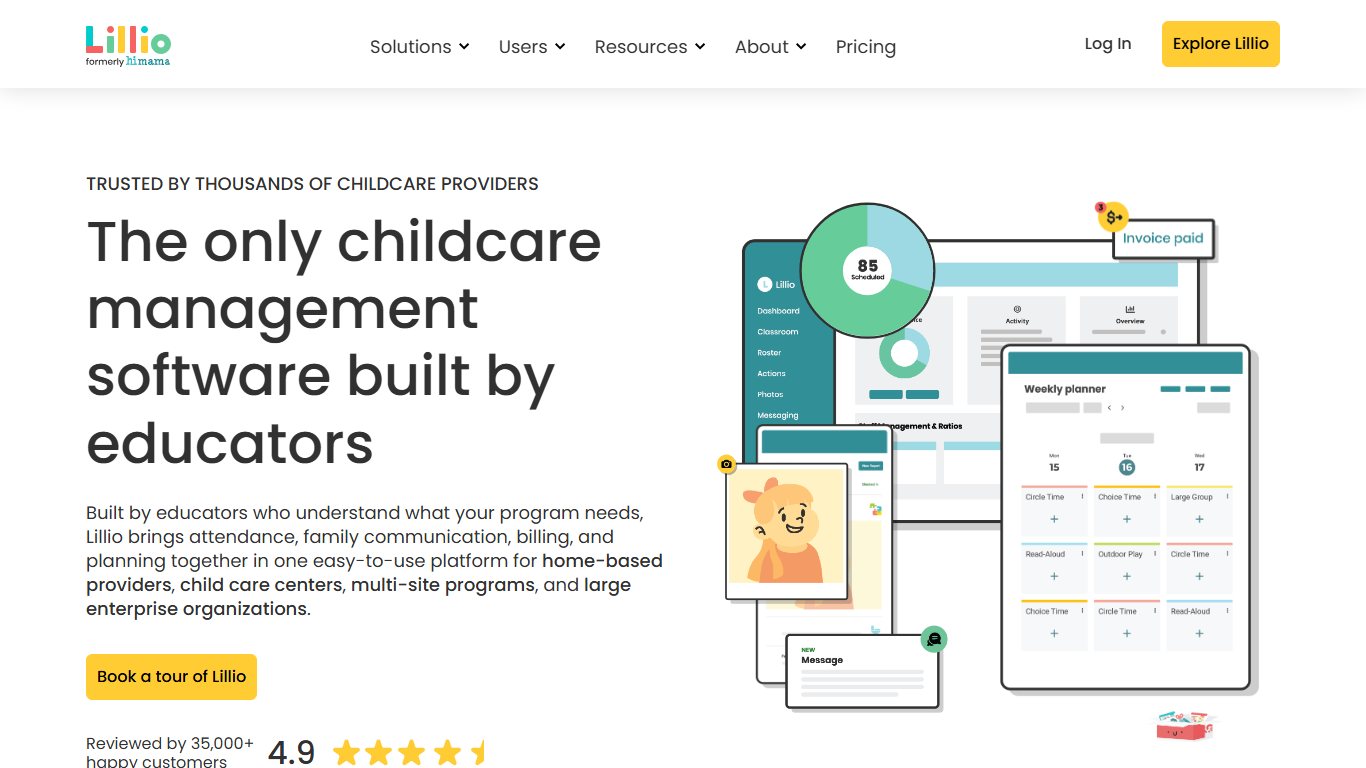
Best for centers that care most about daily reports, because it grew out of HiMama’s family-communication tools and still does them well.
- Price: Custom, based on center size and needs.
- Free plan: Free trial for centers. Free for parents whose child attends a participating center.
- Platforms: Web, iOS, Android.
- Standout strength: Daily reports and records of developmental milestones.
- Main limitation: No published price list.
HiMama changed its name to Lillio in November 2023, because the product had grown beyond its original focus on talking to families. Today it handles daily reports, schedules, attendance, check-ins, meal planning, billing with online payments, and milestone records. In app stores it is listed as Lillio.
What users say: Parents tend to like the daily report feed, meaning the meals, naps and photos. Centers mostly ask about price, since every quote is custom.
4. Kangarootime
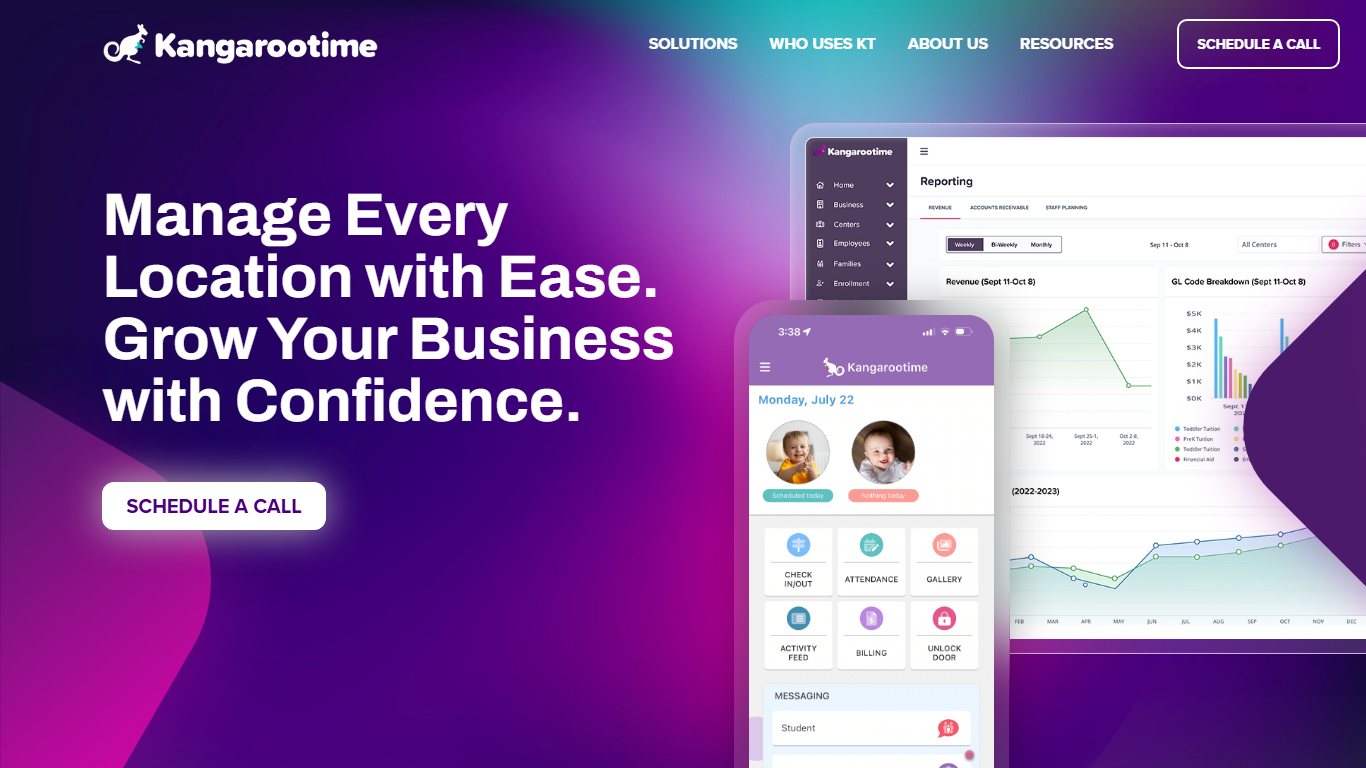
Best for centers whose biggest headache is billing, because invoicing, payments and the parent portal are its core.
- Price: Quote-based.
- Free plan: Book a demo to see it.
- Platforms: Phone, tablet and computer.
- Standout strength: Self check-in plus a dedicated parent portal for balances and schedules.
- Main limitation: Ownership has changed several times, so ask how support works in your region.
Centers use Kangarootime to run operations, take payments and message parents. Parents use it to manage their child’s schedule, contact teachers and see what they owe. In April 2024, Kangarootime bought Clay, an AI platform for early education. Its Australian business is now part of the OWNA group, which bought Kangarootime’s Australian parent company, Juice Technologies.
What users say: Centers point to billing and autopay as the main reasons they pick it. Before you sign, ask for references from US centers your size.
5. Famly
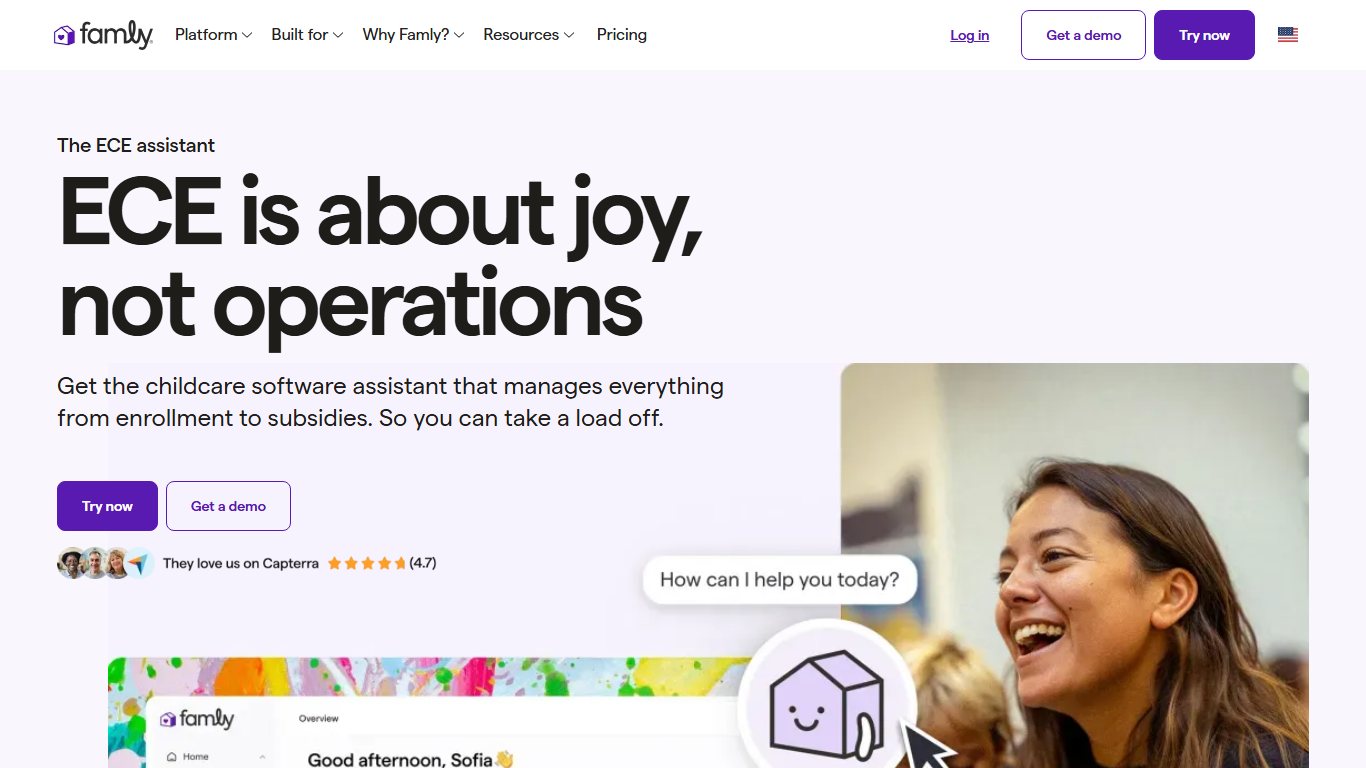
Best for centers that want parents to see the whole day, because its photo, video and calendar tools are strong and it adds staff and occupancy planning.
- Price: Quote-based. It varies by setting and size.
- Free plan: Ask for a demo.
- Platforms: Web, iOS, Android.
- Standout strength: Occupancy planning, plus easy handling of sick days and holidays.
- Main limitation: It started in Europe, so check that US subsidy and licensing reports cover your state.
Famly is a web and mobile platform for enrollment, billing, parent communication and staff management. It sends calendar invitations, handles staff messaging and shares photos and videos in real time.
What users say: Famly is one of the highest-rated tools in this category on Capterra, at 4.7 out of 5. Reviewers mostly praise the parent experience.
6. LifeCubby
Best for curriculum-focused programs, because lesson planning and detailed developmental documentation are its main strengths.
- Price: Request a quote.
- Free plan: Ask for a demo.
- Platforms: Web, iOS, Android.
- Standout strength: Curriculum planning and early-learning assessment records.
- Main limitation: It offers more documentation than a small center that only wants check-in and billing needs.
LifeCubby gives parents one view of their child’s schedule and all childcare messages. Staff get digital check-in and check-out, allergy and immunization tracking, and simple meal and diet management alongside the curriculum tools.
What users say: Teachers and directors who need portfolio-style records rate the documentation highly. Simpler centers sometimes find the setup more than they need.
7. Playground
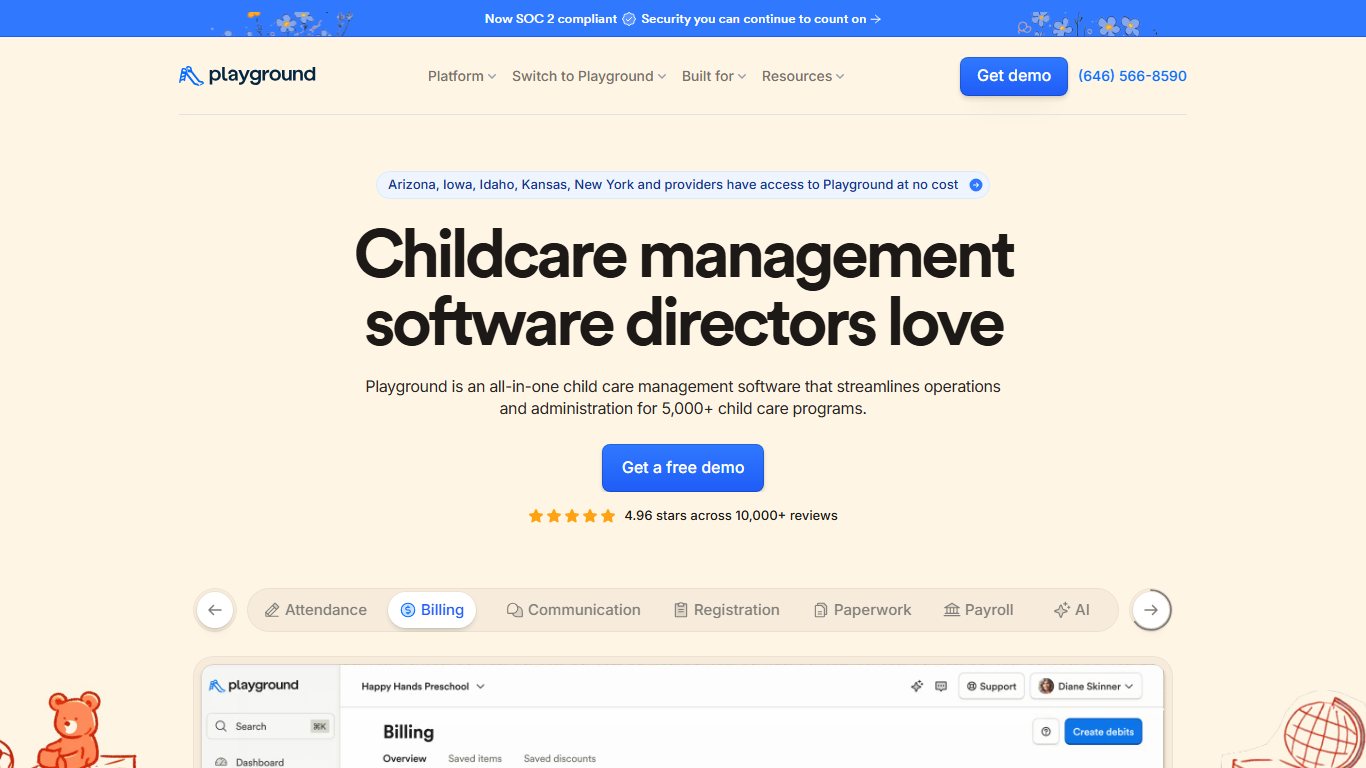
Best for centers that want a modern all-in-one app, because it covers billing, check-in, messaging and daily reports in one product that Procare now owns.
- Price: Quote-based. Get current rates in writing, because Procare has announced no pricing changes since the acquisition.
- Free plan: Ask for a demo.
- Platforms: Web, iOS, Android.
- Standout strength: A newer design, and AI tools that helped attract Procare.
- Main limitation: Its long-term roadmap now depends on Procare’s plans for its two products.
Procare’s CEO has said nothing changes for now for Playground customers, and both products are still sold separately.
What users say: Centers that have switched to Playground usually cite its modern design and quick setup. In late 2026, the big open question in owner discussions is what the Procare deal means at renewal.
8. myKidzDay
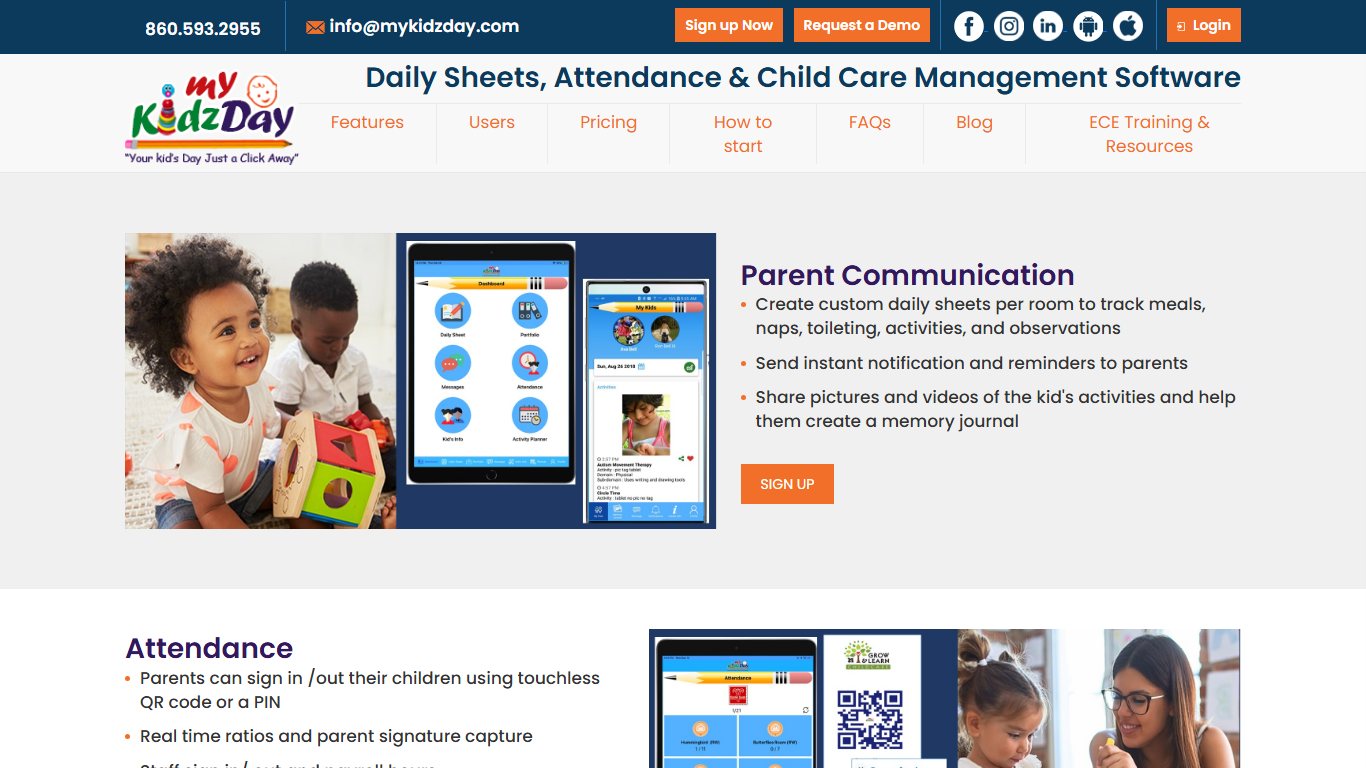
Best for budget-minded centers that mainly need daily reports, because its per-child price is among the lowest available.
- Price: Capterra lists $1 per child per month or $10 per room per month.
- Free plan: Free trial. Free for parents and staff.
- Platforms: Web and mobile.
- Standout strength: Simple, predictable pricing per child or per room.
- Main limitation: Fewer advanced billing and accounting features than Procare or Kangarootime.
myKidzDay covers daily sheets, attendance and parent messaging. The per-room option helps if your classrooms are large: a room of 15 children costs the same as a room of 8.
What users say: Reviews keep coming back to the low price and how easy it is for teachers to log a day. Centers that later need deeper billing tend to outgrow it.
9. Illumine
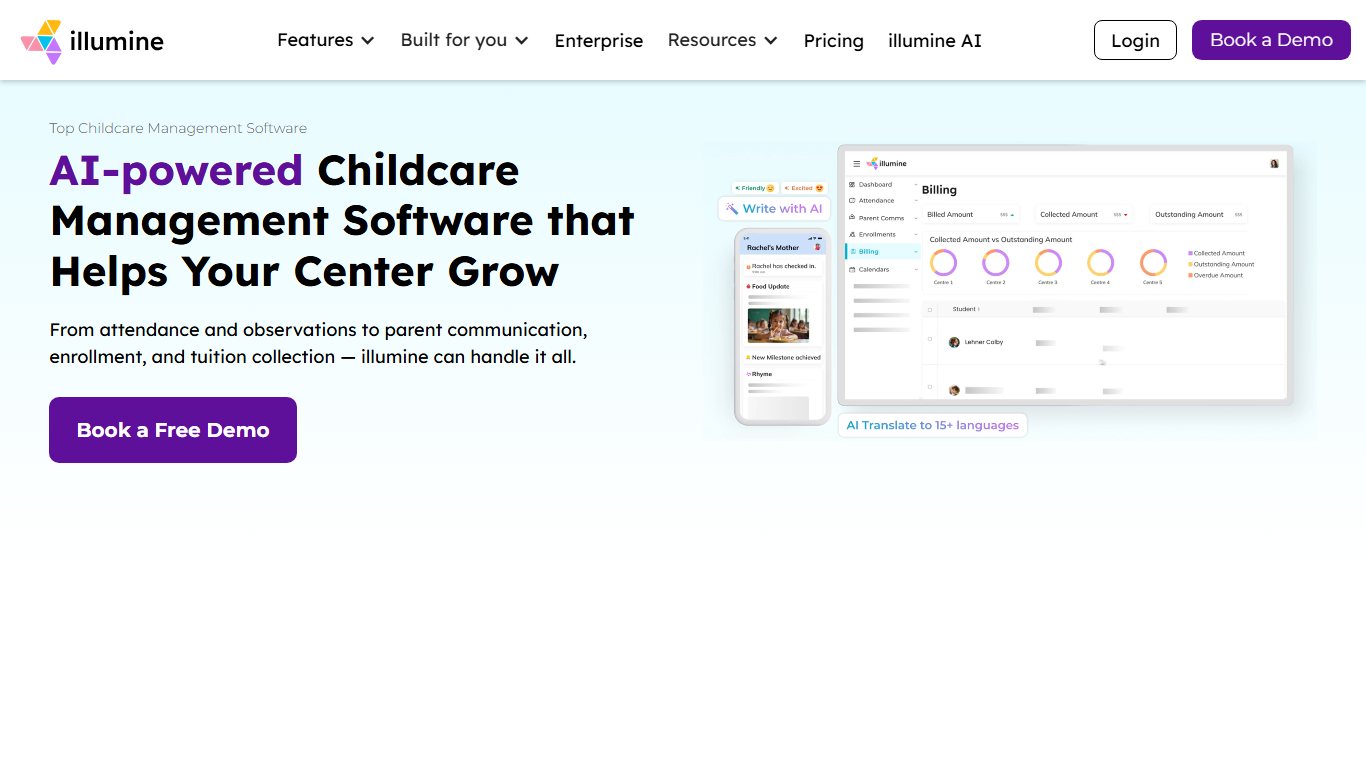
Best for centers that run transport, because it adds real-time school bus tracking to the usual management tools.
- Price: Request a quote.
- Free plan: Ask for a demo.
- Platforms: Web, iOS, Android.
- Standout strength: Live bus tracking for parents, plus a shared library of lesson plans.
- Main limitation: Its blog publishes a lot of comparison content about competitors, so check claims against each vendor’s own pages.
Illumine covers registration, parent-teacher messages, developmental progress sharing and photo updates. Staff can also share recordings of sessions with families.
10. Jackrabbit Care
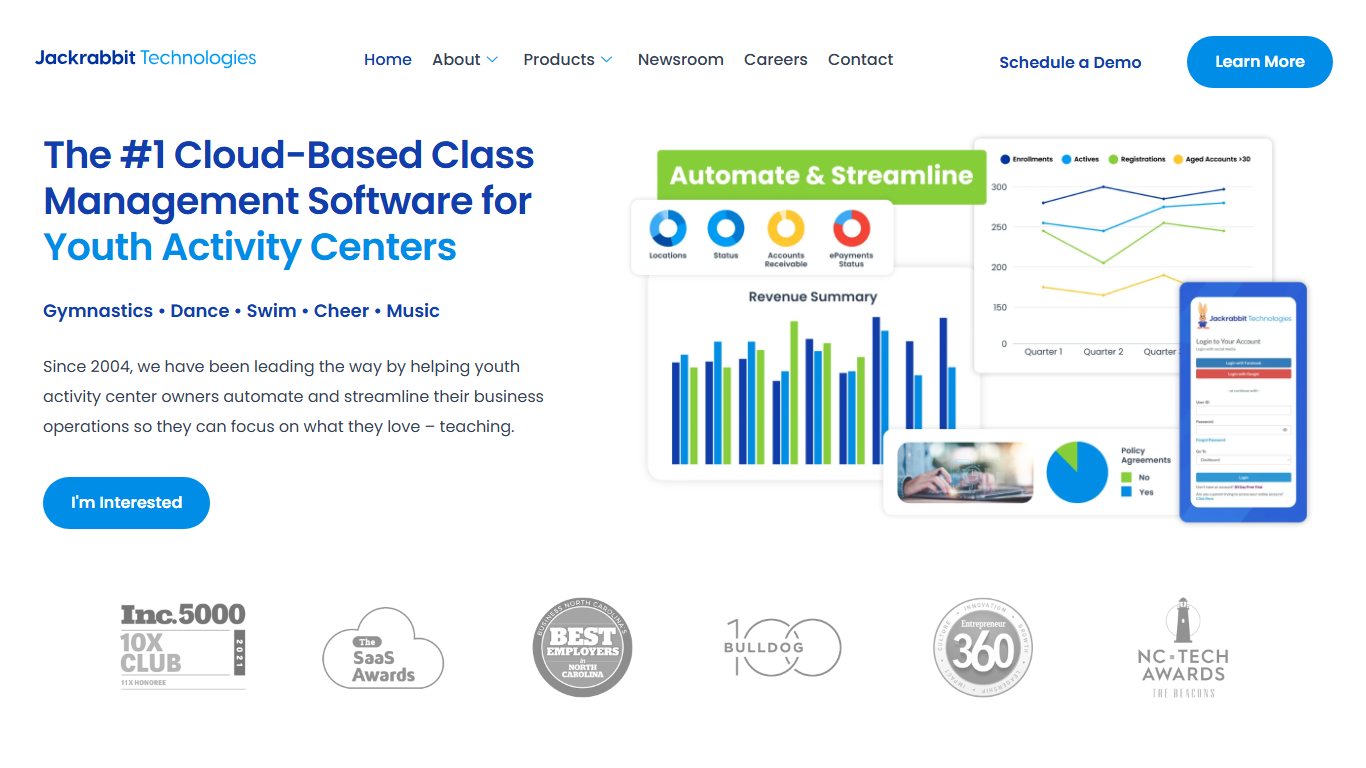
Best for preschools and after-school programs, because registration, payments and parent texting are built around program enrollment.
- Price: Request a quote.
- Free plan: Ask for a demo.
- Platforms: Web, with a parent portal.
- Standout strength: Two-way text messaging with parents from inside the system.
- Main limitation: Infant and toddler daily reports are less detailed than in Lillio or Brightwheel.
Staff can take attendance, keep records, send daily reports and process payments. Online registration helps programs with seasonal sign-ups.
11. EZCare
Best for centers that want enrollment, billing and scheduling behind one login, because it bundles them with weekly automated reports.
- Price: Listings disagree, so get a quote straight from the vendor.
- Free plan: Ask for a demo.
- Platforms: Web.
- Standout strength: Accounts receivable, cash receipts and custom reports.
- Main limitation: The parent-facing experience is plainer than the newer apps.
EZCare also includes online scheduling, a meal planning tool, automated alerts and integrations with third-party tools.
12. Tadpoles
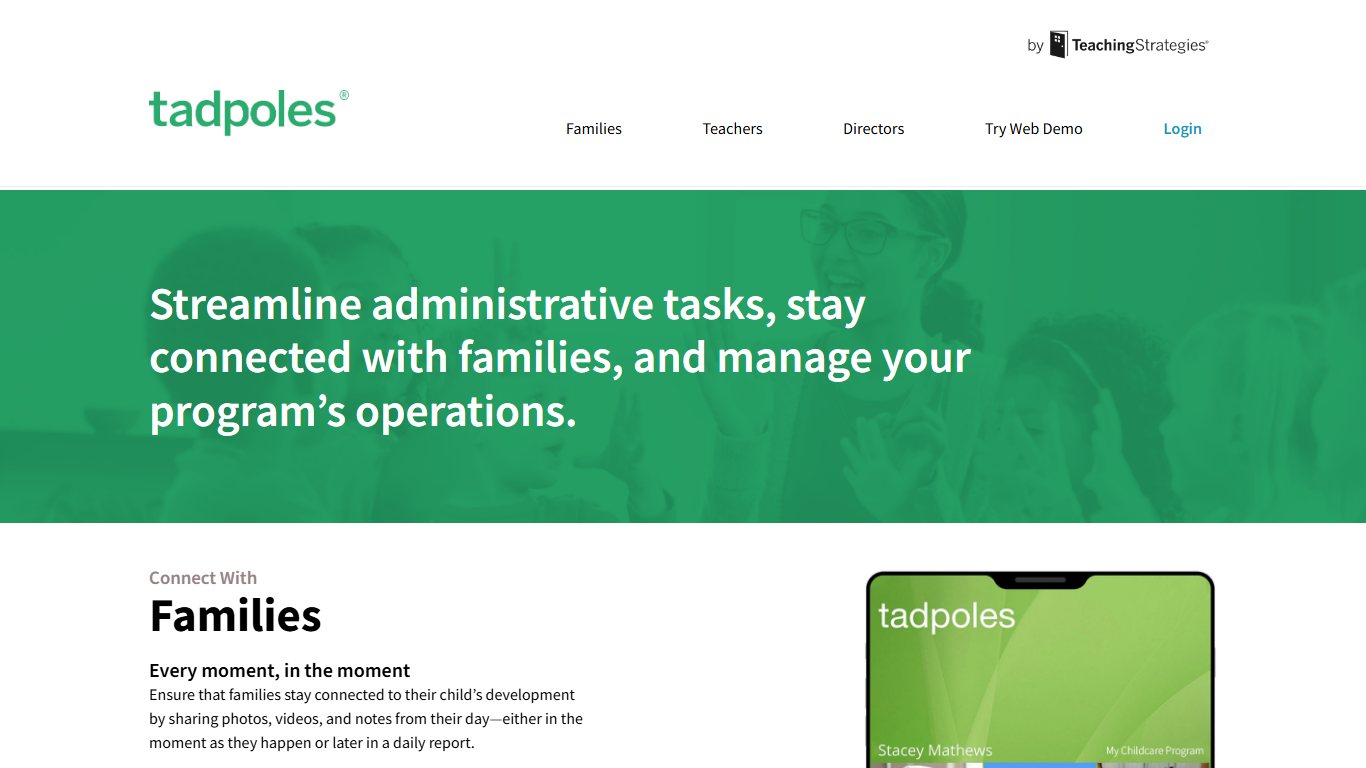
Best for centers that care most about parent communication, because its daily reports and photo sharing are the center of the product.
- Price: Quote-based. G2 and Capterra both list pricing as available on request.
- Free plan: Free for parents.
- Platforms: Web, iOS, Android.
- Standout strength: A simple parent app for daily activity, photos and messages.
- Main limitation: No published price, so you can’t compare costs until you have a quote.
Teachers log meals, naps, diapers and activities. Parents get the updates in the Tadpoles app.
13. Daily Connect
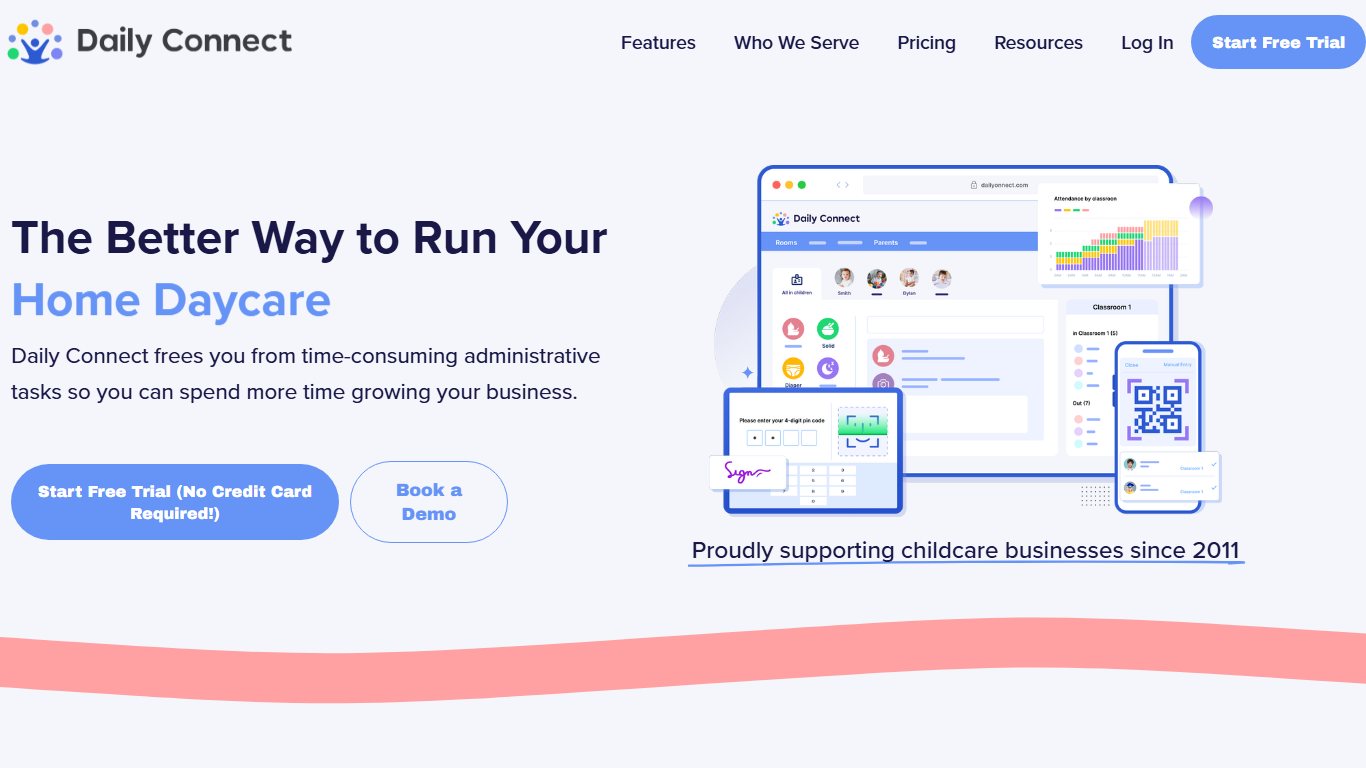
Best for home daycares and nannies, because it offers small-provider plans and low per-child rates.
- Price: Per child on a sliding scale. Daily Connect’s own pages list about $1.40 to $1.60 per child per month, depending on plan and billing term. G2 lists nanny and small family daycare plans starting at $4.99.
- Free plan: 14-day free trial. Free for parents while the provider’s subscription is active.
- Platforms: Web, iOS, Android.
- Standout strength: Discounts for 6-month and yearly plans, and pricing that grows with enrollment.
- Main limitation: A minimum monthly charge applies, so very small programs pay more per child.
Daily Connect covers daily reports, check-in, messaging and billing. Its pricing is based on active enrolled children, so you aren’t paying for empty spots.
14. MyKidReports
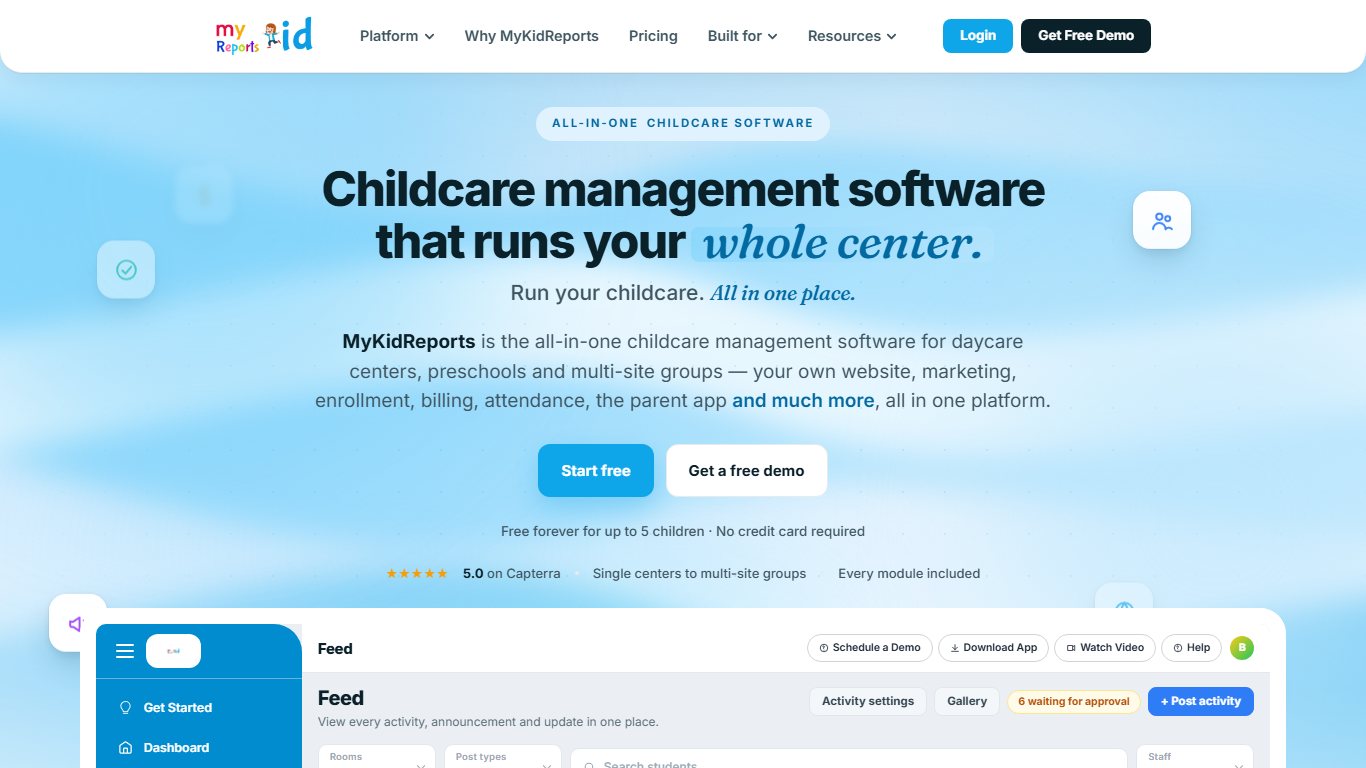
Best for very small programs that need a free plan with no time limit, because it is free for up to 5 children.
- Price: Free up to 5 children, then $0.99 per child per month, according to its pricing page.
- Free plan: Yes, Free Forever up to 5 children, with one staff account. The Pro plan has a 14-day free trial.
- Platforms: Web, iOS, Android.
- Standout strength: The lowest published per-child price on this list.
- Main limitation: Many comparison articles about it are its own marketing, so judge it in a hands-on trial.
MyKidReports covers check-in, daily reports, billing and parent communication for daycares, preschools and after-school programs.
15. ClassDojo
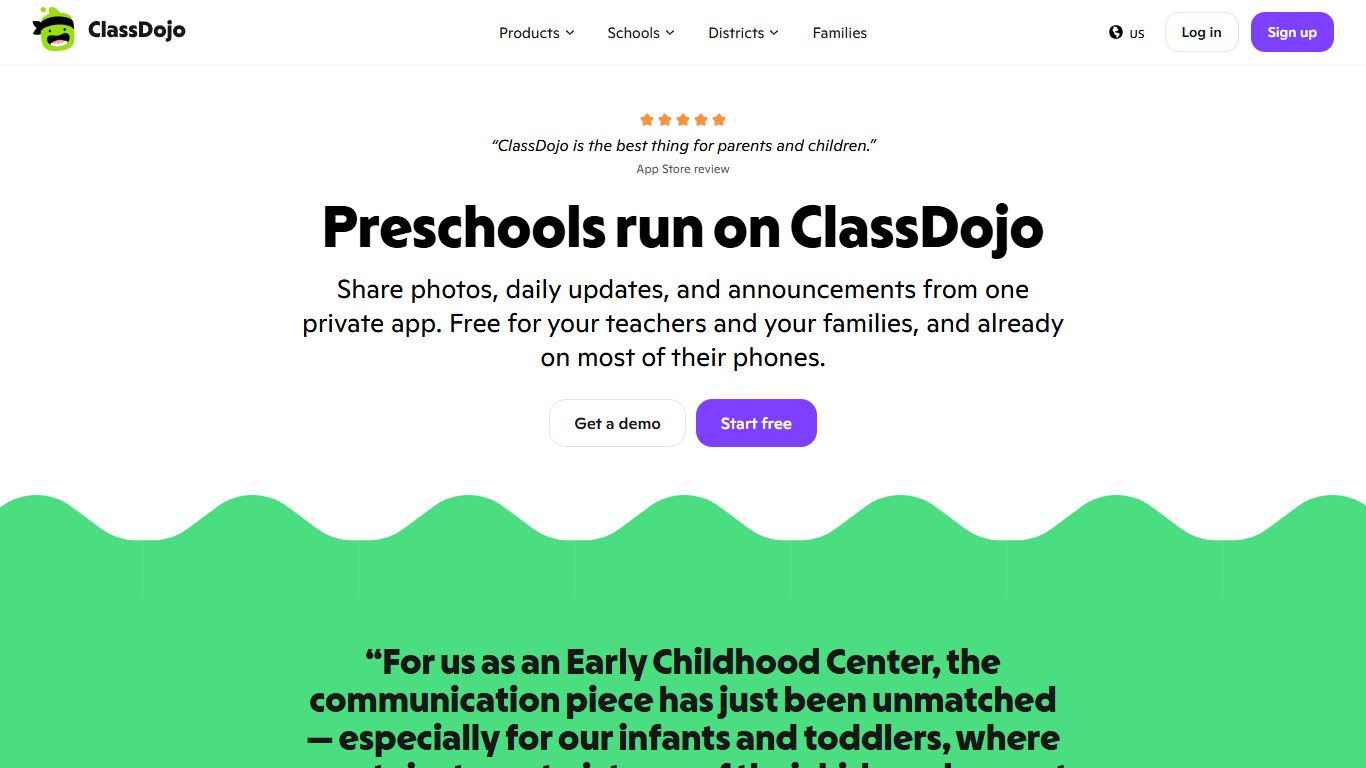
Best as a free communication-only add-on, especially for multilingual families, because messages translate into more than 190 languages.
- Price: Free for schools and teachers. ClassDojo Plus adds paid extras for families.
- Free plan: Yes.
- Platforms: Web, iOS, Android.
- Standout strength: Instant translation, read receipts, scheduled messages and a private Stories feed for photos and videos.
- Main limitation: No billing, check-in or licensing records, so it doesn’t replace a management app.
ClassDojo has a dedicated preschool version. Translation only works when both the sender and the parent have set their language preferences, so ask families to do that on day one.
Other options worth a look
These two tools didn’t make the top 15. They can still fit specific centers.
- Sandbox: A web-based program with CRM tools, automatic invoices and a full set of reports. Parents can manage account details and print receipts on their own.
- Prime Child Care: An affordable, flexible program with a real-time headcount, online check-in and check-out, and customizable online enrollment.
Outside the US
Some apps that show up on international lists are built mainly for other markets. Cheqdin is a nursery platform focused on UK-style settings. Educa centers on learning stories and child portfolios for early learning centers in New Zealand, Australia and the UK. Parent comes from Parent ApS, a Danish company founded in 2015. US centers should confirm that any of these supports US subsidy billing and state licensing reports before signing.
Renamed or discontinued apps
Older lists still name these products, but none of them is sold under that name today.
- Kinderlime: Procare announced it was buying Kinderlime on May 15, 2019, and later rebranded it under the Procare name. Former customers were moved to Procare’s cloud software.
- HiMama: Renamed Lillio in November 2023. It is the same company and the same product.
- Procare Desktop on a local computer: No longer supported since January 1, 2026. The software continues only as Procare’s hosted version.
How much do daycare apps cost?
Most daycare apps for centers cost either a per-child monthly fee or a custom quote, and parents usually pay nothing. Published per-child rates run from about $0.99 to $1.60 per month. Brightwheel, Procare, Lillio, Famly, Kangarootime and Playground quote each center individually.
| App | Published price | Free option | Notes |
|---|---|---|---|
| MyKidReports | $0.99 per child per month | Free up to 5 children | 14-day Pro trial |
| myKidzDay | $1 per child or $10 per room per month (Capterra) | Free trial | Free for parents and staff |
| Daily Connect | About $1.40 to $1.60 per child per month | 14-day trial | Monthly minimum applies |
| Brightwheel | Premium by quote | Limited free tier | Processing fees lower on Premium |
| Procare | Quote | No | Hosted only since January 2026 |
| Lillio | Custom quote | Free trial | Free for parents |
| ClassDojo | Free | Yes | Plus is a paid family option |
A worked example for a 50-child center
At list price, before processing fees, 50 children cost $49.50 a month on MyKidReports (50 × $0.99) and $50 a month on myKidzDay’s per-child plan. On Daily Connect at $1.40 per child, the same center pays $70 a month. Quote-based apps can cost more, but they often include deeper billing, payroll exports and support. That trade only pays off if you actually use those features.
Payment processing fees
Processing fees on online tuition payments are often a bigger cost than the subscription. Brightwheel’s help center lists lower billing fees as a Premium feature, which tells you free-tier rates are higher. Ask every vendor for a written rate sheet covering card and ACH (bank) payments. Ask too whether you can pass the fees on to families.
Best free daycare apps
The best free daycare apps for providers are MyKidReports (free up to 5 children), Brightwheel’s free tier (one staff member and fewer than 20 students), and ClassDojo for messaging only. Licensed providers in some states can also get Brightwheel Premium paid for by the state.
Free provider tiers
- MyKidReports Free Forever: Up to 5 children and one staff account, with no time limit.
- Brightwheel free: Basic messaging, daily reports and photos (no video), for one staff member and fewer than 20 students.
- ClassDojo: Free messaging, translation and photo Stories. It has no billing or check-in.
State-funded programs
Some state childcare agencies have paid for Brightwheel Premium for licensed providers. Kentucky’s program runs through December 2026, so Kentucky providers should ask the state now what happens after that. Providers in other states should ask their state childcare agency or child care resource and referral agency what is available before paying full price.
Free trials
Free trials are not free plans, but they let you test a paid app on real tasks. Daily Connect and MyKidReports Pro both offer 14 days. Lillio and myKidzDay also offer trials for centers.
Procare vs Brightwheel: which is better?
Brightwheel is the better choice for single centers and small groups that want fast setup, simple billing and a parent app families actually open. Procare is the better choice for large or multi-site centers with complex billing, subsidies, payroll and accounting needs.
| Factor | Brightwheel | Procare |
|---|---|---|
| Best for | Single centers, small groups | Large and multi-site centers |
| Free option | Limited free tier | None |
| Pricing | Premium by quote | Quote |
| Setup | Cloud app, quick to start | Hosted software plus Procare Online |
| Billing depth | Solid core billing | Deep accounting and reports |
| 2026 changes | State partnerships, such as Kentucky through December 2026 | Local installs unsupported since January 1, 2026; bought Playground September 14, 2026 |
The counter-argument to picking Procare for a small center is simple: you pay for accounting depth you won’t use, and staff take longer to learn it. The counter-argument to Brightwheel for a big group is that complex subsidy billing across several sites can outgrow it. If you are close to that line, run both trials with your real billing scenarios.
Benefits of daycare management software
Good daycare software saves your staff time on admin and keeps parents informed without extra phone calls. These are the main gains the best apps deliver.
Less paperwork
Childcare management software replaces paper forms. Every activity is recorded digitally, and reports for licensing, billing or parents take a few clicks.
Better record-keeping
Key information on every child and staff member lives in one place. You can add, update or remove records in seconds instead of changing paper files.
Easy communication with parents
Parents log in to see enrollment details, their child’s daily routine and photos from the day. Messages go both ways, so parents and staff can stay in touch all day.
Saves time
Daycare software won’t replace your staff, but it saves hours. You can manage staff schedules, track spending and record attendance on a computer or tablet instead of by hand.
Automates daily tasks
Automated billing reminders, attendance logs and reports give your staff more time with the children. The software also flags duplicate records, so the same child or family isn’t entered twice.
Tracks children’s progress
Staff manage schedules, attendance, classroom activities and learning goals in one system. Reports show each child’s progress over time.
Helps with nutrition planning
Many packages include tools to plan menus and log what each child eats. That helps you meet every child’s dietary needs, allergies included.
Shares live updates
A good daycare app sends photos, nap times and meal notes as they happen, so parents can check on their child without calling.
How to choose the best daycare app
Start with the features you can’t do without. Then compare ease of use, support, total cost and devices, and test your top two in a free trial.
Check the essential features
List the features your center actually needs, such as billing, subsidy tracking, check-in or parent messaging. Then check that each app on your shortlist covers all of them.
Ease of use
Everyone on your team will use the app, from the director to a new assistant teacher. Pick one with a clear layout so nobody gets stuck.
Strong customer support
When billing or check-in stops working, you need fast help. Ask each vendor about support hours, response times and phone support, and read what current customers say about it.
Set your budget
Work out the total monthly cost: subscription, per-child fees and payment processing. Use the worked example above as a template, and get every quote in writing.
Check compatibility
Cloud software has largely replaced programs installed on one office computer, and Procare’s move away from local installs in January 2026 shows where the industry is heading. Check that the app runs in a web browser and has iOS and Android apps for staff and parents.
Research online
Read about each program on its official website, and make sure the information is current. Apps in this field change names and owners often, as HiMama, Kinderlime and Playground show.
Read customer reviews
Reviews on Capterra, GetApp and G2 show each program’s current strengths and weaknesses. Many comparison articles are published by competing vendors, so treat their pricing claims with care and ask for a live demo.
Use the free trial first
During the trial, test real tasks: check in a class, send a daily report and run a billing cycle.
Which daycare app should you pick?
Pick the app your staff will use every day and your parents will actually open. For most centers that means Brightwheel, Lillio or Famly. Larger groups usually need Procare or Kangarootime, and very small programs do well with MyKidReports, Daily Connect or myKidzDay.
Which app is best for a home daycare?
Daily Connect, MyKidReports or myKidzDay. Each one publishes a low per-child price, and MyKidReports is free for up to 5 children. Brightwheel’s free tier also fits a one-person home daycare with fewer than 20 children.
Which app is best for a single center?
Brightwheel, Lillio or Famly. All three are easy for staff and popular with parents. Choose Lillio for detailed daily reports, Famly for occupancy planning and Brightwheel for the free tier and possible state funding.
Which app is best for multi-site groups?
Procare or Kangarootime. Both offer the billing and reporting depth that groups with several sites and subsidy billing need. Playground is worth a demo too, but ask how the Procare deal affects its roadmap.
Which app is best for curriculum and assessments?
LifeCubby. Its lesson planning and developmental documentation go further than the communication-first apps.
What if you only need parent messaging?
Use ClassDojo. It is free, translates into more than 190 languages and works alongside any billing system you already have.
Your next step: shortlist three apps from the table at the top, book demos in the same week, and ask each vendor for a written quote that includes processing fees.
FAQ
Are daycare apps free for parents?
Usually, yes. Lillio, Daily Connect and Tadpoles are free for parents whose child attends a participating center, and the center pays the subscription. If your center uses a paid app, any costs normally show up in tuition or as card processing charges, not as a separate app fee.
How much does Brightwheel cost?
Brightwheel has a free tier for one staff member and fewer than 20 students, with basic messaging, daily reports and photos. Premium is priced by quote. Payment processing fees are charged on top of the subscription and are lower on Premium, so ask for the exact card and ACH rates.
What is the cheapest daycare app?
MyKidReports is free for up to 5 children and then costs $0.99 per child per month. myKidzDay is listed at $1 per child per month. ClassDojo is free but only handles communication.
What happened to HiMama?
HiMama changed its name to Lillio in November 2023. It is the same company and the same product, now with more center management features. In app stores it is listed as Lillio.
Is Kinderlime still available?
No. Procare announced it was buying Kinderlime in May 2019 and rebranded the product under the Procare name. Former Kinderlime customers were moved to Procare’s cloud software.
Can you still run Procare on your own office computer?
Not with support. Since January 1, 2026, Procare no longer supports local, non-hosted installs, and the maintenance plan for them has ended. To keep getting updates and help, you need Procare’s hosted (cloud) version.
Did Procare buy Playground?
Yes. Procare bought Playground on September 14, 2026. Both products are still sold separately, and Procare’s CEO said nothing changes for now for customers of either one.
Is there a free daycare app for providers?
Yes. MyKidReports is free for up to 5 children, Brightwheel has a limited free tier, and ClassDojo is free for messaging. Some states have also paid for Brightwheel Premium, such as Kentucky’s program through December 2026, so check with your state childcare agency.
Can ClassDojo replace a daycare management app?
No. ClassDojo handles messaging, translation and photo sharing, but it has no billing, check-in or licensing records. Use it as an add-on, or pick a full management app.
Sources
- Lillio: HiMama is now Lillio (lillio.com)
- Procare Solutions: Kinderlime is part of the Procare family of brands (procaresoftware.com)
- Procare Support: Procare Desktop Downloads and local install notice (procaresupport.com)
- Procare Support: October 2026 Procare Online Product Release (procaresupport.com)
- Playground: Procare Solutions Acquires Playground (tryplayground.com)
- Kangarootime: Acquisition of AI platform Clay (kangarootime.com)
- Brightwheel: How to Get Brightwheel for Free, state partnerships (mybrightwheel.com)
- Brightwheel Help Center: Premium overview (help.mybrightwheel.com)
- MyKidReports: Pricing (mykidreports.com)
- Daily Connect: Pricing (dailyconnect.com)
- Capterra: myKidzDay pricing (capterra.com)
- G2: Tadpoles pricing and Daily Connect pricing (g2.com)
- ClassDojo: Preschools, and Help Center: What languages does ClassDojo support (classdojo.com)













