

In November 2026, the safest way to automate an X (formerly Twitter) account is to use a scheduling and inbox tool that connects through X’s official API. Buffer, SocialBee, Hootsuite and Sprout Social all work this way, and Buffer is free for up to 3 channels. X Pro (formerly TweetDeck) has required the Premium+ plan since March 26, 2026, and Premium+ costs $40 a month on the web in the US. Steer clear of tools that auto-follow, auto-unfollow or auto-like for you: X’s automation rules ban that kind of activity, and you are responsible for anything an app does with your account.
X lets you reach your target audience and pull them into conversations. Search filters, threads and publishing features help you find like-minded people and slowly grow your following.
Every other brand and creator gets the same tools, though, so keeping one profile active is a lot of work. Keeping several active is harder.
A good automation app can handle most of the routine work for you, like scheduling posts, collecting mentions and replies in one inbox, and reporting on what performed well. That leaves you free to write the posts and answer the replies yourself.
What X allows before you automate anything
X allows automation that schedules your own posts and helps you manage replies. It does not allow automation that games the platform. X’s automation rules say automated activity must follow the X Rules, and apps that use the X API must also follow the Developer Agreement and Policy.
The Developer Policy bans using the API to create spam or manipulate the platform. Services that post, follow or send DMs must avoid bulk or aggressive following. They also can’t post the same or nearly the same content across multiple accounts. If automated activity breaks these rules, X can filter your posts out of search results or suspend the account.
The other big change since this list was first put together is cost. In 2023 Twitter shut off its free API, and many third-party apps broke or had to start paying for access. Some tools on this list dropped features, raised prices or closed. Before you move your workflow to a tool, check during its free trial that X is in its list of supported networks.
The 15 tools at a glance
| Tool | Best for | Status on X, November 2026 | Starting price |
|---|---|---|---|
| SocialBee | Category-based scheduling | Active scheduler | $29/month (Bootstrap) |
| Napoleon Cat | Social inbox and moderation | Check X support | Custom quote |
| CircleBoom | Account cleanup and analytics | X-focused tool | Free tier, paid Pro |
| Sprout Social | Teams and agencies | Active, enterprise-grade | $199/seat/month (annual) |
| Sked Social | Visual planning | Check X support | Tiered plans |
| Audiense Connect | Audience research | Research and analytics | See vendor |
| Crowdfire | Content curation | Shut down May 15, 2025 | None |
| TweetDeck (X Pro) | Live monitoring in columns | Built into X | Premium+ ($40/month, US web) |
| Hootsuite | Multi-network teams | Active scheduler | $99/user/month (annual) |
| Buffer | Solo creators, small teams | Active scheduler | Free for 3 channels |
| Tweethunter | Writing and growing on X | X-only tool | Free trial, then paid |
| Jarvee Pro | Bulk automation | Not recommended | Not worth the risk |
| Tweepi | Follower management | Depends on API access | See vendor |
| Warble | Keyword email alerts | Depends on API access | See vendor |
| Postfity | Bulk scheduling | Check X support | See vendor |
The order below is the original list order, not a ranking. When choosing, give the most weight to two things: whether the tool works through X’s official API, and whether its features stay within X’s automation rules. Price and ease of use come after that.
1. SocialBee
SocialBee is a category-based scheduler that suits solo creators and small teams who post evergreen content on a loop. You can publish from a queue, tailor each post for each network as you write it, refresh old posts and turn articles into social posts.
You can also sort content into categories and schedule a whole category at once. This means you can keep your audience engaged without writing something new every time. The trade-off with recycling is that X dislikes near-identical repeats, so rewrite evergreen posts a little before they go out again.
SocialBee also offers Concierge Services, where you hire its social media specialists to plan and run your content strategy. This is useful for solopreneurs who don’t have the time or skills to grow an X account themselves.
Core features
- Post scheduling
- Analytics
- Content categories
- Data import
- Canva integration
- Browser extension
- Concierge Services
Price
SocialBee has three main plans: Bootstrap at $29 a month for 5 profiles, Accelerate at $49 a month for 10 profiles and Pro at $99 a month for 25 profiles. Annual billing costs less, and agency plans sit above Pro.
2. Napoleon Cat
Napoleon Cat is built around engagement and moderation more than publishing. Its social inbox collects your comments and messages in one place. It can auto-reply to common questions, flag complaints and filter out trolls, which cuts your response time and keeps customer service tidy.
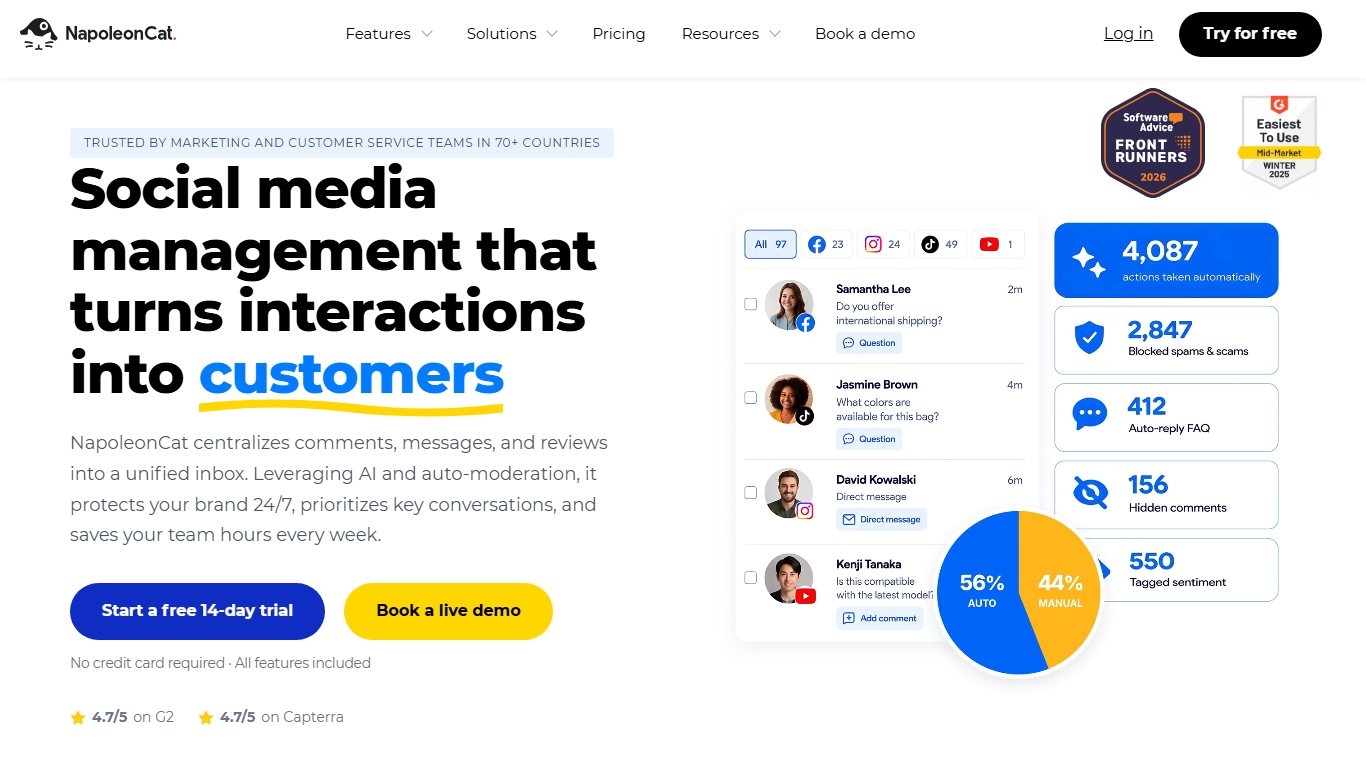
It also has publishing tools that let you adjust a single post for several networks, plan your week and see how your accounts are performing.
You can export activity reports as PDFs and share them with your team.
Core features
- Multiple profiles and users
- Social inbox
- Publishing tools
- Moderation
- Translation
- Competitor analysis
- PDF reporting
- Team collaboration
Price
Napoleon Cat prices plans by the number of social profiles and users you need, so the cost scales with the size of your team. Confirm that X is listed among its supported networks before you pay.
3. CircleBoom
CircleBoom is the pick for monitoring and cleaning up an account rather than posting to it.
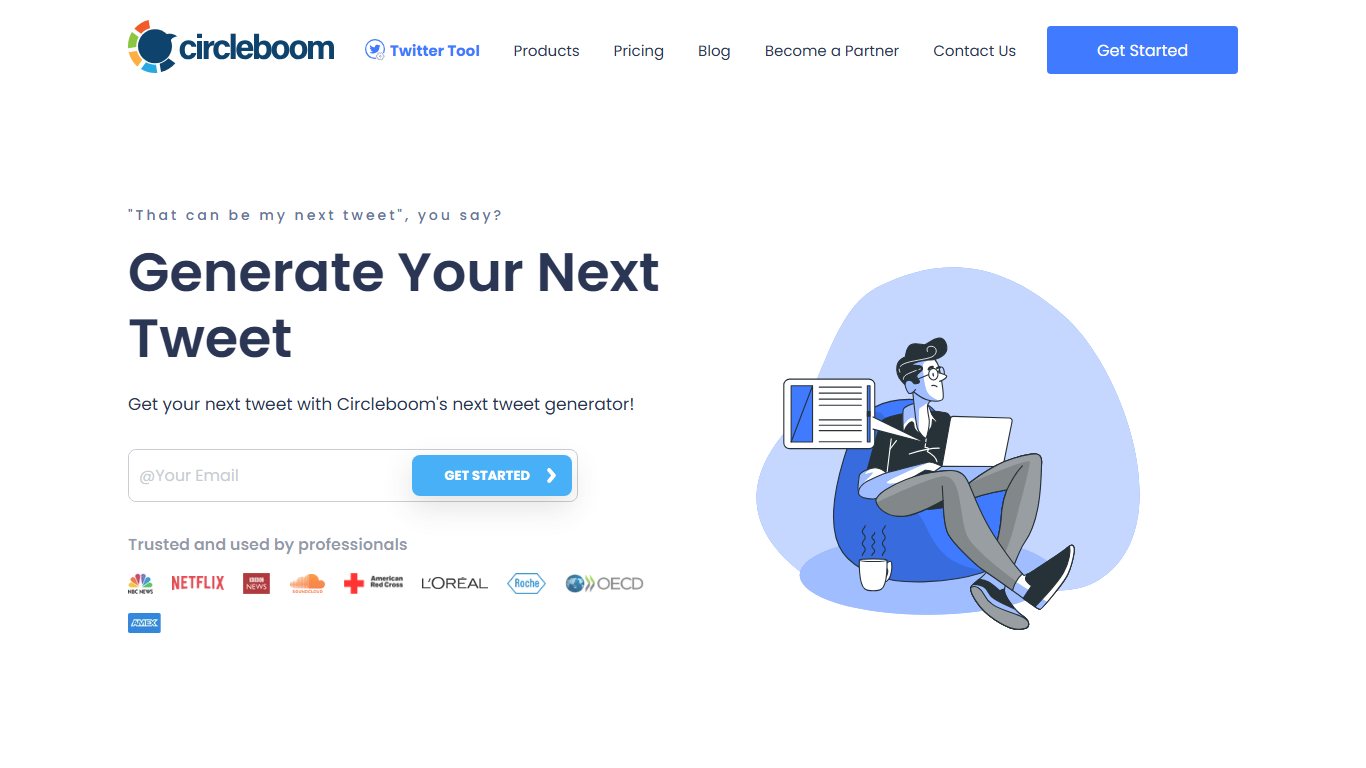
Its search filters help you find accounts that matter to your business and spot profiles that look fake, spammy or inactive. Its analytics summarise your account activity and give you real numbers on your followers.
CircleBoom also does bulk cleanup. You can sort your posts, remove likes, delete retweets and clear out old or irrelevant content. Bulk deletion can’t be undone, so download your X archive first from Settings and privacy > Your account > Download an archive of your data.
Core features
- Target audience search
- Inactive and spam profile detection
- Follower lists from other accounts
- Bulk unlike
- Bulk retweet deletion
- Language filters
- Follower and activity statistics
Price
CircleBoom has a free tier with basic X tools and paid Pro plans for bulk actions and deeper analytics.
4. Sprout Social
Sprout Social is one of the most complete social media management platforms. It covers scheduling, comment tracking and content performance in one product.
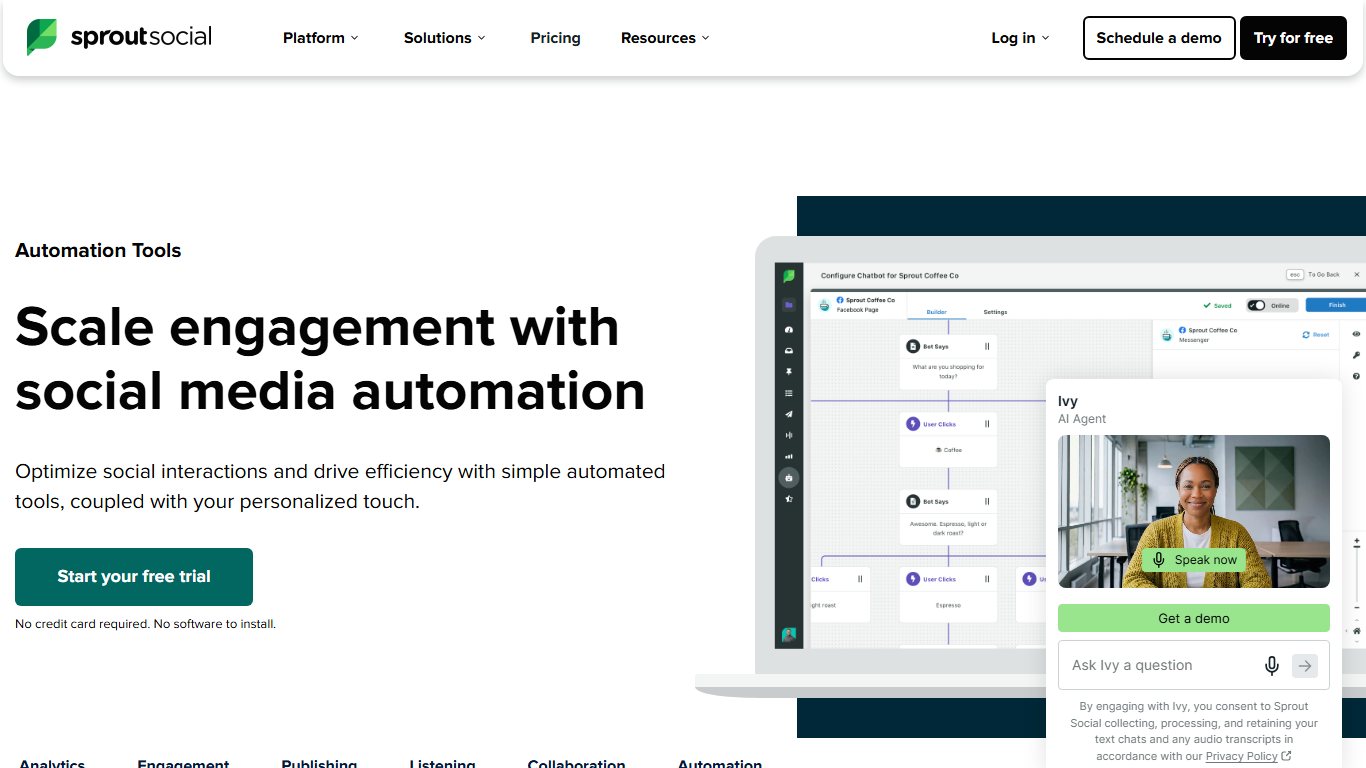
You can use it to plan your X posting, publish at the best times, monitor brand mentions and get content suggestions. Its unified Smart Inbox brings DMs and mentions into one feed, so nothing slips through.
Its analytics and listening features are strong. They surface trends and popular conversations, show you where to join in, and give you hard data to adjust your strategy. Social listening is a paid add-on, though, not part of the base price.
Core features
- Multi-network management
- Smart Inbox
- Scheduling and content calendar
- Keyword monitoring
- Message volume control
- Content curation
- Team collaboration and approval workflows
- CRM integrations
Price
Billed annually, Sprout Social costs $199 per seat per month on Standard, $299 on Professional and $399 on Advanced. Monthly billing costs more. Standard is capped at 5 social profiles, Professional and Advanced allow unlimited profiles, and Enterprise is quoted separately. It is priced for businesses, and for one person running one X account it is usually more than you need.
5. Sked Social
Sked Social has a grid planner and a calendar so you can preview your content before a campaign goes live. For a launch with fixed dates, the calendar works much like a project timeline.

Its drag-and-drop editor lets you line up a series of posts, add bio links that send traffic to your site and leave the whole plan to publish on its own. A hashtag tool suggests tags to help posts get found.
Its analytics are better than average and cover your competitors as well as your own performance.
Core features
- Multiple accounts
- Auto-posting
- Visual planner
- Media library
- Hashtag suggestions
- Bio links
- Bulk upload
- Team collaboration
Price
Sked Social sells tiered monthly plans. Its grid planner and bio links are built mainly for Instagram, so confirm X publishing is included before you choose it for X.
6. Audiense Connect
Audiense is about understanding your audience, and it sits closer to Market Research Tools than to schedulers.
You can use it to browse new followers, pick out valuable profiles, set alerts to track influencers and compare a rival’s engagement with yours. It has also offered a chatbot builder for automated opt-in welcome messages.
The personality report is its most distinctive feature. It shows a visual breakdown of your audience’s behaviour so you can understand their interests and motivations.
Core features
- Monitoring
- Chatbot builder
- Community analytics
- Following management
- Competitor comparison
- Smart alerts
- Detailed reporting
Price
Audiense lists current Connect plans on its own site. Audiense Insights, its separate audience-segmentation product, is aimed at agencies and brands with bigger budgets.
7. Crowdfire
Crowdfire shut down its social media management tool on May 15, 2025. Users got short notice through an in-app message. The company cited rising API and infrastructure costs and the fact that social networks now have their own publishing features.
When it was running, Crowdfire offered a wide range of publishing options. You could turn articles into posts, connect RSS feeds, schedule posts in bulk and find trending topics, and a “Queue Meter” showed how many more posts you needed to keep your audience engaged. It also tracked mentions so you could reply from your phone.
Core features (until 2025)
- Content discovery and curation
- Auto-publishing
- Queue Meter
- Mention and comment tracking
- RSS feed syncing
- Bulk posting
- Shopify and Etsy integration
- Competitor analysis
Price
Crowdfire’s scheduling tool is no longer available. Buffer and SocialBee in this list cover most of what it did for X.
8. TweetDeck
TweetDeck is now called X Pro, and it’s part of X itself, owned by X Corp. It puts your timelines, notifications, searches and messages into columns on one dashboard, which makes it good for watching live conversations.
You can write and schedule posts, follow what your audience is saying and keep an eye on trends without switching tabs.
Because it’s X’s own product, the interface looks just like the main site, so it’s easy to pick up.
Core features
- Column-based dashboard
- Multiple accounts
- Tracking, lists and monitoring
- Post scheduling
- Advanced search filters
Price
TweetDeck stopped being free years ago. Since March 26, 2026, X Pro has been available only on Premium+ and above, which costs $40 a month or $395 a year when you subscribe on the web in the US. Prices in other regions and through the iOS and Android app stores can differ. Basic and standard Premium subscribers lost access when that change rolled out. Check the current tier and the price X shows you in your subscription settings before you pay, because X has changed these tiers more than once.
9. Hootsuite
Hootsuite is another strong social media management platform, built mainly for teams.

It connects your main social networks and sends all your messages to one inbox. You can schedule several posts at once, reply to comments from the dashboard, monitor your followers’ conversations and give tasks to teammates.
You can also see your top-performing posts and work out what makes them land.
The calendar view shows everything you have scheduled, so you can spot gaps and adjust the campaign before they become a problem.
Core features
- Multi-account monitoring
- Advanced scheduling
- Unified inbox
- Calendar view
- Team collaboration
- Hootsuite Academy courses
- Integrations
Price
Billed annually, Hootsuite costs $99 per user per month on Standard, $199 on Professional and $399 on Advanced. Enterprise is custom-priced. There is no free plan, only a free trial.
10. Buffer
Buffer is a publishing platform for scheduling, engaging with, monitoring and improving your X posts.
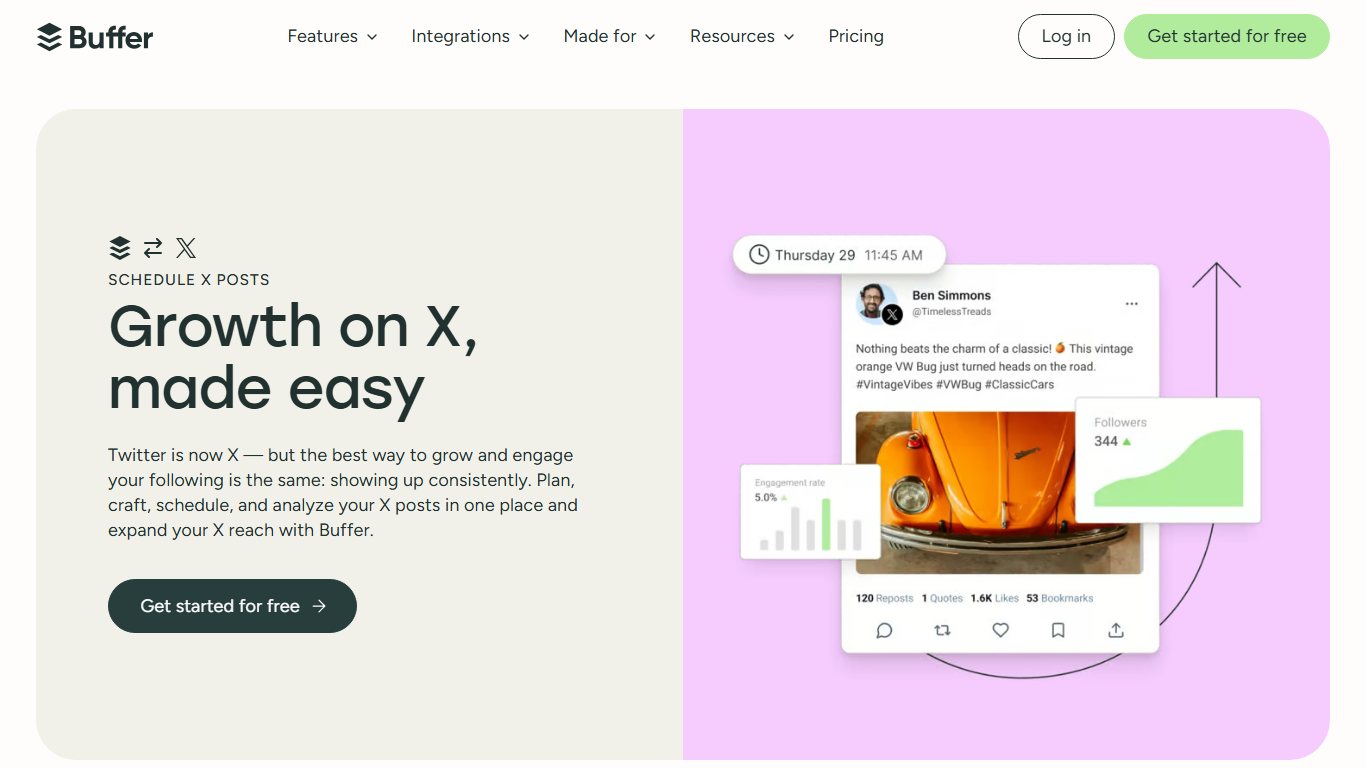
It gives you a content calendar, a campaign view and a list of mentions and unanswered comments. It also suggests when to post to get the most impressions.
Buffer supports other networks too, including Instagram, LinkedIn and TikTok, so you can track all your social accounts from one place and see the full picture of your strategy.
Core features
- Scheduling and publishing tools
- Campaign tracking
- Hashtag suggestions
- Mentions and unanswered comments
- Analytics
- Integrations
- Team collaboration
Price
Buffer is free for up to 3 channels. Essentials costs $6 per channel per month, or $5 per channel billed annually. Team costs $12 per channel per month, or $10 billed annually. For most solo creators, the free plan or Essentials is the best value on this list.
11. Tweethunter
Tweet Hunter is a good choice if you struggle to come up with fresh content. It combines an AI writing assistant with search filters that find ideas for you.
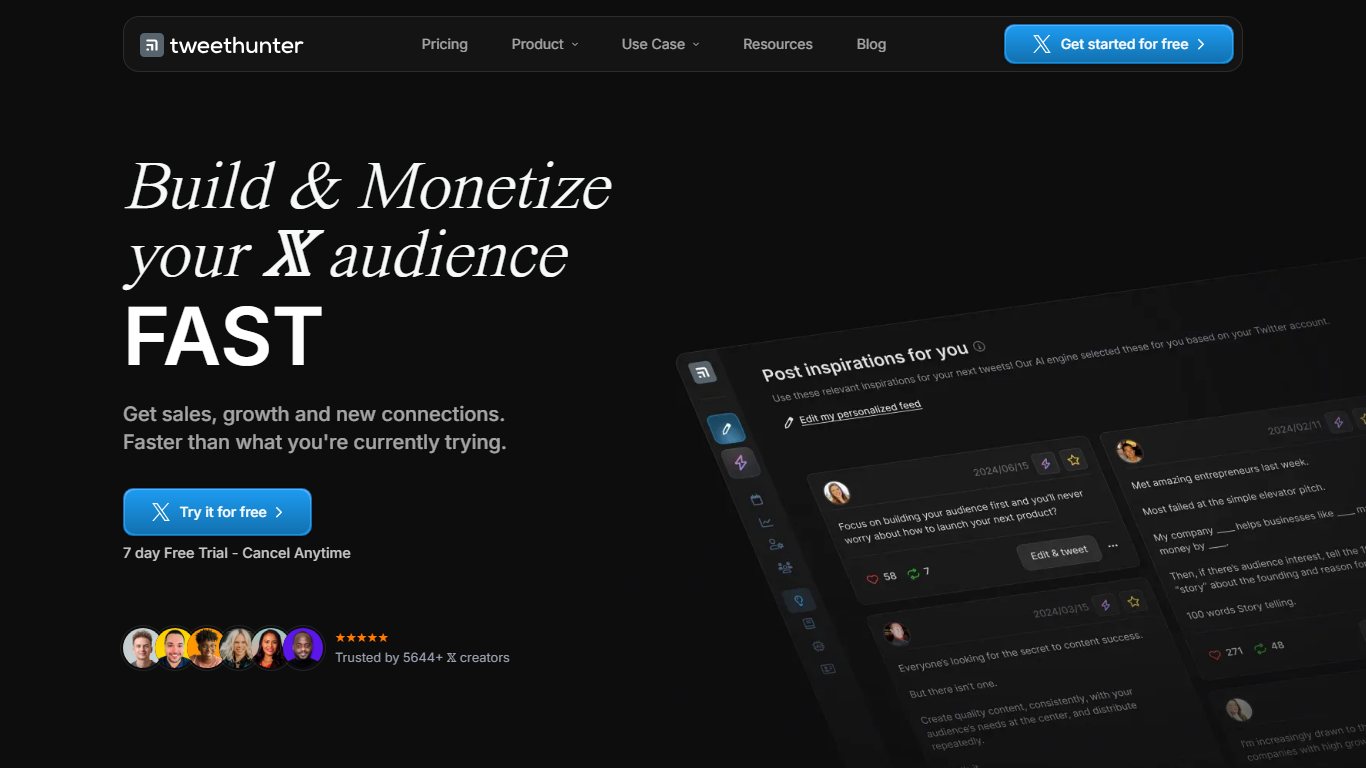
You can browse trending topics and viral posts for inspiration, narrow the results with filters and see which kinds of posts do best. When you know what you want to say, the writing assistant helps you draft it.
It also handles day-to-day workflow. You can build threads, schedule them and automatically delete old retweets.
Core features
- Content ideas
- AI writing assistant
- Keyword search
- Post scheduling
- Auto-delete for posts
- Analytics
- Free banner
Price
Tweet Hunter has a free trial before its paid plans start.
12. Jarvee Pro
Jarvee Pro was sold as an all-in-one bot for X and other networks, and its main features are exactly what X’s rules prohibit.
Besides scheduling and RSS curation, it offered auto-follow and auto-unfollow, automatic likes, retweets and messages, “spin” text that turns one post into many variations, and a “night mode” designed to make automated activity look like a person. X’s Developer Policy bans bulk or aggressive following, near-duplicate posting and platform manipulation. Accounts that do these things risk being filtered from search or suspended.
Core features as advertised
- Multi-platform management
- Scheduling
- Auto-follow and auto-unfollow
- Hashtag generation
- Auto-retweets, likes and messages
- RSS feed syncing
- Spin syntax
- Analytics
Price
It isn’t worth paying for. Bulk follow-and-like automation puts the account itself at risk, and a suspended account costs far more than any subscription. To grow on X, use a rule-compliant scheduler such as Buffer or SocialBee and engage by hand.
13. Tweepi
Tweepi is an X-only app for managing your followers and the accounts you follow.
It helps you find people who might be interested in your brand, target an audience in a particular region, find posts that use your hashtags and follow useful accounts. Its suggestion engine highlights accounts worth following and inactive accounts you might unfollow.
It also limits daily actions so you stay within X’s limits. Even so, keep follows and unfollows slow and deliberate. Mass churn is what the automation rules ban.
Core features
- Follow suggestions
- Advanced search filters
- Competitor monitoring
- Inactive account cleanup
- Tracking for mentions, likes and retweets
Price
Tweepi has historically offered a free trial and low-cost monthly plans. Its whole product depends on paid X API access, so check its current plans and confirm it still connects to X before you subscribe.
14. Warble
Warble is a simple monitoring app. It sends daily email alerts with posts that contain the keywords, phrases or hashtags you choose.
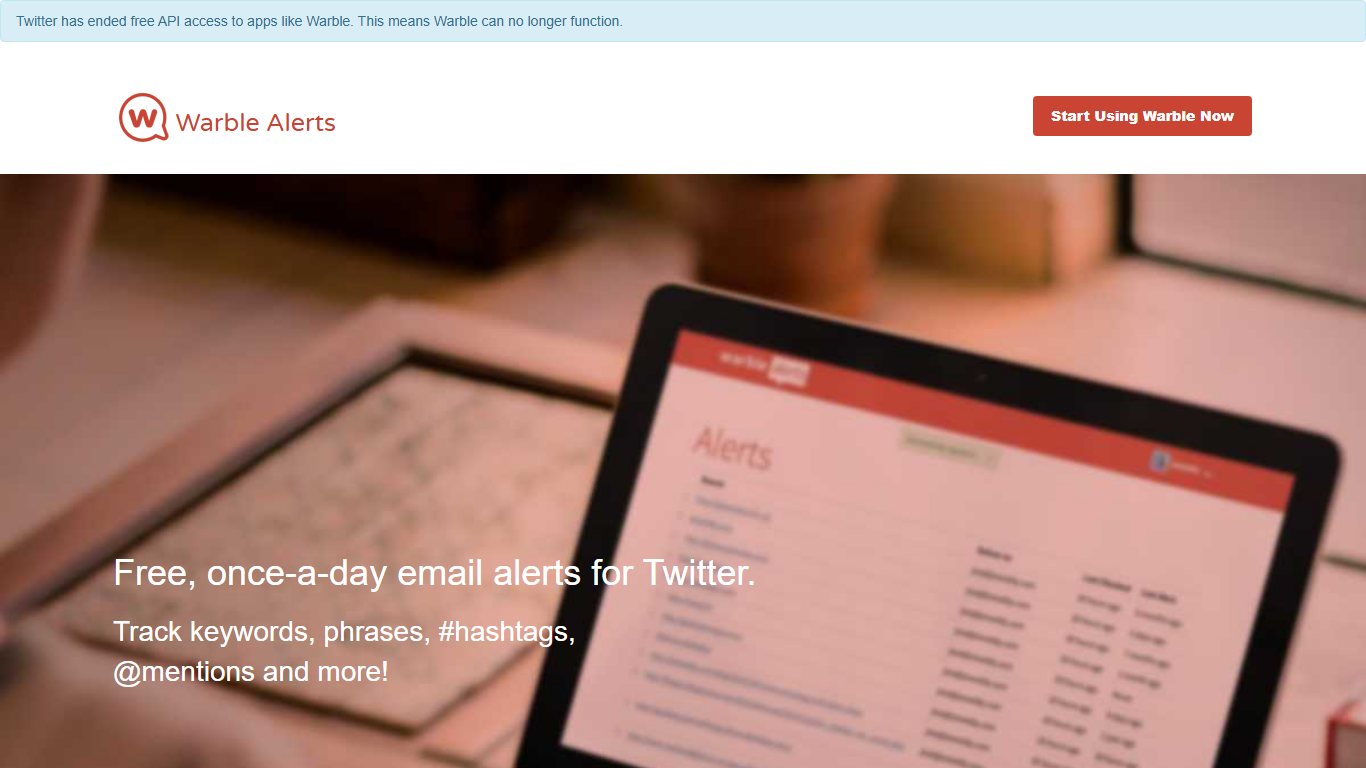
You can use it to find new content each day, see which topics are trending in your market and follow what competitors are posting.
It also shows you who is talking about your brand. The filters are flexible enough to fit the way you work.
It suits people who post often and need a steady supply of ideas.
Core features
- Keyword and hashtag tracking
- Custom searches
- Content discovery
- Email alerts
- Monitoring
- X integration
Price
Warble started as a free service. It relies on access to X’s search API, so check that alerts are still being delivered before you depend on it. Free alternatives are saved searches in X itself or the column searches in X Pro.
15. Postfity
Postfity is a bulk scheduler. You can plan a large number of posts across several networks, upload posts in bulk, tag users to widen your reach and share content to other networks.

You can manage multiple accounts at once and bring in team members. Drafts have an approval step so you can review your team’s work before it goes out.
It’s known for being easy to use, and its Chrome extension lets you write posts straight from your browser.
Core features
- Bulk scheduling
- Group post deletion
- Mention tracking
- Emoji support
- Link shortener
- Analytics
- Chrome extension
- Admin roles
Price
Check Postfity’s pricing page for current plans, and confirm X publishing is supported before you commit.
Which tool to pick
For most people the answer is Buffer or SocialBee. Buffer is cheapest for one to three accounts, and SocialBee is better if you recycle evergreen content by category. Teams that need approvals, shared inboxes and client reports should look at Hootsuite or Sprout Social, which cost more per seat but save hours of coordination. If you mainly watch live conversations, X Pro is the native option, as long as Premium+ is worth it to you. It costs $40 a month on the web in the US, and the price X shows you can differ by region and billing method.
One counter-argument to keep in mind: scheduling tools keep you posting, but they don’t build relationships. X’s rules exist because automated engagement makes the platform worse for everyone. Automate the posting, and do the replies, follows and likes yourself. If you also run paid ads on X, that budget and those tools belong under PPC Tools & Software, separate from your organic scheduler.
FAQ
Is it allowed to use automation tools on X?
Yes, for scheduling your own posts and managing replies through apps that use the official X API. X’s automation rules and Developer Policy ban spam, bulk or aggressive following, and posting identical or near-identical content across accounts. You are responsible for anything an app connected to your account does, so pick tools that stay within those limits.
Is TweetDeck still free?
No. TweetDeck is now X Pro, and since March 26, 2026 it has been available only on Premium+ and above. On the web in the US, Premium+ costs $40 a month or $395 a year, and prices in other regions and app stores can differ. Basic and standard Premium subscribers lost access with that change.
What happened to Crowdfire?
Crowdfire shut down its social media management tool on May 15, 2025. Users got short notice through an in-app message, and the company pointed to rising API and infrastructure costs and the rise of built-in publishing tools on social networks. Buffer and SocialBee cover most of the scheduling and curation it offered.
Can auto-follow or auto-like tools get an account suspended?
Yes. Bulk or aggressive following and other automated engagement count as platform manipulation under X’s rules. X can respond by hiding your posts from search or suspending the account. Undoing a suspension means going through X’s official appeal form, and an approved appeal is not guaranteed.
What is the cheapest way to schedule X posts?
Buffer’s free plan covers up to 3 channels, which is enough for one X account and two other networks. If you need more, Buffer Essentials costs $5 per channel per month billed annually. X Pro’s scheduler only comes with a Premium+ subscription, which costs $40 a month on the web in the US.
Why did so many X tools change prices or shut down?
In 2023 Twitter shut off its free API and moved developers to paid access. Many third-party apps broke right away, and others had to pass the new costs on to users or drop X support. That’s why it’s worth confirming X support during a free trial before you commit.
Sources
- X Help Center: Automation rules
- X Developer Platform: Developer Policy
- MacRumors: X moves X Pro behind $40/month Premium+ paywall
- Engadget: Twitter shut off its free API and it’s breaking a lot of apps
- NapoleonCat: Buffer pricing, October 2026













