In November 2026, ServiceNow, Jira Service Management, Freshservice and ManageEngine ServiceDesk Plus are the safest choices if you need full ITIL-style service management. If you just need simple, cheap ticketing, look first at ProProfs Help Desk (free plan, then paid per user), Spiceworks (free only for very small teams) or Jira Service Management’s free plan for up to 3 agents. Make a shortlist based on your team size, whether you need asset management, and whether you want cloud or on-premises hosting. Then run a free trial before you sign anything.
This guide covers the 13 tools below, plus two newer enterprise options and three open-source tools. For each one you get its main features, its pros and cons, its AI features and the details that have changed recently.
Modern businesses run on IT services, from office printers to complex server estates. That is why most companies now use ITSM software to keep their IT running reliably, keep staff productive, lower IT risk and give employees a better support experience.
The trouble is that a search for “best ITSM software” turns up hundreds of results. To make choosing easier, this guide looks at 13 well-known ITSM tools, what each does best, and how each is priced.
What is IT service management?
IT service management (ITSM) is how a company plans, delivers, supports and improves the IT services its staff rely on. An ITSM tool is the software that runs those processes: incident, problem, change, asset and service-catalog management, plus the self-service portal and reports that tie them together.
People often assume ITSM only means handling IT support tickets. In fact it covers the whole lifecycle of IT services. That includes keeping track of the company’s IT assets and managing the changes needed to roll out new technology safely.
ITSM tool vs help desk
A help desk logs and resolves support tickets, and not much more. An ITSM tool adds the wider processes around those tickets: change management, problem management, asset tracking and a configuration management database (CMDB), a service catalog and service level management. Spiceworks and ProProfs Help Desk sit at the help desk end. ServiceNow and BMC Helix ITSM are full ITSM platforms. Freshservice, Jira Service Management and HaloITSM sit in between and scale up as you switch on more modules.
The practical test is simple. If your team only answers “my laptop is broken” requests, a help desk is enough. Once you need approvals before a server change, or you have to know which users an outage will hit, you need ITSM.
Many of the same tools also run enterprise service management (ESM), which applies ITSM processes such as request forms, approvals and SLAs to non-IT departments like HR, facilities, finance and legal. ServiceNow, Jira Service Management, InvGate, HaloITSM, TOPdesk and Xurrent all support non-IT service desks on the same platform.
ITSM frameworks
Most ITSM tools are built around one or more of these frameworks:
- ITIL 4: The most widely used ITSM framework, published in 2019 by AXELOS (now part of PeopleCert). It defines 34 management practices, including incident, problem and change enablement.
- COBIT: ISACA’s IT governance framework, which focuses on control, risk and auditability rather than daily service desk work.
- ISO/IEC 20000: The international standard for an IT service management system. Organizations can be certified against it.
- DevOps: A set of practices that brings development and operations together for faster, automated releases. It shapes how modern tools handle change approvals.
To get those benefits in practice, you need ITSM software. The next section explains which features matter most when you compare tools.
Which ITSM features matter most?
Like any business software, an ITSM tool should be easy to use and fairly priced. That alone is not enough, though. The first five features below are the ones to check first. The rest separate a full ITSM platform from a basic ticketing tool.
1. Cloud hosting
A cloud-hosted ITSM tool lets IT staff work from anywhere: the office, home or out on site. They deal with a constant stream of requests, so that flexibility matters.
You also get round-the-clock access, easier scaling, vendor-managed security updates and faster response to urgent problems.
Self-hosted or open-source ITSM tools usually need your own staff to look after the servers and the software. When something breaks, getting help from the vendor or the community can be slow.
2. Knowledge management
Knowledge management means writing, publishing and sharing help content with users when they need it. Giving users good self-help content is one of the core ITSM best practices.
Most ITSM tools let you build an internal knowledge base for staff. Employees in HR, finance, legal and other departments can find answers to common IT questions without opening a ticket. That cuts ticket volume and frees your team for urgent work. Teams that publish a lot of articles sometimes draft them in content writing tools before adding them to the knowledge base.
3. Incident management
IT incidents such as server outages hurt productivity and cost real money.
A widely quoted 2014 Gartner estimate put the average cost of IT downtime at $5,600 per minute, which is well over $300,000 per hour. The real figure varies a lot by company size and industry. Even so, it shows why fast incident handling matters.
ITSM software helps support teams log, prioritize and resolve incidents and service requests quickly. Reporting on past incidents shows patterns, so your team can fix root causes and spot problems before they hit the business.
4. Automation
Automation takes the repetitive work out of incident management, asset management and other workflows, which leaves your team more time for complex problems.
Most current service desks include chatbots and virtual agents. These answer basic questions, reset passwords and send users to the right team or agent. Many tools can also send automatic satisfaction surveys after a ticket is closed.
5. Reports and metrics
Reports show how your IT support is really performing and where it needs to improve. A good ITSM tool gives managers clear, usable data.
Useful service desk metrics include:
- Total incident count
- Average first response and resolution times
- Ticket volume by channel
- Ticket backlog
- Customer satisfaction (CSAT) scores
Check that the tool offers easy-to-read charts and customizable reports, not just fixed templates.
6. Asset discovery and CMDB
A CMDB (configuration management database) is a record of every hardware, software and cloud item your IT team manages and how those items depend on each other. Asset discovery fills it automatically by scanning your network or pulling data from endpoint agents, so you are not typing serial numbers into a spreadsheet.
This matters most during incidents and changes. If the CMDB knows that the payroll app runs on a specific database server, an alert on that server can show straight away which service and which users are at risk.
Depth varies a lot between tools:
- Built-in discovery and CMDB: ServiceNow, BMC Helix ITSM, ManageEngine ServiceDesk Plus, SysAid and Freshservice.
- Separate or bundled module: Jira Service Management uses Assets (bundled into Atlassian’s Service Collection), and InvGate sells InvGate Asset Management as its own product.
- Little or none: ProProfs Help Desk and Spiceworks Cloud Help Desk. Spiceworks offers a free IP Scanner, but that is a separate tool, not a CMDB.
A CMDB is only useful if it stays accurate. Ask each vendor how often discovery runs and how it handles duplicate or retired devices.
7. Change and problem management
Change management is the process for planning, approving and rolling out changes to IT systems without breaking anything. Problem management finds and removes the root cause behind repeat incidents. ITIL 4 calls these practices change enablement and problem management.
In a tool, change management usually looks like a request form, a risk score, an approval chain (often a change advisory board) and a change calendar that flags clashes. BMC Helix ITSM’s drag-and-drop change calendar and Freshservice’s approval routing are good examples.
Problem management links many incident tickets to one problem record. Once the root cause is found, the fix is documented as a known error so agents stop solving the same issue from scratch. If you see the same incident type every week, this is the module that pays for itself.
8. SLA management
SLA management is the setting, tracking and reporting of the response and resolution targets you promise users. A typical SLA might say a priority 1 outage gets a first response within 15 minutes and a fix within 4 hours.
Good tools start the SLA clock automatically, pause it while waiting for the user, warn agents before a breach and escalate tickets that are about to miss their target. HaloITSM supports multiple SLA groups, and Jira Service Management lets you sort queues by SLA time remaining.
Check two things in a trial. First, whether SLAs can follow business hours and holidays for each region. Second, whether SLA reports can be filtered by team, category and priority. Without both, your SLA figures will look better or worse than the real service.
9. Virtual agents vs agentic AI
A virtual agent is a chatbot that answers common questions and runs set workflows, such as a password reset, from a script or knowledge base. Agentic AI goes further: AI agents plan and finish multistep tasks on their own, such as triaging a ticket, gathering logs, suggesting a fix and updating the record.
ServiceNow shows the difference clearly. Its long-standing Virtual Agent handles conversations, while Now Assist adds generative AI summaries and drafted replies, and its AI Agents for ITSM (part of the higher ITSM Prime package) work through tasks with less human input. BMC describes its HelixGPT agents the same way: they work with minimal human input and can complete tasks independently, with access depending on your license.
The trade-off is cost and control. Agentic features are often sold as add-ons or metered by usage, through credits, sessions or resolutions. Ask any vendor exactly what an AI action costs, which actions need human approval, and what audit trail the agent leaves.
Top 13 best ITSM tools for delightful IT support
The list below combines vendor documentation, published pricing and widely reported user feedback. Tools were judged on how well they cover the core features above, how easy they are to start with, and how clear their pricing is. Coverage of the five core features carried the most weight, followed by ease of setup, then pricing transparency.
| Tool | Best for | Hosting | Pricing model (Nov 2026) | AI features |
|---|---|---|---|---|
| ProProfs Help Desk | Simple shared-inbox ticketing | Cloud | Free plan, paid per user | AI chatbot |
| Zendesk | Support teams that also serve customers | Cloud | Per agent, free trial | Zendesk AI agents |
| TOPdesk | Education and public sector | Cloud | Quote-based | Confirm in a demo |
| SysAid | Built-in remote control and assets | Cloud or on-premises | Quote-based | SysAid Copilot |
| Jira Service Management | Teams already using Jira and Confluence | Cloud (Data Center being phased out) | Free for up to 3 agents, then per agent | Rovo (paid plans) |
| SolarWinds Service Desk | Mid-size cloud ITSM | Cloud | Per agent, free trial | SolarWinds AI |
| BMC Helix ITSM | Large enterprises | Cloud or on-premises | Quote-based | HelixGPT agents |
| Spiceworks | Very small IT teams | Cloud | Free for small teams, paid above | Confirm in a demo |
| ServiceNow | Large enterprises, complex workflows | Cloud | Quote-based | Now Assist, AI Agents |
| Freshservice | Mid-size teams wanting quick setup | Cloud | Per agent, from $19, 14-day trial | Freddy AI |
| InvGate Service Management | Multi-department service desks | Cloud or on-premises | From $1,499 per year for 5 agents | InvGate AI Hub |
| HaloITSM | ITIL-aligned all-in-one service desk | Cloud or on-premises | Per named agent, quote-based | Built-in AI triage and summaries |
| ManageEngine ServiceDesk Plus | ITSM plus IT project tracking | Cloud or on-premises | Per technician, several editions | Zia |
| Xurrent | Mid-size to enterprise ITSM and ESM | Cloud | Quote-based, tiered by platform users | Confirm in a demo |
| Salesforce Agentforce IT Service | Companies already on Salesforce and Slack | Cloud | Quote-based, AI usage extra | Agentforce agents |
Top 5 at a glance
- ServiceNow: The most complete platform for large enterprises with complex workflows.
- Jira Service Management: The best value for teams already on Atlassian, with a free plan for up to 3 agents.
- Freshservice: The fastest full ITSM setup for mid-size teams, with published per-agent prices.
- ManageEngine ServiceDesk Plus: The strongest option if you need on-premises hosting or IT project tracking.
- HaloITSM: An all-modules-included service desk for teams that want ITIL 4 processes without enterprise complexity.
1. ProProfs Help Desk
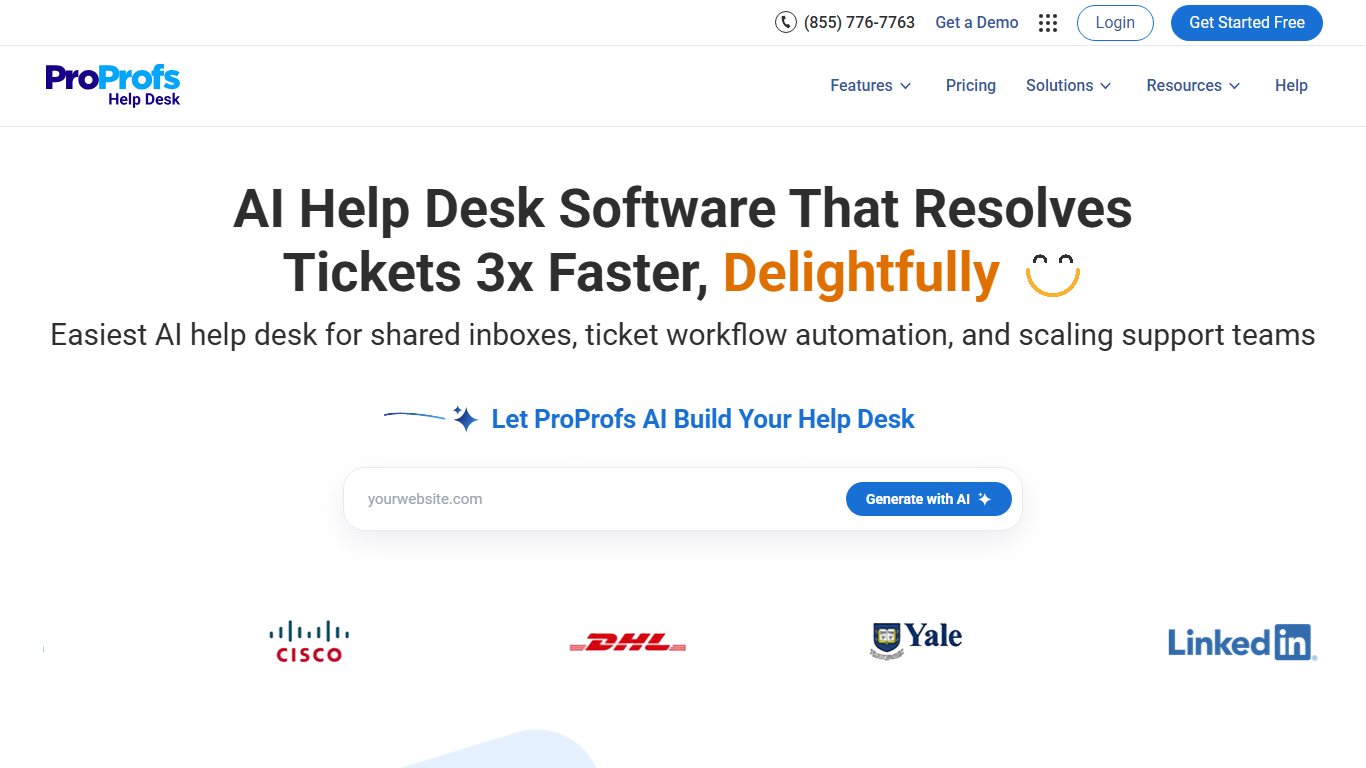
ProProfs Help Desk collects IT issues and requests from email, help centers, live chat, web forms and other channels. It lets you follow ITSM principles without the complexity of a big ITSM platform, so you can get running quickly.
You can build an employee self-service portal with handbooks, documents, FAQs and guides, so staff can solve simple problems on their own. Support managers can track average response time, ticket volume, satisfaction ratings and rated tickets. ProProfs offers a free plan, and its paid plans are priced per user per month.
Top ProProfs Help Desk features
- Automatically routes IT tickets to the right teams and agents
- Internal knowledge base for staff, which lowers ticket volume
- CSAT, NPS and other feedback surveys for end users
- AI chatbots that help people when your team is offline
- Splits complex tickets into smaller child tickets
Pros
- AI chatbots support users around the clock
- Simple, email-like interface
Cons
- Missing modules: no built-in IT asset tracking, CMDB or change management, so you will outgrow it once you need full ITSM
- Requests or complaints shared on social media cannot be viewed in the tool
Choose it for: CSAT surveys, shared mailboxes, ticket prioritization and AI chatbots
Suitable for: small teams that need ticketing now and can move to a full ITSM tool later
What setup involves
Setup is mostly a matter of connecting your support mailbox, inviting agents and writing a few routing rules. The knowledge base and chatbot need content before they help, so plan time to write your 20 most common answers first. Because there is no asset or change module, there is nothing else to configure, which is both the appeal and the limit.
2. Zendesk
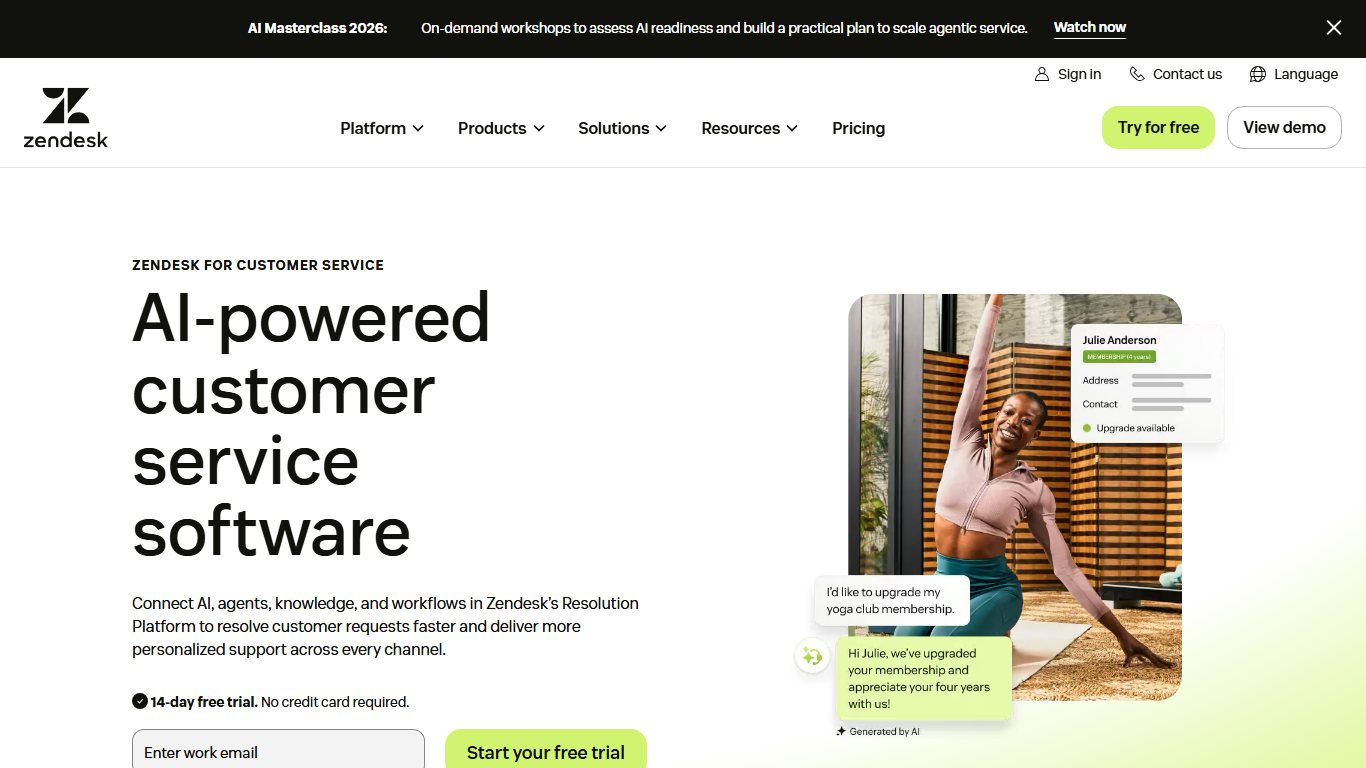
Zendesk is one of the best-known ticketing platforms for both small and large businesses. With its automation tools, IT staff can manage incidents, problems and service requests from one dashboard.
A self-service employee knowledge base takes password resets and other routine requests off your team’s plate. You can also track first response time, ticket backlog and other metrics in line with ITIL 4 practices. Zendesk markets its AI agents for employee service as well as customer service.
Top Zendesk features
- Manages IT problems, incidents and service requests in one place
- Macros for faster answers to common issues
- Tracks computers, phones, monitors and other IT equipment through asset integrations
- Connects to IT tools such as Okta, OneLogin and Oomnitza
- Reports on incidents, problems and change requests
Pros
- A very large marketplace of integrations
- AI agents can automate first-line support
Cons
- Built for customer service first: asset tracking and deeper ITSM rely on marketplace apps, which add cost and setup work
- More expensive per agent than many IT-focused tools, and many users have criticized the vendor’s customer support
What setup involves
Zendesk itself is quick to start: connect email, add agents and build triggers and macros. The work comes when you want it to behave like an ITSM tool. Asset data needs an integration such as Oomnitza, and change approvals need custom fields and workflows. Price those add-ons before you compare Zendesk with an IT-first tool.
3. TOPdesk
TOPdesk brings user requests, IT assets and workflows into a single platform. It is especially popular with schools, universities and public-sector organizations, and it also runs facilities and HR desks on the same platform.
Its incident management tracks every incoming request, assigns tickets to agents automatically and sends email notifications. On one dashboard, managers can see what assets the organization has, who uses them and when they are due for replacement.
Top TOPdesk features
- Shows the availability and workload of IT staff
- Self-service portal where users submit and follow up on tickets
- Planning and oversight for all IT tasks
- Barcode scanning to import asset data automatically
- Live chat for real-time help
Pros
- A wide choice of integrations
- Mobile app for tracking tasks on the go
Cons
- No public price list, so you cannot compare total cost until you sit through a sales process
- Limited design options for the self-service portal
Case study
The London District Catholic School Board (LDCSB) runs schools in southwestern Ontario, Canada. It delivers IT services to staff and students with around 80 IT agents and more than 2,500 other team members. By adding its assets to TOPdesk, the IT team could track all of them in one back end. It also used the tool to manage handing out Chromebooks and laptops to students during the COVID-19 pandemic.
4. SysAid
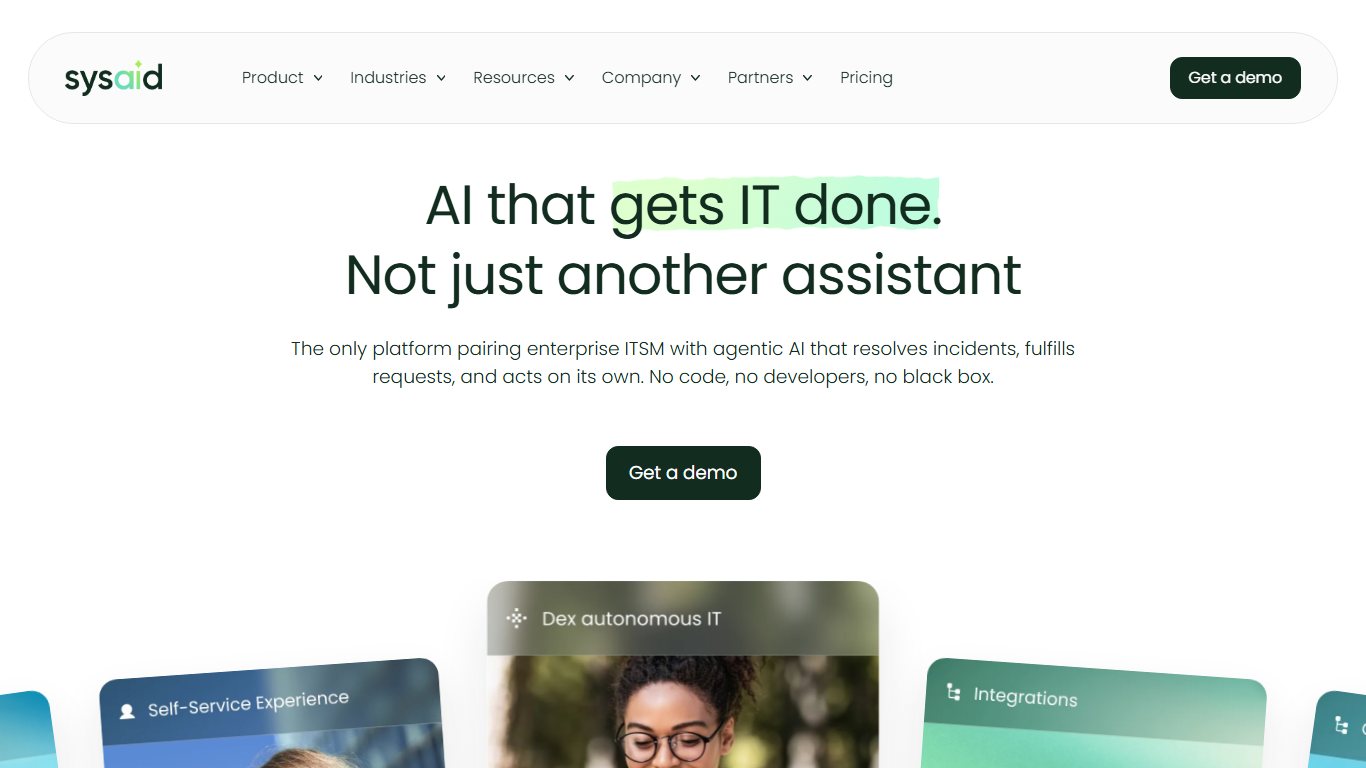
SysAid combines strong automation with built-in remote control, which makes it a good fit for supporting remote and hybrid staff. The vendor now positions itself as an AI-first service desk, with SysAid Copilot offering conversational AI for both agents and end users.
Its asset management lets you view, secure and manage IT assets straight from the service desk. Accurate asset data makes tickets easier to handle and problems faster to solve. You can run built-in or custom reports on incidents, requests, problems, changes and assets.
Top SysAid features
- Remote control to access users’ work computers from the service desk
- Hardware and software asset tracking
- Automatic routing, escalation and end-user notifications
- Knowledge base with instructions for end users
- Integrations with tools such as Salesforce and Google Workspace
Pros
- Benchmarks your IT performance against other organizations
- Detailed reports on service quality and IT resources
Cons
- Quote-based pricing, and competitor comparisons report that AI features are licensed as add-ons, so ask for a price with Copilot included
- Uploading files to the knowledge base can be awkward
Case study
Relay Resources is a nonprofit in Portland, Oregon, that helps people with disabilities gain job skills and find work. It employs people with disabilities in document services, landscaping, janitorial work and supply chain services. The organization used to track service requests by hand with no central system. With SysAid, it set up hierarchy-based ticket escalation and real-time tracking of its computers and hardware.
5. Jira Service Management
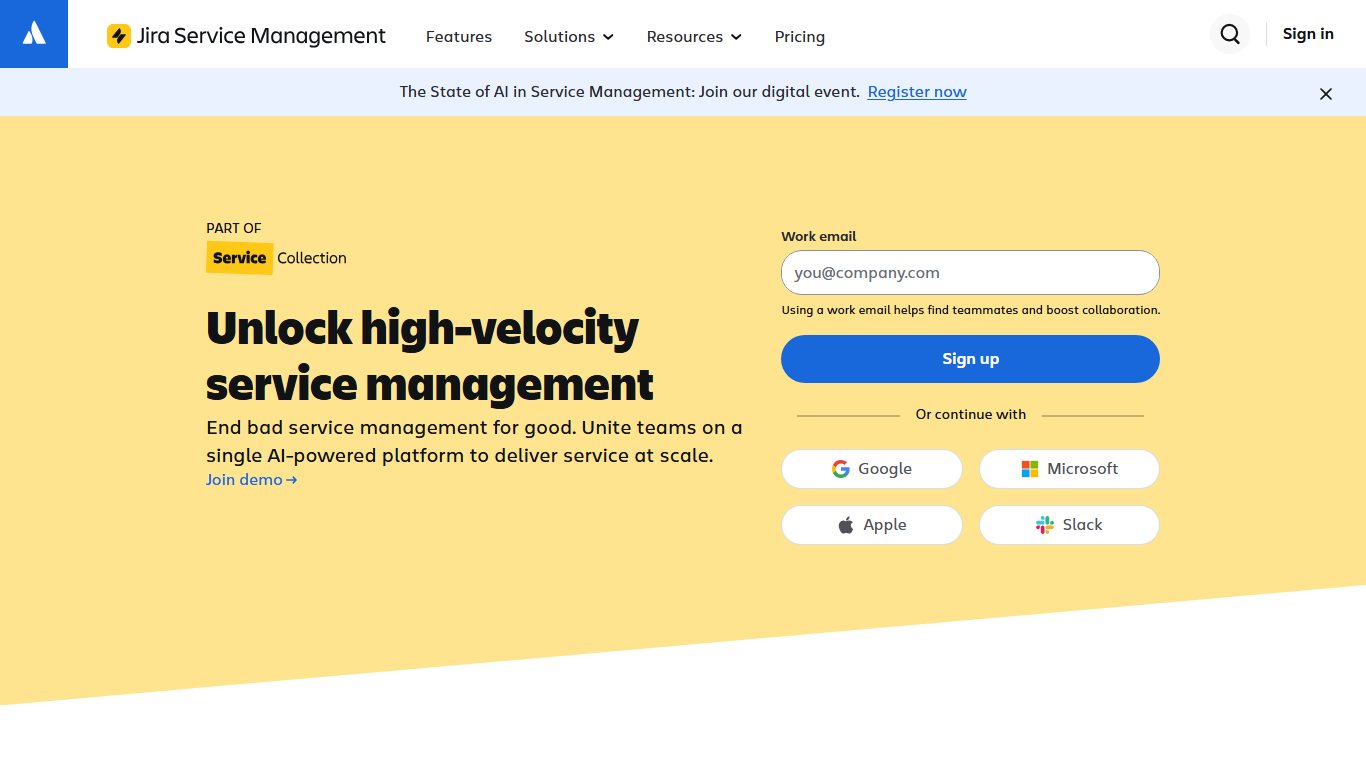
Jira Service Management, from Atlassian, lets departments from IT to HR set up a service desk and handle requests without the complexity of traditional ITSM suites. It sits alongside Jira and Confluence, which makes it a natural choice for teams that already use Atlassian’s Project Management Tools.
Employees can solve simple questions through a self-service portal. Confluence acts as the knowledge base and suggests relevant articles before a ticket reaches an agent. Atlassian now sells Jira Service Management as part of its Service Collection, a single bundle that also includes Customer Service Management, Assets and Rovo, and the apps cannot be bought separately. The Free plan covers up to 3 agents with 2GB of storage and community support, but it does not include Rovo. Standard and Premium are billed per agent, and Enterprise is priced on request.
Top Jira Service Management features
- Assets: tracks an asset’s whole lifecycle and ownership
- Fast incident response, resolution and post-incident reviews
- Handles requests by SLA and priority
- Ready-made request form templates to collect the details you need
- Rovo Search, Chat and Rovo Agents on paid plans
- Android and iOS apps for working on the move
Pros
- Excellent integrations with other tools
- Strong cross-department collaboration
Cons
- The jump from the 3-agent Free plan to paid per-agent pricing is steep, and Rovo AI is not available on the Free plan
- Reports could use more customizable fields, and performance can sometimes be slow
Case study
Canva is an online design tool for social media graphics, posters, presentations and other visual content. At the time of its case study, it had more than 1,000 staff and around 40 million users, and its teams struggled to keep workflows visible and keep up with demand. Canva used Atlassian’s Jira Service Management to improve collaboration and transparency and to handle its internal request volume efficiently.
6. Solarwinds
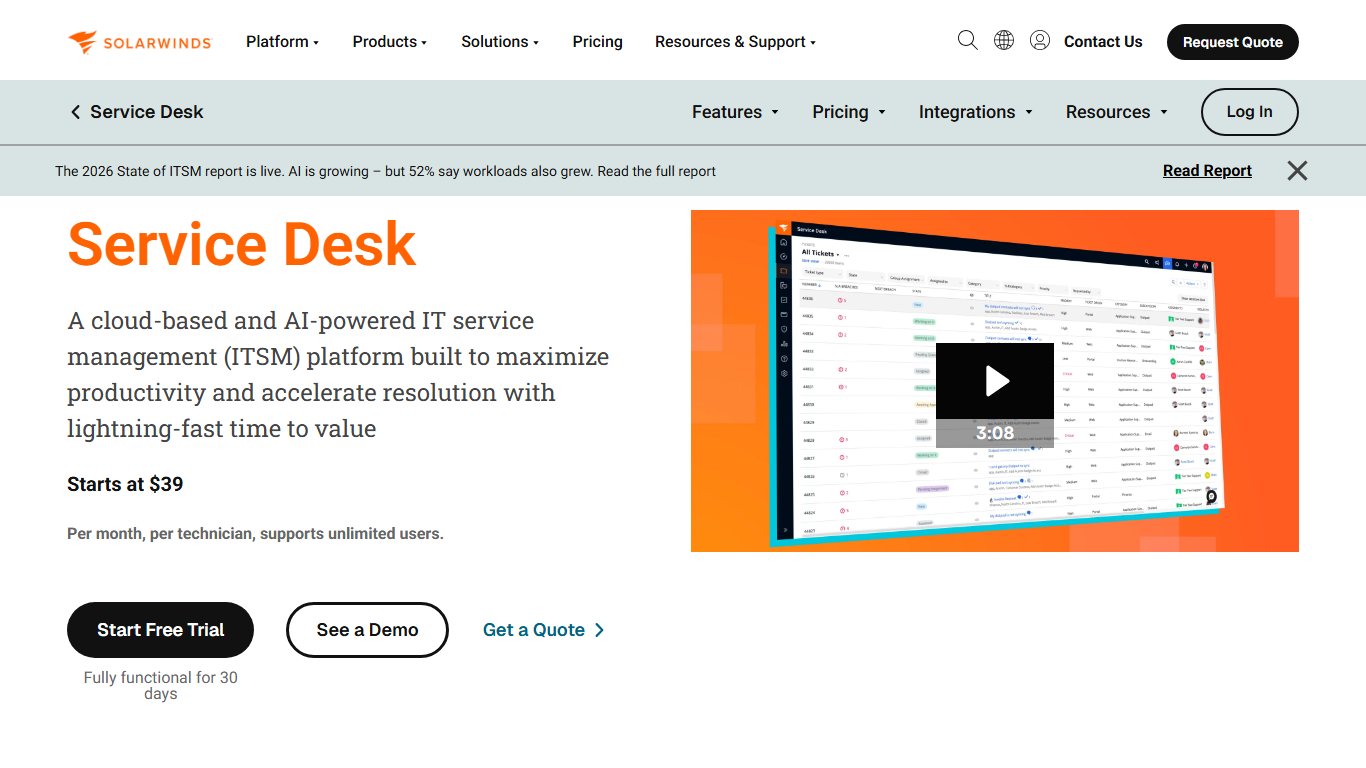
SolarWinds Service Desk is a cloud-based ITSM platform that is updated regularly. Releases in 2026 have included a January 13 update with an AI data-masking feature in SolarWinds Labs and a further release on September 15. You can use it to build a service catalog that lists every IT service your company offers.
An employee service portal coordinates work across departments. Staff can see the SLAs for their requests and check ticket status. A knowledge base with how-to articles, tutorials and FAQs helps users fix common problems themselves.
Top SolarWinds Service Desk features
- Manages, prioritizes and assigns incoming tickets
- Service catalog to standardize ordering and fulfillment
- Tracks hardware, software, purchase orders and other IT resources
- Service portal for users to log tickets and requests
- Mobile app for handling issues from anywhere
Pros
- Resolve incidents from anywhere with the mobile app
- Users can find answers to common questions in the knowledge base
Cons
- The asset management dashboard is weaker than dedicated ITAM tools, so asset-heavy teams may need a second product
- Forms need more customization options
7. BMC Helix ITSM
BMC Helix ITSM is an enterprise service management platform that uses intelligent automation to put ITSM best practices into effect across large IT estates. It now comes from BMC Helix, which became a separate company when BMC split in two. The split was announced in October 2024 and took effect in 2025.
The platform offers a persona-based, device-optimized user experience, so you can tailor support to different groups at scale. Its proactive problem and incident management helps your team spot potential problems and fix them before they affect the business. BMC HelixGPT powers its AI agents, such as Service Collaborator, which predicts and assigns incidents to the right support groups, and a no-code Agent Builder for custom agents.
Key BMC Helix ITSM features
- Finds problems proactively and ranks them by business impact
- Knowledge base with rich media content
- A large library of built-in reports
- Identifies potential asset purchases
- Easy-to-use service catalog for quick access to IT services
Pros
- Drag-and-drop change calendar
- User-friendly service catalog
Cons
- Implementation effort is high and often needs a BMC partner, so budget for months of setup
- No public pricing, and which HelixGPT agents you get depends on your license entitlements
8. Spiceworks
Spiceworks Cloud Help Desk is a simple ticketing tool for small IT teams. It used to be free for everyone. In 2025, Spiceworks ended its “free forever” model: accounts with more than five active employee users were told to move to a paid plan by May 31, 2025. The older on-premises Help Desk Server has been discontinued, so the cloud version is the only option now.
Agents can share tickets with trusted colleagues and work on them together. A user portal lets staff submit tickets, check their status and find the information they need. The free Spiceworks IP Scanner helps IT staff find devices on your network.
Top Spiceworks features
- Users can raise IT requests by email, user portal or mobile app
- Ticket rules assign tickets to the right people automatically
- Custom fields record extra ticket details
- Multi-site support for organizations in several locations
- Cloud-hosted, so there is no server to maintain
Pros
- All ticket activity in one place
- Custom fields add more detail to tickets
Cons
- Missing modules: no change management, problem management or CMDB, so it is a help desk rather than ITSM
- Larger teams now have to pay, integrations are limited, and new features have been slow to arrive
9. ServiceNow
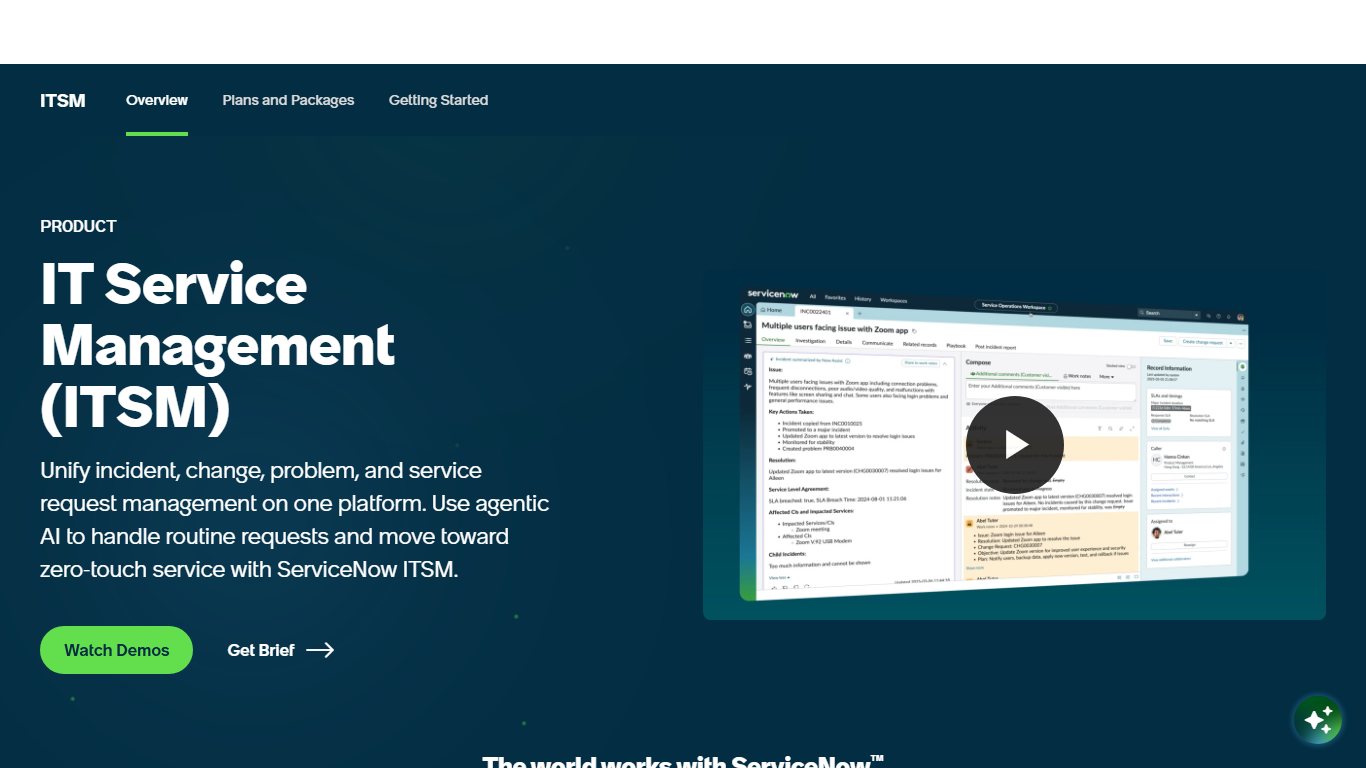
ServiceNow is the enterprise heavyweight of ITSM. It helps teams find, track and resolve high-impact incidents and makes agents more productive. Machine learning classifies issues and routes them to the right resolution team automatically.
Its Virtual Agent chatbot handles repetitive requests, and the Now Assist generative AI features help agents summarize incidents, see suggested fixes and draft replies. Its ITSM Prime package adds AI Agents for ITSM, including an L1 service desk specialist. Service level management lets you define commitments early and track how well your IT team meets them.
Top ServiceNow features
- One dashboard to track and manage vendors
- Employee self-service for better outcomes and lower costs
- Collaborative tools to analyze problems and restore service quickly
- Performance analytics for better decisions and accountability
- Mobile app for remote and on-the-go work
Pros
- Visual task boards give more visibility
- Clear roles and responsibilities for agents
Cons
- Implementation effort and total cost are the highest in this list, usually involving a partner and an in-house platform admin
- No public pricing, and the agentic AI features sit in the top package
10. Freshservice
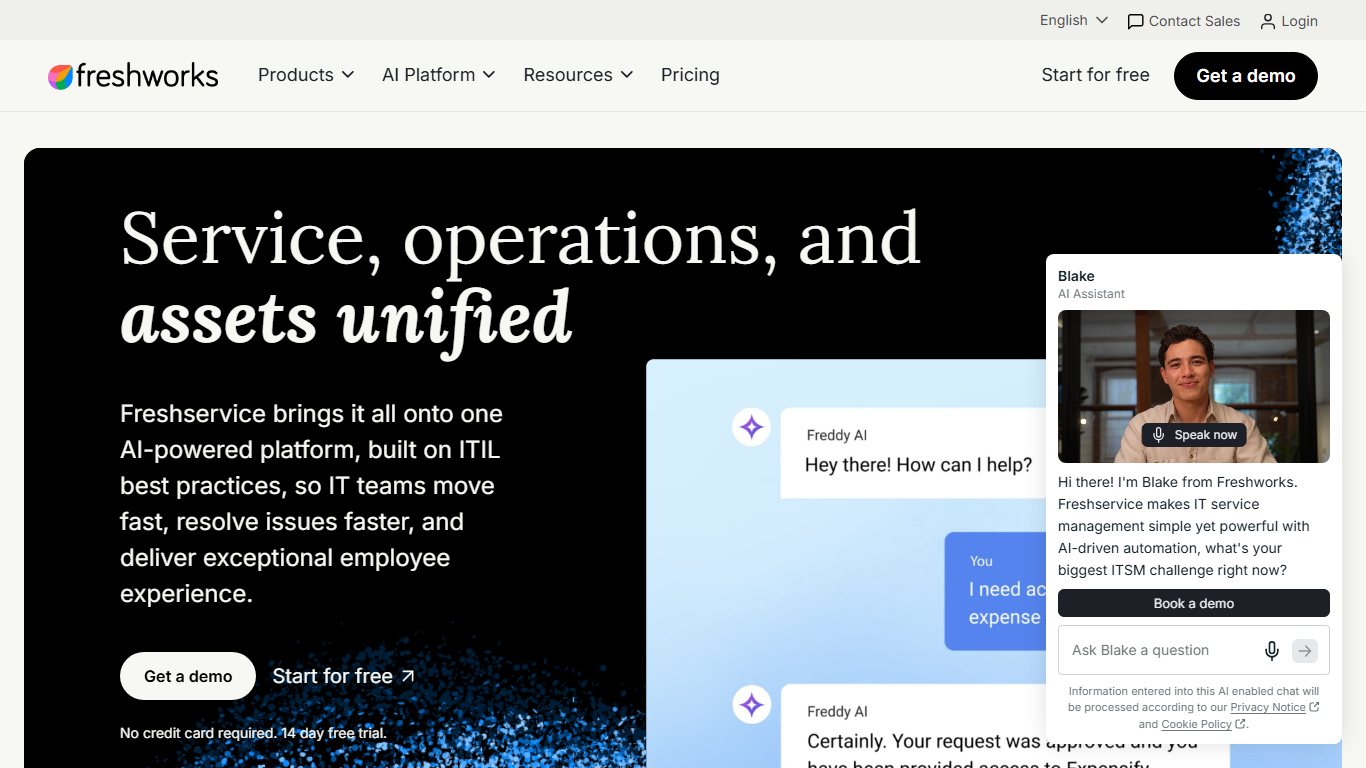
Freshservice, from Freshworks, is known for a complete service desk that includes a service catalog, incident management, asset management and a knowledge base. You can set it up and make enterprise-level customizations without writing code.
Its change management tools help you plan changes and send them to approvers. Reporting is simple but useful: managers can filter reports by type, department or impact to track performance and spot problems. Plans are priced per agent per month on annual billing: Starter at $19, Growth at $49, Pro at $99, and Enterprise on quote. New users get a 14-day free trial. Freddy AI is its AI layer, with Freddy AI Copilot sold as a paid add-on and Freddy AI Agent tied to the Enterprise plan.
Top Freshservice features
- Easy-to-use service catalog for submitting requests
- Start a chat with teammates from inside a ticket
- Manages IT and non-IT assets in one place
- Automated reports on incidents, changes and assets
- Integrations with Slack, Microsoft Teams, Zoom, Dropbox and more
Pros
- Android and iOS apps for resolving tickets on the go
- 14-day free trial and onboarding help to get staff up to speed quickly
Cons
- Add-on costs: Freddy AI Copilot costs extra per agent and, according to several pricing guides, is only available on Pro and Enterprise
- Reporting is less thorough on cheaper plans, and costs rise quickly as you add agents
11. InvGate Service Desk
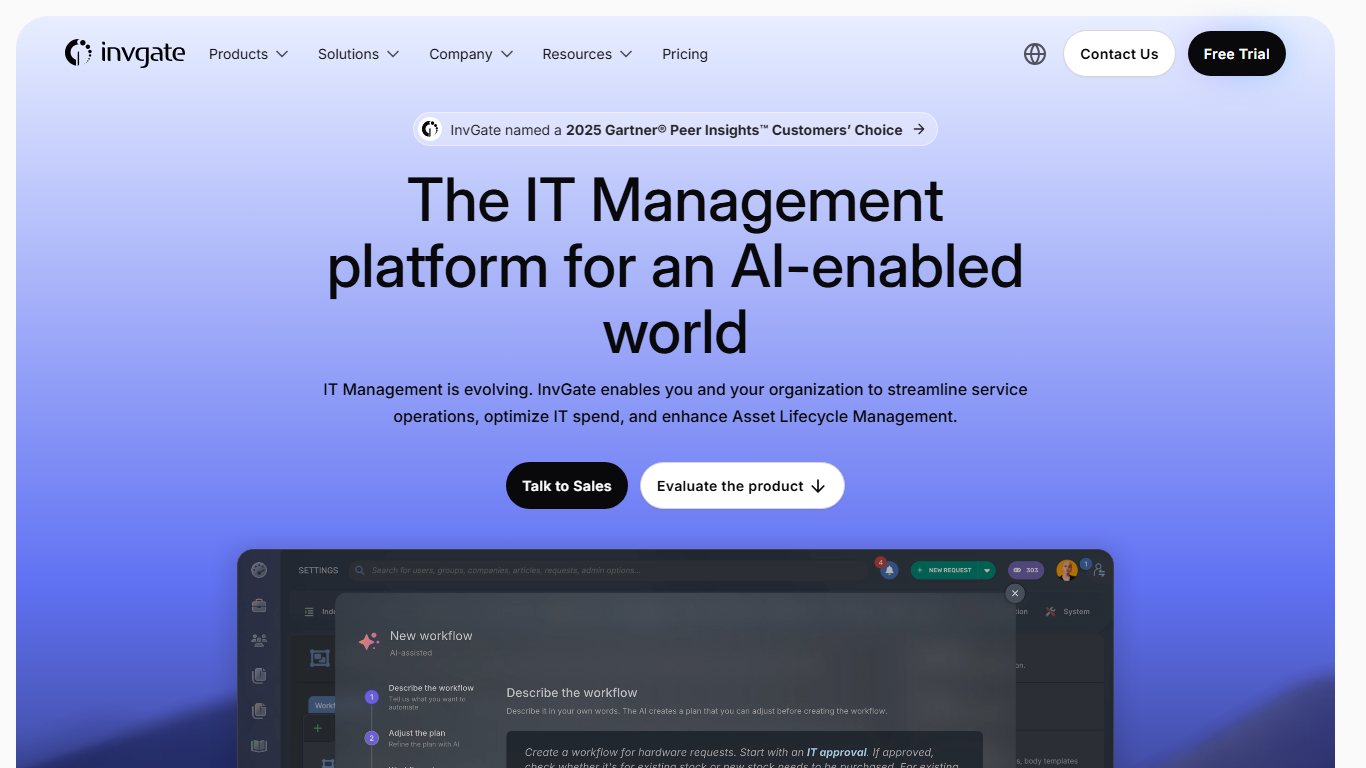
InvGate Service Desk, now sold as InvGate Service Management, stands out for its clean ticketing interface and strong reporting. It is also one of the few ITSM vendors in this list that publishes a starting price: the Starter plan costs $1,499 per year for 5 agents.
Agents can prioritize incidents by SLA, urgency and department. A knowledge base and built-in gamification help support staff learn faster and resolve issues sooner. A visual workflow builder lets you automate request handling without code, and InvGate AI Hub adds ticket routing, summaries and knowledge article suggestions.
Top InvGate Service Desk features
- Central service desk for IT, HR, legal and facilities
- Customizable self-service portal
- Support delivered straight from Microsoft Teams
- Connects to InvGate’s IT asset management product
- Cloud or on-premises installation
Pros
- Shows the hardware and software involved in each incident
- Notifications and alerts are easy to customize
Cons
- Asset management is a separate InvGate product, and higher tiers are priced on request, so the full stack costs more than the Starter price suggests
- Reporting could use more upgrades
12. HaloITSM
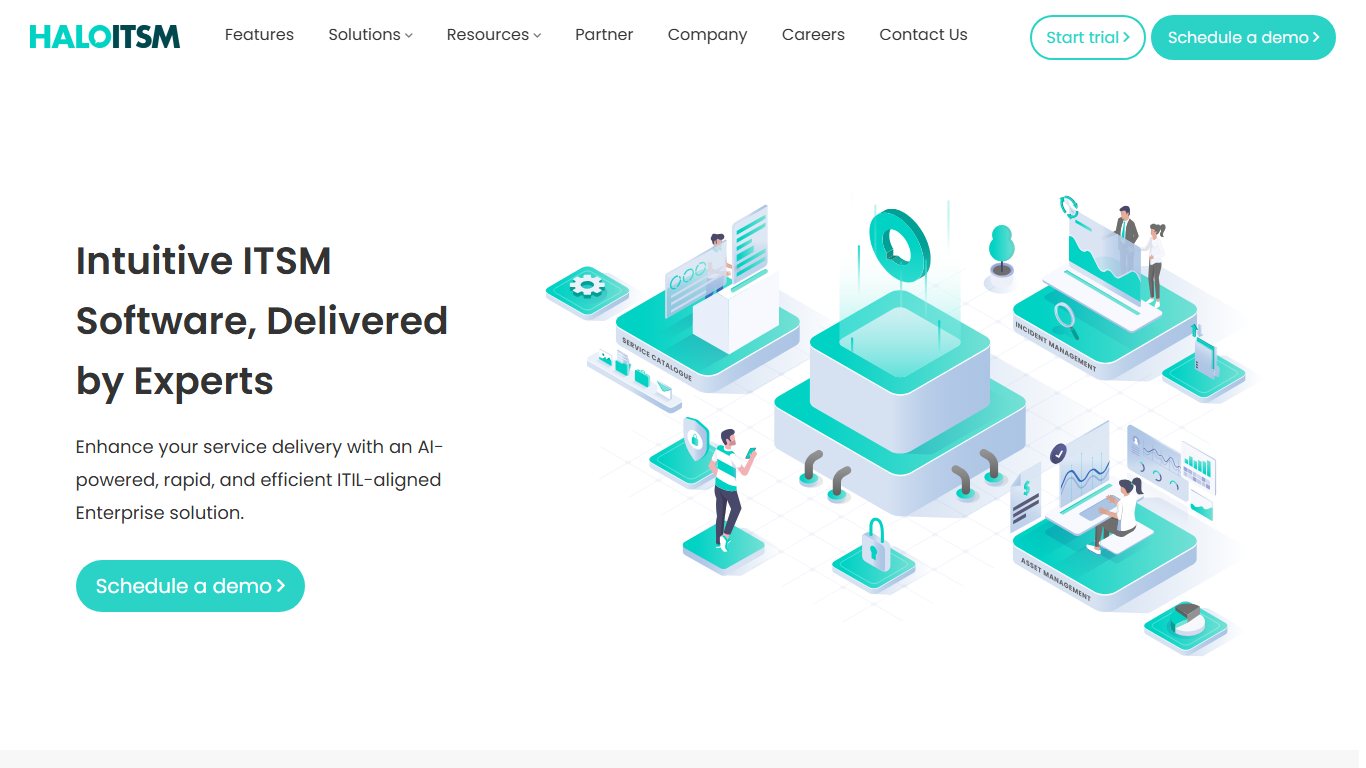
HaloITSM is a service desk for the whole organization that markets itself as aligned with ITIL 4. It helps IT support staff manage incidents, automate processes and meet SLAs, and it includes built-in AI for ticket triage and incident summaries.
You can build a large self-service portal where users fix common issues themselves and request the services they need. Halo licenses per named agent with all modules included. There is no free tier, and smaller teams need a quote.
Top HaloITSM features
- Turns resolved tickets into knowledge base articles
- Rich formatting and keyword indexing for self-service content
- File attachments on requests and incidents
- Users can follow the status of their requests
- Multiple SLA groups based on response and resolution times
Pros
- SLA breaches are easy to monitor
- Root cause analysis helps improve business processes
Cons
- No public price list for smaller teams and no free tier, so you cannot trial costs without talking to sales
- The configuration depth means a longer setup, and the on-premises version could be faster
13. ManageEngine ServiceDesk Plus
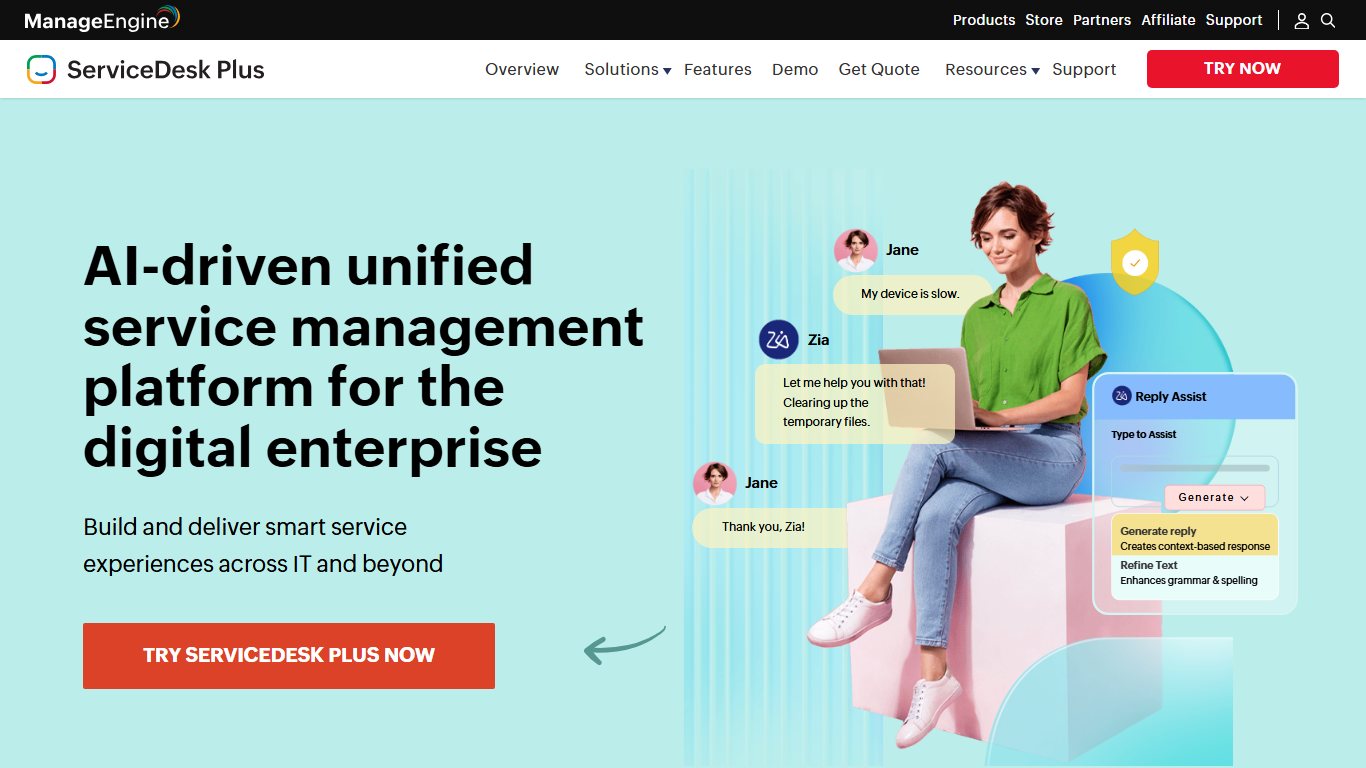
Thousands of organizations use ManageEngine ServiceDesk Plus, from Zoho Corporation’s ManageEngine division, to cut downtime and improve the support experience. Agents can track incident status, meet SLAs and act early on problems. It is available in the cloud or on-premises, and Zia, Zoho’s AI assistant, adds AI help inside the service desk.
Unlike most ITSM tools, ServiceDesk Plus also tracks IT projects. You get a full view of every active project, so you can assign tasks, track progress and hit deadlines.
Top ManageEngine ServiceDesk Plus features
- Accurate database of your company’s IT assets
- Resource planning to deliver IT projects on time and on budget
- Service catalog that shows users what services are available
- Simpler planning and rollout of changes
- Knowledge base to reduce incident tickets
Pros
- One of the few tools with full on-premises and cloud versions, useful for strict data-residency rules
- Built-in project management alongside ITSM
Cons
- Features are split across Standard, Professional and Enterprise editions, so asset, change or project features can push you up a tier
- On-premises deployments need your own staff for upgrades and patching
Other options worth a look
Two vendors that appear often in current ITSM shortlists are worth comparing with the main list. Both are cloud-only and quote-based.
Xurrent
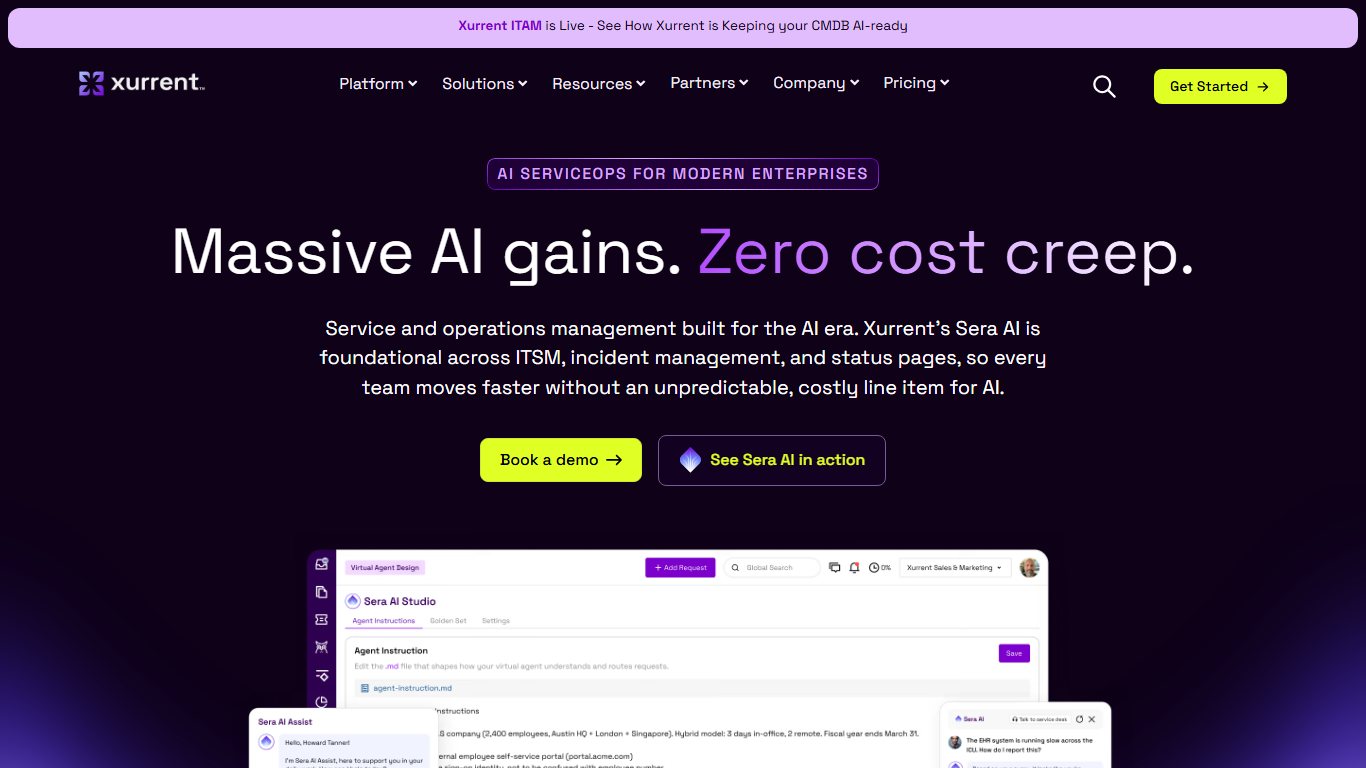
Xurrent, known as 4me until its 2024 rebrand, is a cloud ITSM and ESM platform built for organizations that share services with other departments, partners or managed service providers. Its plans include ITSM plus unlimited ESM, so HR, facilities and finance desks do not cost extra.
Top Xurrent features
- Incident, problem, change, release and service-level management
- Unlimited enterprise service management on ITSM plans
- Multi-organization support for managed service providers and outsourcing partners
- Service catalog and self-service portal
- Built-in reporting and SLA tracking
Pros
- ESM for every department is included rather than sold per desk
- Designed for service integration across several providers
Cons
- No public prices, and tiers are set by platform users (from 20 per month on its Starter tier), so you must get a quote to compare costs
- A smaller partner and integration ecosystem than ServiceNow
Best for: mid-size and enterprise organizations that want ITSM and ESM on one SaaS platform, or that work with outsourcing partners
Pricing model: quote-based, tiered by platform users
Salesforce Agentforce IT Service
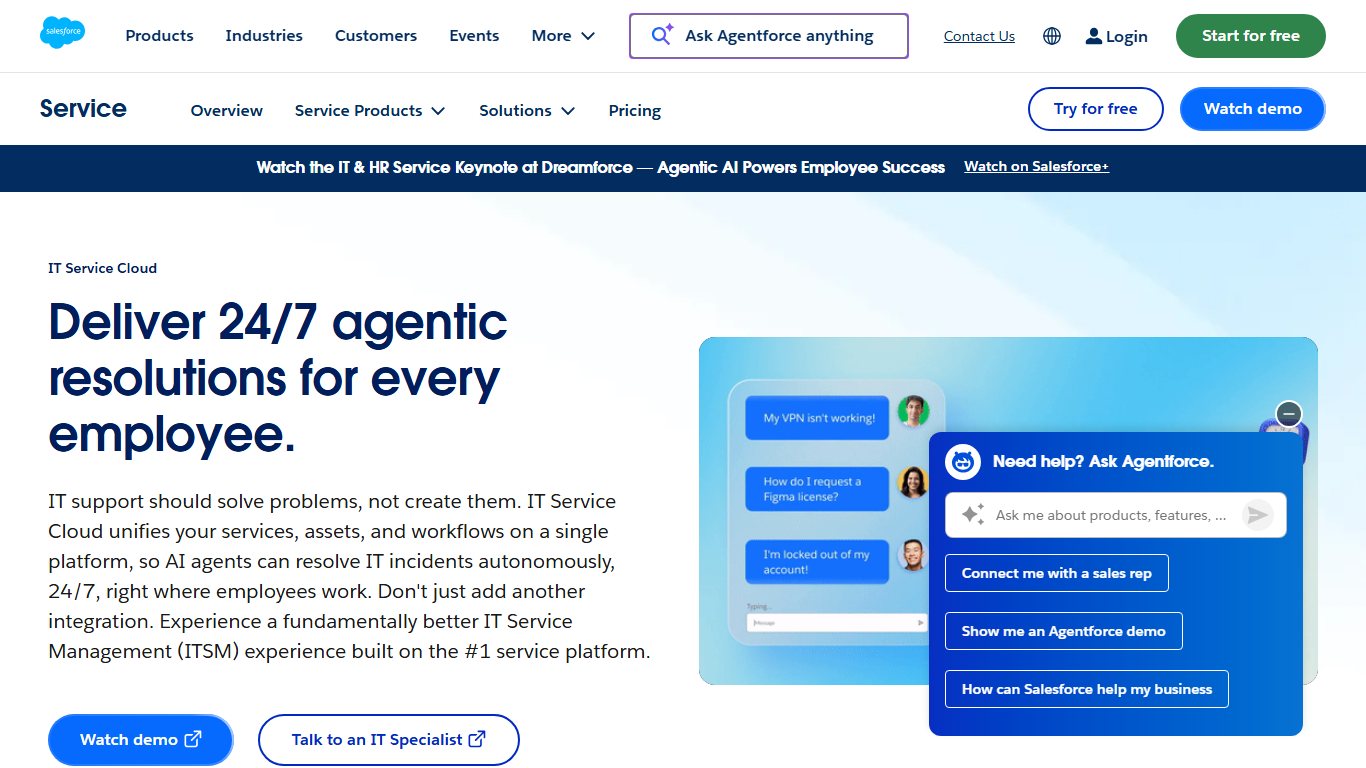
Agentforce IT Service is Salesforce’s ITSM product, launched in 2025. It runs on the Salesforce platform and uses Agentforce AI agents to answer employee requests in conversational channels such as Slack, with a service portal and agent workspace behind them.
Top Agentforce IT Service features
- Incident, problem and change management
- Service catalog and employee self-service
- Agentforce AI agents that resolve routine requests in chat
- Slack integration for requests and incident swarming
- Shares data and admin skills with the rest of Salesforce
Pros
- A natural fit if your company already runs on Salesforce and Slack
- Conversation-first design suits staff who never visit a portal
Cons
- Newer to ITSM than every other tool here, with fewer ITSM-specific references and partners
- Agentforce usage is metered separately (through Flex Credits or per-conversation pricing), so AI costs are hard to predict
Best for: Salesforce customers that want IT service on the platform they already administer
Pricing model: quote-based licenses, with Agentforce AI usage billed on top
Best open-source ITSM tools
GLPI, iTop and Zammad are the best-known open-source options, and their community editions are free to self-host. The trade-off is that you pay in staff time instead of licenses: your team installs, patches, backs up and secures the server, and support comes from the community unless you buy a paid plan.
| Tool | Maintainer | Strength | Best for |
|---|---|---|---|
| GLPI | Teclib’ | Asset inventory plus ticketing | Teams that want IT asset management first |
| iTop | Combodo | ITIL-aligned ITSM with a strong CMDB | On-premises environments that need a real CMDB |
| Zammad | Zammad GmbH | Multi-channel ticketing | Help desk use rather than full ITSM |
- GLPI combines IT asset inventory with a help desk and is offered both self-hosted and as a paid cloud service.
- iTop is a web-based ITSM and CMDB platform that follows ITIL practices and suits on-premises setups.
- Zammad is a help desk at heart. It pulls email, chat, phone and social channels into one queue but has no change management or CMDB, and it needs a larger server than the PHP-based GLPI and iTop.
Open source makes most sense when you have Linux skills in-house, strict data-sovereignty needs, or a budget that rules out per-agent fees.
Choosing the best ITSM software for your team
The right ITSM tool depends on the size of your IT team and how much process you need, not on which tool has the longest feature list. Every good option should cover the basics: ease of use, cloud hosting, incident management, asset management and a self-service portal. Strong automation then helps a small team get more done.
As a rule of thumb:
- Small teams on a budget: Start with ProProfs Help Desk, Spiceworks or the Jira Service Management Free plan.
- Growing mid-size teams: Freshservice, SolarWinds Service Desk, InvGate and HaloITSM offer full ITSM without enterprise complexity.
- Large enterprises: ServiceNow, BMC Helix ITSM and ManageEngine ServiceDesk Plus handle complex workflows, heavy compliance needs and very large asset estates.
The honest counter-argument to buying a big platform: most small and mid-size teams never use more than incident, request and asset management. Paying for ServiceNow or BMC Helix before you have a change process to run usually means paying for unused modules and a long rollout.
Best ITSM tools for regulated and public-sector teams
For US federal agencies and contractors, start with tools that hold FedRAMP authorization. ServiceNow and Salesforce (through Government Cloud Plus) both offer FedRAMP High environments. Check the FedRAMP Marketplace for the current status of any other vendor, because authorization covers specific environments, not every product a vendor sells.
For state and local government, schools and universities, TOPdesk is widely used, and on-premises options such as ManageEngine ServiceDesk Plus, SysAid, InvGate, HaloITSM and BMC Helix help where data must stay on your own servers.
Before you sign, ask each vendor for:
- The data center regions your tenant will use.
- A current SOC 2 Type II report or ISO/IEC 27001 certificate.
- A business associate agreement (BAA) if tickets may contain patient data under HIPAA.
- Audit logs for every change and every AI action, plus how long they are kept.
- Whether AI features send ticket data to a third-party model, and how to switch them off.
Before you commit, take your two strongest candidates through a free trial using real tickets from your own service desk. A week of real use shows far more than any feature list.
FAQ
What is an ITSM tool?
An ITSM tool is software that runs IT service management processes such as incident, problem, change, asset and service-catalog management. It gives users a self-service portal and gives IT staff queues, SLAs, a knowledge base and reports. ServiceNow, Jira Service Management, Freshservice and ManageEngine ServiceDesk Plus are common examples.
Is Jira an ITSM tool?
Jira Service Management is. Jira Software is Atlassian’s project and issue tracker for development teams, while Jira Service Management is its ITSM product, with incident, change and problem management, SLAs and Assets. It has a Free plan for up to 3 agents and is now sold as part of Atlassian’s Service Collection.
What are the top 5 ITSM tools?
For most buyers in 2026, the top 5 are:
- ServiceNow, for large enterprises
- Jira Service Management, for Atlassian teams and small budgets
- Freshservice, for mid-size teams that want quick setup
- ManageEngine ServiceDesk Plus, for on-premises hosting and IT projects
- HaloITSM, for an all-modules-included ITIL 4 service desk
What is the difference between a help desk and an ITSM tool?
A help desk mainly logs and resolves tickets. An ITSM tool adds change, problem and asset management, a CMDB, a service catalog and SLA management, as described in the definitions section above.
Is there a free ITSM tool?
Yes, for small teams. Jira Service Management has a Free plan for up to 3 agents, and ProProfs Help Desk offers a free plan. Spiceworks Cloud Help Desk stays free only for very small teams; accounts with more than five active employee users had to move to a paid plan in 2025. GLPI and iTop are free to self-host if you can run your own server.
Which ITSM tool is best for a small business?
For a small business, ease of setup and a low price matter more than deep ITIL features. Freshservice, Jira Service Management and ProProfs Help Desk are quick to set up and have free plans or trials. Choose Jira if your team already uses Atlassian tools.
How much does ITSM software cost?
Most ITSM tools charge per agent per month, and the price climbs with each higher tier. Freshservice starts at $19 per agent per month on annual billing, and InvGate publishes a Starter price of $1,499 per year for 5 agents. Enterprise platforms such as ServiceNow, BMC Helix ITSM, HaloITSM, Xurrent and Agentforce IT Service quote on request. Budget for setup, training, AI add-ons and integrations as well as the license.
Do AI features cost extra in ITSM tools?
Often, yes. Freddy AI Copilot is a paid Freshservice add-on, Rovo is only on paid Jira Service Management plans, ServiceNow’s AI Agents sit in its top ITSM package, and Salesforce meters Agentforce usage. Ask for a quote that includes your expected AI usage.
Should you choose cloud or on-premises ITSM?
Cloud is the better default for most organizations. The vendor handles updates, security patches and uptime, and staff can work from anywhere. On-premises versions, offered by SysAid, InvGate, HaloITSM, BMC Helix and ManageEngine, suit organizations with strict data residency rules or no reliable internet access.
Sources
- SolarWinds Service Desk 2026 release notes
- SolarWinds Service Desk blog
- InvGate pricing
- BMC splits organization into two independent companies (DBTA)
- Atlassian: Jira Service Management licensing and Service Collection
- Freshservice pricing guides (2026)
- Xurrent pricing tiers
- BMC Helix ITSM documentation: Agentic AI capabilities and AI agents in BMC HelixGPT
- ServiceNow AI agents guide
- Zendesk AI agents
- Salesforce Agentforce pricing explained
- SysAid alternatives comparison (Harmony)
- iTop vs GLPI (TrustRadius) and GLPI vs Zammad (SourceForge)