
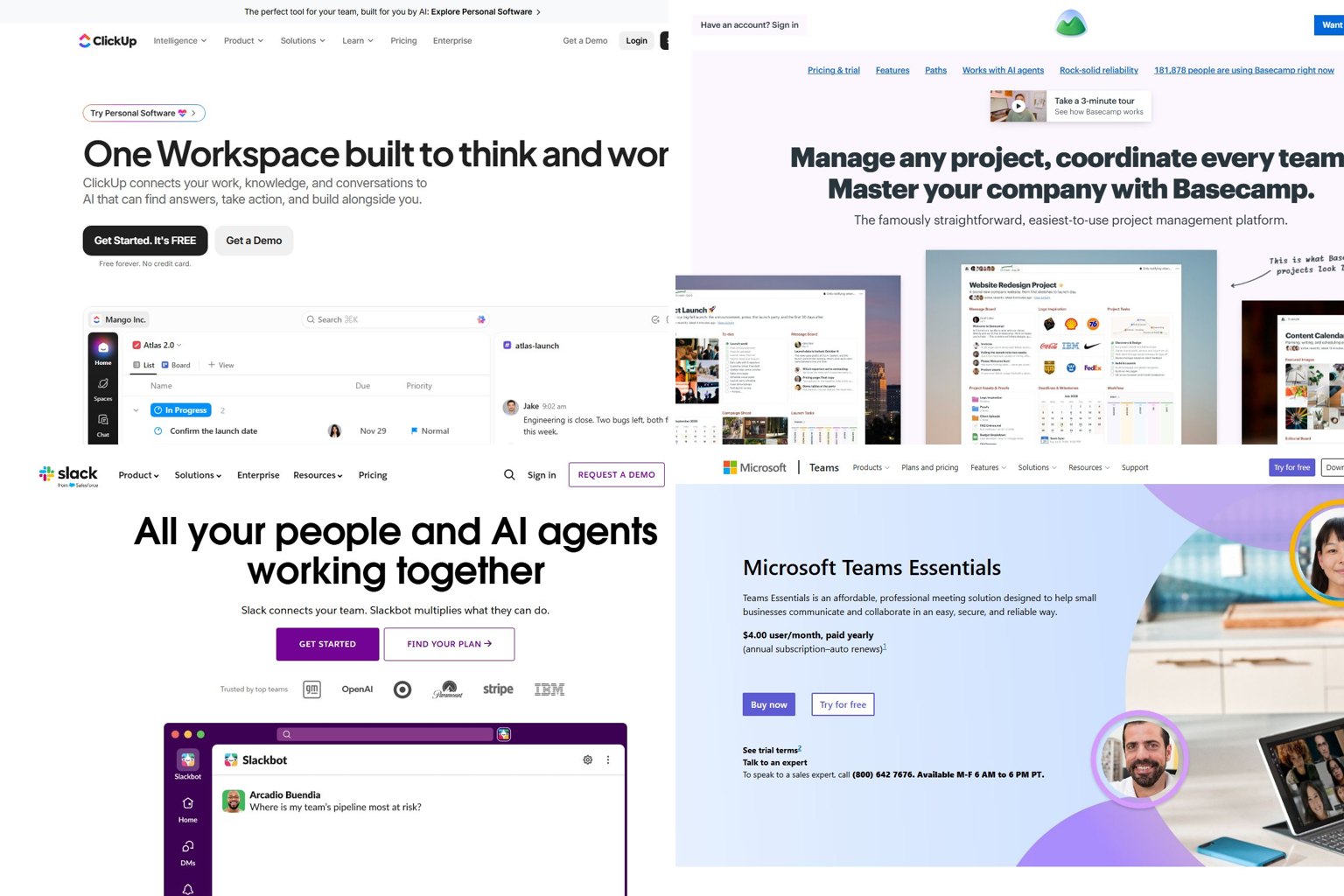
Teamingway no longer exists under that name. In 2026 the company renamed itself AEROSS and turned its $8.99-per-user collaboration app into an enterprise “Agentic Enterprise Service Management” platform that publishes no prices. If you want what Teamingway used to be (chat, video calls, tasks and docs at a known per-user price), ClickUp, Basecamp, Slack, Microsoft Teams Essentials and Asana are the strongest replacements. Prices below were checked on November 19, 2026.
Key takeaways
- Teamingway became AEROSS in 2026. Your workspaces and data are still at app.aeross.ai.
- AEROSS sells one quote-only enterprise contract with no published small-team plan.
- ClickUp (from $9 per user, annual billing) is the closest single-app replacement.
- For 10 users, setups range from about $23 a month (Tixio) to about $200 a month (Basecamp Pro Unlimited).
- Export your projects and documents before you cancel anything.
Fact-checked
We checked these key facts against the sources named, on November 19, 2026:
- For 10 users, the cheapest setup that covers chat and calls is Teams Essentials at about $40 to $45 a month (source: pumble.com)
- According to AEROSS, the company started as Teamingway in 2021 and took the new name in 2026 because the product had outgrown it (source: aeross.ai)
- In 2026 the company renamed itself AEROSS and turned its $8.99-per-user collaboration app into an enterprise “Agentic Enterprise Service Management” platform that publishes no prices (source: aeross.ai)
Quick answer: the best Teamingway alternatives right now
Pick by the job Teamingway did for you. Small teams that relied on it for everything should start with an all-in-one tool. Teams that mostly used chat and calls can spend much less.
| Tool | Best for | Replaces which Teamingway feature | Free plan? | Starting paid price (per user/month) | Billing basis | Main drawback |
|---|---|---|---|---|---|---|
| ClickUp | Closest all-in-one | Tasks, docs, calendar, chat | Yes | $9 (Core) | Annual | Crowded interface |
| Basecamp | Simple all-in-one | Tasks, docs, messaging, schedule | Yes, one project | Flat rate, no per-user fee | $199/month flat (Pro Unlimited, annual) | No built-in video meetings |
| Slack | Team chat | Real-time chat | Yes | $7.25 (Pro) | Annual ($8.75 monthly) | Does not manage tasks or docs |
| Microsoft Teams Essentials | Cheap chat plus meetings | Chat, video, screen sharing | Free Teams version exists | $4 to $4.50 | Annual | Feels heavy for small teams |
| Asana | Tasks and projects | Tasks, calendar, workflows | Yes, Personal plan | $10.99 (Starter) | Annual ($13.49 monthly) | No chat or video |
| monday.com | Visual workflows | Tasks, workflows | Up to 2 seats | $9 (Basic) | Annual, 3-seat minimum | Seat minimums push the price up |
| Google Workspace | Gmail and Docs teams | Docs, meetings, chat, calendar | No business free tier | $7 (Business Starter) | Annual ($8.40 flexible) | Weak task management |
| Tixio | Budget all-in-one | Tasks, chat, docs, meetings | 14-day trial | $2.30 | Per seat | Small vendor, less proven |
How these were chosen: the list favours tools that each cover at least one Teamingway job well, have a published per-user price, and come from vendors with a large installed base. Feature coverage came first, then price clarity, then ease of setup for a team without IT staff. Developer tools such as Jira and Confluence were left out because they suit software teams, not general small businesses.
What happened to Teamingway? (It’s AEROSS now)
TeamingWay Inc. now trades as AEROSS Agentic Systems. The company’s own Teamingway page says the collaboration tool “grew into” Agentic Enterprise Service Management, a platform where AI agents work under the same rules as human staff. The company was renamed, not rebuilt.
According to AEROSS, the company started as Teamingway in 2021 and took the new name in 2026 because the product had outgrown it. Crunchbase lists Toronto as headquarters and Mohsin Shafique as co-founder and CEO.
| Teamingway (before) | AEROSS (2026) | |
|---|---|---|
| Product type | All-in-one team collaboration app | Agentic Enterprise Service Management |
| Target customer | Small and mid-size teams | Enterprises |
| Price | From $8.99 per user per month | Quote on request, no list prices |
| Pricing model | Per-user subscription, free trial | One contract priced by headcount and estate |
| AI | Not the focus | Included, no per-agent or per-action metering |
| Sign-in | Teamingway app | app.aeross.ai |
| Support | Same team | [email protected] |
Do I lose my data?
No. AEROSS says workspaces, projects, tasks, documents and history are unchanged. You sign in at app.aeross.ai. No migration was needed on your side.
Does AEROSS still have a small-team plan?
AEROSS publishes no small-team plan. Its homepage describes one enterprise contract with no tiers, priced by headcount and estate. The platform page says it is free during early access with no credit card. Paid pricing is quoted through AEROSS partners, and deployments carry a one-time fixed fee scoped in writing.
That free early-access period is useful, but it has no published end date. A team that needs to budget for the next 12 months can’t do that from public information.
Why the review sites still show the old name and price
Capterra and Software Advice still list the product at $8.99 per user per month, rated 4.7 from 18 reviews. Both file it under an older product name, Stream. Several alternative directories also treat it as an active small-team app.
Did you know?
Capterra still files Teamingway under the URL slug “Stream”, so the same product now shows up under three names: Stream, TeamingWay and AEROSS.
Should you stay on AEROSS or switch?
Stay if you are a larger organisation that wants service management and governed AI agents and is happy to get a quote. Switch if you are a small team that only needs chat, meetings, tasks and docs at a price you can see upfront.
A reader question comes up often: “Our tool got rebranded and now it’s ‘enterprise only, contact sales’. Do we have to leave?” Not right away. Your data is still there and the service is free in early access. The risk is that you don’t know what it will cost later.
Stay on AEROSS if:
- You have dozens or hundreds of staff and need service management (IT, HR or facilities requests).
- You want AI agents that follow the same permission rules as people.
- Predictable flat pricing matters more to you than a public price list. TrustRadius notes that most ESM vendors charge per agent, per employee with consumption credits, or per resolution. AEROSS says it does none of those.
Switch if:
- You have under 50 people and used Teamingway as a lighter Slack-plus-Asana.
- You need a known monthly cost for your budget.
- You don’t want an enterprise sales process for a team tool.
Get it in writing first
Email [email protected] and ask whether your current plan and price will continue, and when your contract renews. Get the answer in writing before you commit to switching.
What Teamingway did and what replaces each part
Teamingway combined task, calendar and document management with video conferencing, screen sharing and real-time chat. One Software Advice reviewer said it let them drop Slack, Monday, Asana, Zoom and MS Teams. That breadth is why one tool rarely covers all of it.
| Teamingway feature | All-in-one replacement | Best-of-breed replacement |
|---|---|---|
| Real-time chat | ClickUp Chat, Basecamp Campfire | Slack |
| Video meetings and screen sharing | Microsoft Teams Essentials, Google Meet | Zoom or Microsoft Teams |
| Tasks | ClickUp, Basecamp to-dos | Asana or monday.com |
| Calendar | ClickUp calendar view, Basecamp schedule | Google Calendar or Outlook |
| Documents | ClickUp Docs, Basecamp Docs & Files | Google Docs |
| Workflows | ClickUp automations | monday.com or Asana rules |
Another common question: “Slack doesn’t replace anything, it just sits in the middle of everything. What actually consolidates?” Slack is a hub, not a replacement. To actually cut tools, you need ClickUp, Basecamp, Google Workspace or a budget suite such as Tixio.
If your docs were the main thing you used, a dedicated wiki tool may suit you better. Our guide to Dropbox Paper alternatives covers knowledge-management options.
The best Teamingway alternatives, compared
All prices are US list prices per user per month, checked November 19, 2026. Vendors change prices often, so confirm on the official pricing page before you buy.
ClickUp: closest all-in-one replacement
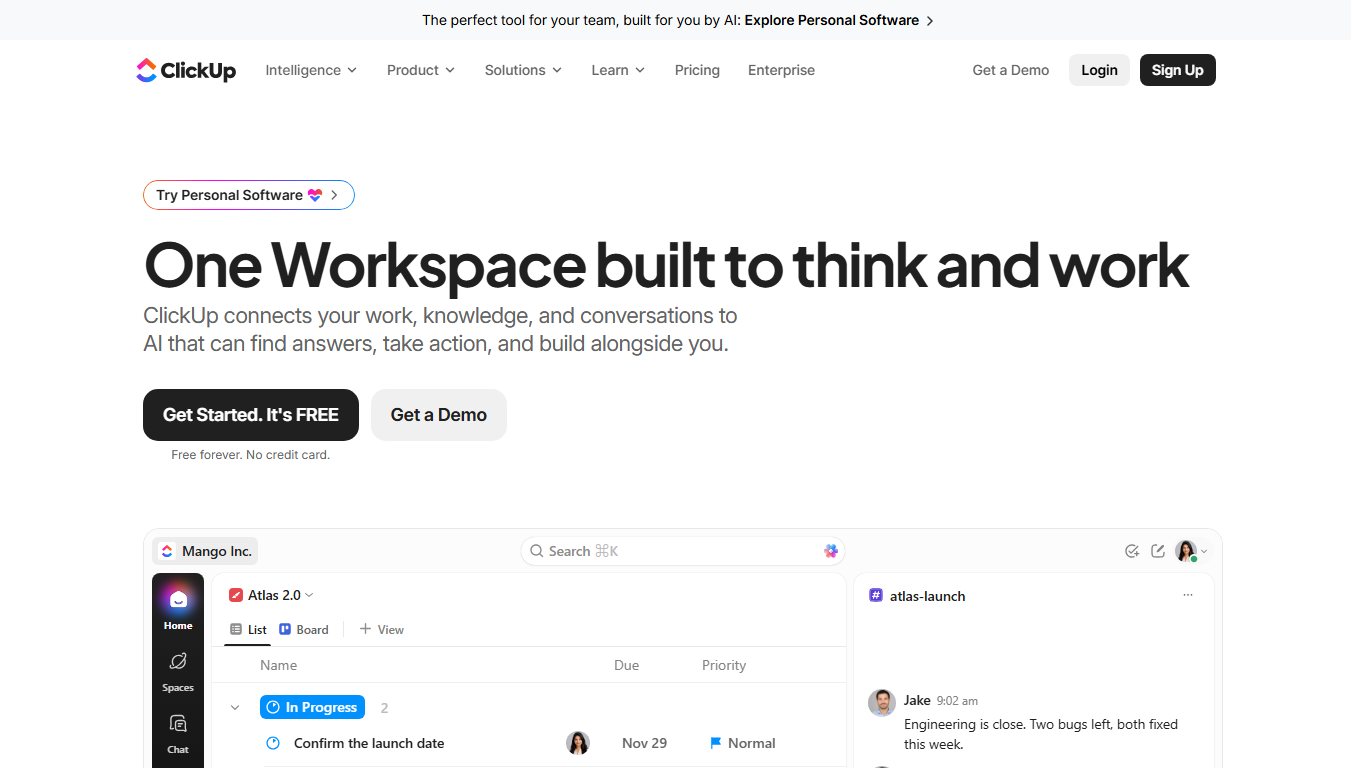
ClickUp replaces almost everything Teamingway did: tasks, docs, calendar views, chat and automations, all in one workspace.
- Free Forever: available, with usage limits on storage and advanced features.
- Core: $9 billed annually.
- Business: $12 billed annually, $19 monthly. Adds advanced automations, workload management and Google SSO.
- Enterprise: custom quote.
- Brain AI: included in all paid plans.
Suits: teams of 5 to 100 that want one app.
Drawback: so many features that new users can feel lost.
Basecamp: simplest all-in-one for small businesses
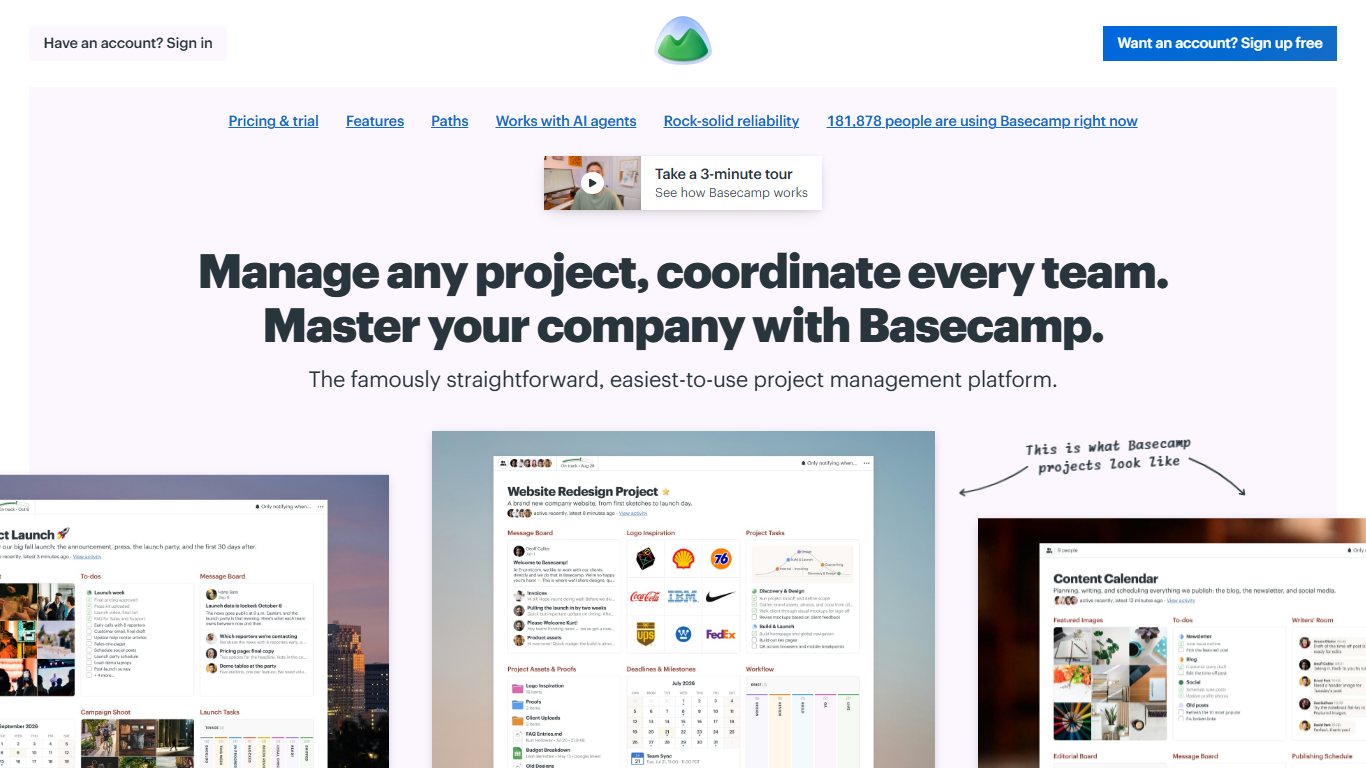
Basecamp is the answer to “All-in-one tools have too many features we don’t need. Which one is easy to set up?” Each project gets a message board, to-dos, a schedule, docs and a group chat called Campfire.
- Free: one project, 1 GB of storage.
- Paid plans: flat-rate tiers with no per-user fees.
- Pro Unlimited: $199 per month billed annually, unlimited users.
Because pricing is flat, the cost doesn’t rise as your team grows.
Suits: agencies and small businesses working with clients.
Drawback: no built-in video meetings, so you’ll need Zoom, Google Meet or Teams alongside it.
Slack: best team chat
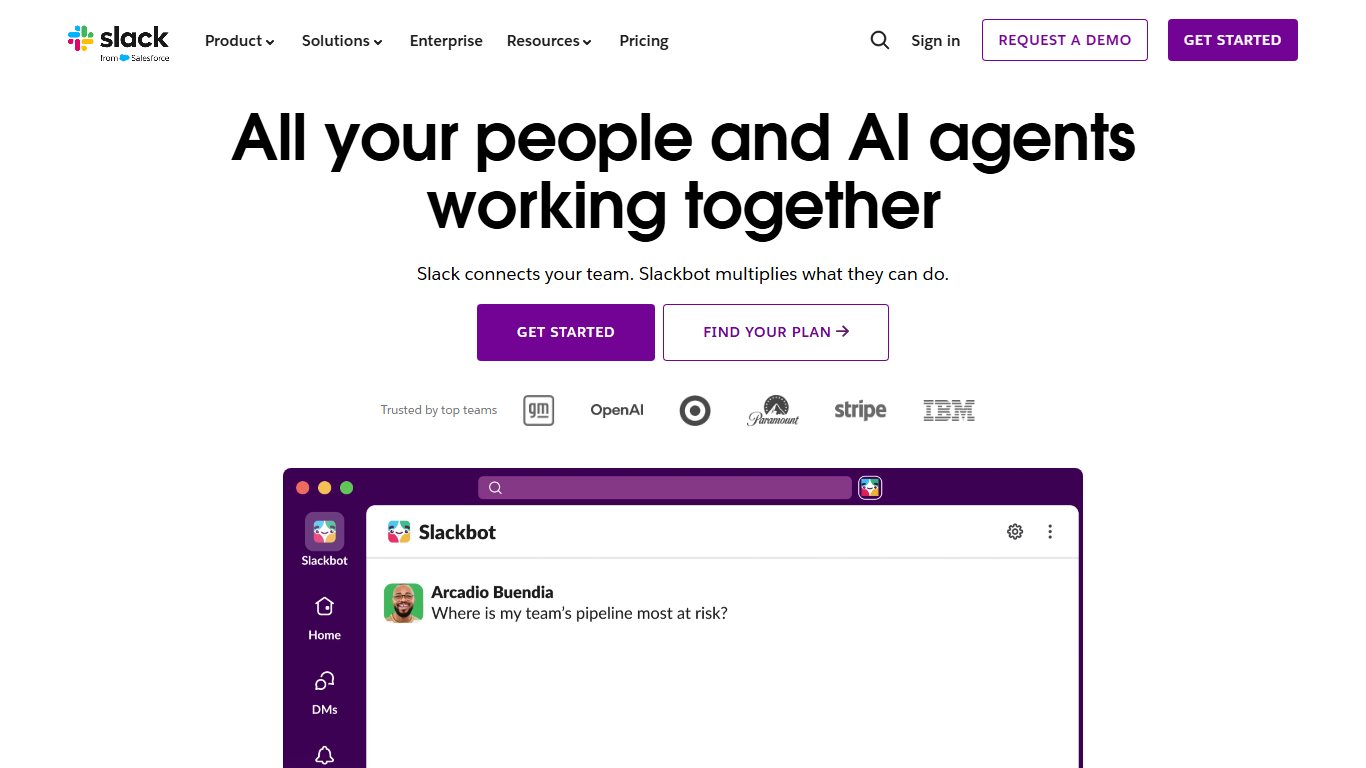
Slack is the strongest replacement for Teamingway’s chat, with huddles for quick audio and video calls.
- Free: limited message history.
- Pro: $7.25 billed annually, $8.75 monthly.
- Business+: $15 billed annually, $18 monthly.
- Enterprise+: listed at $45 billed annually.
Suits: teams that live in chat and connect many other apps.
Drawback: you still need separate tools for tasks and docs.
On “Does Zoom Team Chat actually replace Slack, or do we still need both?”: Zoom Team Chat comes with Zoom Workplace accounts and handles basic channels and messages. Teams that rely on Slack’s app integrations and workflows usually keep Slack. Teams that mostly chat around meetings can often drop it.
Microsoft Teams Essentials: cheapest chat plus video meetings
Teams Essentials is the cheapest well-known way to replace Teamingway’s chat, video and screen sharing.
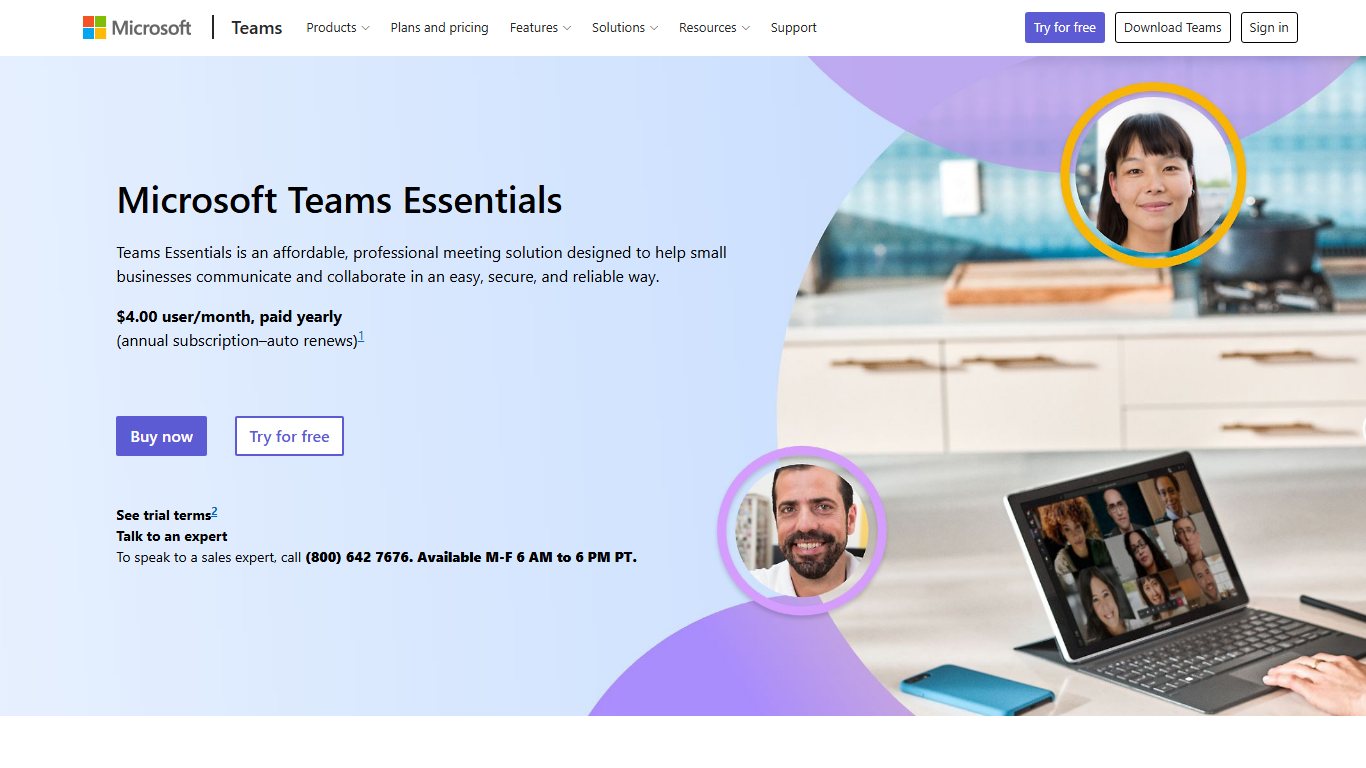
- Price: $4 per user per month on an annual commitment. Pumble reports a rise to $4.50 after July 2026, so check Microsoft’s page.
- Includes: meetings up to 30 hours with 300 participants and 10 GB of cloud storage per user.
Suits: small teams that need calls and chat but not tasks.
Drawback: reader complaints that “Microsoft Teams feels overcomplicated for a small business” are common. If that’s your experience, Basecamp or Slack feel lighter.
Hidden Microsoft cost
Some Microsoft 365 plans are sold without Teams. On those, you need a separate Microsoft Teams Enterprise license at an extra $8.55 per user per month.
Asana: best for tasks and projects
Asana replaces Teamingway’s tasks, calendar and workflows with stronger timelines, rules and reporting.
- Personal: free for very small teams. Seat limits have changed, so check before relying on it.
- Starter: $10.99 billed annually, $13.49 monthly.
- Advanced: $24.99 billed annually, $30.49 monthly.
- Enterprise: quote only.
Suits: teams whose main pain point is tracking who does what by when.
Drawback: no chat or video, so you’ll pair it with Slack or Teams.
monday.com: best for visual workflows
monday.com Work Management turns tasks into colourful boards with automations. Non-technical teams pick it up quickly.
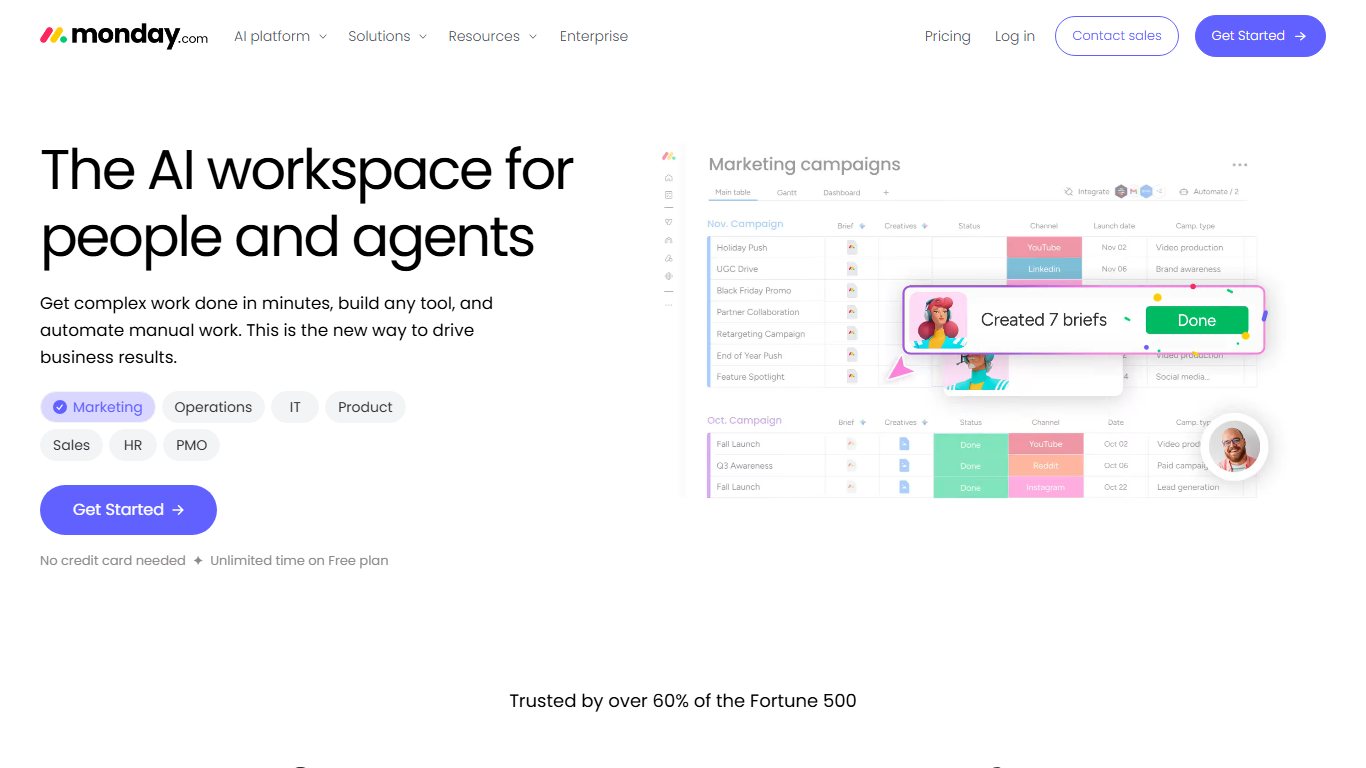
- Free: up to 2 seats.
- Basic: $9 per seat billed annually.
- Standard: $12 per seat billed annually.
- Pro: $19 per seat billed annually.
- Monthly billing: about $12, $14 and $24 per seat.
- Minimum: 3 seats on every paid plan.
Suits: operations, marketing and sales teams that track processes.
Drawback: the seat minimum makes it poor value for a team of one or two.
Google Workspace: if you already live in Gmail and Docs
Google Workspace covers docs, calendar, Google Meet video calls and Google Chat, plus business email.
- Business Starter: $7 annual, $8.40 flexible. 30 GB per user, 100-person meetings.
- Business Standard: $14 annual, $16.80 flexible. 2 TB, 150-person meetings.
- Business Plus: $22 annual, $26.40 flexible. 5 TB, 500-person meetings.
Suits: teams already on Gmail.
Drawback: no real task or project management. Pair it with Asana or ClickUp.
Budget all-in-one options (Tixio and similar)
Tixio is the closest match to Teamingway’s original price point and scope. It covers tasks, chat, docs, a whiteboard, meetings, CRM and HRM.
- Price: $2.30 per seat per month.
- Trial: 14 days free.
Suits: price-sensitive teams that want one app.
Drawback: it’s a smaller vendor. That’s the same kind of risk you just ran into with Teamingway’s pivot. Keep regular exports.
Vendor-written lists, such as nTask’s, often put their own product near the top. Judge each tool on the features you actually used.
What it really costs: a 10-person team example
For 10 users, the cheapest setup that covers chat and calls is Teams Essentials at about $40 to $45 a month. The cheapest full all-in-one is Tixio at $23. For comparison, Teamingway’s old list price was $89.90 a month for 10 users.
| Setup | Tools | Monthly cost (annual billing) | Monthly cost (monthly billing) | Notes |
|---|---|---|---|---|
| Old baseline | Teamingway at $8.99 | $89.90 | n/a | Former list price |
| Budget all-in-one | Tixio | $23.00 | n/a | Per-seat price |
| Chat and meetings only | Teams Essentials | $40.00 to $45.00 | n/a | $4 vs reported $4.50 |
| Docs, mail, meetings | Google Workspace Business Starter | $70.00 | $84.00 | Add a task tool |
| Chat only | Slack Pro | $72.50 | $87.50 | No tasks or docs |
| All-in-one | ClickUp Core | $90.00 | n/a | Brain AI included |
| Visual workflows | monday.com Standard | $120.00 | $140.00 | No chat |
| Simple all-in-one | Basecamp Pro Unlimited | $199.00 | n/a | Flat rate, unlimited users |
| Best of breed | Slack Pro + Asana Starter | $182.40 | $222.40 | Add Zoom or Meet for big calls |
That last row answers “Is there one app that does chat, tasks, docs and video calls so we can stop paying for five tools?” Buying the best tool for each job costs roughly twice as much as ClickUp. It still leaves you needing a meeting tool for large calls.
Choose your billing period on purpose
Slack Pro costs $7.25 per user on annual billing and $8.75 on monthly billing. For 10 users, monthly billing costs $180 more per year. Annual billing locks you in, so start monthly during a trial, then switch once the team has settled.
How to move your team off Teamingway/AEROSS
The safe order is: export everything, trial the new tool, then run both tools in parallel before you cancel. Because AEROSS says your data is unchanged, you don’t need to rush this.
Move your team
- Sign in at app.aeross.ai and list every workspace, project and owner.
- Export tasks, documents and files using the workspace’s export options. If you can’t find one, ask [email protected] for a full export in writing.
- Start a free trial or free plan of your chosen replacement.
- Import tasks by CSV or recreate active projects. Archive finished work as files.
- Re-invite users and set the same permissions they had before.
- Reconnect integrations such as calendars, cloud storage and email.
- Run both tools side by side for one week.
- Cancel with AEROSS by contacting [email protected], and keep the confirmation.
What to export first
Start with active projects and their task lists, since those are what your team needs on day one. Then export shared documents, then file attachments. Chat history matters least, but export it if you have compliance or client-record requirements.
Avoiding double billing
During early access AEROSS is free, so a week of overlap shouldn’t cost anything extra. If you’re on an older paid Teamingway contract, check its renewal date first. Then buy the new tool on monthly billing until the switch is finished.
FAQ
What happened to Teamingway?
In 2026 it was renamed AEROSS. TeamingWay Inc. now trades as AEROSS Agentic Systems and sells Agentic Enterprise Service Management to larger organisations.
Is Teamingway the same as AEROSS?
Yes. It’s the same company and team, and your existing workspaces carried over. The product focus moved from team collaboration to enterprise service management with AI agents.
Do I need to migrate my data from Teamingway to AEROSS?
No. AEROSS says your workspaces, projects, tasks, documents and history are unchanged at app.aeross.ai.
How much does AEROSS cost?
AEROSS publishes no list prices. It’s free during early access, and paid contracts are quoted through partners based on headcount and estate. Deployments carry a one-time fixed fee.
What is the best alternative to Teamingway for small teams?
ClickUp is the closest match, from $9 per user per month on annual billing. Basecamp is simpler if your team wants fewer features.
Is there a free Teamingway alternative?
Yes. ClickUp, Slack, Asana and Basecamp all have free plans, and monday.com is free for up to 2 seats. Each has limits on storage, history or seats.
What are the top 5 collaboration tools?
For most small teams: Slack, Microsoft Teams, Google Workspace, ClickUp and Asana. Together they cover chat, meetings, docs and tasks.
What is the best team management software?
For task and project tracking, Asana and monday.com lead. If you also need chat and docs in the same app, ClickUp is the better pick.
What is the most popular workplace collaboration tool?
Microsoft Teams and Slack are the most widely used for chat. Teams often comes bundled with Microsoft 365 business plans.
Is there a better alternative to Teams?
For small teams that find Teams heavy, Slack is better for chat and Basecamp is simpler overall. Google Workspace suits teams already using Gmail.
Your next step
Before you pick a tool, write down which of Teamingway’s four jobs your team actually used: chat, meetings, tasks or docs. If it’s all four, trial ClickUp or Basecamp. If it’s one or two, buy only the tool for those jobs. Meanwhile, export your data from app.aeross.ai this week, while access is free and nothing is at risk.













