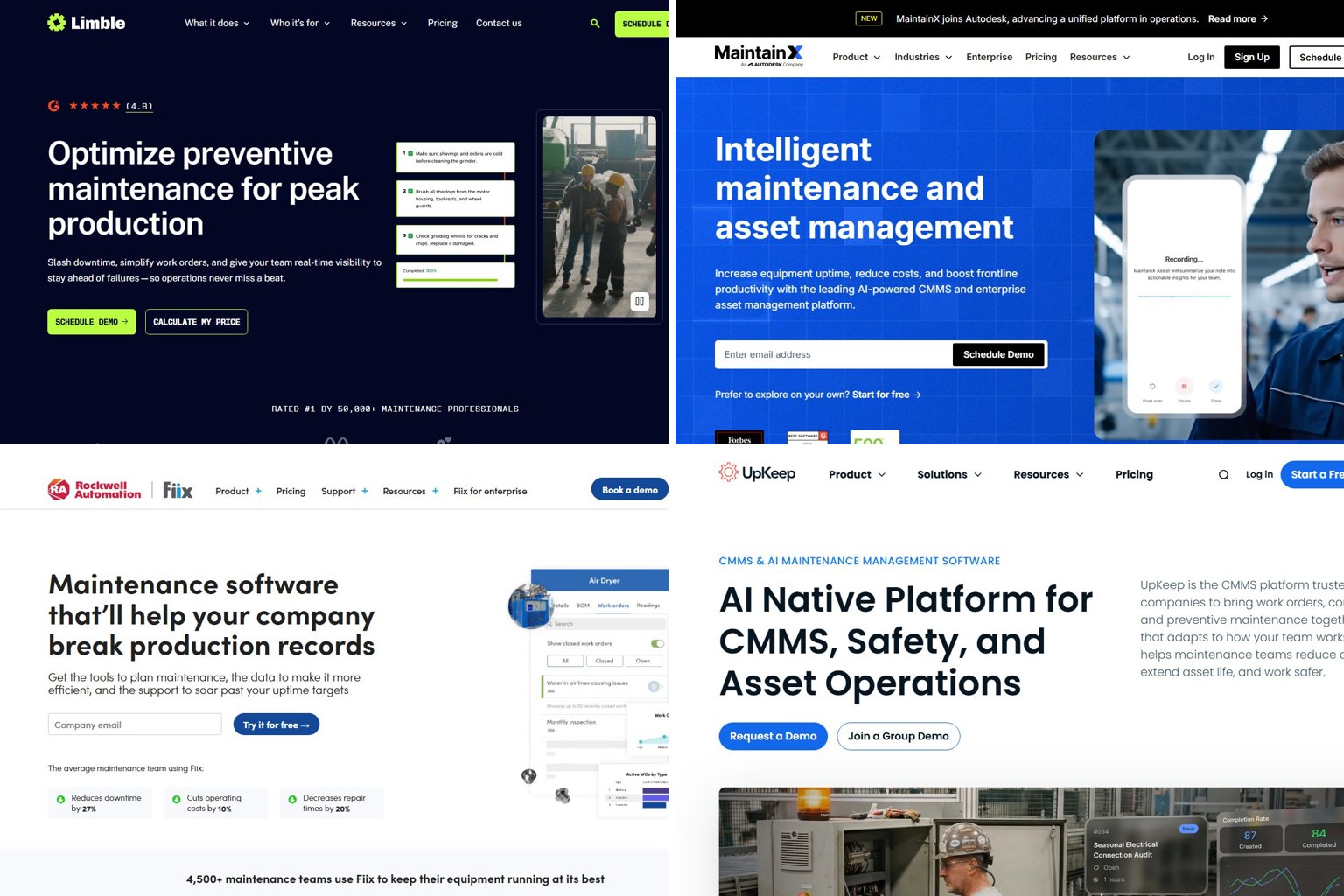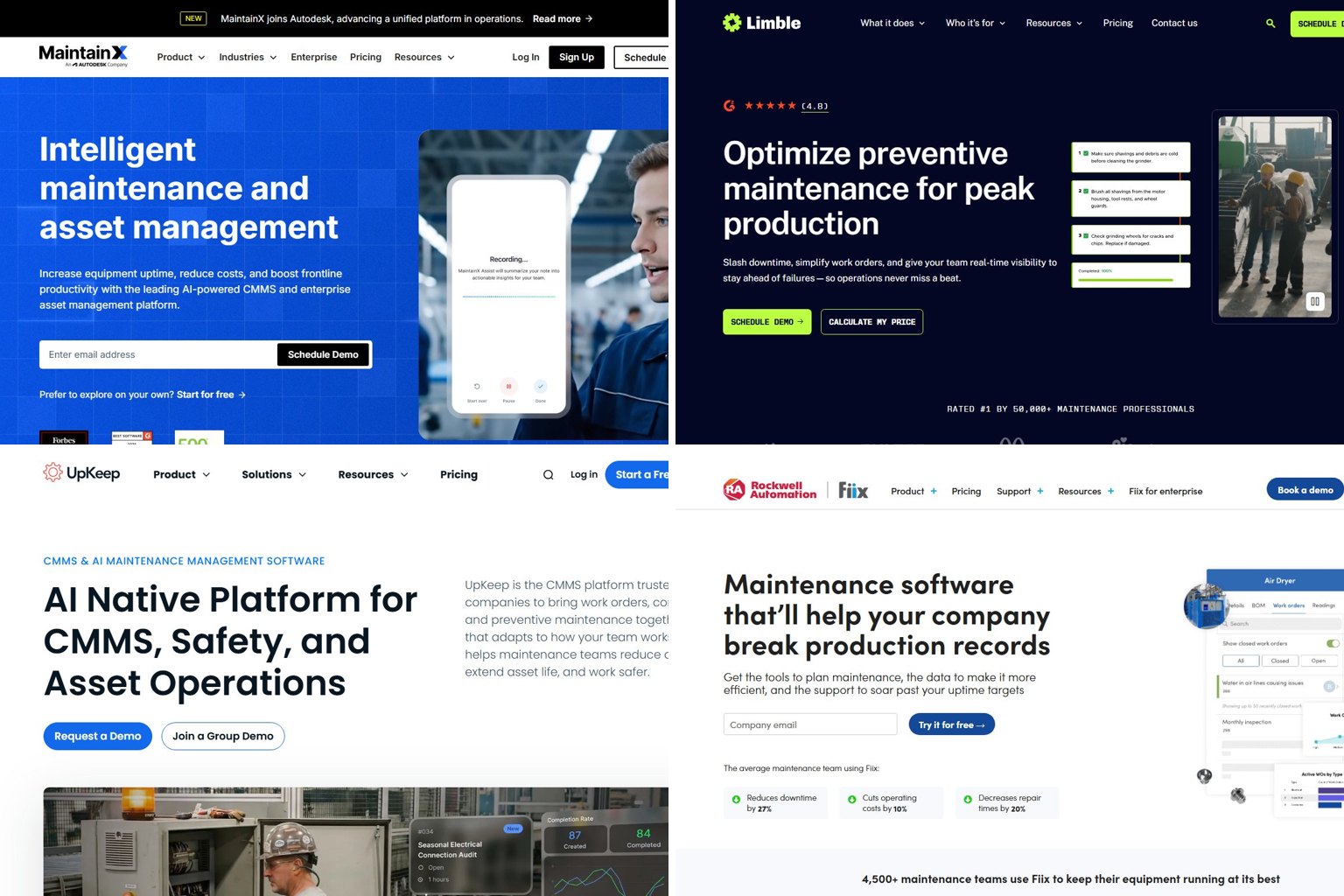
Facilio has just 4 reviews on G2, and its price is quote-only, so you have very little outside evidence to go on before you sign. This independent comparison sorts 14 alternatives by the job they do, lists the per-user prices that are public as of November 19, 2026, and shows you how to pick one and switch.
Key takeaways
- Start by working out which part of Facilio you use: CMMS, building analytics, refrigeration or the Atom AI agents.
- For work orders and PM alone, MaintainX, Limble or UpKeep at $20 to $28 per user per month usually covers it.
- IBM Maximo Application Suite, Planon and Brightly suit large portfolios. ServiceChannel, Corrigo and Fexa manage contractors and aren’t really CMMS tools.
- With 4 G2 reviews, Facilio needs reference calls more than review scores. MaintainX has 1,510.
- Before you give notice, export your assets, PM schedules, work-order history and vendor lists.
Fact-checked
We checked these key facts against the sources named, on November 19, 2026:
- Directory figures of $29, $39 and $45 per user per month aren’t confirmed by Facilio (source: capterra.com)
- TrustRadius shows $69, $85 and $120 per user per month, but eMaint hasn’t confirmed those figures (source: trustradius.com)
- MaintainX Essential is $20 per user per month on annual billing and $25 monthly, a 25% difference across a 30-person team (source: resources.rework.com)
- Atom is Facilio’s suite of autonomous AI agents, launched February 11, 2026, for helpdesk dispatch, compliance automation, and finance and control tasks such as invoice validation (source: facilio.com)
Quick answer: the best Facilio alternatives by situation
The best Facilio alternative depends on which part of the platform you rely on. Here is the short version:
- Free or cheap work-order tool for a small team: pick MaintainX. Its Basic plan is free and Essential starts at $20 per user per month on annual billing.
- Strong preventive maintenance for a mid-size team: pick Limble. Standard is listed at $28 per user per month.
- Simple mobile-first CMMS with published prices: pick UpKeep. Essential costs $24 per user per month.
- Manufacturing-style maintenance tied to plant systems: pick Fiix (Rockwell Automation). Basic is $45 per user per month.
- Asset-heavy enterprise with reliability engineers: pick IBM Maximo Application Suite.
- Integrated workplace management (IWMS) for corporate real estate: pick Planon.
- Mostly dispatching outside contractors across many stores: pick ServiceChannel or Corrigo.
- Building-centric CMMS with hospitality or retail roots, quote-based like Facilio: pick Infraspeak.
This page is independent. No vendor paid for placement and none of these links earn commission. The ranking criteria are explained below.
How this shortlist was built
Each tool was judged on four criteria, in this order of weight:
- Fit with the Facilio module you’re replacing. A great CMMS is still the wrong answer if what you actually use is energy analytics.
- Price transparency. Published prices ranked above quote-only, because you can’t negotiate well against a number you can’t see.
- Depth of the review base. A 4.8 from 1,500 reviews tells you more than a 4.4 from four.
- Technician usability. If field staff won’t use the mobile app, nothing else matters.
All of this comes from vendor pricing pages, review directories (G2, Capterra, Software Advice) and published reporting. Nothing here comes from hands-on testing. Any feature or AI claim a vendor makes is labelled as the vendor’s claim.
First, figure out which part of Facilio you’re replacing
Facilio is several products sold as one platform, so “Facilio alternative” means something different for each customer. Most competing tools replace only one or two of these areas.
The four product areas are:
- Facilio Connected CMMS: work orders, preventive maintenance (PM), assets, inventory, vendors and a requester portal.
- Connected Buildings: energy monitoring, BMS data and fault detection and diagnostics (FDD) across a portfolio.
- Connected Refrigeration: monitoring of refrigeration assets, aimed at retail and grocery.
- Facilio Atom: a suite of autonomous AI agents launched on February 11, 2026, covering helpdesk dispatch, compliance automation and finance and control. Atom Helpdesk AI, invoice validation and Compliance AI are now live modules.
| Facilio module | What it does | Closest alternative type | Example tools |
|---|---|---|---|
| Connected CMMS | Work orders, PM, assets, parts | CMMS or CAFM | MaintainX, Limble, UpKeep, Fiix, Infraspeak, eMaint |
| Connected CMMS (enterprise) | Portfolio-wide maintenance, capital planning, space | Enterprise EAM or IWMS | IBM Maximo Application Suite, Planon, Brightly |
| Vendor and contractor workflows | Dispatch, compliance, invoicing for third parties | Contractor management | ServiceChannel, Corrigo, Fexa |
| Connected Buildings | Energy, BMS data, fault detection | Building analytics or FDD | FrostLogic Explore, Planon, Brightly |
| Connected Refrigeration | Live monitoring of refrigeration assets | Condition monitoring plus CMMS | Tractian, ServiceChannel (contractor side) |
| Atom AI agents | Ticket triage, invoice checks, compliance | AI features inside the platforms above | MaintainX AI, ServiceChannel AI, FexaAI |
You mostly use work orders and PM
This is the most common case, and the cheapest to replace. A mid-market CMMS such as MaintainX, Limble or UpKeep covers work orders, PM schedules, asset records and a mobile app. All three publish prices.
You use energy, BMS or fault detection
Mid-market CMMS tools won’t replace this. You need dedicated building analytics, or an enterprise suite such as Planon or Brightly that includes energy modules. Some teams end up running a CMMS and a separate analytics tool side by side.
You run retail refrigeration
Refrigeration monitoring is a niche. Your realistic options are condition-monitoring vendors such as Tractian, combined with contractor management (ServiceChannel or Fexa) for the repair side.
You bought it for the AI helpdesk and invoice agents
Here Facilio’s Atom is the thing to compare. Look at AI features inside contractor platforms like ServiceChannel and Fexa, and inside MaintainX. Test them with the demo checks further down rather than trusting headline percentages.
Pro tip
Before your first sales call, write down the Facilio modules your team opens every day. If the list is only work orders and PM, a $20 to $28 per user CMMS may cover everything you use.
Why people look for a Facilio alternative
The usual reasons are price opacity, a thin public review record and specific gaps reported by users. Some teams also outgrow Facilio, or find it’s more platform than they need.
- No visible price. Facilio doesn’t publish prices, and there’s no free plan or free trial. You can’t estimate cost without going through sales.
- A small review base. Facilio has 4 reviews on G2, 25 on Capterra and 25 on Software Advice. That’s not enough to judge reliability at scale.
- Mobile stability. Some Capterra reviewers say the mobile app isn’t stable on every platform. If you’re asking whether the app is stable enough for techs in the field, run a pilot on your actual devices before deciding.
- Missing appointment scheduling. Capterra reviewers mention it. If you need shift-level planning, many teams pair a CMMS with one of the dedicated employee roster apps.
- PM depth. Some reviewers want more advanced planned preventive maintenance (PPM).
- Wrong size. A team that only needs work orders may feel it’s paying for an enterprise platform. A large asset-heavy operator may want the depth of Maximo.
On Software Advice, Facilio scores 4.0 overall, 4 out of 5 for ease of use and 3.8 for functionality. That’s respectable, but functionality is its weakest score.
What Facilio costs in 2026 (and why you can’t find a price)
Facilio’s pricing is custom and quote-based, scoped to portfolio size, team and deployment. In its own blog, Facilio says its pricing isn’t per-user. So if you’re asking why Facilio won’t just tell you a price, the answer is that the quote depends on your buildings, not your seat count.
PricingSaaS tracks Facilio as having three plans plus one add-on: AI credits priced at $0.01 per unit of usage. The plan prices aren’t disclosed.
The directory figures you’ll find online conflict with each other:
| Source | Figure shown | Confirmed by Facilio? | Date |
|---|---|---|---|
| Facilio’s own site | Custom quote, not per-user | Yes | 2026 |
| PricingSaaS | 3 plans, AI credits at $0.01 per unit | Add-on tracked; plan prices hidden | 2026 |
| Capterra | From $29 and $45 per user per month | No | 2026 listing |
| Software Advice | $39 per month, plus a $10,000 per year figure | No | 2026 listing |
| SpotSaaS | Quotation-based, no free trial or plan | Matches Facilio | May 2026 |
| xpay.sh | No free tier, “contact sales” | Matches Facilio | May 2026 snapshot |
Treat the $29, $39 and $45 figures as unconfirmed. They’re probably old, partial or entry-level listings.
Did you know?
According to PricingSaaS, Facilio bills AI usage separately, as an add-on credit priced at $0.01 per unit of usage. Ask how many units a typical month of Atom use consumes before you budget for it.
What to ask Facilio’s sales team
- What’s the total annual price for our exact site count, square footage and user mix?
- Which modules are included, and which cost extra (Connected Buildings, Refrigeration, Atom)?
- How many AI credits are included, and what does a typical customer use per month?
- What are the implementation and onboarding fees?
- What’s the renewal uplift cap, and what’s the notice period?
- Can we export all data in CSV at any time, including work-order history and attachments?
Pro tip
Give Facilio and every alternative the same written assumptions: number of technicians, requesters, sites and assets. If you don’t, the quotes can’t be compared.
Facilio alternatives compared side by side
The table shows each tool’s best-fit use, published entry price and whether it runs work orders. Prices are the latest public figures as of November 2026. “Quote” means the vendor publishes no price.
| Tool | Best for | Free plan? | Entry price (per user/month) | Top published tier | Runs work orders? | Energy/BMS analytics? |
|---|---|---|---|---|---|---|
| Facilio | Building portfolios wanting CMMS plus analytics | No | Quote (not per-user) | Quote | Yes | Yes |
| MaintainX | Small to mid teams, mobile-first | Yes (Basic) | $20 annual / $25 monthly | Premium $65 annual / $75 monthly | Yes | No |
| Limble | Mid-size PM-heavy teams | No | $28 (Standard) | $69 (Premium+) | Yes | No |
| UpKeep | Simple mobile CMMS | Not advertised | $24 (Essential) | $55 (Premium) | Yes | No |
| Fiix | Manufacturing and plants | Yes (limited) | $45 (Basic) | $75 (Professional) | Yes | No |
| eMaint | Reliability-focused maintenance | No | Quote (prices no longer shown) | Quote | Yes | No |
| Infraspeak | Building-centric FM teams | No | Quote | Quote | Yes | Limited |
| IBM Maximo Application Suite | Asset-intensive enterprises | No | Quote | Quote | Yes | Monitoring add-ons |
| Planon | Corporate real estate, IWMS | No | Quote | Quote | Yes | Yes (energy modules) |
| Brightly (Siemens) | K-12, higher ed, public sector | No | Quote | Quote | Yes | Yes (energy modules) |
| ServiceChannel | Multi-site contractor management | No | Quote | Quote | Dispatches to vendors | No |
| Corrigo (JLL) | Vendor dispatch for large portfolios | No | Quote | Quote | Yes | No |
| Fexa | Multi-location retail and restaurants | No | Quote | Quote | Yes | No |
| FrostLogic Explore | Building analytics only | No | Quote | Quote | No | Yes |
Enterprise tiers at MaintainX, Limble, UpKeep and Fiix are custom-quoted. Limble’s own pricing page shows no figures. The $28 and $69 numbers come from Limble’s cost page as reported by third-party comparisons.
Pro tip
Check whether a per-user price is for annual or monthly billing. MaintainX Essential is $20 per user per month on annual billing and $25 monthly, a 25% difference across a 30-person team.
How to read review scores
A rating only means something next to its sample size. Here are the verified counts:
| Tool | Site | Rating | Reviews |
|---|---|---|---|
| MaintainX | G2 | 4.8/5 | 1,510 |
| Limble | G2 | 4.8/5 | 681 |
| Fiix | Capterra | 4.5/5 | 628 |
| ServiceChannel | Capterra | 4.5/5 | 154 |
| ServiceChannel | G2 | 4.2/5 | 151 |
| Facilio | Capterra | 4.0/5 | 25 |
| Facilio | G2 | 4.4/5 | 4 |
Did you know?
G2 says Facilio’s 4 reviews aren’t enough for it to give buying insight. MaintainX has 1,510 on the same site, so its 4.8 score is far better supported.
A small review base doesn’t make Facilio a bad product. It’s newer and sells mostly to enterprise buyers, who rarely post reviews. It does mean you should ask for two or three reference customers with portfolios like yours and actually call them.
Best for small and mid-size teams
If you mainly use Facilio for work orders and PM, these five tools are where you’ll get the most for your money. All of them are easier to trial than Facilio.
MaintainX
Best for: small and mid-size teams that need technicians using the app from day one.
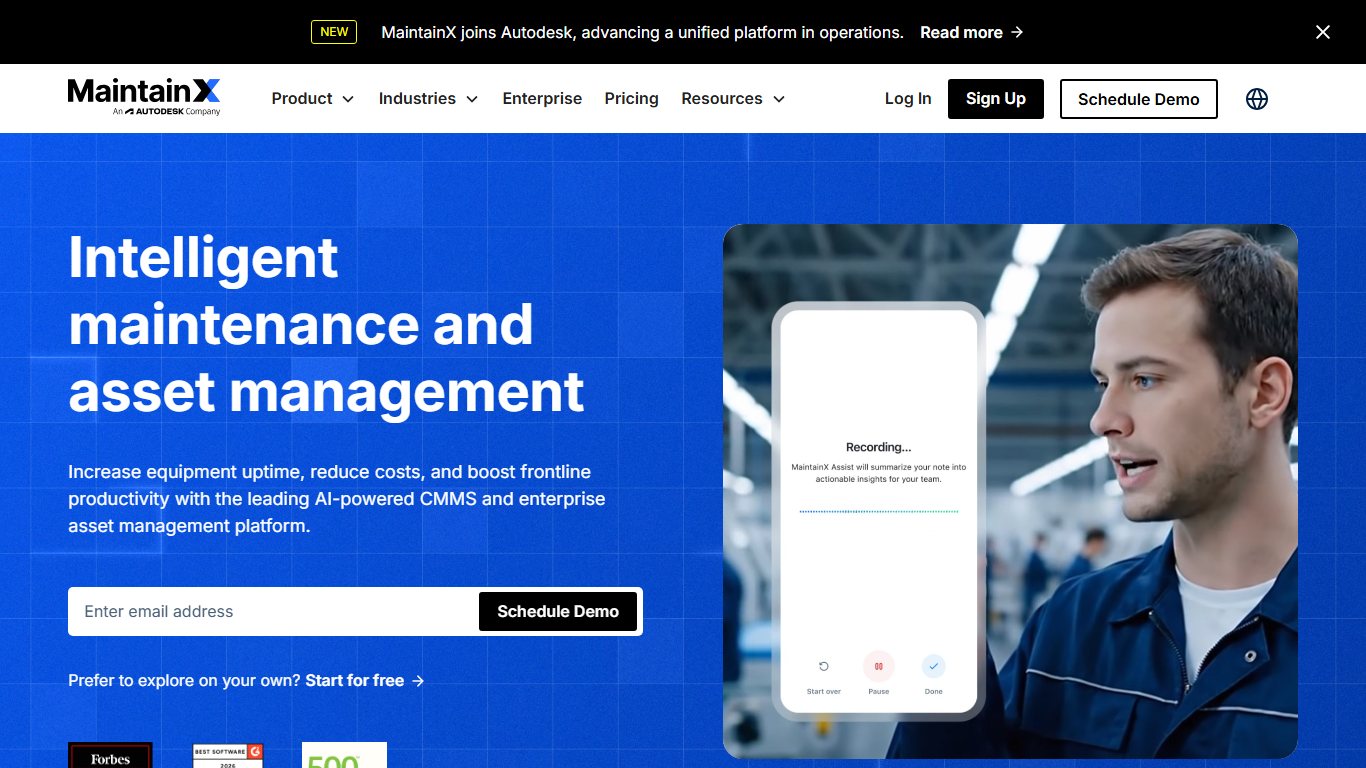
MaintainX has the deepest review base here, at 4.8 on G2 from 1,510 reviews. Basic is free. Essential is $20 per user per month on annual billing ($25 monthly), Premium is $65 annually ($75 monthly), and Enterprise is custom. Capterra lists it among the top Facilio alternatives.
- Pros: free entry tier, chat-style mobile workflows that technicians pick up fast, a huge review record.
- Cons: parts inventory and purchase orders need Premium, so the real price for many teams is $65 or more. No energy or BMS analytics.
If you ask which CMMS is easiest to get technicians to use, MaintainX’s review volume is the strongest public evidence on offer.
Limble
Best for: mid-size teams where PM scheduling is the main job.
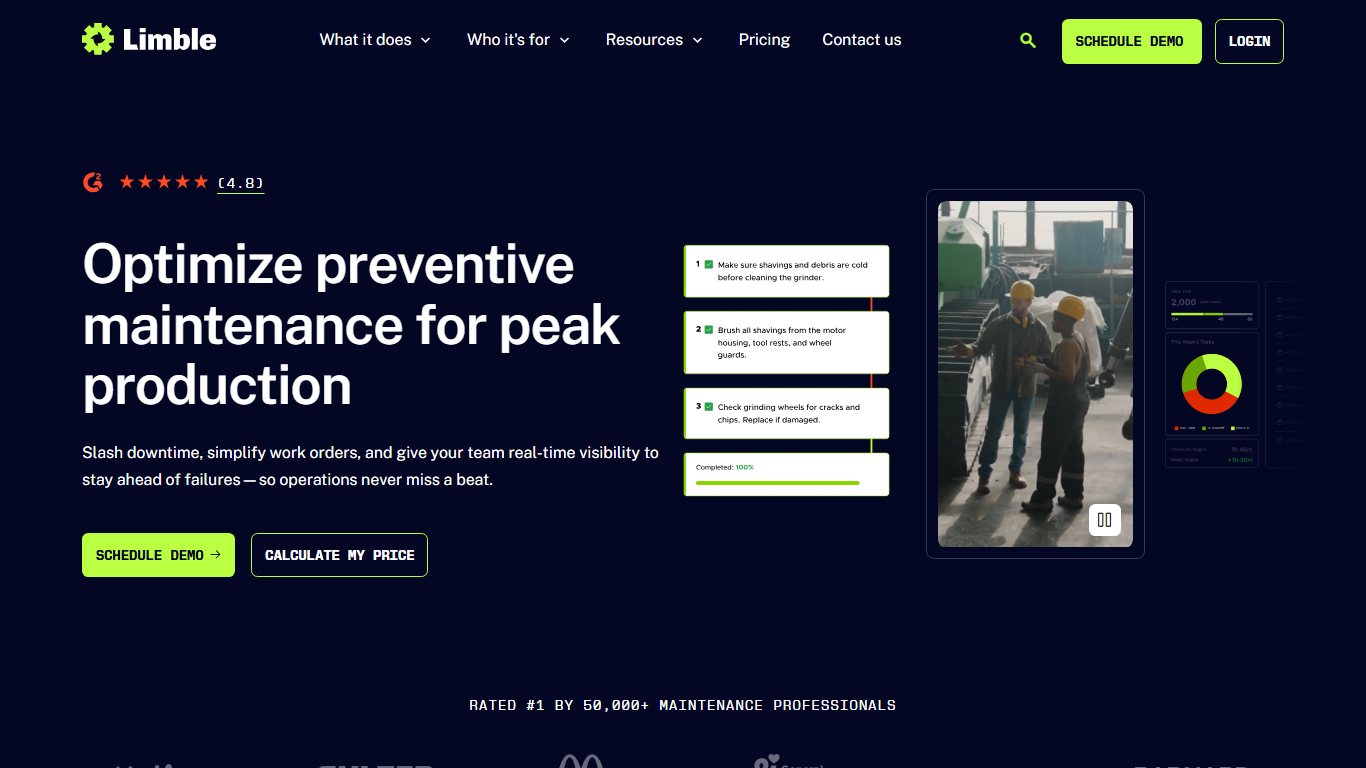
Limble’s plans are Standard, Premium+ and Enterprise, with no free tier. Standard is listed at $28 per user per month and Premium+ at $69. Its G2 rating is 4.8 from 681 reviews.
- Pros: strong PM tools, high satisfaction scores, clear tier structure.
- Cons: no prices on limble.com/pricing itself, no free plan. One third-party comparison reports that offline mobile access needs Premium+, which matters for basements and plant rooms with poor signal.
UpKeep
Best for: teams that want a straightforward mobile CMMS with published prices.
UpKeep’s Essential plan is $24 per user per month, up from $20 in May 2026. Premium is listed at $55, with a custom top tier.
- Pros: published pricing, simple setup, mobile-first design.
- Cons: the 2026 price rise shows list prices can move, so lock in multi-year terms if you can. No building analytics.
Fiix
Best for: manufacturing and industrial maintenance, especially plants already running Rockwell Automation equipment.
Fiix belongs to Rockwell Automation. Basic is $45 per user per month and Professional is $75, which adds custom reports, inventory cycle counts and purchasing with RFQs. Enterprise is custom. Capterra lists a limited free plan, a free trial and discounts for annual billing. It scores 4.5 on Capterra from 628 reviews.
- Pros: strong plant-floor integrations, solid reporting, a free plan to try it on.
- Cons: pricier per seat than MaintainX or UpKeep. Built around production equipment rather than commercial buildings.
Infraspeak
Best for: building-centric FM teams, often in hospitality, retail and service providers.
Infraspeak is the closest in spirit to Facilio: sales-led and quote-only, aimed at buildings rather than factories. Software Advice shows a $110 per month starting figure, which Infraspeak doesn’t confirm. In March 2026, PricingSaaS recorded that Infraspeak removed its full feature comparison table from its pricing page.
- Pros: facilities-first design, good fit for teams managing both in-house staff and contractors.
- Cons: the same price opacity as Facilio, so switching won’t solve a transparency problem.
What about eMaint?
eMaint, from Fluke Reliability, is a common “eMaint vs Facilio” comparison. Its pricing page now lists Team and Professional plans without prices, and Enterprise on quote. TrustRadius shows $69, $85 and $120 per user per month, but eMaint hasn’t confirmed those figures. It suits reliability-driven maintenance teams more than portfolio FM.
If your shortlist also includes smaller names like Coast, ClickMaint, Azzier or SGMAN, put them through the same four criteria and ask for the same written quote.
Best for large portfolios and enterprises
These platforms replace Facilio when you need more depth, not less. Expect quote-only pricing, implementation measured in months and a partner or consultant involved.
IBM Maximo Application Suite
Best for: asset-intensive operators such as utilities, transport, energy and large campuses with reliability engineers.
Maximo is now sold as Maximo Application Suite (MAS), which bundles enterprise asset management with monitoring, health and predictive applications. It goes much deeper than Facilio on asset lifecycle and reliability. That depth comes at a cost.
- Pros: industry-standard EAM, huge configurability, wide partner ecosystem.
- Cons: heavy implementation, usually through an IBM business partner, and a steep learning curve for occasional users. Overkill if you mostly manage office buildings.
On Facilio vs IBM Maximo, the honest split is this: Maximo wins on asset depth, Facilio on building-portfolio usability and built-in energy analytics.
Planon
Best for: corporate real estate and FM teams that want IWMS: space, leases, maintenance and sustainability in one system.
Planon is a Netherlands-based IWMS vendor. It covers what Facilio’s CMMS and Connected Buildings modules do, plus real estate and workplace management. That makes it a good fit if you report against LEED or BREEAM and need energy data close to maintenance data.
- Pros: broad scope, strong sustainability and space features.
- Cons: quote-only, long deployments, more system than a pure maintenance team needs.
Brightly (Siemens)
Best for: K-12 districts, higher education and public-sector facilities.
Brightly is part of Siemens, and its core maintenance product is Asset Essentials. Recent 2026 roundups point to its AI Maintenance Copilot and its strength in public-sector budgeting and capital planning. Those same roundups mention mixed reviews and heavy implementation.
- Pros: a public-sector focus that few rivals match, Siemens backing.
- Cons: implementation effort, quote-only pricing.
If you mainly manage contractors: ServiceChannel, Corrigo and Fexa
These three platforms are contractor and vendor management tools first. They aren’t full CMMS replacements. They work best when most of your repairs go to third-party vendors rather than in-house technicians.
So if you’re asking whether ServiceChannel or Corrigo is really a CMMS or just contractor management, the practical answer is mostly contractor management. Practitioners usually put all three in that category.
| Platform | Owner | Core strength | Published claim |
|---|---|---|---|
| ServiceChannel | Fortive (since 2021) | Contractor network and dispatch | 80,000 service providers; 600+ brands |
| Corrigo | JLL | Work orders, assets and vendor dispatch | Used in 1.1 million facilities, 140+ countries (per its G2 listing) |
| Fexa | Independent | Multi-location retail, grocery, restaurants | Automated dispatch to preferred and backup providers |
ServiceChannel launched ServiceChannel AI in April 2026 and says it was trained on 300 million work orders, which is a vendor claim. Fexa announced FexaAI the same month and calls it a multi-agent platform for facilities. That description comes mainly from secondary roundups, so treat it as unverified until you see a demo. JLL has added a Business Intelligence module to Corrigo.
On Facilio vs Corrigo for vendor management: Corrigo has the longer track record in dispatch for big portfolios. Facilio adds energy and building analytics, which Corrigo doesn’t.
A recurring complaint in user discussions is that Corrigo feels clunky for people who only log in once in a while, such as store managers raising a ticket. If that’s your pain point, test the requester experience specifically. ServiceChannel and Fexa are both built around high-volume, low-skill requesters at retail sites.
If you mainly want building analytics: energy and FDD options
If you only use Facilio’s Connected Buildings side, look at dedicated building analytics, not a CMMS. These tools find faults and energy waste. Most of them don’t run your work orders.
- FrostLogic Explore: building analytics and fault detection with a European focus. No work-order management, so you’d keep or add a CMMS.
- Tractian: condition-monitoring sensors for rotating equipment, paired with its own CMMS. It suits refrigeration and mechanical plant better than BMS-wide analytics.
- Planon and Brightly: enterprise suites with energy modules, covered above, if you want analytics and maintenance under one contract.
The trade-off is real. Two specialist tools are often better at each job, but you have to maintain the integration that pushes a detected fault into a work order. Facilio’s main selling point is that it unifies the two.
How to compare AI features without falling for the hype
AI in facilities software can save time on triage and paperwork, but vendor percentages aren’t evidence. Facilio says Atom automates up to 40% of repetitive work. That’s a vendor claim with no independent audit behind it, and every competitor makes similar ones.
Facilio announced Atom on February 11, 2026. The company is backed by Accel, Tiger Global Management, Dragoneer Investment Group and Brookfield Growth, so it has funding to keep developing the product. Funding doesn’t tell you how well the agents work on your tickets, though.
Does the AI actually save time, or is it marketing? Run these five tests in every demo, with your own data:
- Triage 20 real tickets. Export 20 recent requests, including vague ones like “it’s hot in here.” Count how many the AI routes to the right trade and priority.
- Check one bad invoice. Give it an invoice with a rate above contract or a duplicate line. See whether it gets flagged.
- Ask about a compliance gap. Ask which assets are overdue for statutory inspection, then check the answer against your records.
- Watch it fail. Ask something it can’t know. A good system says so. A bad one makes something up.
- Price the usage. Ask what last month’s volume would cost in AI credits or add-on fees. Facilio’s credits are $0.01 per unit, so get the units per action in writing.
Switching from Facilio: a migration checklist
Migrating years of work-order history isn’t as painful as most teams expect, as long as you export early and run both systems in parallel for a while. The usual problems are messy asset hierarchies and contracts that renew without notice.
Before you start
Check your Facilio contract for the renewal date and notice period before anything else. Quote-based enterprise contracts often auto-renew, and missing the window can lock you in for another year.
Fix it
- Read your contract’s renewal, notice and data-return clauses, and diarise the deadline.
- Export assets and locations, keeping the parent-child hierarchy intact.
- Export PM schedules, including frequencies, task lists and meter triggers.
- Export work-order history with dates, costs, technicians and attachments.
- Export vendors, contracts, rates and insurance or compliance documents.
- Import a sample of each file into the new tool and check field mapping.
- Run both systems in parallel for one full PM cycle, usually 30 to 90 days.
- Roll out mobile to two or three technicians first, then the whole team.
- Give notice to Facilio only after the new system has closed real work orders.
Pro tip
Export everything to CSV before you give notice, and confirm the new tool imports it cleanly. Your leverage at renewal is strongest while you still have full access.
Some teams don’t migrate all of their history. They move open work orders, active PMs and two or three years of history, then keep a read-only archive of the rest. That cuts migration time a lot, and auditors rarely need older records in the live system.
If your maintenance sits inside a wider property or construction accounting stack, check the accounting integration as well. The same applies if you’re also reviewing Jonas Software alternatives.
FAQ
What is the best alternative to Facilio?
For most teams that mainly use work orders and PM, MaintainX is the strongest all-round pick: it has a free tier, plans from $20 per user per month and 1,510 G2 reviews. Limble is the best choice for heavy PM work. For enterprise portfolios, look at IBM Maximo Application Suite or Planon.
How much does Facilio cost?
Facilio only gives custom quotes, scoped to portfolio size, team and deployment, and says its pricing isn’t per-user. Directory figures of $29, $39 and $45 per user per month aren’t confirmed by Facilio. AI credits are an add-on at $0.01 per unit of usage.
Does Facilio have a free trial or free plan?
No. Facilio has no free plan or free trial, and pricing goes through sales. If you need to try something hands-on first, MaintainX and Fiix both offer free entry tiers.
Is Facilio a CMMS or a CAFM system?
It’s both, and more. Facilio Connected CMMS covers maintenance. Connected Buildings and Connected Refrigeration add analytics, and Atom adds AI agents. That breadth puts it closer to CAFM or a building-operations platform than a pure CMMS.
Is MaintainX cheaper than Facilio?
Almost certainly, for a work-order-only use case. MaintainX publishes Essential at $20 and Premium at $65 per user per month, with Enterprise on quote, while Facilio’s quotes are portfolio-based. Get Facilio’s quote in writing with your user count to confirm.
What’s the difference between Facilio and IBM Maximo?
Maximo, now sold as Maximo Application Suite, is a deep enterprise asset management system for asset-intensive industries. Facilio is lighter and focused on building portfolios, with built-in energy analytics. Maximo takes much longer to implement.
Facilio vs Corrigo: which is better for vendor management?
Corrigo, owned by JLL, has the longer track record in contractor dispatch across large portfolios. Facilio is better if you also want energy and building analytics in the same system. If dispatch is all you need, compare ServiceChannel as well.
Can I export my data out of Facilio?
Ask Facilio to confirm in writing which records you can export to CSV, including attachments, and how. Do a test export before you give notice, and check that the new tool imports it correctly.
What is Facilio Atom?
Atom is Facilio’s suite of autonomous AI agents, launched February 11, 2026, for helpdesk dispatch, compliance automation, and finance and control tasks such as invoice validation. Facilio says it automates up to 40% of repetitive work. That’s the vendor’s own claim.
Which Facilio alternative is best for small facilities teams?
MaintainX, because of its free Basic plan and $20 Essential tier, and because so many reviewers say technicians adopt it. UpKeep at $24 per user per month is a close second if you prefer its interface.
We just need work orders and PMs. Are we overpaying for an enterprise platform?
You may be. Price a mid-market CMMS with your exact technician and requester counts and compare it with your Facilio renewal. If you don’t use Connected Buildings or Atom, the gap is often large.
Your next step
Write a one-page brief before you book a single demo. List the Facilio modules you use, your technician and requester counts, your site and asset numbers, and your renewal date. Send it to Facilio and to two alternatives from the right category above, and ask each for a written quote against it. You’ll then be comparing like-for-like prices.