Benchmark Email’s free plan now stops at 1,000 sends a month, which covers just two newsletters to a full 500-person list. This guide compares 15 alternatives, ranks the five best by why you’re leaving, and shows what each costs at your list size. It also covers how to move your list without losing subscribers or landing in spam. All prices and review scores were checked on 19 November 2026.
Key takeaways
- Benchmark Free now allows 500 contacts and 1,000 sends a month, down from 2,500 sends.
- Sender and EmailOctopus give you 2,500 contacts free, five times Benchmark’s free list.
- Brevo stores up to 100,000 contacts free and charges by emails sent, so it suits big lists you email rarely.
- Trustpilot scores vary widely (EmailOctopus 4.8, Kit 3.8, Benchmark 2.5 from only five reviews), so check both review sites.
- Export your unsubscribes separately and set up domain authentication before your first send.
Fact-checked
We checked these key facts against the sources named, on November 19, 2026:
- Brevo stores the most contacts free, up to 100,000, but sends only 300 emails a day (source: emailtooltester.com)
- Its Lite plan is listed at about $12 to $13 a month for 500 contacts with capped sends (source: mailerlite.com)
- Its free plan includes 250 active profiles, 500 email sends a month and 150 SMS credits (source: klaviyo.com)
- Its free plan stores up to 100,000 contacts and sends 300 emails a day, about 9,000 a month (source: brevo.com)
- Sender, with 2,500 contacts and 15,000 emails a month free and the best review scores in this comparison (source: sender.net)
Quick answer: the 5 best Benchmark Email alternatives right now
For most people, Sender is the best Benchmark Email alternative. Its free plan holds 2,500 contacts and 15,000 emails a month, paid plans start at $9, and its review scores are the strongest here. If Sender doesn’t suit you, pick based on why you’re leaving.
- Sender (top pick, best free plan for small businesses): paid plans from about $9 a month for 500 subscribers. It scores 4.9 on Trustpilot and 4.7 on G2.
- MailerLite (best all-rounder): a clean editor, good automation and landing pages. Paid plans start at $12 for 500 contacts.
- Brevo (best if you send rarely to a big list): you pay for emails sent, not contacts stored. The free plan stores up to 100,000 contacts and sends 300 emails a day.
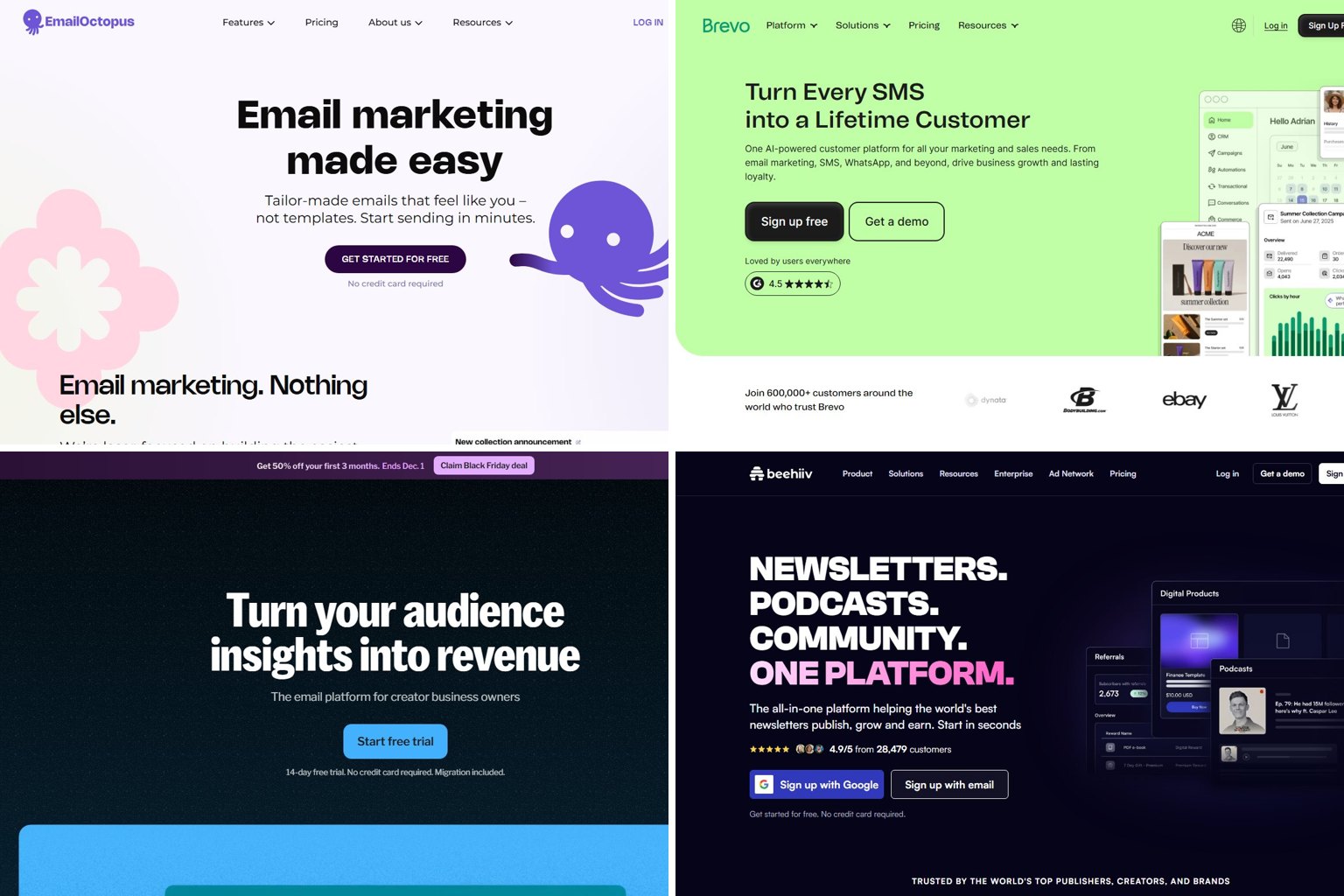
- EmailOctopus (best simple, cheap newsletter tool): 2,500 contacts and 10,000 emails a month free.
- Kit (best for creators): the free plan covers up to 10,000 contacts, the biggest free list among the tools that price by contacts.
Online shops should look at Klaviyo or Omnisend instead. Both are built around Shopify-style store data and get their own sections below.
How these picks were chosen
The rankings come from published pricing, plan limits and public review scores, all checked on one date. No vendor paid for placement. Benchmark’s own weak spots decided which factors counted most.
Here is how each factor was weighed, most important first:
- Free plan size compared with Benchmark’s 500 contacts and 1,000 sends. This counted most, because the free plan cut is the main reason people are searching.
- Entry paid price and how it scales. A tool that is cheap at 500 contacts but expensive at 10,000 ranks lower for growing lists.
- Pricing model fit. Per-contact pricing suits frequent senders. Per-email pricing suits big lists that get emailed rarely.
- Automation, templates, forms and extra channels such as SMS, since these are the most common gaps people hit on Benchmark.
- Support and reputation, using public G2 and Trustpilot scores. A big gap between the two (high on G2, low on Trustpilot) usually points to billing or account-suspension complaints from smaller customers. That counts against a tool for small senders.
A caveat about the other pages you’ll find for this search: email vendors wrote several of them. Brevo publishes a “best email marketing platforms” list that ranks Brevo first. Nvecta’s list of Benchmark alternatives ranks Nvecta first. SendX, Moosend, Sender and Omnisend also publish pricing breakdowns of their rivals. Those pages are still handy for raw numbers, but treat their rankings as advertising.
What changed at Benchmark Email in 2026 (and why you might be looking)
Benchmark made two big pricing changes in 2026. In February it cut its paid plan price sharply. In late October or early November it cut the free plan’s sending allowance by 60%. So the paid plan got cheaper and the free plan got tighter.
According to the pricing tracker PricingSaaS, Benchmark cut its Pro list price from $37 to $19 a month in February 2026. Benchmark’s homepage now advertises paid plans “starting at $10/mo”. Its own comparison page, published in late 2026, lists Pro at $12 a month for 500 contacts, or $10 a month billed annually. PricingSaaS logged the free plan cut in week 45 of 2026: monthly sends dropped from 2,500 (five times the 500-contact limit) to 1,000.
Did you know?
According to PricingSaaS, Benchmark cut its Pro plan’s list price by 49% in February 2026, from $37 to $19 a month. Later that year it cut the free plan from 2,500 to 1,000 sends a month.
Benchmark’s current plans at a glance
Benchmark now has three tiers: Free, a paid Pro plan from $10 to $12 a month, and Enterprise for very large lists. Here is what each includes as of November 2026, according to Benchmark’s homepage and comparison page.
| Plan | Price | Contacts | Monthly sends | Users | Support |
|---|---|---|---|---|---|
| Free | $0 | 500 | 1,000 | 1 | 24/7 chat and email |
| Pro | From $12/mo monthly, $10/mo billed annually (500 contacts) | 500 and up | Up to 10x your contact limit | Extra users $15/mo each | 24/7 chat and email, plus phone |
| Enterprise | Custom quote | 100,000+ | Custom | Custom | Dedicated account manager |
The 10x rule is the detail most people miss. On Pro, a 500-contact plan lets you send up to 5,000 emails a month. Emailing your whole list twice a week uses about 4,300 of those. That fits, but it leaves little room for automations, resends or a busy month.
Common reasons people leave
Most people leave Benchmark for one of seven reasons, and each one points to a different alternative. The table in the paid section below matches each reason to a tool.
- The free send cap. At 1,000 sends, a 500-contact list gets only two full campaigns a month.
- Basic automation. Benchmark’s automation handles welcome series and simple drips. ActiveCampaign and GetResponse do branching, lead scoring and multi-step journeys better.
- Design range. Design-led tools such as Campaign Monitor and MailerLite give brand-heavy senders more polished starting points.
- The 10x send cap. People who email daily or run heavy automations can hit it.
- No native transactional email. Order confirmations and password resets need a separate service. Brevo handles marketing and transactional email in one account.
- Email only. Benchmark doesn’t send SMS or WhatsApp messages, so multichannel senders need a second tool.
- Price at scale. Per-contact pricing climbs as your list grows. If you email a big list rarely, per-email pricing can cost much less.
When you should actually stay
Stay on Benchmark if your list is small, you send twice a month or less, and you value human help. Benchmark says every plan, including Free, comes with 24/7 live chat and email support. Most competitors’ free plans offer much less support than that.
Its public scores are split, though. Benchmark scores 4.3 on G2, but its Trustpilot page shows just 2.5 from only five reviews. Business users rate the product well, while smaller customers post more complaints. Benchmark also suits anyone who wants a simple drag-and-drop editor without a learning curve, and it now integrates with Anthropic’s Claude assistant for drafting content. At $10 to $12 a month for 500 contacts, paying for Pro can cost you less time than switching would.
Benchmark Email alternatives compared (November 2026)
The table compares 15 alternatives against Benchmark on the numbers that matter most when you leave. Prices come from vendor pages and 2026 pricing reviews. Review scores come from published G2 and Trustpilot ratings. Everything was checked on 19 November 2026. Where two published comparisons disagree on a score, both figures are shown. n/a means no current score could be confirmed.
| Tool | Free contacts | Free sends | Paid from | Priced by | G2 | Trustpilot | Best for |
|---|---|---|---|---|---|---|---|
| Benchmark Email | 500 | 1,000/mo | $12/mo ($10 annual), 500 contacts | Contacts | 4.3 | 2.5 (5 reviews) | Small lists that want human support |
| Sender | 2,500 | 15,000/mo | About $9/mo, 500 subscribers | Contacts | 4.7 | 4.9 | Best free plan for small businesses |
| EmailOctopus | 2,500 | 10,000/mo | $10/mo, 500 contacts | Contacts | 4.2 | 4.8 | Simple newsletters on a budget |
| Brevo | 100,000 | 300/day (~9,000/mo) | $9/mo, 5,000 emails | Emails sent | 4.5 | 3.8 to 4.2 | Big lists, rare sends, transactional, SMS |
| Kit | Up to 10,000 | Not the limiting factor | $39/mo, 1,000 contacts | Subscribers | 4.4 | 3.8 | Creators selling digital products |
| beehiiv | 2,500 | Unlimited | Lite $49/mo annual ($59 monthly), 1,000 subscribers | Subscribers | n/a | n/a | Newsletter publishers |
| MailerLite | 250 | 2,500/mo | $12/mo, 500 contacts | Subscribers | n/a | n/a | All-round small business use |
| Mailchimp | 250 | 500/mo (250/day) | Essentials about $13 to $15/mo, 500 contacts | Contacts (incl. unsubscribed) | n/a | n/a | Teams already in the Intuit ecosystem |
| Klaviyo | 250 active profiles | 500/mo | $20/mo (email) | Active profiles | n/a | n/a | Shopify and ecommerce stores |
| Omnisend | 250 | 500/mo | Standard listed at $16/mo | Contacts | n/a | n/a | Budget ecommerce, email plus SMS |
| ActiveCampaign | No free plan | n/a | $15/mo, billed annually | Contacts | n/a | n/a | Advanced automation |
| GetResponse | 500 | 2,500/mo | Roughly $15 to $19/mo | Contacts | n/a | n/a | Webinars and sales funnels |
| Constant Contact | No free plan (trial) | n/a | About $12/mo | Contacts | n/a | n/a | Nonprofits and events |
| AWeber | 500 | 3,000/mo | About $15/mo (Lite) | Subscribers | n/a | n/a | Bloggers and long-running lists |
| Campaign Monitor | No permanent free plan | n/a | Lite about $12 to $13/mo, 500 contacts | Contacts | n/a | n/a | Design-led brand emails |
| HubSpot Marketing Hub | Free tools available | Limited | $15/seat/mo annual, $20 monthly | Seats plus marketing contacts | n/a | n/a | Teams that need a CRM |
The review columns matter most where they disagree. Kit’s 4.4 on G2 sits next to a 3.8 on its current Trustpilot page, though its old ConvertKit listing still shows about 1.9. Benchmark’s 2.5 is low too, though it comes from only five reviews. EmailOctopus and Sender score well on both sites, which is part of why they lead this guide.
Four of these free plans put the provider’s branding on every email: Brevo, Kit, EmailOctopus and Mailchimp. That’s fine for a hobby newsletter or a club update. A shop or professional service should plan to upgrade once the branding starts to look off-brand.
Did you know?
Kit scores 4.4 on G2 and 3.8 on Trustpilot, but its old ConvertKit listing still shows about 1.9, so check which page a comparison is quoting. Check both sites before you trust a single star rating.
Free plans got smaller in 2026: who cut what
Three well-known platforms shrank their free plans in 2026. Mailchimp and MailerLite both cut to 250 contacts, and Benchmark cut its send allowance. If you remember any of these tools as “500 free,” that’s out of date. This table is the full record of those cuts. The rest of the guide refers back to it.
| Provider | Old free limit | New free limit | When |
|---|---|---|---|
| Mailchimp | 500 contacts, 1,000 sends/mo | 250 contacts, 500 sends/mo, 250/day | Early 2026 |
| MailerLite | 500 subscribers, 12,000 emails/mo | 250 subscribers, 2,500 emails/mo | 16 June 2026 |
| Benchmark Email | 500 contacts, 2,500 sends/mo | 500 contacts, 1,000 sends/mo | Late October to early November 2026 |
The free plans that held up are now the most generous: Sender, EmailOctopus and beehiiv at 2,500, Kit at up to 10,000, and Brevo, which stores up to 100,000 contacts but caps sending at 300 emails a day.
Contact limits only tell half the story. What matters is how often you can email your whole list each month. The table below shows that for each free plan, filled to its contact limit.
| Free plan | Contacts | Monthly sends | Full-list emails per month |
|---|---|---|---|
| Mailchimp | 250 | 500 | 2 |
| Benchmark Email | 500 | 1,000 | 2 |
| GetResponse | 500 | 2,500 | 5 |
| AWeber | 500 | 3,000 | 6 |
| EmailOctopus | 2,500 | 10,000 | 4 |
| Sender | 2,500 | 15,000 | 6 |
| MailerLite | 250 | 2,500 | 10 |
A weekly newsletter needs about four or five full-list sends a month. At 500 contacts, the GetResponse and AWeber free plans handle that where Benchmark Free can’t. Above 500, Sender is the only free plan that still covers weekly sends at 2,500 contacts.
Count your sends, not just your contacts
Before you switch, multiply your contacts by the number of emails you send each month. A 600-person list emailed weekly needs about 2,600 sends. That breaks Benchmark Free (1,000), but fits Sender, EmailOctopus or Brevo’s 300 a day.
The best free Benchmark Email alternatives
The five best free options all beat Benchmark Free’s 500 contacts or 1,000 sends by a wide margin. Each one has a catch, so match it to how you actually email.
Sender
Sender has the best free plan for a small business, with five times Benchmark’s free contacts and 15 times its sends. Paid plans start at about $9 a month for 500 subscribers, below Benchmark’s $12 monthly price for the same list size.
Reviews are why Sender tops this list rather than just matching EmailOctopus. It scores 4.9 on Trustpilot and 4.7 on G2, the highest pair in the comparison. It’s also one of the few tools with no big gap between business-user and small-customer ratings.
The catch: Sender is a smaller company than Mailchimp or Brevo. It has fewer native integrations, so you may need Zapier for niche tools.
Who it suits: small shops, local services and organisations with a few hundred to 2,500 contacts who want automation and forms without paying.
EmailOctopus
EmailOctopus is a stripped-back newsletter tool with 2,500 contacts and 10,000 emails a month free. Paid plans start at $10 a month for 500 contacts, and mainly remove branding and add features.
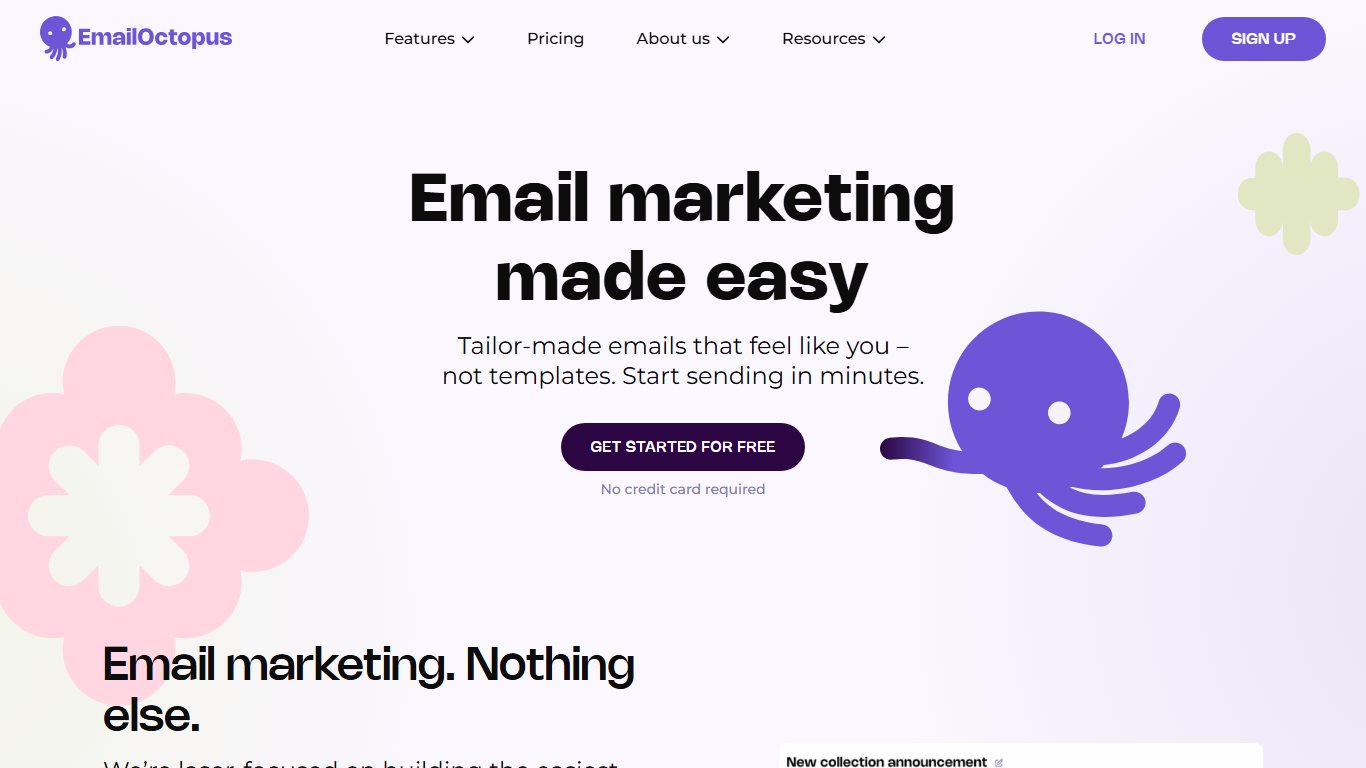
Its 4.8 Trustpilot score is close to Sender’s, though its G2 score is lower at 4.2. If your main worry is a provider that treats small customers well, it’s a safe choice even though it has fewer features.
The catch: the free plan carries EmailOctopus branding. Its automation is simpler than MailerLite’s or Sender’s.
Who it suits: people sending one or two newsletters a month to up to 2,500 contacts, such as clubs, writers and small community groups.
Brevo
Brevo (formerly Sendinblue) charges for emails sent, not contacts stored. Its free plan stores up to 100,000 contacts and sends 300 emails a day, about 9,000 a month. The Starter plan begins at $9 a month for 5,000 emails, but lower Starter tiers cap contacts (for example, 500 contacts at 5,000 emails and 1,500 at 10,000 emails), and unlimited contacts only arrive at higher volume tiers, from around 20,000 emails a month.
Is Brevo a good choice if you only email monthly? Yes. A 1,200-person list emailed once a month needs 1,200 sends. Brevo Free covers that over four days, because a campaign to more than 300 people queues into the next day. On a contact-priced tool, those same 1,200 people would push you onto a paid tier.
Brevo is also the most complete multichannel option here. SMS and WhatsApp campaigns run from the same account as email, but they aren’t part of the free plan. You buy message credits on top, priced by destination country.
The catch: the 300-a-day limit spreads a big free campaign over several days. Free emails carry Brevo branding. Its Trustpilot score is more mixed than its 4.5 on G2, at 3.8 to 4.2 depending on the source.
Who it suits: nonprofits, churches and associations with big lists and occasional sends. It also suits shops that want marketing email, transactional email and SMS in one account.
When Brevo beats per-contact pricing
Divide your monthly sends by your list size. If the answer is 1 or less (you email everyone once a month or less), price Brevo first. If it’s 4 or more, per-contact tools like Sender usually win.
Kit
Kit (formerly ConvertKit) has the biggest free list among the contact-priced tools, at up to 10,000 contacts. It’s built for creators: newsletters, landing pages and selling digital products such as ebooks and courses.
The paid jump is steep. Paid plans start at $39 a month for 1,000 contacts, more than three times Benchmark’s entry price.
Is Kit worth it for a small list? On the free plan, yes, if you’re a creator. On paid plans, only if you’ll use its commerce and automation features. A local shop gets more value from Sender or MailerLite. Kit’s mixed reviews (4.4 on G2, 3.8 on Trustpilot) are another reason to try the free plan before you pay.
The catch: Kit branding on free emails, and a big price step once you need paid features.
beehiiv
beehiiv is a newsletter platform, not a general marketing tool. Its free plan covers up to 2,500 subscribers with unlimited sends, plus a hosted newsletter website and basic analytics. On 1 October 2026, beehiiv renamed its paid tiers. Scale became Lite and Max became Pro.
At 1,000 subscribers, Lite costs $49 a month billed annually or $59 monthly. Pro costs $95 annually or $109 monthly. Both rise steeply with list size.
The catch: beehiiv is weak for ecommerce flows, abandoned carts and detailed customer segments.
Who it suits: writers and publishers who want a newsletter with a web archive, growth tools and a path to sponsorships.
The best paid alternatives by need
Once you’ve outgrown free plans, pick the tool that fixes your specific Benchmark complaint. This table matches each limitation to a tool.
| Benchmark limitation | Pick instead | Why |
|---|---|---|
| Free plan too small | Sender or EmailOctopus | 2,500 contacts free |
| Big list, rare sends | Brevo | Pay per email, up to 100,000 contacts stored free |
| Basic automation | ActiveCampaign | Branching journeys, CRM, lead scoring |
| Limited design range | Campaign Monitor or MailerLite | Design-led editors and template libraries |
| No transactional email | Brevo | Marketing and transactional in one account |
| Need SMS or WhatsApp too | Brevo, Omnisend or Klaviyo | Brevo adds SMS and WhatsApp via prepaid credits. Klaviyo Free includes 150 SMS credits. Omnisend’s paid plans bill SMS per message |
| Weak ecommerce data | Klaviyo or Omnisend | Deep Shopify integrations |
| Need webinars or funnels | GetResponse | Built-in webinars and funnel builder |
| Need a CRM | HubSpot Marketing Hub | Email sits on a full CRM |
| Running events or a nonprofit | Constant Contact | Event tools and nonprofit focus |
On a tight budget, Moosend is one more option. It’s listed at $9 a month with a 30-day trial.
MailerLite
MailerLite is the best all-round paid alternative. Paid plans start at $12 for 500 contacts, the same as Benchmark’s monthly price. For that you get a cleaner editor, stronger automation, landing pages, websites and better forms. Its smaller free plan still includes two user seats, one website, one landing page and three active forms. Benchmark Free gives you one user.
Fixes: Benchmark’s basic automation and limited design range, at the same entry price.
ActiveCampaign
ActiveCampaign is the pick if automation is why you’re leaving. Starter is listed from $15 a month billed annually, and there is no free plan. You’re paying for the visual automation builder, with if/then branches, goals and lead scoring tied to contact behaviour.
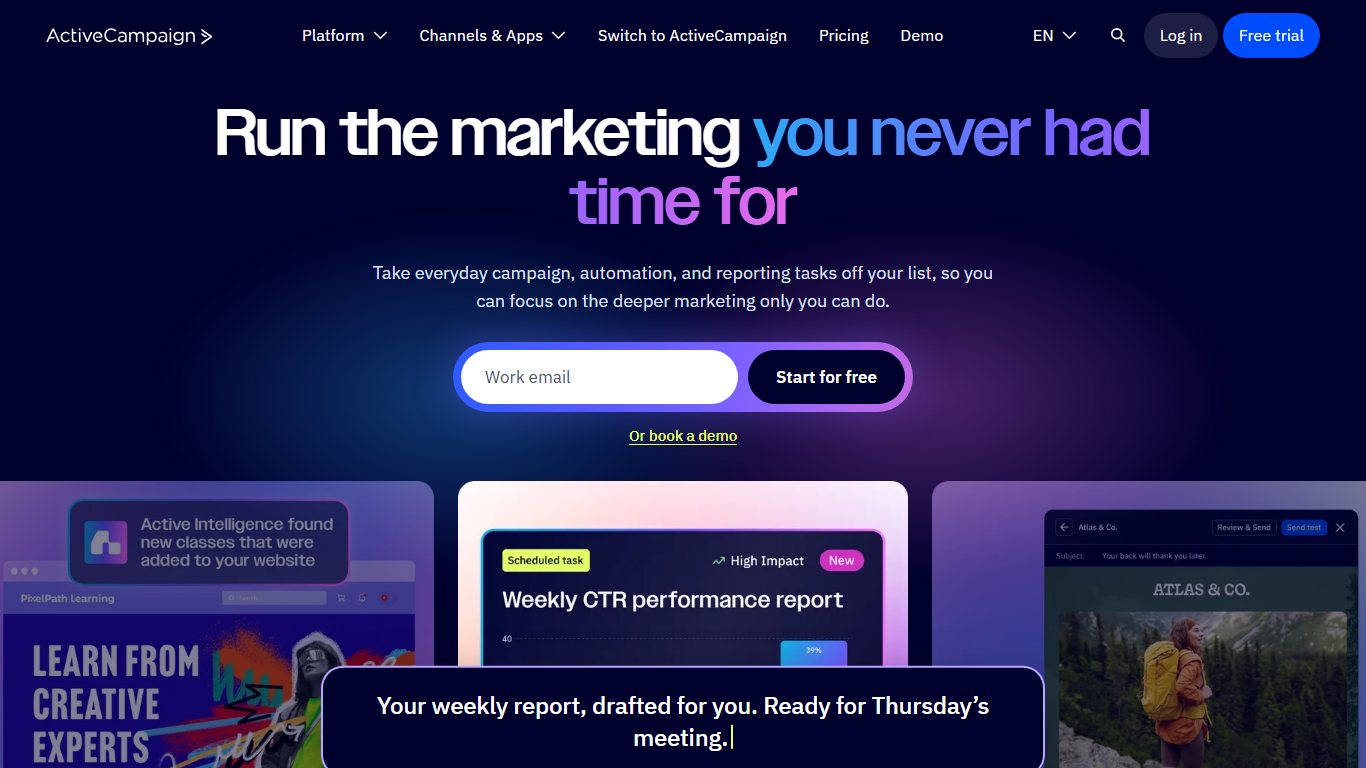
The trade-off: costs climb quickly as your list grows, and the builder takes time to learn. For a monthly newsletter, it’s overkill.
GetResponse
GetResponse combines email with webinars, landing pages and conversion funnels. Its free plan covers 500 contacts and 2,500 emails a month, and 2026 comparisons list paid entry plans at roughly $15 to $19 a month, depending on billing and list size.
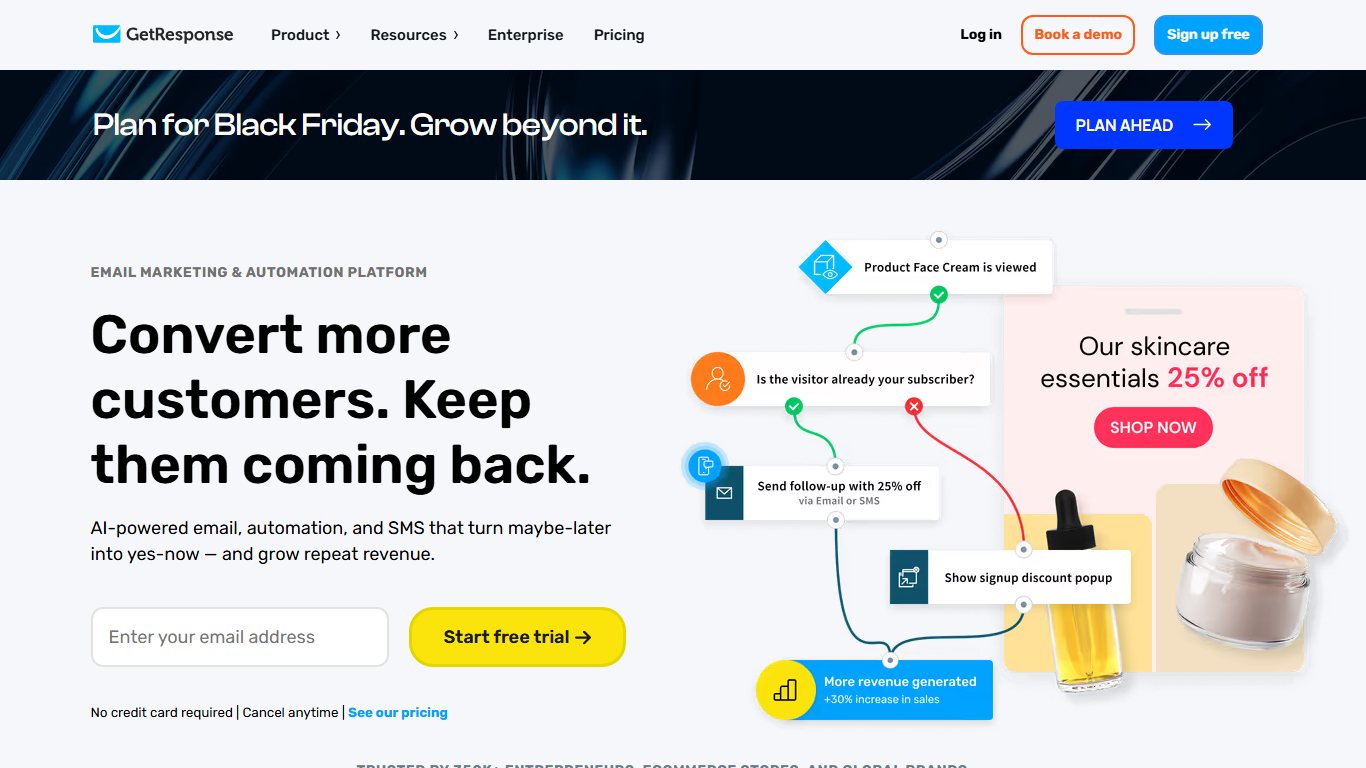
Fixes: the need for a separate webinar tool or funnel builder. It suits coaches and course sellers who run live sessions.
Klaviyo
Klaviyo is the default for Shopify stores that take email and SMS seriously. Its free plan includes 250 active profiles, 500 email sends a month and 150 SMS credits. Paid email plans start at $20 a month.
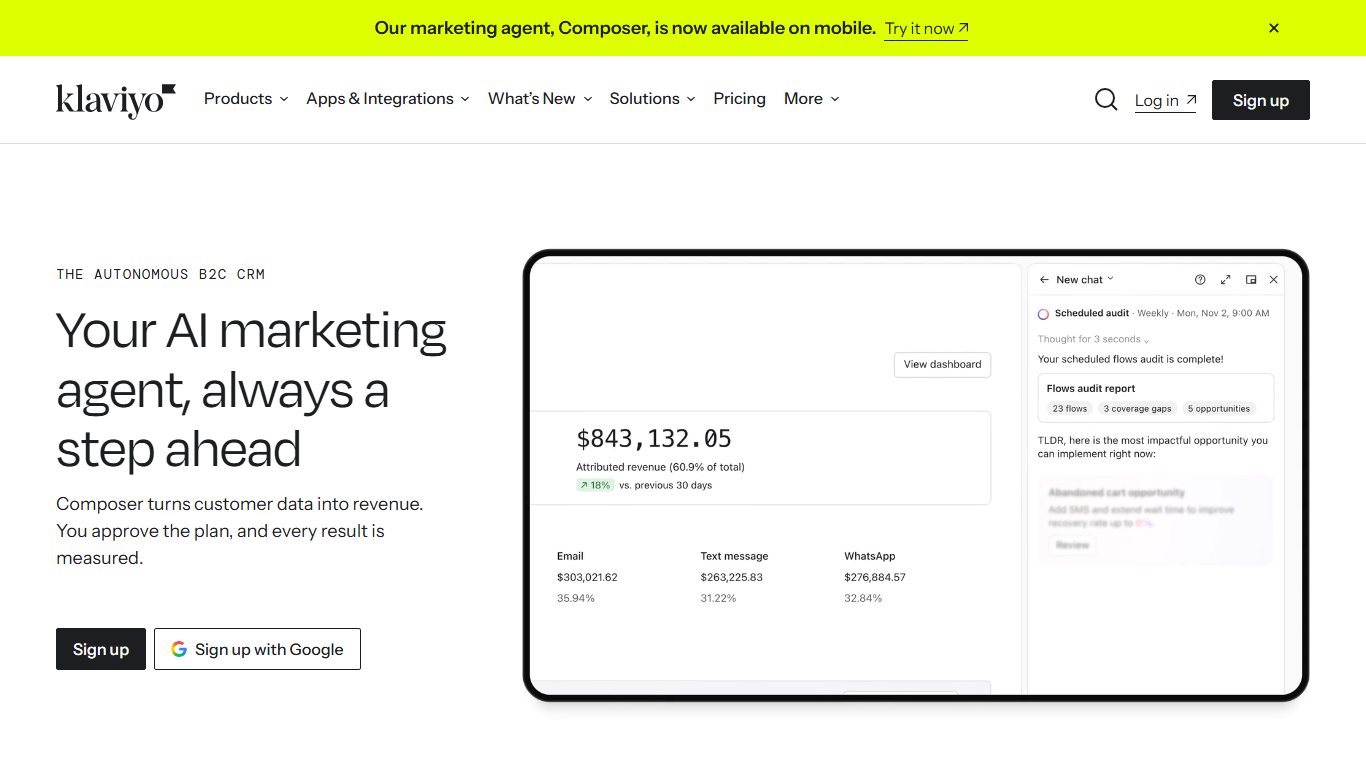
Klaviyo pulls in order history, browsing and product data. That lets you run flows like “viewed but didn’t buy” or “time to reorder” without manual work.
The trade-off: pricing rises with active profiles, and the depth can overwhelm a store with a few dozen orders a month.
Omnisend
Omnisend is the budget alternative to Klaviyo. Its free plan has 250 contacts, 500 emails a month and 500 web push notifications. Standard is listed at $16 a month and adds SMS, billed per message. Promotional discounts sometimes bring the price lower.
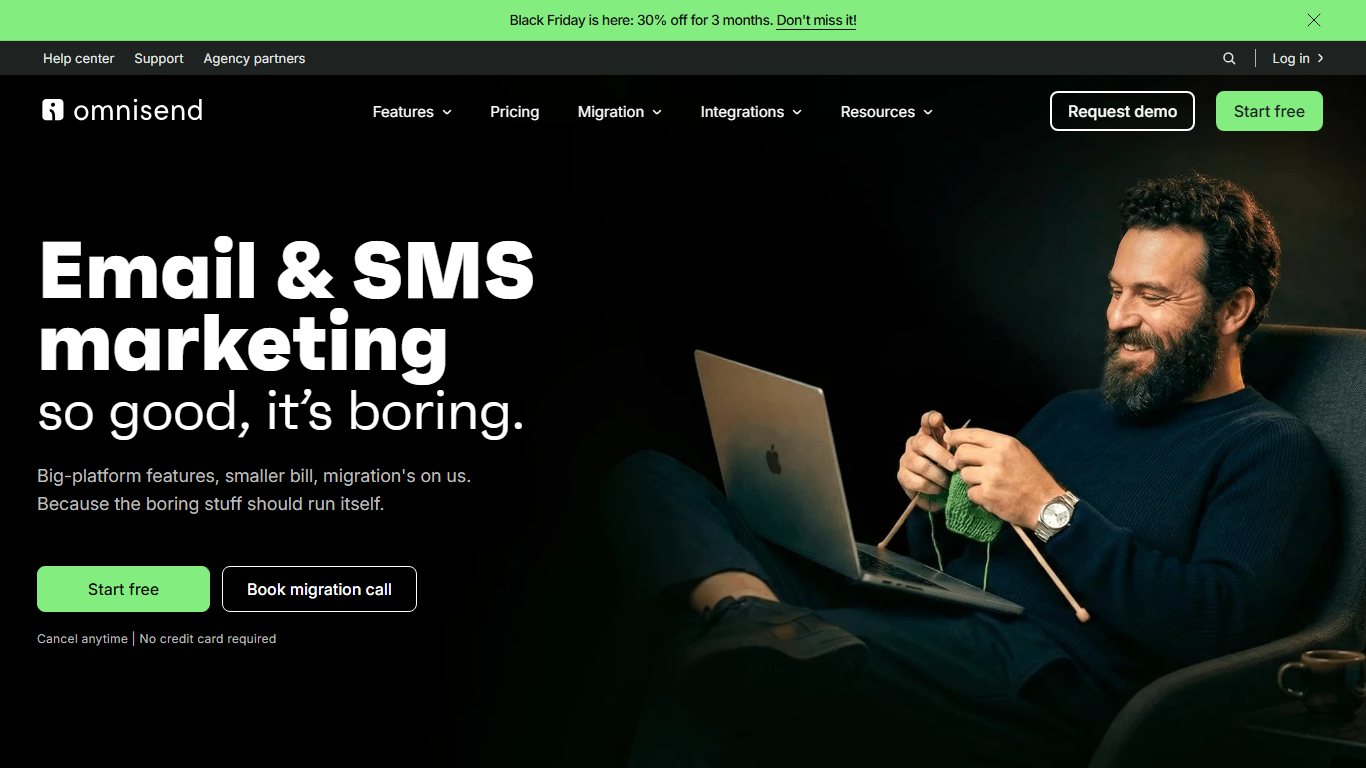
Fixes: Benchmark’s limited ecommerce automation and its lack of SMS, for less than Klaviyo.
Constant Contact
Constant Contact suits nonprofits, event organisers and local businesses that want phone support and simple tools. 2026 pricing guides put its entry plan at about $12 a month, with a trial but no free plan. Its event registration features make it a common choice for associations and community groups.
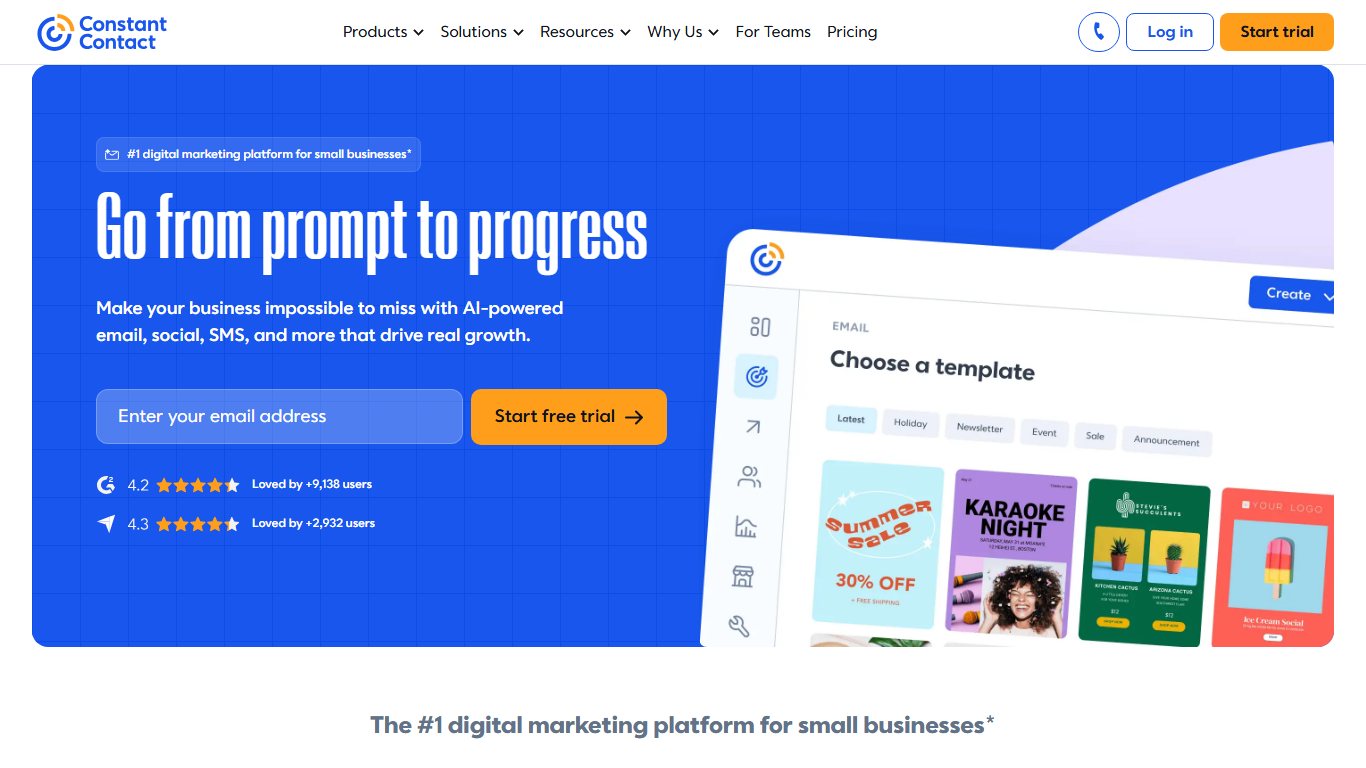
The trade-off: per-contact pricing gets expensive for large lists you rarely email. Compare it with Brevo first.
Campaign Monitor
Campaign Monitor is a design-first email tool, now part of the Marigold group, known for polished templates and a strong drag-and-drop editor. Its Lite plan is listed at about $12 to $13 a month for 500 contacts with capped sends. Essentials runs about $29 to $31 at the same size, and there is no permanent free plan.
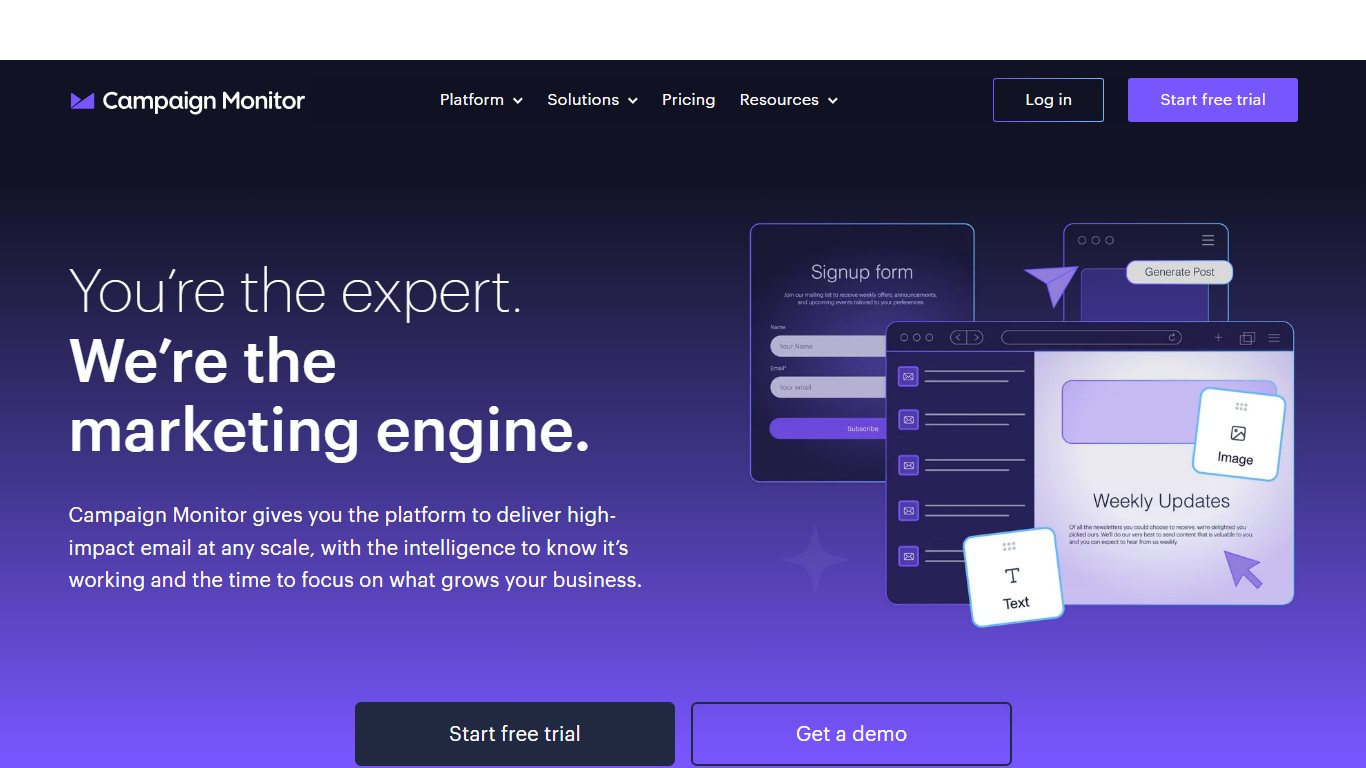
Fixes: Benchmark’s design range, for brands where every email has to look sharp.
HubSpot Marketing Hub
HubSpot Marketing Hub makes sense when you need a CRM as much as email. Starter is listed at $15 per seat per month billed annually, or $20 monthly. Marketing contacts cost extra, and that cost climbs quickly as lists grow. Starter also lacks A/B testing, multi-step automation and advanced segmentation, which sit in higher tiers.
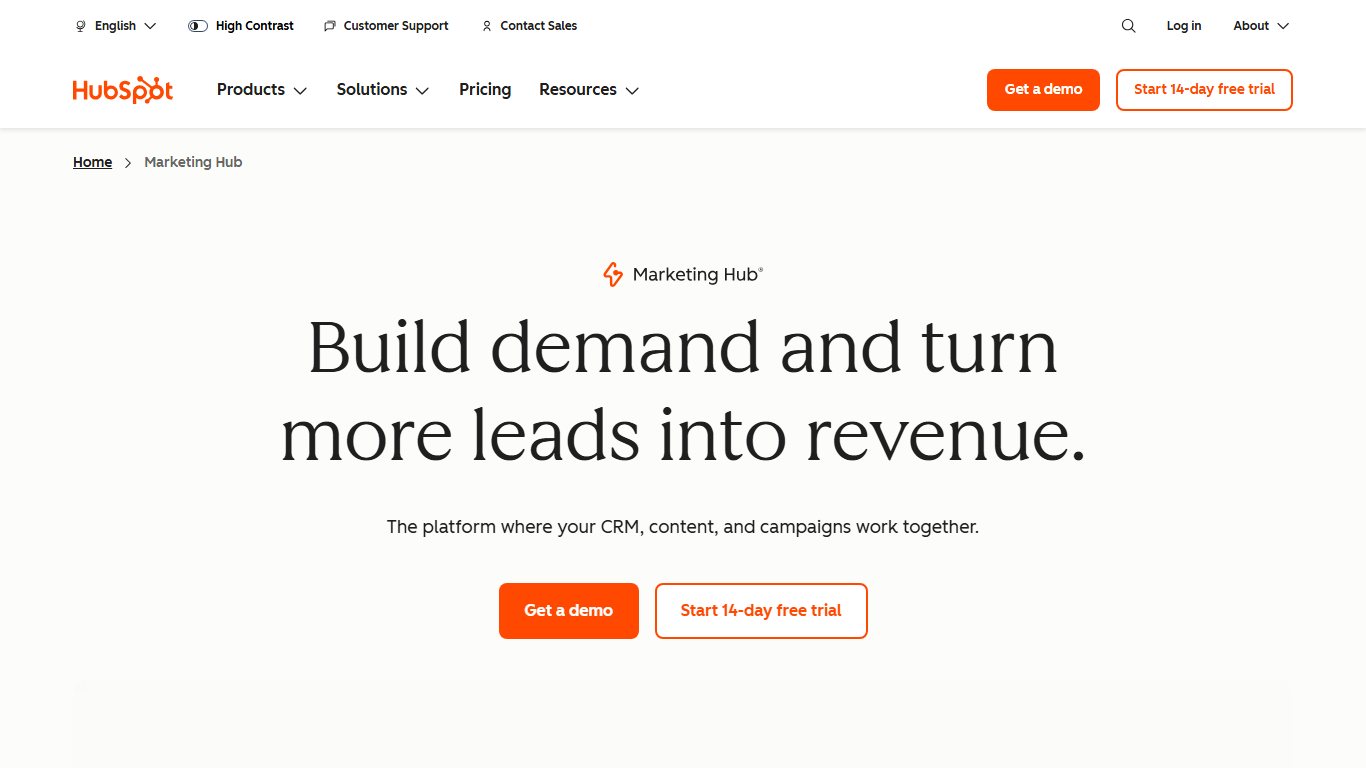
Fixes: the gap between Benchmark and your sales pipeline. The catch: it’s the most expensive route at scale.
AWeber
AWeber has run since 1998 and is still popular with bloggers and long-running newsletters. Its free plan covers 500 subscribers and 3,000 emails a month (as checked on 19 November 2026), and the Lite plan is about $15 a month.
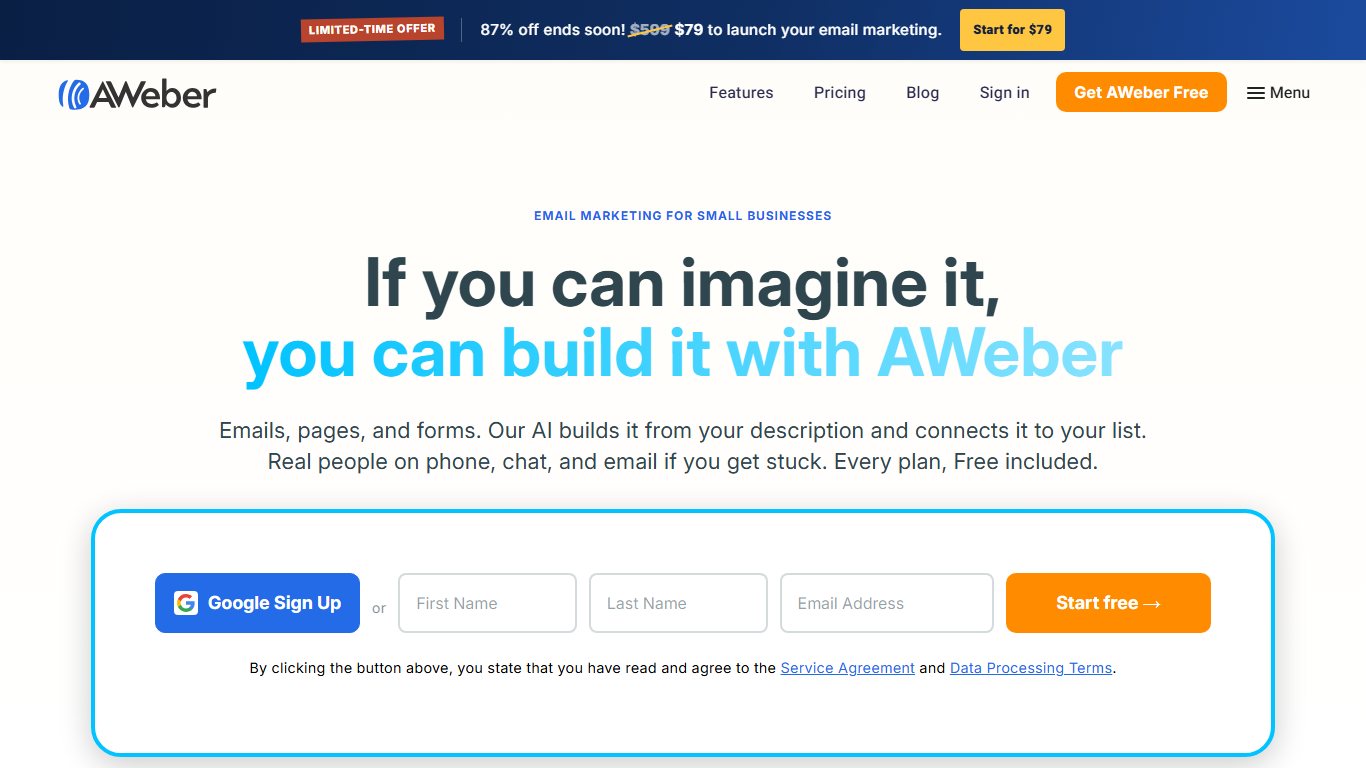
Fixes: a steady, familiar tool with good autoresponders and a free plan that out-sends Benchmark’s at the same 500-contact size.
What you’ll really pay: cost by list size
At 2,500 contacts or fewer, you can pay nothing on Sender, EmailOctopus, beehiiv, Kit or (for monthly senders) Brevo. Benchmark needs a paid plan even at 500 contacts if you send weekly. Above 2,500 contacts, the cheapest tool depends on how often you send.
This table uses only published prices. “Free” means the free plan covers that list size. “Paid tier” means you need a paid plan and the price scales with your list, so check that vendor’s calculator for your exact number.
| Tool | 500 contacts | 1,000 contacts | 2,500 contacts | 10,000 contacts |
|---|---|---|---|---|
| Benchmark Email | Free (1,000 sends) or $12/mo ($10 annual) | Paid tier (list price $19 after Feb 2026 cut) | Paid tier | Paid tier |
| Sender | Free | Free (paid from $9) | Free | Paid tier |
| EmailOctopus | Free | Free | Free | Paid tier |
| Kit | Free | Free (paid $39) | Free | Free |
| beehiiv | Free | Free (Lite $49 annual) | Free | Paid tier |
| Brevo | Free under 300/day | Free under 300/day | Free if sending monthly | From $9 for 5,000 emails, tiered by volume |
| MailerLite | $12/mo | Paid tier | Paid tier | Paid tier |
| Mailchimp | About $13 to $15/mo (Free stops at 250) | Paid tier | Paid tier | Paid tier |
| Klaviyo | From $20/mo | Paid tier | Paid tier | Paid tier |
Pay per contact vs pay per email
Most tools charge by contacts, so you pay for every person on your list however often you email them. Brevo charges by emails sent, so you pay for volume however many people you store.
Take a parish newsletter with 2,500 contacts that goes out once a month: 2,500 sends. Brevo Free handles it in about nine days at 300 a day. Sender or EmailOctopus handle it free, all at once. Benchmark Free can’t hold the list at all.
Now make it weekly, at about 10,800 sends a month. That’s over Brevo’s free 9,000 and EmailOctopus Free’s 10,000. Only Sender Free (15,000) still covers it.
The contact-counting traps that inflate your bill
Your bill depends on how a provider counts contacts, and the rules differ. These are the traps that catch people most often, and the one place in this guide where they’re covered in full.
- Mailchimp counts unsubscribed and non-subscribed contacts toward your limit and your bill.
- Mailchimp counts someone twice if they’re in two audiences. A person on both your “Customers” and “Newsletter” lists uses two contact slots.
- Benchmark caps paid sends at 10x your contact limit. Heavy automation can hit the cap before your list size does.
- List-based tools can double up when you migrate. If you export one CSV per Benchmark list and import each as a separate list or audience, people on several lists can land as duplicates. Import into one master list and use tags or groups for segments.
- Brevo sidesteps the issue. Contacts are unlimited on every plan, so duplicates and old unsubscribes cost you nothing. Only sends count.
One small mercy: on Mailchimp Free, sending pauses at the limit instead of charging overages. On paid tiers, clean your list regularly.
Clean up before you count
On Mailchimp, archive unsubscribed contacts and keep one merged audience instead of several overlapping ones. That stops you paying for people who can’t be emailed, or paying twice for the same person.
Is Mailchimp a good Benchmark alternative?
For most people leaving Benchmark Free, no. Mailchimp’s free plan is now smaller than Benchmark’s on both contacts and sends, as the free-plan table above shows. Mailchimp is owned by Intuit and still has excellent integrations and reporting. Its free plan just no longer fits most small lists.
Beyond the size cut and the counting traps covered above, two more free-plan limits push people away:
- Scheduling and automations aren’t included on Free.
- Free emails carry Mailchimp branding, and you get one audience and one seat.
Do smaller paid plans land in spam more often? Rarely because of the provider. Spam-folder problems usually come down to your sending domain’s authentication and your list quality, which the next section covers.
How to switch from Benchmark Email without losing your list
You can move from Benchmark without losing subscribers or asking anyone to re-confirm, as long as they opted in. Order matters: export everything, set up and authenticate the new account, test, and only then cancel Benchmark.
Before you start
Don’t cancel or downgrade Benchmark until you’ve exported every list, plus your unsubscribed and bounced contacts. Once the account closes, that history can’t be recovered.
Move from Benchmark Email
- Export every active contact list from Benchmark’s Contacts area as a CSV file.
- Export unsubscribed and bounced contacts as separate files.
- Write down your signup form fields, tags and automation steps.
- Create the new account and add your sending domain.
- Add the new provider’s SPF, DKIM and DMARC records at your domain host.
- Import active contacts into one master list, then import unsubscribes and bounces as suppressed.
- Rebuild signup forms and replace the old embed code on your website.
- Send a test campaign to your own addresses, then to your most engaged contacts.
- Send to the full list once tests land in the inbox.
- Cancel or downgrade Benchmark.
Before you cancel: what to export
Export three sets of data: active contacts, opted-out contacts and your setup details. Forgetting the opted-out contacts is the most common migration mistake, and it does the most damage.
- Active contacts, with every custom field (first name, signup date, list membership). One CSV per list lets you recreate each list as a tag or group on the new platform.
- Unsubscribed and bounced contacts. Emailing people who opted out breaks anti-spam laws such as CAN-SPAM in the US. It also generates spam complaints that damage your new account from day one.
- Your setup: form fields, welcome email text, automation timings and your best-performing templates. Templates rarely transfer cleanly between platforms, so save screenshots or the HTML.
- Engagement data, if Benchmark lets you export it. Knowing who opened recently helps you plan your first sends.
Keep opt-outs opted out
Import your Benchmark unsubscribe and bounce exports into the new platform’s suppression or “do not email” list. You can’t email those addresses by accident, and on most tools they don’t count as billable contacts.
Setting up your new account
Set up domain authentication before you import anyone or send anything. It does more than anything else to get your mail into the inbox.
Your new provider will give you DNS records to add at your domain host, such as GoDaddy, Namecheap or Cloudflare. These SPF and DKIM records prove the provider is allowed to send for your domain. Add a DMARC record too. Since February 2024, Google and Yahoo have required bulk senders to use authentication, offer one-click unsubscribe and keep spam-complaint rates low. Unauthenticated mail from a free webmail “from” address, such as Gmail, is far more likely to be filtered.
Then rebuild your forms. Replace the Benchmark embed code on every page that has it, and check pop-ups, footer forms and social profile links to old Benchmark signup pages. If you use Zapier to connect a form, shop or CRM to Benchmark, point each connection at the new provider, then pause the old one.
Your first send on the new platform
Start small. A new sending account has no reputation with inbox providers, so warm it up gradually.
- Send a test to your own Gmail, Outlook and Yahoo addresses and check it lands in the inbox, not spam or Promotions.
- Send your first real campaign to the contacts who opened most recently.
- Over the next two to four sends, add less-engaged contacts in batches.
- Leave contacts who haven’t opened in a year out of the first sends, and send them a short re-engagement email later.
Will subscribers have to re-confirm?
No, not if they gave consent to receive your emails. Moving providers doesn’t cancel that consent. Some platforms ask where your list came from during import, and may review a large first import before you can send. Answer honestly and keep a record of how people signed up.
Never import a bought or scraped list. Every reputable provider bans them, and they’re the fastest route to a suspended account.
Why switching alone won’t fix spam-folder problems
If you’ve had inbox problems on Benchmark, a new provider won’t fix them on its own. When several providers give the same result, the cause is usually on your side. Deliverability depends mainly on three things:
- Authentication: SPF, DKIM and DMARC set up on your own domain.
- List quality: no old, bought or unengaged addresses, and quick removal of bounces.
- Content and consistency: a recognisable sender name, a regular schedule and no spam-trigger subject lines.
Fix those first. If emails still land in spam after a month of clean sending, ask your provider’s support team to review your account’s reputation.
How to pick: a 60-second decision guide
Answer four questions in order to find your tool. The guide works for non-marketers too, such as church groups, small shops, sports clubs and community associations.
- Do you sell products online through Shopify or a similar store?
- Yes: choose Klaviyo for depth or Omnisend for price. Both start free at 250 contacts and both add SMS.
- No: go to question 2.
- How many contacts do you have?
- Under 250: MailerLite Free gives the most sends per contact.
- 250 to 2,500: Sender Free, or EmailOctopus Free if you send twice a month or less.
- 2,500 to 10,000: Kit Free if you’re a creator. Otherwise go to question 3.
- Over 10,000: go to question 3, and compare paid quotes.
- How often do you email the whole list?
- Monthly or less: Brevo, because you pay per email. It’s also the pick if you want SMS or WhatsApp alongside email.
- Weekly or more: a per-contact tool, such as Sender or MailerLite.
- Do you need a real person to help you?
- Yes, and your list is small: stay on Benchmark and pay $10 to $12 a month for Pro, because its 24/7 chat and email support is hard to match. Constant Contact is the other strong choice for phone help.
- No: keep your answer from question 2 or 3.
Two quick examples. A church office with 1,800 contacts and a monthly bulletin should start on Brevo Free, which also suits most nonprofit email programmes. A small bakery with 400 customers and a weekly offers email should start on Sender Free.
Whichever tool you pick, your next step is the same: export your Benchmark lists and unsubscribes today, even if you won’t switch until next month. It takes about ten minutes, and it means you keep your list whatever happens to your account.
FAQ
Is Benchmark Email free?
Yes. As of November 2026, Benchmark’s free plan includes 500 contacts, 1,000 email sends a month, one user and 24/7 chat and email support. The send allowance dropped from 2,500 in late 2026.
What is the best free alternative to Benchmark Email?
Sender, with 2,500 contacts and 15,000 emails a month free and the best review scores in this comparison. EmailOctopus is close behind. Creators should look at Kit, and big lists emailed rarely suit Brevo.
Why are people leaving Mailchimp?
Mainly because its free plan shrank to 250 contacts and 500 sends a month in early 2026. Billing also counts unsubscribed contacts, and counts people twice if they’re in two audiences.
What are the top 3 email marketing tools?
For most small businesses in 2026: Sender for value, MailerLite for all-round features and Brevo for per-email pricing. Shops should swap one for Klaviyo, and automation-heavy teams should consider ActiveCampaign.
Is MailerLite still free in 2026?
Yes, but smaller. Since 16 June 2026 the free plan allows 250 subscribers and 2,500 emails a month, with two user seats, one website, one landing page and three active forms.
How much does Benchmark Email cost per month?
Pro costs $12 a month for 500 contacts, or $10 a month billed annually. Prices rise with your contact count, extra users cost $15 a month each, and Enterprise plans for 100,000+ contacts are custom-quoted.
How do I export my contacts from Benchmark Email?
Open the Contacts area, open each list and export it as a CSV with all fields. Export unsubscribed and bounced contacts separately so you can import them as suppressed. Benchmark’s 24/7 chat support can help if you can’t find the option.
Is Brevo better than Benchmark Email?
Brevo is better for a large list you email rarely, or if you need transactional email or SMS, because it charges per email and stores up to 100,000 contacts free. Benchmark is better for simple tools and round-the-clock human support on a small list.
Which email marketing service has the biggest free plan?
Brevo stores the most contacts free, up to 100,000, but sends only 300 emails a day. Among contact-priced tools, Kit’s 10,000 is the largest. For sending volume, Sender’s 15,000 emails a month is the most generous.
Which free email tool won’t make me pay once I pass a few hundred subscribers?
Sender, EmailOctopus and beehiiv stay free up to 2,500 contacts, Kit up to 10,000, and Brevo up to 100,000 if you stay under 300 sends a day. The free plans at Mailchimp, MailerLite, Klaviyo and Omnisend all stop at 250.
Are Trustpilot or G2 scores more reliable for email tools?
Use both. G2 reviews come mostly from business users rating features. Trustpilot draws more billing and account complaints from small customers. A big gap between the two tells you to read the low reviews before you commit.
Why does my contact count include people who unsubscribed?
Some providers, notably Mailchimp, count unsubscribed and non-subscribed contacts toward your plan limit. Export them for your records, then archive or delete them to free up space.
What is the most hacked email provider?
There’s no reliable public ranking. Gmail, Outlook and Yahoo are targeted most because they have the most users. The largest known breach was Yahoo’s 2013 incident, which affected all of its roughly 3 billion accounts. Turn on two-factor authentication for your inbox and your email marketing account.