For most people, the best AIPRM alternative is a feature already in their AI app. ChatGPT Projects, Gemini Gems and Claude Projects all let you save reusable instructions on a free account, so you don’t need an extension. If you want a real prompt library, pick a local-first manager with no account, or use Text Blaze to reuse prompts in any app. This guide covers costs, privacy and how to move your saved prompts off AIPRM.
Key takeaways
- ChatGPT, Gemini and Claude all let free accounts save reusable instructions, so many people don’t need an extension at all.
- AIPRM’s paid solo plans are reported at $20 to $999 a month, and the free plan saves only a couple of private prompts.
- In 2025 and early 2026, AI chats were taken by extensions with millions of users, some carrying Google’s “Featured” badge. Check every extension before you install it.
- Copy your AIPRM private prompts before you uninstall. Removing an extension may also remove its local data, unless you choose to keep it.
- AI Prompt Genius is free, but its license bans commercial use, which matters on a work account.
Fact-checked
We checked these key facts against the sources named, on November 19, 2026:
- Team plans are reported from $99 to $2,990 a month (source: softwarefinder.com)
- Its homepage claims more than 2,000,000 users, over 5,400 public prompts and over 345,000 private prompts (source: softwarefinder.com)
- AI Prompt Genius is widely described as open source, but the CC BY-NC-SA 4.0 license listed in its GitHub project prohibits commercial use (source: awesome.ecosyste.ms)
- Some competing roundups call it “100% free and open-source,” but a non-commercial license doesn’t meet the usual definition of open source (source: opensource.org)
- Third-party guides report only about two private prompts on the free plan, and private prompts are the ones you wrote yourself. Older roundups list AIPRM Plus at $9 or $10 (source: ai-toolbox.co)
Quick answer: the best AIPRM alternatives right now
The right replacement depends on which AI apps you use and how much you trust browser extensions. Here is the short version, by situation:
- Free, nothing to install: ChatGPT Projects with custom instructions, Gemini Gems or Claude Projects. Your prompts stay with the AI company you already use.
- Free extension with a prompt library: a local-first manager such as PromptDeck, AI Prompt Library Manager or My Prompt Manager. AI Prompt Genius is a good fit for personal use.
- Any AI tool, any website: Text Blaze, a text expander that types out a saved prompt when you enter a short shortcut.
- Help writing better prompts across several AI apps: a prompt generator or enhancer such as Promptly, Prompt Architects or Velocity.
The Tech Blog doesn’t make or sell a prompt tool. Picks are ranked on five criteria, in this order of weight. Privacy and where your prompts are stored came first. Then the browser permissions each tool asks for, the real cost, which AI apps it supports and how open the publisher is. Facts come from official help pages, Chrome Web Store listings and published security research, checked as of November 2026.
Why people are leaving AIPRM
People usually leave AIPRM because the free plan saves very few of your own prompts and the paid plans now cost more. Other reasons are a crowded toolbar inside ChatGPT, a library too big to browse and support for only two AI apps.
AIPRM itself is still large. Its homepage claims more than 2,000,000 users, over 5,400 public prompts and over 345,000 private prompts. It now comes in two versions, AIPRM for ChatGPT and AIPRM for Claude, and each offers a free start with the public library. The Chrome Web Store listing for AIPRM for ChatGPT averages about 3.9 stars across roughly 3,300 reviews. That’s a mixed result for a tool this popular.
These are the most common complaints, in plain English:
- The free plan barely covers your own prompts. Public prompts are unlimited. Third-party guides report only about two private prompts on the free plan, and private prompts are the ones you wrote yourself.
- Prices went up. Older roundups list AIPRM Plus at $9 or $10. Recent pricing snapshots put it at $20 a month.
- Clutter. The AIPRM toolbar sits on top of the ChatGPT page, and reviews say it takes up noticeable screen space. People often ask, “Is there something like AIPRM that isn’t so cluttered?” The usual answer is a built-in feature or a small sidebar manager.
- Too much library. Thousands of community prompts sounds great until you need one good template and have to sort through SEO tricks and copies of the same prompt.
- Conflicts with other extensions. AIPRM’s own listing asks you to uninstall other ChatGPT extensions so it works reliably. That explains a lot of “AIPRM broke my ChatGPT page after an update” posts.
- Limited platform coverage. It covers ChatGPT and Claude. If you also use Gemini, Perplexity or DeepSeek, you need a second tool anyway.
What AIPRM costs in 2026
AIPRM’s solo plans are reported at $20, $39, $79 and $999 a month, with about two months free if you pay yearly. These figures come from third-party snapshots of the pricing page from August 2026. Some directories still show lower, older numbers, so confirm the price on AIPRM’s pricing page before you pay.
| Plan | Monthly | Annual | Private prompts / lists (reported) |
|---|---|---|---|
| Free | $0 | $0 | About 2 private prompts, unlimited public prompts |
| Plus | $20 | $200 | 10 private prompts, 1 custom list |
| Pro | $39 | $390 | 40 private prompts, 3 custom lists |
| Elite One | $79 | $790 | More than Pro |
| Titan | $999 | $9,990 | Highest solo tier |
Team plans are listed separately. An aggregator listing from 2026 reports Elite at $99 a month, Team at $199, Business at $499 and Enterprise at $2,990.
| Team plan | Monthly (reported) |
|---|---|
| Elite | $99 |
| Team | $199 |
| Business | $499 |
| Enterprise | $2,990 |
What you actually get free
On the free plan you can browse and run AIPRM’s public library, but you can’t build much of your own library. If your main goal is to save 10 or 20 prompts you wrote yourself, the free plan won’t cover it. Plus covers that use case at $20 a month. ChatGPT, Gemini and Claude all offer something close for free.
So is AIPRM worth paying for, or can you just use custom instructions? If you mostly reuse your own prompts, custom instructions and Projects handle it for free. If you run dozens of community templates every week and like browsing for new ones, that’s the case where AIPRM’s paid library is worth the money.
Before you install anything: the AI extension safety check
Any extension that runs on chatgpt.com can technically read what you type and what the AI replies. Most prompt tools are harmless. But between mid-2025 and early 2026, researchers caught extensions with millions of users collecting AI chats. So check every extension before you install it.
Real cases: extensions that copied people’s AI chats
Neither case below involved AIPRM. Both involved extensions that looked trustworthy, and both had Google’s “Featured” badge.
| Extension(s) | Users | What it took | When | Researcher |
|---|---|---|---|---|
| Urban VPN Proxy, 1ClickVPN Proxy, Urban Browser Guard, Urban Ad Blocker (Chrome and Edge) | About 6 million for Urban VPN Proxy alone, over 8 million combined | Full conversations from ChatGPT, Claude, Gemini, Microsoft Copilot, Perplexity, DeepSeek, Grok and Meta AI | Collection began in version 5.5.0 on July 9, 2025; disclosed December 2025 | Koi Security |
| Two fake copies of the AITOPIA AI sidebar | About 600,000 and 300,000, roughly 900,000 total | ChatGPT and DeepSeek conversations plus the URLs of open Chrome tabs, sent to attacker servers about every 30 minutes | Reported to Google December 29, 2025; covered in January 2026 | OX Security |
The Urban VPN case is the more troubling one because it was sold as a privacy tool. Koi Security found scripts built to capture AI chats across eight services. Reporting on the research says the data was passed to a data broker.
Did you know?
Koi Security found that Urban VPN Proxy kept capturing AI conversations even when you switched the VPN off. Only uninstalling the extension stopped it.
The fake sidebars copied the look of AITOPIA’s real extension, and their privacy policies even named AITOPIA. According to OX Security, a consent pop-up asked users to share “anonymous” analytics, and that pop-up hid the chat collection. SecurityWeek reports that both extensions have since been removed from the Chrome Web Store. If you installed one earlier, it can still be on your computer.
5 things to check in 60 seconds
Open the extension’s store listing and check these five things before you click “Add to Chrome” or “Get” in Microsoft Edge Add-ons.
- Publisher. Is there a real company or named developer, with a website and a privacy policy that matches the product? A sidebar whose policy names a different brand is a warning sign.
- Permissions. Chrome shows a warning such as “Read and change all your data on all websites.” A prompt manager for ChatGPT needs access to the AI sites. It doesn’t need access to every site you visit.
- Local or cloud storage. Does the listing say your prompts stay in your browser, or does it need an account and sync to its servers? Local-first tools leave less data on someone else’s server.
- Update history. Look at the “Updated” date and version. A tool nobody has updated in a year can break when ChatGPT changes its page. Also, Urban VPN only started collecting chats after an update, which is why the next point matters.
- Review patterns. Read the newest one-star reviews, not just the average. Watch for sudden floods of short five-star reviews, or complaints like “it updated and my prompts are gone.”
Audit what's installed now
Type chrome://extensions (or edge://extensions) into the address bar and remove anything you don’t recognize, especially “AI sidebar” or free VPN add-ons. With Developer mode on, each extension shows its ID. Check for inhcgfpbfdjbjogdfjbclgolkmhnooop and fnmihdojmnkclgjpcoonokmkhjpjechg, the two IDs from the OX Security report.
You can also limit a trusted extension. In Chrome, open chrome://extensions, click Details under the extension, then set Site access to On specific sites and add only the AI sites you use. Edge has the same control under edge://extensions > Details.
So do these ChatGPT extensions read your chats? Any extension with access to the page can. The question is whether it sends anything anywhere, and the checklist above is the quickest way to judge that.
Free alternatives you already have (no extension needed)
ChatGPT, Gemini and Claude all let a free account save standing instructions and reuse them. That covers most of what people used AIPRM private prompts for. These options carry no extension risk, because your prompts stay with the AI company you already trust with your chats.
| App | Feature | Free plan? | Key limit |
|---|---|---|---|
| ChatGPT (OpenAI) | Projects with project instructions | Yes, since September 3, 2025 | 5 files per project free; 25 on Plus; 40 on Pro, Business and Enterprise |
| ChatGPT (OpenAI) | Custom instructions | Yes | One global set, applied to every chat |
| ChatGPT (OpenAI) | Custom GPTs | You can use GPTs from the GPT Store | Best suited to paid plans and sharing with others |
| Gemini (Google) | Gems | Yes, since March 2025 | One instruction set per Gem |
| Claude (Anthropic) | Projects | Yes | Free accounts can create up to 5 projects; expanded project knowledge is paid-only |
ChatGPT Projects and custom instructions
A ChatGPT Project is a folder of chats that share one set of instructions and files. In practice, it works like a saved AIPRM template that you never have to paste again. OpenAI opened Projects to free users worldwide on September 3, 2025. According to OpenAI’s help center, a project’s instructions override your global custom instructions inside that project, so each project can have its own “persona.”
To set one up:
- In the ChatGPT sidebar, choose New project and give it a clear name, such as “Blog outlines.”
- Open the project’s settings and paste your template into Instructions. Write it as standing rules: audience, tone, format, length.
- Add reference files if they help, such as a style guide or a product sheet. Free accounts get five files per project.
- Start every related chat inside the project. The instructions apply automatically.
For rules you want everywhere, use custom instructions under Settings > Personalization. Examples include “use US spelling” or “answer in short paragraphs.”
Here’s a worked example. Say you used an AIPRM “SEO blog outline” template. Make a project called “SEO outlines” and paste the template’s rules into Instructions. Put the variable part, your keyword, in the chat. Typing “keyword: aiprm alternatives” then gives you the same structured outline every time, with no toolbar on the page.
Custom GPTs do the same job in a form you can share. They make the most sense if you pay for ChatGPT and want colleagues to use the same tool. On the free plan, Projects are simpler.
Start with your top five
Turn your three to five most-used AIPRM templates into ChatGPT Projects, one project per template. It’s free, needs no extension, and nothing goes to a third-party server.
Gemini Gems
A Gem is a saved Gemini assistant with your own instructions. Google opened Gems to free accounts in March 2025. On gemini.google.com, open the Gems section, choose New Gem, name it, paste your prompt into the instructions box and save it. The Gem then appears in your sidebar, ready to use.
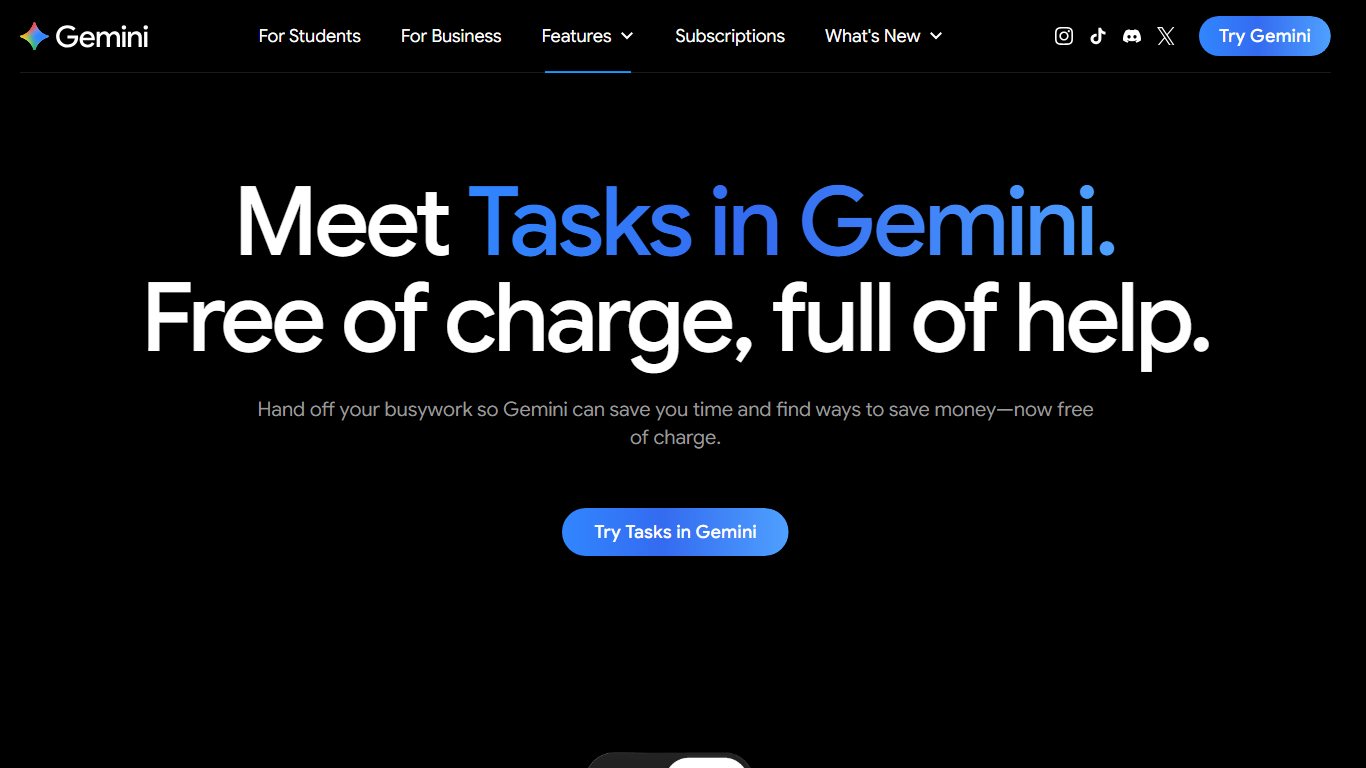
Gems suit repeated tasks with a fixed format, such as “rewrite this email politely” or “turn these notes into a meeting summary.” Each Gem holds one instruction set, so a big template library becomes a list of Gems. Keep the names short and specific so the list stays usable.
Claude Projects
Claude Projects now work on the free plan. Anthropic’s help center says free accounts can create up to five projects. Older guides that call Projects a Pro-only feature are out of date. Expanded project knowledge, which uses retrieval to search large amounts of material, still needs a paid plan: Pro, Max, Team or Enterprise.
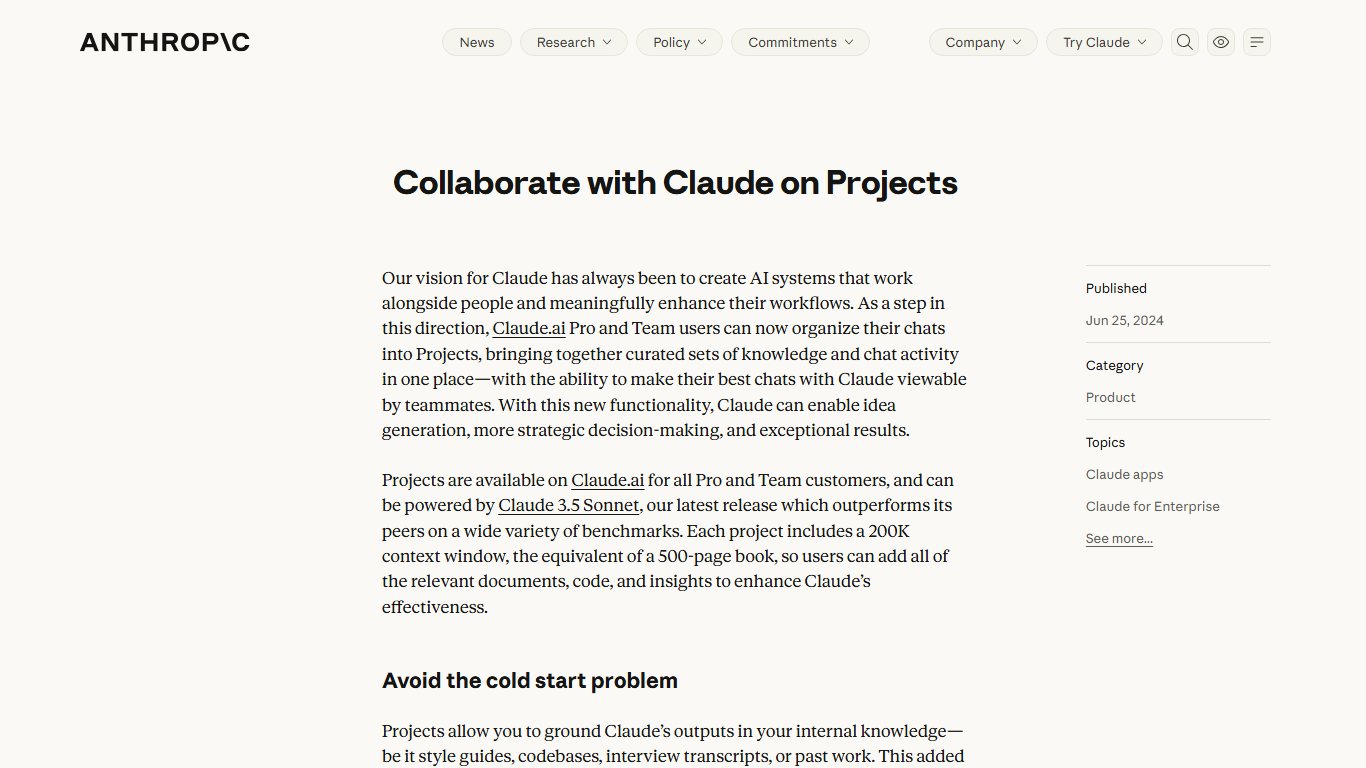
At claude.ai, open Projects, create one, add project instructions and upload any reference documents. Five free projects is enough for most people’s core templates. Pick the five you use most.
A plain notes app or doc: the zero-risk option
A note in Apple Notes, Google Keep, OneNote or a Google Doc is still a perfectly good prompt library. Nothing reads your AI chats, nothing breaks when ChatGPT changes its layout, and copy and paste works with every AI app. The trade-off is speed: no one-click insert and no variables. If you have fewer than 20 prompts, this honestly beats most extensions.
The best AIPRM alternative extensions compared
If you want prompts one click away inside the chat window, an extension is the upgrade. These tools fall into three types. Prompt managers store and insert prompts. Text expanders type out saved text anywhere. Prompt generators rewrite a rough request into a better prompt.
| Tool | Type | Works with | Free tier | Where prompts are stored | Best for |
|---|---|---|---|---|---|
| AIPRM (for comparison) | Library + manager | ChatGPT, Claude | Yes, about 2 private prompts | Cloud account | Browsing community templates |
| AI Prompt Genius | Manager | ChatGPT and other chat sites | Free | In your browser by default | Personal, non-commercial use |
| PromptDeck | Manager | ChatGPT, Claude, Gemini, Grok, DeepSeek | Free, no login | Local | Multi-AI users who want no account |
| AI Prompt Library Manager | Manager | ChatGPT, Claude, Gemini, Perplexity | Free, no login | Local | Privacy-first users |
| My Prompt Manager | Manager | Major AI chat sites | Free, no account | Local | Minimalists who want no marketplace |
| Text Blaze | Text expander | Any website or app text box | 20 active snippets | Cloud account | Reusing prompts everywhere |
| Promptly, Prompt Architects, Velocity | Generator / enhancer | Several AI apps | Varies by tool | Check each privacy policy | Turning rough ideas into structured prompts |
| FlashPrompt | Manager | ChatGPT only | Check listing | Check listing | ChatGPT-only users |
AI Prompt Genius (free, source-available)
AI Prompt Genius is the closest free match for AIPRM’s prompt-saving side. It’s free, and its source code is public on GitHub under benf2004/AI-Prompt-Genius. The Chrome Web Store listing shows about 100,000 users and a 3.4 out of 5 rating from roughly 125 ratings. That’s a modest score, so read the recent reviews first.
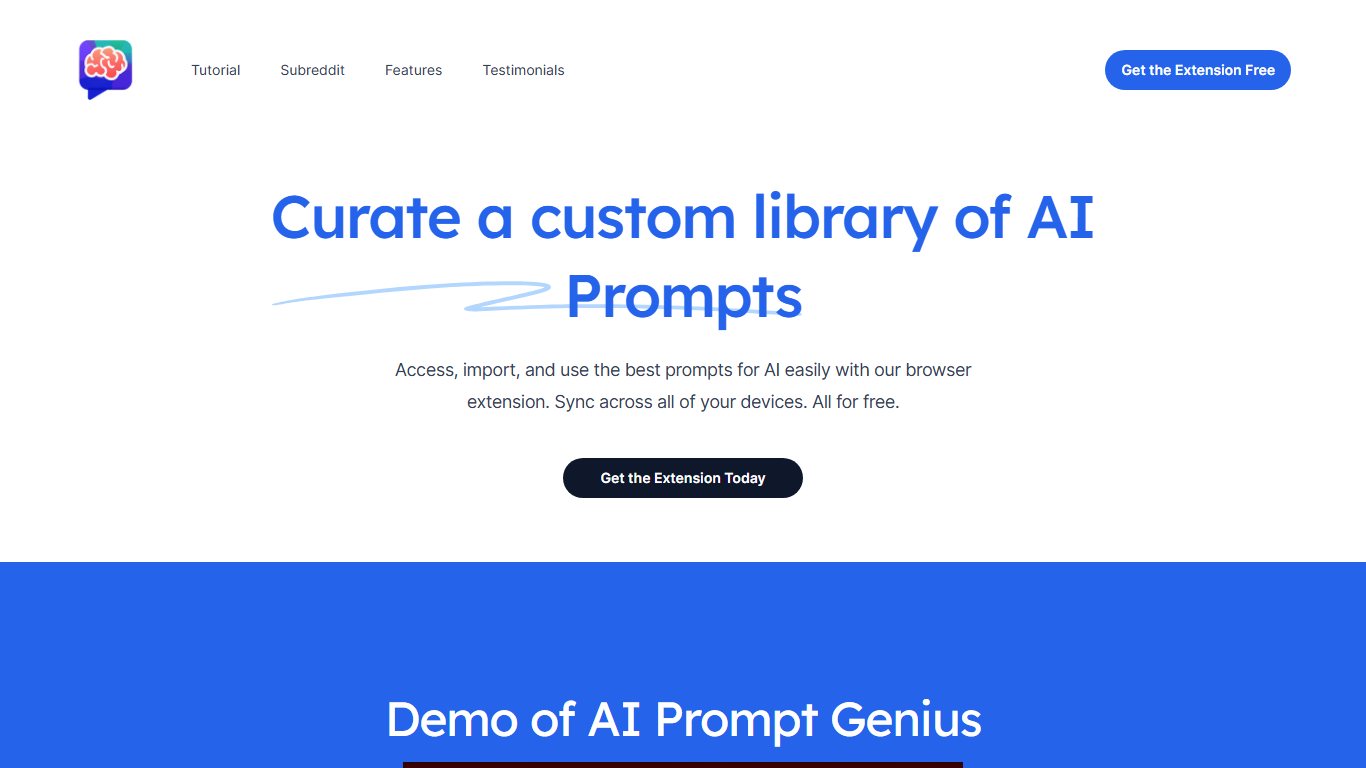
The catch is the license. The project uses CC BY-NC-SA 4.0, which bans commercial use. Some competing roundups call it “100% free and open-source,” but a non-commercial license doesn’t meet the usual definition of open source. For a personal library that’s fine. For a company rollout, read the license or ask your IT team.
Did you know?
AI Prompt Genius is widely described as open source, but the CC BY-NC-SA 4.0 license listed in its GitHub project prohibits commercial use.
Local-first managers: PromptDeck, AI Prompt Library Manager, My Prompt Manager
Local-first managers keep your prompts in your browser, with no account and no sign-in. They are the best answer to “Which prompt extension doesn’t need an account?” They’re also the closest thing to AIPRM without the clutter.
- PromptDeck works across ChatGPT, Claude, Gemini, Grok and DeepSeek. It suits people who switch between AI apps and want one library.
- AI Prompt Library Manager covers ChatGPT, Claude, Gemini and Perplexity, and also needs no login.
- My Prompt Manager was the extension kept after a May 2026 hands-on comparison of eight AI prompt manager extensions published by Nexasphere. The reasons given were no account and no marketplace.
This also answers “Is there a prompt library that works with Claude, Gemini and ChatGPT in one place?” Yes: PromptDeck and AI Prompt Library Manager both do.
There’s one important trade-off. Local means fragile. If you remove the extension, reset the browser or switch computers, its local data can be gone. That’s often what’s behind the complaint “every time the extension updates it wipes out my prompts.” Use the tool’s export option regularly, or keep a master copy in a doc.
Text Blaze (works in any app)
Text Blaze is a text expander. You type a short shortcut such as /outline, and it fills in your full saved prompt in any text box: ChatGPT, Gemini, Claude, Perplexity, Gmail or a support desk. It doesn’t depend on any AI site’s layout, so ChatGPT redesigns don’t break it.
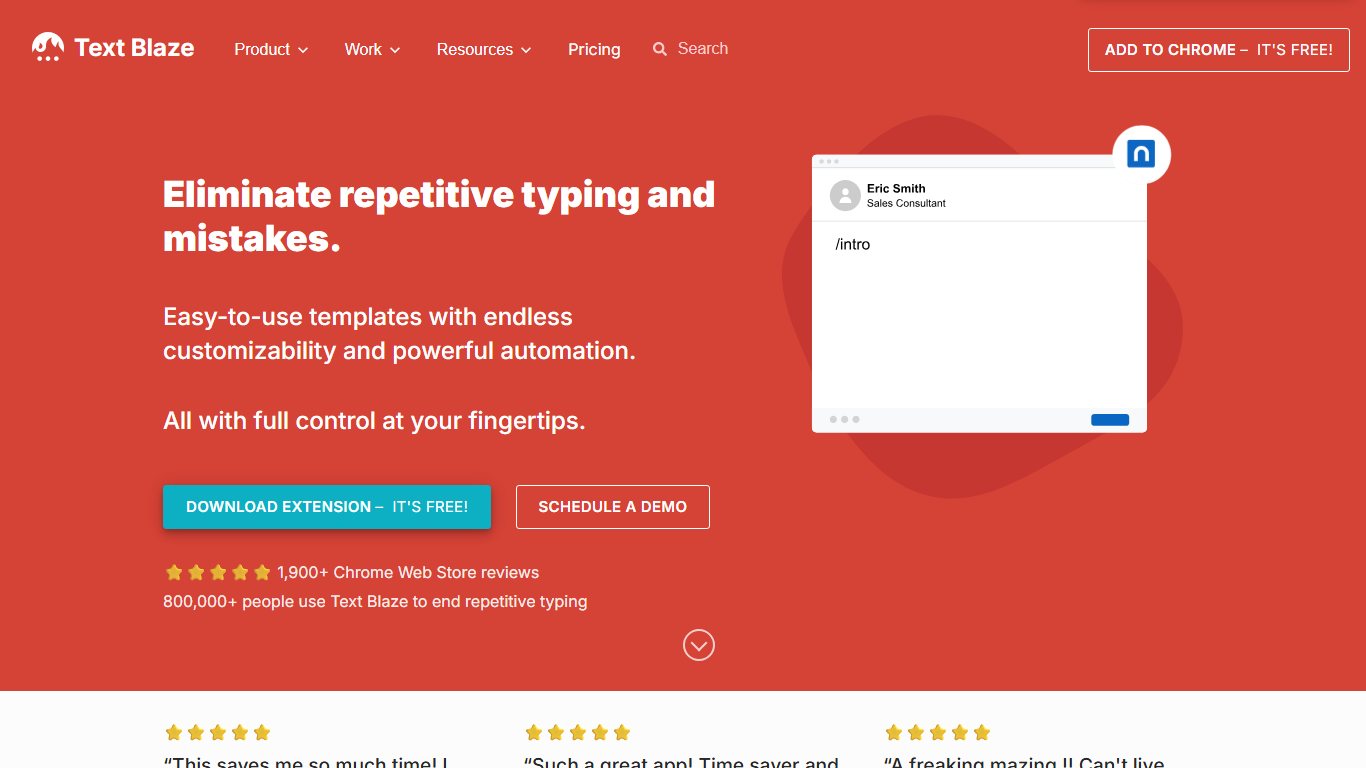
The free plan allows 20 active snippets of up to 2,500 characters each. That’s enough for most people’s core prompts. Pro costs about $2.99 a month billed yearly or $3.49 billed monthly, far below AIPRM Plus. Snippets can include fill-in fields, so one /email-reply shortcut can ask for the tone and topic before it fills in the prompt. On the free plan, those advanced form commands are limited to a few uses a day, according to Text Blaze’s community forum.
Text Blaze syncs through an account, so your snippets live in the cloud. That’s convenient across computers, but think about it before you store sensitive client details in a snippet. If you’re comparing expanders, our roundup of Magical alternatives covers similar tools.
Prompt generators and enhancers: Promptly, Prompt Architects, Velocity
Prompt generators solve a different problem. Instead of storing your prompts, they take a rough request and turn it into a structured prompt with a role, context, steps and an output format. Promptly, Prompt Architects and Velocity all sit in this group and work across several AI apps.
A structured prompt beats a fixed template because it adapts to your request. An AIPRM-style template fills the same blanks every time. A generator adds the parts your request was missing, like audience, constraints and the format you want back. That said, you can learn to write these parts yourself in an afternoon, and then you don’t need the tool.
Some ranking articles in this category come from the vendors themselves. Prompt Architects, for example, ranks its own product first in its alternatives guide and says so openly. Read those lists with that in mind, and run any generator through the five-point check, because many of them send your text to their own servers to rewrite it.
FlashPrompt (ChatGPT-only)
FlashPrompt is a prompt manager for ChatGPT only. It makes sense if ChatGPT is the only AI you use and you want something lighter than AIPRM. If you also use Claude or Gemini, a multi-AI manager like PromptDeck saves you from running two tools. Prompt Genie and PromptFolder also appear in most roundups. Treat them the same way: check the publisher, permissions and storage before installing.
One extension at a time
Run a single ChatGPT extension at a time. AIPRM’s own listing warns that other ChatGPT extensions conflict with it, and stacking extensions is a common reason the chat page breaks or slows down.
Which one should you pick?
Pick based on how many AI apps you use and how much you care about where your prompts are stored. More features rarely helps.
| You are… | Best pick | Why | Watch out for |
|---|---|---|---|
| A casual ChatGPT user with a handful of prompts | ChatGPT Projects + custom instructions | Free, built in, no extension risk | Only 5 files per project on free |
| An SEO or marketer who lived in AIPRM templates | ChatGPT Projects for your top templates, plus Text Blaze | Rebuilds your favorites, works in every tool | Rewrite community templates in your own words |
| A team sharing prompts | Paid Text Blaze or Custom GPTs on a business ChatGPT plan | Central, shareable, account-managed | Check your company’s AI data policy |
| Privacy-first | Notes app, or a local-first manager like AI Prompt Library Manager | No account, nothing synced | Back up regularly; local data is fragile |
| A multi-AI power user | PromptDeck, or Text Blaze for any site | One library across ChatGPT, Claude, Gemini and more | Limit site access to the AI sites you use |
| On a work laptop | Built-in features first | No license or extension questions | Avoid AI Prompt Genius for commercial work |
In one sentence: start with the free feature in the AI app you already use, and only add an extension if you still find yourself copying and pasting the same prompts every day.
How to switch off AIPRM without losing your prompts
Moving off AIPRM takes about 20 minutes. Save your prompts, rebuild the important ones, remove the extension and cancel billing. Do it in that order, because removing the extension first can leave you without your own templates.
Before you start
Copy every private prompt somewhere safe first. Removing an extension may clear the data it stored in your browser, unless Chrome offers and you choose the option to keep it.
Save your private prompts first
The most reliable way to keep your private prompts is to copy each one out by hand while you still have access.
- Open ChatGPT with AIPRM active and go to your private prompts list.
- Open each prompt and copy its title, description and full prompt text into a Google Doc, Word file or note.
- Do the same for any public prompts you marked as favorites. Note what each one does, not just the title.
- Save the doc with a clear name, such as “AIPRM prompts backup November 2026.”
Keep the variable parts visible
When you paste a template into your backup, mark the parts you fill in each time, such as [KEYWORD] or [AUDIENCE], in bold. That makes the template much faster to rebuild as a Project, Gem or Text Blaze snippet.
Uninstall and cancel
Remove AIPRM cleanly
- Sign in to your AIPRM account and cancel any paid plan from the subscription or billing area.
- In Chrome, type chrome://extensions, find AIPRM for ChatGPT (and AIPRM for Claude if installed) and click Remove.
- In Microsoft Edge, type edge://extensions, find the same extensions and click Remove.
- While you’re there, remove any other extension you don’t recognize or no longer use.
- Reload chatgpt.com and claude.ai to confirm the AIPRM toolbar is gone.
- Check your card or PayPal statement next month to confirm billing stopped.
If you use Chrome sync across several computers, removing the extension on one usually removes it on the others. Check each machine anyway. Work laptops managed by IT sometimes force-install extensions, and only your IT team can remove those.
Rebuild your favorite templates
Don’t try to rebuild everything. Most people actually reuse fewer than ten prompts, so sort your backup by how often you used each one.
- Daily templates become ChatGPT Projects, Gemini Gems or Claude Projects, one per task.
- Short prompts you paste everywhere become Text Blaze snippets. The free plan holds 20.
- Rarely used ones stay in your backup doc.
- Community templates deserve a quick rewrite. Many were written for older models and include tricks current models don’t need, such as long role-play setups.
When AIPRM is still the right choice
AIPRM is still a reasonable choice for some people. If you run dozens of community prompts each week, especially SEO, keyword and copywriting templates, and you enjoy browsing a large library, AIPRM’s catalog of 5,400+ public prompts is something no built-in feature copies.
It also makes sense for teams already built around AIPRM’s shared lists. Moving a team to new tools costs time and causes confusion. If the shared library works and the cost fits the budget, switching for the sake of it is a poor trade.
AIPRM is a better deal than several alternatives on two points. It runs inside both ChatGPT and Claude, and its free plan still gives full access to the public library. Its biggest weak spots are your own saved prompts, the price and the clutter. If those don’t bother you, you don’t need to switch.
Your next step: open the AI app you use most, set up one Project or Gem for the prompt you type most often and use it for a week. That one change usually shows whether you need an extension at all.
FAQ
What is the best free alternative to AIPRM?
For most people, it’s ChatGPT Projects with custom instructions, or Gemini Gems if you use Gemini. Both are free and need no install. If you want a free extension with a library, a local-first manager like PromptDeck or AI Prompt Library Manager is the safer pick. AI Prompt Genius works for personal use.
Is AIPRM still free?
Yes. AIPRM for ChatGPT and AIPRM for Claude both have a free plan with unlimited access to the public prompt library. The free plan is reported to save only about two private prompts, so building your own library needs a paid plan.
How much does AIPRM cost in 2026?
Recent snapshots of AIPRM’s pricing page list Plus at $20 a month, Pro at $39, Elite One at $79 and Titan at $999, with yearly plans at $200, $390, $790 and $9,990. Team plans are reported from $99 to $2,990 a month. Older pages showing Plus at around $10 are out of date.
Is AIPRM safe to use?
AIPRM wasn’t named in the 2025-2026 cases of extensions collecting AI chats, and it’s a long-running, well-known product. Like any extension on chatgpt.com, it can see the page you use, and it stores your private prompts in its cloud account. If that bothers you, the built-in features keep everything inside your AI app.
Does AIPRM work with Claude or Gemini?
It works with Claude through a separate extension, AIPRM for Claude. It doesn’t offer a Gemini version. For Gemini, use Gems, or a multi-AI manager such as PromptDeck or AI Prompt Library Manager.
Can I save prompts in ChatGPT without an extension?
Yes. ChatGPT Projects have been free since September 3, 2025, and each project keeps its own instructions and up to five files on the free plan. Custom instructions under Settings > Personalization apply your rules to every chat.
How do I export my AIPRM prompts?
The reliable method is to open each private prompt and copy the full text into a doc or note before you uninstall. Copy your favorite public prompts too. Then rebuild the ones you use often as Projects, Gems or Text Blaze snippets.
How do I uninstall AIPRM and cancel my subscription?
Cancel first, from the subscription or billing area of your AIPRM account. Then go to chrome://extensions or edge://extensions and click Remove on AIPRM. Cancel the plan in your account so billing stops.
Is AI Prompt Genius free and open source?
It’s free, and its source code is public on GitHub. But its CC BY-NC-SA 4.0 license bans commercial use, so “source-available” is the more accurate description. Use it for personal work. Check with your employer before using it for business.
What’s the difference between a prompt manager and a prompt generator?
A prompt manager stores the prompts you’ve written and inserts them with a click. A prompt generator or enhancer takes a rough request and rewrites it into a more detailed, structured prompt. A text expander like Text Blaze is a third option: it types out saved prompts by shortcut in any app.
AIPRM stopped working or broke my ChatGPT page. What should I do?
First turn off every other ChatGPT extension. AIPRM’s listing asks you to remove them because they conflict. Then reload the page. If it’s still broken after a ChatGPT layout change, wait for an AIPRM update, or switch to a built-in feature that can’t break this way.