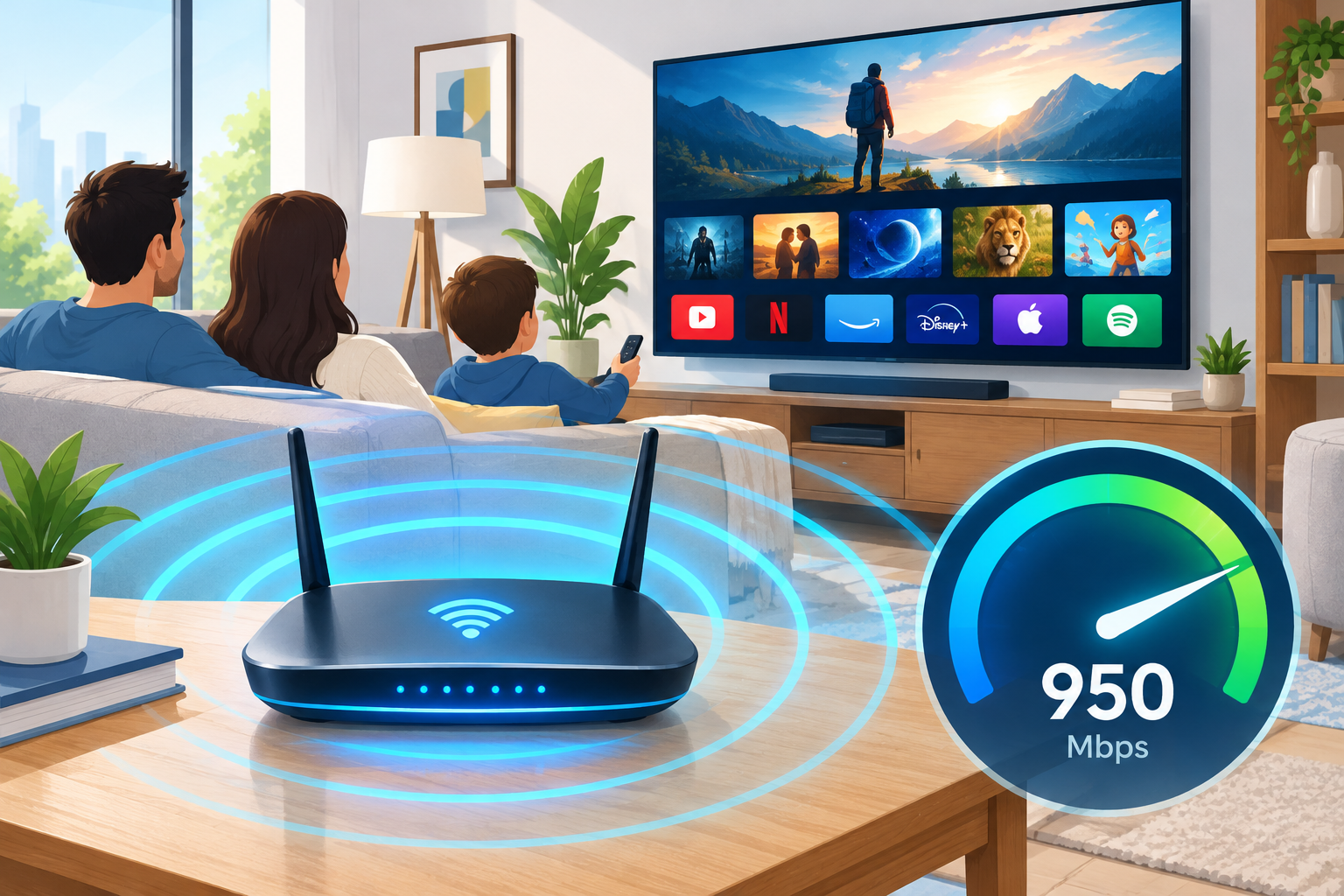
DIRECTV doesn’t sell home internet of its own. Your speed comes from whichever internet provider you pay, so the fix is to tune your Wi-Fi and devices and check that your plan has enough headroom. DIRECTV’s support pages suggest at least 8 Mbps for each stream that plays at the same time. Start with the router: check who’s connected, use WPA2 or WPA3 security, and put the router close to your TV or plug in with Ethernet. If a speed test still comes in below what you pay for, contact your internet provider.
DIRECTV is an American satellite and streaming TV company. Since July 2, 2025 it has been fully owned by the private equity firm TPG, which bought AT&T’s remaining 70% stake. Its satellite service shows live TV without any internet connection. Its streaming service, DIRECTV via Internet (formerly DIRECTV STREAM), runs entirely over your home connection. Satellite receivers also go online for On Demand and apps.
It helps to know what “speed” means before you start. Internet speed is how much data reaches your device each second, measured in megabits per second (Mbps).
Why DIRECTV streaming slows down
DIRECTV streaming usually slows down for one of three reasons. Too many devices are sharing the connection, the Wi-Fi signal is weak where the TV sits, or the plan from your provider is too small for your household. Until you find the cause, live channels will buffer and On Demand titles will load slowly. The fixes below start with the quickest and safest.
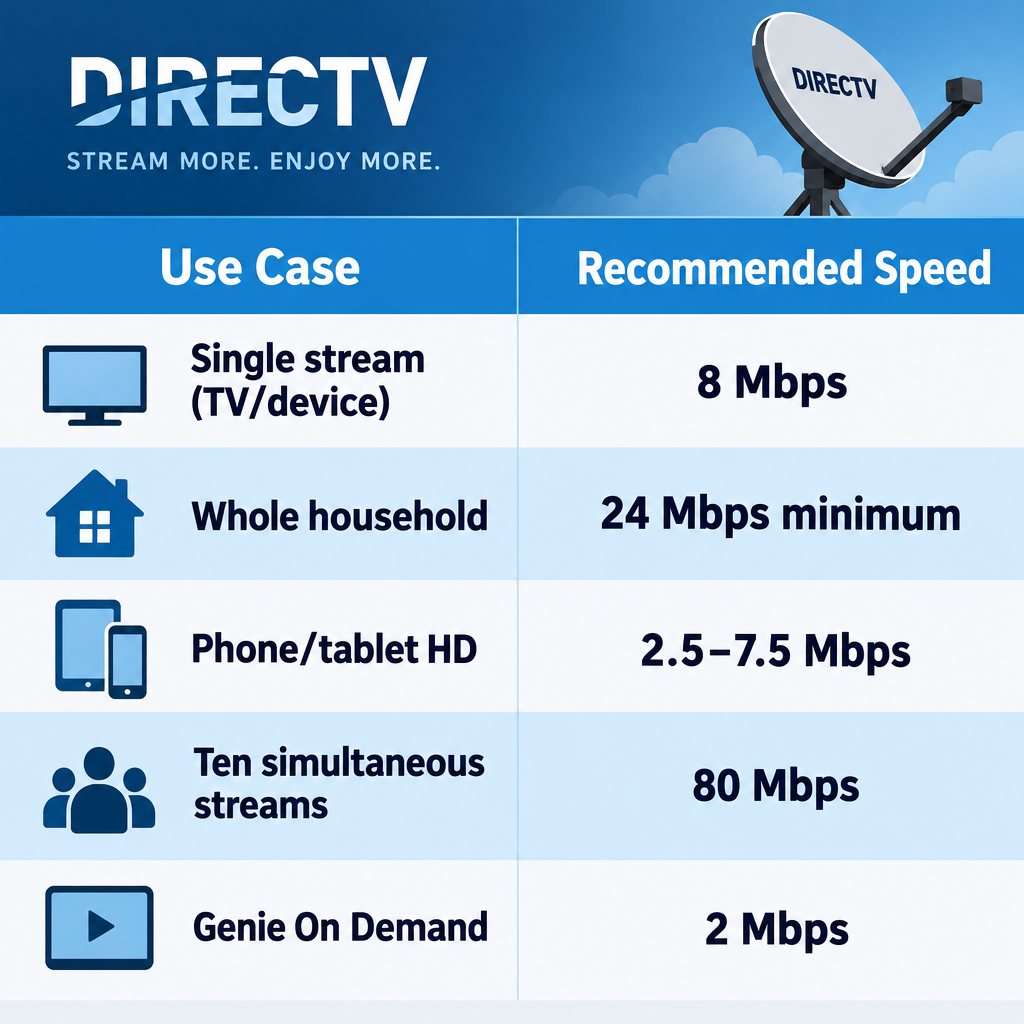
Here’s how much speed DIRECTV recommends:
| Use | Speed DIRECTV suggests |
|---|---|
| One stream on a home TV or streaming device (Wi-Fi or wired) | 8 Mbps or more per stream |
| Whole household, for smooth viewing | 24 Mbps minimum, plus your other devices |
| Phones and tablets on mobile data, HD up to 1080p | 2.5 to 7.5 Mbps |
| Ten streams at once (business setups) | 80 Mbps minimum |
| Genie satellite receiver for On Demand | 2 Mbps or more |
1. Check who is connected to your router
Every device on your Wi-Fi shares the same bandwidth. A neighbor using your network, or a forgotten laptop downloading in the background, takes speed away from your TV.
- Open your router’s admin page or its app. The address is usually printed on a label on the router.
- Find the list of connected devices. It may be called “Attached devices,” “Clients,” or “Device list.”
- Look for names, IP addresses or MAC addresses you don’t recognize.
- Block any unknown device, then change your Wi-Fi password so it can’t reconnect.
2. Secure your network and keep it maintained
Unauthorized users can eat into your bandwidth if they get onto your network, so locking it down protects your speed as well as your privacy, though your own devices and apps use bandwidth too. In the router’s wireless settings, set the security to WPA3, or to WPA2/WPA3 mixed mode if some older devices can’t join on WPA3 alone. Use WPA2 only if the router offers nothing newer. Never leave the network open, and avoid old WEP or WPA settings. Newer Wi-Fi 6E and Wi-Fi 7 routers need WPA3 to use the 6 GHz band.
Sharing settings matter too. Turn off guest networks and file or printer sharing you don’t use. Keep the router’s built-in firewall switched on. Give the network a name that doesn’t reveal who you are, and set a strong, unique password. While you’re in the admin page, install any firmware update the router offers.
3. Stop background programs and auto-updates
Background apps and automatic updates can eat bandwidth while you watch. That shows up as buffering, especially on a computer streaming DIRECTV in a browser.
- On Windows 10 or 11, press Ctrl + Shift + Esc to open Task Manager.
- On the Processes tab, click the Network column so the heaviest users sort to the top.
- Select a program you don’t need right now (a cloud sync or game launcher, for example) and click End task.
- On Windows 11, Windows Update can also share downloads with other PCs over the internet. To stop that, go to Settings > Windows Update > Advanced options > Delivery Optimization and turn off “Allow downloads from other devices.”
Don’t forget the other gadgets in your home. A game console downloading a large update will slow every TV in the house until it finishes.
4. Remove any malware
Malware can use your connection in the background and slow everything down. Scan your computer and any external drives you have plugged in. On Windows, open Windows Security > Virus & threat protection > Scan options, choose Full scan, and click Scan now. On a Mac, keep macOS up to date so its built-in protection stays current. Removing malware protects your personal data and also stops it from clashing with your other apps.
5. Optimize your web browser
If you watch DIRECTV on a computer, a cluttered browser can hold it back. Use a current version of Chrome, Edge, Safari or Firefox, and close tabs you don’t need, since each one uses memory and some keep loading data. Clear the cache and cookies now and then, not after every session. Remove extensions you don’t use, because some run constantly in the background. If your PC still feels sluggish everywhere, a guide to a Slow computer fix free is a good next step.
6. Move the router closer
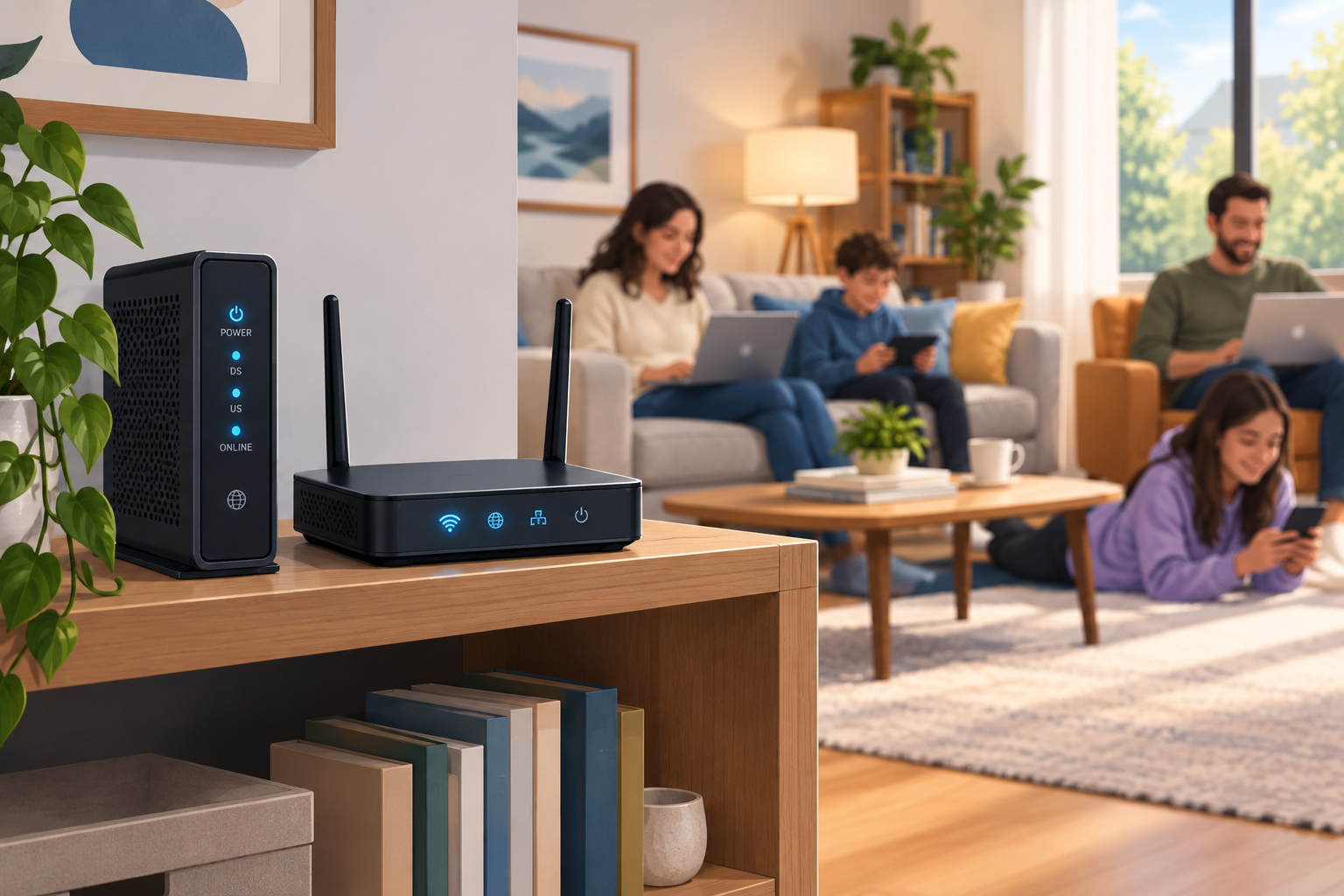
Wi-Fi gets weaker with distance and with every wall it passes through. Once you’re near the edge of the signal, speed drops fast. Put the router somewhere central and raised, out in the open, not inside a cabinet or behind the TV. The 5 GHz band is faster but doesn’t reach as far as 2.4 GHz, so a TV in a far room may do better on 2.4 GHz.
Added information
A Wi-Fi extender, or better, a mesh Wi-Fi system, can carry the signal into rooms where it’s weak. Walk around with your phone to find the weak spots. Then put the extender or mesh unit about halfway between the router and that spot, not in the dead zone itself, because it needs a good signal to pass along. Note that an extender doesn’t add bandwidth. It only stretches the coverage you already have.
For streaming, video calls and anything else that needs a steady connection, a cable beats Wi-Fi. Run an Ethernet cable from the router to the computer, streaming device or DIRECTV receiver. Genie HD DVRs can connect by Ethernet or Wi-Fi from the receiver’s network settings. Freeing up storage helps too, and our walkthrough on how to uninstall games on PC Windows 10 covers clearing out big installs that keep downloading updates.
Still having network issues
Network congestion and dropped data packets are two of the most common problems. Run a speed test on the device you watch on, and do it at the time of day the buffering happens. If the result is well below what you pay for, restart the modem and router. Unplug both for 30 seconds, plug the modem in first, and wait for it to come back online before plugging in the router. If speeds stay low, contact your internet provider, not DIRECTV, because the provider owns the line. If the picture freezes on satellite channels themselves, the problem is the dish signal, not your internet, and DIRECTV support is the right call.
Check your internet plan
Find out which plan you’re on. Plans are sold in megabits per second (Mbps), not megabytes. A 100 Mbps plan describes the plan’s nominal maximum download speed, and that bandwidth is shared among the devices using the connection, so actual speeds can vary. Real speeds also depend on Wi-Fi and on the server you’re downloading from. Using DIRECTV’s figure of 8 Mbps per stream, three TVs streaming at once need about 24 Mbps before anyone else in the house goes online.
Don’t install third-party “speed booster” apps. They can’t make your plan faster, and many carry malware that can harm your files and slow the connection even more. If your social accounts also feel slow, ad-heavy browser add-ons are often to blame. Lists of Social media management tools free can point you to cleaner options.
Safety precautions
Your Wi-Fi password and router settings do the real work of keeping intruders off your network. A VPN doesn’t do that job. A Virtual Private Network encrypts the traffic leaving your device, which helps on public Wi-Fi. It doesn’t stop strangers from joining your home network, and it adds overhead that can lower your streaming speed. If DIRECTV buffers while a VPN is on, turn the VPN off on that device and test again. Never share your Wi-Fi password with people you barely know. Give visitors a separate guest network, and switch it off afterward.
FAQ
Does DIRECTV provide internet service?
No. DIRECTV sells TV, not home internet, so your speed depends on your internet provider. DIRECTV’s site lists preferred partner providers you can pair with its TV service, but the internet is sold and billed separately. AT&T and DIRECTV continued to offer TV-and-internet bundles after the 2021 transaction, and AT&T’s DIRECTV page describes internet options for DIRECTV customers.
What internet speed do I need for DIRECTV?
DIRECTV suggests 8 Mbps or more for each stream on a home device, and about 24 Mbps for the household. Plan for more if other people in the home stream, game or work online at the same time. On mobile data, 2.5 to 7.5 Mbps is enough for HD on a phone or tablet.
Does DIRECTV satellite need internet to work?
Live satellite channels and recordings come from the dish, so they play without internet. You do need a connection for On Demand, the replay features and streaming apps on Genie receivers. DIRECTV’s support page lists 2 Mbps or more for the receiver’s internet features.
Why does DIRECTV keep buffering when my speed test looks fine?
A speed test on your phone next to the router doesn’t show what the TV gets two rooms away. Run the test on the device you watch on, at the time buffering happens, and look for other devices downloading at the same time. If the TV’s own result is low, move the router closer, add a mesh unit or use Ethernet.
Will a Wi-Fi extender fix slow DIRECTV streaming?
It helps when the problem is weak coverage in one room, not a slow plan. An extender repeats the signal it gets, so place it where the signal is still strong. Mesh systems usually keep more of the speed than single extenders.
Should I use a VPN while streaming DIRECTV?
A VPN isn’t needed for home streaming and can slow it down. It protects your traffic on public networks, not your home Wi-Fi from intruders. If streams stall with a VPN on, turn it off on that device.
Start with the cheapest test there is. Plug the TV or streaming device into the router with an Ethernet cable and watch for a few minutes. If the buffering stops, the problem is your Wi-Fi, and the router fixes above are where to spend your time. If it keeps buffering on a cable, call your internet provider.
Sources
- DIRECTV: Get internet speed suggestions for DIRECTV
- DIRECTV: Connect Genie HD DVR to the internet
- DIRECTV: Internet bundles
- Business Wire: TPG Completes Acquisition of AT&T’s 70% Stake in DIRECTV
- Cisco: WPA3 Deployment Guide