An email autoresponder is a set of pre-written emails that your email platform sends on its own when something happens, such as a new signup, a purchase or a long stretch of inactivity. In November 2026 most email marketing services include one, often on the free plan. Selzy’s forever-free plan, for example, covers up to 1,000 emails a month to 100 contacts. Start with a short welcome series, and make sure your sending domain meets the Gmail, Yahoo and Outlook rules for automated mail before you scale up.
Why companies use email autoresponders
If you already send regular emails to your audience, you have probably wondered whether to set up an autoresponder. An autoresponder is a pre-written email, or series of emails, that goes out automatically to people on your list when a trigger fires. The most common trigger is a new signup. Another useful one is inactivity: if a subscriber hasn’t opened anything from you in a few weeks, a re-engagement email can go out to check whether they still want to hear from you.
Your subscribers don’t have to wait for your next manual campaign to hear from you. The right message reaches them at the moment it is most relevant. A good email marketing strategy needs a service that can send messages at set intervals or when certain conditions are met, such as when someone signs up. The rest of this page explains what autoresponders do and why they help almost any type of business.
What an email autoresponder service does
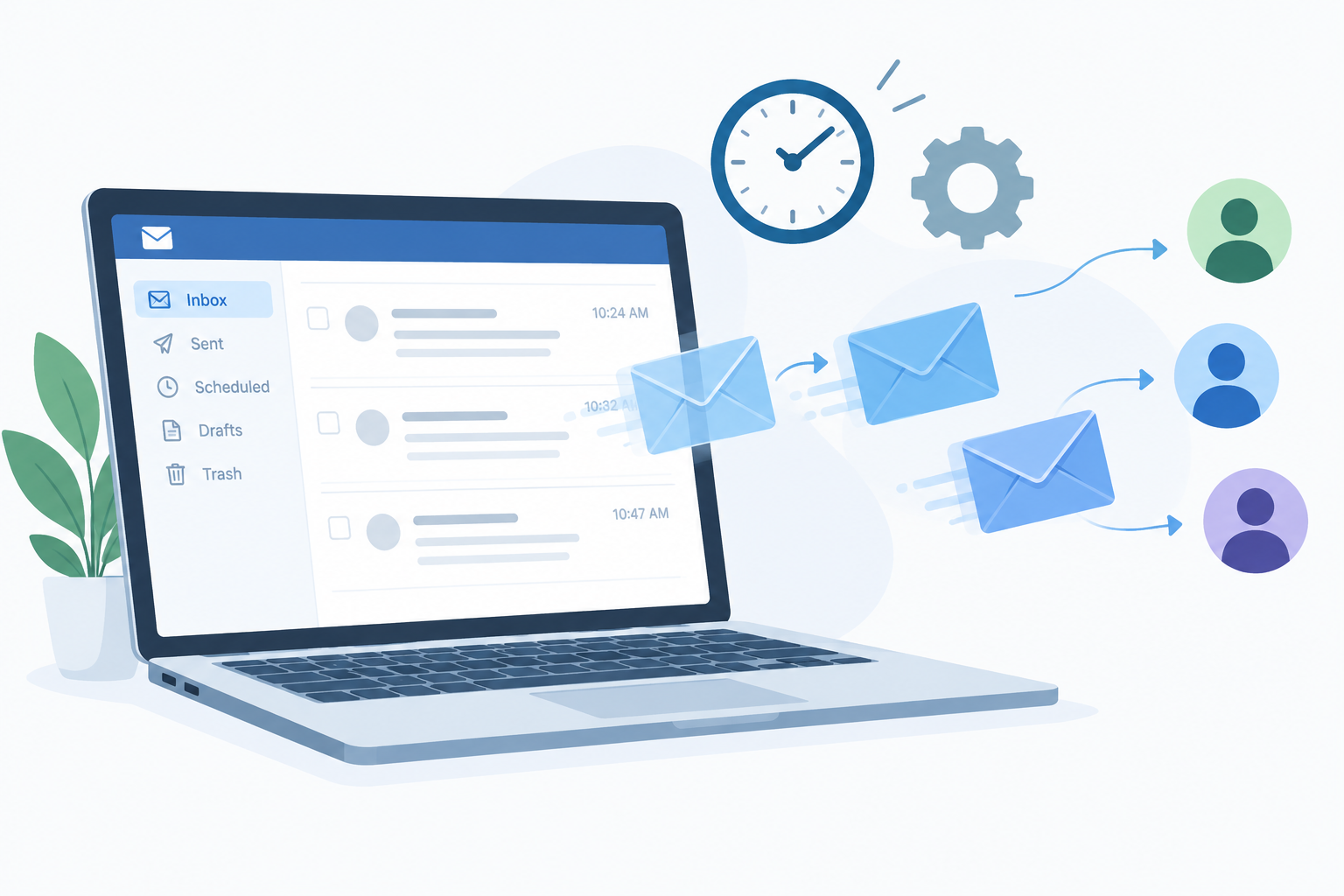
An email autoresponder service sends emails automatically in reply to something a person does, so you stay in touch with customers and prospects without writing each message by hand. You can use it for welcome emails, promotions, product updates, order follow-ups and reminders. It also helps with customer support, because it can confirm a request straight away and answer common questions without anyone on your team stepping in.
These services keep the relationship with your customers going by sharing information about your products and services, or by delivering special offers and discounts at the right time. The main payoff is time saved. Follow-ups that once needed a person now happen on schedule, and prospects who went quiet get a timely nudge. You are also less likely to lose potential customers because nobody replied or because they forgot about you.
An autoresponder can send a single email or a whole series over days or weeks. It works for scheduling too. Say someone signs up for an event at your church on Wednesday at 7 pm. You can set the autoresponder so every new signup gets a confirmation right away and a reminder a few hours before the event starts.
Autoresponder vs out-of-office reply
The two get mixed up, but they do different jobs. An out-of-office reply, like the Automatic Replies setting in Outlook or the vacation responder in Gmail, sends one generic answer to anyone who emails you while you are away. A marketing autoresponder runs from your email marketing platform. It sends planned messages to subscribers based on triggers and timing, and every message includes an unsubscribe option.
Selzy, one of the best email autoresponders for your business
Every business that collects email addresses needs good autoresponder software, but tools differ a lot. Some are expensive, and others cut features on their cheaper plans. If you want to automate your marketing campaigns without a big upfront cost, the Selzy email autoresponder is worth a look. Selzy says its autoresponder is free and available even on its free plan.
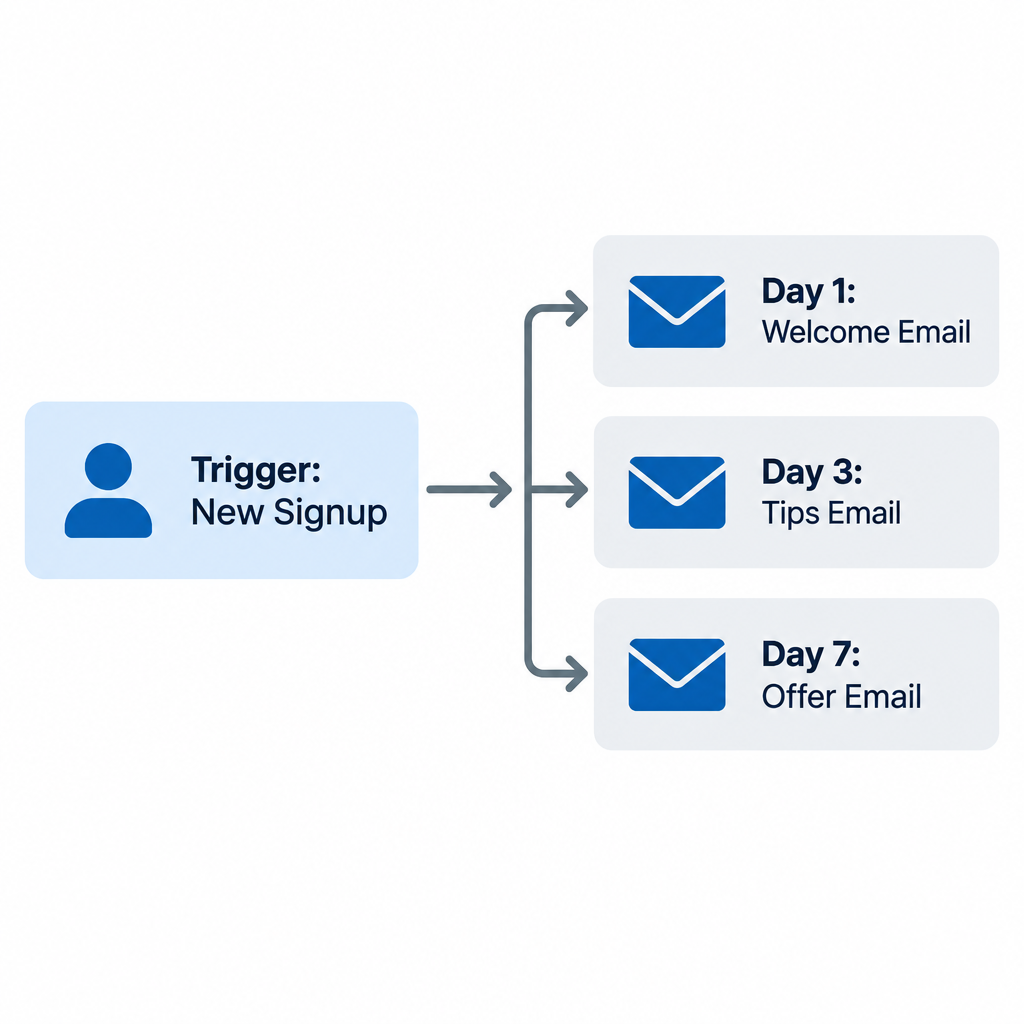
Selzy is an email marketing platform for sending automated emails to your subscribers. You build sequences in the Automation section of your account. A visual scenario editor lets you start with a trigger block, such as “Sign up”, and add email blocks after it. Selzy also offers more than 10 ready-made workflow templates, ranging from a welcome series to abandoned cart emails, so a first sequence doesn’t take long to set up.
Here is what you get on the free and paid tiers:
- Forever-free plan: up to 1,000 emails a month to 100 contacts, no credit card needed. Free-plan emails carry a “Powered by Selzy” logo at the bottom.
- Trial: a 14-day trial of up to 10,000 emails to 2,000 contacts once you verify a card within 30 days of signing up.
- Paid plans: the price depends on how many contacts you have. Check Selzy’s pricing page for current rates before you commit, because third-party review sites list different figures.
Two practical points from Selzy’s help center are worth knowing before you start. First, don’t use automation for one-off mass sends. If you want to email your whole list once, use a regular campaign. Second, if you want someone to stop getting the rest of a series, disable that contact. Deleting them from the list does not remove them from a sequence that is already running.
Pros of email autoresponders
The biggest advantage of an autoresponder is that it handles follow-ups for you. You no longer chase leads by hand, which saves time and gets you better response rates from prospects who would otherwise go cold.
You can use an email autoresponder to:
- Follow up automatically with leads who haven’t responded yet. This brings more leads into your sales funnel by reminding them why they were interested and giving them anything they missed when they first filled out the form (for example, “Here is what you can do with your free account”).
- Send emails at set times after someone signs up on your website, for example for an online course. A welcome email right away, then lessons or tips over the following days, means nobody falls through the cracks just because your team didn’t reply in time. Selzy’s own guidance suggests a welcome series of three to seven emails spread over two weeks to two months.
- Share useful information on a regular schedule, such as tips on getting more out of a product or service.
- Answer common questions about your business, products or services.
- Remind people about upcoming events or special offers.
- Stay in touch with your audience all year round.
On a bigger scale, autoresponders help you:
- Grow your business by keeping people engaged with your brand. Automated emails build trust, save time and help you reach more people without adding staff.
- Reach new customers and stay connected with existing ones. Newsletters and product updates help build a sense of community around your company, and automated coupons or discounts can go out when a promotion starts.
Rules your automated emails must follow
Automated emails follow the same rules as any other marketing email, and the big mailbox providers have tightened those rules. Since February 2024, Google and Yahoo have treated domains that send roughly 5,000 or more messages a day to their users as bulk senders. Bulk senders must authenticate their mail with SPF, DKIM and DMARC, offer one-click unsubscribe, and keep spam complaints low. Google’s sender guidelines say to stay below 0.1% and never reach 0.3%. Microsoft added similar requirements for domains sending more than 5,000 emails a day to Outlook.com addresses, starting May 5, 2025. Mail that doesn’t comply can go to junk or be rejected.
In the US, the CAN-SPAM Act also applies to commercial email. Every message needs a working way to opt out and your valid physical postal address, and opt-out requests must be honored within 10 business days.
Most of this is handled for you by a reputable platform. Your part is to:
- Collect addresses only from people who actually signed up.
- Connect and authenticate your own sending domain in your platform’s settings.
- Leave the unsubscribe link in every automated email.
- Watch complaint rates in Google Postmaster Tools if you send at volume.
Where to start
Autoresponders pay off fastest when you start small. Build one welcome sequence of three to five emails, run it for a month, and look at which messages get opened and clicked before you add re-engagement or abandoned cart flows. A free plan like Selzy’s is enough to test the idea on your first 100 contacts. Move to a paid tier only once the sequence is clearly bringing in replies or sales.
FAQ
Is an email autoresponder the same as email automation?
An autoresponder is the simplest kind of email automation: a message or series that goes out when a trigger fires. Full automation workflows add branches, conditions and other channels, such as sending a different email depending on whether someone clicked. Most platforms, Selzy included, build both in the same visual editor.
Can I set up an email autoresponder for free?
Yes. Several email marketing platforms include autoresponders on their free plans. Selzy’s forever-free plan allows up to 1,000 emails a month to 100 contacts and includes the autoresponder, though free-plan emails carry a “Powered by Selzy” logo.
How many emails should a welcome series have?
Three to seven emails is the usual recommendation, spread over two weeks to two months. Start with a welcome and what to expect, follow with your most useful content, and end with an offer or a clear next step.
Do autoresponder emails need an unsubscribe link?
Yes. Automated marketing emails count as commercial email under CAN-SPAM, so each one needs a clear opt-out. Bulk senders to Gmail, Yahoo and Outlook also need one-click unsubscribe and proper domain authentication, or their mail may land in spam or be rejected.
Why are my autoresponder emails going to spam?
The most common causes are a sending domain without SPF, DKIM or DMARC records, a high spam complaint rate, or a list that includes people who never opted in. Authenticate your domain in your email platform’s settings, remove inactive or bought contacts, and check Google Postmaster Tools for complaint data.
How do I stop a subscriber from getting the rest of a sequence?
In Selzy, disable the contact instead of deleting them from the list. A deleted contact stays in any series that is already running, but a disabled contact stops receiving further emails.
Sources
- Selzy: Email autoresponder service
- Selzy: Email marketing platform and free plan
- Selzy Help Center: Introduction to automation in Selzy
- Selzy Help Center: How to create an omnichannel automation scenario
- Selzy Help Center: Email pricing and plans
- Google: Email sender guidelines FAQ
- Microsoft Tech Community: Outlook’s new requirements for high-volume senders