

The $199 LearnDash license that most comparison pages still quote has been gone for months, and in November 2026 LearnDash changed its pricing again: it is now sold only as part of a $350-a-year plugin bundle. That makes this a good moment to check whether another LMS would serve you better or cost less. Below you will find nine alternatives ranked on real 3-year cost, feature match and how hard the move is, plus a migration checklist so you don’t lose students along the way.
Key takeaways
- LearnDash now sells only the Nexcess plugin stack (LearnDash, Kadence, The Events Calendar, GiveWP), starting at $350 a year for one site.
- Tutor LMS Pro is the easiest swap for most LearnDash sites: $199 a year for one site and a free migration tool.
- LifterLMS and MemberPress roughly double in price after year one, so compare renewal prices, not launch prices.
- Teachable Starter takes 7.5% of every sale and caps you at 100 active students.
- If you already use Kadence or The Events Calendar, staying on LearnDash can be the best value.
Fact-checked
We checked these key facts against the sources named, on November 19, 2026:
- LearnWorlds (best for corporate training and interactive video) LearnWorlds focuses on interactive video, assessments and white-label training academies (source: learnworlds.com)
- MasterStudy LMS (best for an all-in-one education theme) MasterStudy LMS, from StylemixThemes, pairs a free LMS plugin with a matching education theme and a drag-and-drop course builder (source: wordpress.org)
The short answer: the best LearnDash alternatives in 2026
Tutor LMS Pro is the best pick for most people leaving LearnDash. It stays on WordPress, costs $199 a year for one site, and Themeum offers a free tool that moves your LearnDash courses and students across. If you would rather never update a plugin again, go with Teachable Builder at $69 a month on annual billing.
| Situation | Best choice | Starting price | The honest catch |
|---|---|---|---|
| Best WordPress swap | Tutor LMS Pro | $199/year (1 site) | Drip and prerequisites need Pro |
| Best free core | LifterLMS | Free; bundles from $199 | Renewals double to $398+ |
| Cheapest paid plugin | Sensei Pro | About $179/year | You sell through WooCommerce |
| Memberships first | MemberPress | $199.50 first year | Launch plan adds a 4.9% fee |
| Best hosted for beginners | Teachable Builder | $69/mo annual | 10 products, 1,000 students |
| Best all-in-one marketing | Kajabi Growth | About $199/mo annual | The most expensive option |
| Best for training and interactivity | LearnWorlds Pro Trainer | $99/mo ($79 annual) | Starter plan charges $5 per sale |
How these were ranked
The ranking draws on vendor pricing pages and recent pricing trackers. The criteria, from most to least important:
- 3-year cost for one site, with renewal prices and per-sale fees counted, not just year one.
- Feature match with LearnDash: quizzes, drip, prerequisites, certificates, groups, reporting, multiple instructors.
- Migration path: whether a tool exists and what survives the move.
- Caps and fees: student limits, product limits and platform cuts.
- Maintenance load: how much WordPress upkeep you take on.
First, what LearnDash actually costs now
LearnDash’s official pricing page lists a 1-site plugin plan at $199 per year, and the plugin is also sold separately from its other products. Liquid Web, through its Nexcess brand, stopped selling LearnDash, GiveWP, The Events Calendar and Kadence separately. Every plan now includes all four, and learndash.com sends buyers to Liquid Web’s checkout.
According to Uncanny Owl and Ruzuku, the current tiers are:
| Sites | Price per year |
|---|---|
| 1 | $350 |
| 10 | $599 |
| 25 | $799 |
| 50 | $899 |
| 100 | $999 |
LMS Crafter reports that existing licenses move to the bundle price at any renewal on or after November 16, 2026, and lapsed legacy subscriptions can’t be reactivated. LearnDash still has no monthly plan, no free plan and no lifetime license. It takes no cut of your sales, but Stripe and PayPal still charge their normal processing fees.
Did you know?
LearnDash’s pricing changed twice in 2026. Cartmango documented the Essentials ($259), Pro ($399) and Elite ($599) tiers that replaced the old $199 site license, and by November, LMS Crafter reported those tiers had also been dropped in favour of the $350 Nexcess bundle.
Why did my LearnDash renewal go up? I thought it was $199
You aren’t imagining it. The $199 single-site license was retired early in 2026 and replaced by three feature tiers:
- Essentials ($259/year): course and quiz builder, drip, prerequisites, certificates, MemberDash and Stripe/PayPal.
- Pro ($399/year): added the AI course outline and quiz builder, ProPanel reporting, groups and cohorts, and weighted grading.
- Elite ($599/year): added multi-instructor management, front-end course creation and ratings and reviews.
That split is why so many site owners asked why they had to pay extra for reporting and group management. With the bundle, the split is gone. Nexcess says the stack includes ProPanel reporting and the gradebook, and it markets each product with its full premium feature set. A one-site renewal is now $350, so if you were on Essentials you pay more, and if you needed Pro-level reporting you pay a little less.
Which LearnDash setup do you really need?
If you run one site and use the extra products, the $350 bundle is fair value. Kadence (theme and blocks), The Events Calendar for live sessions and GiveWP for donations all used to cost extra. If you only use LearnDash itself, check whether you actually need add-ons such as ProPanel or Groups, which LearnDash sells as separate products, before you price an alternative.
Pro tip
Before you compare prices, list the LearnDash features you actually use: groups, ProPanel reports, multiple instructors, certificates, drip. That list tells you which tier of each alternative you need, which matters more than any headline price.
The hidden costs: hosting, video, add-ons, payment fees
Any WordPress LMS, LearnDash included, comes with costs that the license price leaves out:
- Managed WordPress hosting that can handle logged-in students. Cheap shared hosting is behind many of the “LearnDash is slow and buggy” complaints.
- Video hosting. Don’t upload course video to your own server. Use a dedicated video host.
- Add-ons for things like advanced quizzes, gamification or a community layer such as BuddyBoss.
- Payment processing. Stripe and PayPal take a fee on every sale, whichever LMS you use.
Should you switch at all?
Stay on LearnDash if the bundle covers what you use and your site runs well. Move to another WordPress plugin if you like WordPress but want to pay less or stop paying for products you don’t need. Go hosted if WordPress updates, plugin conflicts and login bugs are taking more of your time than teaching.
Signs it’s time to leave WordPress
One common complaint goes: “LearnDash and WP have many capabilities, but they are very very buggy. Is there something more stable?” Another: “I’m tired of constant login and registration bugs.” If that sounds like you, the problem is often the whole WordPress stack (theme, page builder, membership plugin, caching, hosting) rather than LearnDash on its own. Switching to Tutor LMS won’t fix a caching plugin that breaks logins.
Leave WordPress when:
- You spend hours each month on plugin updates and conflict checks.
- Nobody on your team is comfortable using a staging site.
- Students keep reporting login, checkout or progress-tracking problems you can’t trace.
- You want a polished mobile app for students without building one.
On the question “LearnDash on mobile looks bad. Which LMS has a better student experience on phones?”: hosted platforms win here. Teachable, Thinkific, Kajabi and LearnWorlds all design their student pages for mobile, and Kajabi and LearnWorlds also offer mobile apps. On WordPress, how a course looks on a phone depends mostly on your theme.
Signs you should stay on WordPress
Stay on WordPress when you want to own your site and student data, need custom integrations, sell enough that a percentage fee would hurt, or run several client sites. “Is it worth leaving WordPress for Thinkific or Teachable if I lose customization?” For a solo creator with simple courses, usually yes. For an agency or a heavily customised academy, usually no.
WordPress plugin alternatives
These five keep you on WordPress, so you keep your domain, design and data. Prices below are for one site unless stated.
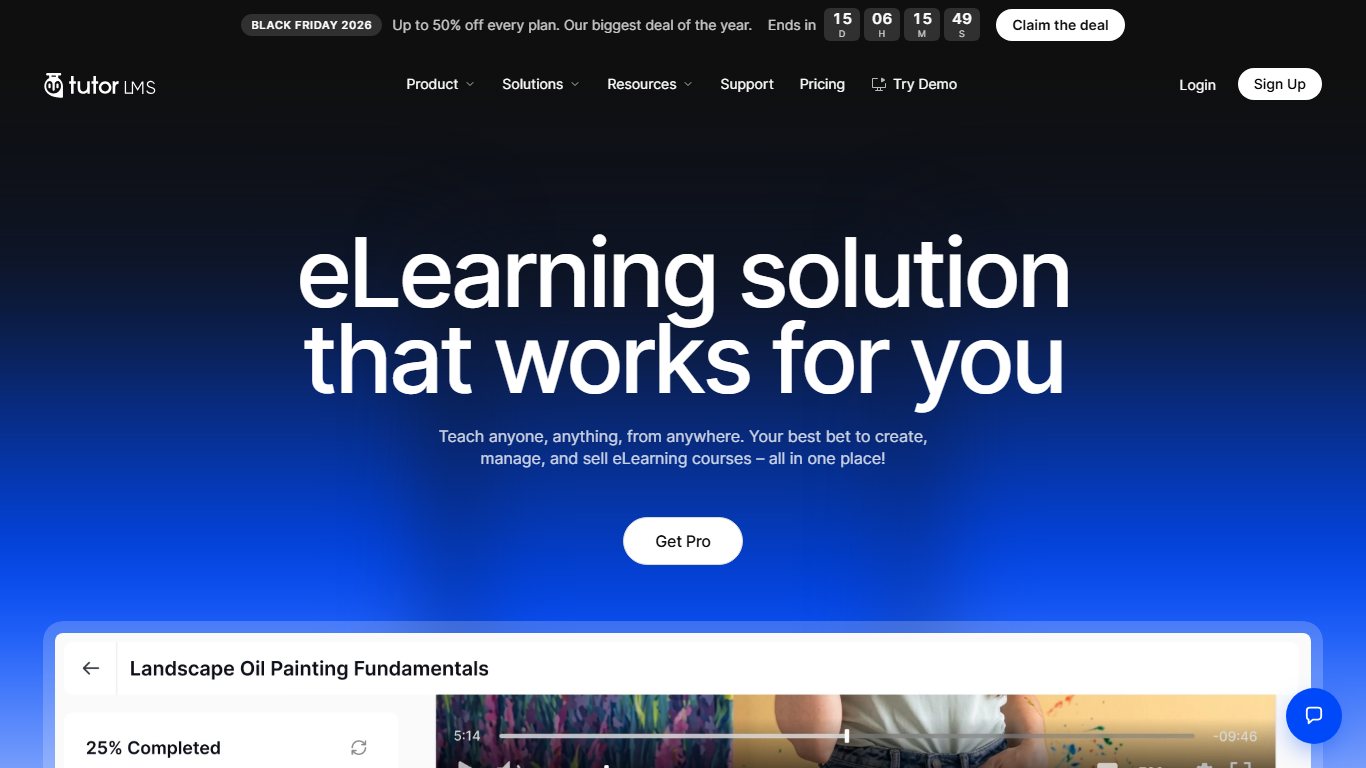
1. Tutor LMS (best overall LearnDash alternative)
Tutor LMS, made by Themeum, is the closest match to LearnDash, and it is the only one here with a dedicated LearnDash migration tool. The core plugin is free. Tutor LMS Pro costs $199 a year for one site, $399 for five sites and $799 for unlimited sites. Lifetime licenses run from about $499 to $1,999.
- Who it’s for: LearnDash users who want to stay on WordPress and pay less, plus anyone building a multi-instructor course marketplace.
- What matches LearnDash: quiz builder, certificates, reporting, multiple instructors, and a front-end course builder that works with Gutenberg and Elementor.
- The catch: drip content, prerequisites and lesson previews need Pro, according to ThemeCycle. Plan on the paid version if you use those features today.
On “Is Tutor LMS better than LearnDash?”: for value, yes. Tutor’s single-site Pro license is $151 a year cheaper than the LearnDash bundle and includes front-end course creation, which LearnDash used to keep in its top tier. LearnDash still has the bigger third-party add-on ecosystem.
2. LifterLMS (best free core)
LifterLMS gives you the most in its free plugin. Drip, prerequisites and certificates all come in the core, according to ThemeCycle. You pay for add-on bundles, and those renew at about double the first-year price:
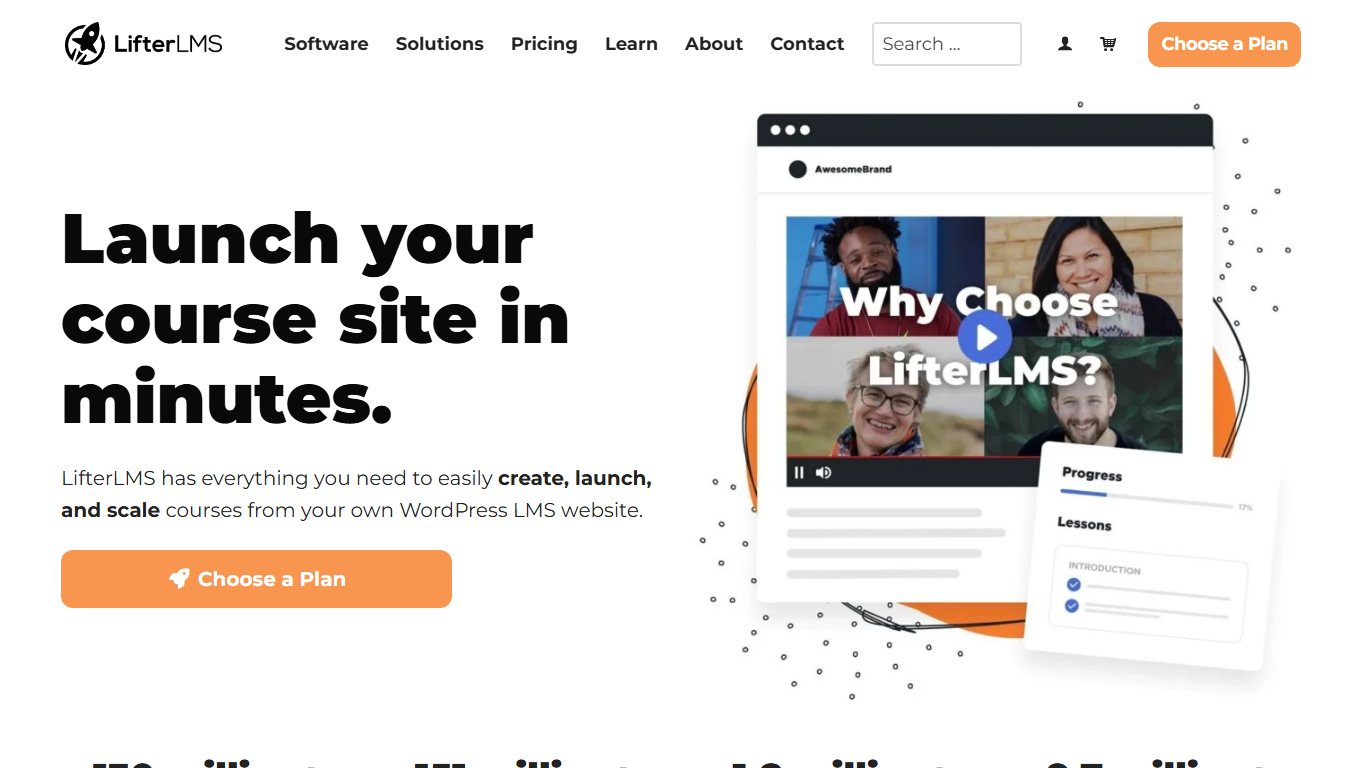
| Bundle | Sites | First year | Renewal |
|---|---|---|---|
| Earth | 1 | $199 | $398 |
| Universe | 5 | $299 | $598 |
| Infinity | Unlimited | $799 | $1,598 |
- Who it’s for: creators who want a capable free LMS and only need paid add-ons for payments and integrations.
- The catch: assignments, groups and social learning need Infinity, according to Ecommerce Paradise. If you rely on LearnDash groups, LifterLMS gets expensive fast.
Did you know?
According to Ecommerce Paradise’s 2026 LifterLMS pricing breakdown, the Infinity bundle costs $799 in year one and $1,598 every year after that, which makes it far more expensive than the LearnDash bundle over three years.
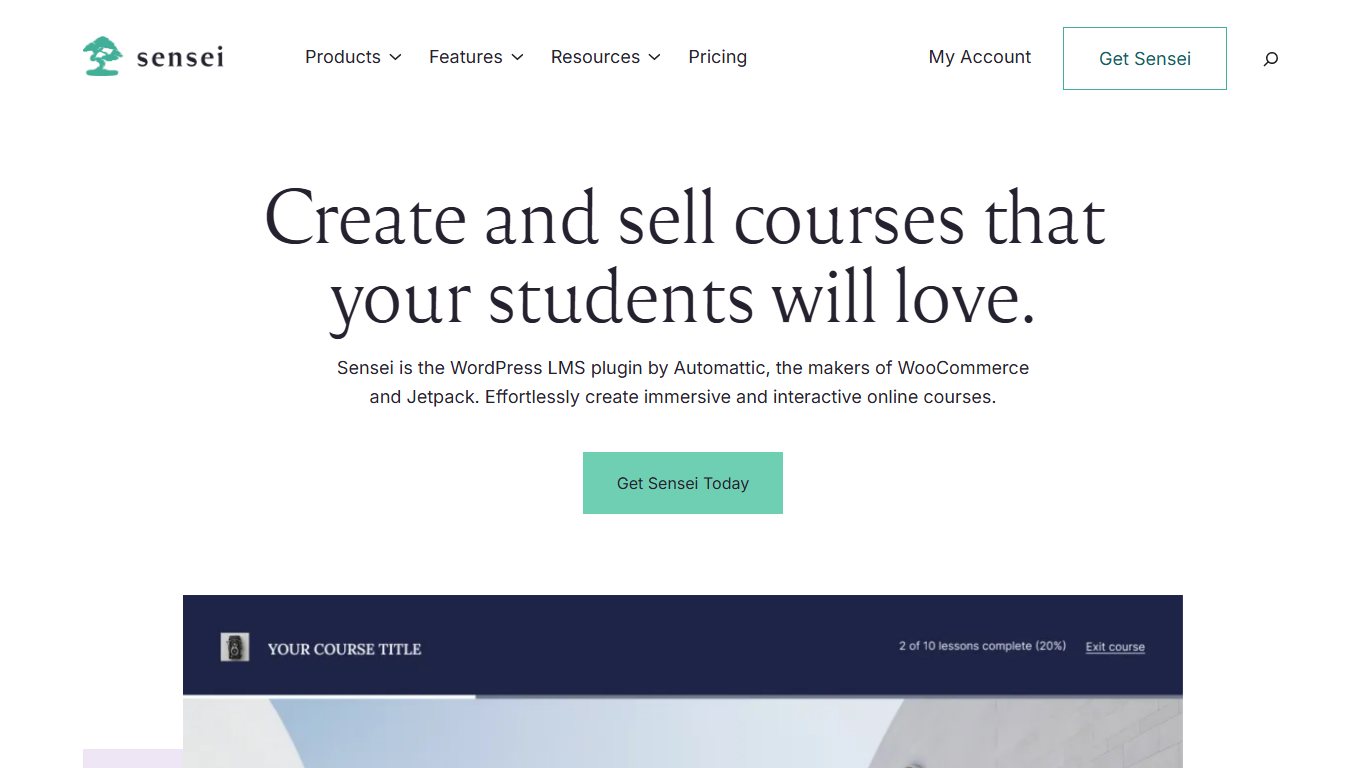
3. Sensei LMS (cheapest paid plugin)
Sensei LMS comes from Automattic, the company behind WordPress.com and WooCommerce. It is built around the Gutenberg block editor. The core is free. Sensei Pro is about $179 a year for one site, and Sensei Agency is $360 a year for up to 20 sites, according to Sensei’s own product page.
- Who it’s for: WooCommerce store owners and anyone who builds pages in the block editor.
- What matches LearnDash: quizzes, drip content, groups and cohorts, and course access periods (most of these need Pro).
- The catch: you need Pro to sell courses through WooCommerce, so you take on WooCommerce’s own updates and extensions too.
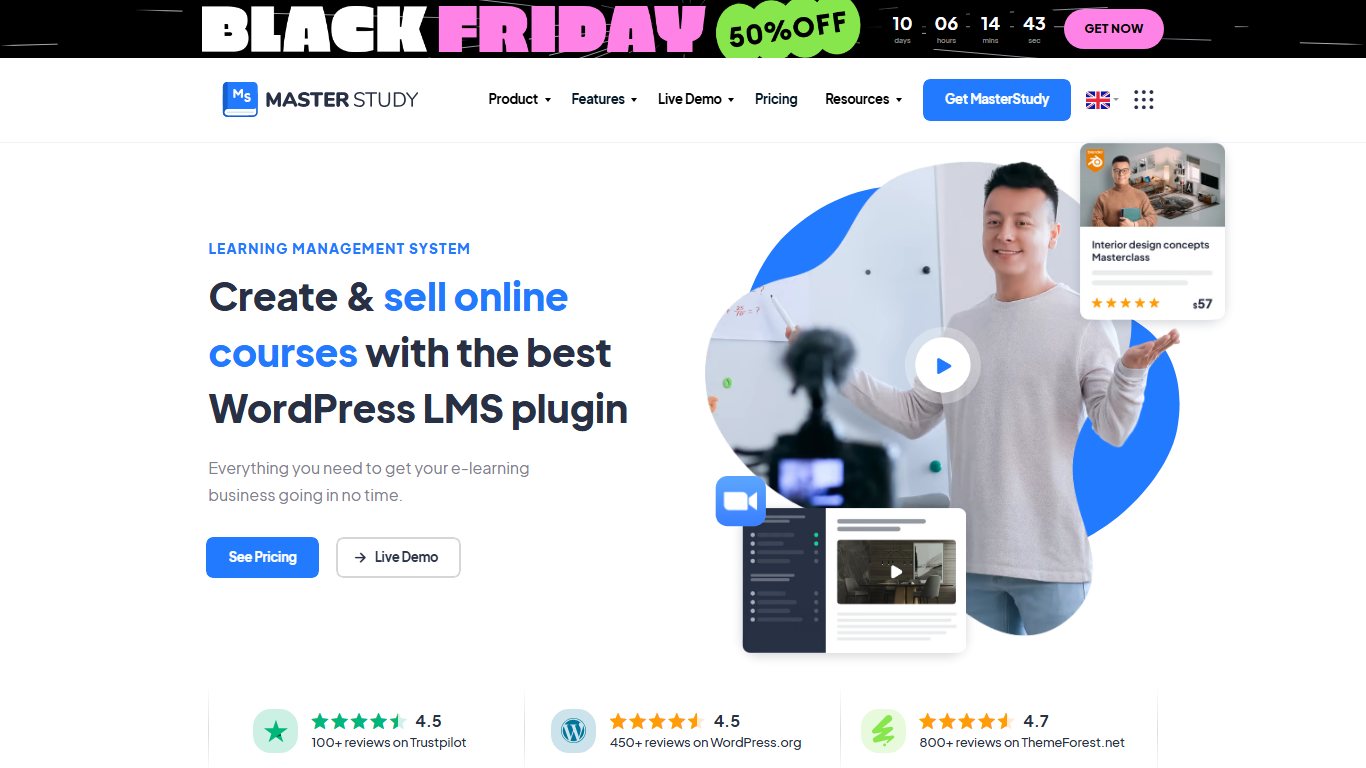
4. MasterStudy LMS (best for an all-in-one education theme)
MasterStudy LMS, from StylemixThemes, pairs a free LMS plugin with a matching education theme and a drag-and-drop course builder. Software directories such as GetApp list the single-site Pro license at about $99 a year, but check the price at checkout because listings vary.
- Who it’s for: new course sites that want a ready-made design rather than a migration from LearnDash.
- The catch: there is no LearnDash migration tool, so moving an existing academy across is a manual job.
5. MemberPress (memberships first, courses second)
MemberPress, made by Caseproof, is a membership plugin with a courses add-on built in. Pick it if your business is a paid membership that happens to include courses. According to Cartmango, it costs:
| Plan | First year | Renewal |
|---|---|---|
| Launch | $199.50 | $399 |
| Growth | $349.50 | $699 |
| Scale | $499.50 | $999 |
- The catch: Launch charges a 4.9% transaction fee and works only with Stripe. Its course tools are simpler than LearnDash’s for quizzes and reporting.
If you need advanced marketing automation inside WordPress, AccessAlly is another premium membership-and-course plugin worth a look. It is priced well above everything in this section.
Hosted alternatives (no WordPress to maintain)
Hosted platforms handle hosting, security, updates and checkout for you. In return, you pay monthly, accept limits on products and students, and give up control of the underlying code. These four are the strongest options in 2026.
6. Teachable (best hosted for beginners)
Teachable is the simplest place to start, but its cheapest plan is expensive once you start selling. According to Cartmango:

- Starter: $29/mo annual ($39 monthly), 7.5% fee per sale, 5 products, 100 active students.
- Builder: $69/mo annual ($89 monthly), 0% fee, 10 products, 1,000 students.
- Growth: $139/mo annual ($189 monthly), 50 products, 5,000 students.
Teachable has no free plan. Paid plans come with a 7-day free trial and a 30-day money-back guarantee, according to Learning Revolution.
Do the fee math
Work out costs at your real sales volume. At $20,000 a year in sales, Teachable Starter’s 7.5% fee comes to $1,500, which is more than the whole $828 annual cost of Builder at 0%.
7. Thinkific (best hosted for structured courses)
Thinkific has a clean course player and solid student tools. Its pricing moved a lot in 2026. Pricing trackers report the Basic plan rose from $49 to $54 a month in August and was then dropped in late October 2026. That leaves Start as the entry plan at about $82 a month billed yearly ($109 monthly), and Grow at about $164 a month yearly ($219 monthly). Thinkific no longer has a permanent free plan; it offers a free trial instead.
- Who it’s for: educators who want a dependable hosted course platform without Kajabi’s price.
- The catch: the entry price is now well above Teachable Builder.
8. Kajabi (best all-in-one for marketers)
Kajabi combines courses, email marketing, funnels, a website, community and a mobile app in one subscription. According to DDIY, Basic is about $143 a month yearly ($179 monthly) with a 5-product cap, Growth about $199 a month yearly ($249 monthly), and Pro about $399 a month yearly ($499 monthly). The cheaper Kickstarter plan has been removed. Kajabi charges no transaction fee on its plans.

- Who it’s for: coaches and creators who would otherwise pay separately for email, funnels and community tools.
- The catch: it’s the most expensive option here by a wide margin, so it only makes sense if you drop other tools.
9. LearnWorlds (best for corporate training and interactive video)
LearnWorlds focuses on interactive video, assessments and white-label training academies. Its entry Starter plan charges $5 per course sale. Pro Trainer is $99 a month ($79 a month on annual billing) with no transaction fees, and Learning Center is $299 a month ($249 annual), adding unlimited instructors and white-labelling, according to Learning Revolution’s 2026 review.
- Who it’s for: training companies, corporate L&D teams and creators who want interactive video without plugins.
- The catch: plans count active learners each month, so check the limit against your enrollment numbers.
If you only want to publish a few classes and let a marketplace handle the audience, our article on Skillshare alternatives covers that route.
Side-by-side: price, fees and features
3-year cost for one site (November 2026 prices)
This table counts year-one and renewal prices. Hosted figures use annual billing. Payment processor fees (Stripe or PayPal) apply on top for every option.
| Platform | Type | Year 1 | Years 2-3 (per year) | 3-year total | Platform fee per sale | Notes |
|---|---|---|---|---|---|---|
| LearnDash (Nexcess bundle) | Plugin | $350 | $350 | $1,050 | 0% | Includes Kadence, Events Calendar, GiveWP |
| Tutor LMS Pro | Plugin | $199 | $199 | $597 | 0% | Assumes same renewal price |
| Sensei Pro | Plugin | $179 | $179 | $537 | 0% | Needs WooCommerce to sell |
| LifterLMS Earth | Plugin | $199 | $398 | $995 | 0% | No groups or assignments |
| LifterLMS Infinity | Plugin | $799 | $1,598 | $3,995 | 0% | Needed for groups |
| MemberPress Launch | Plugin | $199.50 | $399 | $997.50 | 4.9% | Stripe only |
| Teachable Starter | Hosted | $348 | $348 | $1,044 | 7.5% | 100 active students |
| Teachable Builder | Hosted | $828 | $828 | $2,484 | 0% | 1,000 students |
| LearnWorlds Pro Trainer | Hosted | $948 | $948 | $2,844 | 0% | No enrollment fee |
| Thinkific Start | Hosted | About $984 | About $984 | About $2,952 | 0% | Basic plan dropped |
| Kajabi Basic | Hosted | About $1,716 | About $1,716 | About $5,148 | 0% | 5 products |
The WordPress rows leave out hosting, which you need for any plugin. Even after adding a good managed host, Tutor LMS and Sensei usually come in under the LearnDash bundle. LifterLMS Infinity does not.
Pro tip
Always compare renewal prices, not first-year prices. LifterLMS and MemberPress both discount year one by about 50%, so a plugin that looks cheaper than LearnDash at checkout can cost more by year three.
Feature match with LearnDash’s old tiers
The middle column shows which early-2026 LearnDash tier a feature needed. That is a useful way to work out what level of an alternative you need.
| Feature | LearnDash tier (early 2026) | Tutor LMS | LifterLMS | Sensei LMS |
|---|---|---|---|---|
| Quizzes | Essentials | Free | Free | Free |
| Drip content | Essentials | Pro | Free | Pro |
| Prerequisites | Essentials | Pro | Free | Free |
| Certificates | Essentials | Pro | Free | Add-on |
| Groups and cohorts | Pro | Pro add-ons | Infinity bundle | Pro |
| Reporting | Pro (ProPanel) | Pro | Free (basic) | Free (basic) |
| Multiple instructors | Elite | Free | Free | Free (teacher role) |
| Front-end course builder | Elite | Free | No | No |
Hosted platform caps and fees
| Plan | Price (annual / monthly) | Transaction fee | Caps worth knowing |
|---|---|---|---|
| Teachable Starter | $29 / $39 | 7.5% | 5 products, 100 active students |
| Teachable Builder | $69 / $89 | 0% | 10 products, 1,000 students |
| Teachable Growth | $139 / $189 | 0% | 50 products, 5,000 students |
| Thinkific Start | About $82 / $109 | 0% | Entry plan since Basic was dropped |
| Thinkific Grow | About $164 / $219 | 0% | Adds more admin and API features |
| Kajabi Basic | About $143 / $179 | 0% | 5 products |
| Kajabi Growth | About $199 / $249 | 0% | Higher limits than Basic |
| LearnWorlds Pro Trainer | $79 / $99 | 0% | Active learner limits apply |
How to move off LearnDash without losing students
You can move off LearnDash without losing students if you test the whole move on a copy of your site first. For a WordPress-to-WordPress move, the free Tutor LMS Migration Tool does most of the work. A move to a hosted platform is mostly manual: you export students, import them by CSV and rebuild your courses.
Before you start
Take a full backup of files and database, and keep it off the server. Never run a migration tool on your live site first.
Switching to another WordPress plugin
Fix it
- Back up the full site (files plus database) and store a copy off the server.
- Clone the site to staging. Most managed hosts offer one-click staging.
- Export your student list and order history from LearnDash and your payment plugin as CSV.
- On staging, install Tutor LMS, Tutor LMS Pro and the Tutor LMS Migration Tool from WordPress.org.
- Turn on the Tutor Pro add-ons you need (Certificate, Assignments, Subscriptions) before migrating.
- Run the migration from the Tutor tools menu, then spot-check five students’ enrollments and quiz results.
- Rebuild certificate designs and check that drip schedules and prerequisites match the originals.
- Set up 301 redirects from old course and lesson URLs to the new ones.
- Repeat on the live site during a quiet period, then email students with the new login steps.
Pro tip
Activate the Tutor Pro Certificate, Assignments or Subscriptions add-ons before you run the migration tool. If they are off, that data won’t come across.
The plugin’s WordPress.org page lists what the tool handles:
| Data | Migrates? | Requirement |
|---|---|---|
| Courses and lessons | Yes | Tutor LMS installed |
| Quizzes | Yes | Check question types on staging |
| Students and enrollments | Yes | Full backup first |
| Instructors | Yes | Review roles after migration |
| Sales data | Yes | Payment setup re-done in Tutor |
| Reviews | Yes | None |
| Assignments, certificates, subscriptions | Partly | Matching Tutor Pro add-on active |
Will my students’ progress transfer if I move from LearnDash? Enrollments and course content come across. Treat lesson-by-lesson completion and old quiz attempts as something to check rather than assume. Log in on staging as a few real students, compare their progress with the live LearnDash site, and only switch over once the numbers match.
Switching to a hosted platform
Teachable, Thinkific, Kajabi and LearnWorlds offer ways to import or migrate course content and, in some cases, users or other data, but that is not the same as importing a LearnDash database directly, and student progress may not come across. The usual process:
- Export students as CSV (name, email, courses owned).
- Rebuild each course and re-upload video, PDFs and quizzes.
- Bulk-import students and enroll them in the matching courses.
- Recreate coupons, bundles and drip schedules.
- Send a welcome email with the new login link.
What usually doesn’t transfer cleanly
- Active subscriptions. Recurring Stripe or PayPal payments tied to LearnDash, WooCommerce or MemberPress don’t move to a new checkout. Either keep the old system running until those subscriptions end, or ask members to sign up again, ideally with a loyalty discount.
- Certificate templates. Expect to redesign them in the new builder.
- Third-party add-ons. Gamification, advanced quiz and BuddyBoss community data are each a separate job.
- Custom code and shortcodes. Anything written for LearnDash hooks has to be rewritten.
Mistakes to avoid
Most bad LMS switches come down to four mistakes:
- Buying on first-year prices. LifterLMS and MemberPress renewals are about double. Use the 3-year table above.
- Ignoring student caps. Teachable Starter’s 100 active students fills up quickly after one good launch, and upgrading in the middle of a launch is stressful.
- Buying “GPL” or nulled Pro plugins. Resale sites sell copies of Tutor Pro, LifterLMS add-ons and LearnDash itself for $2 to $15. You get no official updates, no support and a real risk of malware or backdoors, which matters on a site that stores student emails and takes payments. Buy only from the vendor.
- Forgetting subscriptions tied to the old LMS. Turning off LearnDash or WooCommerce before recurring payments are sorted out can stop renewals or leave students locked out of courses they paid for.
FAQ
What is the best alternative to LearnDash?
Tutor LMS Pro is the best alternative for most LearnDash users. It costs $199 a year for one site, has a free core plugin and comes with a free migration tool for LearnDash. If you want a hosted platform, Teachable Builder is the easiest place to start.
Is there a free alternative to LearnDash?
Yes. LifterLMS, Tutor LMS, Sensei LMS and MasterStudy LMS all have free core plugins on WordPress.org. LifterLMS’s free version is the most complete, with drip, prerequisites and certificates included. You’ll still pay for hosting and possibly payment add-ons.
How much does LearnDash cost in 2026?
As of November 2026, LearnDash is sold only in the Nexcess plugin bundle: $350 a year for one site, $599 for 10, $799 for 25, $899 for 50 and $999 for 100. The bundle also includes Kadence, The Events Calendar and GiveWP.
Is Tutor LMS better than LearnDash?
Tutor LMS is better value and makes multi-instructor setups easier. LearnDash has a larger add-on ecosystem and a longer record with large academies. If your costs matter more than niche add-ons, Tutor wins.
LearnDash vs LifterLMS: which is cheaper?
It depends on the bundle. LearnDash’s 1-site plugin plan is $199 a year, or $597 over three years; check LifterLMS Earth’s current pricing and billing terms at checkout before comparing the two. LifterLMS Infinity, which includes the Groups feature, is listed at $1,499.50 a year, well above LearnDash’s single-site plan.
Can I migrate from LearnDash to Tutor LMS without losing student progress?
Usually, yes. The Tutor LMS Migration Tool moves courses, lessons, quizzes, students, instructors, sales data and reviews. Run it on a staging copy first and check several students’ progress before you touch the live site.
Should I use a WordPress LMS or a hosted platform like Teachable or Thinkific?
Use WordPress if you want ownership, customisation and no per-sale cut, and you can handle updates. Go hosted if maintenance and plugin conflicts are draining your time and you’re happy to pay a monthly fee for stability.
Does LearnDash have a monthly plan or a lifetime license?
No. LearnDash is annual only, with no monthly billing, no free plan and no lifetime license.
Which LearnDash alternative has no transaction fees?
Tutor LMS, LifterLMS and Sensei take no platform fee. Among hosted platforms, Teachable Builder and higher, Thinkific’s paid plans, Kajabi and LearnWorlds Pro Trainer and higher charge 0%. Stripe or PayPal processing fees still apply everywhere.
Is LearnDash still worth it?
Yes, if you use at least one of the bundled products (Kadence, The Events Calendar or GiveWP) or need ProPanel-level reporting on a single site. If you only use the LMS, Tutor LMS Pro does the same job for $151 less each year.
The bottom line
Start with your feature list, then do the 3-year math. If your current LearnDash setup works and the bundle covers what you use, renewing is the low-risk choice. If you’d be paying for three plugins you’ll never open, set up a staging copy, run the Tutor LMS migration there, and go live only once a handful of real student accounts look the same on both sites.













