
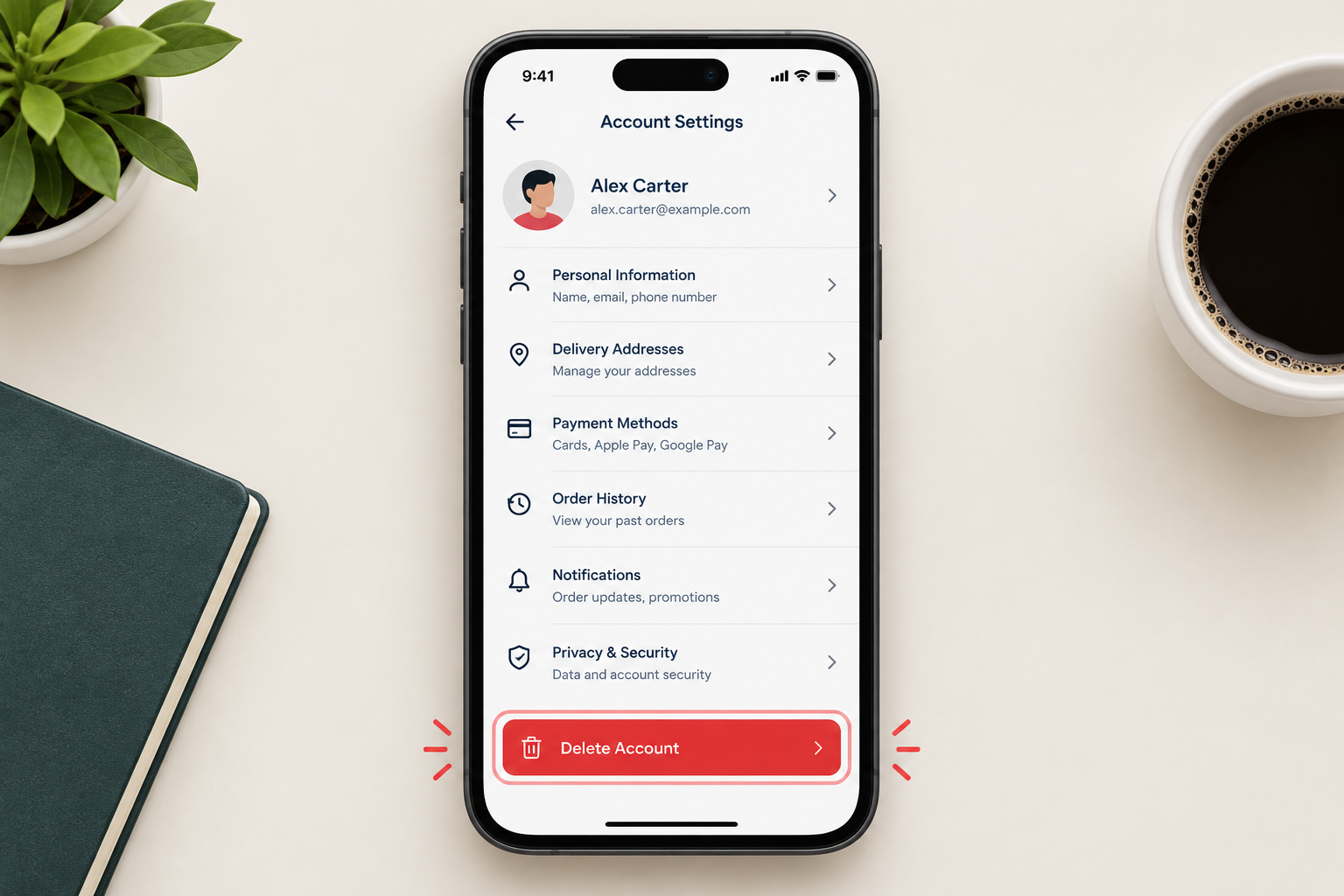
To delete a DoorDash customer account, sign in at doordash.com or open the DoorDash app, go to Account, then Manage Account, and choose Delete Account. DoorDash sends a verification code to confirm it is you, and once you enter it the account and its customer data are deleted. Cancel any DashPass membership and wait for pending orders to arrive first, because DoorDash cannot delete your data while a delivery is still pending. Dasher (driver) accounts work differently: those go through DoorDash Support.
Some accounts are no longer worth keeping because you have stopped using them. In that case, it makes sense to deactivate or delete them.
Deleting an account can be a hassle, because some platforms make you disable it temporarily before you can delete it for good. DoorDash does not do this. You can delete a customer account yourself in a few minutes.
How to delete your DoorDash account
DoorDash is a food delivery app with a lot of users. You might have several delivery apps and want to get rid of some of them, or you might have decided to cook at home more. Whatever the reason, you can delete your DoorDash account yourself, without having to call anyone.
Why delete a DoorDash account you no longer use
An account you rarely use is easier for hackers to target. You are less likely to notice a strange login or order, and old saved cards and addresses stay on file.
DoorDash holds a lot of personal information: your name, phone number, delivery addresses, order history and payment details. That gives you good reasons to delete an account you have stopped using:
- If your account is deleted, your saved details are much less likely to be caught up in a future data breach. DoorDash has had security incidents before, including a 2019 breach that exposed data for about 4.9 million customers, Dashers and merchants.
- A deleted account cannot be taken over and used to place orders on your saved card.
- Deleting removes your customer data from DoorDash’s active systems. DoorDash’s privacy policy says it may keep some information where the law allows it, for example for legal or tax reasons.
If you are sure you will not order again, deleting the account is the cleaner choice. Keeping your information private is up to you. Nobody will tidy up old accounts for you.
Before you delete: three things to check
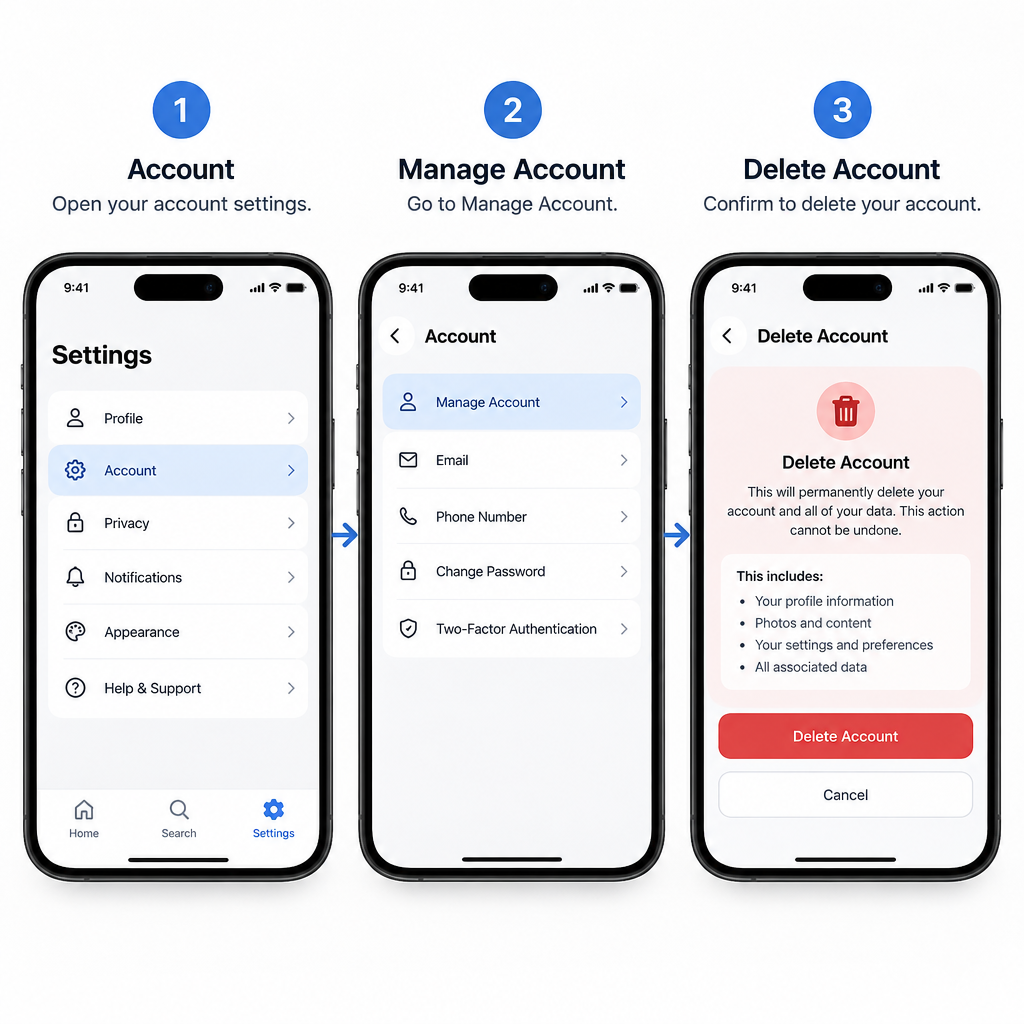
A few minutes of preparation saves problems later.
- Cancel DashPass. Deleting your account does not automatically cancel a DashPass subscription. In the app or on doordash.com, tap your account icon, go to Manage DashPass and choose Cancel Membership, then pick a reason and confirm. Do this at least 24 hours before your next billing date. If you pay for DashPass through Apple, Google Play or a partner such as a credit card perk, cancel it there instead.
- Wait for pending orders. DoorDash’s help center says it cannot delete your personal information while you have pending deliveries.
- Use up credits and gift cards. Any DoorDash credits or gift card balance on the account are lost when it is deleted.
How to delete your DoorDash account on the website or in the app
There is more than one way to close a DoorDash account. You can delete it yourself in your account settings, or ask DoorDash Support for help with problems such as billing or a Dasher account. The steps below show the self-service route, which is the quickest.
- Go to doordash.com in a browser, or open the DoorDash app.
- Sign in with the email or phone number and password for your account.
- On the website, click the Menu icon (three lines) in the top left corner. In the app, tap the Account tab.
- Select Account, if you are on the website.
- Select Manage Account.
- If you want a copy of your data, click Request Archive under Account Data before going further. DoorDash emails you when the file is ready to download.
- Select Delete Account.
- DoorDash sends a verification code by text to the phone number on the account. This 2-step verification is required.
- Enter the code and select Verify.
- Select Continue.
- Select Delete Account again to confirm.
- Your account is now deleted.
That is the official way to delete your DoorDash account yourself. If you cannot find Delete Account in the app, use the website in a browser, where the option has been available for years. Signing out or uninstalling the app does not delete anything.
Deleting a Dasher account
Dasher accounts follow different rules. DoorDash’s help center tells Dashers to contact DoorDash Support and ask for the account to be deactivated, and to include the email or phone number linked to it. Remove any scheduled shifts first. Uninstalling the Dasher app only stops notifications. To have your personal data deleted as well, make a separate request. DoorDash says Dasher data is removed in line with employment record laws, so some of it may be kept for longer.
FAQ
Can I delete my DoorDash account in the app?
DoorDash’s help center describes the route as Account, then Manage Account, then Delete Account, and this works in the app as well as on doordash.com. If the option does not show in your version of the app, sign in at doordash.com in a phone or computer browser and follow the same path.
Does deleting my DoorDash account cancel DashPass?
No. Cancel DashPass on its own first, under your account icon, then Manage DashPass, then Cancel Membership. If you signed up through Apple, Google Play or a partner perk, cancel through that company, or you may keep getting charged.
Can I get my DoorDash account back after deleting it?
No. Deletion is permanent, and your order history, saved addresses, credits and gift card balance are removed. If you want to use DoorDash again later, you need to create a new account.
Why can’t I delete my DoorDash account?
The most common reason is a pending order, because DoorDash will not delete your data while a delivery is still open. A verification code that never arrives usually means the phone number on the account is out of date. In that case, contact DoorDash Support through the help center.
Can I download my DoorDash data before deleting?
Yes. Go to Manage Account and select Request Archive under Account Data. DoorDash emails you a download link when the file is ready, and you should wait for it before you delete the account.
How do I quit as a Dasher?
Remove your scheduled shifts, then contact DoorDash Support and ask them to deactivate your Dasher account. Requesting deactivation through Support also lets DoorDash reactivate the account quickly if you decide to dash again.
Sources
- DoorDash Help: I want to download or delete my personal information from DoorDash
- DoorDash Help: How do I cancel my DashPass subscription?
- DoorDash Help: How to deactivate my Dasher account
- DoorDash Help: I want to download or delete my personal information (Dashers)
- DoorDash Consumer Privacy













