
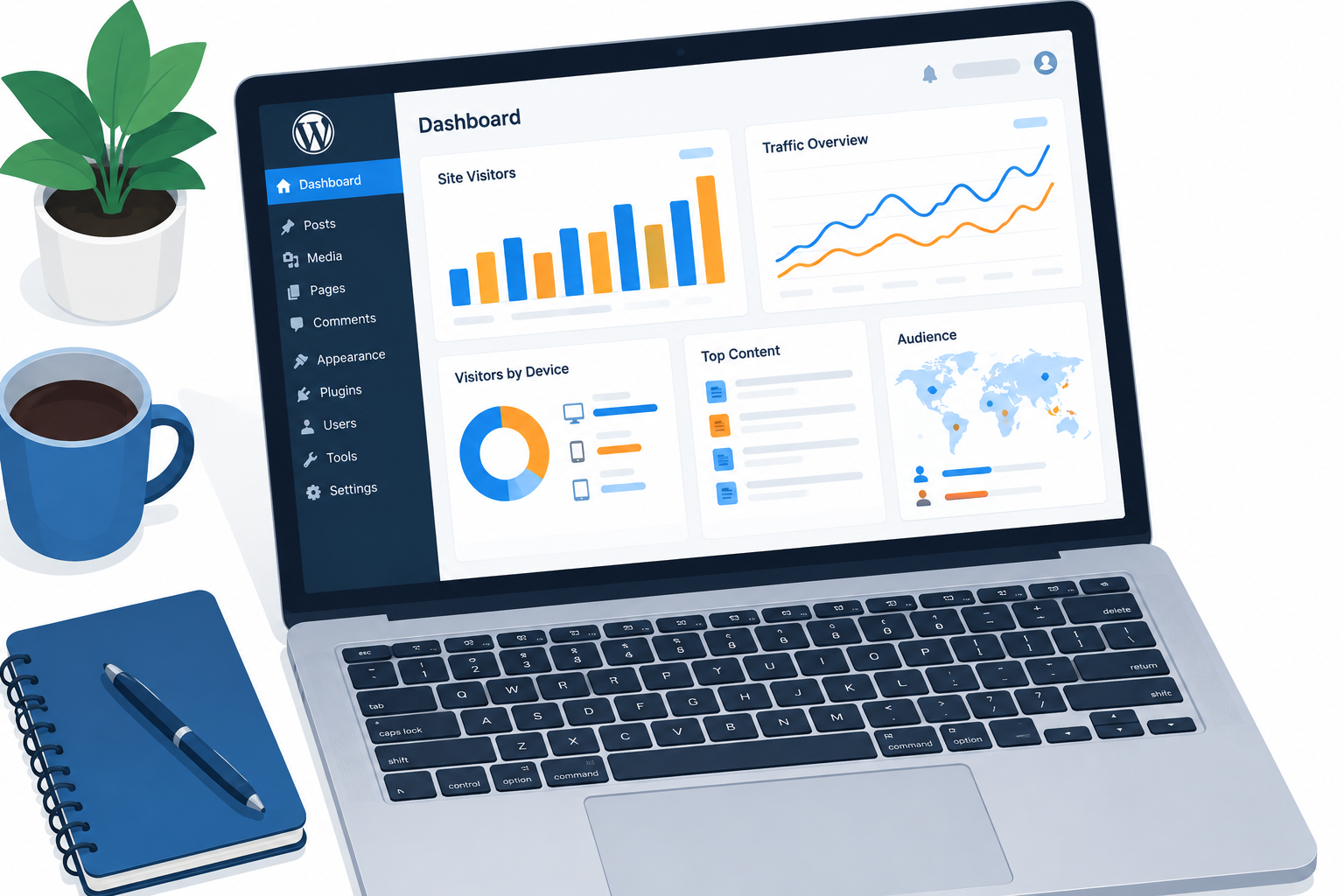
You need analytics on a WordPress site because it shows where your visitors come from, what they read, and where they give up. With that information you can fix the pages that lose people. The free Matomo Analytics plugin from the WordPress.org directory gives you a stats dashboard inside WordPress and keeps the data in your own database. If you would rather use Google Analytics 4, Google’s free Site Kit plugin connects it to your dashboard instead.
A WordPress analytics tool gives you a real advantage, and many site owners never set one up. For a lot of businesses the website brings in most of the income and sales. For a blog, it is usually where a reader first decides whether to come back. Without numbers, you are guessing about what works.
Why analytics matters for a WordPress site
Analytics tools measure the visitors and traffic on your site so you can see what is happening rather than guess. Matomo Analytics is the privacy-friendly alternative to Google Analytics. Both run on WordPress through free plugins in the WordPress.org directory.
The data shows you what needs to change. Without it, you have a hard time telling what is working, catching problems before they grow, and knowing whether the site is heading where you want it to go.
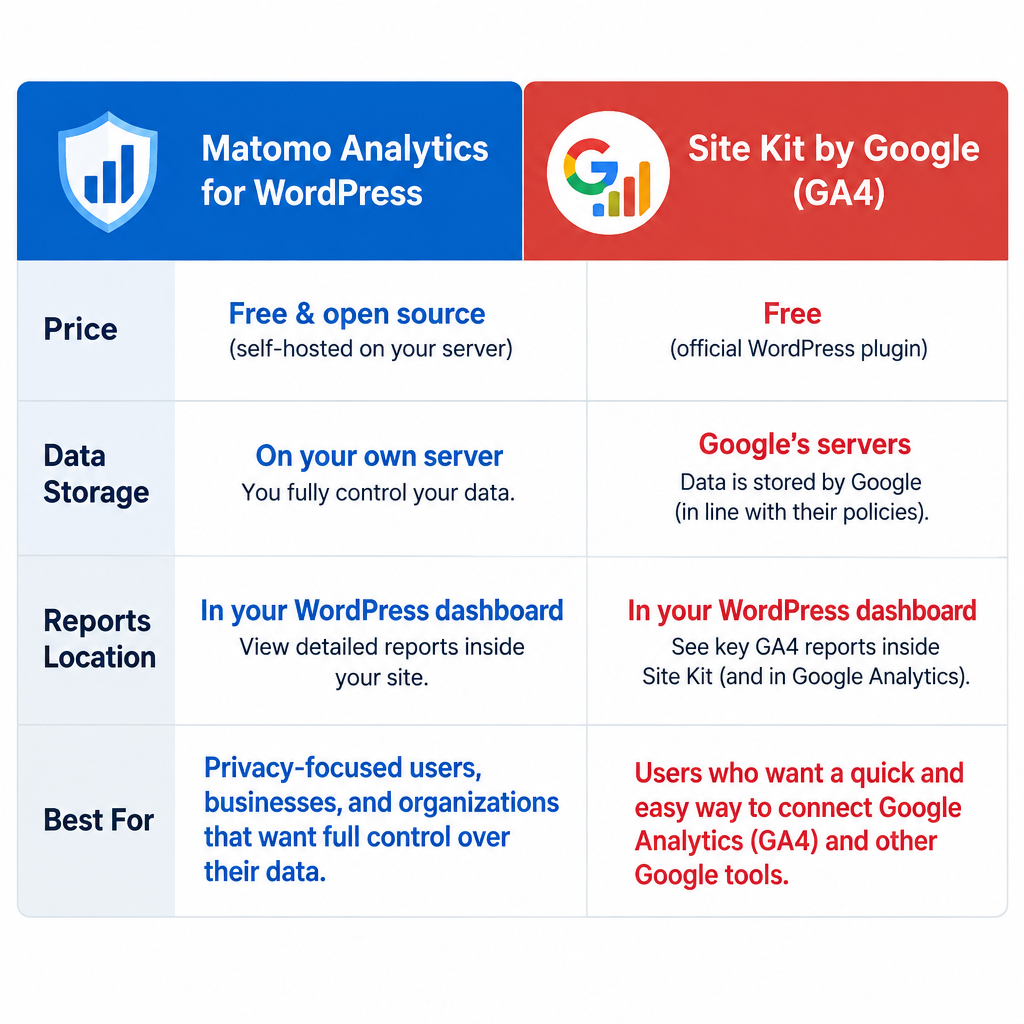
The two main options compare like this:
| Matomo Analytics for WordPress | Site Kit by Google (Google Analytics 4) | |
|---|---|---|
| Price | Free, with optional paid add-ons | Free and open source |
| Where data is stored | Your own WordPress database | Google’s servers |
| Reports shown | Inside the WordPress dashboard | Summary in WordPress, full reports in Google Analytics |
| Other services | Can import past data from Google Analytics or WP Statistics | Also connects Search Console, AdSense and PageSpeed Insights |
| Best for | Owners who want to own their data | Owners already using Google tools |
How a WordPress analytics plugin helps your website
An analytics plugin shows you how to get more sales, followers and subscribers. In analytics these are called conversions.
When you understand how visitors behave, how your content performs and what slows your site down, you can reach more of your goals, like growing your audience or selling more.
Find out where your traffic comes from
Acquisition reports show which channels bring you visitors: search engines, social media, and other websites that link to you. That tells you where to spend your time or money to bring in more of the right visitors.
For example, your acquisition channels might show that Reddit sends you a lot of traffic. Since that channel works for you, you could spend more time posting on Reddit to grow it.
More traffic is only half the job, though. You also want visitors to stay long enough to get interested in what you offer, whether that is a product or great content.
Increase engagement by learning how visitors behave
Once a steady stream of people is visiting your site, start collecting data on what they do there. WordPress analytics shows you what interests visitors and what doesn’t, so you can improve engagement.
Raising engagement helps you in several ways:
- You learn to speak your readers’ language.
- You can share what you learn and use it to make changes.
- You build loyal customers and supporters for your business.
Engaged visitors come to trust you. Over time, that trust makes it easier to show them that your product, service or blog is worth a place in their lives.

For example, look at your entry and exit pages. Entry pages show which first impressions keep people on the site. Exit pages show where they leave. Then put your effort into the pages that are losing visitors, so more people stay longer.
Better content and engagement lead to more conversions
An online store and a freelance blog both depend on conversions. A conversion is any action you want visitors to take, like signing up for your newsletter or adding a product to the cart.
Conversion tools show how well your site guides visitors toward that action, step by step.
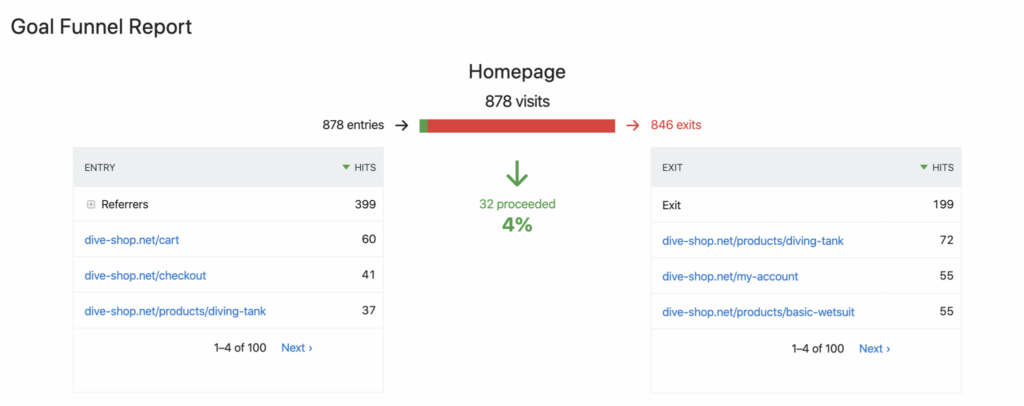
For example, say you built a newsletter sign-up page but are getting fewer sign-ups than you hoped. An analytics tool lets you dig deeper:
- Use a funnels report to see how visitors reach the page. If people can’t find it, that alone could explain the low numbers.
- If plenty of people land on the page but don’t sign up, set up a heatmap or scroll tracking to see how far down they get. Many may never reach the sign-up form.
- Move the form, shorten the page or change the wording, then check the reports again to see if sign-ups go up.
In Matomo for WordPress, funnels and heatmaps are paid add-ons and not part of the free plugin. The free plugin still covers traffic, entry and exit pages, and goal tracking, which is enough for most small sites to start with.
How the Matomo Analytics for WordPress plugin helps
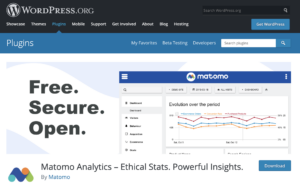
Matomo Analytics for WordPress is a free plugin that adds a Matomo Analytics menu to your WordPress dashboard. You see your reports there without logging in to a separate service. It suits everyone from beginners to experienced analysts.
All tracking data stays in your own WordPress database, so you fully own it. If you are switching from another tool, you can import your past data from Google Analytics or WP Statistics.
The free plugin covers the basics described above: visits, traffic sources, bounce rates, entry and exit pages, and goals. If you need more, Matomo sells premium add-ons, including heatmaps and session recordings, form analytics, media analytics, funnels, SEO keyword rankings, custom reports and cohorts. Matomo says a few premium features, such as A/B Testing, White Label and Roll-Up Reporting, don’t work with the WordPress version.
To install it, go to Plugins > Add New Plugin in your WordPress dashboard, search for “Matomo Analytics”, then click Install Now and Activate. Tracking can then be turned on from the plugin’s settings.
If you already use Matomo On-Premise or Matomo Cloud, don’t install this plugin. Matomo directs those users to the separate Connect Matomo plugin, which links WordPress to the Matomo installation they already have. If you are still choosing a platform for a new site, a WordPress VS. Blogger comparison is worth reading first, because Blogger doesn’t support WordPress plugins at all.
Data on visits, traffic sources, bounce rates and other metrics gives you a fresh view of how to make your site do the job you built it for. It also means you can make decisions based on evidence. With that information, you can keep up with your competitors or pull ahead of them.
FAQ
Is Matomo for WordPress really free?
Yes. The core plugin is free from the WordPress.org directory and includes the main traffic and visitor reports. Heatmaps, session recordings, funnels, form analytics and some other advanced features are paid add-ons, and Matomo offers a 30-day free trial of its premium bundle.
Should I use Matomo or Google Analytics 4?
Choose Matomo if you want your data stored in your own WordPress database and your reports inside the dashboard. Choose Google Analytics 4 through Site Kit by Google if you already use Search Console or AdSense and want them all in one place. Both are free for the core features.
Does an analytics plugin slow down my WordPress site?
Any tracking script adds a small amount of load. Matomo for WordPress also stores data in your own database, so very busy sites on cheap shared hosting may notice it. For heavy traffic, Matomo Cloud or a self-hosted Matomo server, connected through the Connect Matomo plugin, takes the load off your WordPress host.
Can I move my old Google Analytics data into Matomo?
Yes. Matomo for WordPress can import past data from Google Analytics and from WP Statistics, so you don’t lose your history when you switch tools.
Do I need a cookie consent banner for analytics?
That depends on the tool, how it is set up, and where your visitors live. Privacy laws such as the EU’s GDPR can require consent for tracking cookies. Matomo can be set up to track without cookies, which helps in some regions, but check the rules that apply to your audience before you rely on that.
How long until analytics data is useful?
You start seeing visits as soon as tracking is active. For decisions like which channel to invest in or which page to rewrite, wait until you have a few weeks of data so one unusual day doesn’t mislead you.
Sources
- Matomo Analytics plugin on WordPress.org
- Matomo FAQ: Do Matomo premium features work with Matomo for WordPress
- Matomo Premium Bundle for WordPress
- Site Kit by Google on WordPress.org













