The attackers who copied LastPass’s encrypted vault backups in 2022 still have those files, and they can keep trying to crack them offline. For most people in November 2026, the best LastPass alternative is Bitwarden (free, or $19.80 a year for Premium). If you want the most polished app, pick 1Password at $47.88 a year. If your family lives on iPhones and Macs, the free Apple Passwords app is enough.
Key takeaways
- LastPass’s 2022 breach led to a £1.2m UK fine and a $24.45M US settlement, and claims closed on July 2, 2026.
- Prices changed in 2026. Bitwarden nearly doubled, 1Password rose about 33% and Dashlane has had no free plan since September 2025.
- LastPass’s CSV export leaves out attachments, vault-generated 2FA codes and custom fields, so save those before you cancel.
- After you switch, change passwords in this order: email, then money, then crypto, then everything else.
- A 2026 ETH Zurich study found weaknesses in all four cloud password managers it examined (Bitwarden, LastPass, Dashlane and 1Password), so a strong master password and 2FA matter wherever you go.
Fact-checked
We checked these key facts against the sources named, on November 19, 2026:
- If you’ll be doing the support calls and want the easiest apps, choose 1Password Families ($71.88/yr) (source: costbench.com)
- Some long-standing LastPass accounts were still set to 5,000 iterations or fewer, far below the 600,000 LastPass now uses by default (source: blog.lastpass.com)
Quick answer: the best LastPass alternatives in November 2026
The right pick depends on who you’re setting it up for. The picks below weigh four things in this order: security track record, price after the 2026 increases, how easily non-technical family members can use it, and how cleanly it imports from LastPass.
- Best overall: 1Password ($47.88/yr, $71.88/yr for families). It’s the easiest to use, it imports directly from LastPass and it was among the strongest in the 2026 ETH Zurich study.
- Best free: Bitwarden ($0, or $19.80/yr Premium). The free plan covers unlimited passwords on unlimited devices, and the code is open source.
- Best for Apple-only families: Apple Passwords (free). It’s built into iPhone, iPad and Mac, with shared groups for family members.
- Best for mixed Android/Windows households: Bitwarden Families ($47.88/yr, up to 6 users). It works the same way on every platform, which helps when you’re the one fixing everyone’s phones.
- Best open source: Bitwarden, or KeePassXC (free) if you want no cloud at all.
- Best offline: KeePassXC (free). Your vault is a single encrypted file on your own computer.
Should you leave LastPass? What actually happened
You don’t have to leave in a panic. Moving makes sense if you’ve had a LastPass account since before 2023, because those older vault copies are permanently in criminal hands. LastPass has improved its security since then. Your old passwords and secure notes have not changed, and they are what the stolen copies contain.
| Year | What happened | What it means for you |
|---|---|---|
| 2011 | LastPass reported unusual network activity and asked users to change master passwords | An early warning sign, with little lasting impact |
| 2015 | Attackers took account emails, password reminders and hashed master passwords | Weak master passwords from that era are worth retiring |
| 2022 | Attackers broke into a developer environment, then copied encrypted vault backups from third-party cloud storage | Anything in your vault at that time can be attacked offline indefinitely |
| 2023 onward | Researchers and victims linked a wave of crypto wallet thefts to cracked vaults | Seed phrases stored in LastPass notes are the highest-risk item |
| Nov 2025 | UK Information Commissioner’s Office fined LastPass £1.2 million | A regulator found LastPass lacked appropriate security measures |
| 2025-2026 | LastPass agreed to pay up to $24.45M to settle the US class action, and claims closed July 2, 2026 | You can no longer file a claim |
| Feb 2026 | ETH Zurich and USI researchers published 7 attacks on LastPass (12 on Bitwarden, 6 on Dashlane) | No cloud manager is perfect, and setup choices matter |
The 2022 breach in plain English
Attackers copied backup copies of customer vaults. Your passwords and notes inside those backups were encrypted with AES-256, using a key derived from your master password. Website addresses were stored unencrypted, so the attackers can see which banks, exchanges and email providers you use.
Because the thieves hold the files, they can guess master passwords offline for as long as they like. A long, unique master password makes that guessing impractically slow. A short or reused one, or an old account set to a low PBKDF2 iteration count, makes it much faster. Some long-standing LastPass accounts were still set to 5,000 iterations or fewer, far below the 600,000 LastPass now uses by default.
Here’s an example. Say you joined in 2014 with a 10-character master password you also used elsewhere. Treat every password in that vault as exposed. Say instead you joined in 2024. Your exposure from the 2022 theft of encrypted vault backups is much lower.
Crypto thefts, the UK fine and the US settlement
One widely reported harm has been cryptocurrency theft. Reported estimates of crypto stolen from cracked vaults range from about $35 million to more than $250 million, depending on who is counting. LastPass says it has seen “no definitive proof” linking those thefts to its breach.
Regulators and courts acted anyway. The UK Information Commissioner’s Office fined LastPass £1.2 million under UK GDPR for failing to put appropriate technical and organisational measures in place. In the US, LastPass agreed to pay up to $24.45 million without admitting wrongdoing.
Did you know?
According to PCWorld’s coverage of the settlement, $16.25 million of the $24.45 million LastPass deal was set aside in a separate fund just for people who could document cryptocurrency stolen after the breach.
The claims deadline was July 2, 2026, and the claims administrator lists the settlement as closed. If you missed it, nothing is left to file.
If you stay: 3 things to do today
Staying is reasonable if you joined after 2022, or if you’ve already changed every important password since. If you stay, do these three things:
- Change your master password to a passphrase of at least four or five random words that you’ve never used anywhere else.
- Check your iteration count in the LastPass web vault under Account Settings > Advanced Settings > Password Iterations, and make sure it shows at least 600,000.
- Turn on multifactor authentication for the LastPass account with an authenticator app, and move any crypto seed phrases out of secure notes.
What the 2026 ETH Zurich study means for every password manager
Switching away from LastPass doesn’t give you perfect security. In February 2026, researchers from ETH Zurich and Università della Svizzera italiana (USI) published “Zero Knowledge (About) Encryption: A Comparative Security Analysis of Three Cloud-based Password Managers”. The authors are Matteo Scarlata, Giovanni Torrisi, Matilda Backendal and Kenneth G. Paterson, and the paper is set for USENIX Security 2026. Its full version, revised in August 2026, counts these attacks:
| Password manager | Attacks found | Notes |
|---|---|---|
| Bitwarden | 12 | Bitwarden said seven issues were resolved or being fixed |
| LastPass | 7 | Included weaknesses around key handling |
| Dashlane | 6 | |
| 1Password | 6 | Added in the paper’s full version; the same count as Dashlane |
Every attack assumes a malicious or compromised server. That means the company’s own servers are hijacked, or the company itself turns hostile, and then works to read your vault. Some attacks quietly lowered the PBKDF2 iteration count. Others swapped keys during account recovery. Your vault doesn’t open just because someone hacked a website you use.
Did you know?
In the ETH Zurich and USI study, researchers found more attacks against Bitwarden (12) than against LastPass (7), and Bitwarden said seven issues were already fixed or being fixed.
Should that change your choice? Not much. Lead researcher Matilda Backendal still recommends using a password manager and says people shouldn’t be afraid of cloud-based ones. The bigger number for Bitwarden mostly reflects how many features the team examined and how quickly Bitwarden responded. It doesn’t reflect real-world breaches. The thing that separates LastPass is that its vault backups were actually stolen.
The best LastPass alternatives, compared
All prices below are US list prices for annual billing, checked November 19, 2026. Many vendors discount the first year, especially around Black Friday, and then renew at these rates.
| Password manager | Free plan? | Individual price/yr | Family price/yr | Platforms | Direct LastPass import? | Best for |
|---|---|---|---|---|---|---|
| Bitwarden | Yes, unlimited | $19.80 | $47.88 (6 users) | Windows, Mac, Linux, iOS, Android, all major browsers | Yes | Free and value |
| 1Password | No (trial only) | $47.88 | $71.88 | Windows, Mac, Linux, iOS, Android, browsers | Yes | Polish, families |
| Proton Pass | Yes | About $35.88 (Pass Plus) | Family plan offered | Windows, Mac, Linux, iOS, Android, browsers | CSV import | Privacy |
| Dashlane | No (14-day trial) | $59.88 | $89.88 (10 users) | Browser extension, iOS, Android | CSV import | Extras like a VPN |
| Keeper | Limited | About $48 | About $102 | Windows, Mac, Linux, iOS, Android, browsers | Built-in importer | Security-first users |
| NordPass | Yes, limited | $35.88 renewal | $71.88 renewal | Windows, Mac, Linux, iOS, Android, browsers | CSV import | Simple apps |
| RoboForm | Yes, one device | $29.88 renewal | $47.75 (5 users) | Windows, Mac, iOS, Android, browsers | CSV import | Cheap paid plan |
| Enpass | Yes, 25 items | About $24 | About $36-48 | Windows, Mac, Linux, iOS, Android | CSV import | Your own cloud storage |
| KeePassXC | Free, open source | $0 | $0 | Windows, Mac, Linux | CSV import | Fully offline |
| LastPass (for reference) | One device type | About $36 | About $48 | All major | n/a | Staying put |
| Service | Old price | New price | Effective date | Source |
|---|---|---|---|---|
| Bitwarden Premium | $10/yr | $19.80/yr | January 2026 | Bitwarden announcement, Jan 21, 2026 |
| Bitwarden Families | $40/yr | $47.88/yr | January 2026 | Bitwarden announcement |
| 1Password Individual | $35.88/yr | $47.88/yr | Renewals from March 27, 2026 | 1Password, reported by 9to5Mac |
| 1Password Families | $59.88/yr | $71.88/yr | Renewals from March 27, 2026 | 1Password, reported by MacRumors |
| Dashlane Free | Free plan | 14-day trial only | September 2025 | Dashlane |
| Enpass Lifetime | One-time purchase | Discontinued | 2026 | Enpass pricing page changes |
So if a 2023 or 2024 guide told you “Bitwarden is $10 a year”, that’s no longer true. Even at nearly double the old price, though, Bitwarden Premium is still about half of LastPass Premium.
Bitwarden: best free and best value
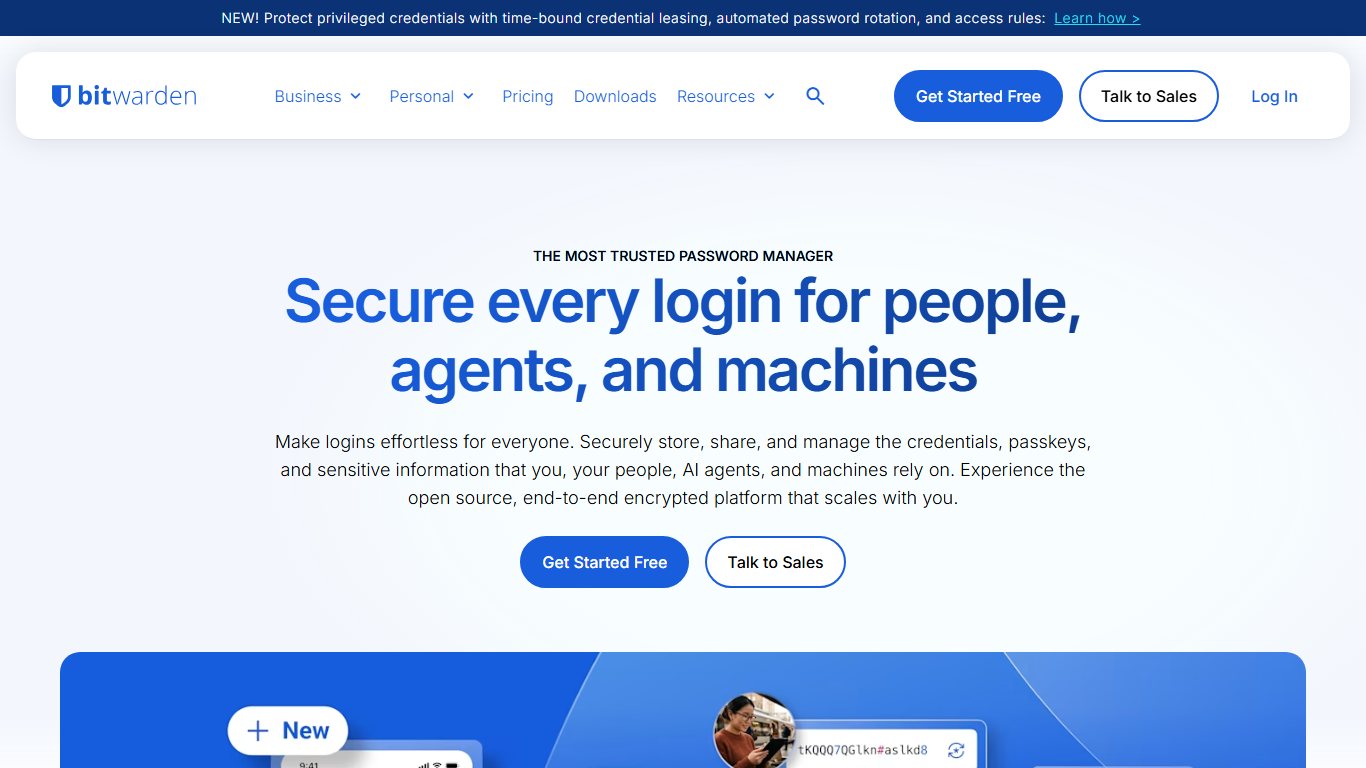
Bitwarden is the default recommendation for most people leaving LastPass. The free plan gives you unlimited passwords on unlimited devices, which LastPass Free stopped doing years ago. Premium ($19.80/yr, or $1.65 a month) adds a built-in TOTP authenticator, file attachments, security reports and emergency access.
- Who it suits: families on a mix of Android, iPhone and Windows, and anyone who wants open-source code.
- The catch: the apps are less polished than 1Password, and the 2026 study found the most attacks against it, most of them since patched or being patched.
- LastPass import: direct import, so the unencrypted CSV never has to touch your disk.
1Password: most polished, among the strongest in the 2026 study
1Password costs more, and its apps are the most refined. The 2026 increase was the company’s first in many years. Its Secret Key design, which adds a device-held key on top of your password, helps explain why it had fewer attacks than LastPass or Bitwarden in the ETH Zurich study.
- Who it suits: families who want the lowest support burden, and people who keep sensitive documents in their vault.
- The catch: there’s no free plan, and at $71.88 a year the family plan costs 50% more than Bitwarden Families.
- LastPass import: a direct importer signs in to LastPass and pulls your vault, including folders.
Proton Pass: privacy-first, generous free plan
Proton Pass comes from Proton AG, the Swiss company behind Proton Mail. Its free plan includes unlimited passwords on unlimited devices, plus a limited number of hide-my-email aliases. Pass Plus costs about $2.99 a month billed annually. It adds unlimited aliases, a built-in 2FA authenticator and more vaults.
- Who it suits: people who already use Proton Mail or Proton VPN, and privacy-minded users.
- The catch: family sharing is less mature than in 1Password or Bitwarden.
Dashlane: no free plan since September 2025
Dashlane ended its free plan in September 2025, so older guides that list it as a free LastPass alternative are out of date. Premium is $59.88 a year and includes a VPN. Friends & Family is $89.88 for up to 10 people, although the VPN covers only the plan manager. It found 6 attacks in the 2026 study.
Keeper
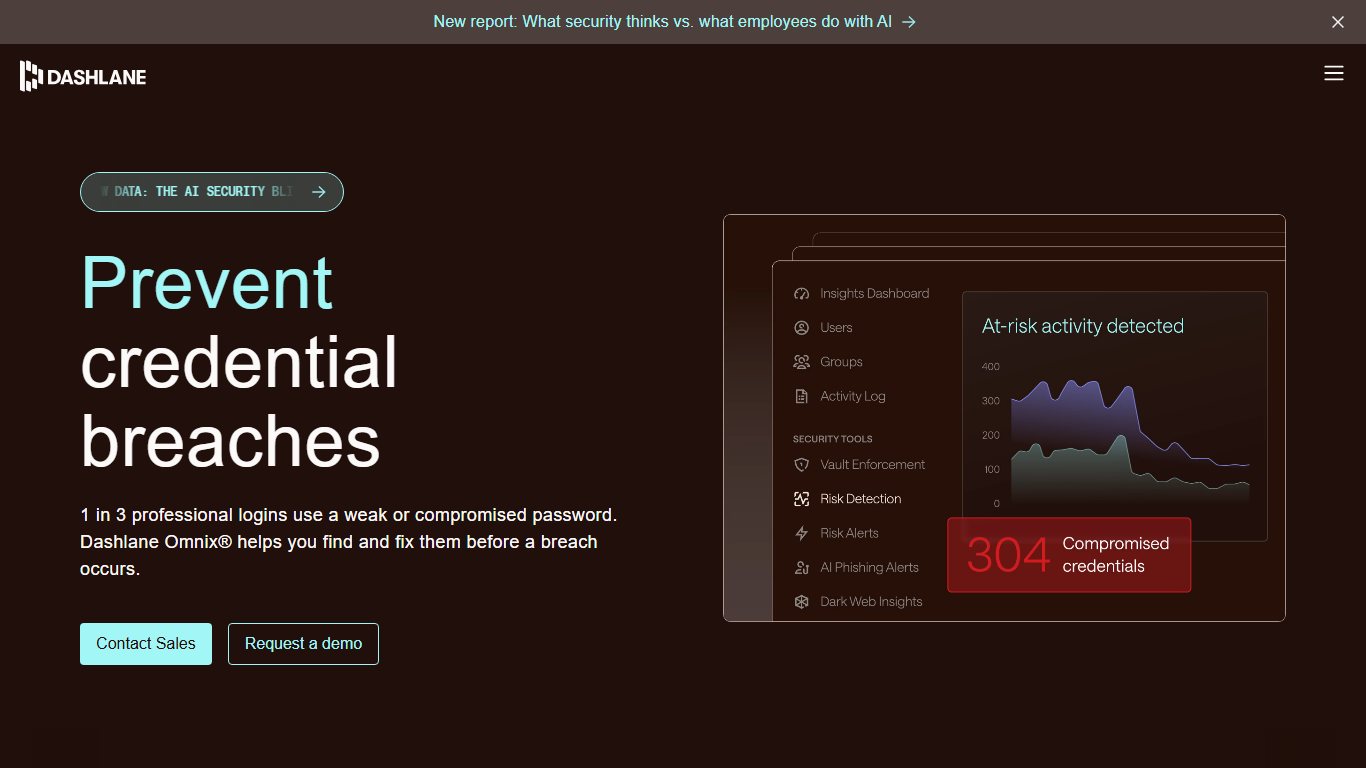
Keeper Security sells a security-heavy product with strong business features and an optional encrypted file storage add-on. Expect roughly $48 a year for one person and about $102 for a family. That’s at the expensive end, and add-ons push it higher. The free tier is limited, so treat it as a trial.
NordPass
NordPass, from the company behind NordVPN, is clean and simple. Premium renews at $35.88 a year and Family at $71.88. Check what you’ll pay at renewal before you commit.
RoboForm
RoboForm is one of the oldest password managers. Premium costs $29.99 a year, and the Family plan costs $47.75 a year for up to five users. Its form filling remains excellent. The apps feel dated next to 1Password, though.
Enpass and KeePassXC: no subscription, or local-only storage
Enpass doesn’t run its own sync servers. Your vault syncs through storage you already have, such as iCloud, OneDrive, Google Drive or Dropbox. Its free tier is capped at 25 items. Premium costs about $24 a year.
KeePassXC is free, open-source desktop software for Windows, Mac and Linux. Your vault is a single encrypted file, and no company holds a copy. For phones, you pair it with a KeePass-compatible app and handle sync yourself. That gives you real control. It also means one forgotten backup can lose everything.
Apple Passwords, Google Password Manager and Firefox: are the free built-ins enough?
For many people, yes. Your browser or phone already has a password manager. The trade-off is how far it reaches across platforms.
- Apple Passwords app (iOS 18, macOS Sequoia and later): free, end-to-end encrypted through iCloud Keychain, with 2FA codes, passkeys and shared family groups built in. It works on Windows through iCloud for Windows and browser extensions. It doesn’t work on Android.
- Google Password Manager: free in Chrome on any computer and built into Android. It can be an autofill provider on iPhone through Chrome, and you can share passwords with your Google family group. Turn on on-device encryption for stronger protection.
- Firefox password manager (Mozilla): free, and Firefox Sync encrypts your data end to end. You can trust it if you set a Primary Password under Settings > Privacy & Security > Logins and Passwords. Without one, anyone using your unlocked computer can see your saved passwords. It’s weaker for sharing and for anything outside the browser.
So if you’re on an iPhone and your parents use Android, Apple Passwords leaves them out. A cross-platform manager such as Bitwarden is the simpler fix there.
Which one should you pick? A decision guide
Pick based on your situation, not on a generic ranking:
- “I want free.” Choose Bitwarden Free. Proton Pass Free is a close second, especially if you use Proton Mail.
- “My whole family is on iPhone.” Choose Apple Passwords with a shared group. It’s free and you don’t need to install anything.
- “Grandma uses Android and Windows.” Choose Bitwarden Families ($47.88/yr). If you’ll be doing the support calls and want the easiest apps, choose 1Password Families ($71.88/yr).
- “I don’t want my vault in the cloud.” Choose KeePassXC, plus a plan for backups.
- “I store crypto keys.” Don’t keep seed phrases in any cloud vault. Use a hardware wallet and a written backup stored safely. If you must use a manager, choose 1Password with its Secret Key.
- “I’m a small business.” 1Password Business, Bitwarden Teams or Keeper Business all give you admin controls and a way to recover access when staff leave.
The honest counter-argument: if you joined LastPass after 2022, use a strong master password and dislike change, staying is defensible. Switching is a chore, and a chore you rush is where people lose data.
How to move from LastPass without losing anything
Most people can switch in 30 to 60 minutes. People who say “it took five minutes” usually skipped the attachments and 2FA codes.
Before you export: what LastPass won’t hand over
LastPass’s generic CSV export covers logins and notes. It leaves out several things you may depend on.
| Item type | In LastPass CSV export? | Imports into Bitwarden? | Imports into 1Password? | What to do manually |
|---|---|---|---|---|
| Logins (site, username, password) | Yes | Yes | Yes | Spot-check 5-10 important ones |
| Secure notes | Yes | Yes | Yes | Check formatting on long notes |
| Folders | Yes | Yes, as folders | Yes | Tidy up afterwards |
| Shared folders | Yes, in every member’s export | Yes, but duplicated | Yes, but duplicated | Import once only (see below) |
| Attachments | No | No | No | Download each one first |
| Vault-generated TOTP codes | No | Don’t rely on it | Don’t rely on it | Re-enrol 2FA on each site |
| Custom item types and fields | No | No | No | Recreate them by hand |
Did you know?
LastPass’s own support article confirms that its CSV export can’t include the 2FA codes generated inside your vault, so if you cancel before re-enrolling those accounts, you can lock yourself out.
Pro tip
Before exporting, open every LastPass item with a paperclip icon and download its attachments to a folder that isn’t synced to the cloud. The CSV won’t include them.
The LastPass Authenticator app is separate from your vault, and its codes aren’t in any vault export either. So if your TOTP codes didn’t come over to Bitwarden, yes: you’ll need to set up 2FA again on each site. Sign in to each account, turn 2FA off and back on, and scan the new QR code into your new manager or an authenticator app.
Export your LastPass vault (step by step)
Before you start
The exported CSV holds every password in plain text. Save it to your desktop, not a OneDrive, iCloud Drive or Google Drive folder, and delete it as soon as the import is done.
Export from LastPass
- Download every attachment and list every account where LastPass generates your 2FA codes.
- Click the LastPass browser extension and sign in.
- Go to Account > Fix a problem yourself > Export vault items.
- Enter your master password, and approve the verification email if LastPass sends one.
- Save the CSV file to your desktop.
- Open it once in a text editor, never a cloud spreadsheet, to check that the row count looks right.
You can also export from the LastPass website under Advanced Options > Export. The extension route is the one LastPass documents for the generic CSV.
Import into Bitwarden, 1Password, Proton Pass or Apple Passwords
Use a direct import where one exists, because then no plain-text file sits on your computer.
- Bitwarden: open the Import screen, choose LastPass as the format, then pick the option to import directly from LastPass and sign in when prompted. Use the CSV only if direct import fails.
- 1Password: in your account on 1Password.com, choose Import > LastPass and sign in to LastPass when asked.
- Proton Pass: go to Settings > Import, choose LastPass and select the CSV.
- Apple Passwords: on a Mac, open the Passwords app and choose File > Import Passwords, then select the CSV.
Afterwards, compare the item count in the new manager with the count in LastPass. Then test logins for your email, your bank and one shared account.
Shared and family folders: avoiding duplicates
If several family members each export and import, every shared folder arrives once per person. Have one person, usually the family organiser, import the shared folders into the new family or shared vault. Everyone else deletes the shared folder rows from their own CSV before importing, or simply imports only their personal items.
Delete the CSV properly
Keeping the CSV as a backup isn’t safe. It’s an unencrypted copy of everything. If you want a backup, use your new manager’s encrypted export instead.
- Delete the file. On Windows, press Shift+Delete to skip the Recycle Bin, or empty the Recycle Bin afterwards. On a Mac, empty the Trash.
- Check your Downloads folder for a second copy.
- If the file ever touched OneDrive, iCloud Drive or Google Drive, also empty that service’s Recycle Bin, Recently Deleted or Trash folder. Each one keeps deleted files for about 30 days.
Skip the file entirely
If you’re moving to Bitwarden or 1Password, use the direct LastPass import. The plain-text CSV never exists, so you have nothing to clean up.
After you switch: the clean-up checklist
The move is only half the job. Your old passwords are still in those stolen 2022 backups, so the next step is to make them worthless.
Change passwords in this order
Email first, then banks and payment accounts, then crypto wallets (move the funds if a seed phrase was ever in a LastPass note), then everything else your new security report flags.
- Email: whoever controls your email can reset everything else.
- Banking, PayPal and card accounts.
- Crypto: a seed phrase can’t be “changed”. Create a new wallet and move the funds.
- Anything stored in secure notes: Wi-Fi keys, software licences, alarm codes.
- Everything else marked weak or reused by Bitwarden’s reports, 1Password Watchtower or Apple’s security recommendations. Where a site offers passkeys, switch to them.
Then tidy up:
- Turn on 2FA for the new manager itself, using an authenticator app or a hardware key.
- Turn off the browser’s own password saving so it doesn’t compete with your manager. In Chrome, go to Settings > Autofill and passwords > Google Password Manager > Settings and turn off “Offer to save passwords”. In Firefox, go to Settings > Privacy & Security and untick “Ask to save passwords”.
- Delete your LastPass account after a week or two of using the new manager without problems. Cancel any paid plan first, then use LastPass’s Delete Account page, which asks for your master password.
FAQ
Is LastPass safe to use in 2026?
It’s safe enough for new accounts with strong master passwords. LastPass now uses 600,000 PBKDF2 iterations by default, and the 2026 study found fewer attacks against it than against Bitwarden. The problem is that vaults from before 2023 were stolen and can be cracked offline. If you had an account then, change your important passwords, wherever you keep them.
Are there problems with LastPass?
Yes. It has had security incidents, most seriously the 2022 breach in which attackers accessed its development environment and stole a backup of customer vault data, and it agreed to a separate $24.45M US class-action settlement. Its free plan is limited to one device type, which is the main everyday complaint.
I’ve been on LastPass for 10 years. Is it worth the hassle to switch now?
For a 10-year account, yes. Your vault was in the stolen backups. The switch itself takes about an hour. Changing your key passwords matters more than which manager you end up with.
What is currently the best password manager?
For most households, 1Password is the best overall and Bitwarden is the best value. In the 2026 ETH Zurich study, 1Password had fewer attacks than LastPass or Bitwarden. Bitwarden offers the most generous free plan.
What is the best free alternative to LastPass?
Bitwarden Free, which gives you unlimited passwords on unlimited devices. Proton Pass Free is a strong alternative. Apple Passwords is ideal if everyone you share with uses Apple devices.
Bitwarden doubled its price and 1Password went up too. What’s the cheapest decent option now?
The cheapest is Bitwarden Free, at $0. The cheapest paid options are Bitwarden Premium at $19.80 a year and Enpass Premium at about $24. For families, Bitwarden Families ($47.88) and RoboForm Family ($47.75) are the lowest-cost plans.
Can I trust Firefox password manager?
Yes, with a Primary Password set. Mozilla encrypts synced passwords end to end. It’s best if you use only Firefox. It can’t share passwords with family and is clumsier on phones and in apps.
Is Apple Passwords or Google Password Manager good enough instead of LastPass?
For single-platform households, yes. Both are free, both store passkeys and Apple’s app generates 2FA codes. Apple’s app doesn’t work on Android, and Google’s works best inside Chrome. Mixed families do better with a cross-platform manager.
I had crypto seed phrases in LastPass secure notes. Am I at risk?
If they were there in 2022, assume the risk is real. Create a new wallet and move your funds now, then store the new seed phrase offline.
How do I export my passwords from LastPass?
In the browser extension, go to Account > Fix a problem yourself > Export vault items, enter your master password and confirm any verification email. The file you get is an unencrypted CSV.
Will my 2FA codes and attachments transfer from LastPass?
No. Download attachments one by one, and re-enrol 2FA on every account where LastPass generated the codes, before you close LastPass.
Is Bitwarden better than LastPass?
For most people, yes. It’s cheaper ($19.80 vs about $36 a year), it’s open source, and its free plan has no device limits. The 2026 study found more attacks against it, and Bitwarden says most of them are fixed or being fixed.
Is 1Password worth the price after the 2026 increase?
If you set things up for less technical relatives, yes. At $71.88 a year for a family, you pay for the smoothest apps and the best result in the 2026 study. If you’re comfortable with a slightly rougher interface, Bitwarden saves you $24 a year on a family plan.
The best next step costs nothing: change your email password today, whichever manager you choose.