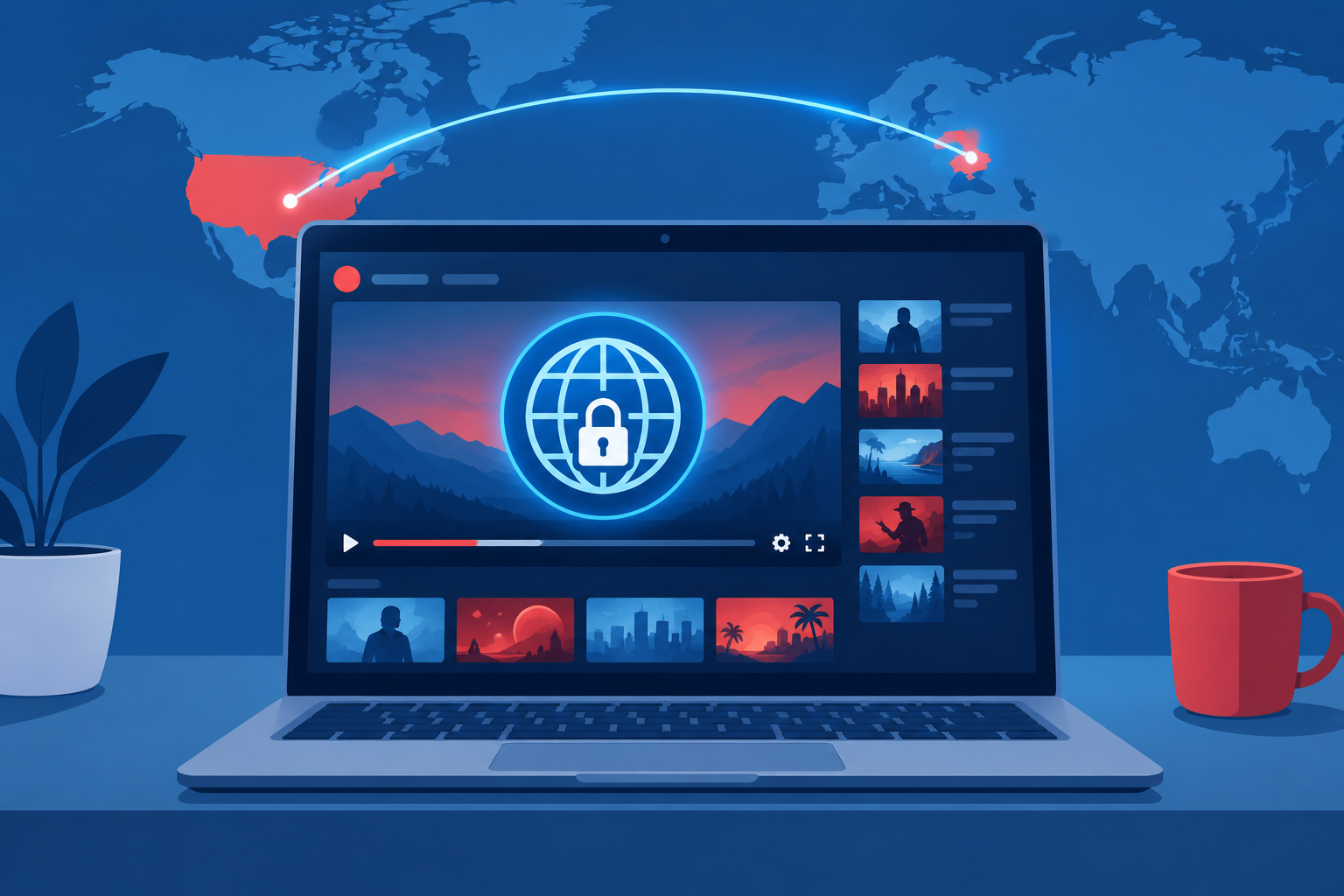
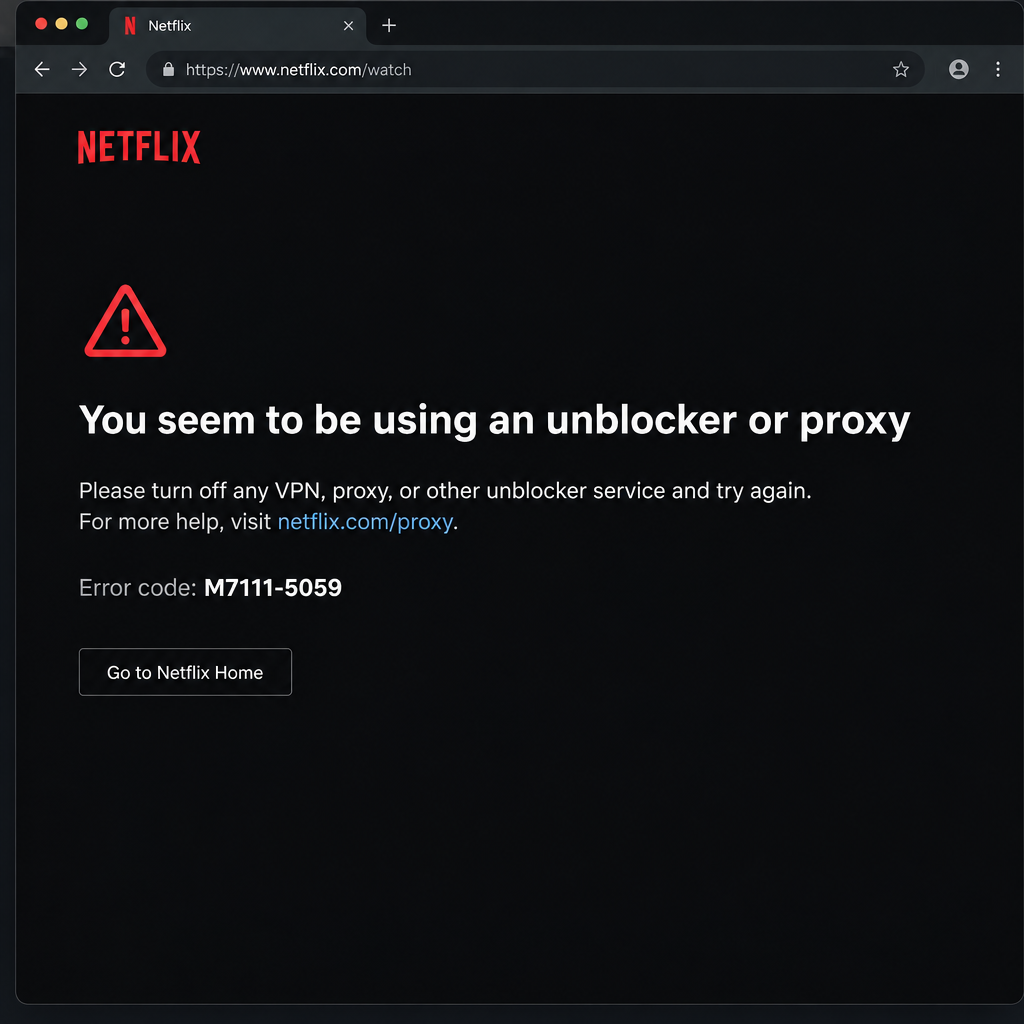
Netflix shows you the catalog for the country you are actually in. If you connect through a VPN server in the United States to see the US library from somewhere else, you go against Netflix’s terms, which say its content may be accessed primarily in the country where your account was established and where Netflix offers your plan. Netflix also blocks many VPN and proxy addresses with error M7111-5059 (“You seem to be using an unblocker or proxy”). There is no official way to get the US catalog outside the US. What you can do is watch Netflix originals, which stream almost everywhere, and if you use a VPN for privacy, turn it off or exclude the Netflix app before you press Play.
Netflix’s US catalog is very different from the catalog in other countries. That is because licensing deals are signed country by country. When the original version of this guide was written, titles like Avatar: The Last Airbender (the animated series) and Ant-Man and the Wasp were not available in India. Since then the picture has changed. Marvel films such as Ant-Man and the Wasp now stream on Disney+ in the US instead of Netflix. Netflix’s own live-action Avatar: The Last Airbender, released on February 22, 2024, is a Netflix series, though Netflix notes that titles may be unavailable in some regions because of licensing and other restrictions. Licensing keeps moving titles around, which is why one country gets a show and another doesn’t.
American Netflix and VPNs: how they fit together
A VPN sends your internet traffic through an encrypted tunnel to a server run by the VPN company. Websites then see the server’s location instead of yours. That is useful for privacy, especially on hotel or café Wi-Fi. Because the server’s location replaces yours, people have used VPNs to make Netflix think they are in the US.
NordVPN and ExpressVPN are two of the best VPN services for everyday privacy. Both also allow several devices at once, which matters for households:
| VPN | Simultaneous connections (November 2026) | Notes |
|---|---|---|
| NordVPN | 10 on every plan | A router counts as one connection |
| ExpressVPN Basic | 10 | Limits raised in June 2026 (from 2) |
| ExpressVPN Advanced | 12 | Raised from 4 |
| ExpressVPN Pro | 14 | Raised from 10 |
Paying for a VPN does not give you permission to stream another country’s Netflix catalog. That part is decided by Netflix’s terms, covered next.
Is it legal to use a VPN on Netflix?
In the US and most other countries, using a VPN is legal. Using one to watch another country’s Netflix catalog is not a crime, but it does go against Netflix’s Terms of Use, and Netflix actively blocks it. A few countries restrict or ban VPNs entirely, so check local law before you travel.
Netflix’s Terms of Use are clear on location. The “Access Limitations” clause says: “You may access Netflix content primarily within the country in which you have established your account and only in geographic locations where we offer your subscription plan and have licensed such content.” The terms also say you agree not to “circumvent, remove, alter, deactivate, degrade or thwart any of the content protections in the Netflix service.”
The same terms spell out what can happen: “We may terminate or restrict your use of our service if you violate these Terms of Use or are engaged in illegal or fraudulent use of the service.” In other words, Netflix can restrict or close your account.
In practice, the most common result is a block. Netflix’s help page for error M7111-5059 says you seem to be using a VPN or proxy and tells you to turn off those services and try again. A related help page explains that VPNs can change or hide your internet location, which causes playback problems.
| What you see | Where | What it means |
|---|---|---|
| “You seem to be using an unblocker or proxy” | Any device | Netflix flagged your connection as a VPN or proxy |
| Error M7111-5059 | Web browser | Same block, shown on a computer browser |
| Error F7111-5059 | Netflix app | Same block, shown in the app |
1. How to use ExpressVPN on Windows and macOS without breaking Netflix
The ExpressVPN app for Windows and macOS takes a minute to set up for privacy. The Netflix part is simple: Netflix should see your real location.
- Download ExpressVPN only from expressvpn.com or the Mac App Store, then sign in.
- Click the selected location card. Keep “Smart Location” (the recommended server nearest you) or pick a server in the country where you are.
- Click the Connect button. The app shows “Connected” when the tunnel is up.
- Before you watch Netflix, either click the Connect button again to disconnect, or use the split tunneling option in the app’s settings so the Netflix app or your browser goes around the VPN.
- Open Netflix. If you still see M7111-5059, disconnect fully, close the browser and open Netflix again.
If ExpressVPN itself keeps failing to connect, contact ExpressVPN customer support.
2. How to use ExpressVPN on a Fire TV Stick
ExpressVPN has a dedicated app for Amazon Fire TV devices, so you can protect your TV’s connection without a router setup.
If ExpressVPN isn’t installed on your Fire TV Stick yet:
- From the Fire TV home screen, open Find, then Search, and look up ExpressVPN. Select it and choose Get or Download.
- Open the app and select Sign In. Typing a long password with the remote is slow, so a password manager on your phone can help you read it off easily.
- After you sign in, choose a server location and connect.
- Before you open Netflix, disconnect from the VPN on the app’s home screen, or use the app’s split tunneling setting to exclude Netflix.
- Go back to the Fire TV home screen and open Netflix.
Fire TV keeps your most-used apps on the home screen, so switching between the VPN app and Netflix only takes a few clicks.
3. How to use NordVPN on Windows alongside Netflix
On Windows, NordVPN can keep the rest of your PC on the VPN while Netflix uses your normal connection.
- Download NordVPN from nordvpn.com and sign in.
- Click Quick Connect. NordVPN picks the fastest server near you. You can also search for a specific country in the search bar and choose a server from the list.
- Open Settings, then Split tunneling. Turn it on and add your browser or the Netflix app from the Microsoft Store to the list of apps that bypass the VPN.
- Refresh the Netflix page or reopen the app.
If Netflix shows a proxy error, turn split tunneling off and disconnect NordVPN completely, then try again.
4. How to use NordVPN on Android and iOS with Netflix
The NordVPN apps for Android and iOS are just as easy to set up.
- Open the app and tap Quick Connect, or pick a country from the map or the server list.
- On Android, the first time you connect, the system asks you to allow the VPN connection request. Tap OK.
- On Android, you can open Settings, then Split tunneling, and exclude the Netflix app so it uses your normal connection.
- On iPhone and iPad, NordVPN does not offer app-based split tunneling, so disconnect the VPN before you open Netflix.
- Open Netflix and search for the title you want to watch.
When Netflix says you’re using a proxy and your VPN is off
This happens more often than people expect. Common causes:
- A leftover proxy, browser extension or “unblocker” app is still running.
- Your internet provider puts many customers behind one shared address (called CGNAT), and that address got flagged.
- An IPv6 tunnel is running over an IPv4 network, which Netflix does not support.
Remove any proxy or unblocker extensions, restart your router, and type netflix.com into the address bar instead of using an old bookmark. If the error continues, Netflix’s own advice is to contact your internet provider.
US subscribers traveling abroad
If you pay for Netflix in the US and travel, your account works, but you see the catalog of the country you are in. Netflix’s “Using Netflix outside of your home” help article explains that available titles, download options, audio and subtitles all change by country. Some items in My List and Continue Watching may disappear until you get home.
A few practical details from that article:
- Within the European Union, Netflix gives you your home country’s catalog for a limited time.
- Downloads made at home may not play abroad.
- Maturity ratings follow the country you are in, so parental controls can behave differently.
- Gift cards and some payment methods may not work in your destination, so add a backup payment method before you leave.
Relax and binge
The safest move is to see Netflix as a service that follows your real location. Use your VPN for privacy on public Wi-Fi, and keep Netflix off it. If a show you want isn’t in your country, check whether another streaming service carries it there, or add it to My List for when you are back home. Since March 2026, US plans cost $8.99 a month for Standard with ads, $19.99 for Standard and $26.99 for Premium, so it’s worth getting the most out of the catalog you are actually paying for.
FAQ
Will Netflix ban my account for using a VPN?
Netflix’s Terms of Use allow it to restrict or terminate accounts that break the terms. Usually, though, Netflix blocks the stream with error M7111-5059 and doesn’t close the account. Turning the VPN off fixes the error right away.
Why does Netflix show a proxy error when I’m not using a VPN?
A shared IP address from your internet provider, a leftover proxy extension or IPv6 tunneling can all set it off. Remove any unblocker software, restart your router and try again. If the error keeps coming back, Netflix suggests contacting your internet provider.
Can I watch my US Netflix library while traveling abroad?
No, not outside the EU. Netflix shows the catalog of the country you are in, so some US titles won’t be available on your trip. Inside the EU, Netflix shows your home catalog for a limited time.
Are Netflix originals the same in every country?
Mostly, yes. Netflix-made shows and films, such as the live-action Avatar: The Last Airbender, stream in nearly every country where Netflix operates. The big differences between catalogs come from licensed titles owned by other studios.
Is using a VPN illegal in the US?
No. VPNs are legal in the US and widely used for privacy and work. Using one to get around Netflix’s location rules breaks Netflix’s terms, not US law, but some other countries restrict VPNs, so check before you travel.
Can I use a VPN and Netflix at the same time?
Yes, if Netflix sees your real location. Split tunneling in NordVPN (Windows and Android) and ExpressVPN lets Netflix use your normal connection while everything else stays on the VPN. On iPhone, disconnect the VPN before you start watching.
Sources
- Netflix Terms of Use
- Netflix Error M7111-5059
- Netflix Error F7111-5059
- Using Netflix outside of your home
- NordVPN: many devices