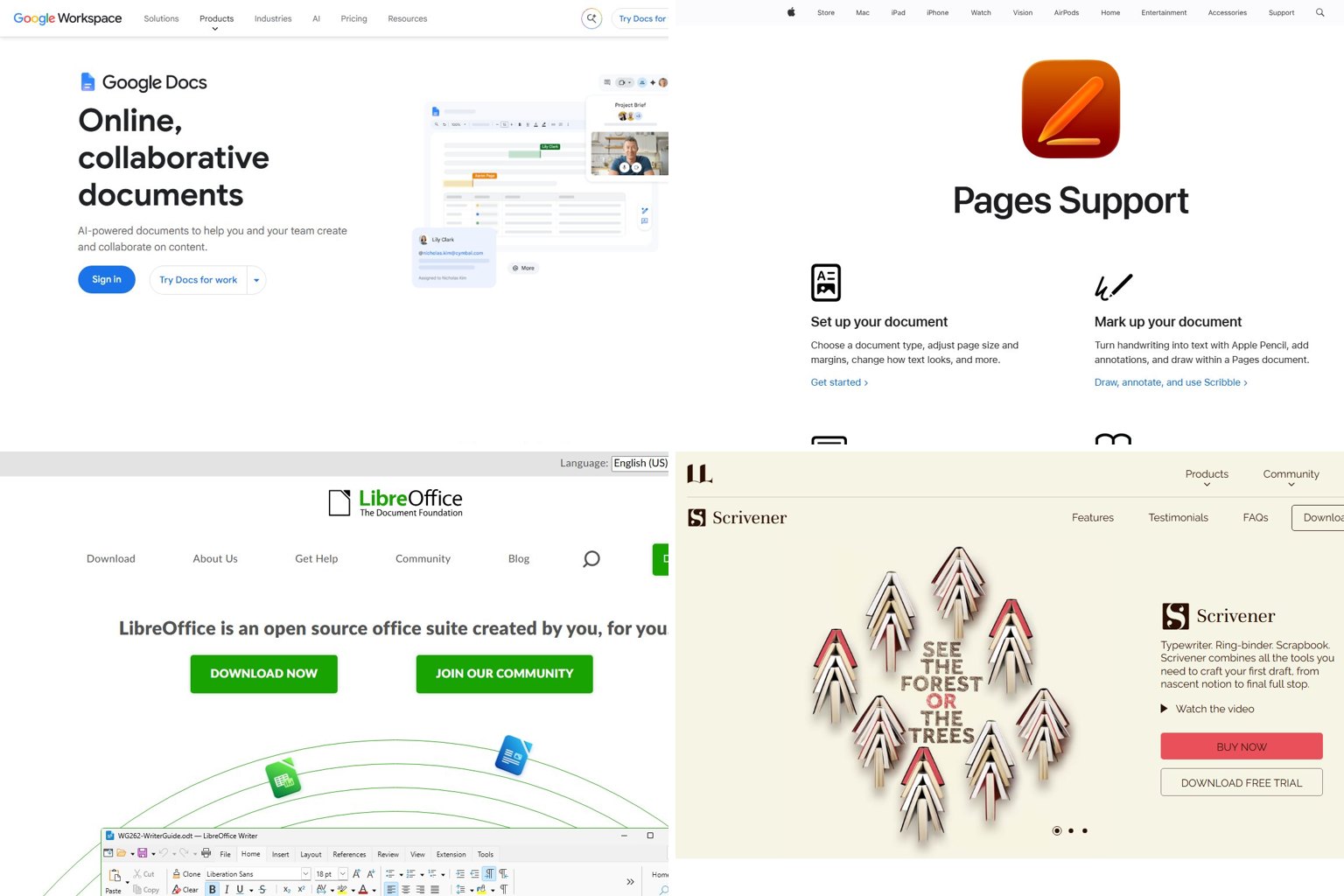
Most people searching for a writing app already have one that works: Google Docs is free on Android, Chromebook and any browser, and it covers school, work and blog writing without trouble. For something long, like a novel, a thesis or a screenplay, a dedicated app such as Scrivener, Dabble, Obsidian or Fade In is worth paying for. Below you’ll find 2026 prices for each one, marked as one-time, subscription or free, plus the devices it runs on and what happens to your files if you stop paying.
Key takeaways
- Google Docs or Word handles most writing. Switch only when your document becomes hard to navigate.
- Scrivener 3 is still the best novel app you can buy once, but it has no Android version.
- iA Writer has an Android app. Obsidian, Dabble, JotterPad and Google Docs are other good choices on Android.
- Microsoft 365 Personal now costs $99.99 a year with Copilot included. A cheaper Classic plan without Copilot may still be offered.
- Pick apps that export to .docx, Markdown, EPUB or FDX so your work can’t get stuck in one app.
Fact-checked
We checked these key facts against the sources named, on November 19, 2026:
- Microsoft 365 Family went from $9.99 to $12.99 a month (source: pureinfotech.com)
- Microsoft 365 Personal went from $6.99 to $9.99 a month, or from $69.99 to $99.99 a year (source: microsoft.com)
- Switch only when your document becomes hard to navigate.
- Scrivener 3 is still the best novel app you can buy once, but it has no Android version.
- iA Writer left the Google Play Store in 2024 (source: ia.net)
Quick picks: the best writing app for you in 2026
To pick from this list, decide which device you write on most, then what you’re writing. If you only try five, make them Google Docs, Microsoft Word, Scrivener 3, Obsidian and Reedsy Studio. The ranking weighs four things, using vendor pricing pages, app store listings and recent 2026 reviews: how well the app does its main job, what it really costs over three years, which devices it runs on, and how easily you can get your files out later.
| # | App | Best for | Price (US, Nov 2026) | Why it’s here |
|---|---|---|---|---|
| 1 | Google Docs | Most people, Android, Chromebook | Free | Works everywhere, shares easily, and exports to .docx, PDF, EPUB and Markdown |
| 2 | Microsoft Word | School and work formatting | $99.99/yr (Microsoft 365 Personal) | The file format offices and teachers expect |
| 3 | Scrivener 3 | Novels, theses, long nonfiction | $59.99 one-time per platform | Binder, corkboard and compile tools that nothing else matches at this price |
| 4 | Obsidian | Notes, planning, Markdown drafts | Free (Sync about $4/mo billed yearly) | Plain files on your device, full Android app |
| 5 | Reedsy Studio | Free book writing and formatting | Free | Writes and exports a book from a browser |
| 6 | Dabble | Novels across phone, tablet and PC | From about $9/mo | Cloud sync that works the same on every device |
| 7 | Ulysses | Mac, iPad and iPhone writers | $5.99/mo | The best-built Apple-only writing library |
| 8 | iA Writer | Distraction-free writing, no subscription | $29.99 Windows, $49.99 Mac | One-time purchase that saves plain text files |
| 9 | JotterPad | Native Android writing | Free, with a paid Pro tier | Markdown and screenplay writing made for Android |
| 10 | LibreOffice | Free Word alternative on a PC | Free | Opens and saves .docx without paying Microsoft |
| 11 | Grammarly | Grammar help in every app | Free, Pro $144/yr | Its keyboard brings checking into any Android app |
Screenwriters have their own shortlist (Final Draft, Fade In, WriterDuet and Highland Pro) in the screenwriting section further down. The rest of this guide gives each job its own section, so you can skip straight to the one you need.
Before you buy: do you even need a new app?
Often you don’t. Trying three or four apps and ending up back in Google Docs is a sensible result, not a failure. A new app is worth it in three cases: the project is too long to scroll through comfortably, you need to move scenes or sections around, or you keep losing focus on a busy screen.
When Google Docs is enough
Google Docs covers essays, reports, blog posts, cover letters and short stories without any trouble. It saves every change automatically, keeps a version history, lets you invite an editor to comment, and runs the same way on an Android phone, a Chromebook, an iPad and a Windows laptop. Since 2024 it has also had document tabs, which let you split one file into chapters while keeping everything in one place.
If you keep coming back to Docs, the fix is usually structure, not a new app. Use Heading 1 for chapters and Heading 2 for scenes. Then open View > Show outline, and the left sidebar becomes a clickable table of contents.
Signs you’ve outgrown a single document
A single Docs or Word file usually starts to feel unmanageable somewhere past 60,000 to 80,000 words, and especially once you’re doing at least one of these:
- Scrolling for a long time to find a scene you wrote last month.
- Copying and pasting big blocks of text to reorder chapters.
- Keeping research, character notes and the draft in separate tabs or files that drift out of sync.
- Hesitating to try a big restructure because undoing it would be painful.
Apps built for long projects fix the second point best. In Scrivener, novelWriter or Dabble, each scene is its own item in a sidebar. You drag it to a new spot and the manuscript reorders, with no copy-paste needed. That’s the answer if you’ve been wondering how to move scenes without editing one giant document.
Everyday writing apps (school, work, letters, blogs)
For everyday writing, the choice comes down to who reads your files. If teachers, employers or clients expect .docx, use Word. If you share and comment online, use Google Docs. Apple Pages is free and polished if everyone you work with uses Apple devices. LibreOffice is the free desktop choice when you want Word-style editing without a subscription.
| App | Price | Best feature | Main drawback |
|---|---|---|---|
| Microsoft Word | $99.99/yr or $9.99/mo (Personal), free on the web | Reference tools, track changes, templates | Price rise, Copilot bundled in |
| Google Docs | Free | Real-time sharing, works on every device | Gets hard to navigate in very long files |
| Apple Pages | Free | Clean layouts, exports to .docx and EPUB | Apple devices only, except iCloud.com |
| LibreOffice | Free, open source | Full offline suite for Windows, Mac and Linux | Complex .docx layouts sometimes shift |
Microsoft Word and the new Microsoft 365 prices
Word is still the standard for schools and offices, but it costs more than it used to. Microsoft 365 Personal went from $6.99 to $9.99 a month, or from $69.99 to $99.99 a year. Microsoft 365 Family went from $9.99 to $12.99 a month. Digital Citizen reports that the higher price comes with Microsoft Copilot and 60 AI credits a month for Word, Excel, PowerPoint and Outlook. Existing subscribers pay the new rate when they renew.
Did you know?
According to Digital Citizen, bundling Copilot was the first time Microsoft raised US prices for Microsoft 365 Personal and Family since the plans launched.
If you don’t want Copilot, Microsoft has offered Personal Classic and Family Classic plans at the old price, without the AI features. Tech.co notes that availability varies by region, and Microsoft has called them a limited-time option. The choice only shows up partway through cancelling, which is easy to miss.
Before you start
Your plan doesn’t change until your next renewal date, and switching doesn’t delete your OneDrive files. Write down your renewal date first, and don’t finish cancelling if no Classic option appears.
Switch to Microsoft 365 Classic
- Sign in at account.microsoft.com/services with the account that pays for Microsoft 365.
- Find your Microsoft 365 subscription and select Manage.
- Select Cancel subscription. The plan choices load at this point, so wait for them.
- If you see Personal Classic or Family Classic, select it and choose Switch plan.
- Keep recurring billing turned on, because Classic plans renew only while billing is active.
- If no Classic plan appears, back out and contact Microsoft Support.
Work accounts follow different rules. Microsoft raised commercial list prices on July 1, 2026, and Microsoft 365 E3 went from $36 to $39 per user per month, according to The Register. If your employer pays, that cost is on them, but it may explain why your IT team is reviewing licenses.
You don’t need a subscription just to open or edit a Word file. Word for the web is free with any Microsoft account. It handles most school and office documents, but it lacks some advanced layout and reference tools.
Google Docs
Google Docs is the best free writing app for most people, and on Android and Chromebook it’s the natural default. Your files live in Google Drive, which shares its free storage across Gmail, Drive and Photos. You can turn on offline editing in the Drive settings, then write on a plane or bus and let it sync when you’re back online. Under File > Download it exports to .docx, PDF, ODT, EPUB, plain text and Markdown, so a book drafted in Docs can move to any formatting tool later.
Apple Pages
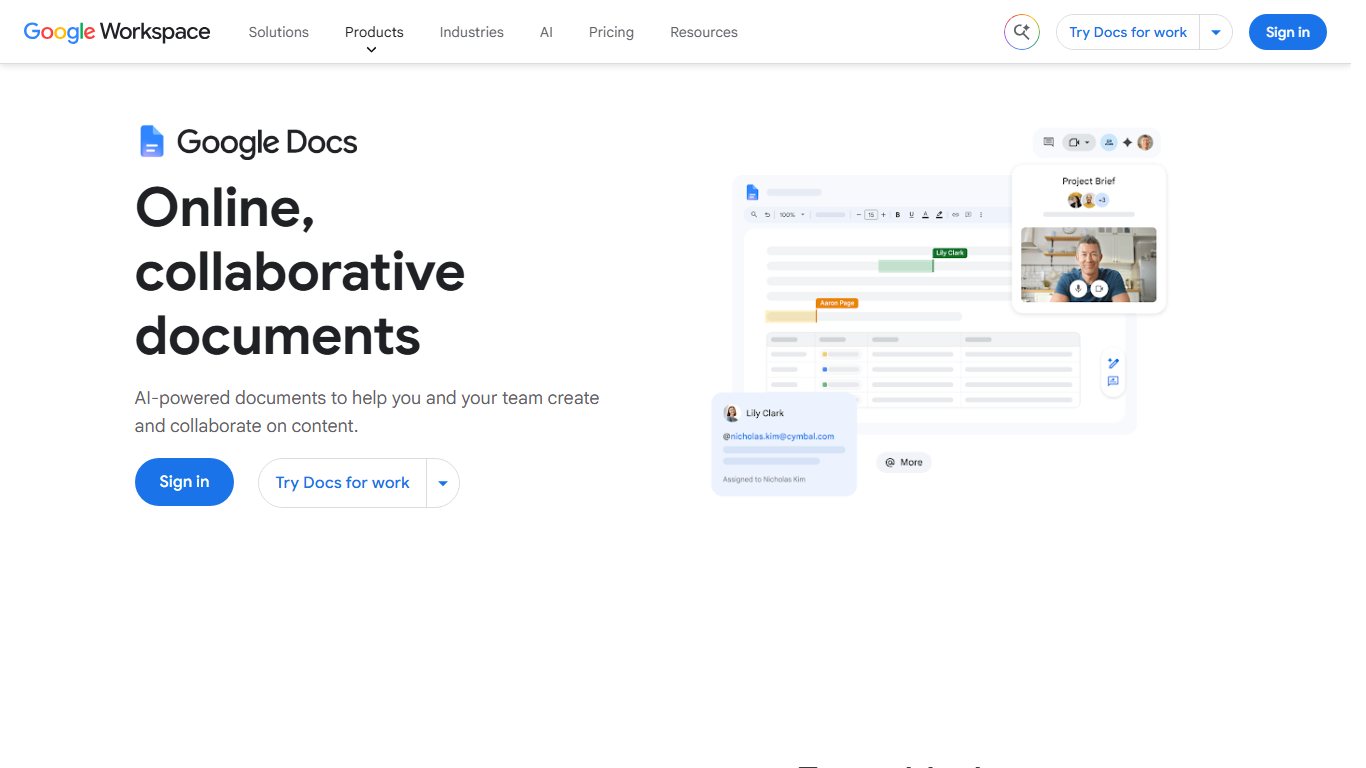
Pages is free on Mac, iPhone and iPad, and anyone can use it in a browser through iCloud.com. Its templates look better than Word’s, and it exports to .docx, PDF and EPUB. The catch is that its own .pages format means little outside Apple’s world, so export to .docx before you send a file to someone on Windows.
LibreOffice (free Word alternative)
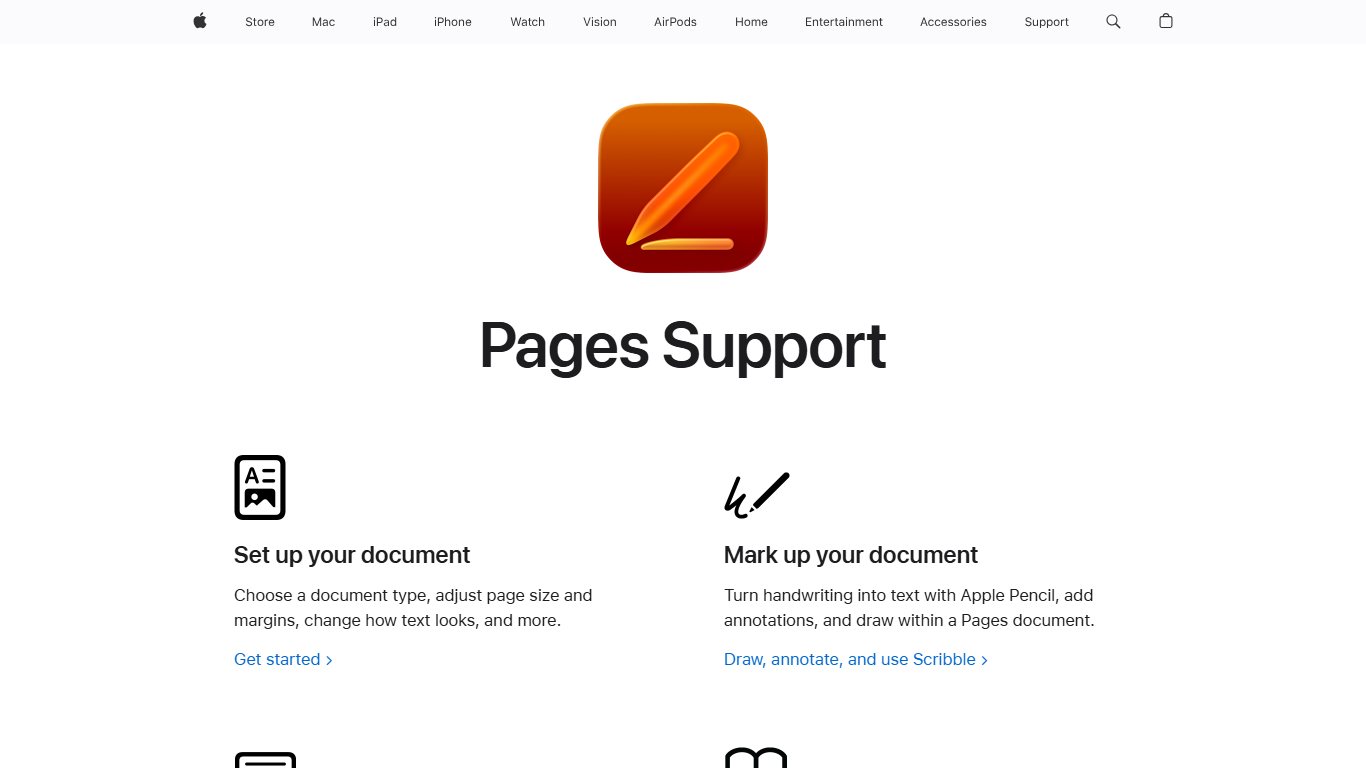
LibreOffice Writer is the best way to get a full desktop word processor for free on Windows, Mac or Linux. It opens and saves .docx files and uses the open ODT format by default. Simple documents round-trip well. Heavily formatted Word templates with tracked changes and complex tables sometimes shift, so check the final file in Word or Google Docs before you hand it in.
Best apps for writing a novel or long project
For a first novel, Scrivener 3 is the strongest one-time buy if you write on Windows or Mac. Dabble is the best choice if you write on your phone and need it synced, and Reedsy Studio is the best free option. Ulysses wins for writers who only use Apple devices. novelWriter and yWriter are capable free desktop tools for people who like structure.
| App | Platforms | Price model | Best for | Main drawback |
|---|---|---|---|---|
| Scrivener 3 | Windows, Mac, iPhone/iPad | One-time per platform | Big, research-heavy projects | Steep learning curve, no Android |
| Ulysses | Mac, iPad, iPhone | Subscription | Clean writing across Apple devices | Read-only if you stop paying |
| Dabble | Web, desktop, mobile | Subscription | Plotting and syncing everywhere | No permanent free plan |
| Reedsy Studio | Any browser | Free (optional add-ons) | Writing plus EPUB/PDF export | Needs a connection and lives in Reedsy’s cloud |
| novelWriter | Windows, Mac, Linux | Free, open source | Plain-text novel structure | No mobile app |
| yWriter | Windows | Free | Scene-by-scene drafting | Dated interface |
| Atticus | Browser, Windows, Mac, Linux, Chromebook | $147 one-time | Writing and formatting for self-publishers | Costs more than Scrivener |
Scrivener
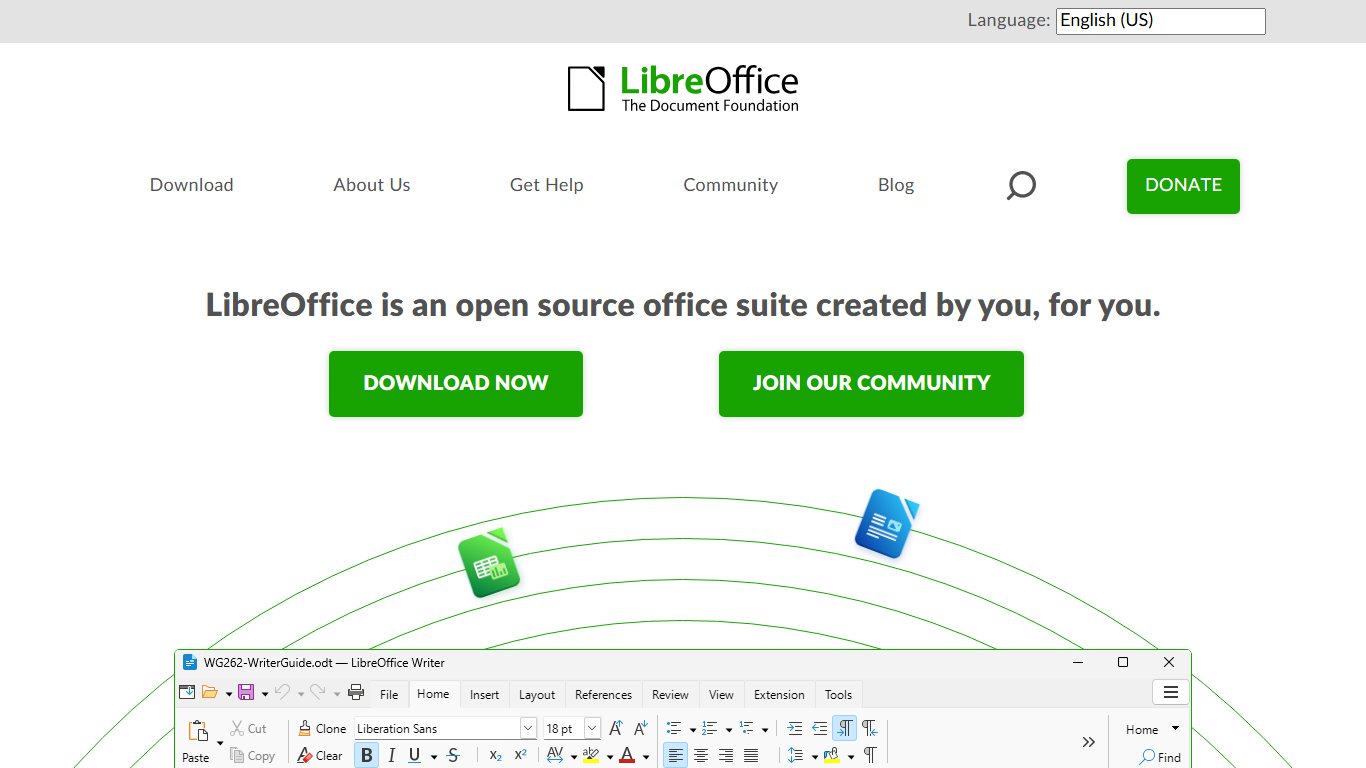
Scrivener 3, from Literature & Latte, is still the reference point for long-form writing. The left panel, called the Binder, holds every scene, chapter, note and research file. The Corkboard shows scenes as index cards you can drag into a new order. Compile turns the whole project into a .docx, PDF, EPUB or print-ready manuscript. For a 90,000-word novel with research PDFs and character sheets, nothing at this price keeps it all as tidy.
Pricing: an August 2026 pricing guide lists the standard license at $59.99, the education license at $49.99 and a cross-grade for existing Mac or Windows owners at $37.95. Licenses are per platform, so a Windows license doesn’t cover the Mac version, and the iPhone/iPad app is bought separately on the App Store. Prices differ by region: the App Store lists Scrivener 3 at £59.99 in the UK and A$99.99 in Australia. Scrivener 4 has not been released and has no confirmed price. Deal listings say Scrivener 3 owners would pay an upgrade fee if it ships, so don’t wait for it.
So is Scrivener worth it in 2026? If you write long projects on a Windows PC or Mac and you’re tired of subscriptions, yes. One license costs less than two years of Ulysses or Dabble. The honest counterpoint is that Scrivener’s interface is dense, with a binder, inspector, corkboard and compile settings competing for space, and it can still feel cluttered after you’ve learned it. If that’s you, try Ulysses on Apple devices, Dabble everywhere else, or novelWriter if you want something free and simpler.
Try before you buy
Scrivener’s free trial counts days you actually use it, and Ulysses gives you 14 days. Test either one on a real chapter you’re working on, not a test paragraph, because problems only show up once your files have real structure.
Syncing Scrivener between a Windows PC and an iPad
The iPad version syncs through Dropbox. Save the project inside your Dropbox folder on Windows, sign in to Dropbox in Scrivener on the iPad, and tap the sync button. Close the project on the PC before you open it on the iPad, and sync again before you go back. Corrupted projects almost always trace back to two devices editing the same project at once.
Ulysses
Ulysses is the most polished writing app for Mac, iPad and iPhone. It doesn’t run on Windows, Android or the web. One subscription covers all three Apple platforms, syncs through iCloud and works with Family Sharing. Toolradar lists it at $5.99 a month in the US. Its pricing page showed $49.99 a year when checked on September 27, 2026, while Reedsy’s May 2026 review quoted $39.99 a year on the US App Store. Check the in-app price before you subscribe.
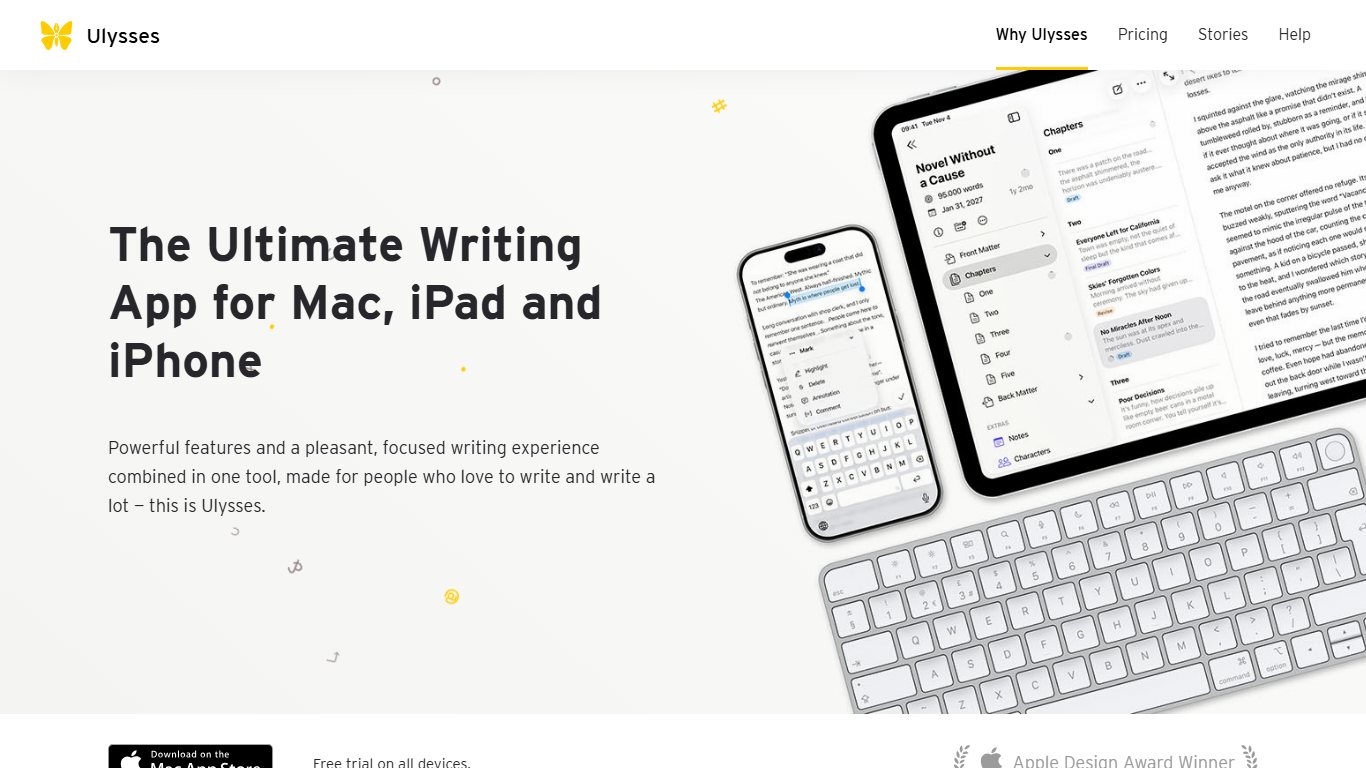
If you cancel, or the 14-day trial ends, Ulysses switches to read-only mode. Your texts stay viewable, but you can’t edit them. That’s fine for archiving, but plan an export to .docx or Markdown before you let the subscription go.
Reedsy Studio and Dabble
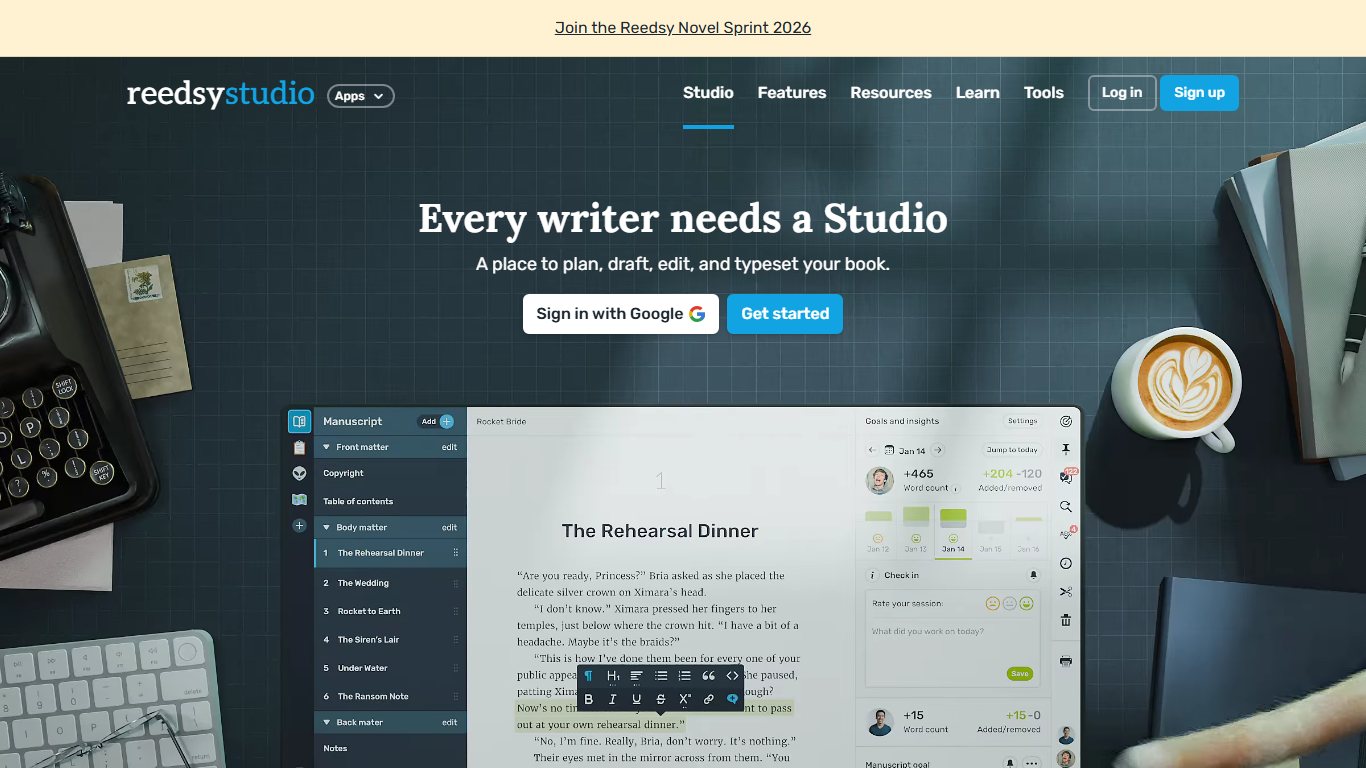
Reedsy Studio is free, runs in any browser and has a core base of about 85,000 writers, according to a 2026 Guideflow guide. You write chapter by chapter, set goals, invite collaborators and export a formatted EPUB or print-ready PDF. Paid add-ons for craft and outlining tools are optional. It’s the clearest answer for a Chromebook owner writing a first book on a budget.
Dabble is a subscription app built around syncing. Dabble’s own billing documentation says one subscription covers web, desktop and mobile, with cloud backup. The plot grid and drag-and-drop scene list handle the restructuring that Google Docs struggles with. Third-party 2026 listings put the Basic plan at about $9 a month, with higher tiers up to about $29 a month that add comments and track changes. There’s a 14-day trial and no permanent free plan. If you want to write on your phone on the bus and finish on your laptop, this is the most dependable novel app for that.
Free options: novelWriter and yWriter
novelWriter is a free, open-source app for Windows, Mac and Linux. It saves your novel as plain text files with simple Markdown-style formatting. You get a project tree, scene-level notes, tags for characters and locations, and a manuscript build tool. Because the files are plain text, you’ll always be able to open them.
yWriter, by author Simon Haynes, is a free Windows program that breaks a novel into chapters and scenes and tracks characters, locations and items per scene. It looks dated, but it does its job. Simon Haynes also makes SmartEdit Writer, another free Windows drafting app. All three are maintained alternatives to abandoned tools such as WriteWay Pro, which older guides still recommend even though its development has stopped.
Atticus for writing plus formatting
Atticus is a one-time payment with free updates, according to several 2026 reviews. It runs in a browser and as an installable app on Windows, Mac, Linux and Chromebook. Its strength is formatting: it turns a manuscript into a polished EPUB and a print-ready PDF for KDP or IngramSpark. Its writing tools are basic next to Scrivener’s, so it suits self-publishers who want one tool for the whole job more than anyone still plotting a first draft.
Best apps for screenwriting
For screenplays, Fade In is the best value: about $80 once, it runs on Windows, Mac, Linux, iOS and Android, and it reads and writes Final Draft’s .fdx files. Final Draft 13 is still the format studios and contests expect, but it costs about three times as much. Highland Pro suits Apple users who like plain-text Fountain files, and WriterDuet is the pick for co-writing in a browser.
Two file formats matter here. FDX is Final Draft’s file, the one producers and script coordinators ask for. Fountain is a plain-text screenplay format, the Markdown of scripts: a line in capitals becomes a character cue, and INT. or EXT. starts a scene heading. Any app on this list that exports FDX lets you hand a script to someone using Final Draft.
| App | Price (US, 2026) | Model | Platforms | FDX | Fountain |
|---|---|---|---|---|---|
| Final Draft 13 | $249.99 list, often on sale at $199.99; student $129.99 list | One-time | Windows, Mac | Native format | Not its focus |
| Fade In | About $79.95 | One-time | Windows, Mac, Linux, iOS, Android | Import and export | Import and export |
| WriterDuet | Free tier; Plus $9.99/mo, Pro $11.99/mo, Premium $13.99/mo | Subscription | Browser plus desktop and mobile apps | Import and export | Import and export |
| Highland Pro | $9.99/mo or $59.99/yr | Subscription | Mac, iPad, iPhone | Export | Native format |
| Scrivener 3 (script mode) | Included with your license | One-time | Windows, Mac, iPhone/iPad | Compile to Final Draft | Compile to Fountain |
| JotterPad | Free tier, Pro paid | Freemium | Android, iPhone/iPad | No | Native format |
A few details change the choice. Final Draft also sells Final Draft Suite as a monthly subscription, but you can still buy version 13 outright. Highland Pro has a 30-day trial, one subscription covers Mac, iPad and iPhone, and the App Store listing says a lapsed copy still opens, prints and exports your scripts. Its one-time predecessor, Highland 2, still downloads for existing owners but is no longer updated. WriterDuet’s help center lists Pro at $107.88 a year if you pay annually.
Scrivener’s script mode is the money-saver if you already own it. Set a document’s format to Script mode and Scrivener handles screenplay elements; then compile to Final Draft or Fountain when you need to share. It’s fine for a first feature or a stage play, though dedicated tools handle revision colors and production pages better.
Write in Fountain on your phone
Draft scenes in JotterPad on Android as Fountain text, then open the same file in Highland Pro or Fade In on your computer to format and export an FDX. Plain text means nothing gets lost in the move.
Distraction-free and Markdown writing apps
Distraction-free apps strip the screen down to your words. The best known are iA Writer (one-time, with an Android app), Typora (one-time Markdown editor), FocusWriter (free) and The Most Dangerous Writing App (free and hard on you). Most save plain text or Markdown files, the format least likely to lock in your writing.
iA Writer
iA Writer is a one-time purchase per platform: $49.99 for Mac, $49.99 for iPhone and iPad, and $29.99 for Windows, according to a June 2026 research summary. There’s no bundle across platforms. It saves standard Markdown files to local folders, iCloud or Dropbox. Focus Mode highlights the sentence you’re working on, and Syntax Highlight shows adjectives, adverbs and repeated words.
It is also available on Android.
Typora, Zettlr and academic writing tools
Typora is a Markdown editor for Windows, Mac and Linux. You see formatted text as you type, while the file underneath stays plain Markdown. It’s a one-time license of $14.99 after a free trial. It suits bloggers and students who want clean files that paste straight into WordPress, Ghost or a static site generator.
For theses and papers, three tools stand out. Zettlr is free and open source for Windows, Mac and Linux, with built-in citation support. LyX is a free, open-source document processor for the same three systems that uses LaTeX underneath, so equations and bibliographies come out typeset without you writing LaTeX code. Mellel is a Mac word processor built for long, footnote-heavy documents; Mellel 6 costs about $69 one-time after a 30-day trial, is now sold directly by Mellel rather than through the Mac App Store, and has an iPad companion, Mellel Mobile, that’s free to download with a $29.99 Standard tier.
FocusWriter
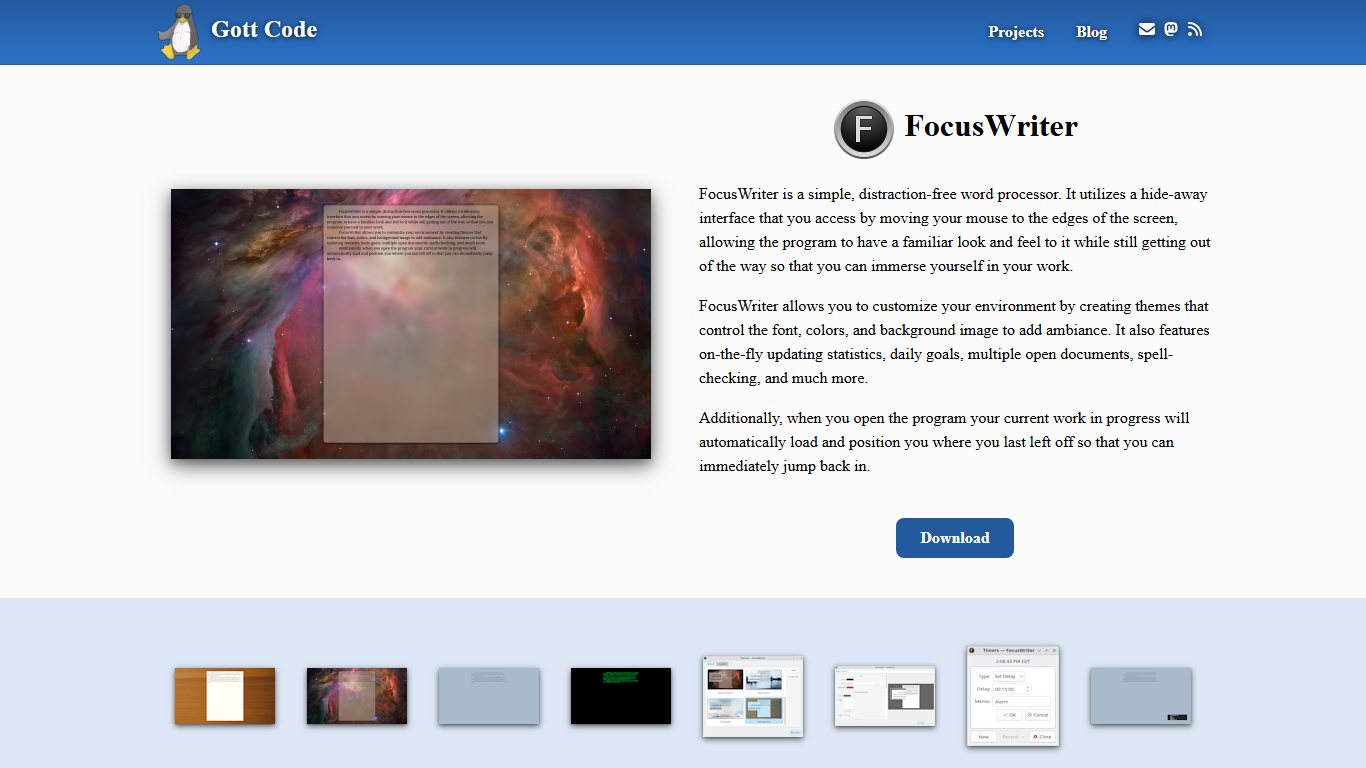
FocusWriter is a free, open-source full-screen editor for Windows and Linux. It hides everything except your text, and it offers daily word goals, timers and optional typewriter sounds. It saves plain text, RTF, ODT and .docx, so your words go straight into Word or LibreOffice later.
The Most Dangerous Writing App is a free browser tool that goes much further: stop typing for about five seconds and it starts deleting what you wrote. It’s meant for timed sprints to beat a blank page, not for drafts you want to keep. Copy your text out the moment a session ends.
For focus beyond the editor, Freedom blocks distracting websites and apps across Windows, Mac, iPhone, Android and Chrome on a schedule you set. It works with any writing app.
What is Markdown and should you care?
Markdown is a way of formatting plain text with simple symbols: a pound sign (#) for a heading, asterisks around a word for italics, and a dash at the start of a line for a bullet. Any text editor on any device can open the result, and it can be converted to .docx, HTML, EPUB or PDF. You should care if you plan to switch apps someday. A Markdown file written in Obsidian opens fine in iA Writer, Typora, Zettlr, novelWriter’s import or a phone’s text editor, ten years from now.
Pick a way out before you pick an app
If you might switch apps later, choose one that saves plain Markdown or standard files, such as Obsidian, iA Writer or Typora. Moving then means copying a folder, not running a migration.
Notes, planning and worldbuilding apps
Planning apps work alongside a drafting app. Obsidian is the best free choice and runs on every major platform, including Android. Scapple is good for loose brainstorming maps, Gingko for card-based outlines, and World Anvil for fantasy or science fiction settings that need maps, timelines and encyclopedia-style articles.
Obsidian stores everything as Markdown files in a folder on your device, called a vault, and links notes to each other. It runs on Windows, Mac, Linux, iPhone, iPad and Android. Since February 2025 it has been free for work use, and the Commercial license is now optional. Sync and Publish are separate paid add-ons. You can skip Sync and use your own cloud folder, but the official service is the least fiddly on Android.
Can you write a whole novel in Obsidian? Yes. Keep one note per scene, use folders for acts, and add the community plugin Longform, which orders scenes and compiles them into a single manuscript. Pair it with a Pandoc-based export plugin to get .docx. It takes more setup than Scrivener. In return it’s free and stays future-proof.
Scapple, also from Literature & Latte, is a freeform mind-mapping app for Windows and Mac. You drop notes anywhere and draw lines between them. It’s a one-time purchase and pairs naturally with Scrivener.
Gingko lays out writing as a tree of cards: big ideas on the left, details branching right. It helps when you know the shape of a story or report but not the order.
World Anvil is a browser-based worldbuilding platform with free and paid tiers. It handles world history, maps, family trees and timelines, and game masters use it as well as novelists.
Grammar checkers and AI writing assistants
For everyday writing, Grammarly Pro is the most convenient checker because it works inside nearly every app and on the Android keyboard. ProWritingAid gives fiction writers deeper reports and is one of the few tools still sold as a lifetime license. Hemingway Editor’s free web version is enough for most people who just want plainer sentences.
| Tool | Free version? | Annual price | Monthly price | Lifetime option | AI features | Works inside |
|---|---|---|---|---|---|---|
| Grammarly Pro | Yes | $144 ($12/mo) | $30 | No | 2,000 AI prompts a month, rewrites | Browsers, Windows and Mac apps, Word, Google Docs, Android and iPhone keyboard |
| ProWritingAid Premium | Yes (limited) | $120 | $30 | $399 | AI rewrites, 20+ style reports | Web app, browser extension, Word, Google Docs, Scrivener |
| ProWritingAid Premium Pro | No | $144 | $36 | $699 | Expanded AI allowance | Same as Premium |
| Hemingway Editor | Web version free | Plus about $100 (5,000 credits a month) | Plus about $8.33 billed yearly | Desktop app about $19.99 | AI rewrites in Plus | Web app, desktop app |
| Copilot in Word | No separate tier | Included in Microsoft 365 Personal, $99.99 | $9.99 | No | Drafting, rewriting, summaries, 60 credits a month | Word, Excel, PowerPoint, Outlook |
| Gemini in Google Docs | No | Part of Google’s paid AI and Workspace plans | Varies by plan | No | Drafting, rewriting, summaries | Docs, Gmail, Drive |
Grammarly Pro vs ProWritingAid
Grammarly renamed Premium to Pro in late 2025, and the Pro plan includes 2,000 AI prompts a month. ProWritingAid Premium went up in 2026 from $79 a year to $120 a year, according to an October 2026 Techpresso review, and still offers a lifetime license.
Here’s the split. Grammarly suits work email, school papers and anything you type on a phone, because its keyboard checks text in any Android app. ProWritingAid suits novelists: its reports flag pacing, overused words, sticky sentences and dialogue tags across a whole manuscript, and it connects to Scrivener on the desktop. If you edit a book every year for several years, the $399 lifetime license pays for itself after about four years of the $120 annual plan.
Did you know?
According to Techpresso’s October 2026 review, ProWritingAid’s Premium Pro lifetime license costs $699, nearly five years of its $144 annual price, so the cheaper Premium lifetime deal is the better buy unless you need the larger AI allowance.
Hemingway Editor
The free Hemingway Editor website highlights long sentences, passive voice and adverbs in colors, and gives your text a readability grade. Hemingway Editor Plus adds AI rewrites, with about $150 a year buying 10,000 credits a month instead of 5,000, according to SaaSworthy’s 2026 data. The desktop app is a one-time purchase, according to Kindlepreneur’s review. Most bloggers and students need only the free website.
Built-in AI: Copilot and Gemini
Copilot in Word isn’t sold separately for personal use: it’s part of what the higher Microsoft 365 Personal and Family prices pay for, and a Classic plan is the only way around it. Gemini in Google Docs works the same way: free Docs has no Gemini drafting, while Google’s paid AI plans and most Google Workspace business plans include it.
Which AI is better than ChatGPT for writing? For drafting from scratch, the big general assistants (ChatGPT, Google Gemini, Microsoft Copilot, Anthropic’s Claude) are close enough that your prompt matters more than the brand. For improving your own writing, the better tool is the one that works where you write. In practice, Grammarly or ProWritingAid inside your document beats pasting chapters into a chatbot.
Two honest warnings. AI-drafted text tends to sound generic, which readers, editors and literary agents notice. Many schools also treat undisclosed AI drafting as misconduct, so check your syllabus before you use it. The safest use is editing: ask for clarity fixes, then accept or reject each change yourself.
Turning off AI training and data sharing
Before you paste an unpublished manuscript into any AI feature, look at the tool’s privacy or data settings for an option about product improvement or model training, and turn it off. Business and education accounts on Microsoft 365 and Google Workspace come with contractual commitments not to train models on your content. Free consumer accounts give fewer guarantees. In Word on Windows, you can turn off Copilot under File > Options > Copilot. Keep your most sensitive work, such as contracts or unpublished books under NDA, out of free chatbots completely.
Best writing apps by device
Your devices narrow the list quickly. Scrivener and Ulysses don’t run on Android, and Ulysses runs only on Apple devices. Google Docs, Word, Obsidian, Dabble and Reedsy Studio are the dependable choices if you switch between a phone and a computer.
| App | Price (US) | One-time or subscription | Windows | Mac | iPhone/iPad | Android | Web | Free trial/free tier |
|---|---|---|---|---|---|---|---|---|
| Google Docs | Free | Free | Browser | Browser | Yes | Yes | Yes | Free |
| Microsoft Word | $99.99/yr | Subscription | Yes | Yes | Yes | Yes | Yes | Free web version |
| Apple Pages | Free | Free | No | Yes | Yes | No | iCloud.com | Free |
| LibreOffice | Free | Free | Yes | Yes | No | No | No | Free |
| Scrivener 3 | $59.99 per platform | One-time | Yes | Yes | Separate app | No | No | Trial |
| Ulysses | $5.99/mo | Subscription | No | Yes | Yes | No | No | 14 days |
| Dabble | From about $9/mo | Subscription | Yes | Yes | Yes | Yes | Yes | 14 days |
| Reedsy Studio | Free | Free | Browser | Browser | Browser | Browser | Yes | Free |
| novelWriter | Free | Free | Yes | Yes | No | No | No | Free |
| Atticus | $147 | One-time | Yes | Yes | Browser | Browser | Yes | No free tier |
| iA Writer | $29.99 to $49.99 | One-time per platform | Yes | Yes | Yes | Yes | No | Varies |
| Typora | $14.99 | One-time | Yes | Yes | No | No | No | Trial |
| FocusWriter | Free | Free | Yes | No | No | No | No | Free |
| Obsidian | Free | Free (Sync optional) | Yes | Yes | Yes | Yes | No | Free |
| JotterPad | Free, Pro paid | Freemium | No | No | Yes | Yes | No | Free tier |
| Fade In | About $79.95 | One-time | Yes | Yes | Yes | Yes | No | Check vendor |
Windows
On Windows, use Word or LibreOffice for everyday documents, Scrivener 3 for long projects, and iA Writer or FocusWriter for distraction-free drafting. yWriter and SmartEdit Writer are good free scene-based tools made for Windows, and Fade In is the screenwriting pick.
Mac
Mac owners get the best selection. Pages is free, Ulysses is the most refined writing library, Scrivener started on the Mac, and iA Writer feels at home there. Nisus Writer Pro is a long-running Mac word processor with styles, macros and strong multilingual support; its 3.4.1 update added fixes for macOS 15 Sequoia, so it remains actively maintained. If you also use an Android phone, pair the Mac with Obsidian or Dabble rather than Ulysses.
iPhone and iPad
For iPhone and iPad, Ulysses is the best choice if you’re happy to subscribe. Scrivener for iOS is the one-time pick and syncs with a desktop copy through Dropbox. iA Writer works well with an iPad and a keyboard, and Highland Pro covers scripts. Pages and Google Docs cover everything else.
Android and Chromebook
On Android, start with Google Docs: it’s free, works offline and syncs instantly. Add Obsidian for notes and Markdown drafts, and use Dabble if you need a proper novel structure on your phone. JotterPad is the most writer-focused native Android writing app. It handles Markdown and the Fountain screenplay format, so a script you start on the phone opens later in Highland Pro or Fade In. It has a free tier, and app store listings show the Pro Cloud tier at about $6.99 a month or $29.99 a year, though prices vary by store and region. Add the Grammarly keyboard and every app on your phone gets spell-checking.
Chromebooks run Android apps from the Play Store and web apps in Chrome. That makes Reedsy Studio, Dabble, Atticus and Google Docs offline mode the best writing software for an Android tablet or Chromebook. Obsidian’s Android app also works on most Chromebooks.
Keep your writing safe: sync, backup and export
A writing app is only as safe as the files it leaves you. Before you commit, find out where the app stores your work, which formats it exports, and what happens if you stop paying. Then keep a monthly copy outside the app.
Where your files really live
| App | Where files are stored | Export formats | After subscription ends |
|---|---|---|---|
| Google Docs | Google Drive (cloud, offline cache optional) | .docx, PDF, ODT, EPUB, Markdown, text | No subscription; free storage limits apply |
| Microsoft Word | OneDrive or local .docx | .docx, PDF, ODT, RTF | Desktop apps drop to view-only; OneDrive falls back to the free storage allowance |
| Scrivener 3 | Local .scriv project (or Dropbox) | .docx, PDF, EPUB, RTF, Markdown, Final Draft | License is yours to keep |
| Ulysses | iCloud library or external folders | .docx, PDF, EPUB, HTML, Markdown | Read-only after trial or lapse |
| Dabble | Dabble cloud | .docx | Export before you cancel |
| Obsidian | Local Markdown folder (vault) | Markdown, PDF | App stays free; Sync stops, local files stay |
| iA Writer | Local, iCloud or Dropbox text files | .docx, PDF, HTML, Markdown | One-time license, no lapse |
| Reedsy Studio | Reedsy cloud | EPUB, print-ready PDF | Free |
| Atticus | Cloud with local storage | EPUB, print-ready PDF | One-time license |
| Highland Pro | Local or iCloud Fountain files | FDX, PDF, Fountain | Still opens, prints and exports |
What happens if you stop paying
Subscription apps handle lapses very differently. Ulysses keeps your library but makes it read-only. Microsoft 365 apps drop to a reduced mode where you can open and print but not edit, although free Word for the web still edits files. OneDrive storage above the free allowance stops accepting new files. Dabble keeps your manuscript in its cloud, so export to .docx before you cancel rather than after. One-time apps (Scrivener, iA Writer, Typora, Atticus, Fade In) and free tools avoid this problem entirely, which is the strongest reason to choose them if you’re tired of subscriptions.
A 5-minute backup routine
Back up your manuscript every month
- Export the full manuscript to .docx and PDF from your writing app.
- For Scrivener, also use File > Back Up > Back Up To and save a zipped copy of the .scriv project.
- Put the copies in a different place from the app’s own sync, such as a USB drive or a second cloud service.
- Give each file a dated name, such as novel-2026-11-19.docx.
- Once a year, open an old backup on another device to make sure it really works.
Avoid sync conflicts
For Scrivener on Dropbox or iCloud, close the project on one device before you open it on another. Wait for the sync icon to finish, too, because opening a half-synced project is the main cause of conflict copies.
Our recommended setups (free, under $60, all-in)
These three toolkits cover most readers. Prices are US list prices as of November 19, 2026, and first-year totals include any one-time purchase.
| Setup | Drafting | Planning | Editing | Publishing | Total cost |
|---|---|---|---|---|---|
| Free (any device, including Android) | Google Docs | Obsidian | Hemingway web, Grammarly free | Reedsy Studio | $0 |
| Under $60 (Windows or Mac) | Scrivener 3 | Obsidian | Hemingway web | Reedsy Studio | $59.99 one-time |
| All-in (self-publishing novelist) | Scrivener 3 | Obsidian | ProWritingAid Premium | Atticus | $326.99 first year, then $120/yr |
For Apple-only writers, Ulysses can stand in for Scrivener in any of these setups. If you write mainly on an Android phone, swap Scrivener for Dabble, which syncs to your laptop. Screenwriters can replace the drafting column with Fade In and keep everything else.
There’s a fair argument against all of this. If your first book is going to Wattpad or a blog and not to an agent, Google Docs and a free grammar checker are enough. Wattpad is a publishing platform, not a drafting tool, so draft somewhere you control and paste chapters in when they’re done. The money is better spent on a human editor than on a third app.
FAQ
What are the five best writing apps?
Google Docs, Microsoft Word, Scrivener 3, Obsidian and Reedsy Studio. Together they cover everyday writing, office formatting, novels, planning and free book export.
What is the best app to write a novel?
Scrivener 3 on Windows and Mac. Dabble is better if you write across phone and computer, Ulysses if you use only Apple devices, and Reedsy Studio or novelWriter if you want something free.
What is the best free writing app?
Google Docs for most people, because it runs on Android, Chromebook, iPhone and every browser. For novels, Reedsy Studio and novelWriter are the strongest free options.
Which AI is better than ChatGPT for writing?
No assistant clearly wins at drafting; ChatGPT, Gemini, Copilot and Claude produce similar results from the same prompt. For editing your own work, Grammarly Pro or ProWritingAid inside your document is more useful.
Is Scrivener worth it in 2026?
Yes, if you write long projects on Windows or Mac and dislike subscriptions. Skip it if you mostly write on Android or only write short pieces.
Is Scrivener a one-time purchase?
Yes, per platform, with the iPhone/iPad version bought separately on the App Store. Scrivener 3 owners are expected to pay an upgrade fee if Scrivener 4 ever ships.
What’s the best app for screenwriting?
Fade In for value and the widest platform support, Final Draft 13 if a studio or contest asks for it, and Highland Pro on Apple devices. All three handle FDX, the format the industry trades in.
What’s the best writing app for iPad and iPhone?
Ulysses if you’ll subscribe, Scrivener for iOS if you want a one-time purchase. iA Writer and Apple Pages are strong alternatives.
What’s the best writing app for Android?
Google Docs for everyday writing, Obsidian for notes, Dabble for novels, and JotterPad for Markdown and Fountain scripts. Scrivener doesn’t offer an Android app, but iA Writer does.
Is Google Docs good enough for writing a book?
Yes. Use headings, the document outline and tabs to stay organized, and switch apps when you find yourself copying and pasting whole chapters to restructure.
Do I have to pay for Copilot in Microsoft Word?
It comes bundled with Microsoft 365 Personal and Family, and the higher price pays for it. To avoid it, look for a Personal Classic or Family Classic plan in your account’s cancellation flow.
Grammarly vs ProWritingAid: which is better?
Grammarly Pro for everyday writing, because it works everywhere, including the Android keyboard. ProWritingAid for fiction, with deeper manuscript reports, Scrivener support and a lifetime license.
What writing tools do freelance writers need?
Most client work runs on Google Docs or Word, since those are what editors comment in. Add Grammarly or Hemingway for a final check, and keep a dated backup of every delivered file.
I want to write on my phone on the bus and finish on my laptop. What syncs reliably?
Google Docs, Dabble, Word with OneDrive, and Obsidian with Obsidian Sync are the most reliable across Android and a laptop. On all-Apple setups, Ulysses with iCloud works just as smoothly.
Scrivener, Wattpad, Google Docs or Word: which should I use for my first book?
Start in Google Docs or Word, since you already know them, and move to Scrivener if the manuscript gets hard to navigate. Use Wattpad only to publish finished chapters.
Your best next step is to spend ten minutes writing a real scene in the free tier or trial of your top choice, then export it to .docx (or .fdx for a script). If the export opens cleanly in Word, Google Docs or Final Draft, your work will never be stuck in that app, and the decision gets much easier.