

As of November 2026, the strongest Jira test management tools are Kualitee, Tricentis qTest Manager, TestRail, SmartBear Zephyr and PractiTest. Xray is also a serious contender. If your team wants to work entirely inside Jira, start with Zephyr or Xray. If you want a separate test platform that syncs both ways with Jira, look at TestRail, qTest, PractiTest or Kualitee. Plan for Jira Cloud, because Atlassian ends Data Center support on March 28, 2029. Also note that Marketplace apps bill for every user on your Jira site, not only your testers.
Agile teams ship fast, so they need a clear view of quality before each release. Test cases, test runs and bug reports can’t sit in spreadsheets that nobody updates. When every part of the workflow lives in one connected place, testing keeps pace with development.
Why use a test management tool with Jira
If your company already plans and tracks work in Jira, a test management tool that connects to it makes your testing more efficient. Here is why teams add one:
- New users get started faster, because they work in a tool they already know.
- You don’t need new infrastructure to run it.
- Agile teams can plan and run test cases inside the same sprint as the stories they cover.
- Remote, multi-location and cross-functional teams can all use the existing Jira setup.
- It adds proper test management to Jira, which Jira doesn’t offer out of the box.
What Jira is and what it is used for
Jira is a work management tool made by Atlassian. Atlassian describes it as part of a family of products that help teams of all kinds manage work. It began mostly as a way to track bugs and issues found during testing.
Jira has since grown into a general workflow tool with many uses. Atlassian now sells the former Jira Software and Jira Work Management as a single product called Jira. The Free plan covers up to 10 users, with Scrum and Kanban boards, backlogs, 2 GB of storage and 100 automation rule runs a month. Quality assurance is still one of its main uses, because defect tracking matters so much there. Teams use Jira to plan, track and release software. QA teams use it for bug tracking, test planning, exploratory and manual testing, and release management.
Where you host Jira also matters. Atlassian ended support for Jira Server on February 15, 2024. In September 2025 it announced that Data Center products, including Jira Data Center, reach end of life on March 28, 2029. New test tools should therefore be judged mainly on how well they work with Jira Cloud.
As a test case management hub, Jira brings QA staff, software testers, DevOps engineers and managers together in one shared space. Everyone can see how testing is going and what each failed test means for the release.
What a Jira test management tool is
A Jira test management tool is a testing and quality assurance app that works inside Jira or syncs closely with it. These tools help QA teams organize test cases and run them. They connect automated test results to Jira, share results in real time and let you reuse test cases from one release to the next. A good one links requirements, tests, test runs and defects, so you can trace a failed test back to the Jira story it covers.
There are two main types:
- Jira-native apps such as Zephyr and Xray. You install them from the Atlassian Marketplace and keep tests as Jira issues or inside Jira projects.
- Standalone platforms such as TestRail, qTest, PractiTest and Kualitee. These keep tests in their own system and sync requirements and defects with Jira through an integration.
Criteria for choosing a Jira test management tool
Ask these questions before you pick a tool:
1. Interface: Is the interface clean, clear and easy to read?
2. Ease of use: Can testers learn it quickly? What happens when you get stuck, and how good is the vendor’s support?
3. Integrations: How well does it work with Jira Cloud and the other tools your team uses, such as CI servers and automation frameworks? Is the Jira sync one-way or two-way?
4. Value for money: Is the price fair for what the tool does? Are there hidden costs later on? Jira Marketplace apps charge for every user on your Jira site. A 200-person Jira site with 10 testers still pays for 200 seats. Standalone tools usually charge only for the people who use them.
5. Bug evidence: How easily can testers attach logs, screenshots and screen recordings to a defect? A short screen capture attached to the Jira issue usually shows a bug better than a long description. You don’t need the best professional video editing software to make one, because the screen recorder built into your operating system is enough.
Here is how the five tools compare on these points.
| Tool | Vendor | Type | Jira connection | Pricing model |
|---|---|---|---|---|
| Kualitee | Kualitee | Standalone, cloud | Two-way sync via Marketplace app | Multiple plans and pricing options listed by vendor |
| qTest Manager | Tricentis | Standalone platform | Real-time, two-way; free Jira app needs a qTest license | Quote from Tricentis |
| TestRail | Idera (Gurock) | Standalone, cloud or server | TestRail Integration for Jira | Professional cloud from about $37 per seat per month |
| Zephyr | SmartBear | Jira-native app | Runs inside Jira | Per Jira user via Atlassian Marketplace |
| PractiTest | PractiTest | Standalone SaaS | Two-way, real-time sync with Jira Cloud and Data Center | Per user, by plan |
Here are five of the best Jira test management tools to consider for your business.
1. Kualitee

Kualitee is a strong cloud-based option for manual and automated testing. It includes a dashboard, project management, requirement planning and test case management. Its Jira app on the Atlassian Marketplace keeps the two systems in sync both ways, while your test data stays in Kualitee. Its integrations also cover automation frameworks such as Playwright. Kualitee’s pricing page lists multiple plans and pricing options, so check it for current rates.
2. qTest Manager
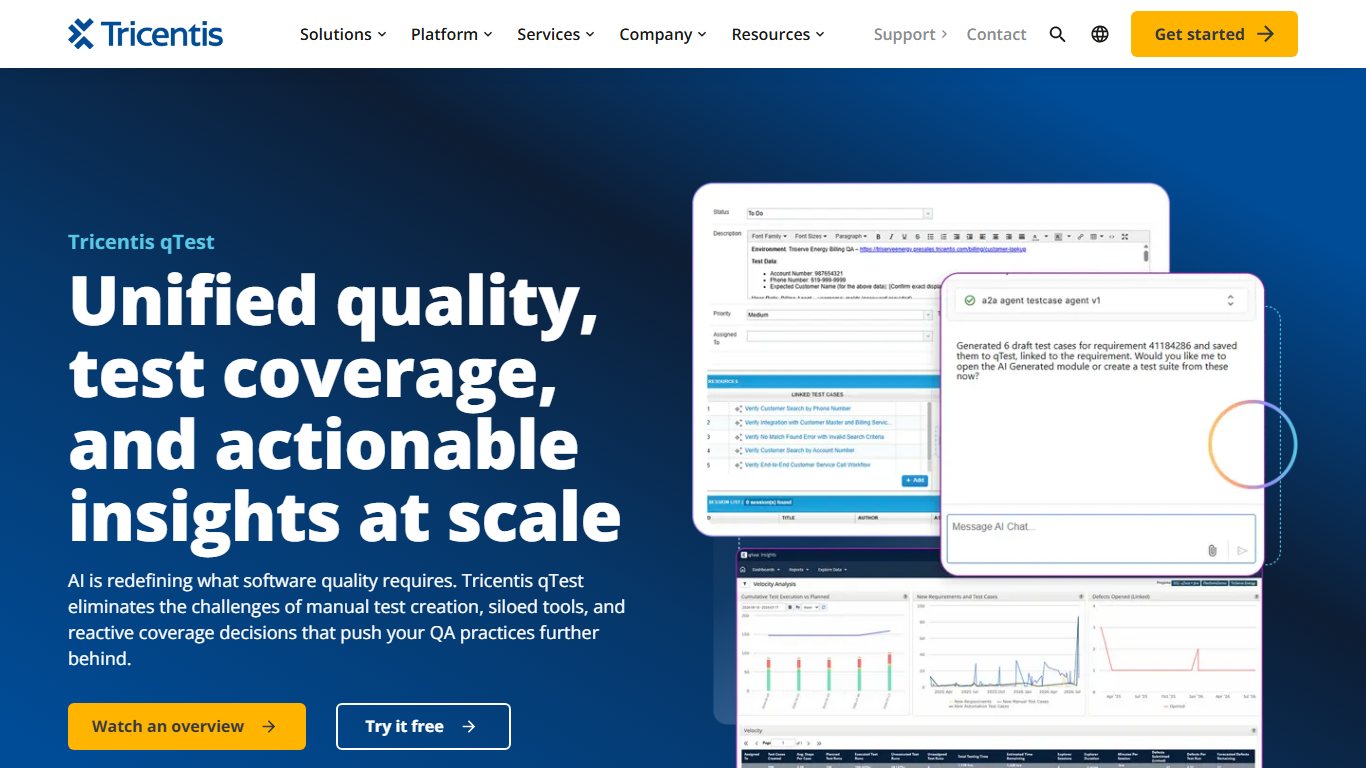
Tricentis qTest Manager is a popular mainstream choice built to support testers through the whole development cycle. It has a clean interface and strong integration options. Its Jira integration works in real time and in both directions. You can import Jira requirements, link them to test cases and report defects straight from test runs, with the run history attached. The “Tricentis qTest Integration for Jira” app is free on the Atlassian Marketplace but needs a paid or trial qTest license. It supports Jira Cloud and Jira Data Center. qTest suits larger companies, especially those that already use other Tricentis tools such as Tosca.
3. TestRail

TestRail helps you track and manage your testing work and organize your QA department. Activity reports and dashboards show the status of each test, assignments and milestones at a glance. It connects to Jira through the TestRail Integration for Jira, so testers can push defects to Jira and link tests to Jira stories. Professional cloud pricing starts at about $37 per seat per month, and annual billing costs a little less. TestRail is now part of Idera, which also owns Xray.
Test data also needs protecting. Cloud test management tools back up your test cases on their servers, which is much safer than keeping them in spreadsheets on one laptop. If that laptop dies, you are left hoping free data recovery software can bring the files back.
4. Zephyr

Zephyr, made by SmartBear, is one of the best-known Jira apps for test management. It runs inside Jira, so you can create test plans and test cases, run tests, build reports and log bugs found during testing without leaving Jira. SmartBear renamed its lineup. Zephyr Squad is now Zephyr Essential, and Zephyr Scale is now simply Zephyr, sold in Standard and Advanced editions. The higher editions add no-code test automation powered by SmartBear’s HaloAI. Zephyr Enterprise is a separate standalone product with its own Jira integration app.
Zephyr is priced through the Atlassian Marketplace, so you pay for every user on your Jira site. That is a good deal for small teams where most people test. It costs a lot more on large sites where only a few people do.
5. PractiTest
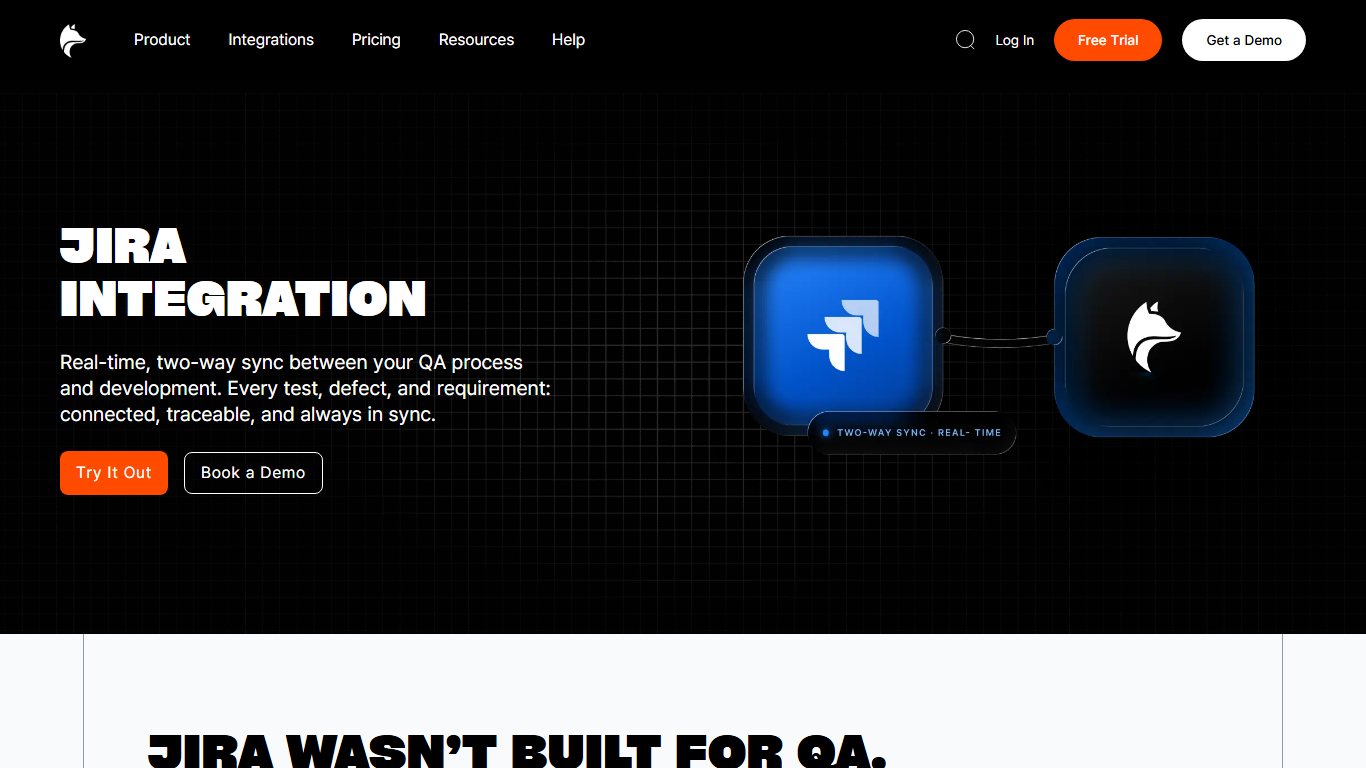
PractiTest is another cloud-based alternative to Kualitee. It is an end-to-end test management platform that covers requirements, tests, runs and reporting. Its Jira integration syncs requirements and issues both ways in real time, including comments, attachments and fields. It works with Jira Cloud, installed through the Atlassian Marketplace, and with Jira Data Center. Its help documentation also describes a simpler one-way option that only pushes issues to Jira. Check which plan includes two-way sync before you buy, because it depends on the plan.
Also worth a look: Xray
Xray, made by Xblend and now owned by Idera, is the main Jira-native rival to Zephyr. It stores tests as Jira issues, supports BDD (behavior-driven development) and comes in Standard and Advanced tiers. According to its Marketplace listing, more than 10,000 companies use it. Like Zephyr, it is priced by your total number of Jira users.
Setting up test machines
Test management tools track the tests, but someone still has to prepare the computers they run on. Teams that rebuild Windows test machines often use ninite alternatives such as winget, Microsoft’s official package manager, to install the same set of apps on every machine in one step.
FAQ
Does Jira have built-in test management?
No. Jira tracks issues, stories and bugs, but it has no proper test case repository, test runs or coverage reports. Some teams use custom issue types as a stopgap, but most add a Marketplace app such as Zephyr or Xray, or connect a standalone tool such as TestRail.
What is the difference between Zephyr and Xray?
Both run inside Jira and charge per Jira user through the Atlassian Marketplace. Xray stores tests as Jira issues and has strong BDD support. Zephyr keeps tests in its own structure inside Jira and offers HaloAI no-code automation in its higher editions. The best way to choose is to run both free trials on one real project.
Why does a Jira test app charge for users who never test?
Atlassian Marketplace apps are licensed to match your whole Jira site’s user tier. If your site has 150 users, the app is billed for 150, even if only 8 people test. For large sites with small QA teams, a standalone tool billed per tester is often cheaper.
Will these tools still work after Jira Data Center ends?
Atlassian ends Data Center support on March 28, 2029, and limits new license sales before that. All five tools listed here support Jira Cloud. If you are still on Data Center, choose a tool with a cloud version so your test history moves with you when you migrate.
Can I try these tools for free?
Yes. Marketplace apps such as Zephyr and Xray come with free trials on Jira Cloud. TestRail, PractiTest, Kualitee and qTest offer trials or demos through their own websites. Jira’s Free plan for up to 10 users is a low-cost way to test an integration before you commit.
Sources
- Atlassian: Data Center end of life
- Atlassian Support: Explore Jira Cloud plans
- SmartBear: Zephyr
- Atlassian Marketplace: Zephyr Test Management and Automation for Jira
- Tricentis qTest documentation: Get started with Jira integration
- Atlassian Marketplace: Tricentis qTest Integration for Jira
- TestRail: Plans and pricing
- PractiTest: Jira integration
- Kualitee: Pricing
- Atlassian Marketplace: Xray Test Management for Jira













