When you hire your 16th person, Wrike’s per-seat price jumps from $10 to $25, because the Team plan stops at 15 users. This guide compares 14 Wrike alternatives using prices checked on November 19, 2026. It works out monthly totals for 5, 10 and 20 users, compares security and integrations, and explains how to get your projects out of Wrike without losing them.
Key takeaways
- Wrike Team costs $10 per user and stops at 15 users. From the 16th seat you need Business at $25 per user, billed annually only.
- ClickUp Core at $9 per user, billed yearly, covers most of what Wrike does for little money, and ClickUp’s AI now comes with its paid plans as a monthly credit allowance.
- If your team never really adopted Wrike, monday.com and Asana are the easier fixes. Check their 3-seat and 2-seat minimums first.
- SAML single sign-on sits on enterprise tiers at most vendors, so price that tier if your IT team requires it.
- Stay on Wrike if proofing, resource management and its stronger support scores are what keep your team running.
Fact-checked
We checked these key facts against the sources named, on November 19, 2026:
- Business costs $25 per user, billed annually only, for 5 to 200 users (source: agiled.app)
- ClickUp Core costs $180, Asana Starter about $220 and monday.com Standard $240
- Gantt needs Standard and workload needs Pro, so the fair comparison with Wrike is usually Pro at $19 (source: automationatlas.io)
- If all you need is more seats, a $7 to $12 alternative will usually serve a 16-person team just as well (source: agiled.app)
- At 20 users, Asana Starter costs about $220 a month against $500 for Wrike Business, and that gap is the strongest reason to switch (source: agiled.app)
The short answer: the best Wrike alternative for you
The right replacement depends on why you’re leaving. For most teams it’s ClickUp. It has Gantt charts, workload views, proofing and dependencies like Wrike, and its Core plan costs $9 per user per month billed annually. If you’re leaving because Wrike is too complex, skip ClickUp. It can be just as dense.
Here are the picks by reason for leaving. Prices are per user per month, billed annually, as of November 2026:
- Cheapest overall: Zoho Projects Premium at about $4, Trello Standard at $5, or ClickUp Core at $9.
- Easiest switch for non-technical teams: monday.com (Basic $9, Standard $12) or Asana Starter ($10.99).
- Software and engineering teams: Atlassian’s Jira. It’s free for up to 10 users, and Standard costs about $9.70 per user on monthly billing.
- Spreadsheet people: Smartsheet Pro at $9, or Business at $19.
- Self-hosted or EU data: OpenProject. The Community edition is free and open source, and there’s an on-premises Enterprise edition.
- Agencies that bill clients: Teamwork.com from $9.99, or Productive from $10.
- Kanban plus Gantt on one simple plan: Teamhood at $12.
How these tools were picked and ranked
The ranking uses published pricing, vendor documentation, security pages, release notes and independent review data, mainly Gartner Peer Insights. Five criteria were weighted as follows:
| Criterion | Weight | What it means in practice |
|---|---|---|
| Real cost for 5 to 20 users | 30% | Per-seat price, seat minimums, user caps and AI add-ons |
| Covers what Wrike users rely on | 25% | Gantt charts, dependencies, workload, approvals, dashboards |
| Ease of onboarding | 20% | How quickly a team without a project manager can use it day to day |
| Migration path | 15% | CSV or Excel import, native importers, API access |
| Support, security and review scores | 10% | Gartner Peer Insights ratings, service scores, SSO and compliance |
Pivotal Tracker is left out because Broadcom retired it, though some directories still list it.
Why people leave Wrike (and when you shouldn’t)
Most teams leave Wrike for one of five reasons. Setup takes too long, the price jumps at 16 users, newcomers find it overwhelming, AI features are locked to Business, or support let them down. Wrike is still a strong product, with more than 2.4 million users and 20,000 organizations by its own count. The problems are about fit, not quality.
These complaints come up again and again in community threads:
- “Wrike is too complicated to set up and nobody on my team actually uses it.” Wrike’s spaces, folders, projects and cross-tagging are powerful, but someone has to design the structure. When nobody owns it, people drift back to email and spreadsheets.
- “For someone new, Wrike is overwhelming.” New users see many views, custom item types and request forms before they understand the basics.
- “Wrike is quite expensive for small teams.” The Team plan is reasonable up to the 15-user cap. After that the price more than doubles.
- “Customer support was my least favorite thing about Wrike.” This is a common complaint, but the review data is mixed, as the sections below show.
- AI behind a paywall. Wrike AI Agents became generally available on February 5, 2026, and they’re only on Business and higher plans.
What Wrike actually costs in 2026
Wrike has a Free plan, Team at $10 per user per month billed annually (about $12 billed monthly), Business at $25 per user billed annually, and quote-only Pinnacle and Apex tiers for larger organizations. According to Agiled’s 2026 pricing breakdown, Business is sold to teams of 5 to 200 users and is billed annually only.
| Wrike plan | Annual price | Monthly price | User range | Notable limits |
|---|---|---|---|---|
| Free | $0 | $0 | Small teams | Basic task management, limited storage |
| Team | $10/user/mo | About $12/user/mo | 2 to 15 users | No AI Agents |
| Business | $25/user/mo | Not offered | 5 to 200 users | Annual billing only |
| Pinnacle / Apex | Quote only | Quote only | Large teams | Sales-led contracts |
Wrike’s AI roadmap is the most aggressive in this group. At Wrike Collaborate 2026 on October 7, the company announced “Bring Your Own” AI agents with role-based permissions and audit trails. It also announced a Wrike MCP Server that lets outside AI assistants read and write Wrike data. Wrike says its agents save 520 hours per employee per year. That figure comes from Wrike itself and hasn’t been independently verified.
The 15-user trap on the Team plan
One reader asked: “We have 16 people now and Wrike wants us on Business, is that worth it?” The math explains why this comes up. Fifteen users on Team cost $150 a month. Sixteen users on Business cost $400 a month, billed annually, which is $4,800 a year.
So the 16th hire adds $250 a month, or $3,000 a year. Business is worth it if you’ll use what it adds: AI Agents, deeper resource management, and approvals and reporting at scale. If all you need is more seats, a $7 to $12 alternative will usually serve a 16-person team just as well.
Price the next tier early
If you’re at 12 to 15 users on Wrike Team, price both Wrike Business and one alternative now. A hiring burst can push you past the cap in the middle of a contract.
Stay on Wrike if…
Switching is a mistake for some teams. In Gartner Peer Insights data from the last 12 months, Wrike scores higher on service and support than Asana, Smartsheet and Zoho Sprints. That cuts against the usual complaint.
Stay on Wrike if most of these describe you:
- Your creative or marketing team runs proofing and multi-step approvals on assets every week.
- Your PMO depends on cross-project dashboards, workload charts and resource planning across departments.
- You’ve already built a folder and blueprint structure that works, and people actually use it.
- You want agentic AI tied to your project data and are willing to pay for Business.
- You’re past 20 users, where most rivals’ business tiers cost about the same as Wrike Business anyway.
Wrike alternatives compared side by side
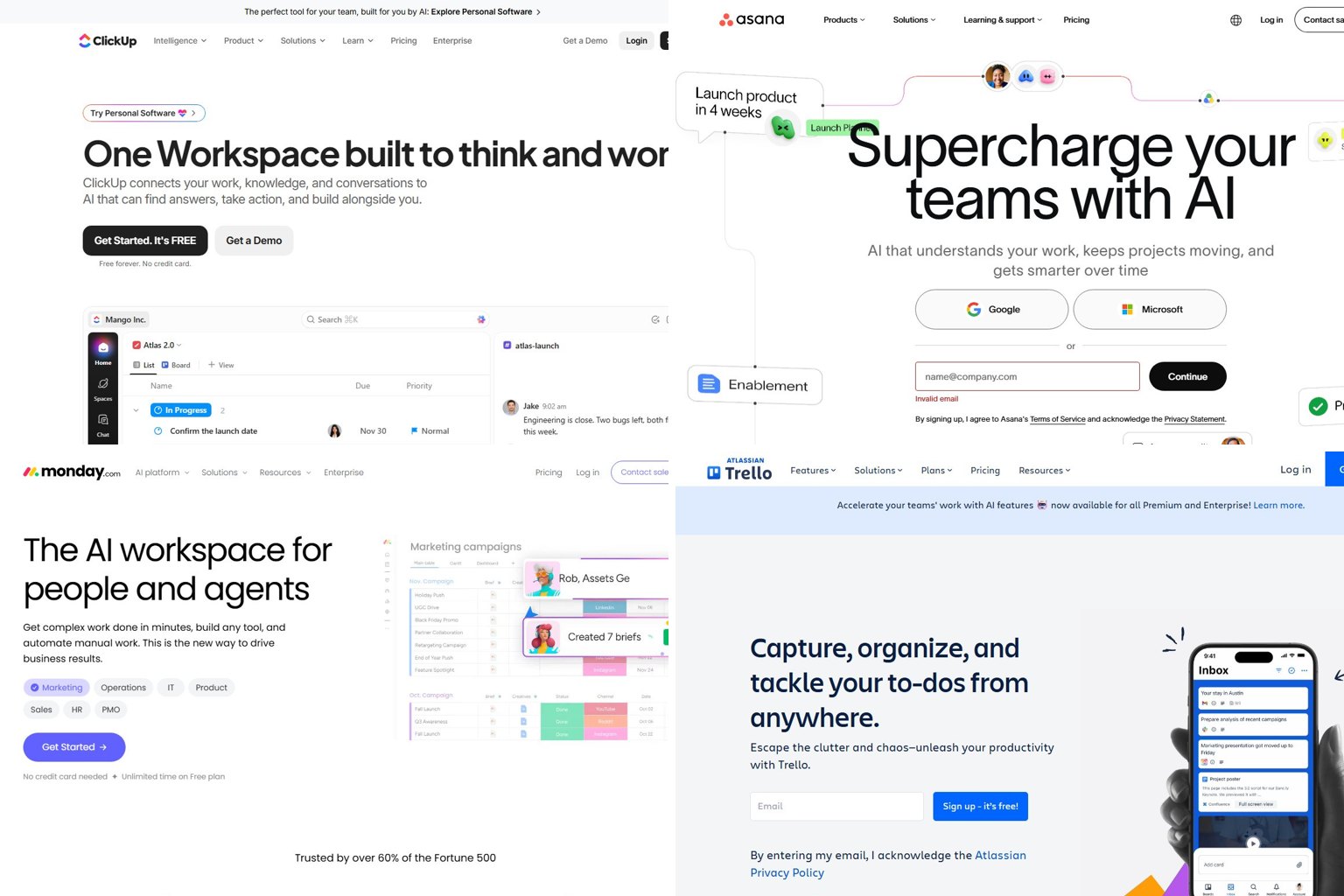
ClickUp, Trello and Zoho Projects cost the least per seat. monday.com and Asana are the easiest for non-technical teams to adopt. Jira, OpenProject and Adobe Workfront serve specialist needs at opposite ends of the market. The table shows each tool’s entry-level paid plan, with prices as of November 2026.
| Tool | Free plan | Starting price (annual) | Monthly billing price | Seat minimum or cap | Best for |
|---|---|---|---|---|---|
| Wrike (baseline) | Yes | Team $10 | About $12 | Team capped at 15 | Marketing ops, PMO |
| ClickUp | Free Forever | Core $9 | $12 | None | Wrike’s features for less |
| Asana | Personal | Starter $10.99 | $13.49 | 2 seats | Cross-team work, ease of use |
| monday.com | Up to 2 seats | Basic $9 | Higher than annual | 3 seats | Visual boards, onboarding |
| Trello | Up to 10 collaborators | Standard $5 | $6 | None | Simple Kanban teams |
| Smartsheet | No free plan for new signups | Pro $9 | $12 | Pro capped at 10 | Spreadsheet-style planning |
| Jira | Up to 10 users | Standard, tiered | About $9.70 | Free capped at 10 | Software teams |
| Zoho Projects | 5 users, 3 projects | Premium about $4 | About $5 | None stated | Budget teams, Zoho users |
| Teamwork.com | Yes | Basics $9.99 | Varies | Check at signup | Agencies, client billing |
| OpenProject | Community edition | Free (self-hosted) | Cloud via 14-day trial | None | Self-hosting, EU data |
| Productive | No (14-day trial) | Essential $10 | $12 | 3 seats | Agency profitability |
| Airtable | Yes | Team $20 | $24 | Paid per editor | Database-style projects |
| Teamhood | No (first month free) | Single plan $12 | $16 | 3 users | Kanban plus Gantt |
| Celoxis | No | From $10, prepaid annually | Quote | 5 users | PMO portfolios, on-premises |
| Adobe Workfront | No | Quote only | Quote only | Sales-led | Enterprise marketing |
Count your seats before comparing
monday.com, Productive and Teamhood need at least 3 paid seats, Celoxis 5, and Asana 2. A two-person team on monday pays for an empty seat, so check the minimums before you compare per-user prices.
Security, SSO and integrations by plan
Most vendors lock SAML single sign-on behind their enterprise tier, so a team that needs SSO usually pays far more than the entry prices above. The table lists the plan where SSO appears, the attestations each vendor publishes on its security or trust pages, and the main native integrations.
| Tool | SSO / SAML available on | Published attestations | Native integrations of note |
|---|---|---|---|
| Wrike | Sales-led top tiers (Pinnacle and up) | SOC 2 Type II, SOC 3, ISO 27001, ISO 27018, CSA STAR; HIPAA BAA available | Slack, Microsoft Teams, Google Drive, Salesforce, Adobe Creative Cloud |
| ClickUp | Business and Enterprise | SOC 2; HIPAA on Enterprise (confirm the BAA with sales) | Slack, Microsoft Teams, Google Drive, Salesforce |
| Asana | Enterprise | SOC 2 Type II, SOC 3, ISO 27701; HIPAA BAA on Enterprise tiers | Slack, Microsoft Teams, Google Drive, Salesforce, Adobe Creative Cloud |
| monday.com | Enterprise (with SCIM and audit logs) | SOC 2 Type II, ISO 27001; HIPAA on Enterprise | Slack, Microsoft Teams, Google Drive, Salesforce, Adobe Creative Cloud |
| Trello | Enterprise, through Atlassian Guard | Atlassian’s SOC 2 and ISO 27001 reports | Slack, Microsoft Teams and Google Drive Power-Ups |
| Smartsheet | Enterprise (10+ users, custom price) | ISO 27001, SOC 1 Type II, SOC 2 Type II, SOC 3; HIPAA via Enterprise BAA | Slack, Microsoft Teams, Google Drive, Salesforce, Adobe Creative Cloud |
| Jira | Atlassian Guard (included with Enterprise) | Atlassian’s SOC 2 and ISO 27001 reports | Slack, Microsoft Teams, GitHub, Bitbucket, Confluence |
| Zoho Projects | Through Zoho’s organization admin controls | Zoho’s SOC 2 Type II and ISO 27001 | Zoho CRM, Zoho Books, Slack, Microsoft Teams, Google Drive |
| Teamwork.com | Higher tiers; confirm at signup | Ask sales for the current report | Slack, Microsoft Teams, HubSpot, QuickBooks, Xero |
| OpenProject | Enterprise edition (SAML and OpenID Connect) | GDPR focus; EU-hosted cloud | Nextcloud, GitHub, GitLab |
Two points from this table change the decision more than the rest:
- Encryption key ownership. Wrike Lock lets you hold your own encryption keys. It’s a separately priced add-on, even on top tiers. None of the cheaper alternatives here sells an equivalent at small-team prices. If your security review insists on customer-managed keys, that alone can keep you on Wrike or push you to self-hosted OpenProject.
- EU data residency. Wrike runs data centers in both the US and the EU. As OpenProject points out on its comparison pages, EU storage has to be requested when the account is created, so raise it with Wrike sales before signup rather than after. OpenProject’s cloud is hosted in the EU by default, and its self-hosted editions keep data on your own servers.
For creative teams, the Adobe Creative Cloud column matters most. Wrike, Asana, monday.com and Smartsheet all connect to Adobe’s apps. ClickUp, Trello and Jira don’t offer the same native designer-side workflow, and that ties back to the proofing gap covered below.
Did you know?
According to Wrike’s own security whitepaper, Wrike leases dedicated physical space for all of its servers in top-tier data centers in the US and the EU, instead of sharing general-purpose hosting.
What you’ll really pay: 5, 10 and 20 users
For a 20-person team, Wrike Business costs $500 a month. ClickUp Core costs $180, Asana Starter about $220 and monday.com Standard $240. At 5 and 10 users the gap is smaller because Wrike Team is still available. The figures below use annual-billing list prices as of November 2026 unless noted, before taxes or discounts.
| Tool and plan | 5 users | 10 users | 20 users | Notes |
|---|---|---|---|---|
| Wrike Team / Business | $50 | $100 | $500 | 20 users must be on Business at $25 |
| Wrike Business | $125 | $250 | $500 | Needed for AI Agents |
| ClickUp Core | $45 | $90 | $180 | No seat minimum; AI credits included |
| ClickUp Business | $85 | $170 | $340 | Adds advanced automations and permissions |
| Asana Starter | $54.95 | $109.90 | $219.80 | 2-seat minimum |
| Asana Advanced | $124.95 | $249.90 | $499.80 | Roughly Wrike Business pricing |
| monday.com Basic | $45 | $90 | $180 | No automations |
| monday.com Standard | $60 | $120 | $240 | 250 automation actions a month |
| monday.com Pro | $95 | $190 | $380 | 25,000 automation actions a month |
| Trello Standard | $25 | $50 | $100 | Cheapest paid option here |
| Trello Premium | $50 | $100 | $200 | Adds Timeline and more views |
| Smartsheet Pro / Business | $45 | $90 | $380 | Pro stops at 10, so 20 users means Business at $19 |
| Jira Free / Standard | $0 | $0 | About $194 | Free to 10 users; Standard at monthly rate |
| Zoho Projects Premium | $20 | $40 | $80 | Free plan covers 5 users on 3 projects |
| Teamwork.com Basics | $49.95 | $99.90 | $199.80 | Agency features on higher tiers |
| Productive Essential | $50 | $100 | $200 | Invoicing needs Professional at $25 |
| Teamhood | $60 | $120 | $240 | One plan, 3-user minimum |
| Airtable Team | $100 | $200 | $400 | Billed for editors |
| OpenProject Community | $0 | $0 | $0 | You pay for hosting and admin time |
Over a year, a 20-person team pays $6,000 on Wrike Business and $2,160 on ClickUp Core. That $3,840 gap is why the 16th hire so often starts a switch.
Monthly billing changes the picture for small teams. Wrike Team is about $12 instead of $10, Asana Starter is $13.49 instead of $10.99, and Trello Standard is $6 instead of $5. If you aren’t sure you’ll stay with a new tool, paying monthly for the first few months is a cheap way to keep your options open.
There’s a fair counter-argument: your list price isn’t your total cost. Retraining 20 people, rebuilding automations and losing a week of momentum can cost more than a year of savings, especially if your Wrike setup already works.
Adding AI changes the math
AI is the fastest-moving part of every vendor’s price list, and three of these tools charge for it in very different ways:
| Tool | How AI is sold | What it does to the price |
|---|---|---|
| Wrike | AI Agents on Business and higher; the account owner must sign an AI Addendum | No AI Agents below $25 per user |
| ClickUp | AI included on paid plans as monthly credits; extra credits cost $10 per 10,000 | Core stays at $9 |
| Asana | 5 AI requests per user per month, capped at 50 per account on Starter and Advanced | Included, but a 20-person team still gets only 50 requests |
The Asana cap matters more than it looks. Twenty users at 5 requests each would get 100, but the 50-request account limit cuts that in half. If AI summaries and drafting are a must-have, ClickUp Core already includes AI credits at $9 per user, $16 less than Wrike Business. Wrike’s advantage is agents that act on your project data rather than a chat assistant.
The 14 Wrike alternatives, one by one
Each entry covers what the tool does better than Wrike, what you give up, the free plan or trial, and the team it suits. The first nine are the main contenders for 5 to 20 users. Numbers 10 to 14 serve narrower needs: agency billing, database-style work, Kanban-first teams, PMO portfolios and enterprise marketing.
| Wrike feature you rely on | Asana | monday.com | ClickUp | Trello | Smartsheet | Jira |
|---|---|---|---|---|---|---|
| Gantt chart | Timeline and Gantt on paid plans | Gantt on Standard and up | Yes, on paid plans | Timeline on Premium | Yes, core feature | Timeline; cross-project Plans on Premium |
| Workload / resources | Workload on Advanced | Workload on Pro | Workload view on paid plans | No | Separate Resource Management product | Capacity in Plans, Premium |
| Proofing and approvals | Approvals; proofing on higher tiers | File annotations, light approvals | Proofing and approvals | No | Proofing on Business and up | Workflow approvals, no creative proofing |
| Task in multiple projects | Yes | Limited (mirroring, connect boards) | Yes | Limited (mirror cards) | No | Via links and filters |
| Custom request forms | Yes | Yes | Yes | Basic | Yes | Yes |
| Dashboards and reporting | Yes, deeper on Advanced | Yes, deeper on Pro | Yes, on paid plans | Basic, more on Premium | Yes, strong | Yes, strong for dev metrics |
A common question is: “Do I lose proofing and approvals if I move from Wrike to Asana or monday?” With monday.com, mostly yes. You get file annotations, but not Wrike’s full review cycle. Asana handles approvals well and has image proofing on its higher tiers. ClickUp comes closest to Wrike here.
1. ClickUp: best overall Wrike alternative
ClickUp matches Wrike feature for feature at well under half of Wrike Business’s per-seat price. ClickUp’s pricing page lists Core at $9 per user per month billed yearly ($12 monthly) and Business at $17 ($25 monthly). The older Unlimited and Business plans are no longer sold to new workspaces.
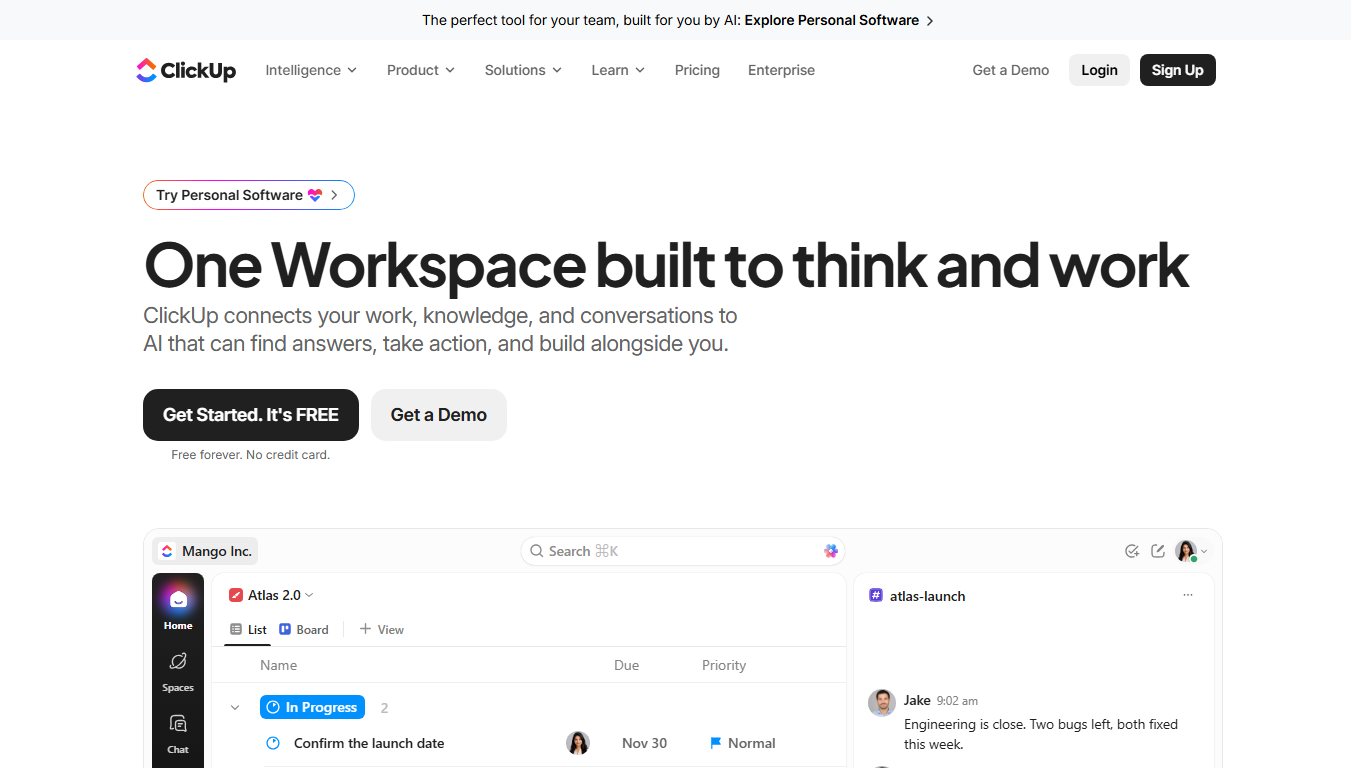
What it does better than Wrike: Price, a usable free tier, built-in docs and whiteboards, and a native importer for Wrike projects. Gantt charts, dependencies, time tracking, proofing and dashboards are all on paid plans, with no 15-user cliff. SSO arrives on Business, which is far cheaper than Wrike’s SSO tiers.
What you lose: Simplicity. ClickUp’s hierarchy of spaces, folders, lists, tasks and subtasks is as deep as Wrike’s, and its menus are busier. Teams that left Wrike because nobody used it often run into the same problem in ClickUp. There’s also no native Adobe Creative Cloud link.
Free plan: Free Forever has unlimited members and tasks. Storage is tiny (recent checks put it in the tens of megabytes), and automations are capped at 100 runs a month.
Best for: Wrike users who liked the power and want it cheaper, and teams with at least one person willing to own the setup.
2. Asana: easiest switch for cross-functional teams
Asana is the most common Wrike replacement for marketing and operations teams because people learn it quickly. Starter is $10.99 per user per month annually ($13.49 monthly) and Advanced is $24.99 ($30.49 monthly). Paid plans start at 2 seats.
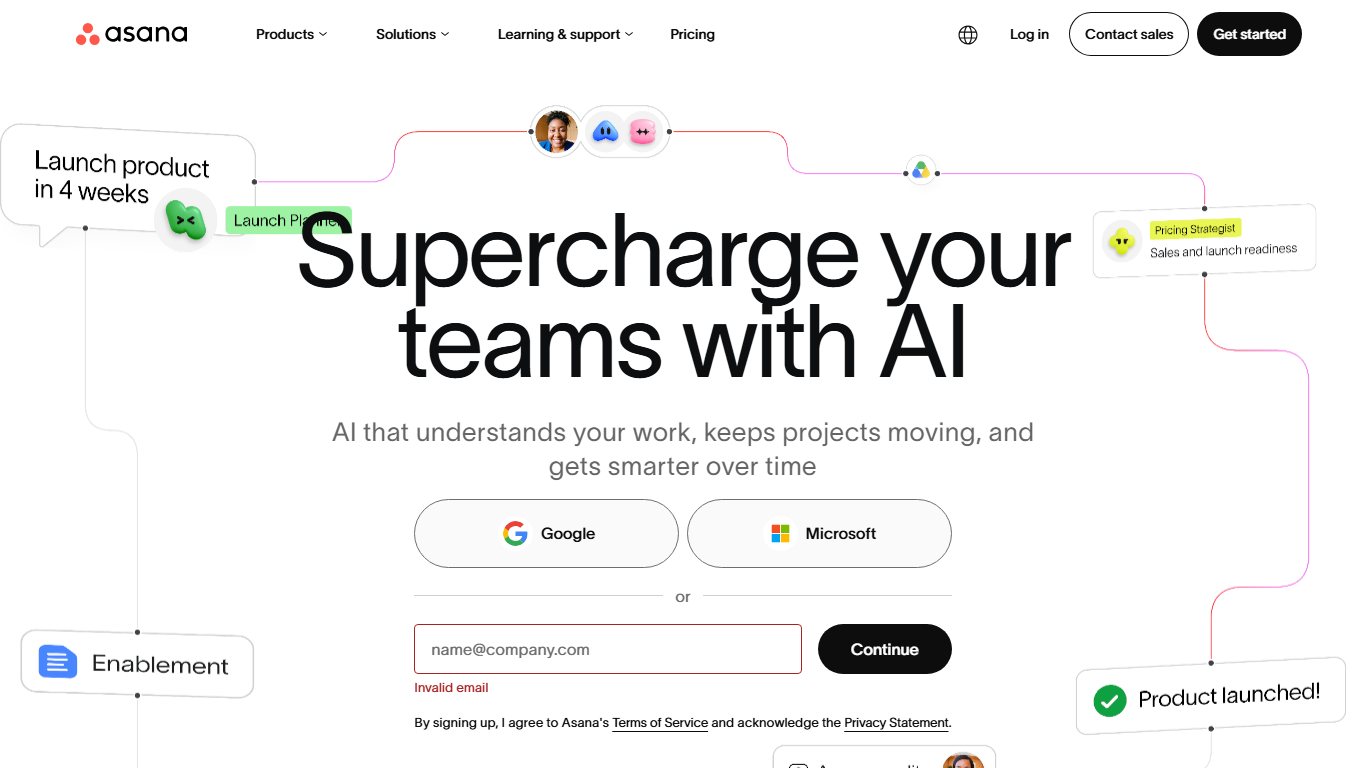
What it does better than Wrike: Onboarding, a clean interface, Goals and Portfolios for linking projects to company objectives, and a large integrations library that includes Adobe Creative Cloud and Salesforce. A task can live in several projects, which mirrors Wrike’s cross-tagging.
What you lose: Workload and portfolio-level resource planning are on Advanced, which costs as much as Wrike Business. AI is capped at 50 requests per account on Starter and Advanced. SAML SSO needs Enterprise.
Ratings: Gartner Peer Insights gives Asana 4.3 from 1,082 ratings, but it scores below Wrike on service and support.
Best for: Teams of 5 to 20 who need clear ownership and deadlines more than deep resource management.
3. monday.com: best for teams that never adopted Wrike
monday.com answers the question “what’s easier to get people on board with?” Its colorful boards make status obvious to people who’ve never used a project tool. According to PMWorld360’s June 2026 breakdown, Basic is $9, Standard $12 and Pro $19 per seat per month billed annually, with a 3-seat minimum.
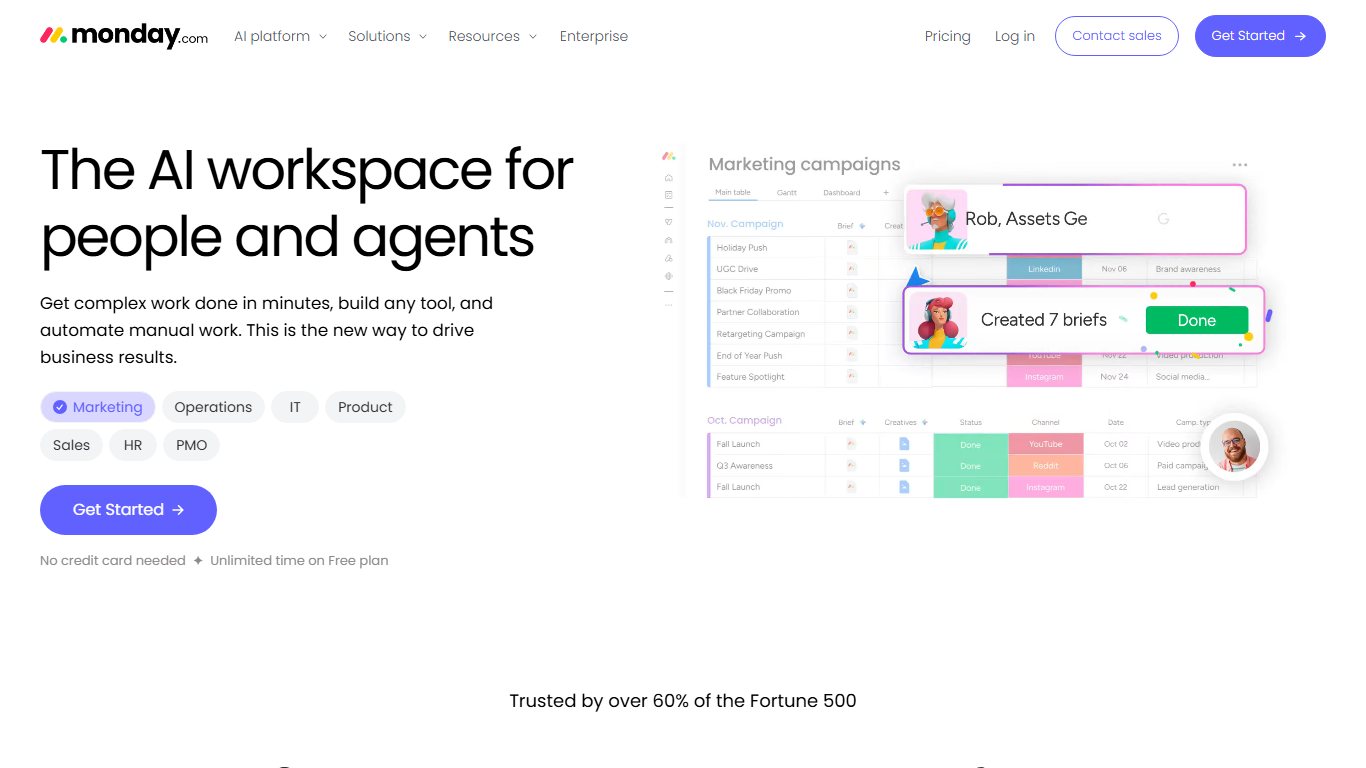
What it does better than Wrike: Adoption speed, visual dashboards, and one board system that also runs CRM, HR and dev workflows. The monday dev product holds a 4.4 rating on Gartner Peer Insights from 183 ratings.
What you lose: Automations on the cheaper plans. According to TinyCommand’s 2026 guide, Free and Basic include none, Standard is capped at 250 actions a month and Pro at 25,000. A busy team can burn through Standard’s allowance in a week. Gantt needs Standard and workload needs Pro, so the fair comparison with Wrike is usually Pro at $19.
Best for: Small businesses, sales-adjacent teams and agencies whose main problem is getting people to update their tasks at all.
4. Trello: cheapest paid option for simple work
Trello, owned by Atlassian, is the cheapest paid tool here after Zoho. According to eesel AI’s October 2026 check, Standard is $5 per user annually ($6 monthly), Premium $10 ($12.50 monthly), and Enterprise $17.50, billed annually only.
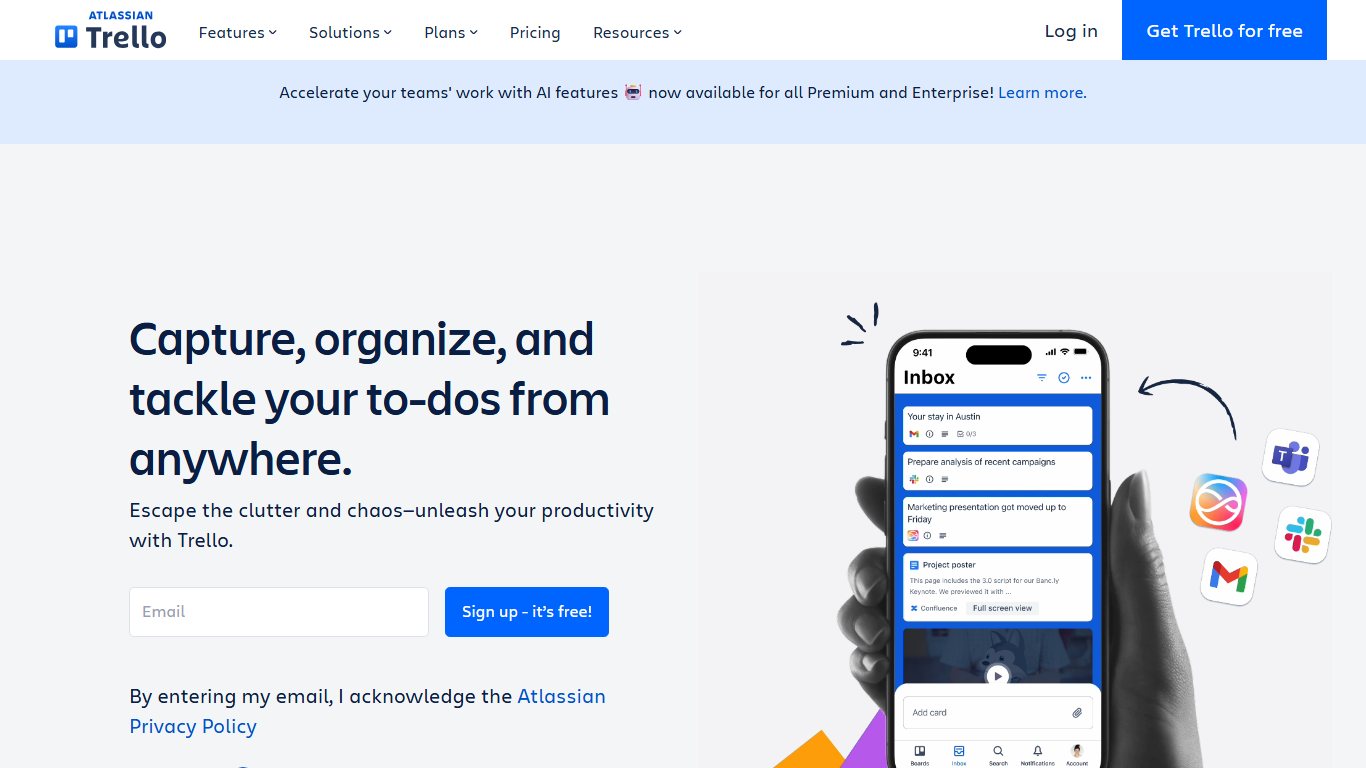
What it does better than Wrike: Nobody needs training. Cards, lists and Butler automations handle simple pipelines, content calendars and to-do flows.
What you lose: Almost everything that makes Wrike a project tool. There are no real dependencies or workload management, and Timeline only comes with Premium. Moving to Trello means giving up capability, which is fine if you never used those features.
Free plan: Up to 10 collaborators per Workspace. Above that, members can still open boards but can’t edit cards, and automations stop running.
Best for: Teams under 10 doing linear work who mainly need visibility.
5. Smartsheet: best for spreadsheet-minded PMOs
Smartsheet looks like a spreadsheet but works like a project tool, with Gantt charts, dependencies and strong reporting. Pro is $9 per member annually ($12 monthly) for 1 to 10 members. Business is $19 annually ($24 monthly) with at least 3 members. New signups no longer get a free plan.
What it does better than Wrike: Grid-based planning that finance and operations people already understand, plus dashboards and cross-sheet reports that hold up in enterprise PMOs. Its published attestations (SOC 1, SOC 2 and SOC 3, ISO 27001) are among the broadest here. Gartner Peer Insights rates it 4.3 from 278 ratings.
What you lose: Pro’s 10-member cap is an even tighter cliff than Wrike’s 15, and Pro allows only 250 automation runs a month. Full resource planning is a separate product, Smartsheet Resource Management. SAML SSO needs Enterprise.
Best for: PMOs whose portfolio reviews already live in Excel.
6. Jira: best for software teams
Yes, Jira is better than Wrike for software development. Its sprints, backlogs, issue workflows and code integrations are built for engineers. Free covers up to 10 users. After Atlassian’s price change on October 13, 2026, Standard is about $9.70 and Premium about $19.60 per user on monthly billing for teams of 1 to 100, and the per-user rate drops as you add seats.
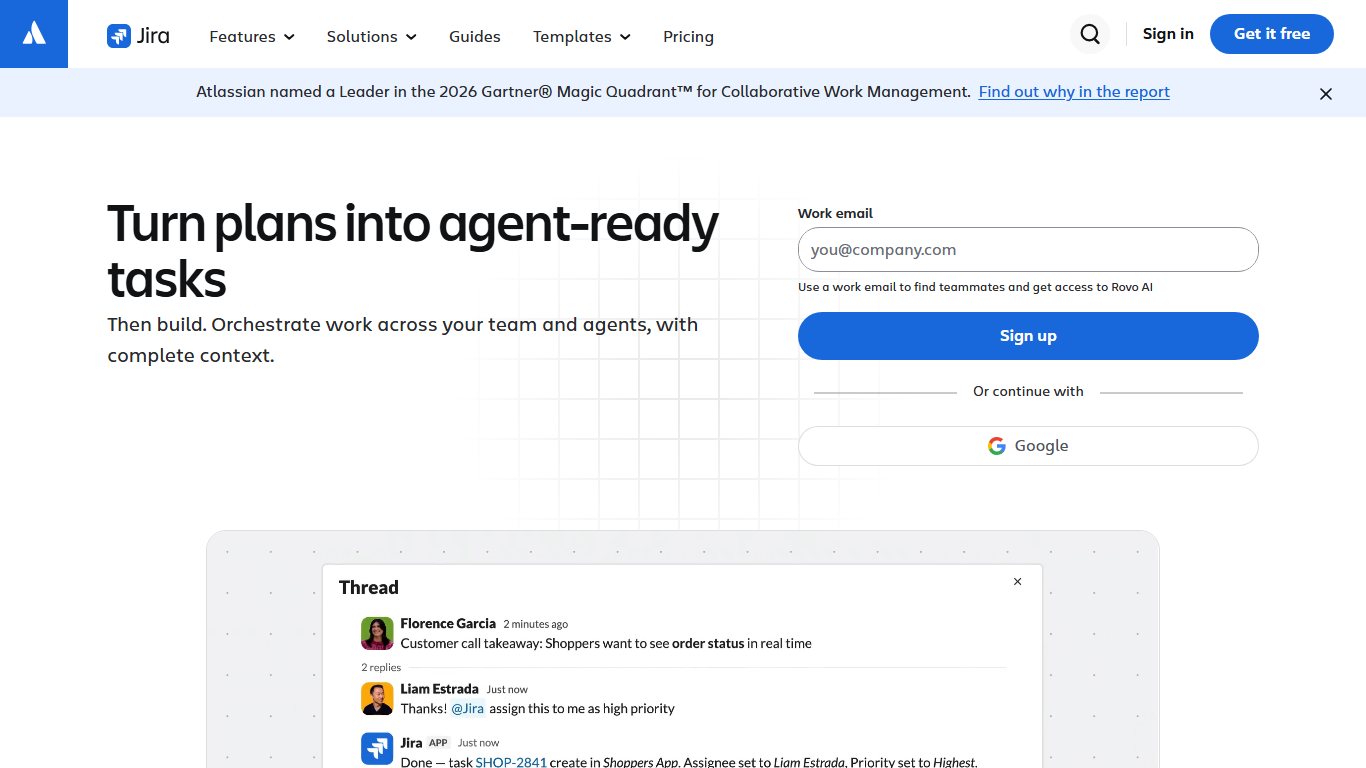
What it does better than Wrike: Scrum and Kanban, bug tracking, release management, and tight links to Bitbucket, GitHub and Confluence. Gartner Peer Insights rates Jira 4.4 from 1,332 ratings, the largest review base in this group.
What you lose: Marketing and creative teams find Jira rigid, and it has no creative proofing. Mixed companies often run Jira for engineering and another tool for everyone else.
Best for: Dev teams, and companies where engineering drives most of the work. Zoho Sprints and monday dev are lighter options in the same niche.
7. Zoho Projects: cheapest full-featured option
Zoho Projects is the cheapest tool here with Gantt charts. According to Capterra and Tech.co listings, Premium is about $4 per user annually ($5 monthly) and Enterprise about $9 ($10 monthly). Zoho prices by region, so the figure you see may differ slightly.
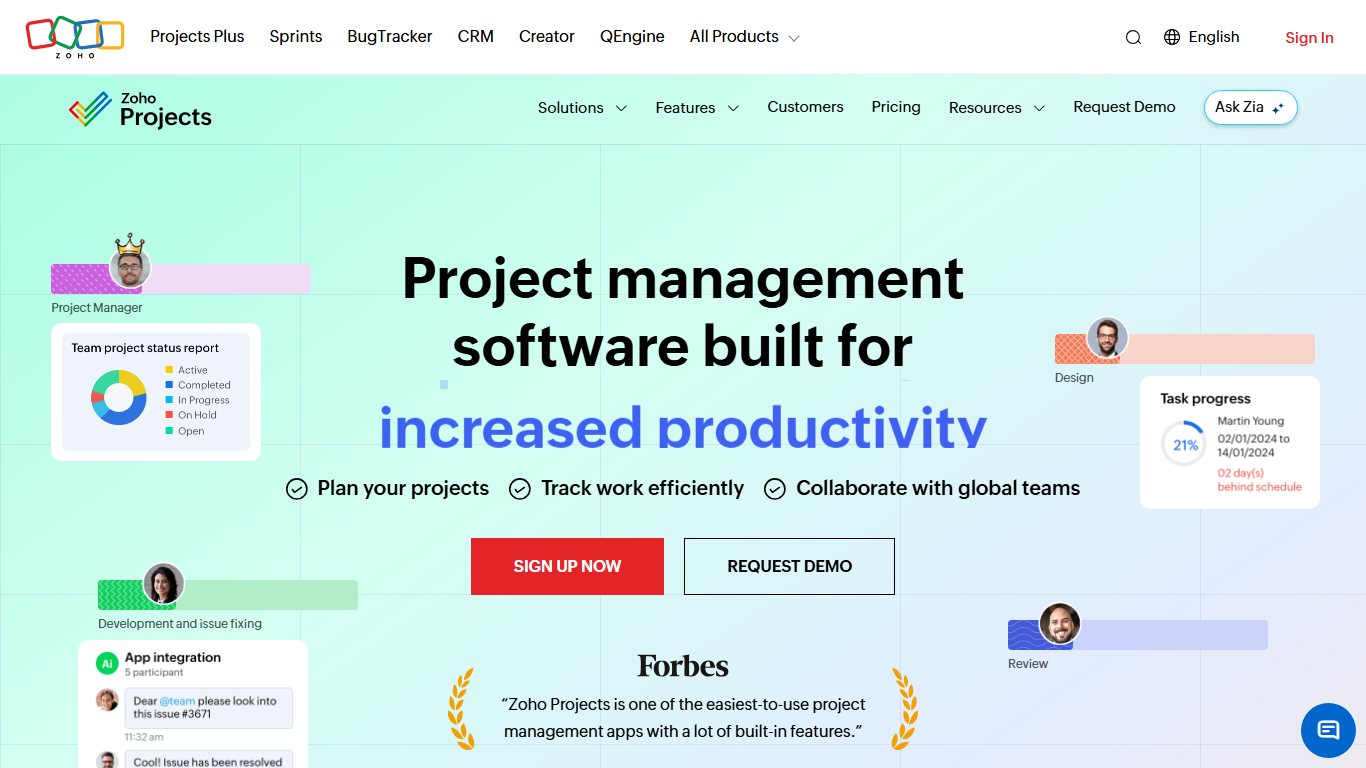
What it does better than Wrike: Price. Gantt charts, timesheets, blueprints and issue tracking come at a fraction of Wrike’s cost. It also connects to Zoho CRM, Zoho Books and the rest of the Zoho suite.
What you lose: The interface is plainer, and the ecosystem outside Zoho is smaller. Team hierarchy needs Enterprise.
Free plan: Up to 5 users and 3 projects, which is enough for a trial but not for running a business.
Best for: Small teams on tight budgets, especially ones already paying for Zoho apps.
8. Teamwork.com: best Wrike alternative for agencies
Teamwork.com is built for client services, with time tracking, billable rates, budgets and client access in one platform. Plans are Free, Basics, Accelerate, Optimize and Enterprise, and Basics starts at $9.99 per user per month.
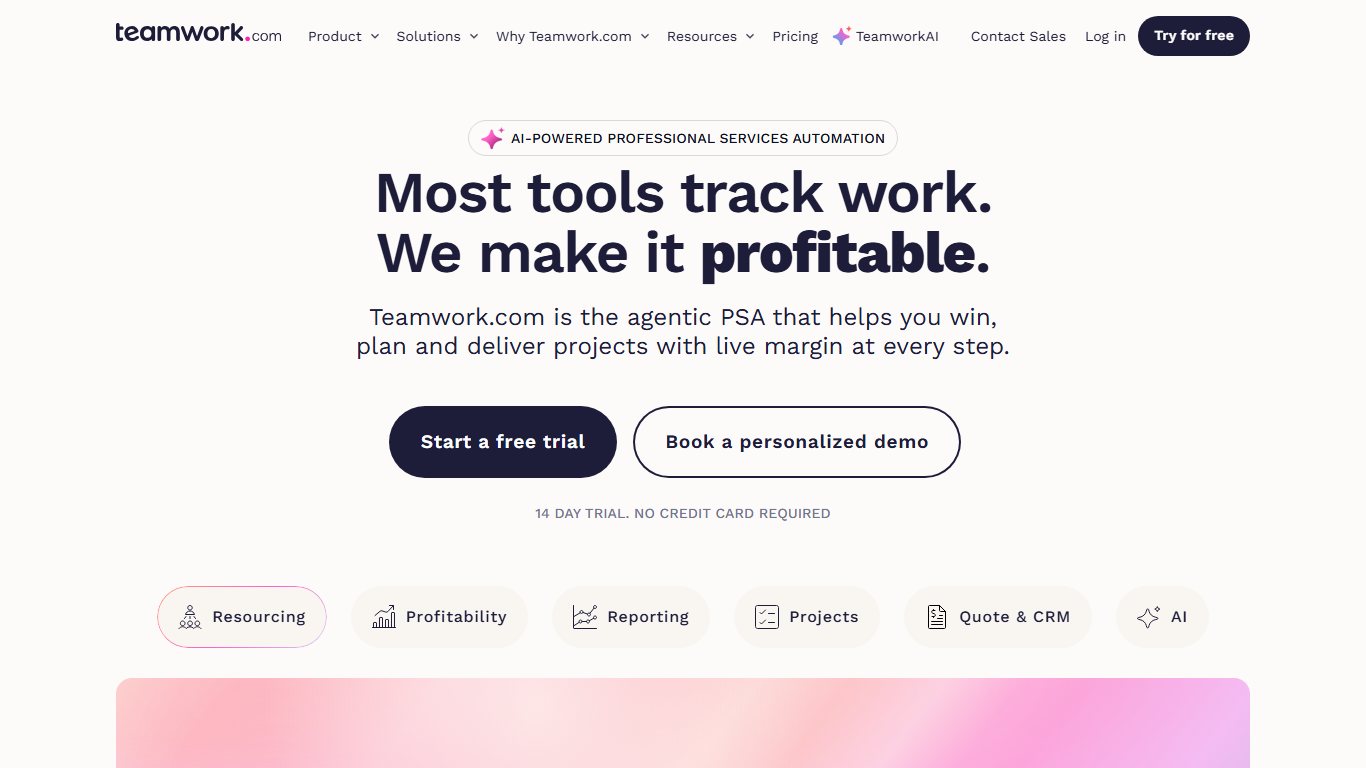
What it does better than Wrike: Profitability tracking, client-facing permissions, retainer management and invoicing, all things agencies have to bolt onto Wrike. It also connects to HubSpot, QuickBooks and Xero.
What you lose: It’s a weaker fit for internal teams that never bill a client. Teamwork.com renamed its plans in 2026, so confirm your seat minimum at signup. The old Deliver and Grow plans required 3 and 5 users.
Best for: Agencies, consultancies and any team that has to show a client where the hours went.
9. OpenProject: best free, self-hosted Wrike alternative
OpenProject is the main open-source option. Wrike has no on-premises version, so if your data must stay on your own servers, OpenProject is the direct answer. The Community edition is free, an Enterprise on-premises edition adds support and features such as SAML and OpenID Connect sign-in, and the cloud version stores data in the EU.
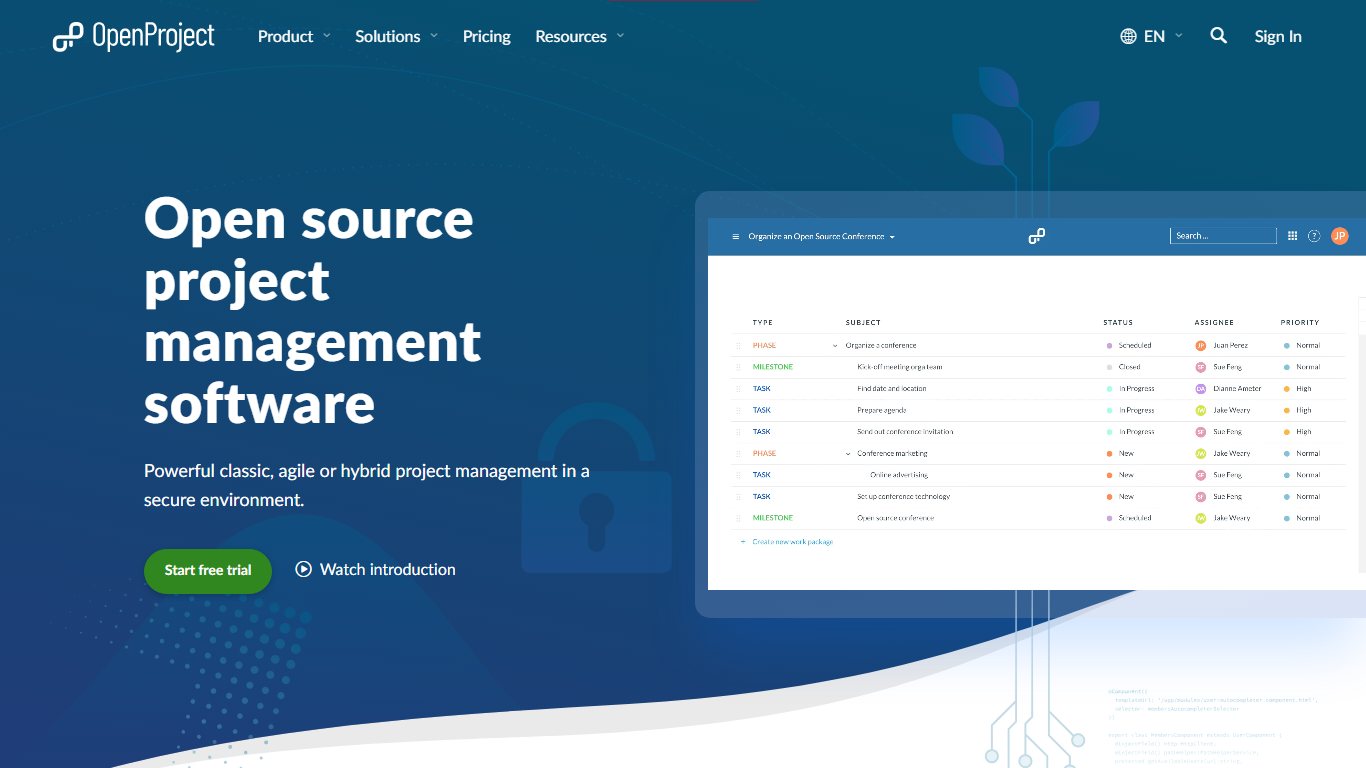
What it does better than Wrike: Data control. You can run it on your own hardware to meet GDPR, public-sector or defense requirements. It also includes Gantt charts, a team planner, agile boards, time and cost tracking, and wikis.
What you lose: Polish and convenience. Self-hosting means you handle updates, backups and security yourself. The cloud version starts with a 14-day trial rather than a free tier.
Best for: Public bodies, regulated industries and European organizations that want data residency without enterprise contracts.
10. Productive: best for agency profitability
Productive is an agency operations platform that puts projects, resource scheduling, budgets and billing in one place. The Digital Project Manager rates it 4.5 out of 5, its highest score among its Wrike alternatives. Essential costs $10 per user per month billed annually ($12 monthly) and Professional $25 ($29 monthly). Ultimate is custom-priced in most listings. There’s a 3-user minimum.
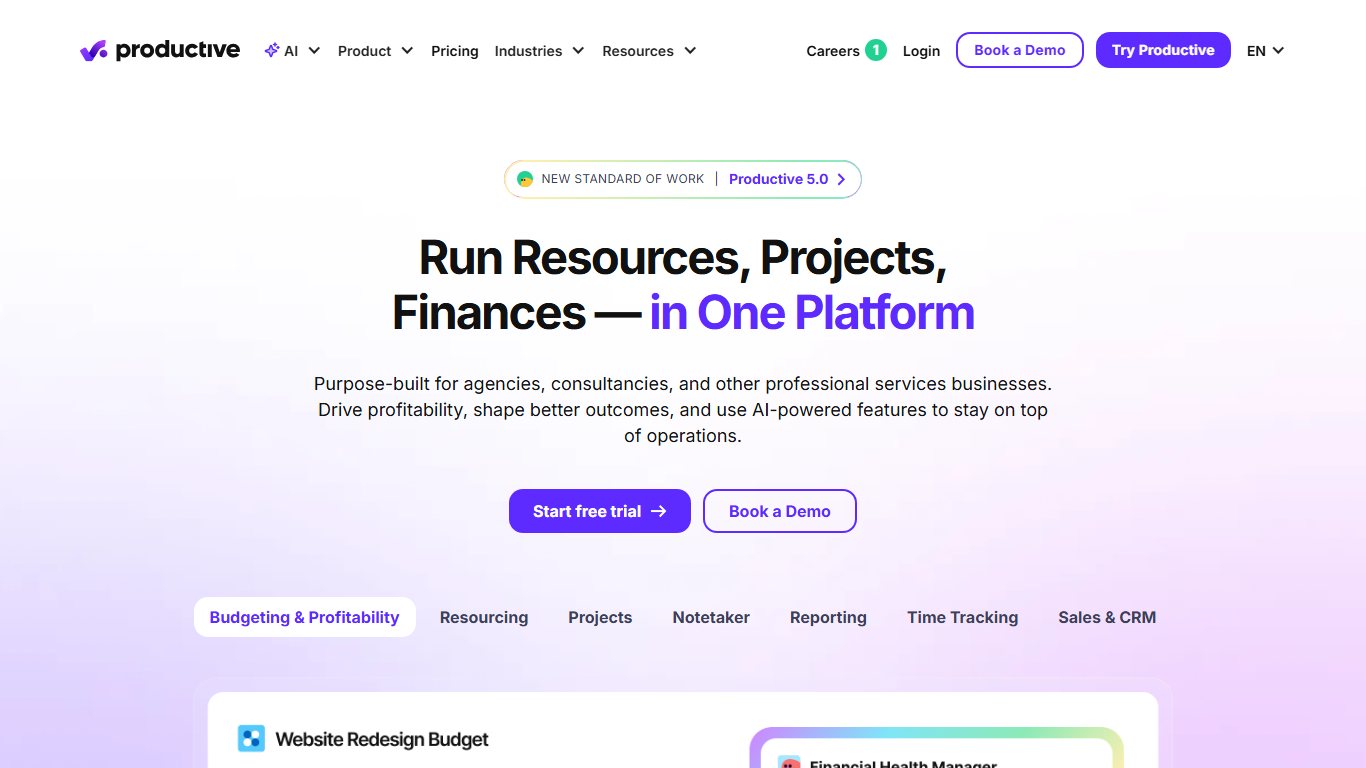
What it does better than Wrike: Margins. Every project carries a budget, and you can see time logged against it as work happens, so overruns show up before the invoice goes out. Essential already includes budgeting, project management, time tracking, resource planning, docs and an AI Assistant.
What you lose: Invoicing, rate cards, approval flows and advanced reporting need Professional, which costs the same as Wrike Business. SSO and 2FA enforcement are on Ultimate. Wrike’s proofing and creative review have no real equivalent here.
Free plan: None. There’s a 14-day free trial with no credit card.
Best for: Agencies and consultancies that price work by budget and need margin per client, but don’t need creative proofing inside the tool.
11. Airtable: best for database-style projects
Airtable suits teams whose projects are really databases: content inventories, product catalogs, event pipelines. Team costs $20 per user per month billed annually ($24 monthly) and Business $45 ($54 monthly). A Free plan is available.
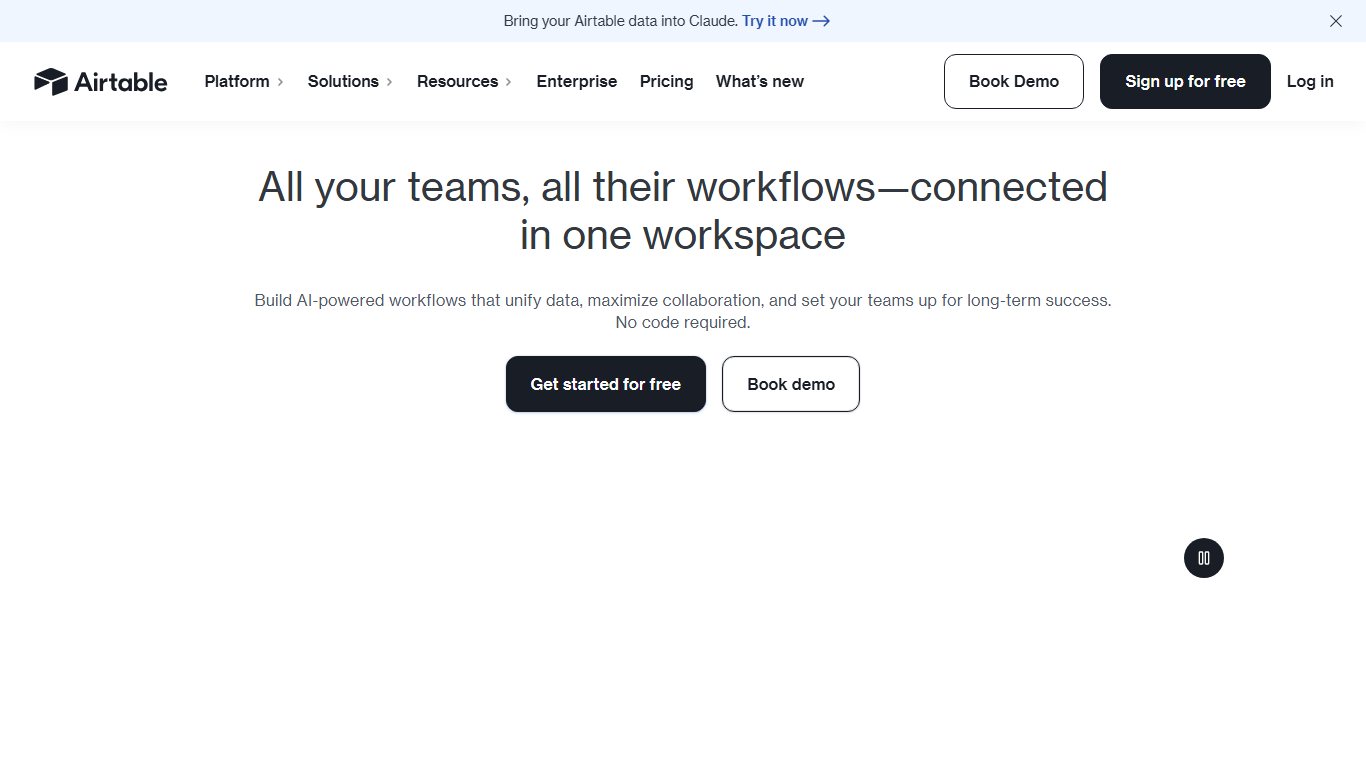
What you lose: The ready-made project layer. You build views, workflows and reports yourself, and at $20 per seat it costs twice as much as Wrike Team before you’ve set anything up. Check how Airtable counts billable seats before you add commenters, because sources disagree on whether Commenters count on Team. If your shared docs live in Paper, our guide to Dropbox Paper alternatives covers the knowledge-base side of the same switch.
12. Teamhood: Kanban and Gantt on one plan
Teamhood comes up in many Wrike comparisons because it pairs Kanban boards with Gantt timelines without tiered plans. Its pricing page lists one paid plan at $12 per user per month billed yearly, or $16 monthly, with a 3-user minimum. The first month is free without a card, and there’s no free tier.
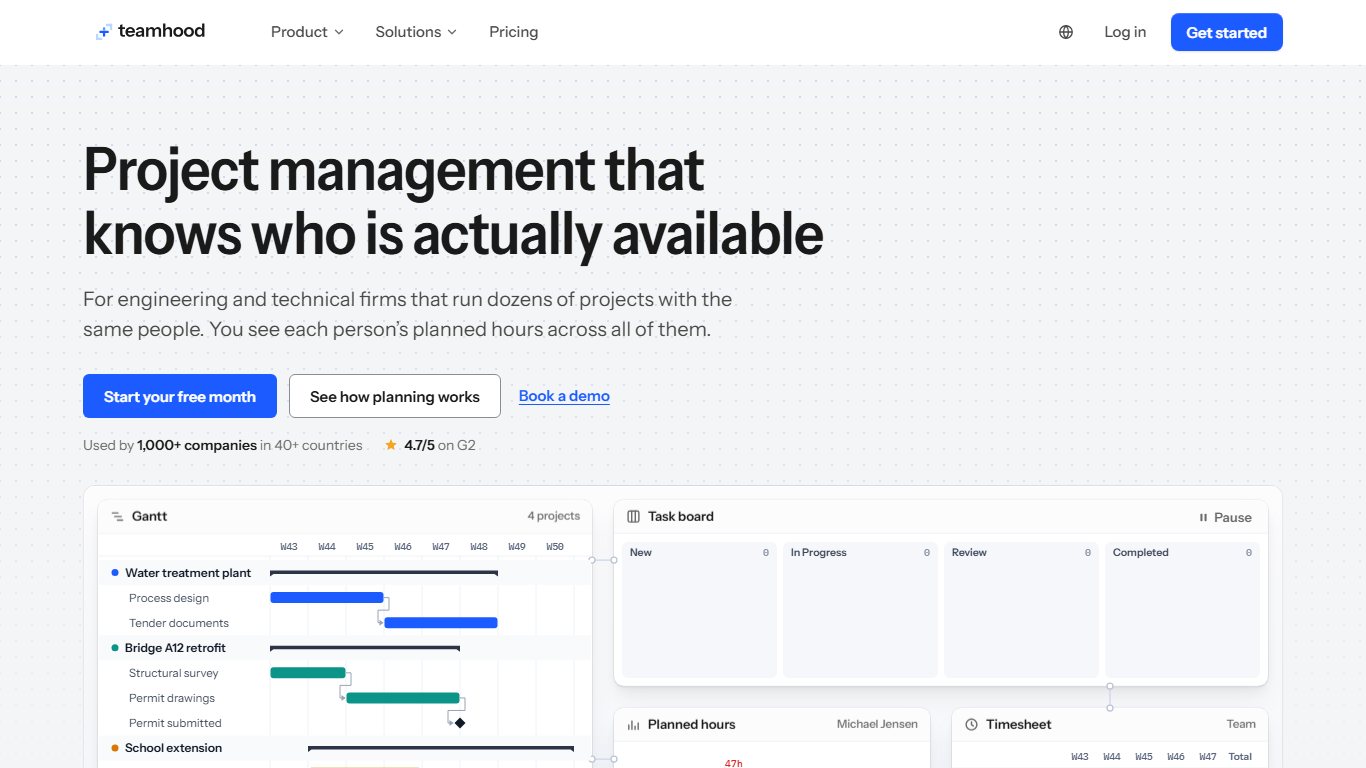
What you lose: Breadth. You won’t find creative proofing, a large integrations marketplace or agentic AI. In exchange, everyone gets the same features with no tier to outgrow.
Best for: Engineering, product and operations teams that run work on boards but report to leadership on timelines.
13. Celoxis: best for PMO portfolios and on-premises installs
Celoxis is built for PMO-style portfolio work, with resource planning, project financials and client portals. It also sells an on-premises licence, which Wrike doesn’t. Recent 2026 listings put the cloud plans at $10 to $45 per Standard user per month, prepaid annually, with a quote-only Enterprise tier and a 5-user minimum. Older listings show $25 per user on monthly billing, so get a quote.
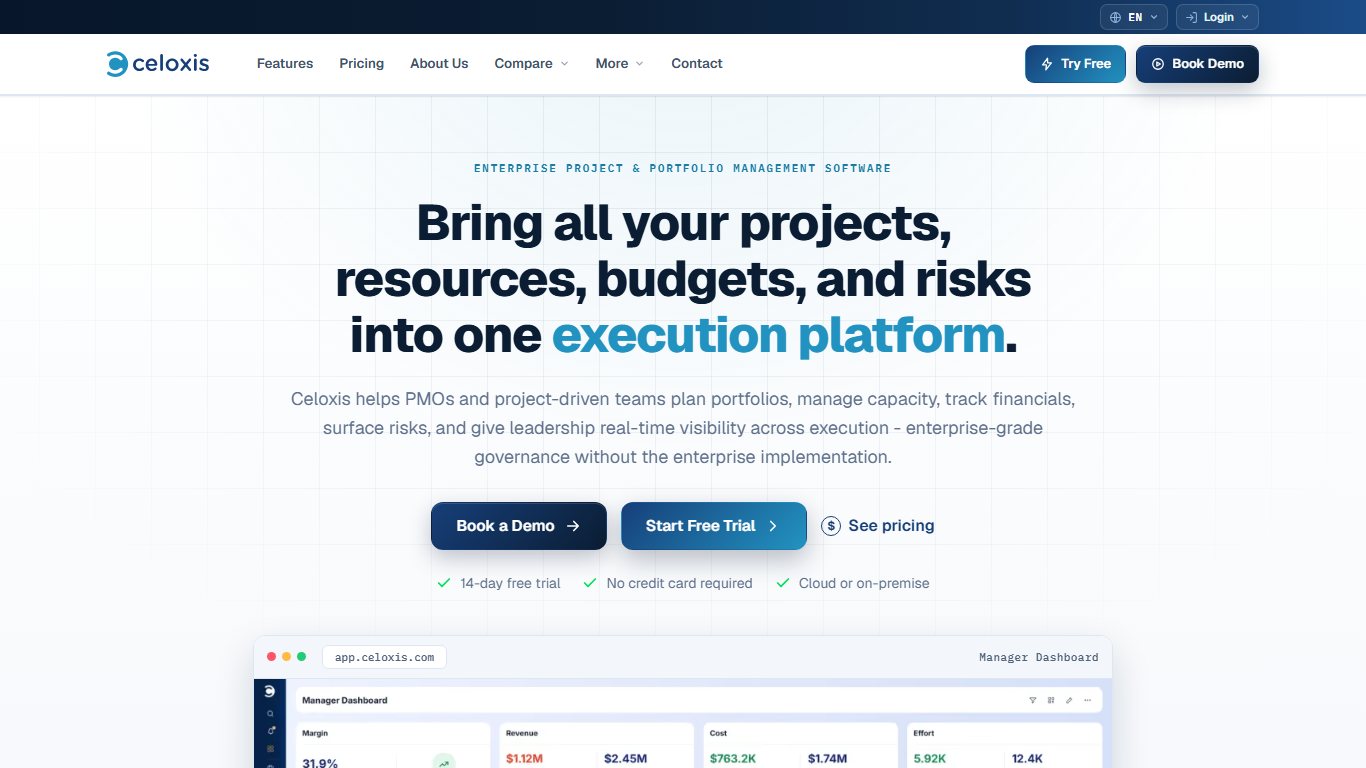
What it does better than Wrike: Portfolio dashboards, cost and revenue tracking per project, and resource allocation across many concurrent projects. On-premises deployment is usually sold as a one-time per-user licence, most often listed at $450.
What you lose: Self-serve simplicity. Celoxis prices users by role (Standard, Team-Member and Timesheet users), there’s no free plan, and its PMO-first design is more than a small creative team needs.
Free plan: None. Evaluate it through a trial or a sales demo.
Best for: PMOs that report budgets and resource utilization to leadership and need Gantt-level control, especially organizations that want the software on their own servers.
14. Adobe Workfront: the enterprise step up
Adobe Workfront is a step up from Wrike, not down. Large marketing organizations move to it when they need enterprise resource planning, review and approval tied into Adobe Creative Cloud, and governance across hundreds of users. It’s sold in Select, Prime and Ultimate packages, and pricing is quote-only.
What it does better than Wrike: Its integration with the Adobe stack is deeper than any bolt-on, along with portfolio planning and approval routing at enterprise scale.
What you lose: Price transparency, quick setup and self-serve trials. For a team of 5 to 20 it’s almost always overkill, and implementation usually involves a partner or Adobe services.
Free plan: None.
Best for: Enterprise marketing departments already standardized on Adobe that have outgrown Wrike’s approval and governance features.
Two more tools are worth a look for marketing and agency teams. The Digital Project Manager lists Screendragon and Ravetree for that use case. Both are sales-led and closer in scope to Workfront and Productive than to ClickUp.
Wrike vs Asana, Monday and Jira: quick verdicts
These three matchups are the questions people search most. Each verdict assumes a team of 5 to 20 people.
Which is better, Wrike or Asana?
Verdict: Wrike vs Asana
Asana is better for ease of use and teams under 15. Wrike is better for resource management, proofing and support. On annual billing, Asana Starter costs $10.99 per user vs Wrike Team’s $10, so price barely separates them until you pass 15 users and Wrike moves you to Business.
Asana wins on onboarding and interface. Wrike wins on approvals, workload and Gartner service scores. At 20 users, Asana Starter costs about $220 a month against $500 for Wrike Business, and that gap is the strongest reason to switch.
Which is better, Wrike or Monday?
Verdict: Wrike vs monday.com
monday.com is better if adoption is the problem. Wrike is better if you need deep project structure and proofing. Compare Wrike with monday Pro at $19, because Gantt, workload and serious automation sit on Standard and Pro.
monday’s 3-seat minimum and automation caps are the catches, and Wrike’s 15-user cap is its own. For a 10-person team on annual billing, monday Pro ($190) costs more than Wrike Team ($100).
Is Jira better than Wrike?
Verdict: Jira vs Wrike
Yes, for software teams. Jira’s sprints, backlogs and code integrations are built for engineers, and it’s free for up to 10 users. For marketing, creative and PMO teams, no: Wrike’s request forms, proofing and cross-project views fit that work better.
Free Wrike alternatives that actually stay free
Yes, there are free alternatives to Wrike, and some are generous. Each has one limit you’ll hit first, so pick the one whose limit you can live with.
| Tool | Free user or seat limit | Main catch |
|---|---|---|
| Trello Free | 10 collaborators per Workspace | Over 10, cards become read-only and automations stop |
| Jira Free | 10 users | Built for software work, limited permissions |
| monday.com Free | 2 seats | No automations; too small for most teams |
| ClickUp Free Forever | Unlimited members | Tiny shared storage; 100 automation runs a month |
| Zoho Projects Free | 5 users | Only 3 projects |
| Asana Personal | Small teams | No timeline, workload or advanced reporting |
| Airtable Free | Small teams | You build the project layer yourself |
| OpenProject Community | Unlimited (self-hosted) | You run the server, updates and backups |
For a team of 6 to 10 doing simple work, Trello Free is the strongest free option. For a dev team, it’s Jira Free. ClickUp Free Forever has the most features until you start attaching files, and then the storage cap ends the free ride quickly.
If what you really need is shift scheduling rather than project management, a dedicated employee roster app will do the job better than any of these.
How to move your projects out of Wrike
Yes, you can export your data from Wrike. Wrike’s help center says you can export projects, folders and Table view to Excel. Attachments and comments aren’t included, so plan to move those separately. Collaborators, Contributors and Viewers can’t export, so a regular user or admin has to run the export.
Before you start
Don’t cancel Wrike until the new tool holds every active project and file. Once the account closes, you may not be able to get attachments and comment history back.
Move your work out of Wrike
- Check your renewal date in Wrike’s account billing settings. Business is billed annually, so time the switch for the last 60 days of your contract.
- List what you’ve built: custom fields, custom item types, workflows and statuses, request forms, blueprints, dependencies and automations.
- Pick one live project to pilot and recreate its structure in the new tool by hand.
- Export each project or folder to Excel from Wrike. If you get a “too many rows” error, split the export by subfolder or subproject.
- Download attachments separately, folder by folder, and save the important comment threads as documents.
- Import into the new tool with its CSV or Excel importer. ClickUp also has a dedicated Wrike importer that moves more structure in one pass.
- Map the columns carefully: assignee emails, dates, statuses and custom fields. Then check a sample of 20 tasks against Wrike.
- Rebuild dependencies and automations by hand, since these rarely survive a CSV.
- Run both tools side by side on real work for two weeks, then switch the remaining projects.
- Cancel Wrike or downgrade to Free once everything is confirmed.
Run a two-week pilot
Before you move everything, run the new tool alongside Wrike on one real project with a real deadline for two weeks. You’ll find the gaps in approvals, notifications and reporting while Wrike is still there as a backup.
Before you cancel: a checklist
Work through this list so nothing gets lost when the Wrike account closes:
- Every active project exported and spot-checked in the new tool.
- Attachments downloaded and re-uploaded, with key proofing files and approval records archived.
- Important comment threads and decisions saved as documents.
- Recurring tasks and blueprints rebuilt.
- Integrations reconnected, such as Slack, Microsoft Teams, Google Drive, Salesforce or Adobe Creative Cloud.
- SSO and user provisioning set up in the new tool, if your IT team requires them.
- Guest and client access set up again, with new invites sent.
- Reporting dashboards rebuilt and checked against a recent Wrike report.
- Billing confirmed: renewal turned off, and the account downgraded or closed after the overlap period.
What usually doesn’t carry over
Another common question is: “How do I get all my tasks and attachments out of Wrike?” Tasks are the easy part. Switches go wrong on the data a spreadsheet export can’t hold:
- Attachments and comments. These aren’t in the Excel export, so move them by hand or with a sync service.
- Dependencies. Predecessor links usually need rebuilding in the new tool’s Gantt view.
- Approvals and proofing history. Markup on assets stays in Wrike. Export the final approved versions and record who signed off.
- Automations and request forms. Each tool’s rules engine works differently, so rebuild them from your list.
- Cross-tagged tasks. A task that lives in three Wrike projects may come out as three copies. Remove the duplicates after import.
For large accounts, Wrike’s API or a sync tool such as Unito keeps more structure than a spreadsheet. If you’re moving a lot of workflow rules, our guide to Automic Automation alternatives covers the automation side in more depth.
Before you sign anything
The cheapest switch is the one your team actually adopts. Start by writing down the single reason you’re leaving: price, complexity, AI cost, security requirements, data location or dev workflows. Pick the matching tool from the short list at the top, and if SSO is on your IT checklist, price the tier that includes it. Then run one real project in it for two weeks before your Wrike renewal date. If the pilot shows you’d mostly be rebuilding Wrike somewhere cheaper, ClickUp or Zoho Projects will pay off. If it shows people finally updating their tasks, monday.com or Asana is the better buy.
FAQ
What is the best alternative to Wrike?
For most teams it’s ClickUp. It covers Wrike’s Gantt charts, workload, proofing and dashboards from $9 per user per month billed annually, with no 15-user cap. If ease of use matters more than features, choose monday.com or Asana. For software teams, choose Jira.
What are the top 5 project management tools?
By review volume and adoption in 2026, the top five are Asana, monday.com, ClickUp, Jira and Smartsheet, with Wrike close behind. Jira has the largest Gartner Peer Insights review base in this group (4.4 from 1,332 ratings), followed by Asana with 1,082 ratings.
Which is better, Wrike or Asana?
Asana is easier to learn and cheaper once you pass 15 users. Wrike is stronger on proofing and resource management. The verdict above has the 20-user math.
Which is better, Wrike or Monday?
monday.com wins on adoption and Wrike wins on structure. Compare Wrike against monday Pro at $19, not Basic.
Is Jira better than Wrike?
For software development, yes. For marketing, creative and operations teams, Wrike is the better fit.
Is there a free alternative to Wrike?
Yes. Trello Free covers up to 10 collaborators and Jira Free covers 10 users. ClickUp Free Forever has unlimited members but tiny storage. Zoho Projects Free covers 5 users on 3 projects. OpenProject Community is free if you host it yourself.
Is ClickUp cheaper than Wrike?
Yes. ClickUp Core costs $9 per user per month annually against $10 for Wrike Team, and its AI credits are included. At 20 users, ClickUp Core costs $180 a month and Wrike Business $500.
How much does Wrike cost per user in 2026?
Wrike Team costs $10 per user per month billed annually (about $12 monthly) for 2 to 15 users. Business costs $25 per user, billed annually only, for 5 to 200 users. Pinnacle and Apex are quote-only. There’s also a Free plan for basic task management.
Which Wrike alternative has single sign-on on a cheaper plan?
ClickUp’s Business plan now costs $17 per user billed yearly, so confirm which ClickUp plan includes the SSO type you need before you buy. Asana, monday.com and Smartsheet keep SAML SSO on Enterprise, and Trello and Jira provide it through Atlassian Guard. Productive includes SSO enforcement on its Ultimate tier.
Does Wrike store data in the EU?
Wrike runs data centers in both the US and the EU, but EU storage has to be requested when the account is created. If EU residency is a hard requirement, raise it with Wrike sales before signup, or look at OpenProject, whose cloud is EU-hosted by default.
Which Wrike alternative is best for agencies?
Teamwork.com from $9.99 and Productive from $10 are both built for client billing and profitability. Pick Teamwork.com for client-facing permissions and accounting integrations. Pick Productive if you want budgets, resource scheduling and margin reporting in one place.
Can I export my data from Wrike?
Yes. You can export projects, folders and Table view to Excel, but attachments and comments aren’t included. Collaborators, Contributors and Viewers can’t run exports. Large exports may need splitting by subfolder to avoid a row-limit error.
Is there an open-source or self-hosted Wrike alternative?
Yes, OpenProject. Its Community edition is free and open source, and an Enterprise on-premises edition adds support and advanced features. Celoxis also sells an on-premises licence. Wrike itself has no on-premises version.