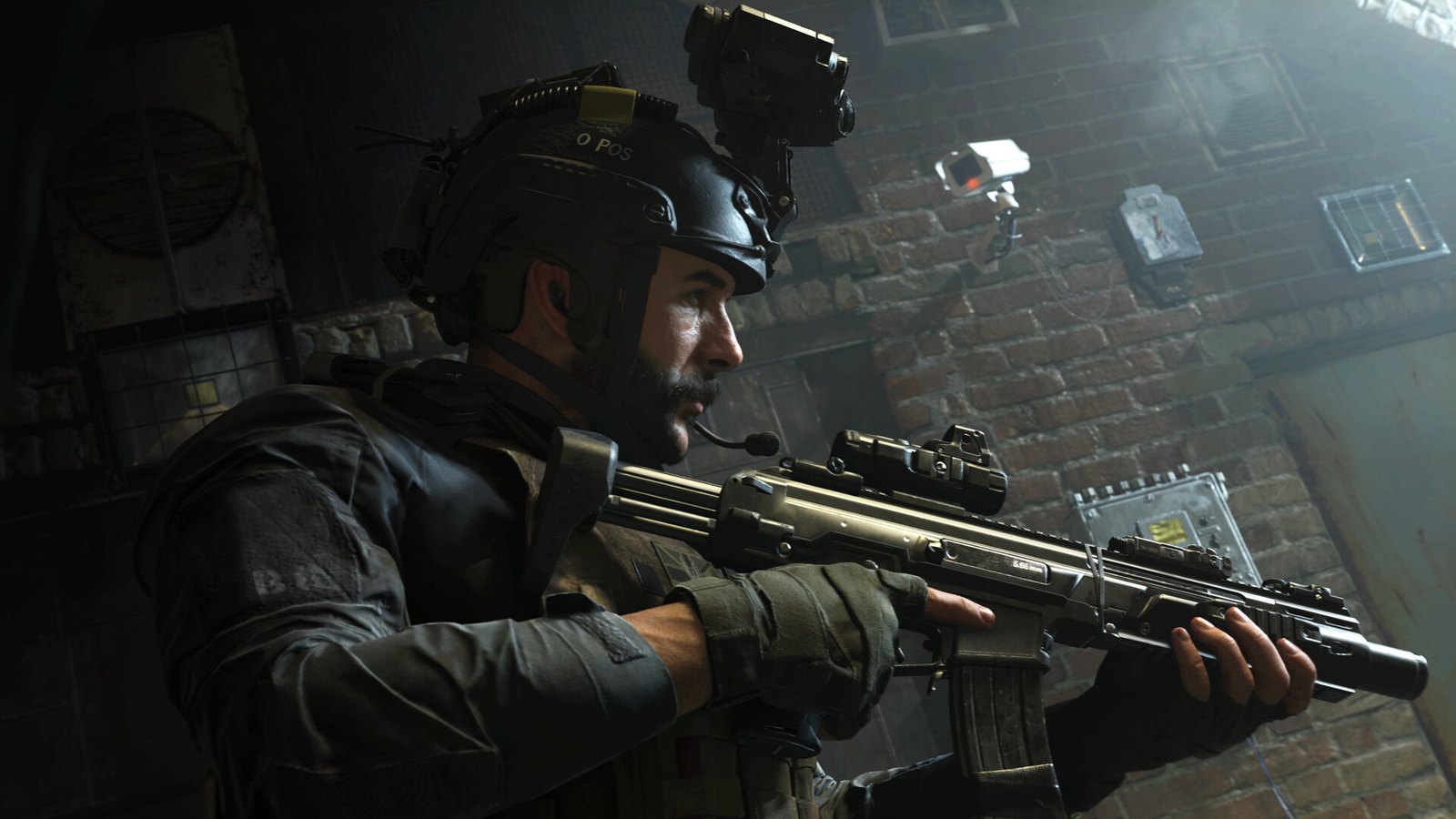
Many players have reported the same problem with Call of Duty: Modern Warfare (2019), especially on a first install. The process stops partway and shows “Installing shaders” for a long time, sometimes stuck at 0%. Here is how to get past it.
Where the error shows up
The shader message can appear at two points. You might see it during installation or the first launch, or it might show up again during gameplay, often after a game patch or a new graphics driver.
Shaders are small programs that tell your graphics card how to draw lighting, smoke, water and other effects. Modern Warfare compiles them for your exact GPU and driver. That takes time, and it has to happen again whenever the game or the driver changes. A slow run is normal. A run that never moves or keeps restarting is the bug.
Infinity Ward listed the problem as a known issue around the 2019 launch. It was never fully fixed, and players still report it on the Battle.net forums. It applies to every PC version of the game. Modern Warfare (2019) is sold on Battle.net and Steam, and since 17 April 2026 it has also been included in PC Game Pass, Game Pass Ultimate and Game Pass Premium.
Shader compilation is mostly a PC problem. Consoles download shaders that were already built for one fixed graphics chip, which is why console roundups such as PS5 racing games 2021 rarely mention shader waits at all.
Fixing the installing shaders error
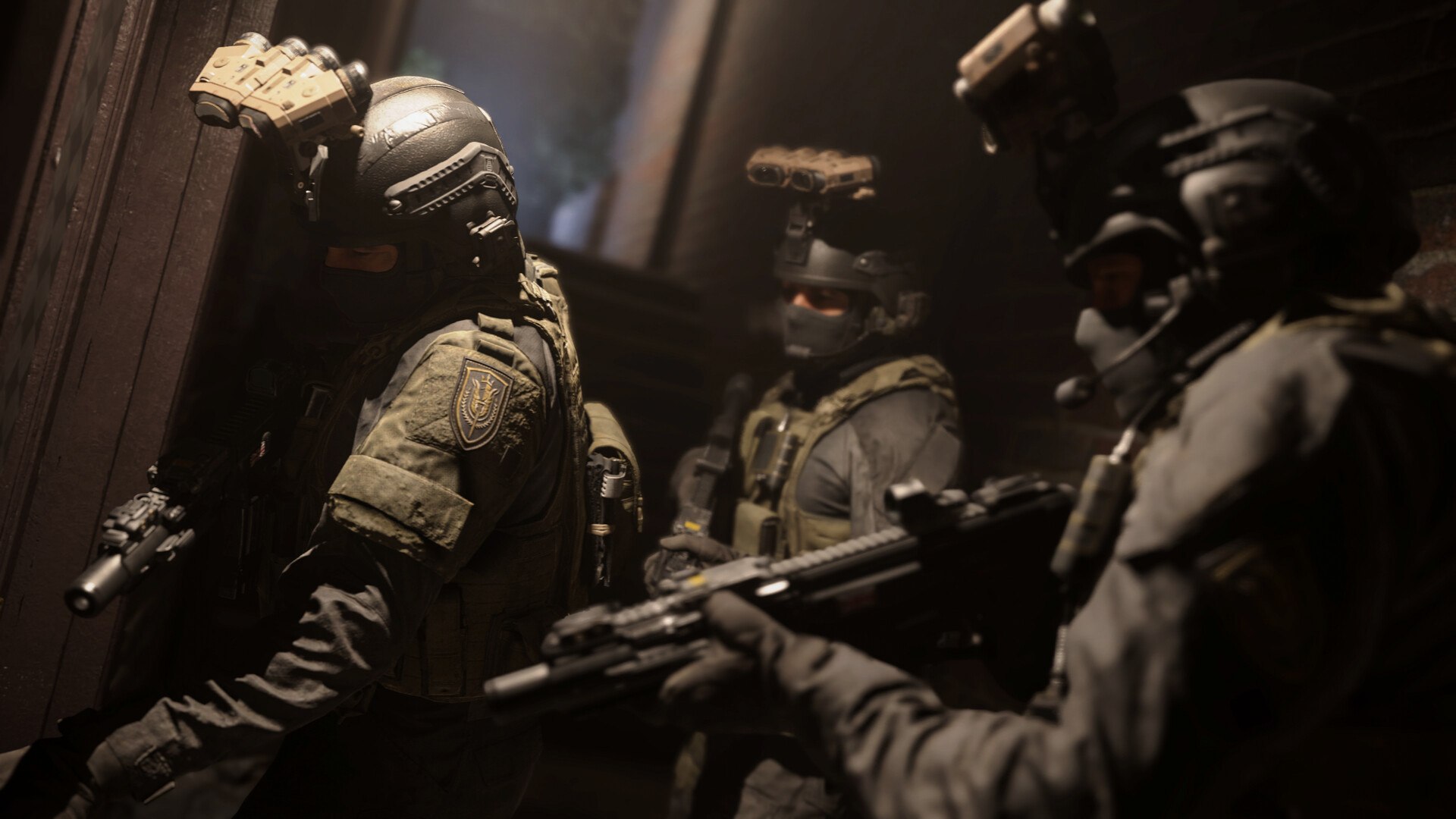
The fixes below start with the quickest and safest. Try them in this order.
Fix a stalled installation
If your setup is stuck at “Installing shaders,” start by repairing the game files through the launcher you used to install it.
Battle.net app
- Cancel the current install or close the game completely.
- Open the Battle.net app and select Call of Duty: Modern Warfare.
- Click the gear icon next to the Play button.
- Choose Scan and Repair, then Begin Scan, and wait for it to finish.
- Install or launch the game again.
Steam
- Close the game.
- In your Library, right-click Call of Duty: Modern Warfare and choose Properties.
- Open the Installed Files tab and click Verify integrity of game files.
Xbox app (PC Game Pass or Microsoft Store)
- Close the game.
- Open the game’s page, select the three-dot menu, then Manage.
- On the Files tab, select Verify and repair, then accept the prompt.
After the repair, the shader step should finish normally. If it gets stuck again, repeat the steps once before you move on to the next fix. Don’t run a repair while an antivirus scan or another big download is running, because Steam’s own support notes that heavy disk activity slows verification down.
Fix it during gameplay
If the shader message pops up while you are playing, the quickest fix is to lower the overall graphics quality to low or medium, ideally low. With fewer effects to compile, the game stays playable while the shaders finish in the background.
If you don’t want to give up image quality, there is a second workaround that pauses the shader install:
- In the game, open the Campaign menu.
- When the shader warning appears, select I Understand.
- Start a story mission.
- Choose the option to pause the shader installation.
- Go back to your game with the graphics quality you prefer.
The Graphics settings also have an option near the bottom of the list that restarts the shader installation. It clears the shader cache and starts the process over, which can help when the progress counter stays frozen.
Why the gameplay fix is only temporary
These gameplay workarounds don’t fix anything permanently. They only delay the shader message. To avoid the error, you have to repeat the steps every time you open the game, which is tedious and easy to forget.
The game is now seven years old and no longer gets major updates, so don’t wait for a patch. If the pausing routine gets old, use the permanent fixes in the next section.
If nothing works
If the shaders keep reinstalling or never finish, try these two steps:
- Run Scan and Repair (Battle.net), Verify integrity of game files (Steam) or Verify and repair (Xbox app) one more time, and let it finish completely.
- Uninstall the game and do a fresh reinstall.
When shaders take this long every single session, one long reinstall is usually worth the wait if it ends the problem. It isn’t a guaranteed fix, though. If a clean reinstall still loops, update your graphics driver from the NVIDIA, AMD or Intel website. Then contact Activision Support with your platform and what you have already tried.
Light games, such as browser-based typing games for kids, have no step like this at all. It only appears in big 3D games that compile thousands of shaders for your graphics card, so don’t expect the wait to disappear completely in a game this size.
What to do next
Start with the launcher repair, because it fixes most stalled installs in a few minutes and doesn’t touch your settings. Reinstall only if that fails. When the message comes back after a patch or a driver update, give it 20 to 30 minutes before treating it as a bug. Players report that full shader rebuilds in recent Call of Duty games can take that long.
FAQ
Why does Modern Warfare install shaders every time I launch it?
The game rebuilds its shader cache whenever the game files or your graphics driver change, so it is normal after updates. If it happens on every launch with no updates in between, the cache is probably damaged. Run Scan and Repair or verify the files, and reinstall if it keeps happening.
How long should installing shaders take?
On a first install or after a big patch, expect several minutes up to around half an hour, depending on your CPU and storage. Progress that sits at 0% for a long time, or restarts from the beginning, points to the bug. In that case, cancel and run a file repair.
Can I play while shaders are installing?
Yes, but you may see stutter, missing effects or lower performance until compilation finishes. Lowering the graphics preset helps in the meantime. Multiplayer is smoother once the install reaches 100%.
Is it safe to pause the shader installation?
Yes. Pausing just stops the compiling for now and doesn’t damage any files. The downside is that the game will ask to install shaders again the next time you launch it.
Does Scan and Repair delete my settings or progress?
No. Scan and Repair, Steam’s file verification and the Xbox app’s Verify and repair only check the game’s installed files and replace missing or damaged ones. Your progress is tied to your Activision account, not the local files.
Do newer Call of Duty games have the same problem?
Similar steps exist in later games: Modern Warfare II calls it shader optimization and Modern Warfare III calls it shader pre-loading. Players report similar stalls in both, and the same repair-then-restart approach works there too.
Sources
- Blizzard Support: Repairing game files in the Battle.net app
- Blizzard Support: Game won’t launch
- Steam Support: Verify integrity of game files
- Rockstar Games Support: How to verify game files on the Xbox app on PC