As of November 2026, Xenia is the best all-round pick for most equipment and site inspections. Link Inspect Pro suits independent inspectors who need branded reports. SnapInspect fits property and rental inspections, Inspect Point is built for fire and life safety contractors working to NFPA standards, and Safetymint fits construction and industrial site safety teams. Most of these vendors now quote prices or show them only after a demo, so book a free trial before you commit.
| App | Best for | Works offline | Free option | Pricing model (Nov 2026) |
|---|---|---|---|---|
| Xenia | Equipment, facility and safety checklists | Mobile app | Free trial | Quote per user or per location |
| Link Inspect Pro | Independent inspectors, agencies | Yes | First inspections free | Listed from about $30/month |
| SnapInspect | Property, rental and vehicle inspections | Yes | Free trial | Monthly subscription, unlimited inspections |
| Inspect Point | Fire and life safety (NFPA) contractors | Mobile app | Demo | Per tech, billed annually |
| Safetymint | Construction and industrial site safety | Yes | Free trial | Quote-based |
Equipment inspection is essential in construction because it lets crews finish projects safely and on time. Equipment maintenance is also one of the biggest costs any business carries.
Why equipment inspections matter
Equipment that is not inspected regularly will eventually malfunction or break down. Regular inspections keep machines in good working order and help them meet safety standards.
When you run those inspections in a digital app, you also get a record of every check. That makes it easier to finish projects on schedule, knowing the equipment has been looked at and signed off.
Benefits of digital inspection software
1. Employee safety
On sites with heavy machinery, such as construction, health and safety has to come first.
The latest full-year figures from the U.S. Bureau of Labor Statistics (BLS) show the scale of the problem. Private employers reported about 2.5 million nonfatal workplace injuries and illnesses in 2024, down 3.1% from 2023 (released January 22, 2026). The BLS Census of Fatal Occupational Injuries recorded 5,070 fatal work injuries in 2024, down 4.0% from 5,283 in 2023 (released February 19, 2026). That works out to one worker death every 104 minutes.
Frontline workers face built-in risks from machinery, which is why equipment inspections and preventive maintenance matter. Digital inspections make it easier to spot risks early and act on them.
Safer workers also cost less. Fewer injuries means less lost work time, lower rehiring costs, smaller insurance premiums and fewer fines or legal claims.
2. Reduced ownership costs
Heavy machinery is a big investment, so protecting it is just good business. Regular digital inspections and scheduled preventive maintenance both lower the total cost of ownership.
Equipment that lasts longer pays back more over its life, so the return on your investment goes up.
Daily inspections logged in an inspection tracker catch problems early. Early fixes are cheaper than breakdowns, and that brings the overall cost of ownership down.
3. Reducing downtime
Unexpected breakdowns hurt worksite productivity. They slow the business down, push back project schedules and can damage a company’s reputation.
Downtime also raises project costs and makes clients less likely to hire you again.
Thorough digital inspections let you find likely problems before they cause failures, so maintenance happens on your schedule rather than after a breakdown.
That keeps work moving, protects project timelines and keeps the company’s reputation for reliability intact.
1. Xenia: best overall digital inspection app for businesses
Xenia is the top pick for most businesses. It is a mobile-first platform that brings daily safety checks, inspection management and compliance tracking together in one place.
It runs on iOS and Android phones, on tablets and on desktop browsers, so the same checklists work in the field and in the office.
You can build custom checklists for detailed inspections, track and analyze inspection data, and create full reports on the go.
If you want one tool for checklists, inspections, incident reports and reporting, Xenia is the strongest all-in-one choice in this list. Photo capture inside checklists also makes it a good inspection photo app for flagging equipment problems quickly.
The idea behind Xenia is to help teams finish tasks properly the first time, so fewer problems turn into accidents.
Key features
- SOPs and checklists: Xenia’s template builder lets you create data logs, feedback surveys, incident reports and more.
- Smart inspections: Build inspections with steps that trigger follow-up actions based on Pass/Fail, multiple choice, numeric and other answers.
- Incident reports: Create incident reports, hazard reports and near-miss reports, stored together in a log book.
- Team training: Use safety agendas, onboarding checklists and SOPs to keep staff trained and informed.
- Performance reports: All work is stored in the cloud, and ready-made analytics dashboards give you quick, accurate reporting.
Pricing
Xenia no longer shows fixed prices on its pricing page. It prices per user or per location: the Basic plan is quoted per location, Pro and Enterprise start with a demo, and a free trial is offered on the Starter plan.
Earlier list prices, kept here for reference, were:
- Free plan: up to 5 users with the basic features.
- Starter plan: $99/month for the first 15 users, with a work calendar view and work reports. Directory listings still quote $10 per extra user per month.
- Premium plan: $199/month for the first 15 users, adding reporting dashboards, time and cost tracking, template branding, public form submissions and automated templates.
- Custom plan: unlimited users, a dedicated account manager, onboarding and implementation, and integrations.
Ask Xenia’s sales team for a current quote, because these older figures may not match what you are offered today.
2. Link Inspect Pro
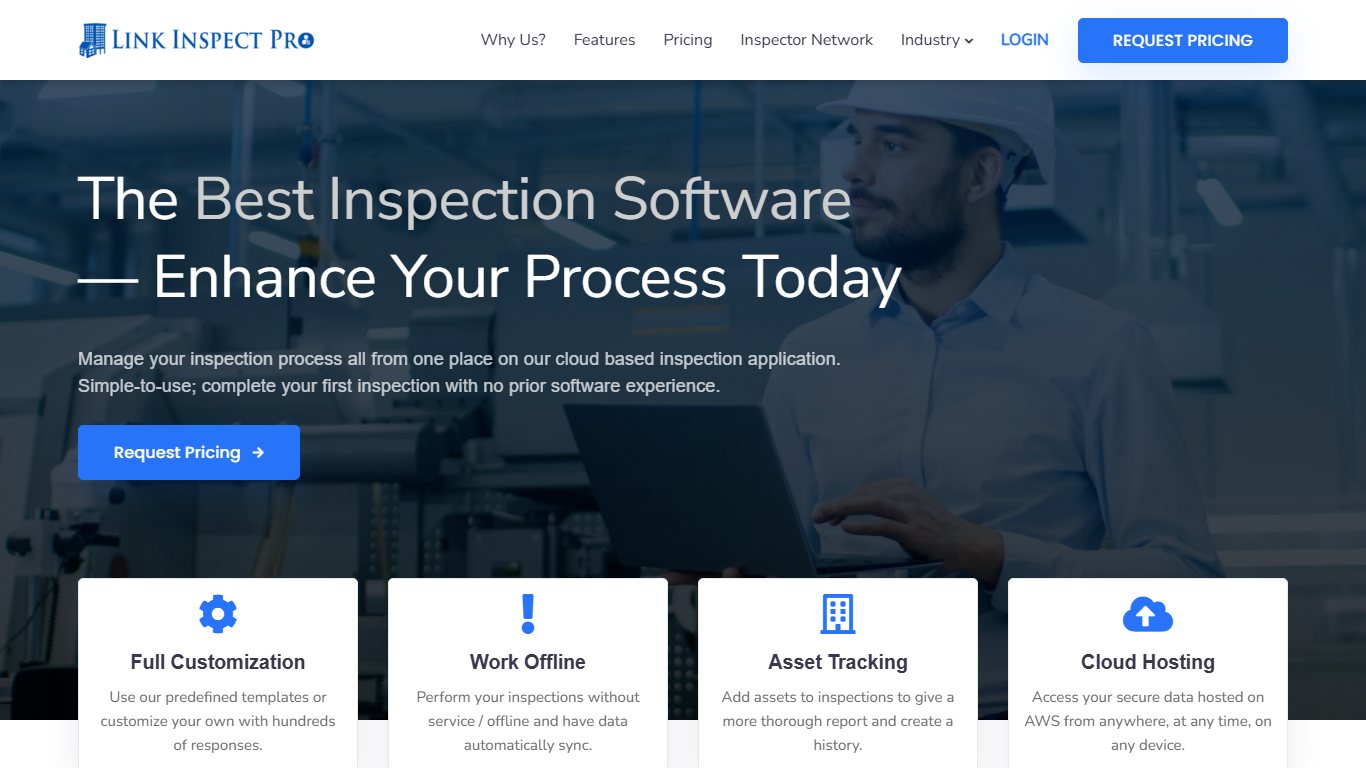
Link Inspect Pro is a cloud-based inspection checklist app built for inspectors, inspection companies and public agencies. It lets you manage your team of inspectors, run inspections offline and produce branded reports with photos.
You can build as many custom templates as you need, with required fields and required photos.
The company says inspection data is stored on Amazon Web Services, so it stays secure and available.
Reports are interactive. You can add photos, mark them up with arrows or circles and add descriptions to make the final report clearer. If you inspect without a signal, the data syncs as soon as you reconnect.
Because everything syncs to the cloud, you can review past inspections from anywhere.
Key features
- Asset tracking: Add assets to the inspection workflow and show full asset details in the final report.
- Reporting: Create polished, customized reports and send them to the client before you leave the site.
- Asset history: Keep an inspection history for each asset so you and your client can track its condition and upkeep.
- Report summary: Flag important questions and photos during the inspection or later when you review it.
- Quote wording: Create a quote template for your company or one for each type of inspection, written in your own brand’s language.
Pricing
- Free start: directory listings say your first 5 inspections are free, and a free trial is available.
- Paid use: listings show a starting price of about $30/month, and some describe a negotiated cost per inspection after the free ones.
- Custom quotes: larger teams can ask for volume pricing.
The vendor does not publish one clear price list, so request a quote before you budget for it.
3. SnapInspect
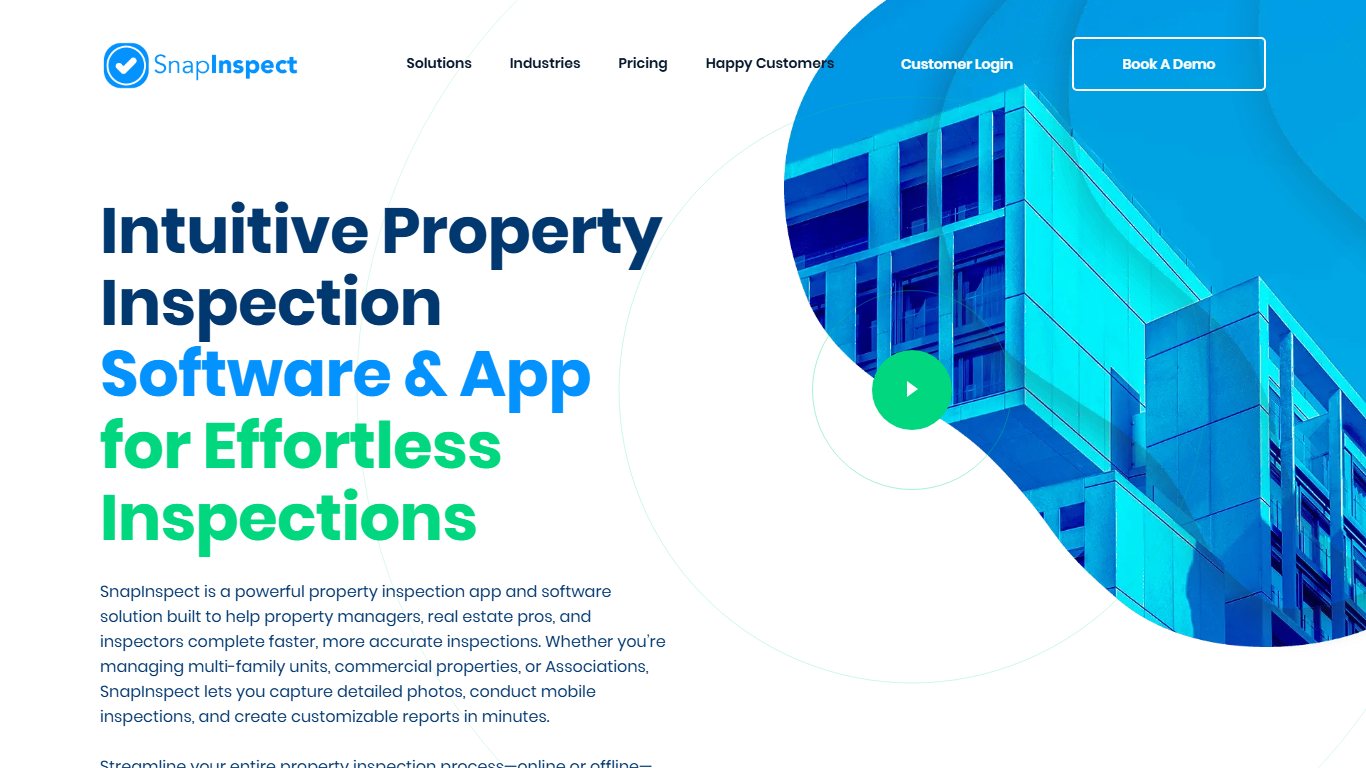

SnapInspect is a flexible inspection app for buildings, apartments, vehicles and equipment, with its strongest focus on property inspections.
It produces clear reports you can create and open on a smartphone or tablet.
The interactive dashboard gives you an overview of vacancies, maintenance costs and key inspection records, which helps you make better decisions.
You can act directly from the dashboard. You can also set up custom messages that go to tenants and contractors at each stage of the job. SnapInspect also handles inspection notices and helps you track maintenance issues to completion.
Key features
- Interactive dashboards: View vacancies, maintenance costs, location-specific data and critical inspection results.
- Auto-messaging: Send custom messages to contractors and tenants at each stage of the job.
- Go digital: Replace pen-and-paper inspections with a mobile app and produce complete reports every time.
- Mobile access: Use it on iPhone, iPad or Android, online or offline.
Pricing
- SnapInspect bills monthly, in US dollars, with no hidden fees, and every plan includes unlimited inspections.
- There are three tiers. The top tier, Enterprise, is priced through sales.
- Directory listings put the entry plan at about $99/month, and a free trial is available. There is no permanent free plan.
4. Inspect Point
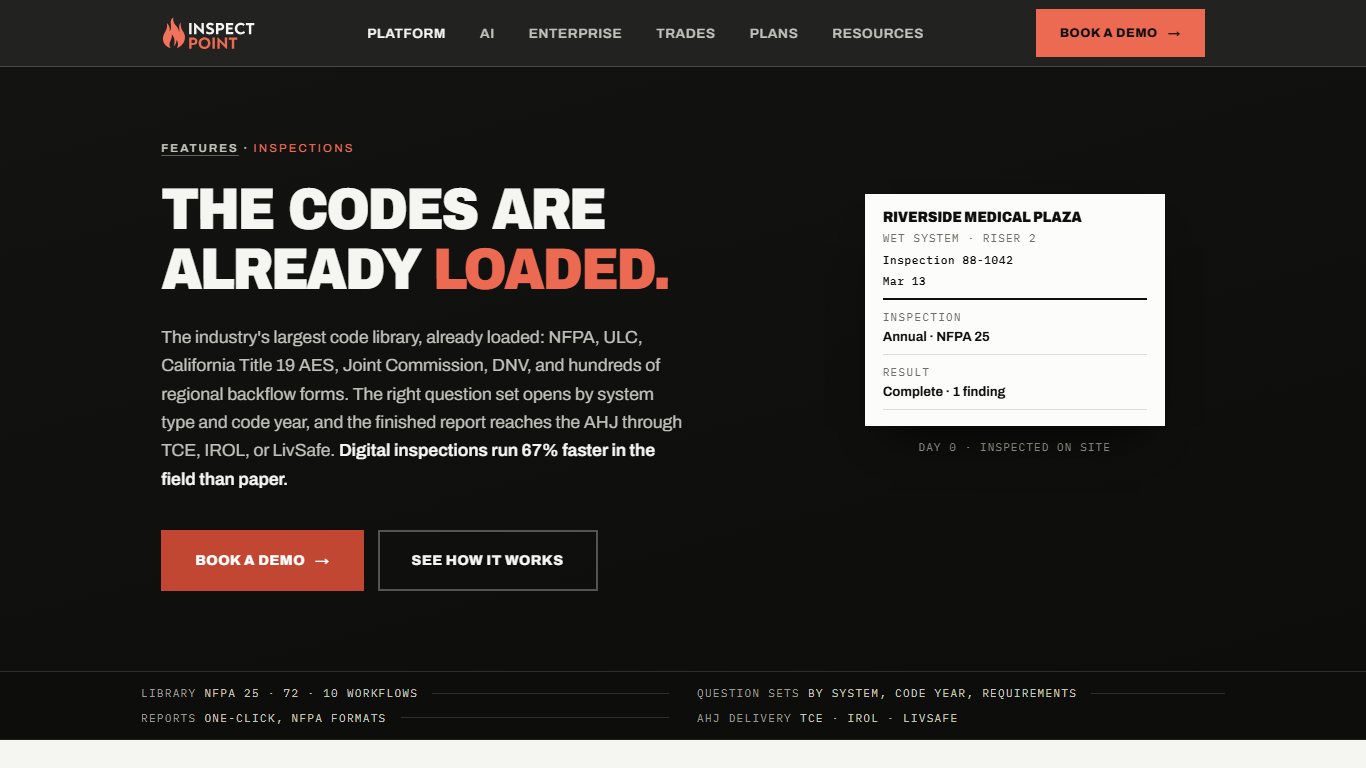

Inspect Point is built for fire and life safety inspection companies. It helps you finish more inspections, win more contracts and grow your business by replacing pen and paper with an easy-to-use platform.
Built-in NFPA forms save time and keep your inspections in line with current standards, including NFPA 10 (portable fire extinguishers), NFPA 13 (sprinkler systems), NFPA 20 (fire pumps), NFPA 25 (water-based fire protection systems) and NFPA 72 (fire alarm and signaling).
You can send clients professional, branded inspection reports straight from the platform.
It also lets you record deficiencies and schedule follow-ups electronically, which gives you the tools to grow your inspection business.
Key features
- Scheduling: Easy-to-use tools help office staff plan and optimize technician schedules.
- Proposals: Build detailed, professional proposals from recorded deficiencies so you get paid faster.
- Work orders: Document, quote and repair deficiencies, or handle emergency service work, all in one platform.
Pricing
Inspect Point charges per technician per month, billed annually, with a minimum number of techs and unlimited office (backend) users on every plan. Its pricing page describes the plans but now asks you to contact sales for exact prices.
- Silver: inspections, deficiency management and email support. Minimum of 2 techs. A 2026 directory listing shows $99 per tech per month (the older list price was $109).
- Gold: everything in Silver plus sales proposals built from deficiencies, with premium email support. The older list price was $139 per tech per month.
- Platinum: everything in Gold plus service work orders, phone support, and API and integration readiness (extra charges may apply). A 2026 directory listing shows $129 per tech per month with a 10-tech minimum (the older list price was $159).
Because minimums and prices differ between sources, confirm both with Inspect Point before you sign an annual contract.
5. Safetymint
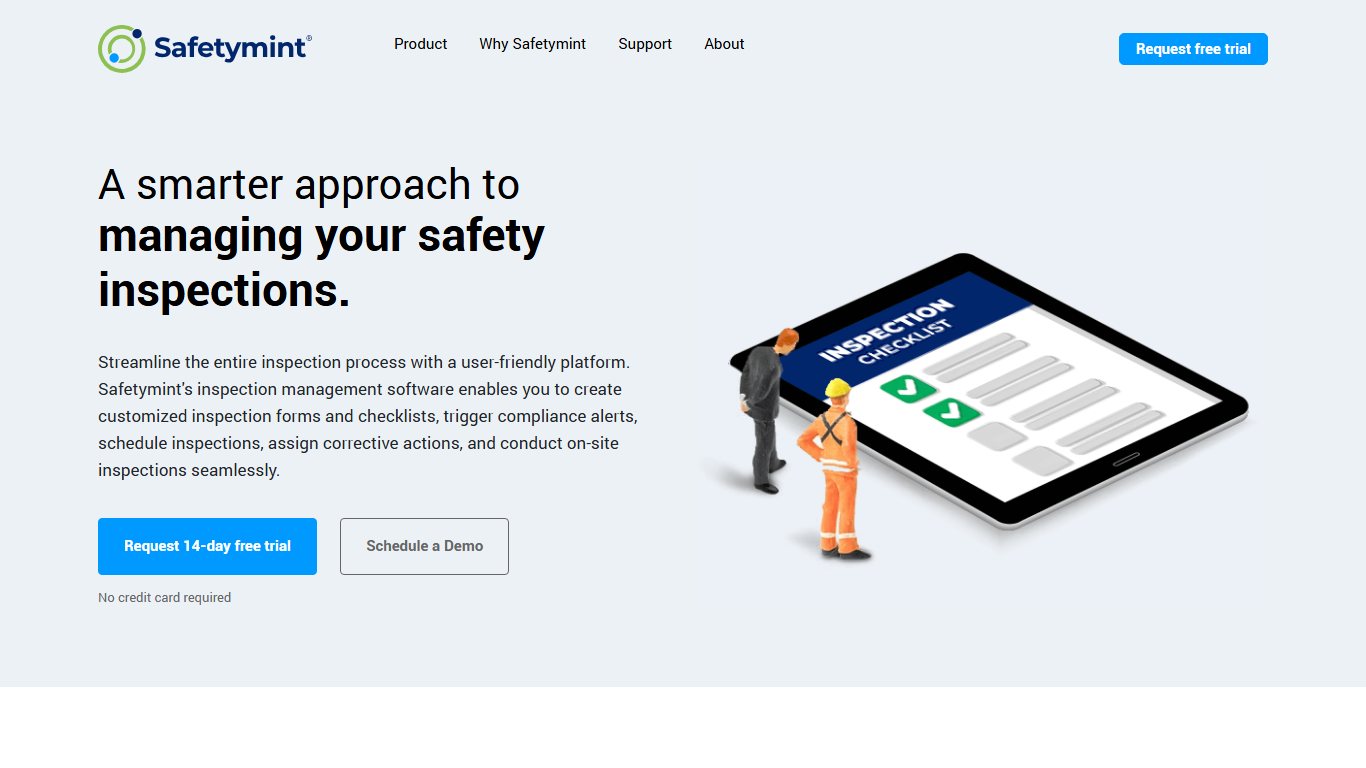

Safetymint replaces pen-and-paper safety checks with a shared digital system, helping businesses keep up with growing safety requirements.
You manage all site safety tasks in one place, which makes safety and compliance easier to track. It is designed for the construction, industrial and hospitality sectors.
Key features
- Inspection scheduling: Build and adjust inspection checklists and templates to meet construction safety rules and other industry standards.
- Inspection data anywhere: Record site inspections in remote areas without an internet connection, then sync and view the data from any linked device.
- Cloud-based system: Available on the web and on mobile. The company says it is hosted on Amazon Web Services with 99.99% uptime.
Pricing
- A free trial is available, but there is no free version.
- Pricing is quote-based. Directory listings show a Small Business tier starting at about $4,250 per year, and other listings price individual modules by the number of user licences.
Final thoughts
Equipment inspections are central to safety, efficiency and compliance with the regulations that apply to your industry.
Digital inspection software is faster and more accurate than paper checklists. It keeps an electronic record and shows in real time what needs maintenance.
With a digital equipment inspection app and a preventive maintenance program, companies can keep equipment in good condition, safe to operate and cheaper to run.
To choose, match the tool to your work. Pick Xenia for general equipment and facility checks, Link Inspect Pro for independent inspection reports, SnapInspect for property, Inspect Point for NFPA fire work and Safetymint for site safety. Then run one real inspection in the free trial before you pay for anything.
FAQ
What is digital equipment inspection?
Digital equipment inspection means using mobile devices and cloud software, rather than paper forms, to inspect, maintain and monitor equipment. Inspectors fill in checklists on a phone or tablet, add photos and send results to a shared system. That makes results more accurate, faster to act on and cheaper to manage, and it builds a history you can analyze over time.
What is asset inspection software?
Asset inspection is the process of checking and recording the physical condition of an asset, such as a forklift, generator or vehicle, across its life. Asset inspection software automates that process. It tracks where equipment is, records each inspection against that asset, and gives managers real-time information through mobile devices.
What types of inspections can you run with asset inspection software?
You can use it for quality inspections, property inspections, asset inspections, equipment inspections and safety audits. Features such as checklists, templates, photo capture, real-time collaboration, reporting and analytics work across all of these. Specialist tools add extras, such as built-in NFPA forms in Inspect Point or tenant messaging in SnapInspect.
Which digital inspection apps offer a free plan or trial?
Xenia, SnapInspect and Safetymint all offer free trials, and Link Inspect Pro lets you run your first few inspections free. True free-forever plans are rare: Xenia once offered a free plan for up to 5 users, but its pricing page now centers on quotes and a Starter trial. Check the vendor’s current terms before you build your workflow around a free tier.
How much does digital inspection software cost?
Prices vary a lot by model. Directory listings put Link Inspect Pro from about $30 a month and SnapInspect from about $99 a month. Inspect Point charges per technician per month, billed annually, and Safetymint starts at about $4,250 a year. Most vendors now quote directly, so treat these as starting points and get a written quote.
Do digital inspection apps work without an internet connection?
Most do. Link Inspect Pro, SnapInspect and Safetymint all let you record inspections offline and sync them when you reconnect. That matters on construction sites, basements and rural jobs where signal is weak, so test offline mode during your trial.
Sources
- Xenia pricing
- Link Inspect Pro on Capterra
- SnapInspect pricing
- Inspect Point pricing
- Safetymint on Capterra
- BLS: Employer-Reported Workplace Injuries and Illnesses, 2024
- BLS: Census of Fatal Occupational Injuries, 2024