For a small virtual event, use what your company already pays for. Microsoft Teams handles meetings of up to 1,000 interactive participants on eligible plans, Zoom reaches 1,000 participants with its Large Meeting add-on, and both sell separate webinar formats for bigger audiences. For a large conference with sponsors, booths and ticketing, the virtual event solutions worth shortlisting are all-in-one platforms such as Bizzabo, InEvent, Accelevents, vFairs, Airmeet, Eventcube, RingCentral Events and Cvent. Several well-known names have changed owners: Hopin‘s events product is now RingCentral Events, ON24 is part of Cvent, and Intrado‘s old virtual events business became Notified.
Choosing a virtual event platform is harder than it looks. The market grew fast after 2020 and then shrank through buyouts and mergers. This guide covers the main options and what each does best. Start by deciding whether your event is small or large, because that one choice removes most of the options.
What is a virtual event solution?
A virtual event solution is software that runs an event online from start to finish: people sign up, watch live or recorded sessions, talk to each other and to sponsors, and the organizer gets data afterward. A webinar tool covers one session. A full platform covers a whole conference.
Most platforms are built from the same five parts:
- Registration. Sign-up forms, tickets, payments and confirmation emails. This is also where you collect the attendee data that sponsors want.
- Streaming. A stage for live, simulive (pre-recorded but played as live) or on-demand video, often with a backstage area for speakers.
- Engagement. Chat, Q&A, polls, surveys, gamification and reactions that keep people watching.
- Networking. One-to-one video, speed networking, group tables, attendee search and sponsor booths.
- Analytics. Who registered, who attended, how long they watched and which booths they visited, usually sent to a CRM such as Salesforce or HubSpot.
Here is how a virtual event works in practice. An attendee gets an email, registers on a branded page and receives a unique join link. On the day, that link drops them into a lobby. From there they pick a session, ask questions in the side panel and visit a booth between talks. After the event, recordings stay online for replay, and the organizer exports engagement data to sales and marketing.
Where can you host a virtual event?
For short or small virtual events, Microsoft Teams or Zoom is usually enough. For large virtual events (500 or more attendees), look at platforms like Eventcube, Filo, Airmeet, Accelevents, vFairs, RingCentral Events, ON24, Cvent or Bizzabo, depending on what you need.
Small events are the easy case. Your business probably already has a Microsoft Teams or Zoom license. Google Meet and Cisco Webex fill the same role for companies that standardized on them: Google Workspace Enterprise Plus, Education Plus and Enterprise Essentials Plus customers can live stream a Meet call to up to 100,000 viewers, and Webex offers separate Webex Meetings and Webex Webinars products. Check your own plan’s limits before you promise a capacity.
Large events are harder. Every vendor sells different packages and services, and costs rise sharply as attendee numbers go up. Buyer guides published in 2026 list starting prices of about $9,990 a year for InEvent, more than $17,999 a year for Bizzabo, and about $7,000 per event for Accelevents. Most vendors only quote exact prices after a sales call.
The 15 platforms at a glance
This summary is based on each vendor’s published features and pricing, third-party pricing listings and industry reporting about ownership changes. It is not a hands-on review. Platforms were weighed on four things: fit for a clear use case, published pricing and capacity, accessibility and security features, and how stable the product and its owner look in late 2026. “Quote only” means the vendor does not publish prices. “Ask in demo” means captioning or SSO details are not public, so you need to confirm them on a call.
| Platform | Best for | Starting price | Free plan/trial | Max attendees | Captions / SSO | Status in November 2026 |
|---|---|---|---|---|---|---|
| Eventcube | White-label ticketing, streaming and memberships | Confirm with vendor | Ask vendor | Not published | Ask in demo | Independent |
| Airmeet | Webinars and sponsor-heavy events | From $167/month, billed yearly (Premium Webinars) | Trial on request | Up to 10,000 per webinar on Premium | Ask in demo | Independent, repositioned around AI video |
| Filo | Collaborative internal events built on Zoom | Confirm with vendor | Ask vendor | Not published | Uses Zoom video; ask in demo | Independent |
| InEvent | Highly customized enterprise events | About $9,990/year | Demo | Not published | Live captions, sign language channel; SSO: ask | Independent |
| Tame | Branded conferences | Confirm with vendor | Ask vendor | About 10,000 | Ask in demo | Independent |
| Communique Conferencing | Custom-designed virtual venues with full service | Quote only | Demo | Not published | ADA compliance listed; SSO: ask | Independent |
| Accelevents | Hybrid conferences, fundraisers and expos | About $7,000/event | Demo | Not published | Ask in demo | Independent |
| vFairs | 3D venues, job fairs and trade shows | Quote only | No trial; demo instead | Not published | Ask in demo | Independent |
| Orbits | Game-style virtual venues | Quote only | Demo | Not published | Ask in demo | Independent |
| Zoom | Small meetings up to very large webinars | Pro about $14/user/month, billed yearly; Webinars extra | Free plan (40-minute meetings) | 1,000 (meetings); 1 million (webinars) | Auto captions, CART support; SSO | Zoom Communications |
| Microsoft Teams | Internal events for Microsoft 365 companies | Included in Microsoft 365 business plans | Free version with limits | 1,000 interactive; 100,000 (town hall) | Live captions, CART support; Microsoft Entra ID sign-in | Microsoft |
| RingCentral Events | Networking-led conferences (the former Hopin Events) | About $99/organizer/month, billed yearly | Ask vendor | Not capped on organizer plans, per listings | Ask in demo | RingCentral |
| ON24 | Webinars and marketing data | Quote only | Demo | Not published | Ask in demo | Acquired by Cvent, April 1, 2026 |
| Bizzabo | Hybrid and in-person events | $17,999+/year | Demo | Not published | Ask in demo | Independent |
| Cvent | Enterprise event programs with registration and venues | Quote only | Demo | Not published | Ask in demo | Cvent (owned by Blackstone) |
Best platform by use case
The quickest way to shortlist is to start from what the event is for. The table below matches common US corporate and nonprofit event types to the platforms whose published features fit them best.
| Use case | First choice | Also consider | Why |
|---|---|---|---|
| Internal all-hands | Microsoft Teams town hall | Zoom Webinars | You already own the license, sign-in uses company accounts, and town halls scale to large view-only audiences |
| Sales kickoff | Filo | Accelevents, Bizzabo | Persistent rooms for parallel tracks, embedded docs and breakouts that stay open after the event |
| Job fair | vFairs | Accelevents | Built-in job boards, booth chat and scheduled one-to-one interviews |
| Trade show | vFairs | InEvent, Orbits | Exhibitor booths, lead capture and sponsor analytics |
| Fundraiser | Accelevents | Eventcube | Accelevents grew out of charity event fundraising; Eventcube handles ticketing and pay-per-view |
| Training and continuing education (CE) | ON24 | Zoom Sessions, Whova | On-demand replay, attendance tracking and engagement data per attendee |
| Investor events | Notified (Equiniti) | ON24 | Equiniti bought Notified in 2025 to focus on investor relations and PR communications |
All-in-one virtual venue platforms
These platforms recreate a full conference online, with a lobby, stages, booths and networking under your own brand. Choose this group when sponsors and attendee networking matter as much as the talks, and expect to pay per event or per year rather than per user.
1. Eventcube
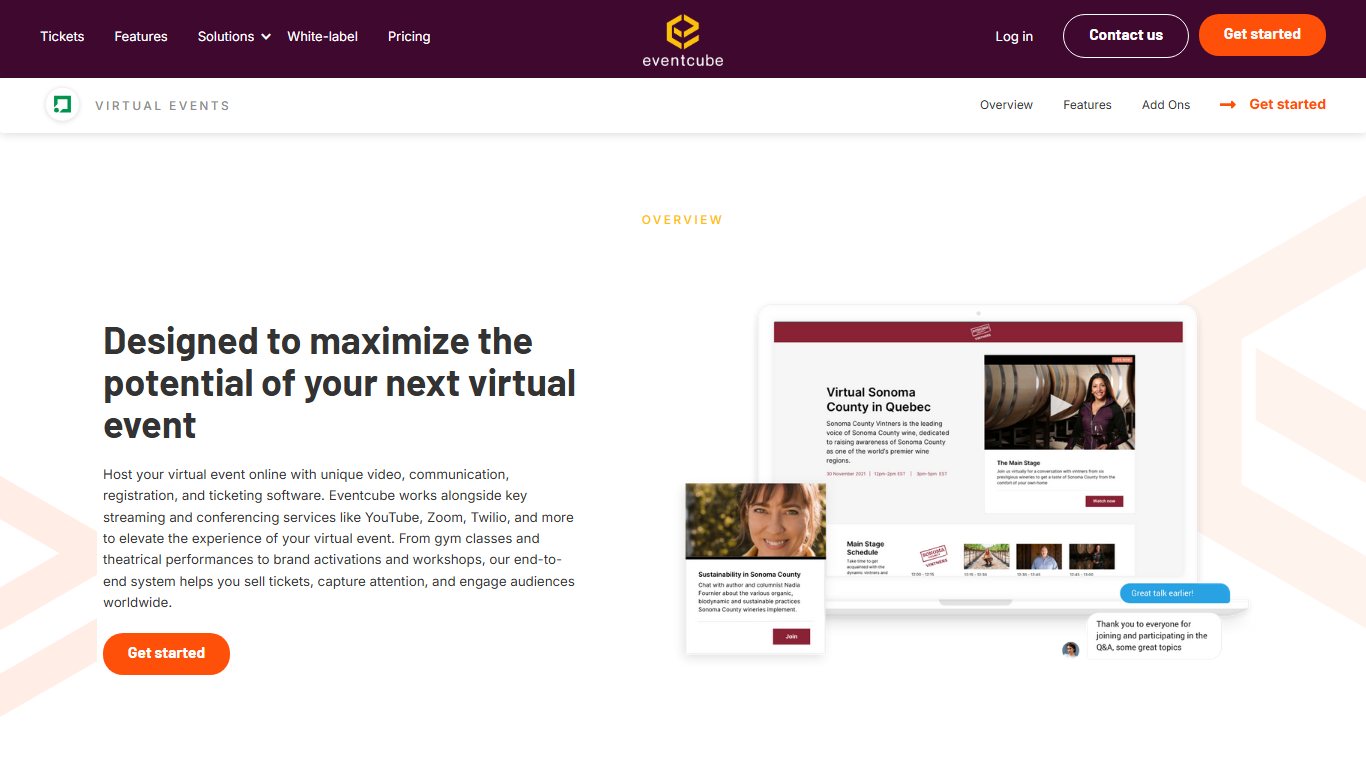

Best for: Organizers who want ticketing, streaming and memberships under their own brand, with nothing on screen pointing to a third-party provider.
Key facts
- Starting price: Confirm with Eventcube’s sales team
- Capacity: Not published
- Free plan: Ask the vendor
- Owner: Independent; started in 2014 as a white-label alternative to Eventbrite
Eventcube began with event ticketing and registration for corporate conferences, university fairs and music festivals. It has since added a Virtual Venue for expos and conferences, a simpler Broadcast product that sells tickets to a live stream, and a membership platform that sports clubs and gyms use to sell recurring plans. Its post-event content hub lets you sell access to replays, which brings in revenue after the live day ends.
Features
- Virtual Venue with networking spaces, keynotes and private one-to-one video breakout rooms
- Broadcast: pay-per-view live streams with polls, live chat and custom branding
- Built-in ticketing with bulk-buy discounts, installment payments, upsells, ticket agents and resale
- Ticket sales analytics
- Replay hub with restricted, paid access
- Membership programs with recurring billing and a branded members’ portal
- In-house live streaming studios for production support
Integrations: LinkedIn, embedding in your own website, external live stream sources for Broadcast.
Pros
- Full white labeling across every product
- Ticketing, registration and memberships in one system
- Paid replay hub adds revenue after the event
Cons
- No public capacity figures for large conferences
- Membership and ticketing features are more than a one-off internal event needs
2. Airmeet
Best for: Marketing teams that run regular webinars and want strong sponsorship and networking features. Check current plans closely, though, because the product has changed.
Key facts
- Starting price: Premium Webinars from $199 a month, or $167 a month billed yearly, according to 2026 pricing listings; Events and Managed Events plans are quoted by sales
- Capacity: Premium Webinars start at 100 attendees and scale to 10,000; events created from April 1, 2026 have plan-based registration caps
- Free plan: Reports conflict; most 2026 listings say there is no permanent free tier, only a trial on request
- Owner: Independent
Organizers and attendees have generally found Airmeet easy to use. It connects to most marketing tools through Zapier, works with Stripe for ticket sales, and can stream sessions to YouTube, LinkedIn, Facebook and X (formerly Twitter).
Airmeet has changed direction since 2025. Its homepage now presents it as an AI video suite rather than only a virtual events platform. Industry reviews report that its mobile apps stopped supporting virtual attendance in October 2025, and that events created from April 1, 2026 have a registration cap that depends on your plan. Before you commit to a large event, ask for your plan’s attendee and registration limits in writing.
Features
- Social lounge with virtual tables for small-group networking
- Speed networking and one-to-one meetings
- Sponsor booths and sponsor branding across the venue
- Stage with backstage area for speakers
- Ticketing through Stripe
- Restreaming to YouTube, LinkedIn, Facebook and X
- Event analytics and attendee engagement data
Integrations: Zapier, Stripe, YouTube, LinkedIn, Facebook, X.
Pros
- Easy for first-time attendees to join
- Public starting price for the webinar plan
- Good sponsor visibility options
Cons
- Mobile apps no longer support virtual attendance
- Registration caps on newer events can surprise you mid-campaign
3. Filo

Best for: Collaborative internal events such as kickoffs, summits, workshops, trainings, interview days and demo days, where connection and engagement matter more than a big stage.
Key facts
- Starting price: Confirm with Filo’s sales team
- Capacity: Not published; video runs on Zoom
- Free plan: Ask the vendor
- Owner: Independent; founded in 2020 and based in Indianapolis
Customizable, interactive event spaces
Filo is one of the most flexible event platforms on the market. You can add as many integrations as you like to build an event space that fits your meeting or virtual event. That gives organizers more room to brand the space and make it stand out. You can also add custom calls to action and downloadable content to keep people involved.
All the event material sits in one place, which makes life easier for facilitators running kickoffs, summits or seminars. Guests no longer need to open dozens of tabs. One Filo customer wrote on G2 that they could bring a Zoom meeting, a Miro board, Poll Everywhere and Google Docs or Slides onto one screen, which made the session far more interactive.
Built-in Zoom
Filo uses Zoom for video. That makes it easy to use and gives reliable, high-quality audio and video that scales to events of any size.
Because of the Zoom integration, facilitators and participants can see where attendees are and how they move around the event. That makes Filo events feel livelier.
You can run as many Zoom meetings as you like inside one Filo event space. Unlike standard Zoom breakout rooms, these rooms can be set up in advance and stay in place afterward. Attendees can go back to the chat, resources, live call and recordings after the event.
That makes Filo a good fit for complex events with several parallel tracks, such as kickoffs, interview days or demo days. Running those with separate Zoom links and calendar invites is hard work for facilitators, so setting up the space in advance saves a lot of effort.
Features
- Zoom for live calls, recordings and live streaming
- Embedded documents, slides, whiteboards, Spotify playlists and more
- Chat and one-to-one messaging
- Agendas and registration pages
- Custom event spaces with your own branding
- Polling and flexible networking
- Persistent spaces (keep recordings after the event and let attendees return)
- Roles and permissions (tailor the experience for different groups of attendees)
Integrations: Zoom, Miro, Poll Everywhere, Google Docs, Google Slides, Spotify.
Past events
Filo is flexible enough for small gatherings too. Customers use it for product launch training, executive briefing centers, leadership summits and daily sales collaboration. It focuses on training, workshops, deal rooms and interactive spaces that help remote and hybrid sales teams work more productively.
Pros
- Rooms persist before and after the event
- Zoom video quality without juggling dozens of links
- Strong for internal training and sales teams
Cons
- Few public-facing features such as ticketing or sponsor expos
- Depends on Zoom, so Zoom’s own limits and licensing apply
4. InEvent
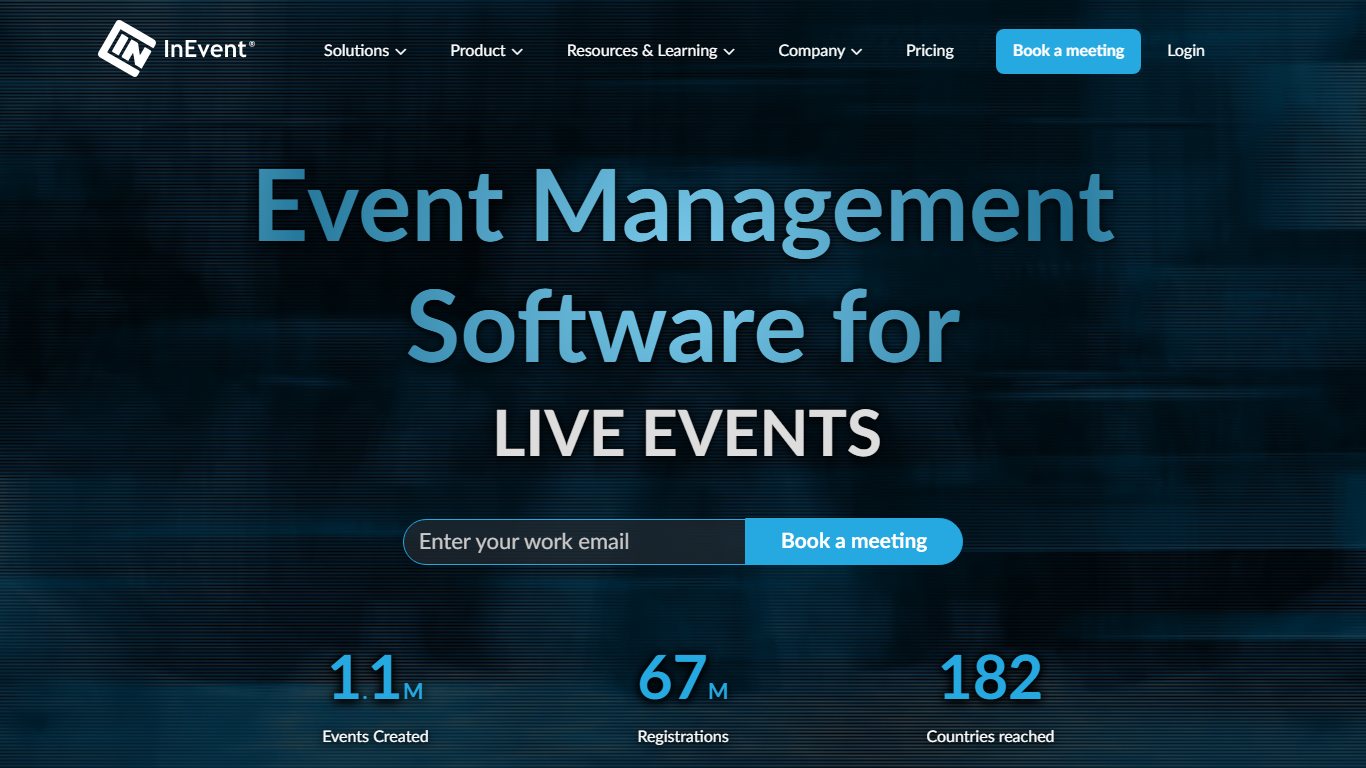

Best for: Companies and associations that run many events a year and want to customize every screen, from the registration form to the video stream.
Key facts
- Starting price: About $9,990 a year, according to 2026 buyer guides
- Capacity: Not published
- Free plan: No; demo on request
- Owner: Independent
A fully customizable event management platform
InEvent is one of the most customizable virtual event platforms available. You can tailor every part of the attendee experience to your brand: the event website, registration forms, email invitations, the virtual venue and the video stream.
That makes it a good fit for companies and organizations that run many events a year, such as large conventions, conferences, summits and symposiums.
End-to-end event management
InEvent lets you manage, market and make money from an event in one platform. It covers every stage of planning: registration and promotion, networking, live navigation and engagement, and analytics and reporting after the event.
Alongside its own features, InEvent has a network of accredited partners. They can help with A/V production, speakers, streaming and entertainment for hybrid, in-person and virtual events.
Accessibility features
InEvent helps organizers run inclusive, accessible events. Non-native speakers can pick their language through separate audio channels with real-time interpretation. For deaf and hard-of-hearing attendees, organizers can add live captions and a sign language channel.
Virtual event engagement
InEvent is more interactive than a typical webinar tool. The virtual lobby makes it easy for guests to move between live sessions, recorded content and Q&As.
Organizers can also add social feeds, built-in polls and questions, one-to-one networking spaces and group rooms.
Detailed analytics and monetization
InEvent works well for events with many sponsors and exhibitors. Dedicated exhibitor booths and in-session ads help partners stand out and turn guests into qualified leads.
Its analytics dashboards show exhibitors and sponsors detailed data on interactions (comments and poll results), engagement (average live views per session and viewing time per session) and networking (who connected with whom).
InEvent also connects to CRM and marketing automation tools, so you can nurture prospects after the event.
Virtual, hybrid and in-person events
InEvent supports hybrid and in-person events as well as virtual ones.
Its mobile app lets attendees register, join sessions and talk to speakers and sponsors in a fully branded space.
Attendees can also search the attendee list by interest, message contacts privately and book one-to-one meetings. That helps virtual and in-person attendees connect with each other.
Integrations: CRM and marketing automation tools; ask which connectors are included in your plan.
Pros
- Deepest branding control in this group
- Real-time interpretation, live captions and a sign language channel
- Detailed sponsor and exhibitor analytics
Cons
- Annual pricing is high for a single event
- So many options means a longer setup
5. Tame


Best for: Annual conferences and summits of up to about 10,000 people that need full branding without a steep learning curve.
Key facts
- Starting price: Confirm with Tame’s sales team
- Capacity: Built for events of up to about 10,000 people
- Free plan: Ask the vendor
- Owner: Independent
Tame is a virtual events platform for designing, marketing and running a fully branded experience for large events. Attendees never get the sense that a third party is hosting.
Tame is flexible, so you can build exactly what your event needs. You can be creative with booth design, have as many speakers as you want across your schedule, and let attendees engage with sponsors. Conferences have a lot of moving parts, and Tame’s simple layout makes them easier to manage.
Heavy customization usually means a steep learning curve, but Tame focuses on ease of use. You don’t need any coding skills. You build the event with a drag-and-drop interface and edit everything on screen using ready-made blocks.
The event page builder is simple. It covers the basics, such as a page header and speaker list, plus extras like an event countdown and social buttons. You can use your brand colors throughout, so the page matches your company website and attendees get a consistent brand experience. If the Help Center articles don’t solve a problem, you can email the support team.
Attendees can move freely between rooms and stages and talk to sponsors and speakers live on the platform. Sponsors and exhibitors can set up their own booths and talk to participants, so networking still happens even though the conference is virtual.
You can also mix the experiences and content you offer. Combining recorded and live talks, several stages and formats that change from day to day keeps the event lively. Everything is managed from one backend, which several people on your team and your production partner can use, so you can share the work.
Features
- Drag-and-drop event builder with ready-made blocks
- Event page with countdown, speaker list and social buttons
- Multiple stages with live and recorded talks
- Sponsor and exhibitor booths with live chat
- Shared backend for your team and production partner
- Brand colors applied across the event
Integrations: Social buttons and embedded video; ask about CRM and registration connectors.
Pros
- No coding needed
- Clear capacity target of about 10,000 attendees
- Team and production partner can share one backend
Cons
- Support is email-based once the Help Center runs out
- Integration list is not well documented publicly
6. Communique Conferencing

Best for: Organizations that want a custom-designed virtual venue and a dedicated project manager to run it with them.
Key facts
- Starting price: Quote only
- Capacity: Not published
- Free plan: No; demo on request
- Owner: Independent; founded in 2001
Communique Conferencing is an all-in-one virtual event platform known for custom design and attendee engagement. You can start from dozens of ready-made templates or have a fully custom design built.
Forrester Research once named Communique the best mid-sized B2B virtual conference provider.
When attendees join an event, they arrive in a fully customizable lobby and can be greeted with a video. Clickable hotspots on screen take them to the theater, the exhibit hall with booths, the resource center, the networking lounge or other rooms. A navigation bar at the bottom of the screen gives quick access to other features.
Features that help keep participants involved include:
- Ticket purchase and registration
- Customizable personal agenda
- AI-powered attendee matching and content recommendations
- Scheduled meetings with booth staff
- Conversation areas and breakout spaces
- A virtual swag bag
- One-to-one and small-group video chat
- Live or recorded webinars with polls, surveys and Q&A
- Gamification with a leaderboard
- Live daily broadcasts
- Language translation
- ADA compliance
Integrations: Photo booth, social media wall and language translation tools; ask about CRM and registration connectors.
Hands-on service and past clients
Communique also stands out for hands-on service. Each client gets a dedicated project manager to help plan and run the event, and speakers, attendees and organizers get full support on live days.
Organizations that have used Communique Conferencing include:
- Citi
- NASA
- Lawson Strauss
- Salesforce
- Sony
- Americans for Dental Health
- Thermo Fisher Scientific
Past setups include a help desk for LSPAC, a theater for Salesforce and a booth for the American Dental Association.
Pros
- Dedicated project manager for every client
- Fully custom venue design
- ADA compliance listed among its features
Cons
- No public pricing
- Custom builds take longer to set up than template platforms
7. Accelevents
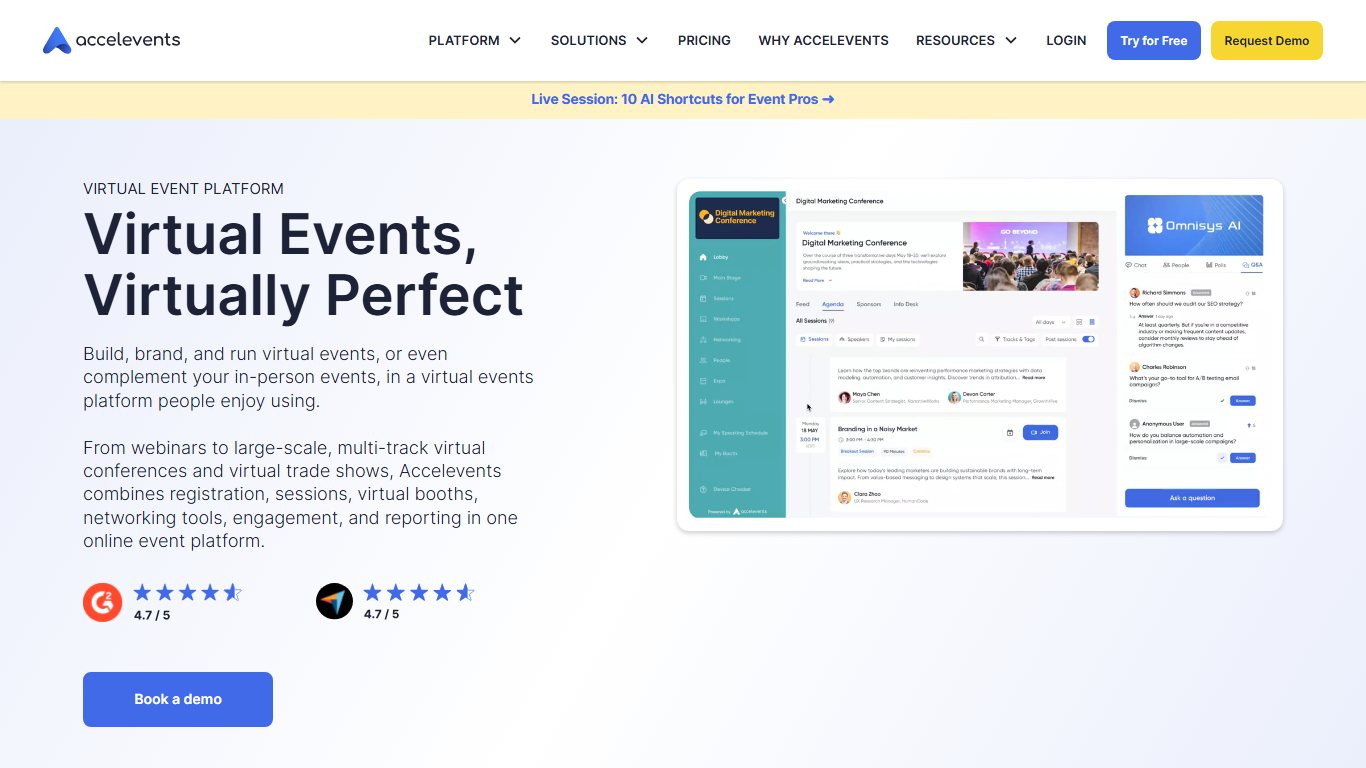

Best for: Hybrid conferences, fundraisers and expos run by marketing teams that want ticketing, booths and lead data in one place.
Key facts
- Starting price: About $7,000 per event, according to 2026 buyer guides
- Capacity: Not published
- Free plan: No; demo on request
- Owner: Independent; founded by CEO Jon Kazarian in Boston
Accelevents is an all-in-one platform for virtual, hybrid and in-person events. It helps marketing teams and event planners build real relationships and loyal communities.
It combines easy-to-use and in-depth customizable, interactive features. Attendees can join workshops, visit virtual exhibitors, network with other attendees, watch keynotes, attend breakout sessions, download materials and take part in live conversations.
The platform is built around growth. It collects useful data from across the event and turns it into measurable marketing and sales plans.
Key features of Accelevents include:
- Ticketing and registration
- Event customization
- Built-in live streaming
- Attendee engagement (one-to-one speed networking, group networking, chat, Q&A and polls)
- Detailed analytics reports
- Virtual exhibitor booths in an expo hall
- Sponsorship options
- 24-hour customer support
- Gamification
- Flexible pricing (confirm the current pricing model with sales)
- White labeling
Accelevents supports hybrid, online and in-person conferences, summits, fundraisers, training sessions, team-building activities, job fairs, community networking events and festivals. Customers have included Salesforce, CloudBees, Tom Ferry and Brown University.
The company started in philanthropy. While preparing an 850-person charity event in Boston, Jon Kazarian ran into the limits of the event and fundraising tools available at the time. He set out to make registration and fundraising simpler for both guests and hosts. As virtual events became mainstream, the platform grew to meet the changing needs of event planners and corporate marketers. Today Accelevents works with Fortune 500 companies, associations and universities.
The company focuses on lowering technical barriers for hosts and guests, and it offers 24-hour support with fast chat responses. In spring 2021, G2 users rated it highest for “Quality of Support” and “Ease of Doing Business With”.
In a published case study, Growth Blazers reported that its annual Growth Innovate Conference on Accelevents drew 6,500 registrations, 2,500 attendees, 900 leads and 160 new members. After that, the company used Accelevents for all its events.
The Accelevents interface includes a branded lobby, an expo hall with exhibitor booths and breakout session rooms.
Integrations: CRM and marketing automation tools; confirm the current list with sales.
Pros
- Strong fit for fundraisers, thanks to its charity roots
- 24-hour support with fast chat responses
- Covers virtual, hybrid and in-person events
Cons
- Per-event pricing adds up if you run many events
- Feature set is more than a simple webinar needs
8. vFairs
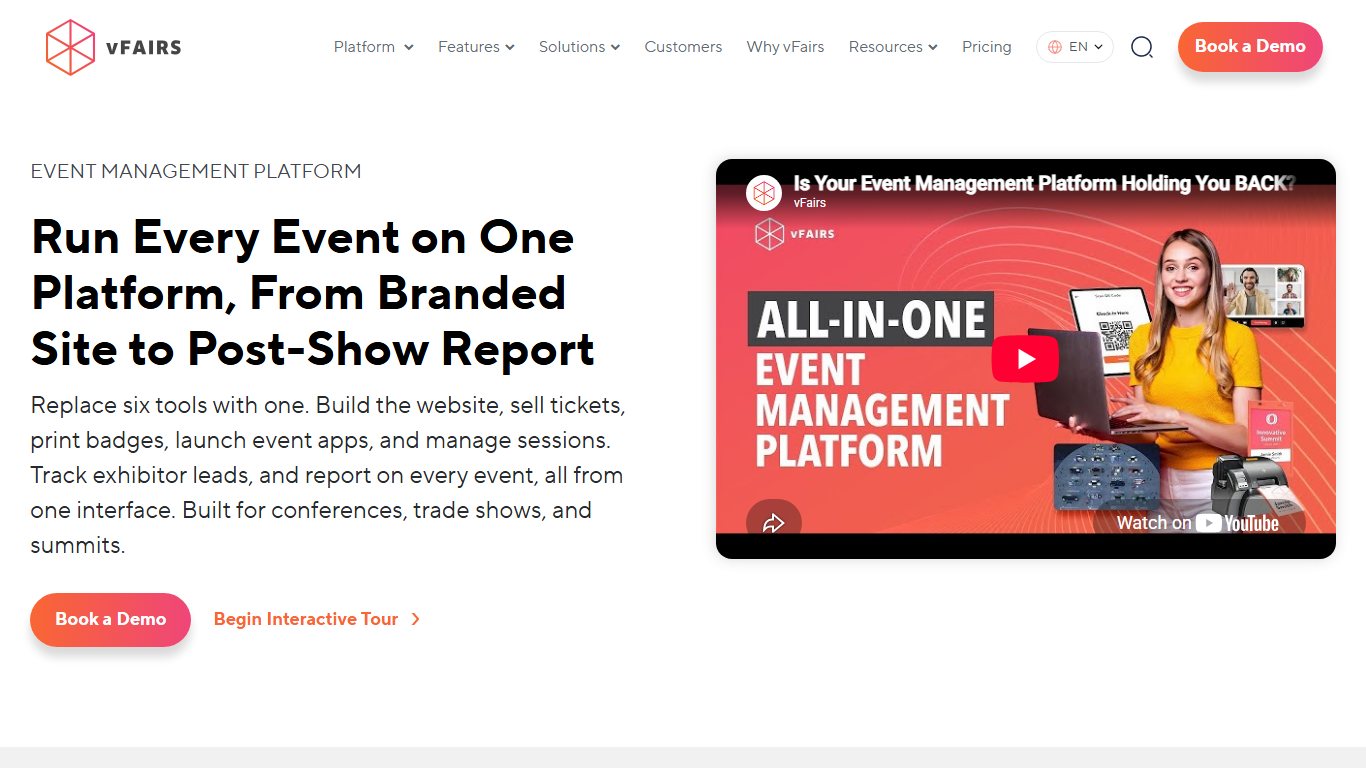

Best for: Job fairs, career fairs and trade shows that need a realistic 3D venue and a project team to build it.
Key facts
- Starting price: Quote only
- Capacity: Not published; scales to medium and large events
- Free plan: No free trial, according to vFairs’ own FAQ; book a demo instead
- Owner: Independent
vFairs is an all-in-one virtual events platform for immersive, realistic events. It became known as one of the top-rated virtual event platforms on G2. Detailed 3D graphics and immersive spaces make attendees feel like they are walking through a real venue, and the clean design makes events easy to navigate.
You have full control over visuals and branding. The venue gives you and your sponsors plenty of high-visibility space. You and your sponsors can upload custom graphics and other materials for the lobby and booths. You can even model the venue on your own office or a place your audience knows.
No virtual event works without engaged attendees, so vFairs offers flexible networking. Participants can:
- Talk to booth staff, attendees and speakers by chat, audio or video.
- Book one-to-one meetings or join group networking to meet like-minded people.
- Book appointments in advance so they never wait to speak to a representative.
- Use auto-matching to find people with shared interests.
- Take part in live webinar Q&As.
vFairs also offers live and recorded webinars, an exhibit hall, breakout sessions, games and event reporting. Integrations add extras like social media walls and multilingual support. That gives you plenty of room to design an event that works for you, your sponsors and your attendees.
Customer service is another strength. You get your own project management team to make sure everything is set up the way you want. Your project manager works with you from planning through to post-event reports, and support is available before, during and after the event.
vFairs also has features for specific event types, such as job fairs, trade shows and career fairs. Examples include job boards for job fairs, sign halls for conferences and shopping carts for trade shows.
Integrations: Social media walls and multilingual tools; ask which CRM connectors come with your license.
When to choose vFairs
- You want to host a large event with lots of special features.
- You run medium to large events. vFairs scales well.
- You want a realistic 3D virtual venue.
- You need interactive extras like networking and games.
Pros
- Realistic 3D venues attendees remember
- Purpose-built tools for job fairs and trade shows
- Dedicated project management team
Cons
- No free trial and no public pricing
- 3D venues can feel heavy on older laptops and slow connections
9. Orbits
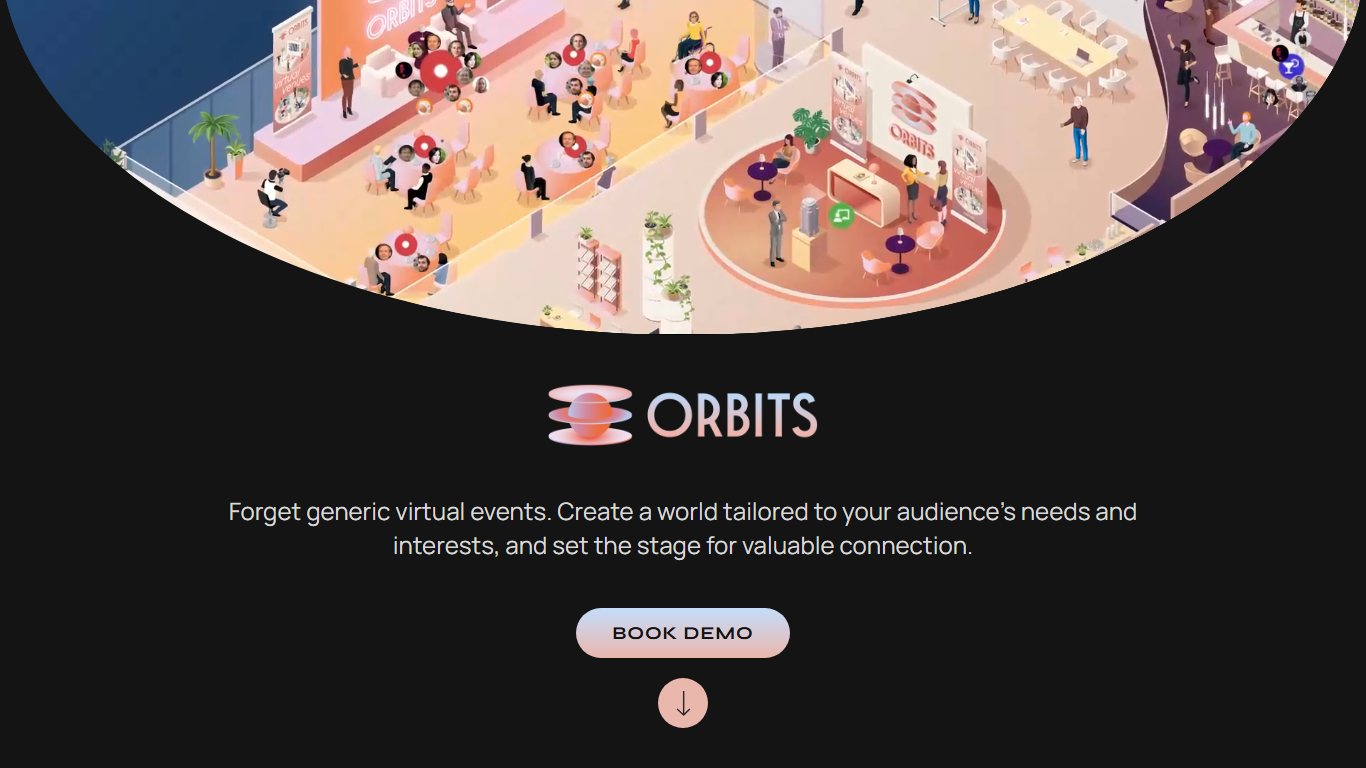

Best for: Brand events where being memorable matters most, using a game-style venue where attendees walk an avatar around, much like The Sims.
Key facts
- Starting price: Quote only
- Capacity: Not published
- Free plan: No; demo on request
- Owner: Independent
Attendees move an avatar past sponsor booths, sit at round tables near the main stage and drop into side activities such as wine tastings (you ship the tasting kits in advance). Joining a table works like a small Zoom call, so people can talk about the keynote while it plays. For hybrid events, Orbits can recreate your physical venue online, and a camera and microphone at a real coffee stall let in-person and virtual attendees talk to each other. Brands such as Asus have run events on it.
Features
- Avatar-based venue, including digital rebuilds of well-known real venues
- Sponsor booths with one-to-one meeting booking, rep chat and resources
- Visible crowds around busy booths
- Main stage with joinable discussion tables
- Side activities such as tastings
- Sponsored sessions, meeting rooms and virtual coffee shops
- Hybrid venue mirroring
Integrations: Not documented publicly; ask the vendor.
Pros
- Attendees remember the experience and talk about it
- Sponsor booths get real foot traffic
- Creative hybrid features
Cons
- Avatar navigation slows down attendees who just want the content
- Custom venue builds raise cost
Meeting and webinar tools you may already pay for
If your company already pays for Zoom, Microsoft Teams, Google Meet or Webex, start there for internal events and single-session webinars. Move to a dedicated platform only when you need sponsors, ticketing or multi-day networking.
10. Zoom
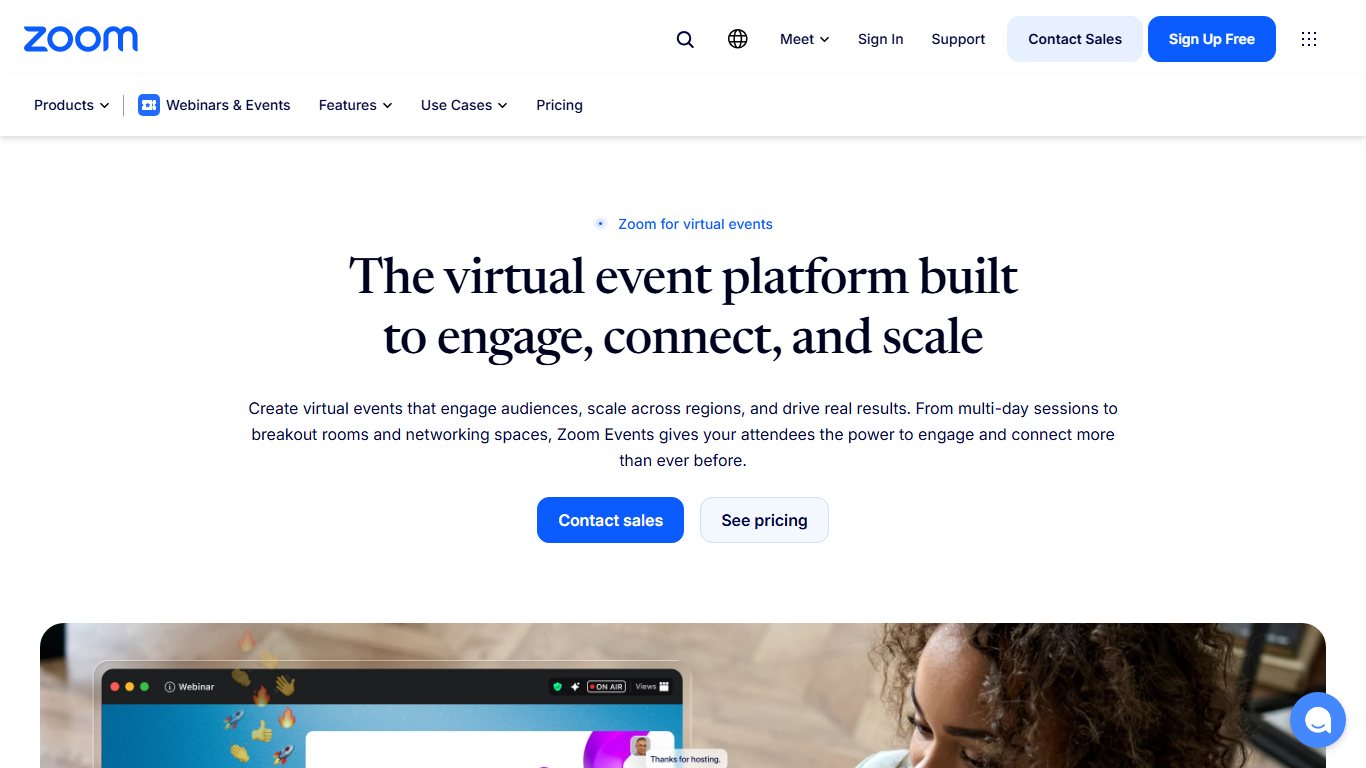
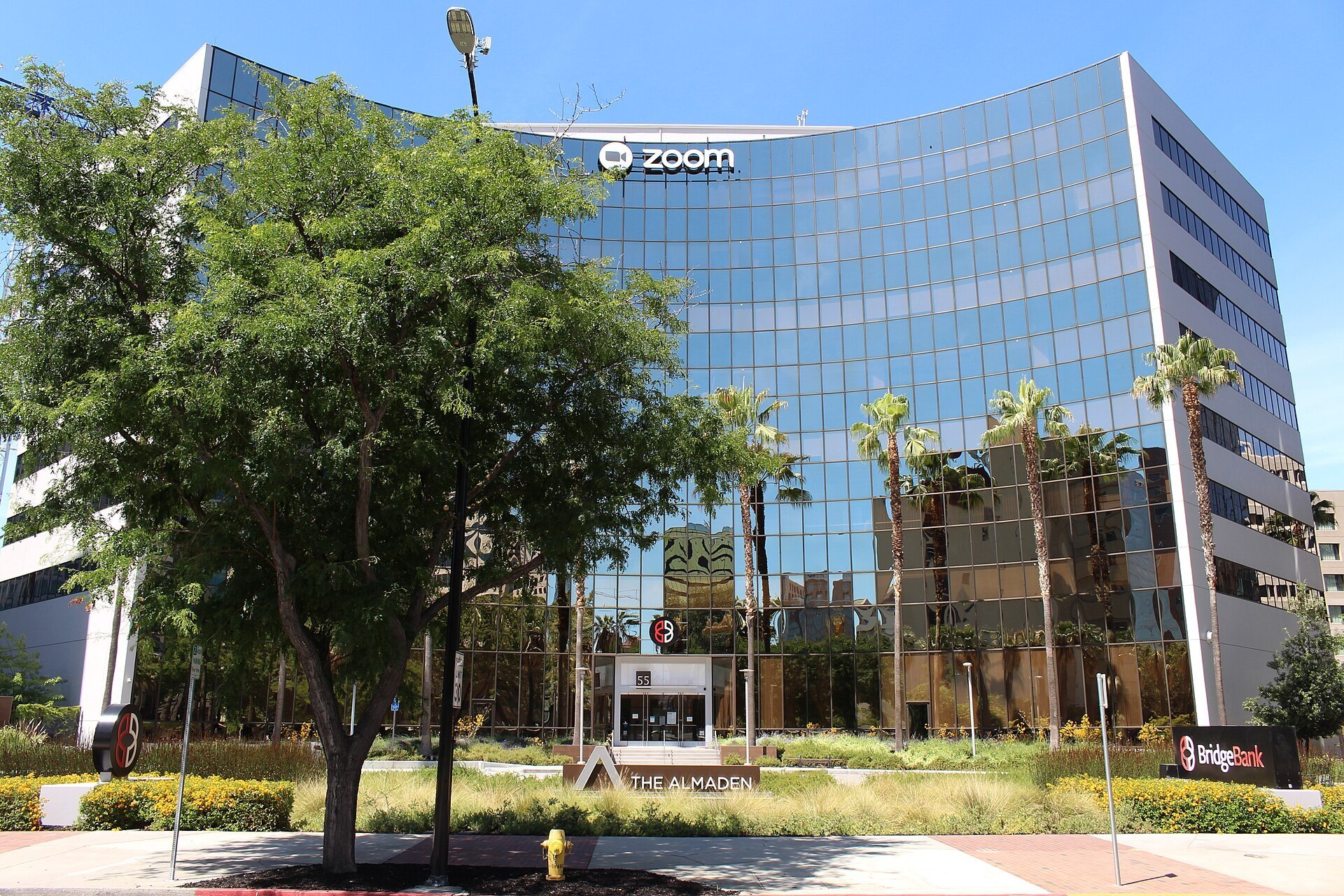

Best for: Small meetings through to very large webinars, for companies that already use Zoom for everyday calls.
Key facts
- Starting price: Zoom Workplace Pro about $14 per user per month billed yearly, according to pricing trackers; Zoom Webinars is an add-on from roughly $80 per host per month
- Capacity: 100 (Pro), 300 (Business), 1,000 with the Large Meetings add-on; Zoom Webinars up to 1 million on single-use plans
- Free plan: Yes, with meetings capped at 40 minutes
- Owner: Zoom Communications
Zoom is a great platform for small virtual events, and it can now also run very large webinars. If your company already uses Zoom for video calls, you have a ready-made option for small virtual gatherings.
With Zoom, you can run two kinds of virtual events:
- Open-mic meetings where anyone can speak
- Webinar-style events where attendees raise their hand to speak
Zoom has breakout rooms, which let you split a large audience into smaller groups. That keeps bigger sessions manageable.
For larger audiences, Zoom sells separate event products. According to Zoom’s pricing page, Zoom Webinars can support up to 1 million attendees through single-use plans. Zoom Sessions and Zoom Events, its tools for multi-session and branded events, support up to 100,000 attendees. Annual Zoom Sessions and Zoom Events subscriptions include a Zoom Webinars license of the same size. With a subscription, you can run only one live event at a time. Pay-per-attendee plans let you run several at once.
Features
- Meetings with breakout rooms
- Webinars with registration, Q&A, polls and raise-hand
- Zoom Sessions and Zoom Events for multi-session, branded events
- Automated captions plus support for a third-party CART captioner
- Waiting room, passcodes and authenticated-user settings
- Cloud recording
Integrations: Zoom App Marketplace, including Salesforce, HubSpot and Marketo connectors.
Pros
- Most attendees already know how to join
- Scales from a free call to a million-person webinar
- Strong security controls in the web portal
Cons
- Webinars, Sessions and Events are each priced separately
- Limited sponsor and expo features compared with full event platforms
11. Microsoft Teams
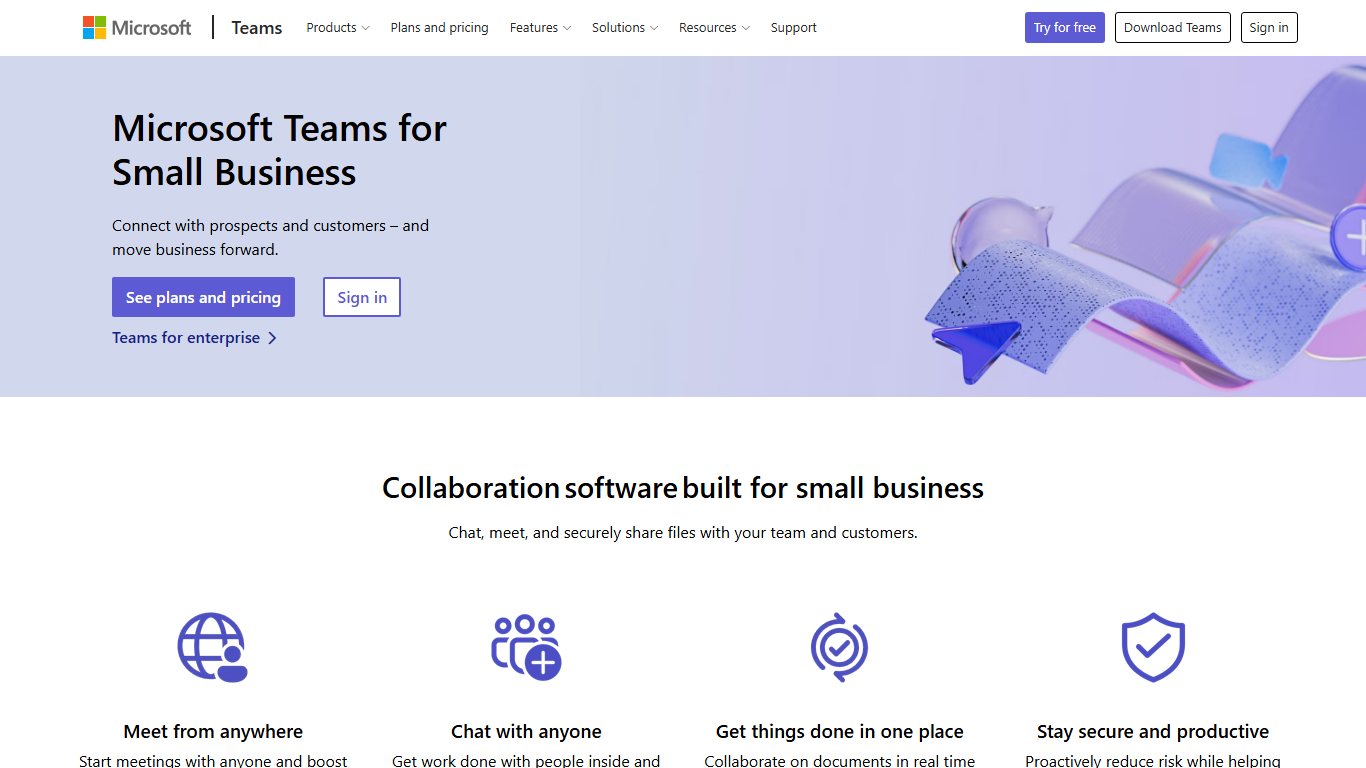

Best for: Internal all-hands, trainings and town halls at companies that run on Microsoft 365.
Key facts
- Starting price: Included in Microsoft 365 business plans; Teams Premium and attendee capacity packs cost extra
- Capacity: 1,000 interactive participants per meeting; town halls up to 100,000 with Teams Premium or capacity packs
- Free plan: Free Teams version with limits
- Owner: Microsoft
Most companies standardize on one video platform: Microsoft Teams, Cisco Webex or Zoom. Any of them can handle smaller virtual events. Some people search for it as Windows Teams, but the product is Microsoft Teams, part of Microsoft 365.
If your business has a Microsoft Teams license, you already have somewhere to run smaller virtual events.
Like Zoom, Microsoft Teams has breakout rooms, which make a large audience easier to manage.
A standard Teams meeting supports up to 1,000 interactive participants, and Teams webinars add registration pages for audiences of a similar size. For company-wide broadcasts, Microsoft replaced Teams Live Events with town halls. Town halls handle thousands of view-only attendees by default. With Teams Premium or Microsoft’s attendee capacity packs, a single town hall can reach as many as 100,000 attendees. Microsoft changed town hall licensing on April 1, 2026, so check your current limits in the Teams admin center before you promise a capacity.
Features
- Meetings with breakout rooms
- Webinars with registration pages
- Town halls for large view-only audiences
- Live captions, plus a meeting option for human CART captions
- Lobby controls and presenter roles
- Sign-in through Microsoft Entra ID
Integrations: Outlook, SharePoint, Microsoft 365 apps and the Teams app store.
Pros
- No extra cost for most Microsoft 365 companies
- Company sign-in keeps internal events private
- Town halls scale far beyond a normal meeting
Cons
- External attendees sometimes struggle with browser and app joins
- Few tools for sponsors or ticket sales
The platforms below are built for large virtual events of 500 or more people. They overlap a lot, and many offer similar features. The best choice depends on your use case and the size of your organization. Each section lists organizations that have used the platform so you can compare.
Enterprise event and webinar suites
These are the platforms large marketing and events teams buy to run a whole year of webinars, conferences and hybrid events. They cost more and take longer to set up, but they connect event data to your CRM better than anything else on this list.
12. RingCentral Events
Best for: Former Hopin customers and teams that want networking-led virtual conferences from a vendor that also sells phone and video tools.
Key facts
- Starting price: About $99 per organizer per month billed yearly, with Pro+ at $199 and Enterprise at $299, according to a September 2026 third-party pricing listing; confirm with sales
- Capacity: Per-organizer plans are listed without attendee caps; older attendee-based plans started at 100 attendees per event
- Free plan: Ask the vendor
- Owner: RingCentral, which bought Hopin’s events products in August 2023
RingCentral Events is the old Hopin Events product under new ownership. It keeps the parts Hopin was known for: a main stage, sessions, an expo hall and one-to-one networking. RingCentral launched the product with attendee-based pricing from $750 a year for up to 100 attendees per event, and listings show existing customers may still be on those legacy plans. The newer model charges per organizer, so costs climb when several team members need to build events.
Features
- Stage with backstage for hosts and speakers
- Parallel sessions and breakout rooms
- Expo hall for sponsor booths
- Speed networking and one-to-one meetings
- Registration and ticketing
- Branded event pages
- Post-event analytics
Integrations: RingCentral’s own video and webinar products; ask which CRM and marketing automation connectors carried over from Hopin.
Pros
- Familiar to anyone who used Hopin
- Per-organizer plans remove attendee-count pricing
- Backed by a large communications company
Cons
- Per-organizer pricing gets expensive for big teams
- Pricing model changed, so older reviews and quotes may be out of date
13. ON24

Best for: B2B marketing teams that run frequent webinars and want detailed engagement data flowing into marketing automation. ON24 is now part of Cvent; see the Cvent entry below for how the two fit together.
Key facts
- Starting price: Quote only
- Capacity: Not published
- Free plan: No; demo on request
- Owner: Cvent, since April 1, 2026
ON24 is best known for its webinar platform, which companies around the world use. Cvent agreed to buy ON24 on December 30, 2025 for $8.10 per share in cash. ON24 shareholders approved the deal on March 26, 2026, and it closed on April 1, 2026. ON24 now runs as a wholly owned Cvent company. Cvent has said it will keep investing in ON24 and that existing customers should keep the same platform experience.
If you already know ON24’s webinar tools, its virtual event platform will feel familiar.
ON24 gives attendees networking tools, including gamification. You set up the virtual event in a WYSIWYG editor.
As with its webinars, you can send event data to your marketing automation platform. Cvent sells a paid Integration Hub solution for ON24 that pushes Cvent registration data to ON24 and pulls attendee data back into Cvent.
Features
- Webinars with polls, Q&A and resource downloads
- Multi-session virtual events built in a WYSIWYG editor
- Gamification and networking tools
- Breakout areas
- Sponsor features
- On-demand content after the live day
- Engagement scoring per attendee
Integrations: Marketing automation and CRM platforms; Cvent through the paid Integration Hub.
When to choose ON24
- You need gamification.
- You need multilingual support.
- You need networking features.
- You need breakout areas.
- You need strong sponsorship features.
- You need smooth marketing automation integration.
- You want hands-on help setting up the event and session recordings.
Organizations that have used ON24 include:
- SAP
- Intel
- Atlassian
- MarTech
- Siemens
Atlassian, SAP and Siemens have all run virtual events on the platform.
Pros
- Rich engagement data for sales follow-up
- Well established for recurring webinar programs
- Now connects to Cvent’s in-person event tools
Cons
- The Cvent connection is a paid add-on, not built in
- Long-term roadmap depends on Cvent’s plans for a combined platform
14. Bizzabo

Best for: Hybrid events and in-person conferences with a strong virtual component, especially when sponsor return on investment has to be proven.
Key facts
- Starting price: More than $17,999 a year, according to 2026 buyer guides
- Capacity: Not published
- Free plan: No; demo on request
- Owner: Independent
Bizzabo is an event platform for both in-person and virtual events. It is especially strong for hybrid events, where some people attend in person and others join online. Hybrid events help when part of your audience can’t travel.
Bizzabo covers registration, agenda management and analytics. G2 has named it a market leader in the past. In 2026, Bizzabo added Sponsor ROI, which brings sponsor management, AI-driven matchmaking, lead retrieval, CRM sync and sponsor reporting into the platform.
Features
- Event website builder and registration
- Multi-track agenda management
- Attendee-to-attendee messaging and push notifications
- Sponsor ROI: sponsor management, matchmaking and lead retrieval
- Multilingual support
- Post-event analytics and sponsor reporting
Integrations: CRM and marketing automation tools through Sponsor ROI’s CRM sync and Bizzabo’s integrations directory.
When to choose Bizzabo
- You need solid sponsorship and exhibitor features.
- Attendees need to message each other directly.
- You need smooth CRM or marketing automation integration.
- You need push notifications.
- You run multi-track agendas.
- You need multilingual support.
- Your company is small to medium-sized.
- Basic page building is enough.
- You are hosting a hybrid event.
Organizations that have used Bizzabo include:
- HubSpot
- Adobe
- Forbes
- Outreach
- CoinDesk
- Uber
- Drift
Bizzabo’s features cover the event website, registration, the agenda, networking and post-event analytics.
Pros
- Built for hybrid from the start
- New sponsor tools make sponsor value measurable
- Strong CRM sync
Cons
- Highest published starting price on this list
- Page building is basic compared with InEvent
15. Cvent
Best for: Large enterprises and associations that run a full year of in-person, virtual and hybrid events and want registration, venues, apps and webinars from one vendor.
Key facts
- Starting price: Quote only; a public University of Washington contract shows Attendee Hub plus Event App at $7 per registrant, per event, for January 2025 to June 2026
- Capacity: Not published
- Free plan: No; demo on request
- Owner: Cvent, owned by private equity firm Blackstone since 2023; also owns ON24 since April 1, 2026
Cvent’s virtual and hybrid product is Attendee Hub, which sits alongside its long-established registration, venue sourcing and event app tools. With ON24 added, Cvent now sells in-person conferences, virtual events and enterprise webinars from one company. Its June 3, 2026 release notes added registration question tags for its Essentials and Webinar products to make syncing with connected systems easier.
Features
- Online registration and attendee management
- Attendee Hub for virtual and hybrid sessions
- Mobile event app
- Venue sourcing for in-person events
- Webinars, plus ON24 for enterprise webinar programs
- Reporting across a whole events program
Integrations: Major CRM and marketing automation platforms; ON24 through Cvent’s paid Integration Hub.
Pros
- One vendor for in-person, hybrid and virtual events
- Mature registration and reporting
- Widely used by associations and large companies
Cons
- Heavy and expensive for a single small event
- ON24 and Cvent are still separate products joined by an integration
Other options worth a look
These two did not make the numbered list, but they fit specific needs well. Both are sales-led, so budget time for a demo before you can get a price.
Goldcast
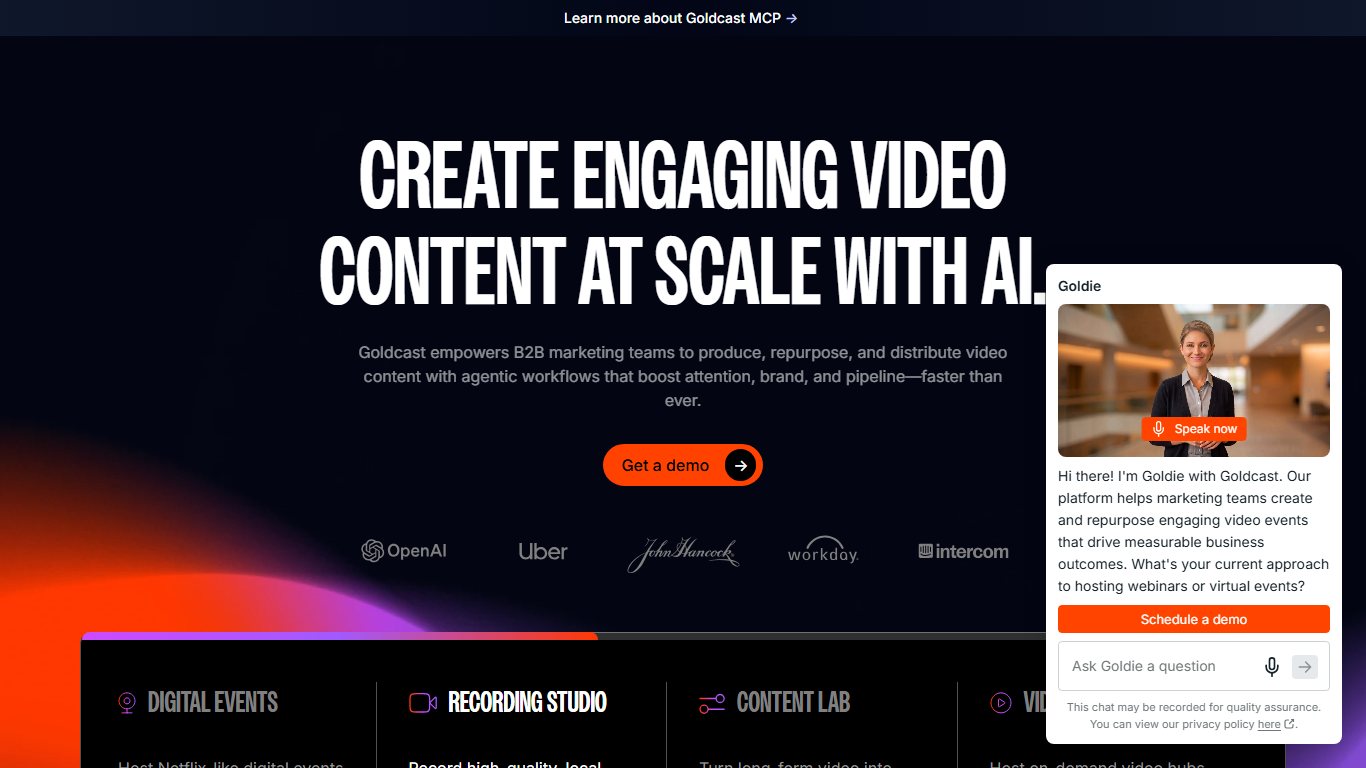
Best for: B2B marketing teams that want to turn every webinar and virtual event into short clips and content afterward.
Key facts
- Starting price: Quote only; plans are Starter, Pro, Premium and Enterprise
- Capacity: Not published
- Free plan: Free trial; no permanent free plan confirmed
- Owner: Independent
Features
- Branded webinar and virtual event pages
- Registration and attendee management
- Interactive stage with polls and Q&A
- Content Lab for repurposing recordings into clips
- Engagement analytics for marketing teams
Integrations: Marketing automation and CRM platforms; ask for the current list.
Pros
- Strong post-event content tools
- Built for B2B marketing workflows
- Free trial to test it
Cons
- No public pricing
- Less suited to sponsor-heavy expos
Whova
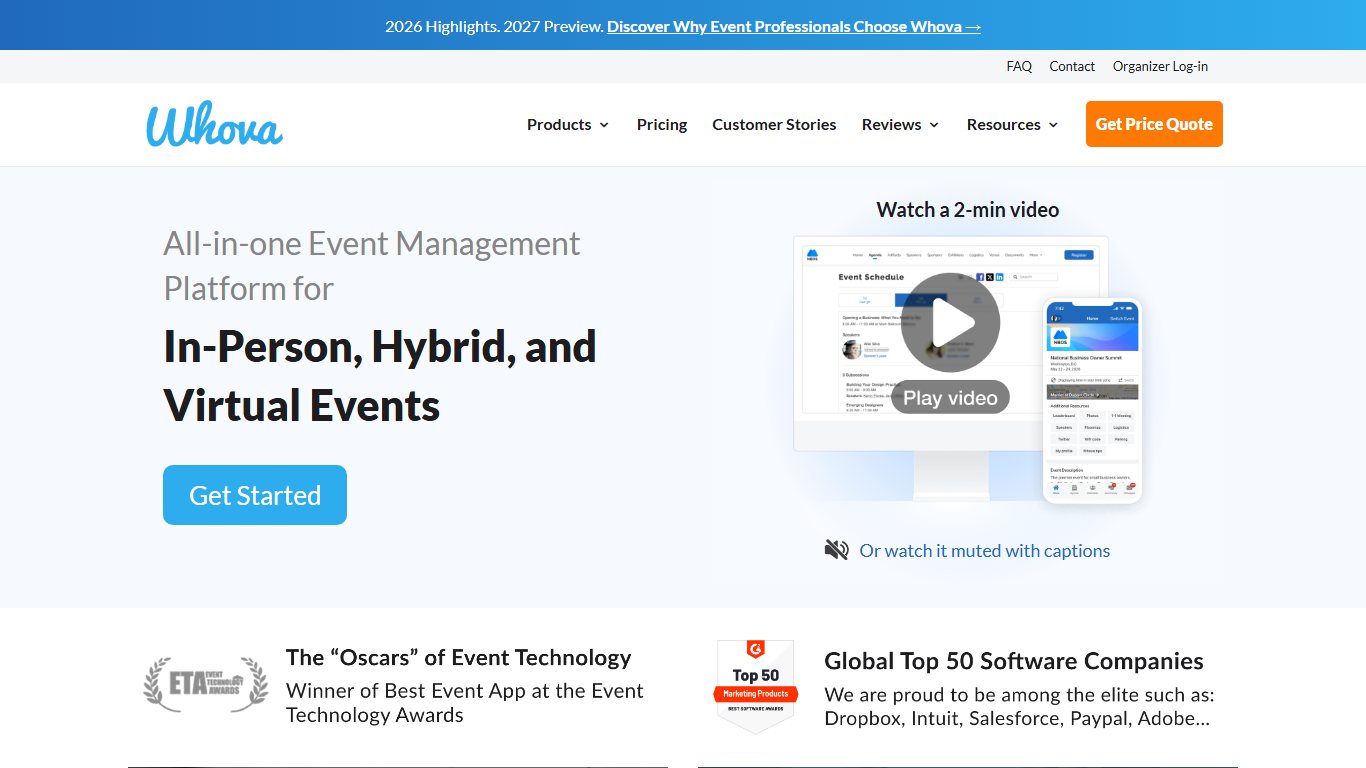
Best for: Conferences and association events that want a strong event app and attendee networking, with virtual sessions included.
Key facts
- Starting price: Quote only; priced per event
- Capacity: Not published
- Free plan: Free trial, according to Capterra
- Owner: Independent
Features
- Event app with agenda and personal schedules
- Attendee profiles and networking
- Community board for discussions
- Virtual session streaming
- Exhibitor and sponsor pages
- A la carte add-ons
Integrations: Live stream and video tools; ask which are included in your event package.
Pros
- Popular, well-reviewed event app
- A la carte pricing helps control cost
- Works for virtual, hybrid and in-person events
Cons
- The app is not sold separately from the full platform
- Prices vary widely by event size
Platforms that changed hands
Two names that used to top every list of virtual event platforms no longer sell event products under their own brand. Their history still matters if you are renewing an old contract or comparing current tools with what you used before.
Intrado

Intrado offered a virtual event platform for large enterprises. It could be customized almost completely, which helped when branding was a priority. In September 2021, Intrado renamed its Digital Media business Notified, after buying the hybrid event company Hubb. Notified’s event products were sold as Event Cloud. In June 2025, Equiniti (EQ) completed its purchase of Notified from West Technology Group, with a focus on investor relations and PR communications. Anyone considering this platform today should ask Notified which event products it still offers and on what terms.
One standout feature was that your event site stayed online for months after the event ended.
That meant your virtual event kept generating demand long after the live day. Setting up a virtual event takes a lot of work, so getting months of value from it was a real advantage.
Intrado also had a wide range of sponsorship options. Sponsors could customize their virtual booths and chat with visitors live.
When Intrado made sense
- You needed strong sponsorship features, including booth design and chat.
- You had no cap on attendee numbers.
- You needed on-demand access to the event after it ended.
- You needed real-time reporting.
- You needed strong audience engagement features.
- You needed video content syndication.
- The platform had to work well on mobile.
- You wanted gamification.
- You needed multilingual support.
- You were an enterprise.
- You needed fully configurable page building.
Organizations that used Intrado’s platform included:
- Marketo
- VMware
- Amazon Web Services
- CNBC
- Appian
- PegaWorld
AWS and VMware both ran branded virtual event sites on the platform.
Hopin

Hopin focused on networking more than most other virtual event platforms, but it no longer sells an events product. In August 2023, Hopin sold its Events and Session products to RingCentral. RingCentral’s SEC filing showed an upfront price of $15 million, which could rise to $50 million if milestones were met. The products became RingCentral Events and RingCentral Sessions. In 2024, Hopin sold its remaining products, StreamYard, Streamable and Superwave, to Bending Spoons. If you liked Hopin, look at RingCentral Events today.
Hopin’s speed networking matched attendees based on criteria they chose in advance. It recreated the networking that gives in-person events their value. You could use it for virtual conferences and brand the whole platform with your logo.
Its breakout sessions allowed good one-to-one conversations and felt much like a Zoom or Microsoft Teams meeting.
When Hopin made sense
- You needed strong networking, including one-to-one meetings.
- You needed a virtual stage.
- You needed a virtual backstage where hosts and speakers could gather before going live.
- You wanted a complete virtual event with a stage, breakout workshops and a sponsor expo hall.
- You needed full branding flexibility.
Organizations that used Hopin included:
- Dell
- Unilever
- Slack
- Product Hunt
- TechCrunch
Hopin’s expo hall and the CMX Global conference were well-known examples of events on the platform.
How to choose virtual event solutions
Pick on audience size first, then on sponsors, then on security and accessibility. The cheapest platform that meets all five checks below is usually the right one.
The five-point checklist
- Cost. Compare the full price for your event: per-user, per-organizer, per-event or per-registrant pricing, plus add-ons for captions, extra capacity and production help.
- Features. List what you actually need: ticketing, sponsor booths, networking, a mobile app, replays. Drop any platform missing a must-have.
- Capacity. Ask for attendee and registration limits for your plan in writing. Airmeet’s plan-based registration caps and Microsoft’s April 1, 2026 town hall licensing change both show these limits move.
- Security. Check the five settings in the next section before launch.
- Accessibility. Confirm captioning options and ask for the vendor’s accessibility statement.
Five security settings to check
Most “Zoombombing” style disruptions come from links shared publicly with no controls switched on. Check these five settings on any platform, using Zoom and Teams paths as the reference:
- Webinar mode. Use a webinar or town hall format so attendees can’t share their screen or unmute by default. In Zoom, schedule a webinar instead of a meeting. In Teams, schedule a webinar or town hall from the Calendar.
- Passcode. In the Zoom web portal, go to Settings > Meeting > Security and turn on Require a passcode when scheduling new meetings.
- Required registration. Make every attendee register so each gets a unique join link. In Zoom, tick Registration: Required when scheduling. Teams webinars include registration pages.
- Waiting room or lobby. In Zoom, turn on Waiting Room under Settings > Meeting > Security. In Teams, open the event, select Meeting options and set Who can bypass the lobby to People in my organization.
- Authenticated users and SSO. For internal events, only let signed-in company accounts join. In Zoom, turn on Only authenticated users can join meetings in the same Security panel. Teams uses Microsoft Entra ID sign-in. On event platforms, ask whether attendee SSO is supported and on which plan.
Accessibility: captions, controls and statements
Under the Americans with Disabilities Act (ADA), public-facing events and many employer events need to be usable by deaf, hard-of-hearing and blind attendees. Three checks cover most of it:
- Human CART captions vs auto-captions. Automatic captions are fine for internal stand-ups but make mistakes on names, jargon and accents. For keynotes, CE training and public events, book a human CART (Communication Access Realtime Translation) captioner. Zoom lets you assign a third-party captioning service with an API token, and Teams has a meeting option to provide CART captions.
- Screen-reader-compatible polls and chat. Ask the vendor to show polls, Q&A and chat working with a screen reader such as JAWS, NVDA or VoiceOver, and keyboard-only navigation through the lobby and booths. 3D and avatar venues like vFairs and Orbits need this check most.
- ADA and WCAG statements. Ask for a written accessibility statement and a VPAT (Voluntary Product Accessibility Template) showing conformance with WCAG 2.1 or 2.2 Level AA. A vendor that can’t produce one is a risk for public sector, education and healthcare events.
Questions to ask every vendor
Ownership has changed a lot since 2023, so ask every vendor three things in writing: the attendee and registration limits on your plan, what is included in the price, and how long recordings and event pages stay online. Some teams also use virtual assistant services to handle registration questions and attendee inboxes on event day.
Book demos with two or three platforms from the use case table, run the same mock session on each, and judge them on how quickly a first-time attendee can register, join and ask a question. Once you have picked a platform, the next big job is promoting the event to the right audience.
FAQ
What is the best virtual event platform?
It depends on the event. For internal all-hands, use Microsoft Teams town halls or Zoom Webinars. For sales kickoffs and workshops, Filo. For job fairs and trade shows, vFairs. For fundraisers, Accelevents. For hybrid conferences with sponsors, Bizzabo or InEvent. For recurring B2B webinars, ON24. For an enterprise running a full year of events, Cvent.
What is the best free platform for a virtual event?
For small events, the free versions of Zoom and Microsoft Teams are the simplest starting point, but both put tight limits on meeting length and attendee numbers. Zoom’s free plan caps meetings at 40 minutes. Once ticketing, sponsors or more than a few hundred people are involved, you will need a paid plan or a dedicated event platform.
How many people can join a Zoom or Teams event?
A Zoom Workplace Pro meeting supports up to 100 participants by default, and a Business meeting up to 300. Large Meeting add-ons, sold separately, are available in capacities up to 1,000. Zoom Webinars scale to 1 million attendees on single-use plans. A standard Teams meeting supports 1,000 interactive participants, and Teams town halls can reach up to 100,000 with Teams Premium or capacity packs.
Can Google Meet or Webex host a virtual event?
Yes, for small and internal events. Google Meet live streaming reaches up to 100,000 viewers on Google Workspace Enterprise Plus, Education Plus and Enterprise Essentials Plus. Cisco sells Webex Webinars for larger audiences. Neither offers the sponsor booths or ticketing of a dedicated platform.
How much does a virtual event platform cost?
Published 2026 figures range from about $99 per organizer per month for RingCentral Events and $167 a month for Airmeet’s yearly webinar plan, up to about $7,000 per event for Accelevents, about $9,990 a year for InEvent and more than $17,999 a year for Bizzabo. Cvent, ON24, vFairs, Goldcast and Whova quote prices only after a sales call.
What happened to Hopin?
Hopin sold its Events and Session products to RingCentral in August 2023, and they became RingCentral Events and RingCentral Sessions. In 2024, it sold StreamYard, Streamable and Superwave to Bending Spoons. Hopin no longer sells a virtual event platform under its own name.
Is ON24 still available after the Cvent deal?
Yes. Cvent completed its purchase of ON24 on April 1, 2026 and has said existing customers should keep the same platform experience. If you are signing a new contract, ask how ON24 will fit with Cvent’s other products over the length of your agreement, and whether you need the paid Integration Hub to connect the two.
How do I stop uninvited guests from crashing a virtual event?
Use a webinar format, require registration, turn on a passcode and a waiting room, and for internal events allow only authenticated company accounts. In Zoom, these live under Settings > Meeting > Security in the web portal. In Teams, use Meeting options to control who bypasses the lobby and who can present.
Do virtual events need captions?
For public events, CE training and most employer events, yes. Auto-captions help, but a human CART captioner is far more accurate for names and technical terms. Ask each vendor for a VPAT and a WCAG conformance statement before you sign.
What is the difference between a webinar platform and a virtual event platform?
A webinar platform runs a single session: one stage, a presenter and an audience with Q&A and polls. A virtual event platform runs a whole conference, with several sessions, networking lounges, sponsor booths, ticketing and analytics. Choose a webinar tool for one-off talks and an event platform for multi-day conferences or expos.
Which platform works best for hybrid events?
Bizzabo, InEvent, Accelevents, Cvent and Orbits all build features for mixed in-person and online audiences, such as mobile apps, shared networking and venue recreations. The right choice depends on whether your priority is attendee networking, sponsor revenue or event logistics. Ask each vendor for a demo of a real hybrid event.
Sources
- Zoom: Zoom Events and Sessions pricing
- Zoom: Zoom unveils 1 million attendee capability for Zoom Webinars
- Zoom: Zoom Webinars product page
- Microsoft Support: Switch from Microsoft Teams live events to town halls
- Microsoft Docs: Overview of meetings, webinars and town halls
- Google Workspace Updates: Google Meet ultra-low latency live streaming for 100k viewers
- ON24: Form 8-K, SEC
- Business Travel News: Cvent completes ON24 acquisition
- ON24 Support: Cvent integration for ON24
- Cvent: Attendee engagement releases for June 3, 2026
- University of Washington Finance: Virtual event platform and event app
- Equiniti: Equiniti to acquire Notified
- Bizzabo: Best virtual event platforms for enterprise and hybrid events
- Bizzabo: Cvent and ON24 acquisition explainer
- InEvent: Corporate event management software buyer’s guide
- Toolradar: RingCentral Events pricing
- Futurum Group: RingCentral releases RingCentral Events
- Capterra: Airmeet pricing
- Toolradar: Airmeet pricing
- vFairs: Virtual events platform
- PricingSaaS: Goldcast pricing plans
- TrustRadius: Goldcast pricing
- Capterra: Whova pricing
- CostBench: Zoom Webinars plans and pricing