
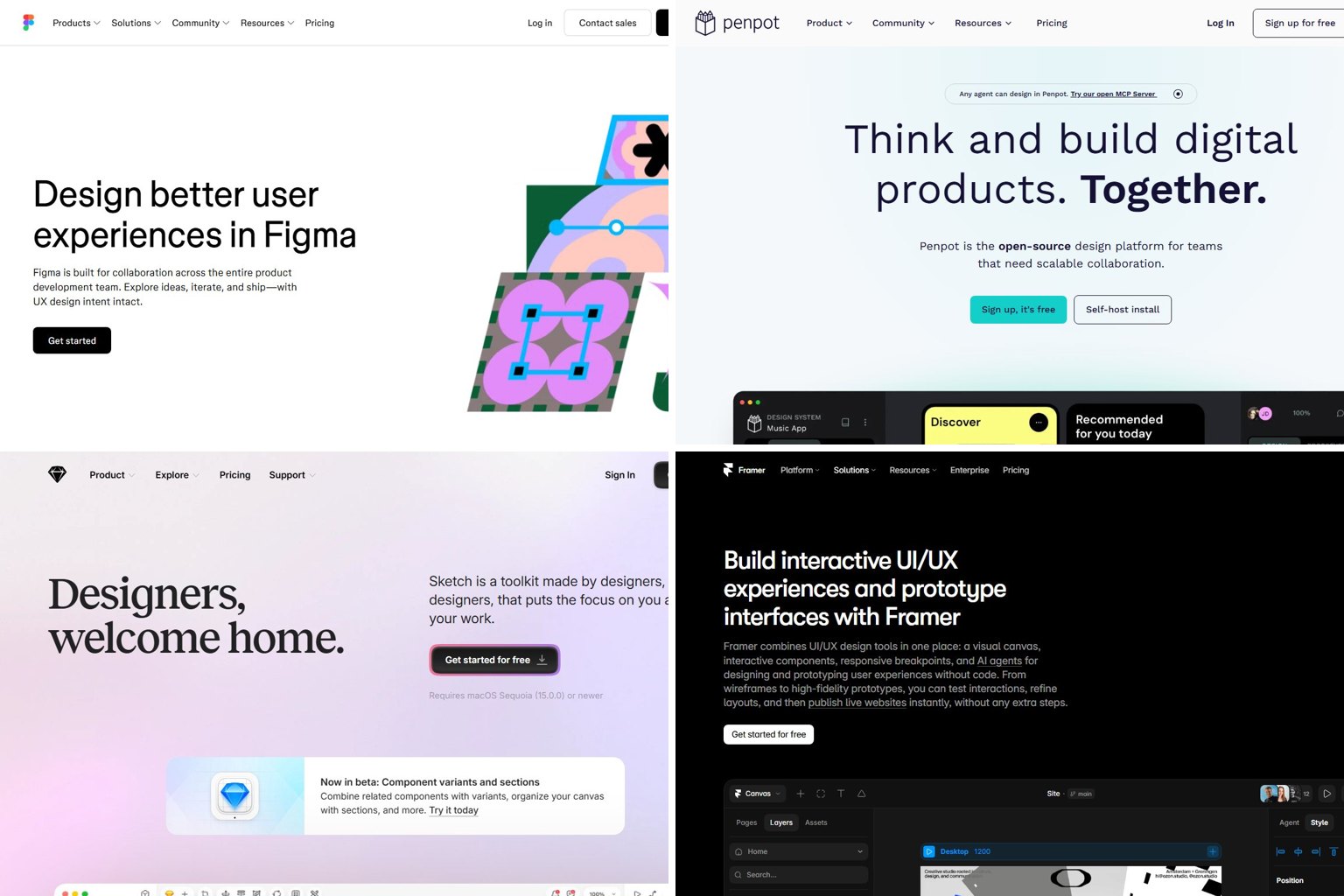
For most people, the best UX tool in 2026 is Figma. It runs in a browser on any computer, has a free plan, and covers design, prototyping, whiteboarding and developer handoff, which is why it leads almost every shortlist of UX design tools. If you want something free and open source, use Penpot. Use Balsamiq for quick wireframes, and Maze or Lyssna to test your designs with real users.
Key takeaways
- InVision closed on December 31, 2024, and Adobe XD gets no new features. Don’t start new work in either one.
- A Figma Professional Full seat costs $16 a month billed annually, and Dev Mode comes with the seat.
- Sketch is the only major design tool here that needs a Mac. Figma and Penpot run in any browser, so they work on Windows or a Chromebook.
- You can run a complete UX workflow for $0 with Figma or Penpot, Lyssna or Maze, Google Analytics and Hotjar’s free plan.
- At Config 2026, Figma made AI and code central to its plans, and code layers went into open beta on October 15, 2026.
Fact-checked
We checked these key facts against the sources named, on November 15, 2026:
- Give developers a $12 Dev seat and reviewers a $3 Collab seat, and viewers cost nothing (source: activepieces.com)
- Sketch also sells a Mac-only seat for $120 that includes one year of updates but leaves out the collaboration tools (source: costbench.com)
- According to Penpot’s release notes, version 2.17 (July 22, 2026) added background blur, better WebGL rendering and design token upgrades (source: alternativeto.net)
- GA4 360, the enterprise version, is quote only. Hotjar, now part of Contentsquare, adds heatmaps and session recordings so you can see why people drop off (source: support.contentsquare.com)
- A Figma Professional Full seat costs $16 a month billed annually, and Dev Mode comes with the seat. Sketch is the only major design tool here that needs a Mac (source: banani.co)
UX tools in 2026: the short answer
Pick tools by the job you need done, not by which one has the longest feature list. For most projects you only need three: one design tool, one testing tool and one analytics tool. Add a specialist only when one of those three can’t do something you actually need.
| Tool | Job | Status | Free plan | Paid from | Runs on | Best for |
|---|---|---|---|---|---|---|
| Figma | Design, prototype, handoff | Active | Yes (Starter) | $16/mo Full seat (annual) | Browser, Mac, Windows | Almost everyone |
| Penpot | Design, prototype | Active, open source | Yes, unlimited | Enterprise tier for orgs | Browser, self-host | Free or self-hosted teams |
| Sketch | UI design | Active | 30-day trial | $12/editor/mo (annual) or $120 Mac seat | Mac only | Mac-based designers |
| Framer | Design and publish websites | Active | Yes | $10/mo Basic site (annual) | Browser, desktop app | Marketing sites, portfolios |
| Axure RP 11 | Complex prototypes | Active | 30-day trial | $29/user/mo (annual) | Mac, Windows | Data-heavy enterprise apps |
| UXPin | Code-based prototypes | Active | Yes, limited | $29/mo Core (annual) | Browser, desktop app | Design systems teams |
| ProtoPie | Realistic interactions | Active | Yes, limited | $25/mo Basic | Mac, Windows | Mobile and hardware prototypes |
| Balsamiq | Low-fidelity wireframes | Active | 14-day trial | $16/editor/mo (annual) | Browser | Early ideas, non-designers |
| FigJam | Whiteboarding | Active | Yes (with Figma) | $3/mo Collab seat (annual) | Browser, Mac, Windows | Figma teams |
| Miro | Whiteboarding, workshops | Active | Yes | $8/member/mo (annual) | Browser, apps | Cross-team workshops |
| Trello | Project tracking | Active | Yes | $5/user/mo (annual) | Browser, apps | Small UX teams |
| Maze | Unmoderated testing | Active | 1 active study | $99/mo Starter | Browser | Prototype testing |
| Lyssna | Unmoderated tests, surveys | Active (was UsabilityHub) | 1 study/mo | $165/mo Growth (annual) | Browser | First usability tests |
| UserTesting | Video testing with a panel | Active | No | Quote only | Browser | Enterprise research |
| Lookback | Moderated video sessions | Active | No | $299/yr Freelance | Browser, mobile | Live interviews |
| Optimal Workshop | Card sorting, tree testing | Active | Trial on request | $199/mo Starter (annual) | Browser | Information architecture |
| Zeplin | Developer handoff | Active | Yes | $8/seat/mo Team | Browser, Mac, Windows | Non-Figma handoff |
| Google Analytics | Traffic analytics | Active | Yes (GA4) | GA4 360: quote only | Browser | Every live product |
| Hotjar | Heatmaps, recordings | Active | 35 sessions/day | $32/mo Plus (annual) | Browser | Seeing real behavior |
How the tools were chosen and ranked
Every tool was checked for current status first, and dead or frozen products were dropped no matter how well known they are. The rest were then judged on four criteria:
- Price transparency: whether the vendor publishes clear prices or only quotes.
- Free entry: whether the free plan or trial is enough to learn the tool on.
- Platform reach: whether it runs on more than one operating system.
- Fit for one job: how well it handles one stage of the UX process.
Price transparency and platform reach counted most, because those two decide whether you can start today. Prices come from each vendor’s own pricing or support pages. Where a vendor such as Maze or UserTesting doesn’t print a price, the table uses the figure that current pricing listings agree on, or marks it as quote only.
Tools that dropped off this list
Older lists, including the previous version of this page, also recommend Marvel, Proto.io, Mockplus, FlowMapp and Webflow. Marvel, Proto.io and Mockplus are lighter click-through prototyping tools, and none of them beats Figma’s built-in prototyping for a new project. Webflow is a website builder more than a UX tool, and for designers Framer now does that job.
Before you start
InVision is closed and Adobe XD is frozen. If someone hands you an old XD file, export it now while XD still opens it.
What “UX” means and what a UX tool actually does
UX (user experience) is how it feels to use a product: whether people can find what they need, finish a task and come back. UI (user interface) is the visible layer, meaning the buttons, type, colors and layout. A UX tool helps with one or more steps between a rough idea and a product people can use without help.
UX vs UI in one example
Picture a food delivery app’s checkout screen. The UI work picks the button color, the font and the spacing. The UX work asks whether people abandon the order because the delivery fee appears too late, and then tests a version that shows it earlier. A UI tool such as Figma draws both versions. A UX tool such as Maze shows you which version more users actually finish.
The six stages of a UX project
UX work usually moves through six jobs, and each tool category below maps to one or more of them:
- Plan: gather research, ideas and requirements (Miro, FigJam, Trello).
- Wireframe: sketch the structure without visual polish (Balsamiq, FigJam).
- Design: build the actual screens and components (Figma, Penpot, Sketch).
- Prototype: make clickable, realistic flows (Figma, ProtoPie, Axure, UXPin, Framer).
- Test: watch real users try the prototype (Maze, Lyssna, UserTesting, Lookback, Optimal Workshop).
- Measure: see what users do once the product is live (Google Analytics, Hotjar).
Handoff to developers sits between stages 4 and 6. Today that mostly happens in Figma Dev Mode or Zeplin.
Which UX tools are dead, frozen or renamed
Four well-known names have changed since many “best UX tools” lists were written. InVision is gone, Adobe XD is in maintenance mode, Google Optimize has been retired, and UsabilityHub now runs as Lyssna.
| Old tool | What happened | Date | Switch to |
|---|---|---|---|
| InVision (and Craft, its Sketch plugin) | Wound down; all services ended | Closed December 31, 2024 | Figma, Penpot; Miro for whiteboards |
| Adobe XD | Maintenance mode, no new feature development | Ongoing in 2026 | Figma, Penpot |
| UsabilityHub | Renamed and relaunched | Now Lyssna | Lyssna |
| Google Optimize | Retired by Google | Ended September 30, 2023 | Dedicated A/B tools such as Convert |
InVision: what happened and where to go
InVision CEO Michael Shenkman announced the wind-down on January 5, 2024. InVision’s support site says services ended on December 31, 2024, at 11:59 PM EST. If you’re wondering how long you have to export your InVision documents, the window has closed and nothing can be retrieved from the service now.
Did you know?
InVision’s own support site says the service shut down at 11:59 PM EST on December 31, 2024, and the Freehand migration tokens stopped working after that.
Teams that used InVision for prototypes mostly moved to Figma. Teams that used Freehand for whiteboarding moved to Miro or FigJam.
Adobe XD: can you still use it?
Yes, if you already have it, but don’t pick it for anything new. Adobe isn’t putting new feature work into XD and no longer sells it as a single app. That leaves a design tool that won’t keep up with plugins, AI features or newer file workflows.
The most common criticism of Adobe for UX work is the bundle. To get XD-era tools today you end up in a Creative Cloud subscription and pay for apps you’ll never open. For UX work that’s a fair complaint, and Adobe has no direct XD successor. People who ask what Adobe offers instead of XD usually end up in Figma, and keep Photoshop and Illustrator only for image and illustration work.
Google Optimize: why GA4 doesn’t run A/B tests
Google’s support notice, titled “[Sunset September 2023] Google Optimize”, confirms that Optimize and Optimize 360 stopped working after September 30, 2023. Google announced the shutdown on January 20, 2023, and said it was investing in A/B testing within Google Analytics 4 itself.
Moving old files into Figma or Penpot
Neither Figma nor Penpot opens XD files directly. You can still bring a design in as vector artwork and rebuild the interactive parts by hand.
Move a design out of Adobe XD
- Open the file in Adobe XD and select all artboards.
- Go to File > Export > All Artboards and choose SVG.
- Export icons and images separately as PNG or SVG.
- In Figma, drag the SVGs onto the canvas. In Penpot, use the Import option in the main menu.
- Rebuild components, styles and prototype links by hand.
- Keep the original XD file archived in case you need to check details later.
Figma imports native Sketch files (.sketch) directly, so moving from Sketch is much easier than moving from XD.
UX design and prototyping tools
You only need one tool from this group. Figma suits the widest range of people, Penpot wins on cost and control, and Sketch suits Mac-only studios. The specialists (Framer, Axure, UXPin, ProtoPie) cover what Figma’s own prototyping can’t.
Figma (and its seat types explained)
Figma is a browser-based design and prototyping tool with desktop apps for Mac and Windows. Several people can work in the same file at the same time. It’s the default pick because a single account covers design, prototyping, whiteboarding (FigJam), AI prototyping (Figma Make) and developer handoff (Dev Mode).
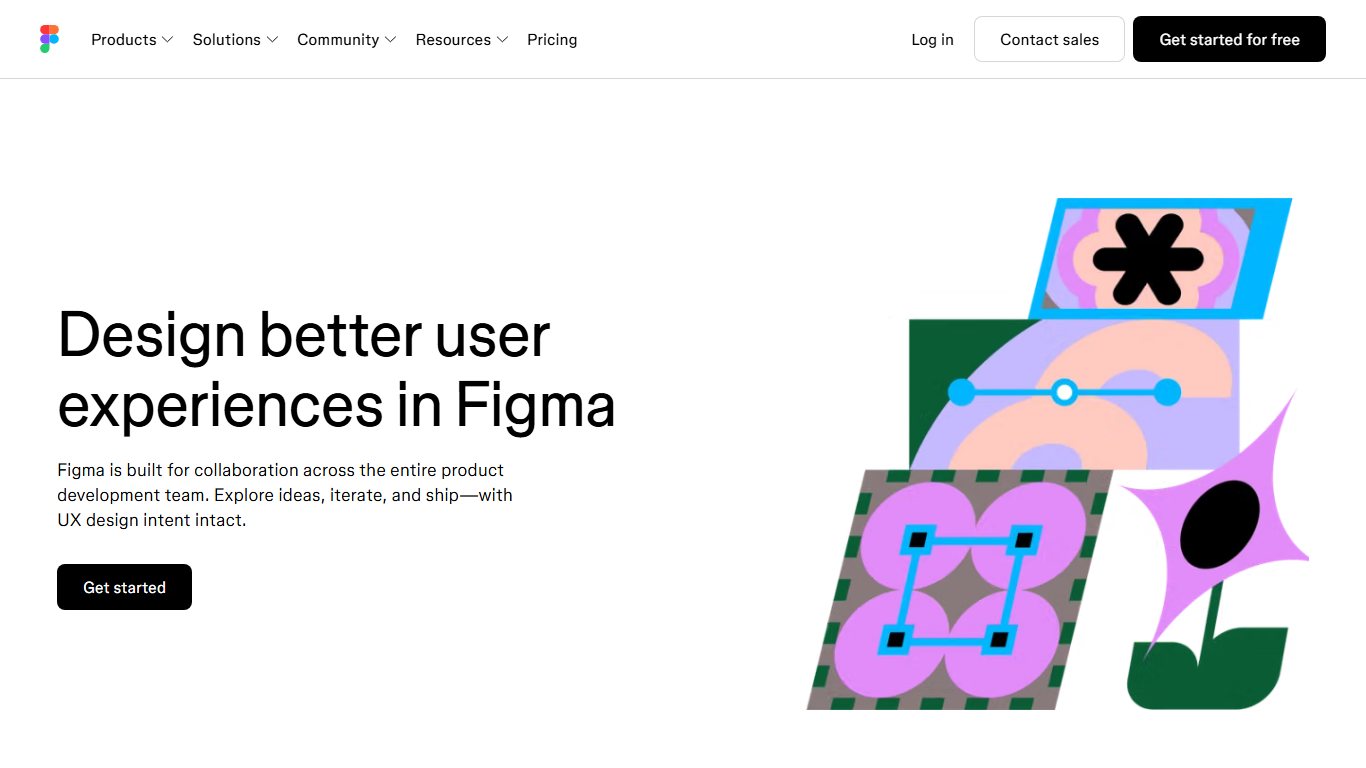
The free Starter plan is fine for learning and small personal projects, but it limits files and features. For paid work, Figma charges per seat, and the seat types confuse a lot of people. These are the Professional plan prices on Figma’s pricing page:
| Seat (Professional plan) | Annual price/mo | Monthly price/mo | What you can do | AI credits/mo |
|---|---|---|---|---|
| Full | $16 | $20 | Everything: Figma Design, FigJam, Make, Dev Mode | 3,000 |
| Dev | $12 | $15 | Inspect, Dev Mode, comment | 500 |
| Collab | $3 | $5 | FigJam boards, comments | 500 |
| View | Free | Free | View and comment on files | None |
Bigger plans cost more. Organization is about $55 per Full seat per month and Enterprise about $90, both billed annually, with Dev seats at $25 and $35. You don’t buy Dev Mode as a separate add-on. It comes with the seats.
Pro tip
Only the people who actually edit designs need a Full seat. Give developers a $12 Dev seat and reviewers a $3 Collab seat, and viewers cost nothing. If someone only needs to comment and inspect, a Dev seat covers both.
Limitation: Figma’s seat costs add up quickly as a team grows. Paying monthly costs 25% more than paying annually ($20 vs $16). Collaboration also needs a steady internet connection.
Compared with Penpot: Figma has a much bigger plugin and template ecosystem and far more AI features. Penpot is free without limits, and you can host it yourself.
Penpot: the free, open-source option
Penpot is an open-source design and prototyping tool that runs in the browser. Its GitHub repository publishes the full source code under the Mozilla Public License 2.0 (MPL-2.0). You can use the hosted version or run it on your own server, so it’s the straightforward answer if you want a free, open-source Figma alternative you can self-host.
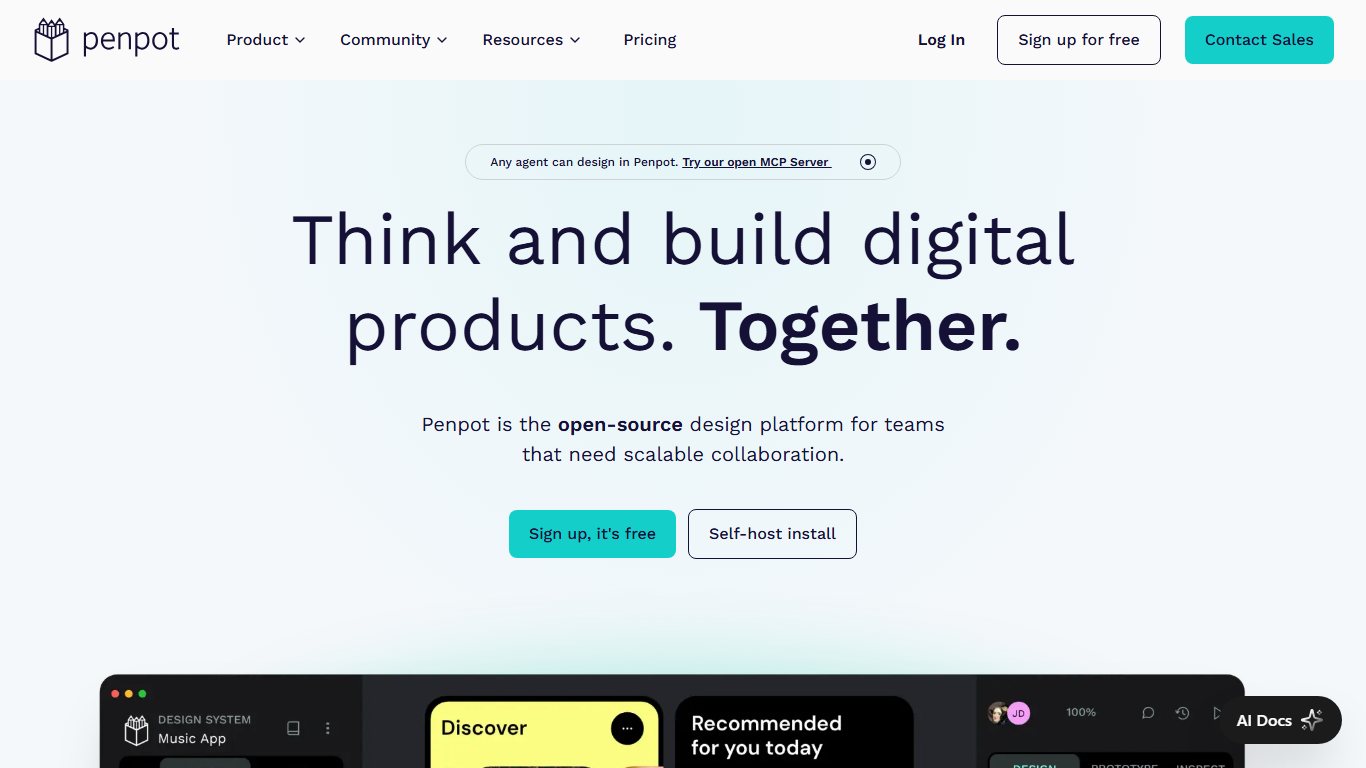
Development is active. According to Penpot’s release notes, version 2.17 (July 22, 2026) added background blur, better WebGL rendering and design token upgrades. Version 2.18 followed in September with stroke-to-path and a new Penpot Enterprise tier, which adds advanced permissions, identity provider options and central admin. The core product stays free, unlimited and open source.
Did you know?
Penpot’s 2.18 release in September 2026 added a paid Enterprise tier for organizations without placing any new limits on the free core product, which remains open source under MPL-2.0 on GitHub.
Limitation: Penpot has fewer plugins, community files and AI features than Figma. Hiring managers and clients also ask for Figma skills more often.
Compared with Figma: Choose Penpot when budget, data control or open standards matter more to you than the size of the ecosystem.
Sketch: Mac only
Sketch is a native macOS design app and has been around longer than most UI tools. On Sketch’s pricing page, the Standard plan costs $12 per editor per month billed yearly. Sketch also sells a Mac-only seat for $120 that includes one year of updates but leaves out the collaboration tools. Hardly any design tool still sells something that close to a one-time license.
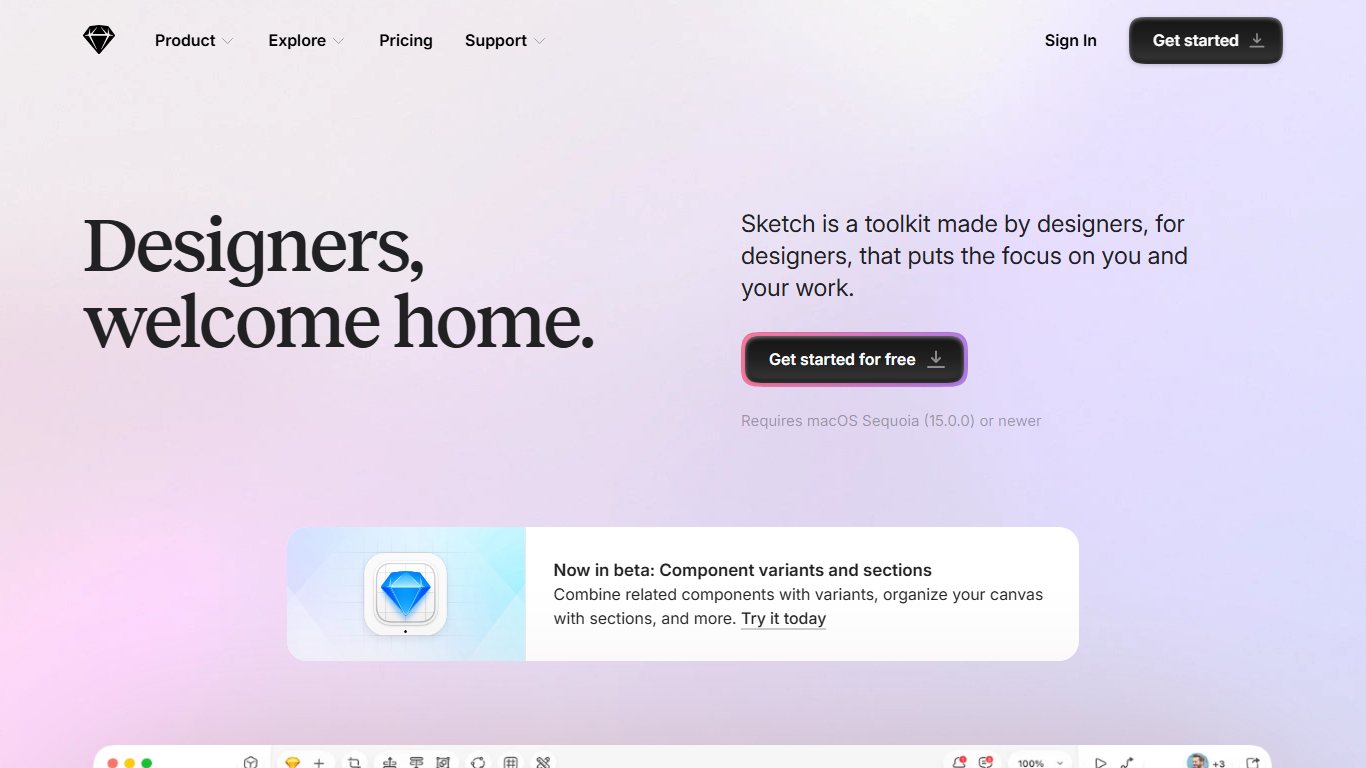
Limitation: Sketch doesn’t run on Windows or Chromebooks, so everyone on your design team needs a Mac.
Compared with Figma: On a Mac, Sketch feels faster and more native, and it can cost less over time. Figma is easier to share with a team on mixed platforms.
Framer: design and publish a website
Framer lets you design a site on a canvas and publish it as a live, hosted website without handing it to a developer. There’s a free plan. Paid site plans start at $10 a month for Basic and $30 for Pro billed yearly (about $15 and $45 billed monthly). Enterprise pricing is custom.
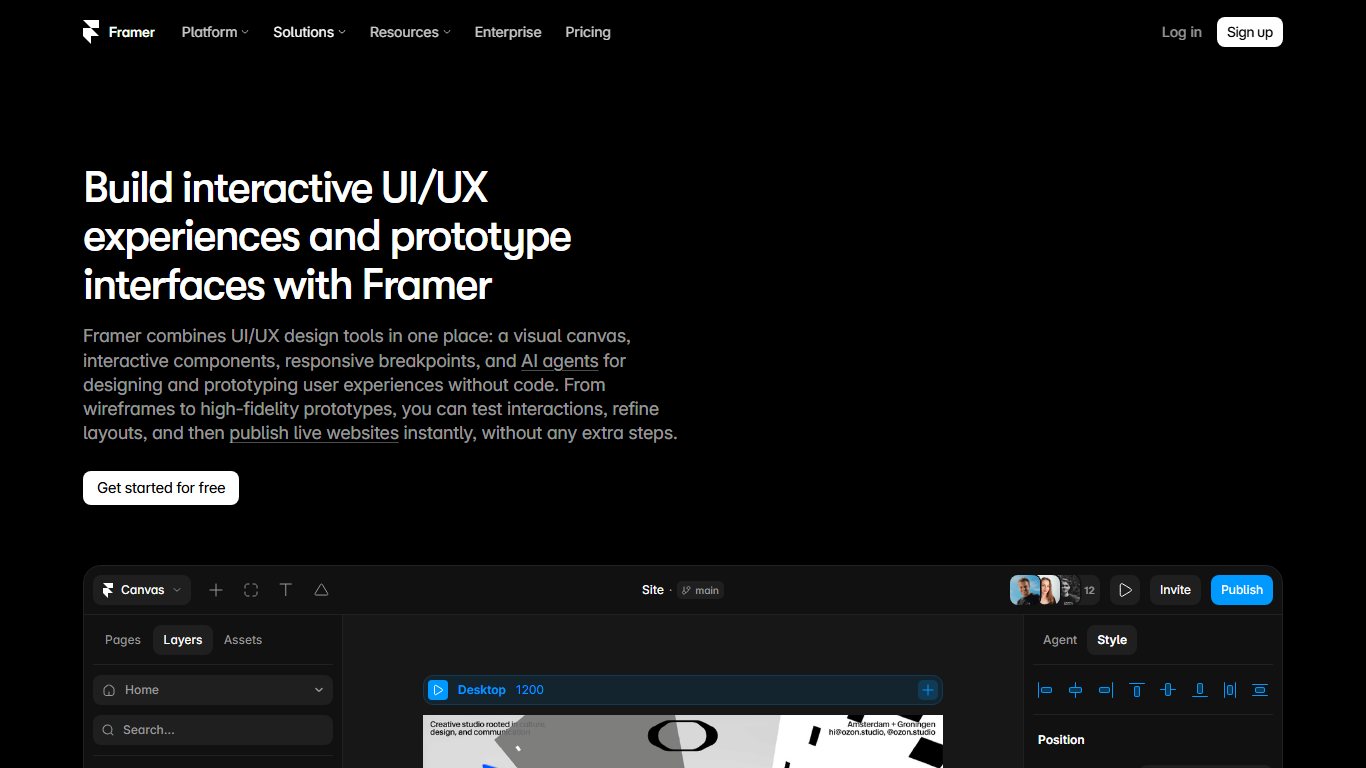
Limitation: Framer is built for websites. It’s a poor fit for prototyping native mobile apps or complex software.
Compared with Webflow: Framer is quicker for designers who think visually. Webflow gives you deeper CMS and layout control, but it takes longer to learn.
Axure RP 11 and UXPin for complex prototypes
Use Axure RP 11 or UXPin when a prototype needs real logic: conditional flows, variables, form validation and data-driven tables. Those are hard to fake in Figma.
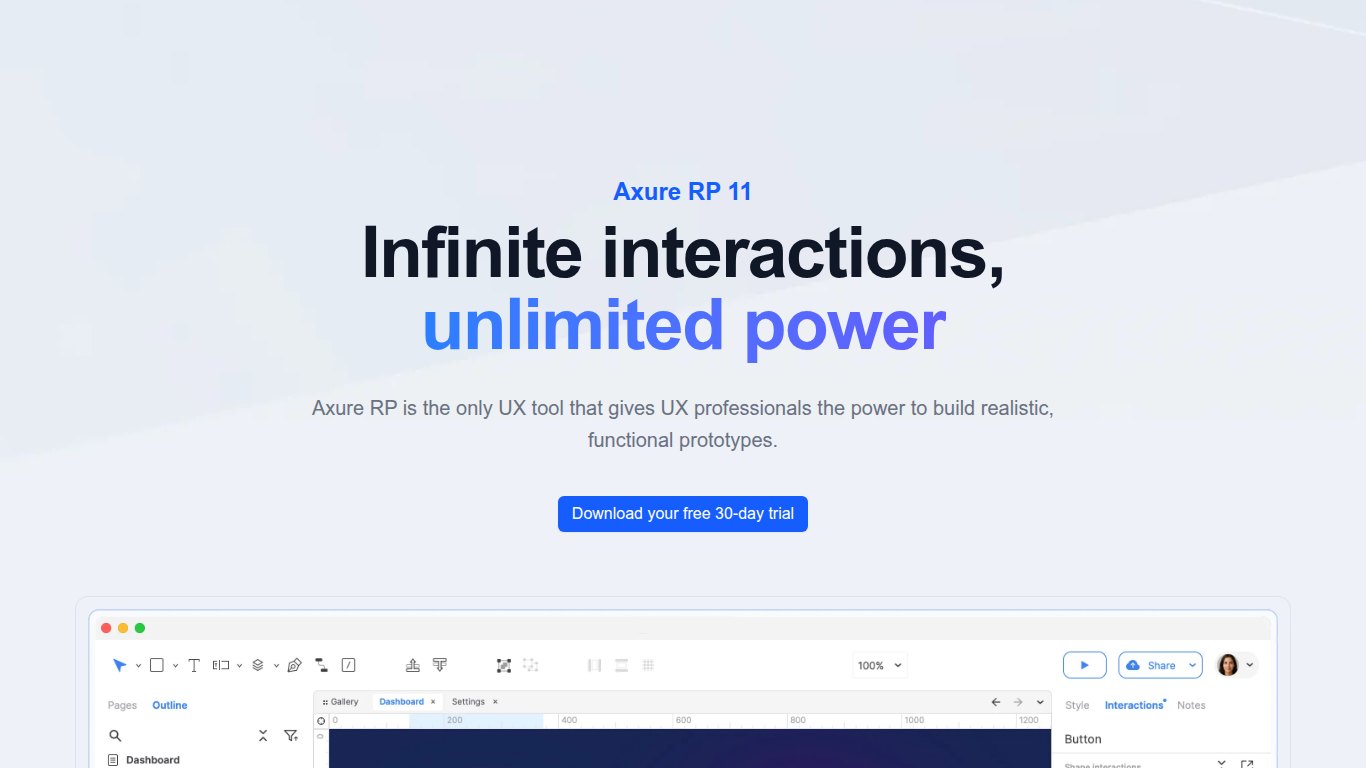
Axure RP 11 is a desktop app for Mac and Windows. The Pro plan costs $29 per user per month billed annually or $34 month to month. Team costs about $49 per month, and there’s a 30-day free trial. Enterprise software teams use it for things like insurance forms, admin dashboards and banking flows. Its main drawback is that it looks dated and takes time to learn.
UXPin builds prototypes from real code components, so a prototype can use the same React components your developers ship. Core costs about $29 a month billed annually ($49 monthly), and Growth costs $40 annually ($69 monthly). There’s a limited free plan. It’s strongest for teams with a mature design system and overkill for solo designers.
| Axure RP 11 | UXPin | |
|---|---|---|
| Entry price | $29/user/mo Pro (annual) | $29/mo Core (annual) |
| Monthly billing | $34 | $49 |
| Free option | 30-day trial | Limited free plan |
| Platform | Mac, Windows desktop | Browser, desktop app |
| Strength | Logic-heavy specs and documentation | Prototypes built on real code components |
ProtoPie for realistic interactions
ProtoPie makes high-fidelity interactive prototypes that respond to sensors, voice, keyboard input and multiple connected devices. Typical uses are car dashboards and smart-home apps. It runs on Mac and Windows. Basic costs $25 a month for a single seat. Pro costs $47 per editor per month and includes unlimited prototypes, team libraries and unlimited free viewers.
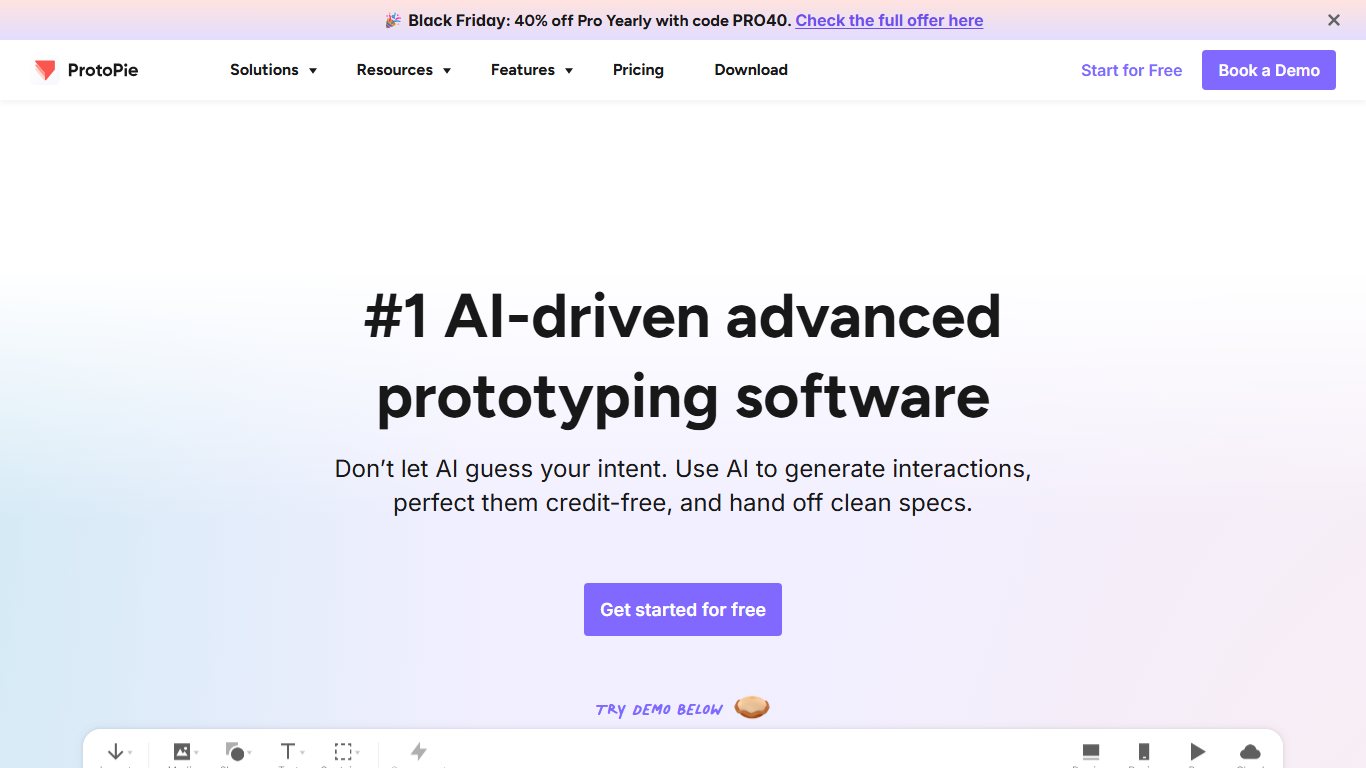
Limitation: You still design your screens somewhere else, usually Figma, so ProtoPie adds to your stack rather than replacing anything. For motion-heavy work beyond prototyping, see our guide to animation tools.
Wireframing and whiteboard tools
At the start of a project, a rough wireframe beats a polished mockup. People comment on structure instead of colors, and nobody minds throwing it away. Balsamiq is the dedicated wireframing pick. FigJam and Miro handle the messy workshop stage.
Balsamiq
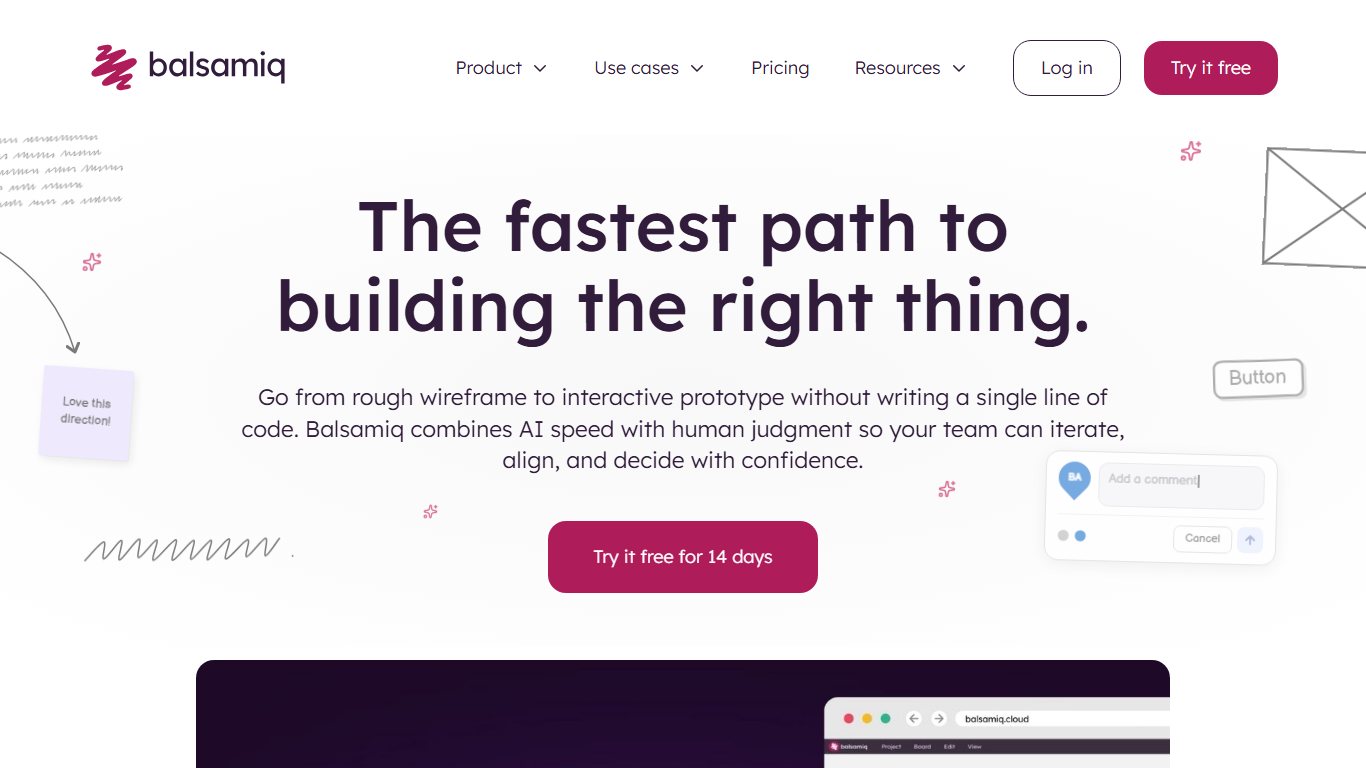
Balsamiq’s wireframes look hand-sketched on purpose, which keeps every discussion on layout and flow. Product managers and founders who aren’t designers find it easy to pick up. Pricing is per editor:
| Plan | Annual price/mo | Monthly price/mo | Projects | AI credits/editor |
|---|---|---|---|---|
| Starter | $16 | $23 | Up to 10 | 500 |
| Teams | $24 | $34 | Up to 100 | 1,000 |
| Enterprise | $35 | Annual only | Up to 400 | 2,500 |
Reviewers are always free, and there’s a 14-day trial with no credit card. Registered nonprofits get 50% off the first year of an annual plan. The downside is that there’s no permanent free plan, and Figma’s free Starter plan can make simple wireframes too.
FigJam vs Miro
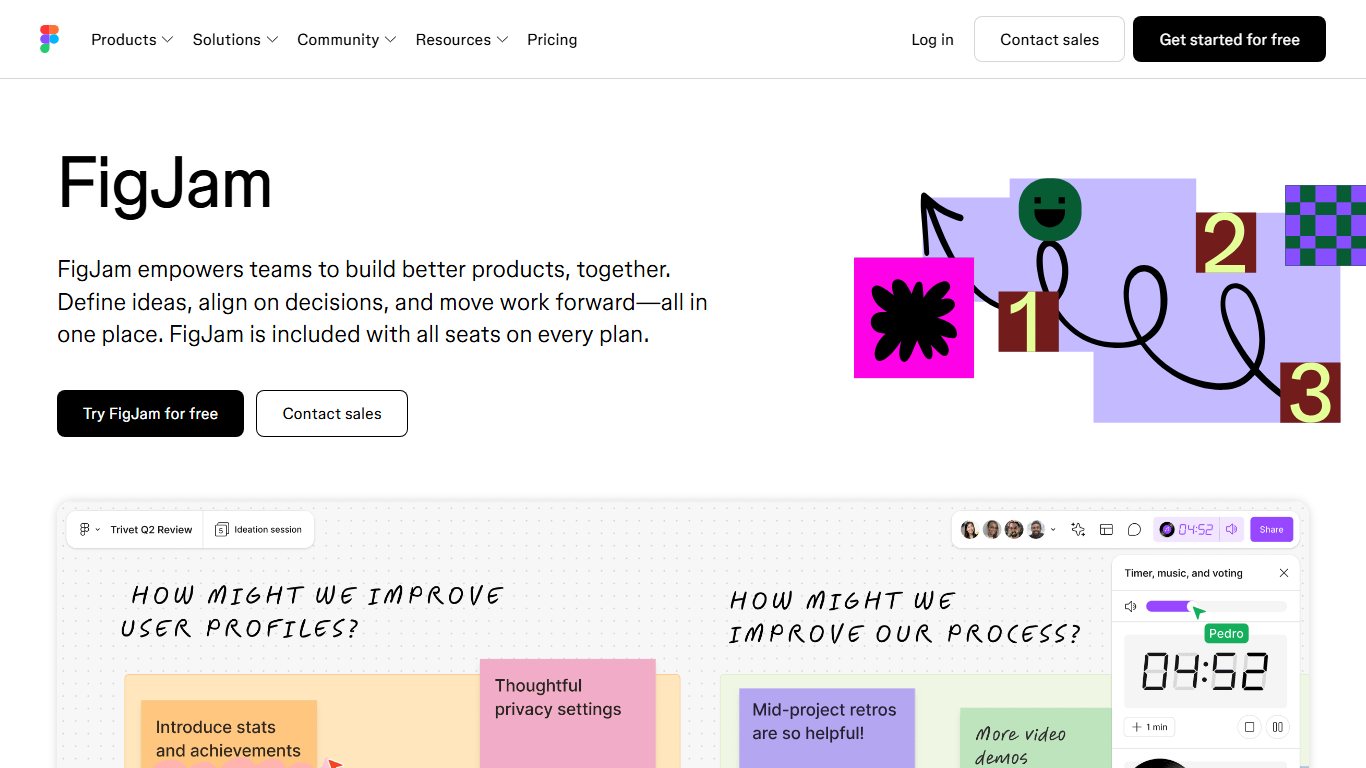
FigJam is Figma’s whiteboard. If your team already uses Figma, it’s the obvious pick: a $3 Collab seat covers it, and boards sit right next to your design files. Miro is a standalone whiteboard with more templates, integrations and facilitation tools.
| FigJam | Miro | |
|---|---|---|
| Free plan | Yes, inside Figma Starter | Yes |
| Paid entry | $3/mo Collab seat (annual) | $8/member/mo Starter (annual), $10 monthly |
| Next tier | Comes with Figma plans | Business $20 (annual), $25 monthly |
| Best for | Boards that feed straight into design | Workshops with people outside design |
Pick FigJam when the board feeds straight into design work. Pick Miro for workshops with sales, support and leadership people who will never open Figma. To track tasks, small UX teams can use Trello’s free plan. Its Standard plan costs $5 per user per month billed annually.
User research and testing tools
Testing is where you find out whether a design works, and every tool in this group has either a free plan or a free trial. Maze and Lyssna run quick unmoderated tests. UserTesting and Lookback record people thinking aloud. Optimal Workshop tests navigation structure.
| Tool | Free plan limit | Paid from | Test types |
|---|---|---|---|
| Maze | One active study at a time | $99/mo Starter ($1,188/yr) | Prototype tests, surveys, card sorts |
| Lyssna | 1 study/mo, 15 self-recruited responses, 3 seats | $165/mo Growth (annual), $199 monthly | First-click, five-second, preference, surveys |
| UserTesting | None | Quote only | Recorded think-aloud tests with a panel |
| Lookback | None | $299/yr (Freelance) | Moderated and unmoderated video sessions |
| Optimal Workshop | Trial on request | $199/mo Starter (annual), 5 studies/yr | Card sorting, tree testing, first-click |
Panel recruitment costs extra on Maze and Lyssna. On Lyssna, panel credits are billed per minute per participant. If you recruit your own testers (customers, a mailing list, friends of friends), the subscription is all you pay.
Unmoderated tests: Maze and Lyssna
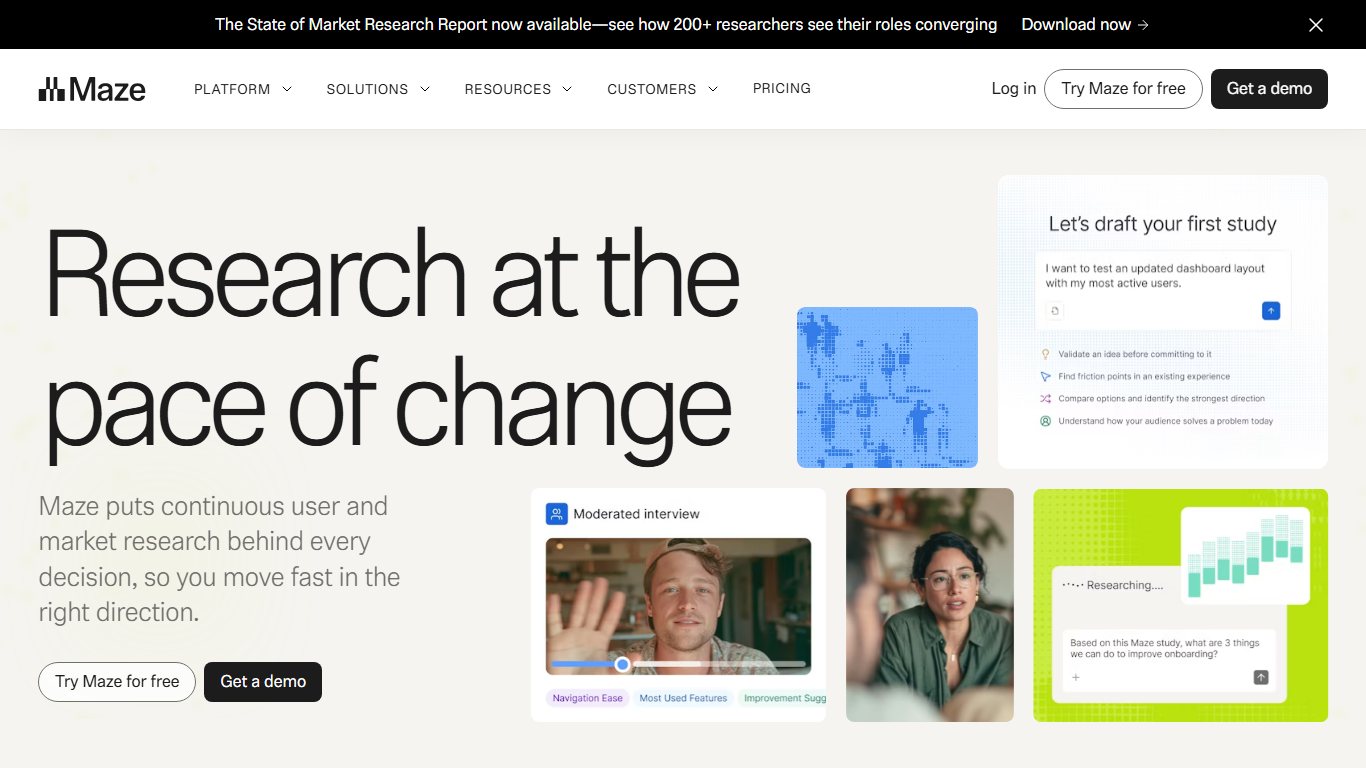
In an unmoderated test, people get a link and complete tasks on their own time while the tool records their clicks and success rates. Maze connects directly to Figma prototypes and turns the results into heatmaps and success metrics, so it suits designers who test often. Maze’s own pricing page compares features without listing dollar amounts, so confirm the $99 Starter price with Maze before you budget for it. Lyssna (formerly UsabilityHub) is better for quick, focused questions, such as which of two headlines people remember after five seconds. Its paid range is simple: Free, Growth at $165 a month billed annually ($199 monthly), and custom-priced Enterprise.
Run your first test free
Lyssna’s free plan gives you 1 study a month with 15 self-recruited responses. For a small project, five to 15 people are usually enough to show you the biggest problems.
Maze vs Lyssna: Maze is better for testing full Figma prototype flows. Lyssna is better for fast preference and first-impression tests, and its free plan includes three seats.
Video sessions: UserTesting and Lookback
UserTesting gives you a large panel of testers and records them thinking aloud. Pricing is by quote only and aimed at enterprise budgets. Lookback is for running your own live or recorded sessions with participants you recruit yourself. Its Freelance tier costs $299 a year, and team tiers cost more.
Pick UserTesting when you need participants fast and have the budget. Pick Lookback when you already have users to talk to.
Card sorting and tree testing: Optimal Workshop
Optimal Workshop tests information architecture. Card sorting shows how users group your content. Tree testing checks whether they can find a page in your proposed menu before anyone designs it. The Starter plan costs $199 a month billed annually and includes five studies a year with unlimited seats and responses. Enterprise is priced on request. That’s a lot for a freelancer, but cheap next to redesigning a navigation that failed after launch.
Surveys and personas: Typeform, Google Forms, Make My Persona
For basic research surveys, Google Forms is free and does the job. Typeform’s free plan is nicer for respondents, which helps if you want more people to finish. HubSpot’s free Make My Persona tool turns your research notes into a clean persona document. It’s handy for sharing, but a persona is only as good as the research behind it.
Handoff and analytics tools
Handoff tools give developers exact measurements, assets and code snippets. Analytics tools show what users do after the product ships. If your team is on Figma, you no longer need a separate handoff tool.
Getting designs to developers
Figma Dev Mode lets developers inspect spacing, export assets, see CSS and track which frames are ready for development. It comes with Dev seats ($12 a month annually) and Full seats.
Zeplin still makes sense when designs come from Sketch or several different tools, or when you want a locked, versioned spec that designers can’t change by accident. It has a free plan, and current listings put the Team plan at $8 per seat per month. Zeplin’s own support documentation says the old Organization plan is no longer sold, and that Reviewers don’t take a paid seat, while Owner, Admin, Editor and Developer roles do. For larger teams, pricing is by quote.
If your developers track design tickets in Jira, our guide to Jira test management tools covers the QA side of that workflow.
Seeing what real users do
Google Analytics 4 is free and shows where users come from, which pages they visit and where they drop off. GA4 360, the enterprise version, is quote only. Hotjar, now part of Contentsquare, adds heatmaps and session recordings so you can see why people drop off. Its free Basic plan records up to 35 sessions a day. Plus costs $32 a month billed annually ($39 monthly).
For A/B testing you need a dedicated platform such as Convert that sends its results to GA4, because Google Optimize is gone and GA4 doesn’t run experiments itself.
AI features inside UX tools now
AI in UX tools is good for quick first drafts and working prototypes. It doesn’t replace research. Figma moved fastest in 2026. According to Figma’s Config 2026 recap, the conference ran June 24-25 at Moscone Center in San Francisco, where Figma announced code layers, Figma Motion, shader fills and effects, Generative Plugins, Weave tools and the Figma Agent.
These are the parts that matter for everyday UX work:
- Figma Make turns a prompt or a design into a working, coded prototype. Figma’s release notes show it added a visual properties panel and annotations on July 30, 2026. A native Payload backend scaffold (CMS, database, authentication, admin panel) is rolling out across all plans, so prototypes can store real data.
- Code layers let you put live code directly on the design canvas. They went into open beta on October 15, 2026.
- AI credits cap how much you can use the AI features. Full seats get 3,000 credits a month, and Dev and Collab seats get 500.
Is Figma Make actually useful for UX, or just hype? It earns its place when you need a realistic prototype for a usability test by Friday, because people behave more naturally in something that really works. It’s weak for final production design, and it can’t tell you whether you built the right thing. Only testing with users can do that. Balsamiq, Miro and UXPin have added AI features too, but none of them has built AI in as deeply as Figma.
Copy-this toolkits: free, budget and team
You can start UX work for $0 and pay for a tool only when a free limit actually stops you. These three stacks use the prices above, billed annually where that’s an option.
$0 beginner stack
| Job | Tool | Cost/mo |
|---|---|---|
| Design and prototype | Figma Starter or Penpot | $0 |
| Whiteboard | FigJam (inside Figma Starter) | $0 |
| Testing | Lyssna free plus Maze free | $0 |
| Surveys | Google Forms | $0 |
| Analytics | Google Analytics 4 plus Hotjar Basic | $0 |
| Total | $0 |
Freelancer stack
| Job | Tool | Cost/mo |
|---|---|---|
| Design, prototype, handoff, AI | Figma Professional Full seat | $16 |
| Portfolio or client site | Framer Basic | $10 |
| Testing | Lyssna free | $0 |
| Analytics | Google Analytics 4 plus Hotjar Basic | $0 |
| Total | $26 |
Small team stack
This example assumes three designers, two developers and three reviewers or product managers.
| Job | Tool | Cost/mo |
|---|---|---|
| Design | 3 Figma Full seats at $16 | $48 |
| Handoff | 2 Figma Dev seats at $12 | $24 |
| Whiteboards and comments | 3 Figma Collab seats at $3 | $9 |
| Testing | Maze Starter | $99 |
| Behavior analytics | Hotjar Plus | $32 |
| Traffic analytics | Google Analytics 4 | $0 |
| Total | $212 |
If the same team paid monthly for Figma, the seats would cost $60 + $30 + $15 = $105 instead of $81. That’s $288 more a year for the same tools. If the team needs regular navigation testing too, swapping Maze for Optimal Workshop’s $199 Starter plan raises the total to $312 a month.
How to pick: 5 questions
Work through these five questions in order and the right tool usually becomes obvious:
- What computer do you use? On Windows or a Chromebook, go straight to a browser tool (Figma or Penpot). Sketch only runs on a Mac.
- What job do you need done right now? Choose a tool for the stage you’re at. A team that hasn’t tested anything yet needs Lyssna more than Axure.
- How many people will edit, and how many will only look? Pay for editors only. Viewers are free in Figma, and so are reviewers in Balsamiq and Zeplin.
- What’s your budget ceiling? At $0, choose Penpot or Figma Starter. Under $50 a month, one Figma Full seat plus free research plans covers most solo work.
- Do you hand off to developers? If so, make sure your design tool includes inspection (Figma Dev Mode), or plan for Zeplin.
Pay annually, but not on day one
Pay monthly for the first month or two to make sure the tool suits you. Then switch to annual billing, which saves 20% on a Figma Full seat.
Can you learn UX tools by yourself?
Yes. Every core tool here has a free plan or trial, so the software won’t hold you back. What’s hard to get on your own is practice with real users. Here’s a realistic self-teaching plan:
- Weeks 1-2: Learn Figma’s basics (frames, auto layout, components) on the free Starter plan by redesigning one screen of an app you use every day.
- Weeks 3-4: Wireframe a small product idea, such as a booking flow for a local gym, and turn it into a clickable prototype.
- Week 5: Test it with 5 to 15 people on Lyssna’s or Maze’s free plan and note where they got stuck.
- Week 6: Revise the design based on what you saw, and document the before and after.
- Week 7: Publish the case study as a portfolio site on Framer’s free plan.
Hiring managers care far more about a case study that shows research, testing and iteration than about how many tools you know. Get good at one tool before you add a second.
FAQ
What are some popular tools used by UI/UX designers?
The most popular tools for UX designers are Figma for design and prototyping, FigJam and Miro for whiteboarding, Maze and Lyssna for testing, and Google Analytics and Hotjar for measuring behavior. Sketch is still common in Mac-only studios. Axure RP 11 and ProtoPie handle specialist prototyping.
What is UX in technology?
UX, or user experience, is how easy, efficient and satisfying a website, app or device is to use. UX work covers research, structure, design and testing so that people can finish their tasks without help or frustration.
Can I learn UI/UX by myself?
Yes. With the free plans from Figma, Penpot, Lyssna and Maze, you can design, prototype and test real projects for $0. What counts most is practicing on real projects with real users and documenting the results in a portfolio.
What are the top 10 UI designs?
There’s no official top-10 list of UI designs. If you mean the top 10 tools for UI design work, a strong 2026 set is Figma, Penpot, Sketch, Framer, Axure RP 11, UXPin, ProtoPie, Balsamiq, FigJam and Miro, all covered above with prices.
Is Figma still free in 2026?
Yes. The Starter plan is free, with limits on files and features. View seats on paid plans are free too, so people who only need to look and comment cost nothing.
What replaced InVision?
Most former InVision users moved to Figma for prototyping and to Miro or FigJam for whiteboarding. InVision itself shut down on December 31, 2024.
Is Adobe XD discontinued?
Not formally, but it’s in maintenance mode and gets no new features. Adobe also no longer sells it as a single app, so it isn’t a sensible choice for new projects.
What is the best free alternative to Figma?
Penpot. It’s open source (MPL-2.0), free without limits and runs in any browser, and you can host it on your own server.
Do I need a Mac for UX design?
No. Figma, Penpot, Framer, Balsamiq, Miro and every research tool on this list run in a browser. Sketch is the only major design tool here that needs a Mac.
What’s the difference between a Figma Full, Dev and Collab seat?
A Full seat ($16 a month annually) can do everything, including designing. A Dev seat ($12) can inspect files and use Dev Mode. A Collab seat ($3) covers FigJam and commenting. View seats are free.
What tools do UX researchers use for usability testing?
For unmoderated tests, Maze and Lyssna. For recorded or live video sessions, UserTesting and Lookback. For card sorting and tree testing, Optimal Workshop. Many researchers use one of each and add Hotjar recordings of the live product.
How much does a UX research tool cost per month?
Entry prices range from $0 to about $200 a month. Lyssna Growth is $165 a month billed annually, Maze Starter is $99 a month, and Optimal Workshop Starter is $199 a month billed annually. UserTesting is quote only. Panel recruitment is usually billed on top.
Your next step
Open a free Figma or Penpot account today, rebuild one screen that frustrates you, and put it in front of five people on Lyssna’s free plan this week. Hold off on paying for any tool until a free limit actually blocks your work.













