
On the same $50 classes, CourseStorm’s $2.49 fee on every registration can cost a busy program more than twice as much a month as a flat-rate tool like Jumbula Rise. This guide compares 12 class registration software options using the vendors’ 2026 prices, works out the total cost at 100 and 500 sign-ups a month, and helps you pick the right type of tool before you book any sales demos. Prices last checked November 15, 2026.
Key takeaways
- Pick the type of tool first: kids’ programs, adult ed, corporate training and K-12 schools each need a different product.
- At 500 sign-ups a month, flat-rate plans like Jumbula Rise ($150) beat per-registration and percentage pricing by hundreds of dollars.
- Per-registration fees hit cheap drop-in classes hardest. A $2.49 fee takes over 12% of a $20 class.
- Corsizio and Class Manager let you start with no monthly subscription. Google Forms plus a payment link stops working once you need waitlists and refunds.
- If you register children, ask vendors how they meet the FTC’s amended COPPA rule, which operators had to comply with by April 22, 2026.
Fact-checked
We checked these key facts against the sources named, on November 15, 2026:
- At $25,000 a month in registrations, it adds $500 on top of the subscription (source: hisawyer.com)
- Arlo’s pricing page lists Simple at $118 per license a month billed annually, or $132 monthly (source: arlo.co)
- On a $20 drop-in class, that fee alone takes more than 12% of the price before card processing (source: coursestorm.com)
- The FTC’s amended COPPA Rule took effect June 23, 2025, and operators had until April 22, 2026 to comply (source: ftc.gov)
- A $2.49 fee takes over 12% of a $20 class. Corsizio and Class Manager let you start with no monthly subscription (source: classmanager.com)
The quick answer: best class registration software by use case
The best tool depends on who signs up, not on which feature list is longest. Here are the picks, chosen on four things: how well each tool fits the job, whether the vendor publishes prices, what it costs at realistic volumes, and how complete its core features are (waitlists, family checkout, flexible payments). The weighting comes from vendor pricing pages, help centers and listings on Capterra and G2, with fit and total cost counting most.
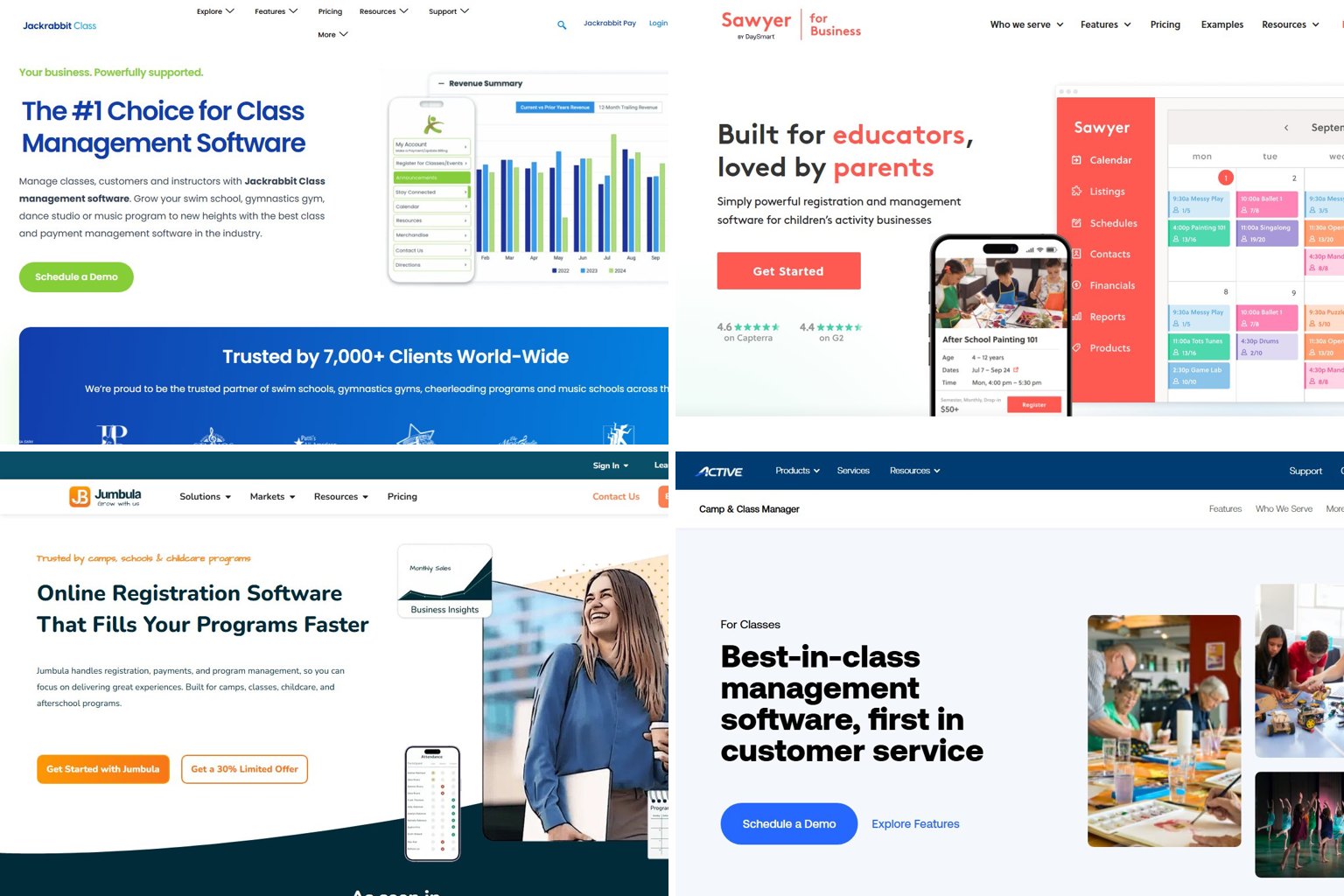
- Kids’ dance, gymnastics, swim and music studios: Jackrabbit Class. It’s cheap to start ($49 a month for up to 100 students) and has no per-registration fee.
- Camps, afterschool and youth sports: Jumbula for flat-rate pricing with unlimited enrollments, or Sawyer if you want a polished parent experience and don’t mind a 2% software fee.
- Community, arts and continuing education: CourseStorm for small to mid programs. GoSignMeUp for large colleges and workforce programs that want unlimited registrations at one flat fee.
- Corporate and professional training: Arlo. You pay per admin license, not per learner.
- Parks and recreation departments: ACTIVE Network’s ActiveNet (quote only).
- Free or very low volume: Corsizio, Class Manager, or Jotform’s free Starter plan.
Class registration software prices compared (2026)
| Tool | Best for | Starting price | Per-registration / % fee | Free plan or trial | Price source & date |
|---|---|---|---|---|---|
| Jackrabbit Class | Kids’ studios | $49/mo (up to 100 students) | None | Trial | Jackrabbit pricing page, 2026 |
| Sawyer | Camps, kids’ activities | Launch $129/mo; Grow $169/mo yearly | 2% software fee on Grow | No free plan | Sawyer pricing page and Capterra, 2026 |
| Jumbula | Camps, afterschool, sports | Pay As You Go from $15/mo; Rise $150/mo | % of registrations on PAYG only | No free plan | Jumbula knowledge base, Nov 2025 model |
| ACTIVE Camp & Class Manager | Larger camps, class providers | Quote only | Quote only | Demo | Sales-gated |
| Pike13 | Lessons, studios, gyms | Essential $139/mo yearly ($159 monthly) | None listed | No free plan | Pike13 pricing page snapshot, May 2026 |
| Enrollsy | Kids’ gyms, swim, dance | Starter $129/mo yearly ($159 monthly) | None listed; $199 setup | No free plan | Capterra listing, 2026 |
| CourseStorm | Community and continuing ed | Starter $99/mo yearly ($119 monthly) | $2.49 per registration | Trial | Regpack comparison and Capterra, 2026 |
| GoSignMeUp | Colleges, workforce training | About $583/mo (reported) | None (unlimited registrations) | Demo only | PricingSaaS tracker, April 2026 |
| Regpack | Custom programs, camps | Quote only | Quote only | Demo | Sales-gated |
| Arlo | Corporate training providers | $118 per license/mo yearly ($132 monthly) | SCORM $0.50 per enrollment (add-on) | 14-day trial | Arlo pricing page, 2026 |
| Jotform | Simple forms with payments | Free; Bronze $34/mo yearly ($39 monthly) | Submission caps by plan | Free Starter plan | Jotform pricing, Nov 2026 |
| Corsizio | Low-volume classes | Free up to 30 registrations/mo | $0.15 per registration above that | Free tier | Corsizio help center, 2026 |
Class registration software in plain English
Class registration software is an online system that lets people find a class, sign up, pay and sign forms in one checkout, while you get a live roster, automatic capacity limits and payment records. It replaces paper forms, a spreadsheet plus Venmo, or a Google Form with a PayPal link.
The difference shows up on registration day. A form only collects answers. A registration system knows that Tuesday Ballet has 12 spots, closes the class at 12, moves the 13th child to a waitlist, and offers that spot to the next family when someone cancels.
Here’s a 30-second test of whether you need one. If you run more than three or four classes at a time, have ever had to turn families away by email, issue refunds or transfers regularly, or have parents signing up two or more kids, you’ve outgrown a form.
What it does that a Google Form can’t
Google Forms collects data well but knows nothing about classes. It can’t check capacity in real time, take money (you have to send people to a separate payment link), or connect a parent to their three children across a season.
Real registration software adds these:
- Capacity and waitlists: spots count down live, and waitlisted people get offered openings automatically.
- Family accounts: one login per household, with saved child profiles, medical notes and emergency contacts.
- Payments inside checkout: card payments through Stripe or PayPal, plus deposits, payment plans and discounts.
- Waivers and eSignatures: signed during checkout, not chased afterwards.
- Rosters, attendance and reports: class lists for instructors, check-in, and exports to QuickBooks or Xero.
Class registration vs. event ticketing vs. a school SIS
These are three different categories, and buyers mix them up all the time. Event ticketing (Eventbrite and similar) sells seats to a single date. It’s weak at recurring classes, multi-week sessions and family accounts.
A student information system (SIS) such as PowerSchool runs a K-12 school’s enrollment, grades, attendance, transcripts and master schedule. It’s built for districts, not for a dance studio taking sign-ups.
Class registration software sits between the two. It handles recurring, capacity-limited programs that people pay for, and that’s what this guide covers.
Pick your type first: four kinds of tools
Most bad purchases come from buying the wrong category, not the wrong brand. Match your organization to a row below, then compare the tools in that row only.
| Organization | Key needs | Tool type | Example tools |
|---|---|---|---|
| Dance, gym, swim, music studio | Recurring tuition, family accounts, attendance, autopay | Studio management | Jackrabbit Class, Jackrabbit Dance, Pike13, Enrollsy |
| Camp, afterschool, youth sports | Weekly sessions, waivers, medical forms, sibling checkout | Camp and program registration | Jumbula, Sawyer, ACTIVE Camp & Class Manager, Regpack |
| Community, arts, continuing ed | Catalog of one-off adult classes, quick checkout | Course registration | CourseStorm, GoSignMeUp, Corsizio |
| Corporate and professional training | Public and private courses, invoices, certificates, eLearning | Training management system | Arlo |
| Parks and recreation department | Programs plus facility bookings, memberships | Recreation management | ACTIVE Network ActiveNet |
| K-12 school | Course requests, master scheduling, grades, transcripts | Student information system | PowerSchool and other SIS platforms |
Studios, camps and afterschool
Kids’ programs need family accounts more than anything else. A parent with two children in three classes should pay once, sign the waiver once and see one balance.
Studios that bill monthly tuition fit studio management tools like Jackrabbit Class or Pike13, which handle recurring billing and attendance well. Camps and afterschool programs that sell week-by-week sessions fit Jumbula, Sawyer or ACTIVE Camp & Class Manager, which are built around sessions, forms and waitlists.
Community, adult and continuing education
Adult learners usually book one class at a time, often a one-off workshop, and they want a fast guest checkout without creating an account. CourseStorm is designed for this.
College continuing-ed and workforce programs with hundreds of offerings and integration needs lean toward GoSignMeUp.
Professional and corporate training providers
Training businesses sell to companies as well as individuals. That means invoices instead of card payments, private in-house courses, trainer scheduling, certificates and often eLearning. Arlo is built for this. Kids’ tools don’t handle invoicing or private B2B sessions well.
K-12 schools: why you need an SIS instead
When people search for registration software for schools, they’re usually after one of two very different things. A school or district handling course requests and master scheduling needs an SIS such as PowerSchool, which is what most US districts use for scheduling, grades and records.
A school selling afterschool enrichment, summer programs or community classes is a different case. Class registration software fits there and runs alongside the SIS.
The 12 tools reviewed
Each review covers who the tool suits, what it costs, the features that matter, its main limitation, and how it compares with the closest alternative.
Jackrabbit Class
Jackrabbit Class is studio management software for kids’ activity businesses: dance, gymnastics, swim, cheer and music. It covers online registration, tuition billing, attendance and a parent portal. Its sister product, Jackrabbit Dance, is tailored to dance studios, adding things like costume and recital management.
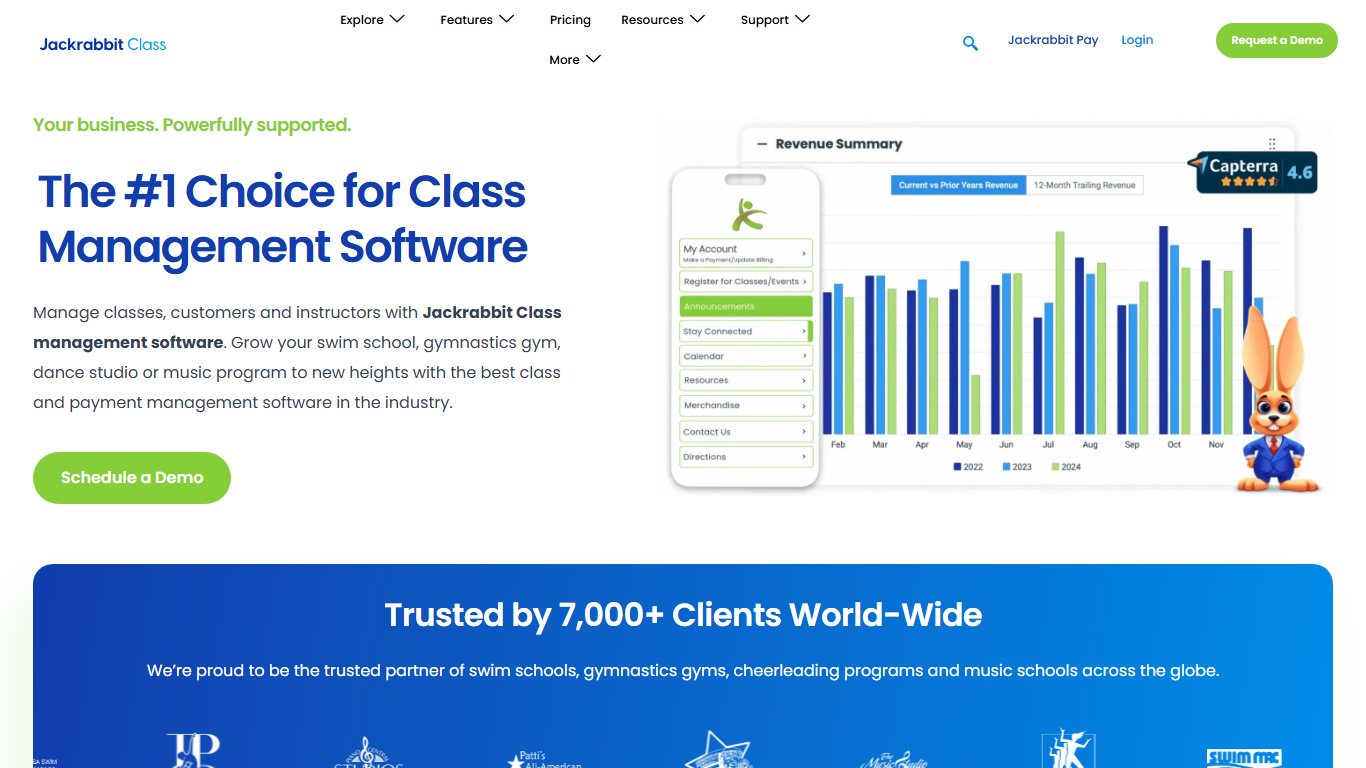
Pricing: On Jackrabbit’s pricing page, plans start at $49 a month for up to 100 students and go up to an Enterprise tier at $245 a month. G2’s January 2026 data lists $89 for 101 to 250 students, $129 for 251 to 500 and $169 for 501 to 1,000. Jackrabbit Plus, which adds a branded app, starts at $89 a month.
Limitation: The price follows your student count, so your bill rises as you grow. Versus Pike13: Jackrabbit is cheaper for small studios and stronger on tuition billing. Pike13 is better for appointment-style private lessons.
Did you know?
According to G2’s pricing data for Jackrabbit Class, billing is based on how many students are in your system at the end of each month, so archiving inactive students can move you into a cheaper tier.
Sawyer
Sawyer is registration and business software for kids’ activity providers, including camps, enrichment classes and afterschool programs. It’s known for a clean, mobile-friendly parent checkout.
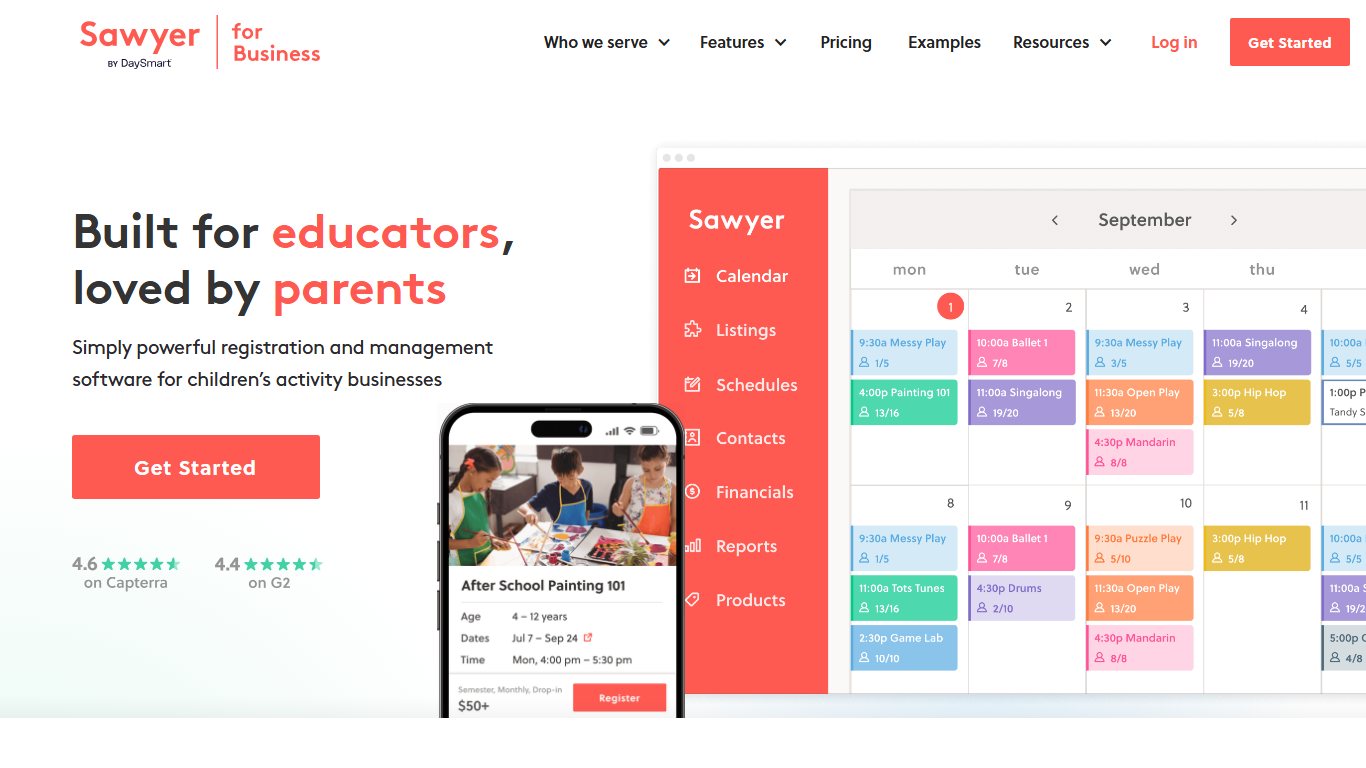
Pricing: Sawyer’s official pricing page has three tiers: Launch, Grow and Scale. Grow costs $169 a month billed yearly or $199 billed monthly, plus a 2% software fee per transaction and payment processing fees. Capterra lists Launch at $129 a month flat rate.
Limitation: On Grow, that 2% software fee grows with your revenue. At $25,000 a month in registrations, it adds $500 on top of the subscription. Versus Jumbula: Sawyer has the friendlier parent experience. Jumbula’s Rise plan is cheaper at volume because it has no percentage fee.
Jumbula
Jumbula handles registration and payments for camps, afterschool programs, sports leagues and class providers. It includes family accounts, multi-child checkout, forms and attendance.
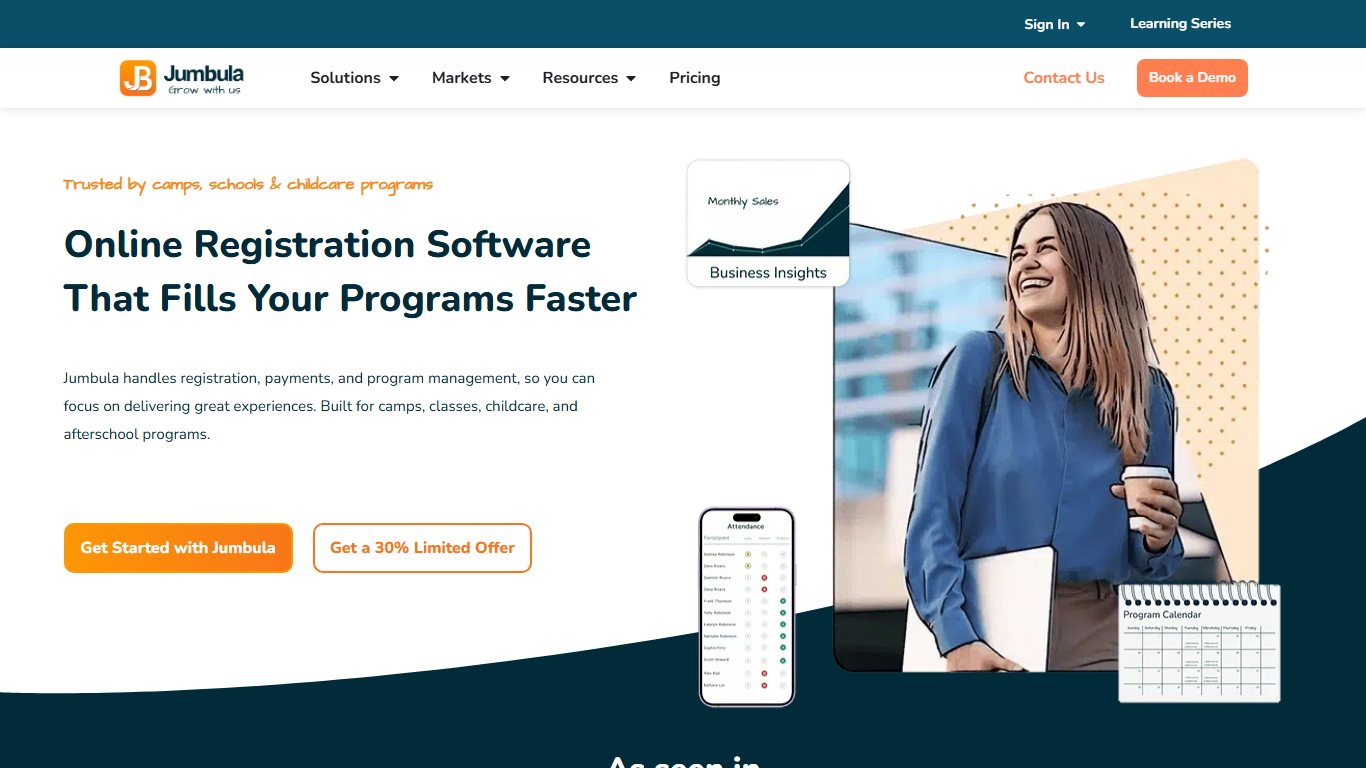
Pricing: Jumbula’s knowledge base describes a pricing model introduced in November 2025. A Pay As You Go option starts at $15 a month, alongside two flat-rate plans. Rise costs $150 a month, with unlimited enrollments and one business app seat. Ascend costs $285 a month, or $2,738 billed annually, with five seats. Add-ons for email, SMS and extra seats raise the total. An older Jumbula help article set PAYG at $15 a month plus 1% of registrations, so check the current percentage before you sign.
Limitation: Add-ons can push the real price above the headline plan. Versus Sawyer: Jumbula wins on cost for busy programs. Sawyer wins on polish.
ACTIVE Network: Camp & Class Manager and ActiveNet
ACTIVE Network sells several separate products. Camp & Class Manager is for camps and class providers. ActiveNet is recreation management software for city parks and recreation departments, covering programs, memberships and facility bookings. ACTIVE Reserve is a separate reservations product that you don’t need just to take class sign-ups.
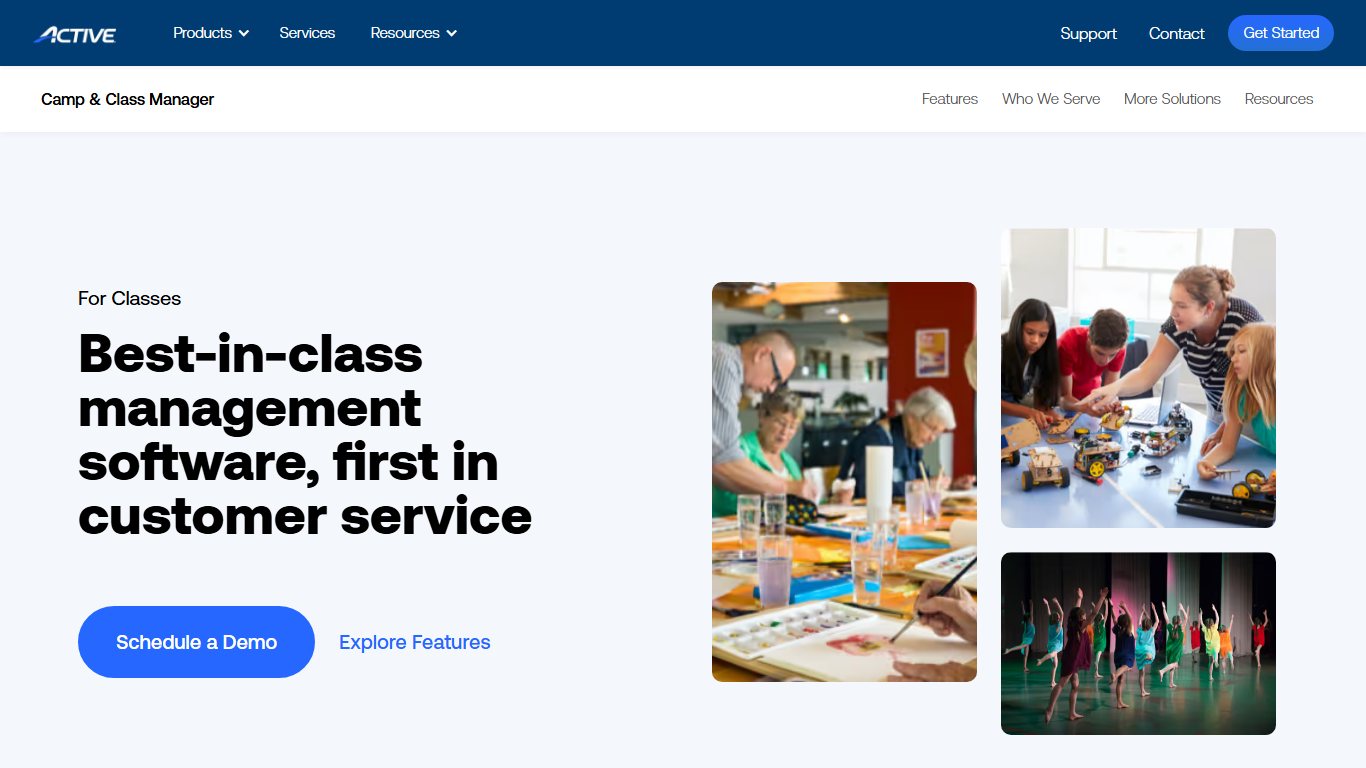
Pricing: Quote only for all three. Limitation: You’ll need a demo just to get a price, and the product lineup is confusing for a small studio. Versus Jumbula: ActiveNet suits municipal departments that need facility and membership tools in one place. A camp that only needs sign-ups will usually pay less and get set up faster with Jumbula or Sawyer.
Pike13
Pike13 is scheduling and client management software for lesson-based businesses, studios and gyms. It handles memberships, packages, appointments and classes.
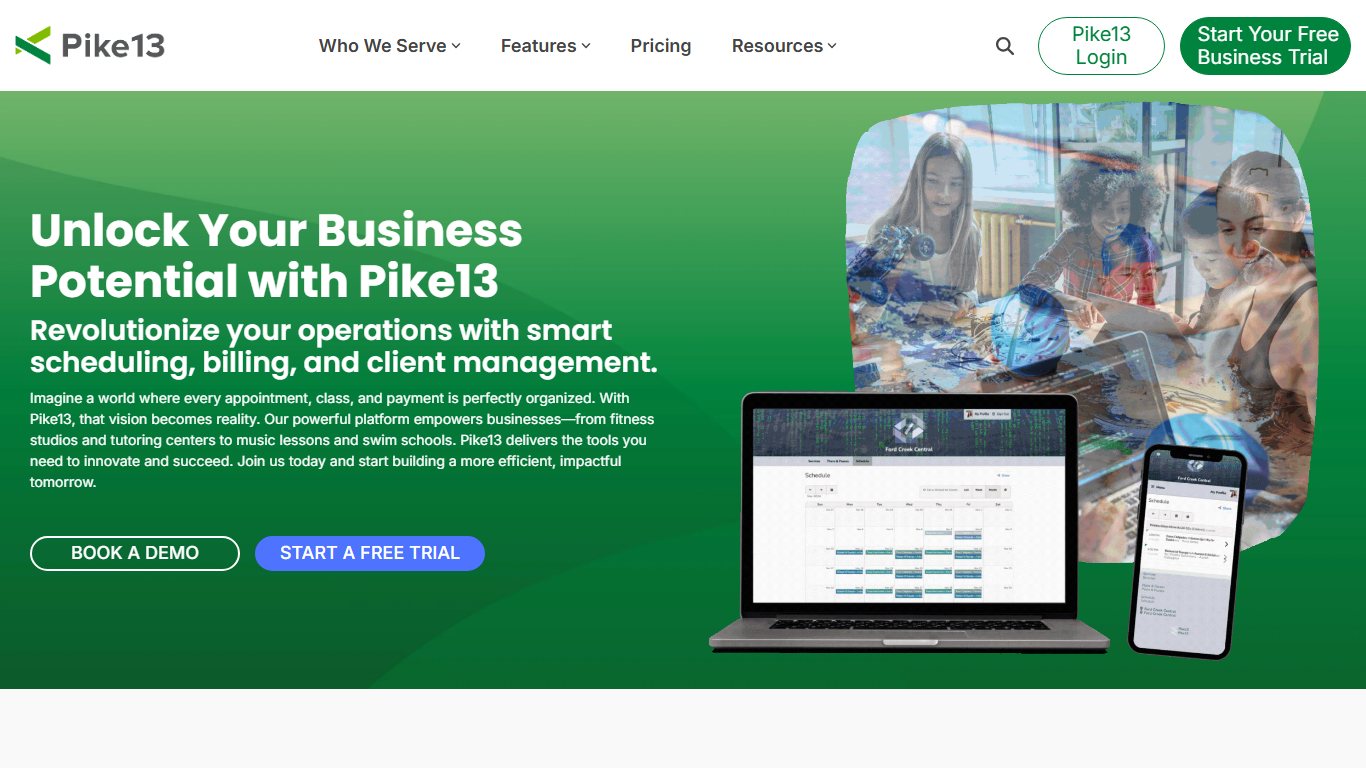
Pricing: A May 2026 snapshot of Pike13’s pricing page lists Essential at $139 a month billed annually or $159 monthly, and Advanced at $195. A Premium tier adds API access, custom integrations and skill tracking. A branded client app costs extra. There’s no free plan.
Limitation: It’s priced above Jackrabbit for small studios. Versus Mindbody: Both serve fitness and wellness studios. Pike13 is the better fit for kids’ lessons and skill tracking.
Enrollsy
Enrollsy is enrollment and billing software for youth gyms, swim schools, dance studios and preschools, priced per location.
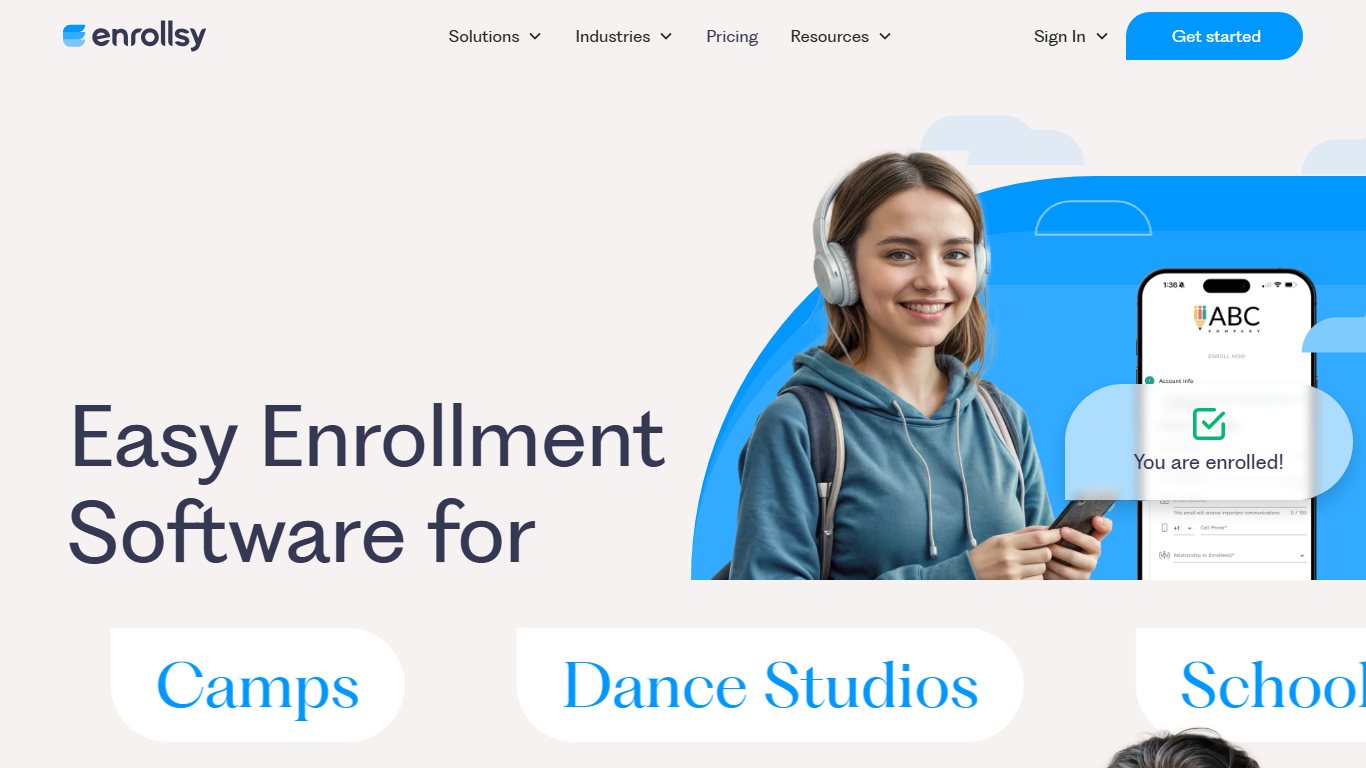
Pricing: Capterra’s 2026 listing shows Starter at $129 a month billed annually or $159 monthly, and Pro at $229 annually or $289 monthly. Enterprise is quote only. Starter includes a one-time $199 implementation fee.
Limitation: Per-location pricing gets expensive if you run several sites. Versus Jackrabbit Class: Enrollsy has a flat monthly price, while Jackrabbit charges by student count. Jackrabbit is cheaper below about 250 students.
CourseStorm
CourseStorm is course registration software for community education, arts centers, libraries, makerspaces and continuing-ed departments. It offers a public catalog, quick checkout, waitlists and Stripe payments.
Pricing: Starter $99, Core $169, Pro $269 and All Access $399 a month billed yearly, or $119, $219, $329 and $499 billed monthly. On every plan, a $2.49 fee per registration applies on top of the subscription and Stripe card processing. Older listings show this fee as $1.99.
Limitation: The per-registration fee is painful for cheap or free classes. Versus GoSignMeUp: CourseStorm is far cheaper to start. GoSignMeUp’s flat price makes more sense at very high volume.
Did you know?
CourseStorm’s $2.49 fee, as listed in Regpack’s 2026 comparison of the two tools, applies to every registration on every plan. On a $20 drop-in class, that fee alone takes more than 12% of the price before card processing.
GoSignMeUp
GoSignMeUp is registration software for colleges, continuing education, workforce development and large training programs. It includes unlimited registrations and offerings, a course catalog, and integration options for institutions.
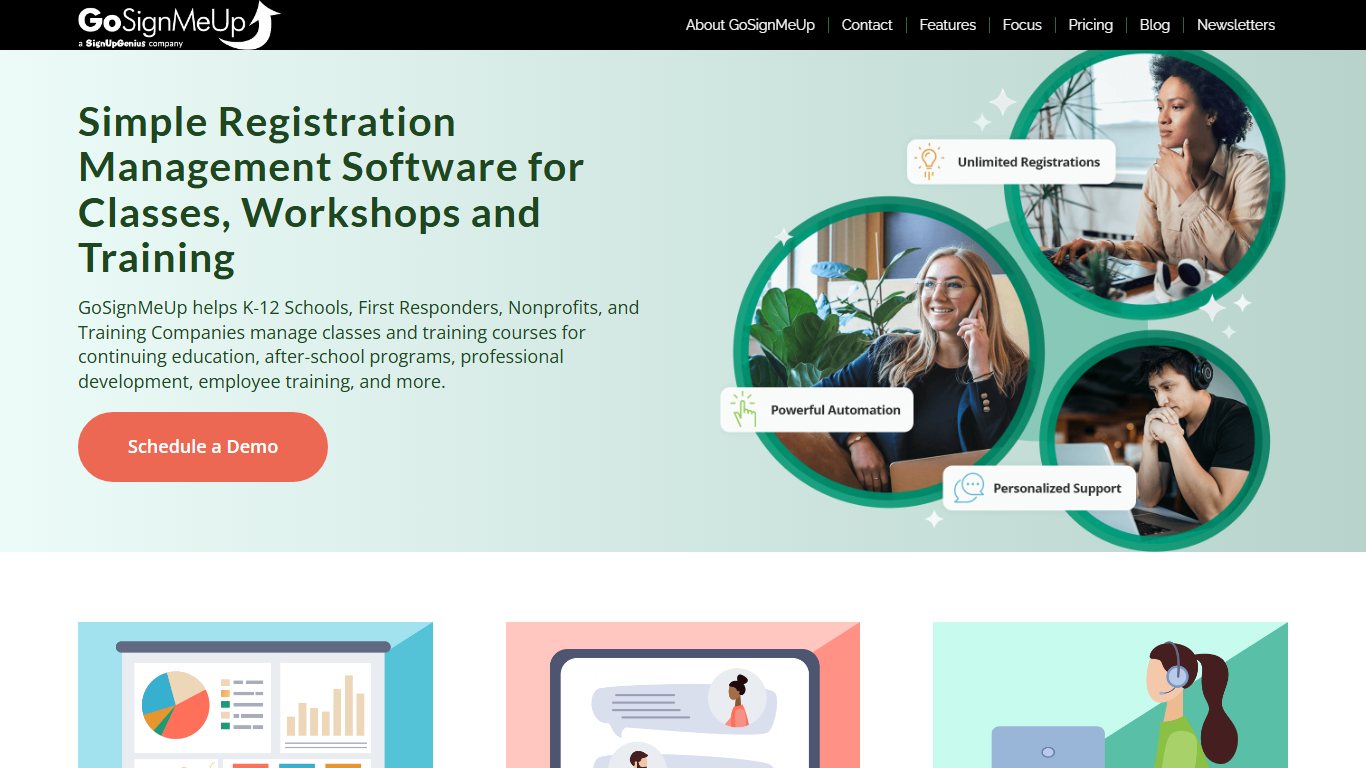
Pricing: You have to go through sales. PricingSaaS, a third-party price tracker, reported in April 2026 that GoSignMeUp’s starting price rose about 40% to $583 a month flat.
Limitation: It’s a big monthly commitment for a small program, and you only see the price after a sales call. Versus CourseStorm: GoSignMeUp has no per-registration fee, so it starts to pay off once you handle well over 200 registrations a month.
Regpack
Regpack is a registration and payment platform with highly customizable forms, conditional logic and payment plans. It’s used by camps, schools’ enrichment programs and organizations with complex intake.
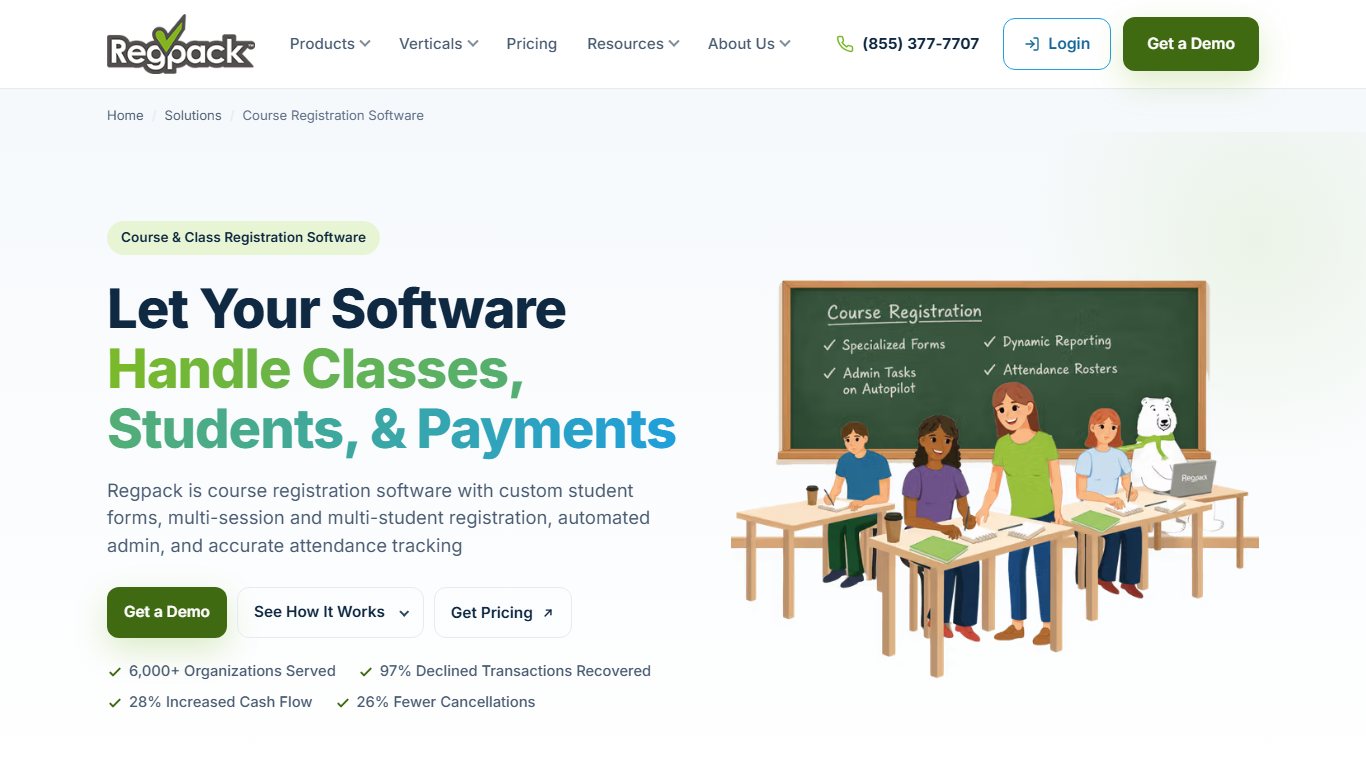
Pricing: Quote only. Limitation: Its flexibility means a longer setup, and you can’t compare costs without a sales call. Versus Jumbula: Regpack is better for complex, branching forms. Jumbula publishes prices and is quicker to launch.
Arlo
Arlo is a training management system for professional and corporate training providers. It covers public and private courses, online registration and payments, invoicing, certificates and an eLearning add-on.
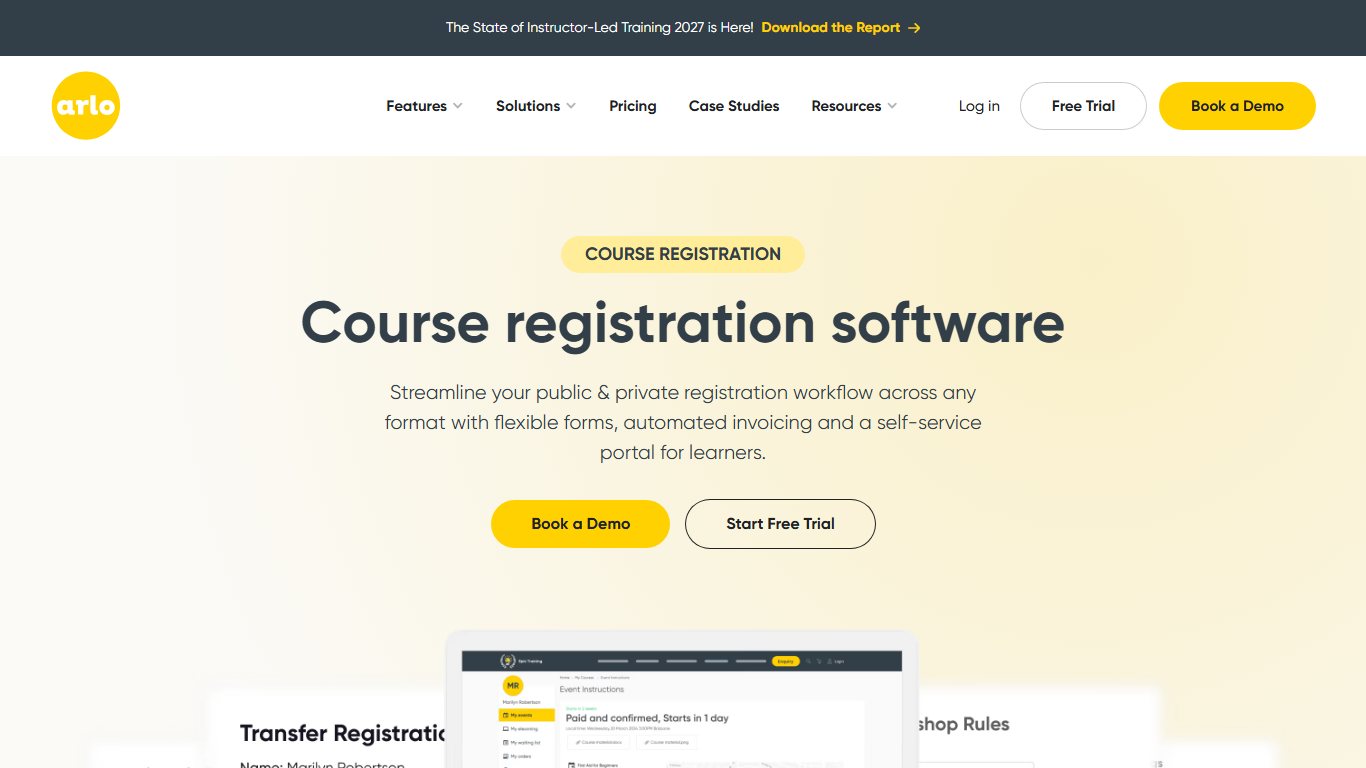
Pricing: Arlo’s pricing page lists Simple at $118 per license a month billed annually, or $132 monthly. Its January 2026 pricing guide lists Professional at $179 and Enterprise at $240 per license a month, billed annually. The eLearning add-on costs $99 a month, and SCORM costs $0.50 per enrollment. There’s a 14-day free trial but no free plan. In a case study on Arlo’s site, training company Communispond says it cut manual work for its open-enrollment programs by 80%.
Limitation: Arlo charges per admin license, so adding office staff can raise your bill faster than adding learners. Versus GoSignMeUp: Arlo is built for B2B training businesses. GoSignMeUp is built for institutions.
Jotform
Jotform is a form builder that can take payments through Stripe, PayPal and other gateways. It’s useful for simple class sign-ups and waivers.
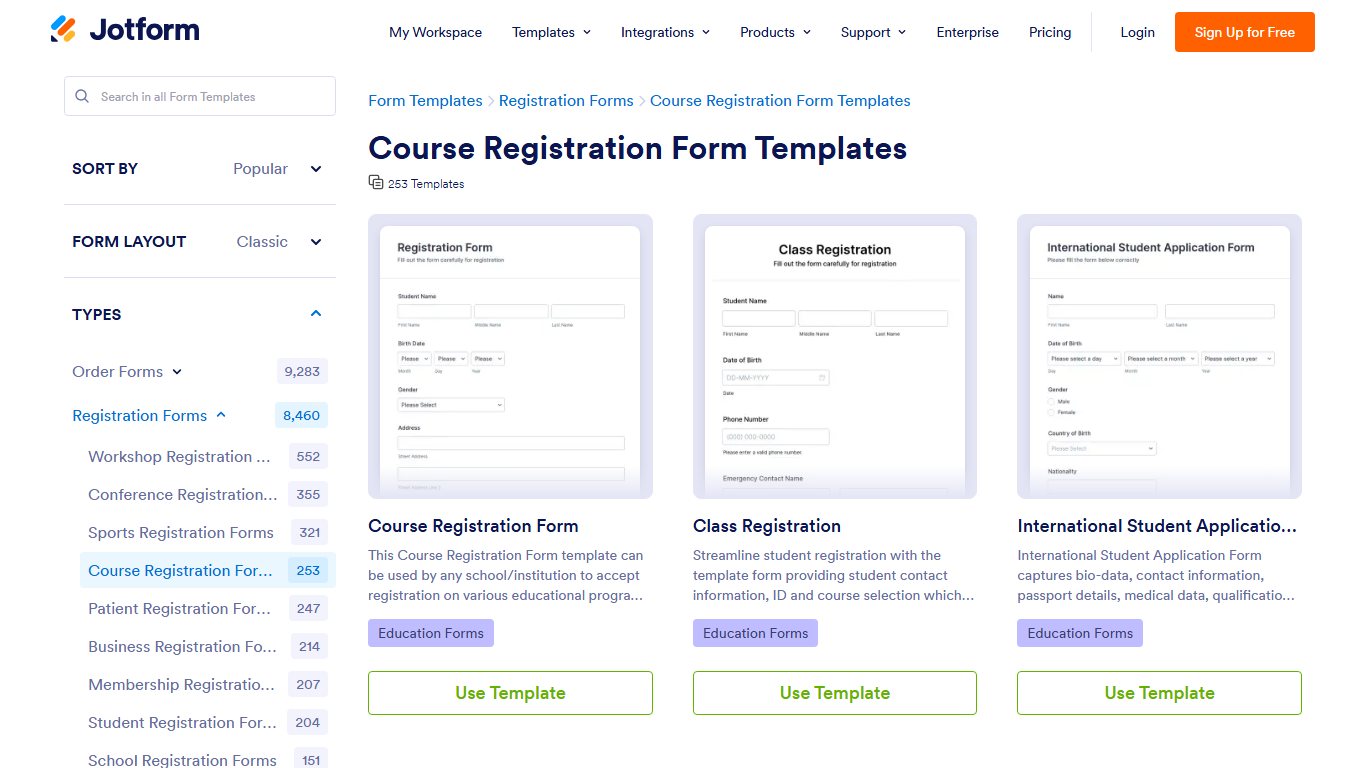
Pricing: The free Starter plan allows 5 forms and 100 submissions a month. Bronze costs $34, Silver $39 and Gold $99 a month billed yearly, or $39, $49 and $129 monthly. Those plans allow 1,000, 2,500 and 10,000 monthly submissions. Nonprofits and schools get 50% off.
Limitation: There are no real class rosters, family accounts or automatic waitlist promotion. Versus Corsizio: Jotform is the better form builder. Corsizio is the better class tool.
Corsizio
Corsizio is a lightweight registration tool for workshops, courses and classes, with a free tier for low volume.
Pricing: Corsizio’s help center says registrations are free in any month with 30 or fewer. Above that, every registration that month costs $0.15. The help center also lists a $1 flat fee per online payment transaction.
Limitation: It’s not built for recurring tuition or complex family billing. Versus CourseStorm: Corsizio is far cheaper for small adult-class programs. CourseStorm has more catalog and reporting depth.
Older roundups also list Enrollware (CPR and first-aid training), Student Manager by ACEware (college continuing-ed offices), Classter (a school management system), Omnify, and smaller tools such as Kwaddle, Ubindi and Registromat. They serve narrower niches than the picks above.
2026 prices side by side: the four pricing models
Every tool in this category charges in one of four ways, and each model costs a different kind of organization the most. Knowing which model you’re looking at matters more than the headline price.
The four pricing models and who they punish
- Flat monthly (Jumbula Rise, GoSignMeUp): costs the same at 50 or 5,000 registrations. It’s expensive for tiny programs and a bargain for busy ones.
- Per-student tiers (Jackrabbit Class): cheap to start, but the price climbs as you grow. Owners often ask, “Per-student pricing keeps going up as we grow. Is there a flat-rate option?” Yes: Jumbula Rise, Enrollsy and GoSignMeUp all charge flat fees.
- Per-registration or percentage fees (CourseStorm, Sawyer Grow, Jumbula PAYG, Corsizio): these follow your revenue. They hurt cheap drop-in classes and high-volume programs.
- Per-admin-license (Arlo): costs depend on how many staff use the system, not on how many people enroll.
Vendors that hide pricing behind a demo
GoSignMeUp, Regpack and ACTIVE Network only quote prices after a sales call. A common reader question is “Why won’t any of these companies show a price without a demo?” The usual reasons are custom setups and room to negotiate. Use that in your favor: bring a competitor’s published price to the call.
Do the math before the demo
Write down your average class price and your monthly sign-ups, then work out each vendor’s cost at that volume before any sales call. Per-registration fees hurt cheap drop-in classes the most.
What it really costs: worked examples
Your true monthly cost is the subscription plus platform fees plus card processing. The example below assumes a $50 average registration and card processing at 2.9% + $0.30 per transaction, the figure commonly cited for standard card rates. That works out to about $175 at 100 registrations ($5,000 revenue) and $875 at 500 ($25,000).
Monthly cost at 100 vs. 500 registrations
| Tool | Subscription | Platform fees at 100 | Platform fees at 500 | Card processing (100 / 500) | Approx. total (100 / 500) |
|---|---|---|---|---|---|
| Jackrabbit Class | $49 (100 students) / $129 (500 students) | $0 | $0 | $175 / $875 | $224 / $1,004 |
| Jumbula PAYG (older 1% rate) | $15 | $50 | $250 | $175 / $875 | $240 / $1,140 |
| Corsizio | $0 | $115 | $575 | $175 / $875 | $290 / $1,450 |
| Arlo Simple (1 license, yearly) | $118 | $0 | $0 | $175 / $875 | $293 / $993 |
| Jumbula Rise | $150 | $0 | $0 | $175 / $875 | $325 / $1,025 |
| Sawyer Grow (yearly) | $169 | $100 | $500 | $175 / $875 | $444 / $1,544 |
| CourseStorm Starter (yearly) | $99 | $249 | $1,245 | $175 / $875 | $523 / $2,219 |
| GoSignMeUp (reported) | $583 | $0 | $0 | $175 / $875 | $758 / $1,458 |
Corsizio’s figures combine its $0.15 per registration and its $1 per online payment. Actual processing rates vary by vendor and payment partner, so swap in each vendor’s quoted rate before you decide.
Small studio, 100 sign-ups a month
At this size, the cheapest options are Jackrabbit Class, Jumbula PAYG and Corsizio, all between about $224 and $290 a month including processing. CourseStorm costs more than twice as much here, mostly because of its $249 in registration fees.
Growing program, 500 sign-ups a month
Flat pricing wins clearly at this volume. Arlo, Jackrabbit and Jumbula Rise land near $1,000. CourseStorm Starter comes out about $1,200 higher, almost all from its $2.49 fee. The break-even point between Jumbula PAYG and Rise comes at about $13,500 a month in registrations, using the older 1% rate.
Fees passed to parents at checkout
Some platforms let you add the software fee to the parent’s checkout total as a “booking” or “convenience” fee. That’s why some owners ask, “Why are parents getting charged a booking fee on top of tuition?” It protects your margin, but a surprise fee at the last step of checkout annoys families and can make them abandon the sign-up.
If you pass fees on, show the fee on the class page, not just at checkout. The other option is to raise tuition slightly and absorb the fee.
Ask who pays
Ask each vendor whether the booking fee is charged to you or to parents at checkout, and whether you can change who pays later.
Free and nearly free options
You can run class registration without a monthly subscription. Corsizio is free up to 30 registrations a month. Class Manager charges no subscription and takes a fee only on online payments it processes. TUIO also appears on Capterra’s list of free class registration tools. Jotform’s free Starter plan works for up to 100 submissions a month.
When a free form is fine
“Can I just use Google Forms and PayPal until I’m bigger?” Yes, if you run a handful of classes, rarely sell out, and have one child per family. The same logic answers “Is it worth paying monthly when I only run a few classes a season?” Usually not. A usage-based tool like Corsizio or Class Manager costs nothing in the months you’re quiet.
Signs you’ve outgrown it
- You’re manually checking payments against form responses.
- A class oversold because two people submitted at the same time.
- You keep a waitlist in a spreadsheet and email people one by one.
- Parents fill out the same form once for each child.
- Refunds and transfers take more than five minutes each.
Features that matter (and ones that don’t)
Five features do most of the work: capacity limits with automatic waitlists, family checkout, flexible payments, self-service changes and clean exports. Everything else comes second.
| Feature | Why it matters | Must-have / nice-to-have |
|---|---|---|
| Capacity limits and automatic waitlists | Stops overselling and fills cancellations without email | Must-have |
| Multi-class, multi-child cart | One checkout per family, fewer abandoned sign-ups | Must-have for kids’ programs |
| Waivers and eSignature | Signed at checkout, stored with the record | Must-have |
| Deposits, payment plans, discounts | Makes expensive camps affordable | Must-have |
| Refunds, transfers and credits | Saves admin time every week | Must-have |
| Self-service portal (receipts, cancellations, certificates) | Cuts support emails | Must-have |
| Attendance and rosters | Instructors check in on their phones | Must-have for recurring classes |
| CSV export, QuickBooks or Xero sync | Clean books and an easy way to leave | Must-have |
| Branded mobile app | Nice for big studios, rarely needed | Nice-to-have |
| SMS reminders | Fewer no-shows, but often a paid add-on | Nice-to-have |
Must-haves for any class business
Test how billing handles credits. One recurring complaint is “The software keeps charging late fees to families who have a credit on their account.” Ask the vendor whether automatic late fees check the account balance first, and test it with a fake family.
Extras worth paying for
Event ticketing inside the same system is worth it if you run recitals or showcases. Otherwise you end up in the situation one owner describes: “We send families to a separate ticket site for recitals, so we’re paying fees twice.” Ask whether the vendor sells event tickets through the same family accounts.
Features vendors oversell
AI scheduling assistants, marketplace listings and “advanced analytics” dashboards look great in demos. Most small programs use the roster, the payments report and the export. Pay for the core features first.
Kids’ data, privacy and COPPA
If you register children, you’re storing sensitive data: names, birth dates, medical conditions and allergies. The FTC’s amended COPPA Rule took effect June 23, 2025, and operators had until April 22, 2026 to comply. The rule requires a written information security program and deletion of children’s data once it’s no longer reasonably necessary, so indefinite retention is out. It also requires separate parental consent before children’s data is shared for targeted advertising.
COPPA covers personal information collected online from children under 13. Most registration forms collect data from parents, so the rule doesn’t automatically apply to every studio. Still, its security and retention standards are a sensible bar, and any vendor serving kids’ programs should be able to explain how it meets them.
Questions to ask before you sign
- Do you have a written information security program, and will you share a summary?
- How long do you keep a child’s data after a family or my account is deleted?
- Where are medical and allergy fields stored, and who on your team can see them?
- Do you share or sell any registrant data to advertisers or partners?
- Can I export and permanently delete all my data when I leave?
Get it in writing
Ask the vendor in writing how long it keeps children’s data after you delete an account, and where medical and allergy fields are stored.
How to switch without a launch-day meltdown
Most failed switches come down to two things: poor data imports and untested checkouts. Plan the move a full registration cycle ahead.
Moving your existing families over
“How do I move all my families over without making them re-register?” Export a CSV from your old system with households, children, contacts and balances. Ask the new vendor to import it, since most offer import help during onboarding. Then send families an email to claim their account and check their details.
Before you start
Export your full family and student list to CSV before you cancel your old system. Some tools make exporting harder once you’ve cancelled.
Launch-day checklist
Launch-day checklist
- Run a full test registration on a phone, including a sibling and a waitlist spot.
- Set waitlist rules: automatic offers and how long a family has to accept.
- Publish refund, transfer and credit policy text at checkout.
- Soft-launch one class to a small group first.
- Ask the vendor how it handles traffic spikes when registration opens.
- Test a refund and a transfer end to end.
- Have a staff member watch the inbox for the first two hours.
FAQ
What is class registration software?
It’s an online system that lets people browse classes, register, pay and sign waivers in one checkout. It also manages capacity, waitlists, rosters, attendance and payment reports for you.
Is there free class registration software?
Yes. Corsizio is free up to 30 registrations a month, then charges $0.15 per registration. Class Manager has no subscription and only charges on online payments. TUIO is listed as free on Capterra, and Jotform’s free plan allows 100 submissions a month.
How much does class registration software cost?
Published 2026 prices run from free (Corsizio) to $49 a month (Jackrabbit Class, up to 100 students), $99 to $399 a month (CourseStorm) and about $583 a month (GoSignMeUp, reported). Add 2.9% + $0.30 per card payment, plus any per-registration fees.
What is the best class scheduling software for schools?
For K-12 course scheduling, you need a student information system such as PowerSchool, not class registration software. For a school’s afterschool or summer enrichment programs, Jumbula, Sawyer or Regpack are good fits.
What software do most schools use for course registration?
Most US K-12 schools handle course requests and scheduling in their SIS, and PowerSchool is among the most widely used. Colleges’ continuing-ed departments often use GoSignMeUp or CourseStorm.
What’s the difference between class registration software and an LMS?
Registration software handles sign-ups, payments and rosters. A learning management system (LMS) delivers the course content itself. Arlo bridges the two with its eLearning add-on.
Can parents register multiple kids in one checkout?
With kids-focused tools like Jumbula, Jackrabbit Class and Sawyer, yes. Family accounts let a parent add several children to several classes in one payment. Form builders like Jotform and Google Forms can’t do this well.
Who pays the transaction fees, me or the registrant?
You do by default. Some platforms let you pass software or booking fees to families at checkout. If you do, show the fee on the class page so it doesn’t surprise anyone at checkout.
Can I use Google Forms for class registration?
Yes, for a few small classes. It can’t enforce capacity in real time, run waitlists, take payments directly or link siblings. Once you hit any of those limits, move to a dedicated tool.
Does class registration software handle waitlists automatically?
Dedicated tools do. When a spot opens, they offer it to the next person on the list, often with a time limit to accept. Check whether the offer includes automatic payment or needs the family to confirm first.
Your next step
Before you talk to any vendor, write down your average class price, your monthly sign-ups at peak season and the number of staff who’ll log in. Put those three numbers into the cost table above and you’ll have a two-tool shortlist. Then start free trials on both and run the same test registration, with a sibling, a waitlist spot and a refund, on each.













