
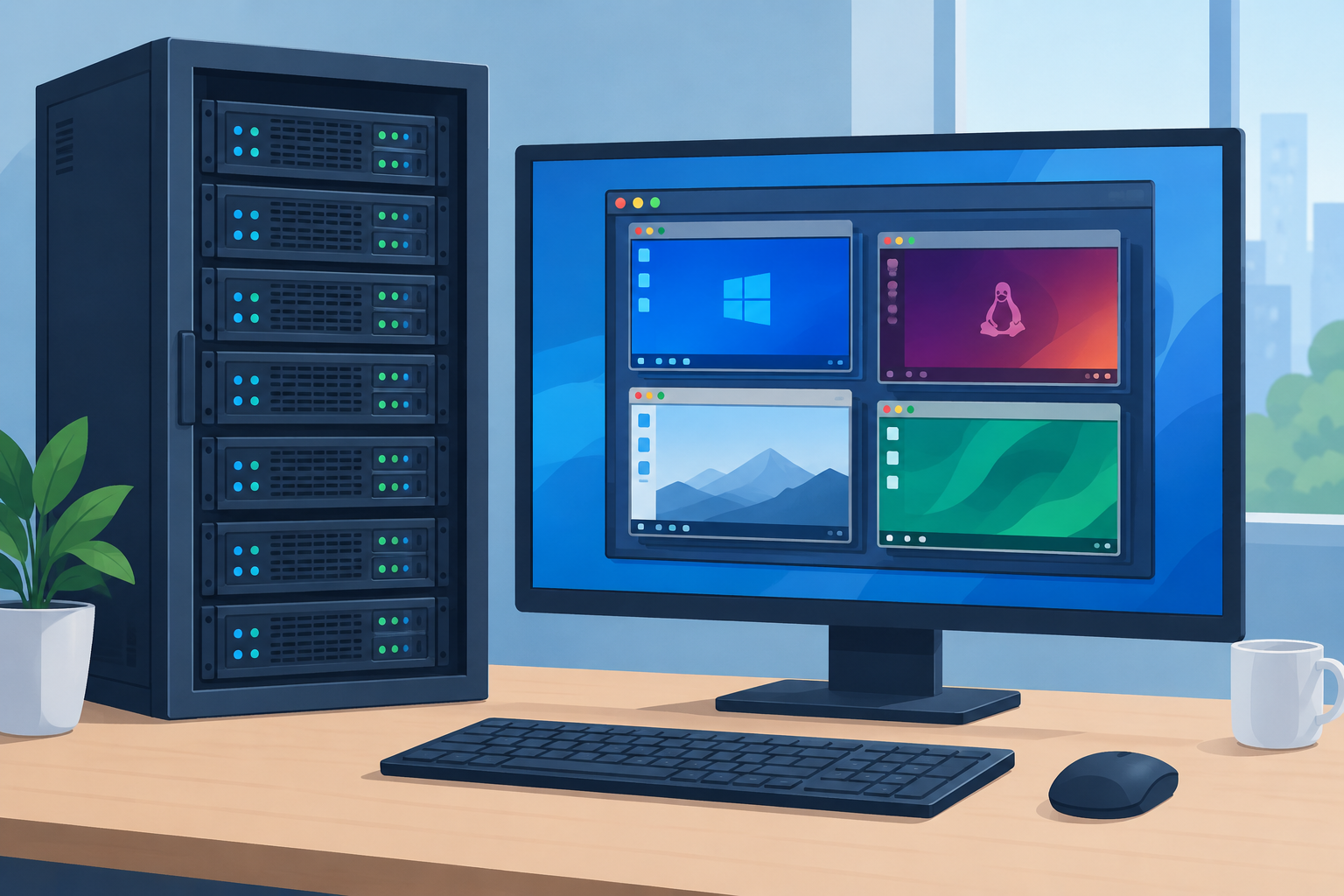
As of November 2026, Oracle VM VirtualBox 7.2 is the best free VMware alternative for most home users on Windows, Mac and Linux. Hyper-V is the obvious choice if you already run Windows 11 Pro. For servers, Proxmox VE (built on KVM) and XenServer 8.4 or its free sibling XCP-ng are the main replacements for VMware ESXi. VMware Workstation Pro itself has been free for personal and commercial use since November 2024, so you may not need to switch your desktop setup at all.
A virtual machine (VM) is a computer that runs as software inside your real computer. It copies the hardware of a physical PC, so it can run its own operating system and apps just like a separate machine. Below is a list of the leading virtual machine apps for Windows, Mac and Linux, covering free open-source software and paid commercial products.
The 8 best VMware alternatives at a glance
There are two kinds of tool on this list. Desktop hypervisors run on top of your normal Windows, macOS or Linux system. Bare-metal hypervisors install directly on a server and replace its operating system. The table shows where each one fits today.
| Tool | Type | Runs on | Cost in November 2026 | Status |
|---|---|---|---|---|
| Oracle VM VirtualBox 7.2 | Desktop | Windows, macOS, Linux, Solaris | Free | Active (7.2.22, October 2026) |
| VMware Workstation Pro 26H1 | Desktop | Windows, Linux | Free, including commercial use | Active (26H1u1, September 2026) |
| XenServer 8.4 | Bare metal | Server hardware | Paid, 90-day trial | Active |
| KVM (e.g. Proxmox VE 9.2) | Bare metal / Linux kernel | Linux | Free, paid support optional | Active |
| VMware ESXi | Bare metal | Server hardware | Free 8.0 U3e with limits, otherwise paid | Active |
| Microsoft Hyper-V | Bare metal (built into Windows) | Windows 11 Pro/Enterprise/Education, Windows Server | Included with Windows | Active |
| Red Hat Virtualization 4.4 | Bare metal | Server hardware | No longer sold | Retired August 31, 2026 |
| Portable VirtualBox | Desktop (from USB) | Windows | Free | Abandoned, unofficial |
1. Oracle VM VirtualBox
VirtualBox from Oracle is a free virtual machine program and the best VMware Workstation alternative for beginners. It installs on Windows, macOS, Linux and Solaris hosts, and it works well for lab testing and running a second desktop system. A lab VM is also a safe, isolated place to practise with network analysis tools like wireshark without touching your main machine.
You can create new virtual machines from an ISO file or import existing ones in the OVA/OVF format. Most operating systems run as guests, in both 32-bit and 64-bit versions. The host computer itself must now be 64-bit, since VirtualBox dropped 32-bit host support with version 7.0.
The current branch is VirtualBox 7.2. It added full support for ARM-based Windows hosts and moved several features that used to need the separate Extension Pack into the free base package: the VRDP remote display server, USB smart card emulation and VM disk encryption. The latest maintenance release is 7.2.22, published on October 20, 2026, with security fixes. Download it only from virtualbox.org.
2. VMware Workstation
VMware Workstation Pro is a full-featured desktop virtual machine program from VMware, which Broadcom bought in November 2023. It is built for advanced users who need to run several systems at once. Developers, for example, can run database, web and application servers side by side on one PC and network them together. You can also save a VM’s state with snapshots and clone whole machines. A clean VM is a handy place to trial software, such as a sublime text alternative, before you install it on your real PC.
The big change is the price. Since November 11, 2024, Workstation Pro has been free for personal, educational and commercial use, with no license key needed. Broadcom’s 26H1 release notes confirm this. The latest build is Workstation Pro 26H1u1, a security and bug-fix update released in September 2026, following the 26H1 feature release on May 14, 2026.
A few practical points:
- Workstation Player is gone. The old free “Player” edition was discontinued once Workstation Pro became free.
- Hosts: Workstation Pro runs on Windows and Linux. Mac users get the same deal with VMware Fusion Pro.
- Download: You need a free Broadcom Support Portal account. Avoid download mirrors and “free key” sites, which often bundle malware.
3. XenServer
XenServer is a bare-metal hypervisor built on the open-source Xen Project. Citrix bought its creator, XenSource, in 2007. Citrix later made XenServer fully open source in 2013, renamed it Citrix Hypervisor in 2019, and the product returned to the XenServer name under Cloud Software Group in 2023. The current version is XenServer 8.4.
It is a flexible way to host server and desktop operating systems in business environments. Managed with XenCenter, it covers many of the jobs vSphere does, such as live migration of running VMs between hosts and high availability (HA).
XenServer is no longer free in the old sense. The Trial Edition gives you Premium Edition features for 90 days in a pool of up to three hosts, with no official support. When the trial license expires, you can no longer start VMs on that host or pool until you buy a license.
If you want something free, XCP-ng is the community-built, open-source platform that grew out of XenServer. XCP-ng 8.3 LTS was still getting regular security and maintenance updates through 2026, and it is managed with Xen Orchestra.
4. KVM
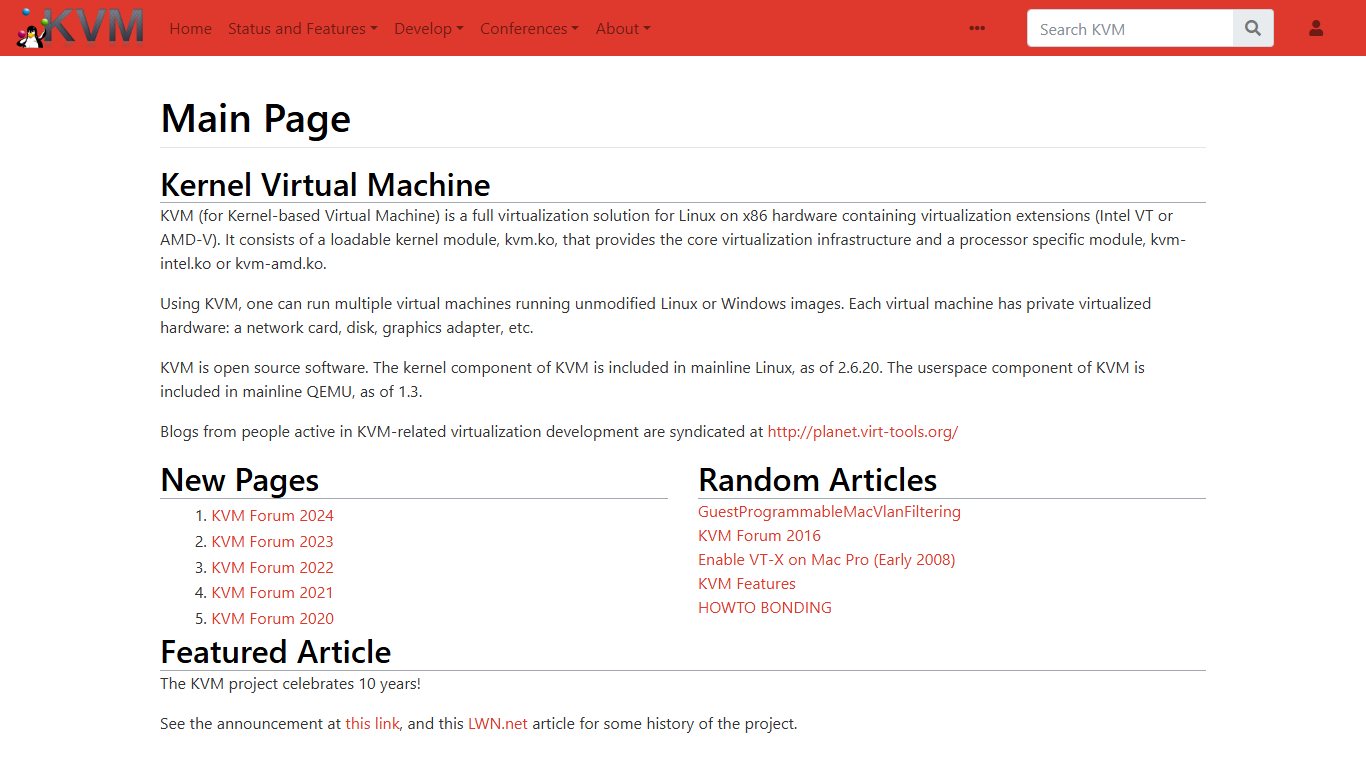
KVM (Kernel-based Virtual Machine) is virtualization built straight into the Linux kernel, where it has been since 2007. It is the strongest free alternative for servers, because it already ships with almost every Linux distribution. For Linux hosts it is usually a better fit than VMware or XenServer, and it is the default hypervisor for OpenStack clouds.
Most people don’t use KVM on its own. They use a platform built on it:
- Proxmox VE: the most popular free ESXi replacement for home labs and small businesses. Proxmox VE 9.2, released on May 21, 2026, is based on Debian 13 “Trixie” with Linux kernel 7.0 and QEMU 11.0. It is free to use, and paid subscriptions add the enterprise update repository and support.
- Red Hat Enterprise Linux and Ubuntu Server: both include KVM with management tools such as virt-manager and Cockpit.
Windows guests run well on KVM. For good disk and network speed, install the VirtIO drivers inside the Windows VM.
5. VMware ESXi
ESXi is VMware’s bare-metal hypervisor and the core of vSphere. It remains a strong choice for large business server deployments running Windows or Linux guests. It is not cheap, though. Broadcom now sells ESXi mainly as part of the VMware vSphere Foundation (VVF) and VMware Cloud Foundation (VCF) bundles, which are the only way to get vSphere 9. The standalone VMware vSphere Standard subscription is limited to vSphere 8 and is not offered in every region.
There is a free edition again, with heavy limits. Broadcom ended free ESXi in early 2024, then quietly brought it back in April 2025 as ESXi 8.0 Update 3e. That free build has no Broadcom support, is meant for non-production use and cannot connect to vCenter. So the features that matter most in business, such as vMotion, HA, DRS, Storage DRS and shared storage management through vCenter, all still need paid licenses. There is no free edition of ESXi 9.
VMware has grown a lot since it was founded in 1998. Its first product, VMware Workstation, was a small program installed on a Windows or Linux PC. The company then built GSX Server, which ran on top of Windows or Linux servers. ESX came next, removing the need for Windows and booting straight into VMware’s own VMkernel, with a Red Hat-based service console for management. ESXi arrived in 2007 as a slimmer version without that Linux console. VMware offered ESX and ESXi side by side from 2008, and from vSphere 5, released in 2011, ESXi was the only edition left.
6. Hyper-V
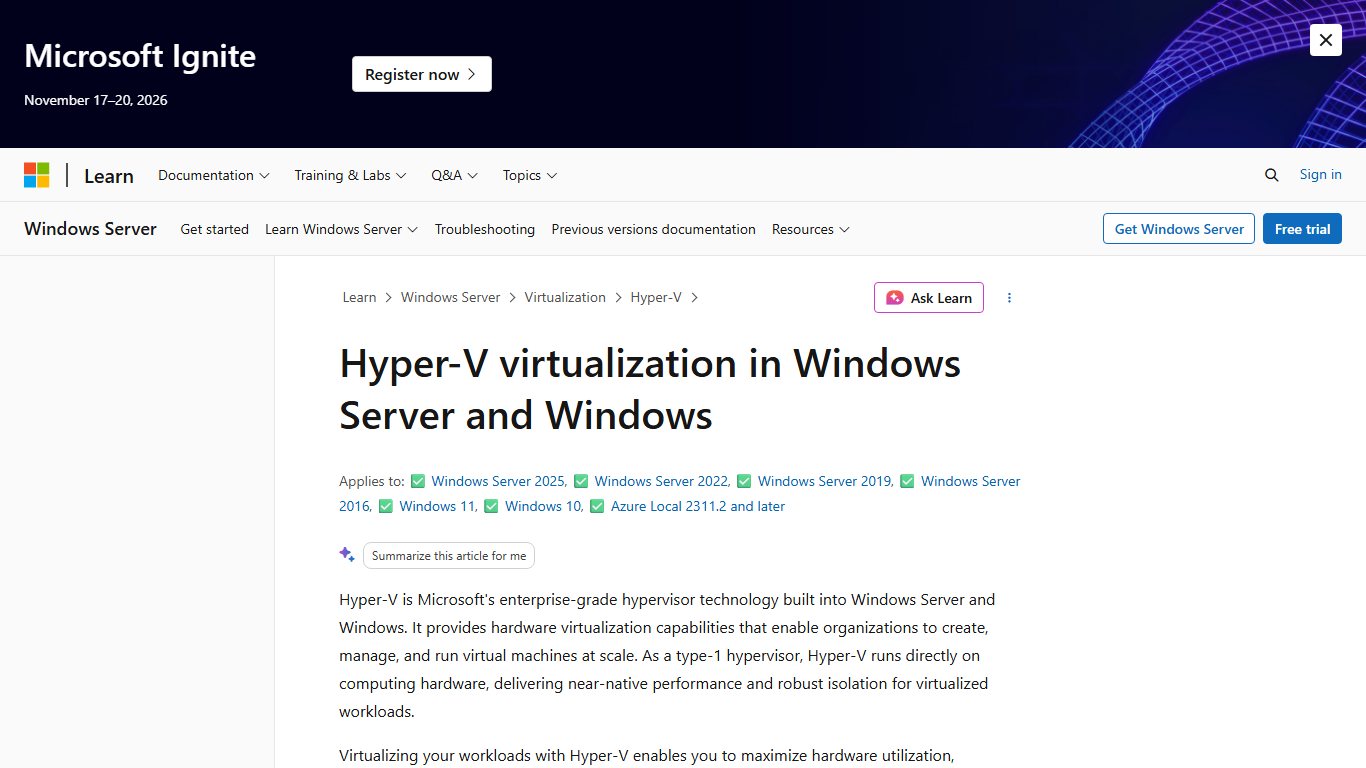
Hyper-V is Microsoft’s hypervisor, originally known as Windows Server Virtualization. It creates virtual machines on 64-bit x86 systems and is built into Windows Server and Windows 11 Pro, Enterprise and Education. Windows 11 Home does not include it.
A Hyper-V host can connect individual VMs to several separate networks through virtual switches. It supports many Linux distributions as guests as well as Windows, and runs multiple VMs at once.
To turn it on in Windows 11 Pro:
- Make sure virtualization is enabled in your PC’s UEFI/BIOS settings.
- Open Control Panel > Programs > Turn Windows features on or off.
- Tick Hyper-V and click OK.
- Restart when Windows asks.
Your CPU must be 64-bit with Second Level Address Translation (SLAT), which almost every processor from the last decade supports. Note that the free standalone Hyper-V Server ended with the 2019 version. For servers, Hyper-V now comes with Windows Server licenses, including Windows Server 2025.
7. Red Hat Virtualization
Red Hat Virtualization (RHV) was an open-source, software-defined platform based on KVM and the oVirt project. It let you create and provision new VMs, clone existing ones and monitor how they all ran together, with support for both Linux and Microsoft Windows guests.
It is no longer a live option. Maintenance for RHV 4.4 ended on August 31, 2024. The Extended Life Phase, which brought no new software fixes, ended on August 31, 2026. Red Hat’s current virtualization product is OpenShift Virtualization, which runs VMs alongside containers on OpenShift. If you are still on RHV, plan a move to OpenShift Virtualization, Proxmox VE or another supported KVM platform.
8. VirtualBox Portable
Portable VirtualBox is a free, unofficial wrapper that lets you run VirtualBox and your VMs from a USB drive without installing it on the host PC. It unpacks VirtualBox, rewrites its path settings to point at the drive, and provides networking through a virtual network adapter. The appeal was simple: carry your own operating system on a USB stick or external hard drive and run it on any Windows PC.
Carrying a whole computer on a USB stick sounds like one of the classic DIY Hacks, but this project is best treated as history. It is not an Oracle product. The original vbox.me project’s last release, 5.1.22 in May 2017, was based on a long-outdated VirtualBox. Later versions exist only as community forks stuck on VirtualBox 6.1 or older. Running unpatched virtualization software that needs admin rights on someone else’s PC is a security risk.
A safer approach today: install the current VirtualBox from virtualbox.org on each PC you use, and keep your VM files on an external SSD. Then open the VM on any machine with Machine > Add.
Which one to choose
Choose based on what you are virtualizing, not on brand. For a desktop PC, start with VirtualBox if you want open source, or VMware Workstation Pro if you want the more polished option, since both are now free. If you are on Windows 11 Pro and only run Windows or Linux guests, Hyper-V is included with Windows and just needs to be turned on. For a home lab or small business server, Proxmox VE is the most common landing spot for people leaving ESXi. Larger companies with existing Citrix setups should look at XenServer 8.4.
FAQ
Is VMware Workstation still free in 2026?
Yes. VMware Workstation Pro and Fusion Pro have been free for personal, educational and commercial use since November 2024. The current release is Workstation Pro 26H1u1 from September 2026, and you download it with a free Broadcom account. No license key is needed.
What is the best free alternative to VMware ESXi?
Proxmox VE is the most popular free replacement for ESXi. It is built on KVM, has a web interface and supports clustering and high availability. XCP-ng is the other strong free option if you prefer the Xen-based approach.
Can I run Hyper-V on Windows 11 Home?
No. Hyper-V is only included in Windows 11 Pro, Enterprise and Education. On Windows 11 Home, use VirtualBox or VMware Workstation Pro instead, or upgrade to Windows 11 Pro through Settings > System > Activation.
Can VirtualBox and Hyper-V run on the same PC?
Yes, on current versions. When Hyper-V or features that depend on it (such as WSL 2 or Memory Integrity) are turned on, VirtualBox runs through Microsoft’s hypervisor platform. This works, but VMs can be slower than when VirtualBox has the hardware to itself.
Is Red Hat Virtualization still supported?
No. RHV 4.4 entered its Extended Life Phase on August 31, 2024, and Red Hat lists August 31, 2026 as its end date. Red Hat now points customers to OpenShift Virtualization.
Does VirtualBox work on Apple Silicon Macs?
Yes. VirtualBox 7.1 and later run on Apple Silicon Macs, but only with ARM-based guest systems such as ARM versions of Linux. To run x86 Windows or Linux on those Macs, VMware Fusion Pro or Parallels Desktop with ARM guests are the more common choices.
Sources
- Oracle VirtualBox changelog
- VMware Workstation Pro 26H1 release notes (Broadcom)
- VMware ESXi 8.0 Update 3e now available as a free hypervisor (Broadcom KB)
- XenServer 8 licensing FAQ
- XCP-ng 8.3 LTS updates
- Proxmox Virtual Environment 9.2 press release
- Red Hat Virtualization 4.4 release notes













