

For most small businesses in November 2026, three tools cover most competitor research: Ubersuggest or Semrush for keywords and traffic, Ahrefs for backlinks, and SpyFu for paid search history. Google’s free Keyword Planner and Ads Transparency Center, along with Meta’s Ad Library, fill the remaining gaps at no cost. Three tools on the original list are gone: Moat, Simply Measured and the original Social Mention. Each entry below says what to use in their place.
Competitors are not something to fear. If other businesses are already in your market, people want what you sell, and some approaches are already working. You can study those approaches, improve on them and use them to grow.
Watching your rivals will not make you successful on its own. It is one piece of a bigger plan. Used well, though, it can be one of your strongest tactics, so a crowded market is no reason to give up.
Before you start, answer three questions:
- What are you trying to find?
- Which tools are best for gathering that data?
- How will you use what you learn to grow your business?
This guide covers the first two. It looks at competitor research in four areas:
- SEO and website traffic
- Social media
- Ads and PPC
- Blog content
If you tried to cover all of this from scratch, you would run hundreds of Google searches and get conflicting advice about which tools to use. This guide pulls the main choices into one place, so you can go straight to the tool that fits your question. Keyword and backlink research comes first.
The 15 best tools for spying on your competition
Tools were picked based on how useful their data is for competitor research, whether a free tier or trial exists, and whether the product is still on sale today. The table gives a quick overview. Each tool has its own section below.
| Tool | Best for | Free option | Status (November 2026) |
|---|---|---|---|
| Ubersuggest | Backlinks, keywords, traffic overview | Limited daily searches | Active |
| Majestic | Backlinks to specific pages | Limited free lookups | Active |
| Ahrefs | All-round SEO and link tracking | Free webmaster tools | Active |
| SEMrush | Domain overview, organic and paid keywords | Free account with daily limits | Active, owned by Adobe since April 2026 |
| SimilarWeb | Traffic sources and audience geography | Limited free data | Active |
| Google Keyword Planner | Keyword ideas from a rival’s URL | Free with a Google Ads account | Active |
| Pro Rank Tracker | Tracking a rival’s rankings | Trial | Active, paid plans |
| Social Mention | Brand mentions | Not applicable | Original site no longer maintained |
| Hootsuite | Monitoring rivals’ social streams | Trial | Active |
| Fanpage Karma | Social profile KPIs | Trial | Active |
| Simply Measured | Cross-channel social analytics | None | Discontinued, now part of Sprout Social |
| iSpionage | PPC keywords and ad copy | Limited | Active |
| Moat | Display ad search | None | Shut down 30 September 2024 |
| Spyfu | PPC spend and ad history | Limited | Active |
| BuzzSumo | Top content and who shared it | Trial only | Active, paid plans |
1. Ubersuggest
Backlinks are central to any SEO strategy. Ubersuggest shows you how your rivals are doing on that front. It is also one of the cheapest ways to start. The free tier allows a few searches a day, and paid plans raise that to 150 or more reports a day.
It gives you a solid base for a link-building plan:
- Enter your competitor’s URL and click Search.
- Click Backlinks in the left sidebar.
- Study your competitor’s link profile.
The most useful details are the referring pages, the source URLs, the domain score and the anchor text.
The Traffic Analyzer overview gives you a broad picture of a rival’s site, including:
- How many organic keywords it ranks for
- Estimated monthly traffic from those keywords
- Domain Authority on a scale of 1 to 100
- The number of backlinks
- Monthly traffic over the past 12 months
Further down the page there are charts for top SEO pages, top keywords and monthly keyword rankings.
The sites linking to your rivals are good targets for your own outreach. If they already link to a competitor, there is a fair chance they will link to strong content from you as well. Ubersuggest works best alongside the other seo spy tools on this list, because each tool’s link database has gaps.
2. Majestic

No single tool gives you the full picture of a competitor’s SEO. Majestic is a good second source for backlinks, and it is especially strong at showing the link profile of one specific piece of content.
Say you want to publish the best resource on content marketing. To outrank similar posts, you need more high-quality links pointing to your page than they have.
- Search Google for your target keyword and pick a post that ranks near the top.
- Paste that page’s URL into the Majestic search box.
- Look at the backlink count and Majestic’s Trust Flow and Citation Flow scores.
These figures show how many links the content has built up, and that tells you how hard it will be to outrank. A free account gives you this summary. Deeper data such as full link lists and historic views needs a paid subscription. For a more complete analysis, the next tool is the better choice.
3. Ahrefs
Ahrefs is one of the most useful SEO tools available. If you only pay for one tool, make it this one. It covers almost every part of competitor analysis, which helps because SEO can get complicated quickly.
It is strongest at backlink analysis and at finding link targets. The full product is paid, but Ahrefs also offers free tools, including Ahrefs Webmaster Tools for your own site and a free backlink checker that shows a sample of any site’s links. For competitors, you can see:
- The domain’s rating
- Referring domains
- New referring domains
New referring domains, and where those links come from, are worth tracking closely. They show how fast your rivals are gaining links. If a competitor is picking up hundreds of links a day, set yourself a more realistic target. If you have the budget, scale up your own SEO campaign. Either way, you need this number to make the decision.
4. SEMrush
SEMrush is the other heavyweight for SEO competitor analysis. Like Ahrefs, it is broad and detailed, and you can use it to follow most of the SEO tactics your rivals use. Adobe completed its acquisition of Semrush on 28 April 2026, and the product is still sold under the Semrush name.
Enter a competitor’s URL to get a domain overview. As you scroll down the page, you will find:
- Top organic keywords
- How those keyword positions are distributed
- Main organic competitors
- A chart of organic positions over time
- Branded search volume
- Paid search keywords
- Backlinks
- Referring domains
- Top landing pages
A free Semrush account shows a lot of this, but it caps the number of reports you can run each day and trims the results. Regular competitor research needs a paid plan. If you write for search, many of Semrush’s keyword features also overlap with dedicated content writing tools.
5. SimilarWeb

Traffic analysis tells you how a competitor performs online overall. SimilarWeb estimates a site’s monthly visits, its main traffic channels and where its visitors are located.
Enter any website and you get:
- Total traffic and how it has changed over time
- Traffic sources: direct, referrals, organic search, paid search, social and display
- The channel that brings in the most visitors
- A breakdown of each source, such as which sites send referral traffic
- Side-by-side traffic comparisons with other sites
The free version shows top-level data. Detailed history and full breakdowns are on paid plans. Treat all of these numbers as estimates. They are good for comparing trends and channels, not for exact visit counts.
6. Google Keyword Planner
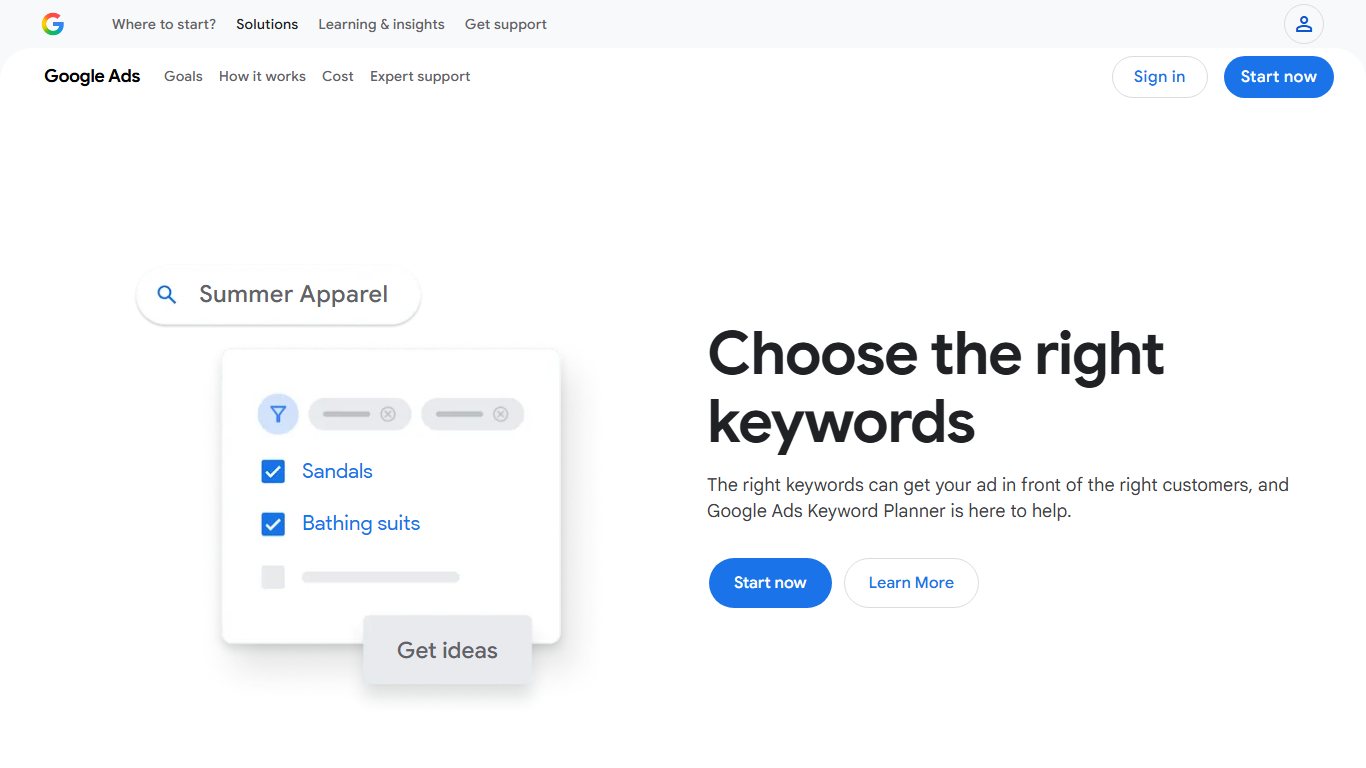
Google Keyword Planner is a basic tool that many marketers already know. It is still one of the best places to start keyword research, and it can tell you a lot about your rivals if you use its website feature.
You need a Google Ads account. To look at a competitor:
- In Google Ads, open Tools, then Planning, then Keyword Planner.
- Choose Discover new keywords.
- Select Start with a website and enter your competitor’s URL.
- Choose whether to use the entire site or only that page, then click Get results.
You will see:
- New keyword ideas based on the rival’s page
- Average monthly searches for each keyword
- Competition level and top-of-page bid ranges
Pay attention to the long-tail keywords in these results, because that is where the useful finds are. Keep in mind that a competitor may not be targeting a keyword on purpose just because it appears on their page. Those are often the keywords you have a real chance of winning.
Accounts without active ad spend may only see search volumes as broad ranges. To find out whether a rival actually ranks for these keywords, you need a rank tracker. That is the next tool.
7. Pro Rank Tracker
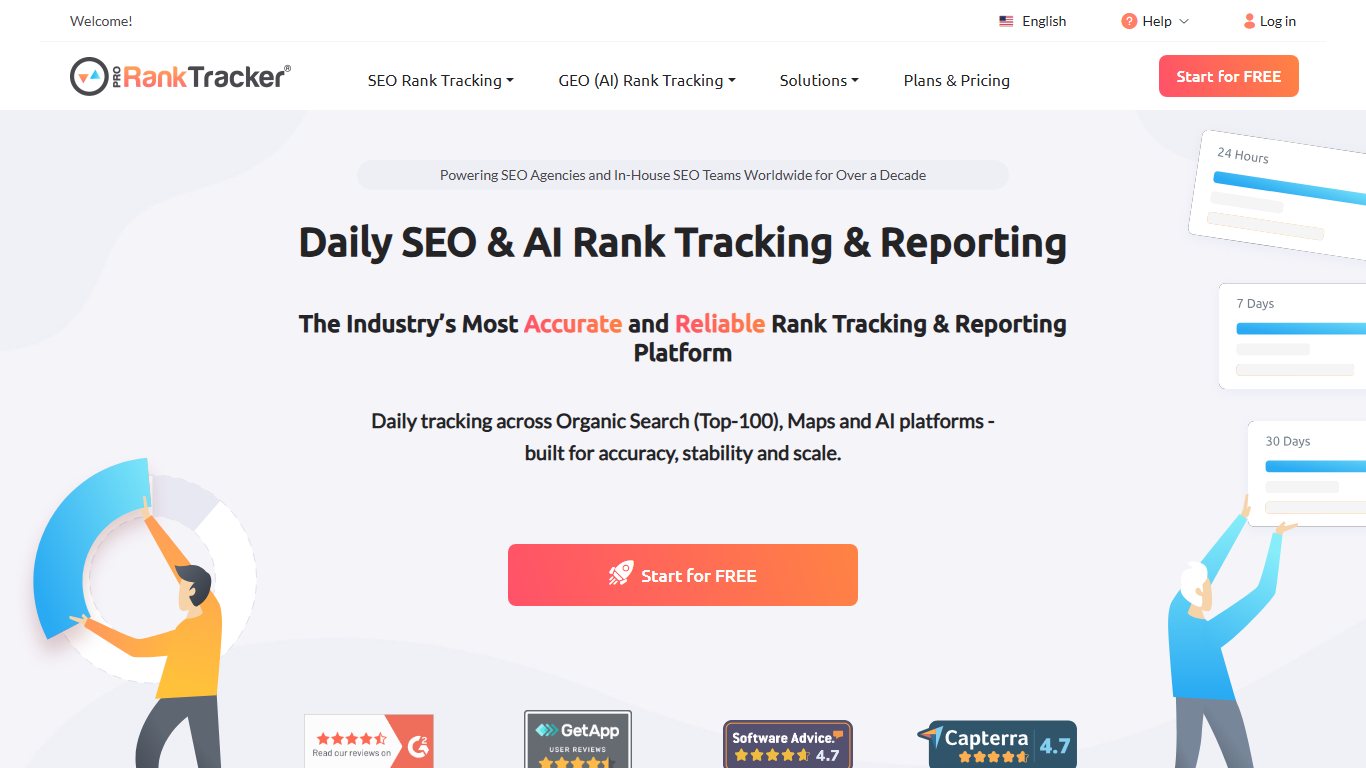
You can check rankings by hand in Google, but it takes hours and the results change depending on location and search history. Pro Rank Tracker automates the job. You enter a list of keywords and a competitor’s URL, and it reports where that site ranks.
- Create an account.
- Add your main competitor’s URL.
- Choose the search engine to track. Google is the usual choice because it has by far the largest share of searches.
- If local search matters to you, set a location.
- Add the keywords you collected in Google Keyword Planner and save them to your dashboard.
The dashboard then shows ranking data for each keyword. Focus first on keywords where the competitor ranks reasonably well but still has room to improve, because those are the easiest ones to win.
The old 20-keyword free plan is no longer how the service is sold. Pro Rank Tracker now offers trials, and its entry-level Starter plan costs about $99 a month billed monthly, or about $89 a month billed yearly.
Next come the social media monitoring tools.
8. Social Mention
Watching your rivals’ social media activity is one of the best ways to understand them, because that is where many businesses spend much of their marketing time and budget.
Social Mention was a free search engine for brand mentions. It showed a sidebar with strength, sentiment, passion and reach scores, how often a brand was mentioned, and where each mention came from. You could use those sources to join conversations, win traffic and find backlink opportunities.
The original socialmention.com has not been maintained for years and is widely reported to be unreliable or offline. Do not build a workflow around it. For the same kind of mention tracking, use the listening features in Hootsuite, Brand24 or Mention. For a free option, set a Google Alert for each competitor’s brand name.
9. Hootsuite

Hootsuite is one of the best-known tools for monitoring social media. It connects to Facebook, Instagram, X, LinkedIn, TikTok, YouTube, Threads, Pinterest and WhatsApp. Feature support varies by network.
This makes competitor monitoring simple:
- List your main rivals and their social accounts.
- Create a stream in Hootsuite for each one.
- Add streams for keywords and hashtags that matter in your industry.
You can then follow all of them from one dashboard. That makes it practical to keep up with the major companies in your field every day instead of checking each network separately.
10. Fanpage Karma
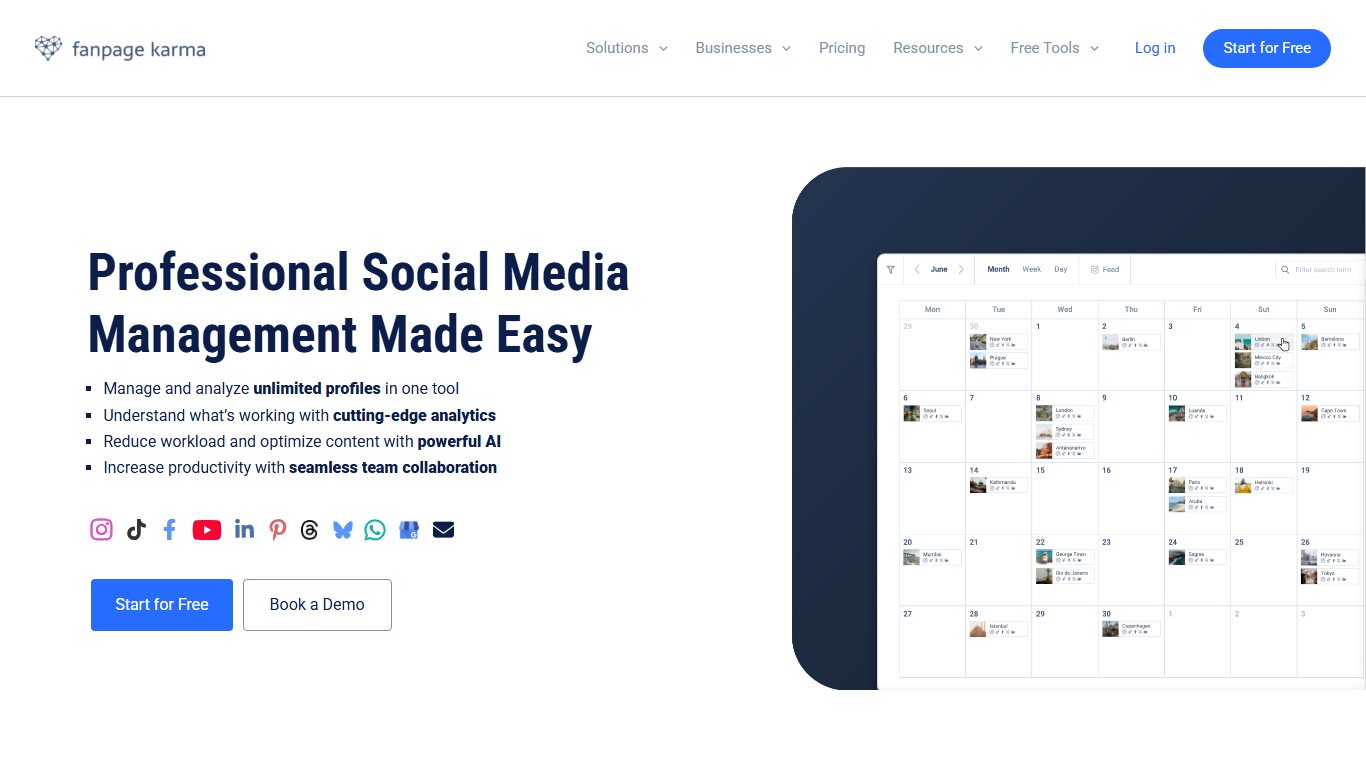
Fanpage Karma shows how well your rivals’ social media profiles perform. You could look up their pages on each network yourself, but you would not get anywhere near the same depth of analysis.
The KPI overview includes:
- Number of fans or followers
- Weekly growth
- Posts per day
- Daily reach
That is only the start. You can also see data on content types, posting schedule and frequency, influencers and estimated ad value.
Do not write off a competitor because it does badly on one network. That channel may simply not matter much to its strategy. Check several of each rival’s profiles before drawing conclusions.
11. Simply Measured
Simply Measured used to track several channels at once and gave detailed reports on competitors’ social performance:
- Key performance indicators across profiles
- The best and worst performing accounts
- The most popular content from brands you followed
- Audience engagement analysis
Sprout Social bought Simply Measured in 2017, and the standalone product has since been discontinued. Its analytics now live in Sprout Social’s Premium Analytics add-on. It was always the expensive option, and that is still true today. On a tight budget, Hootsuite and Fanpage Karma trials cover the basics.
Next up are the PPC and ad intelligence tools.
12. iSpionage
Paid search is one of the most competitive areas of marketing. You compete on bids and on creativity at the same time, and gaining ground is hard. iSpionage helps in two ways:
- It finds profitable keywords based on what your competitors bid on.
- It estimates how much your rivals spend on PPC ads.
These figures help you keep conversion rates high and costs low. Start with the PPC summary. Then look closely at the PPC keyword list and its metrics, the ad copy, and the search terms that triggered each ad.
Watch for the best-performing ads and visit their landing pages to study the full creative. Ads often follow repeatable formulas, and a pattern that works for a rival will probably work for you too. Do not copy anyone’s ad outright. Borrow the patterns and structures, then write your own.
13. Moat
Moat Ad Search was once the biggest search engine for digital display ads. You could type in a brand such as Coca-Cola, see its past ads, check each ad’s size and run dates, and set alerts for new creative.
Oracle, which owned Moat, left the advertising business and shut down all Oracle Advertising products, Moat included, on 30 September 2024. The tool no longer exists.
Two free, official tools now cover most of what Moat Ad Search did:
- Google Ads Transparency Center: search for any advertiser to see its current and past ads on Google Search, YouTube and Google’s display network, with dates and regions.
- Meta Ad Library: shows active ads running on Facebook and Instagram for any page.
An ad that has been running for a long time is usually performing well, so start with those.
14. Spyfu
Spyfu is the most straightforward PPC research tool on this list, and it is a good choice if you are new to paid search.
- Enter your competitor’s domain.
- Check the most expensive keywords, the cost per click and the estimated monthly ad spend.
- Open the Ad History report. It was called AdWords History before Google renamed AdWords to Google Ads.
Knowing where competitors spend their budget tells you which keywords are worth going after, and how much you would need to spend to compete. You need a free account and must log in to see all the data.
Ad history is the most valuable part, because a brand’s past ads show you:
- How its advertising started
- How its copy and images changed over time
- Which changes coincided with better conversion rates and lower cost per click
Finally, the content analysis tools.
15. BuzzSumo
BuzzSumo shows what content works for your rivals better than any other tool here. It no longer has a permanent free plan. You get a free trial, and paid plans start at about $199 a month.
- Enter a competitor’s domain and run the search.
- Review the domain’s best-performing articles, ranked by engagement.
- Pick a few topics that fit your business and plan something better.
You can then plan promotion. BuzzSumo shows the backlinks to a piece of content and the people who shared it. Once you have published something more useful than your rival’s version, contact those people and ask whether they would share or link to yours. They have shared this kind of content before, so a clear message with real value has a good chance of working.
Conclusion
Analysing your rivals’ strengths and weaknesses should be a standard part of your growth plan. To beat the other players in your market, you need a clear picture of where they stand.
Use more than one tool. Each one estimates traffic, links and spend in its own way, so collect data from several sources and compare them before you act.
A final word of advice
Do not get lost in the data. Numbers are only useful when you act on them. Decide in advance what you will do with each finding, for example a new keyword to target, a link prospect to contact or an ad pattern to test. That is how research turns into results.
FAQ
Is it legal to spy on your competitors with these tools?
Yes. Every tool here works with public data, such as search rankings, published ads, public social posts and backlinks other sites can see. It becomes illegal if you access private systems, use someone’s login, or copy ads and content outright. Learn from the patterns and keep the work your own.
Which competitor research tool is best if you can only afford one?
For SEO, Ahrefs or Semrush, since both cover keywords, backlinks and traffic in one place. If paid search matters more to you, Spyfu is cheaper and focused on ads. If your budget is zero, start with Google Keyword Planner, Ubersuggest’s free searches and the Google Ads Transparency Center.
How accurate are traffic and ad spend estimates?
They are estimates built from panels, clickstream data and ranking models, not from the competitor’s own analytics. Expect the exact numbers to be off, sometimes by a lot for small sites. They are reliable enough to compare trends, channels and relative size, which is what you need for decisions.
What replaced Moat Ad Search?
Oracle shut down Moat on 30 September 2024. The Google Ads Transparency Center and the Meta Ad Library are free, official replacements for most needs. Paid ad intelligence tools such as Semrush and Spyfu add spend estimates and longer ad history.
Is Semrush still available after Adobe bought it?
Yes. Adobe completed the acquisition on 28 April 2026, and Semrush is still sold as its own product, including the free account. Adobe is also adding its features to Adobe’s enterprise marketing tools.
How many tools do you actually need?
Most small businesses need two or three: an all-in-one SEO tool, a PPC tool if you run ads, and a social or content tool if those channels drive your sales. Adding more tools gives diminishing returns unless you have someone with time to act on the extra data.
Sources
- Adobe newsroom: Adobe completes Semrush acquisition (April 2026)
- Oracle: Oracle Advertising end-of-life FAQs
- Hootsuite: supported social networks and help center
- Pro Rank Tracker: plans and pricing
- Ubersuggest help center: plan limits
- TrustRadius: Simply Measured product listing (discontinued, now Sprout Social Premium Analytics)













