
As of November 2026, the most useful developer productivity tools fall into a few groups: GitLab and AWS CodeDeploy for shipping code, Linear for tracking work, Testsigma and LambdaTest (renamed TestMu AI in January 2026) for testing, and Krisp, Twist, f.lux and Paste for focus and day-to-day comfort. Most have a free tier, so start with the one that fixes your biggest time sink. Prices and plan names changed a lot during 2025 and 2026, so check each vendor’s pricing page before you commit a team to a paid plan.
Any experienced programmer will tell you that being busy is not the same as being productive. You can spend a whole day active without moving a project forward. You may also be doing repetitive jobs that could be automated, and those jobs eat into the time you have for real work.
At its simplest, productivity means finishing tasks quickly and well. A developer has to write code, think through program logic and test it without wasting time, putting off getting started or running out of energy. Effectiveness and efficiency are two of the most important traits of any capable coder.
Programmers who can produce high-quality code quickly are valuable to employers and clients because they solve problems faster and more consistently. There are now plenty of tools that help with this. They organise your time and projects, support better decisions and automate tedious tasks.
The list below covers 11 tools that are still worth a look in 2026.
The 11 tools at a glance
The table sums up what each tool does and what it costs as of November 2026. Every tool on the list has some free option, apart from Paste (a free trial only) and Testsigma’s hosted cloud (paid plans are quoted by sales).
| Tool | What it helps with | Free option | Paid plans |
|---|---|---|---|
| Dewo | Focus and deep-work scheduling | Early access was free | Not published |
| AWS CodeDeploy | Automated deployments | Free for EC2, Lambda and ECS | $0.02 per on-premises instance update |
| GitLab | Full DevOps platform | Free tier | Premium $29 per user per month (billed yearly) |
| New Relic CodeStream | Code discussion and observability in your IDE | New Relic free tier | New Relic user pricing |
| Testsigma | Codeless test automation | Open-source Community Edition | Custom quote |
| f.lux | Screen colour at night | Free | None |
| LambdaTest (TestMu AI) | Cross-browser and mobile testing | Free plan | From about $15 per month |
| Paste | Clipboard history | 7-day trial | Subscription or lifetime licence |
| Linear | Issue tracking and planning | Free plan | Basic $10, Business $16 per user per month (yearly) |
| Krisp | Noise cancellation on calls | 60 minutes a day | Pro from about $8 per month (yearly) |
| Twist | Asynchronous team chat | Free plan | Unlimited $6 per user per month |
1. Dewo

Dewo is a deep-work assistant built to protect your focus. Context switching and distractions are among the worst enemies of developers, because they make it hard to concentrate on difficult problems.
Dewo comes from Memory, the company behind the Timely time tracker, and its design draws on the same AI model that powers Timely. It watches how you work in real time and aims to keep you engaged and make the most of each workday.
Besides helping you stay focused, the tool analyses your work patterns. It uses your calendar history and your productive habits to suggest when meetings should go, so your best hours stay free for deep work.
Applying AI to those patterns, it gives you insights into your performance and behaviour so you can change how you work.
Price: Dewo was free during its early-access period. Memory has not published a current price, so check its status before you build a routine around it.
2. AWS Code Deploy

AWS CodeDeploy is Amazon’s service for automating code deployments. Because so many cloud apps run on AWS, it is an easy pick for this list, and it is built mainly for continuous deployment.
The service automates deployments to Amazon EC2 instances, AWS Lambda functions, Amazon ECS services and your own on-premises servers.
It handles almost any kind of file you throw at it.
That includes executables, code, scripts, configuration files, multimedia files and more.
Like most Amazon services, it scales easily.
CodeDeploy has fewer third-party integrations than some rivals, but it is still a strong choice for any AWS-based setup.
Pricing: Deployments to EC2, Lambda and ECS cost nothing extra. Deployments to on-premises instances cost $0.02 per instance update. You still pay for the AWS resources your app runs on.
3. Gitlab

GitLab is a single platform for the whole software development workflow, and it remains one of the best options for modern deployment in many situations.
It combines planning, packaging and release with DevOps features such as monitoring and configuration, so you can manage everything from one place.
GitLab has many Kubernetes integrations and a built-in container registry, which makes it well suited to the cloud.
Administrators get full control through a single permission model. That makes it easy to adapt the platform to your CI/CD preferences.
Any team can use these features, but GitLab works especially well for remote teams.
Pricing: The Free tier on GitLab.com covers up to 5 users per top-level group. Premium costs $29 per user per month, billed yearly. Ultimate is priced through GitLab’s sales team, and AI features under the GitLab Duo name are sold on top of or alongside these tiers.
4. Code stream

CodeStream lets developers discuss code inside the editor instead of jumping between chat, email and the code host. New Relic bought it in 2021, and it now runs as New Relic CodeStream, an IDE extension that also shows performance data and errors next to your code.
Keeping that information flowing without breaking your concentration matters a lot, because much useful work depends on people outside your own bubble.
CodeStream cuts down the friction of code reviews by keeping all your code-related discussions in one place.
It works across the main languages and editors, including VS Code and JetBrains IDEs. You can discuss code with your team before anyone opens a pull request.
To start a discussion, you highlight a block of code and add a comment.
Because engineers talk about code in its context, it is easier to work through shared problems and keep the codebase healthy.
Pricing: The old standalone plans (a free basic plan, about $10 per user per month for business and about $45 for enterprise) no longer exist. CodeStream now works with a New Relic account. New Relic’s free tier includes 100 GB of data ingest per month, and paid access depends on New Relic’s user types, so check New Relic’s pricing page for the role your team needs.
5. Testsigma

Testsigma is a test automation platform that aims to make testing simpler.
Development and QA teams can build thorough test suites without writing code.
You write tests as plain-English steps or record your actions in the browser.
Tests can run on your own machines or on Testsigma’s cloud grid of real browsers and mobile devices. It covers web, mobile and API testing, with useful debugging options and real-time results.
Its AI features, such as self-healing tests that adjust when the page changes, take on much of the maintenance work.
Pricing: The Community Edition is free and open source under the Apache 2.0 licence, but you host it yourself. Testsigma’s cloud Pro and Enterprise plans are priced on request, and the advanced AI features are limited to paid plans. The old $349 a month starting price no longer applies.
6. F.lux
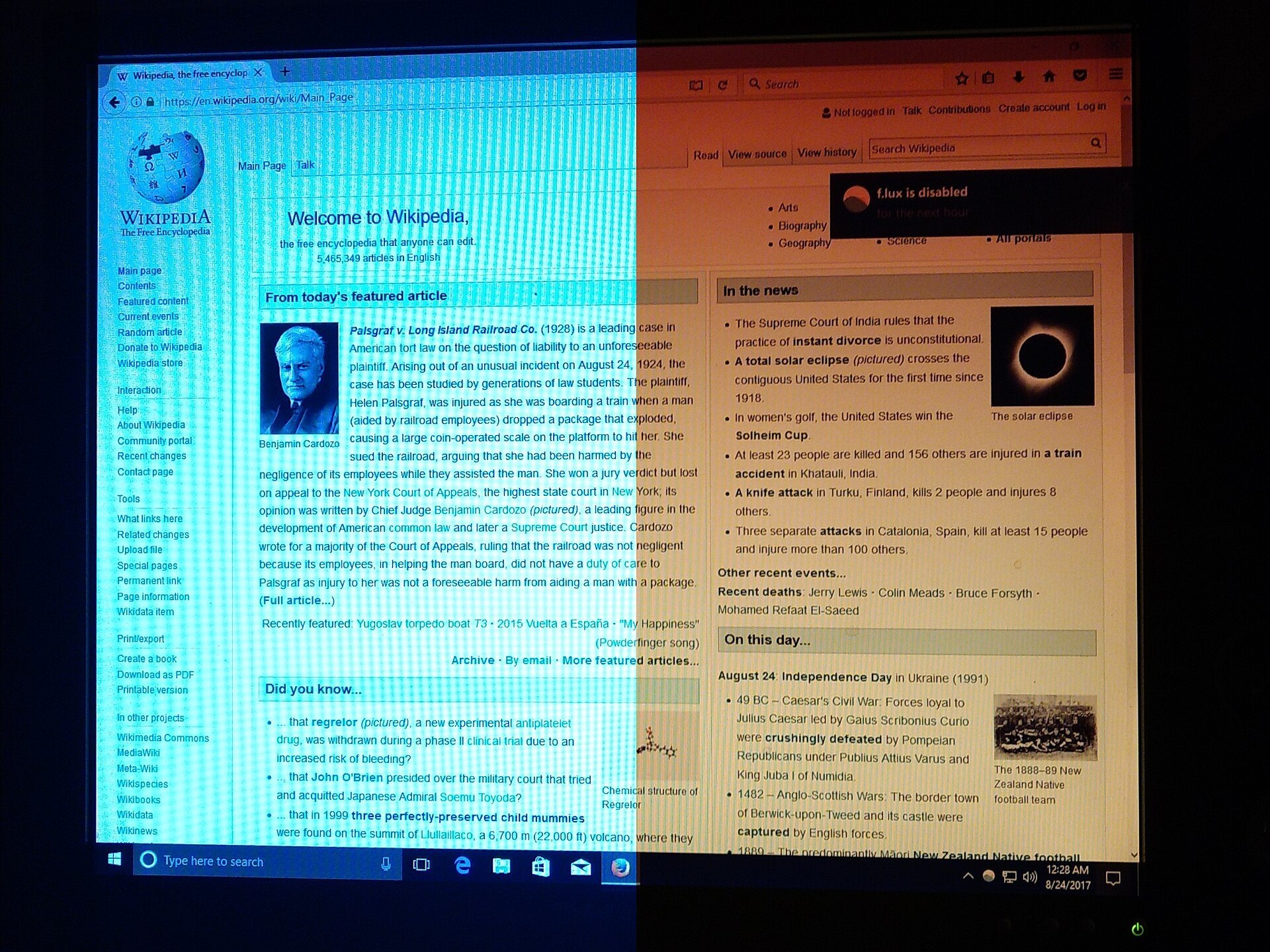
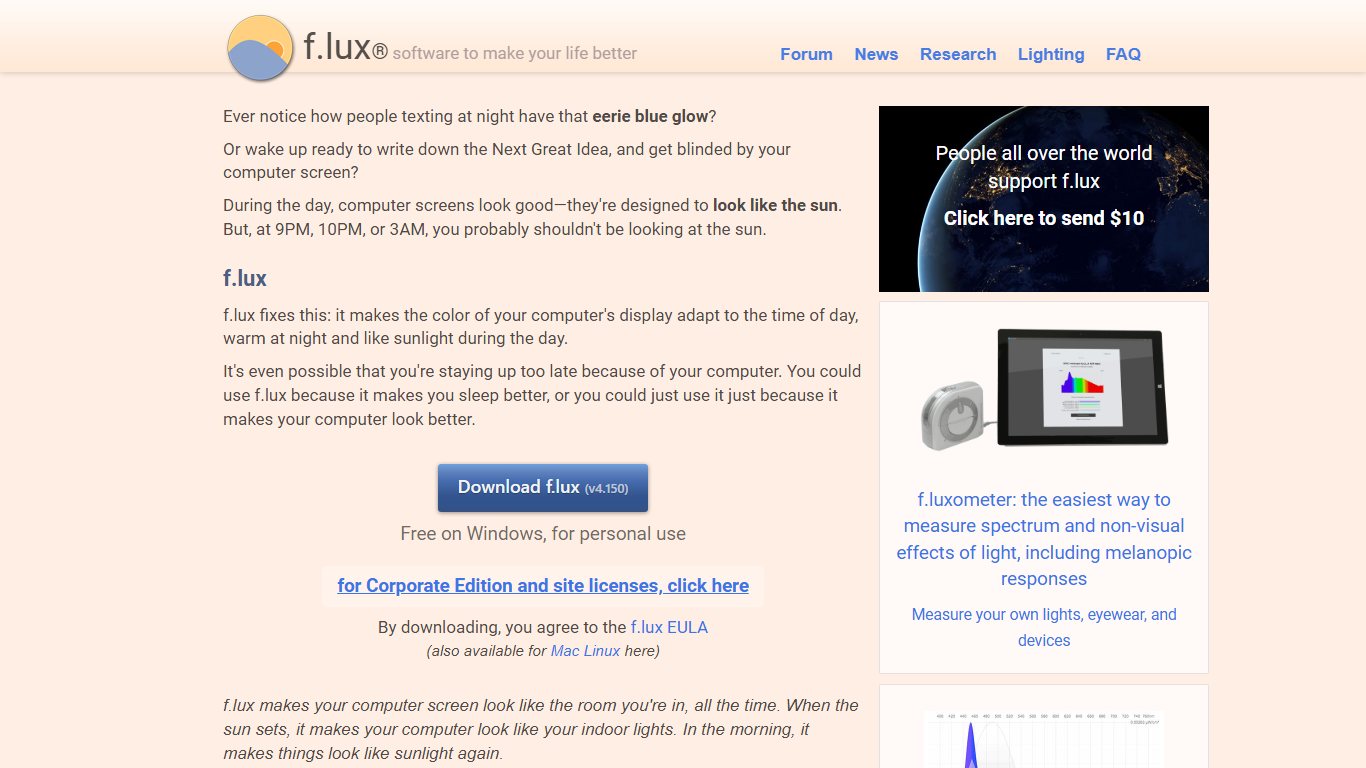

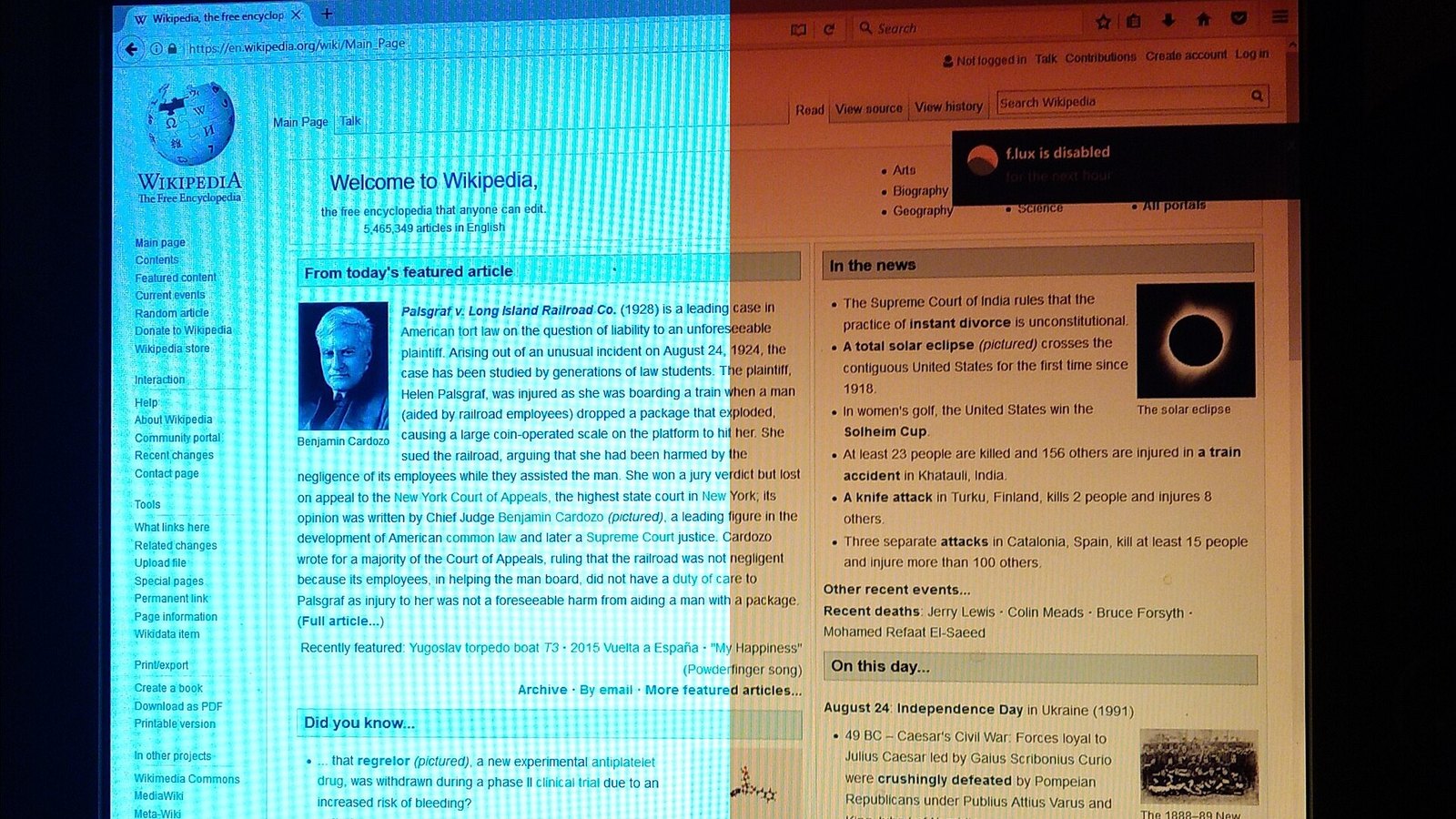
f.lux is a free app that warms your screen’s colour after dark to reduce eye strain. Programming is hard on the eyes, and comfortable eyes make it easier to code with focus for long stretches.
The app changes your display’s colour through the day to match the light around you. It runs on Windows, macOS and Linux.
You only need to tell it your location and the type of lighting you have, and it handles the rest.
When the sun sets, f.lux shifts your display to suit indoor lighting. At sunrise, it returns to normal daylight colours.
You can tune everything to your work schedule, including how warm the colours get in the evening.
f.lux is still free. If you would rather not install anything, Windows 11 has Night light (Settings > System > Display > Night light), and Macs and iPhones have Night Shift, which do a simpler version of the same job.
7. LambdaTest
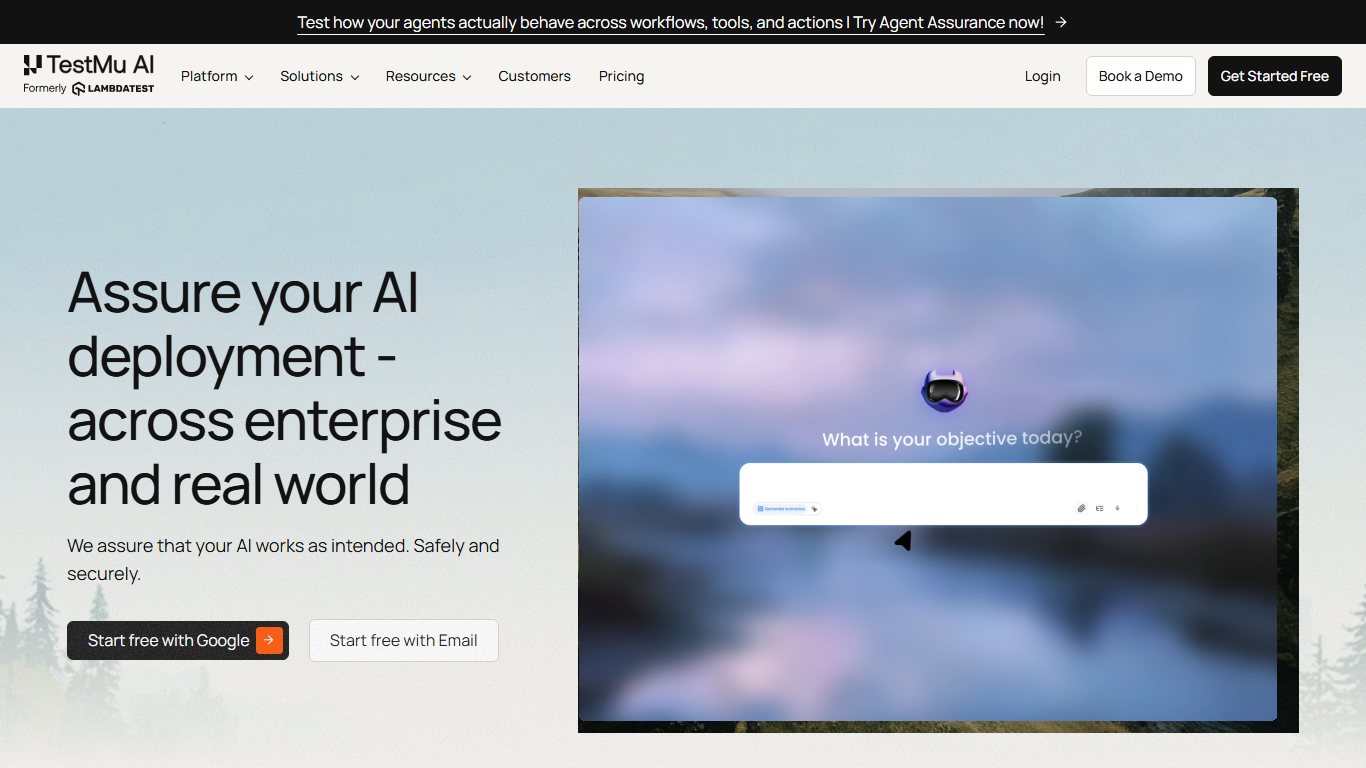

LambdaTest is a cloud testing platform that covers more than 3,000 browser and operating system combinations. In January 2026 the company renamed itself TestMu AI, and existing accounts carried over to the new name.
It is easy to use, runs tests in parallel so suites finish faster than on a single local machine, and also handles testing of mobile apps.
A major advantage is that you can run your whole Selenium test suite on the platform.
If you prefer other frameworks, it also supports Cypress, Playwright, Appium and the main JavaScript test runners.
Other strong features include built-in debugging tools and geolocation testing, which lets you see your site as users in other countries do.
Pricing: There is a free plan, and paid live-testing plans have started at about $15 per month. The KaneAI testing agent is priced separately, and TestMu AI changed several plans during 2026, so confirm current prices on its site.
8. Pastebin



This entry is about Paste, a clipboard manager for Mac, iPhone and iPad, which is often mixed up with Pastebin. Pastebin is a different thing: a website for sharing text and code snippets through a link. Paste keeps a searchable history of every text, image and link you have copied on your Apple devices.
Paste syncs through iCloud, so anything you copy on your Mac is ready on your phone. You can share items by email, Messages, social apps or AirDrop.
That saves you from hunting down a snippet you copied an hour ago.
You can also pick several items and paste them at once, and paste text without its original formatting.
Pinboards keep the snippets you use often, such as code templates or addresses, one click away.
Pricing: Paste offers a 7-day free trial. After that it is a paid subscription, or a one-time lifetime purchase through the App Store. Prices vary by region and store, so check the App Store listing.
9. Linear
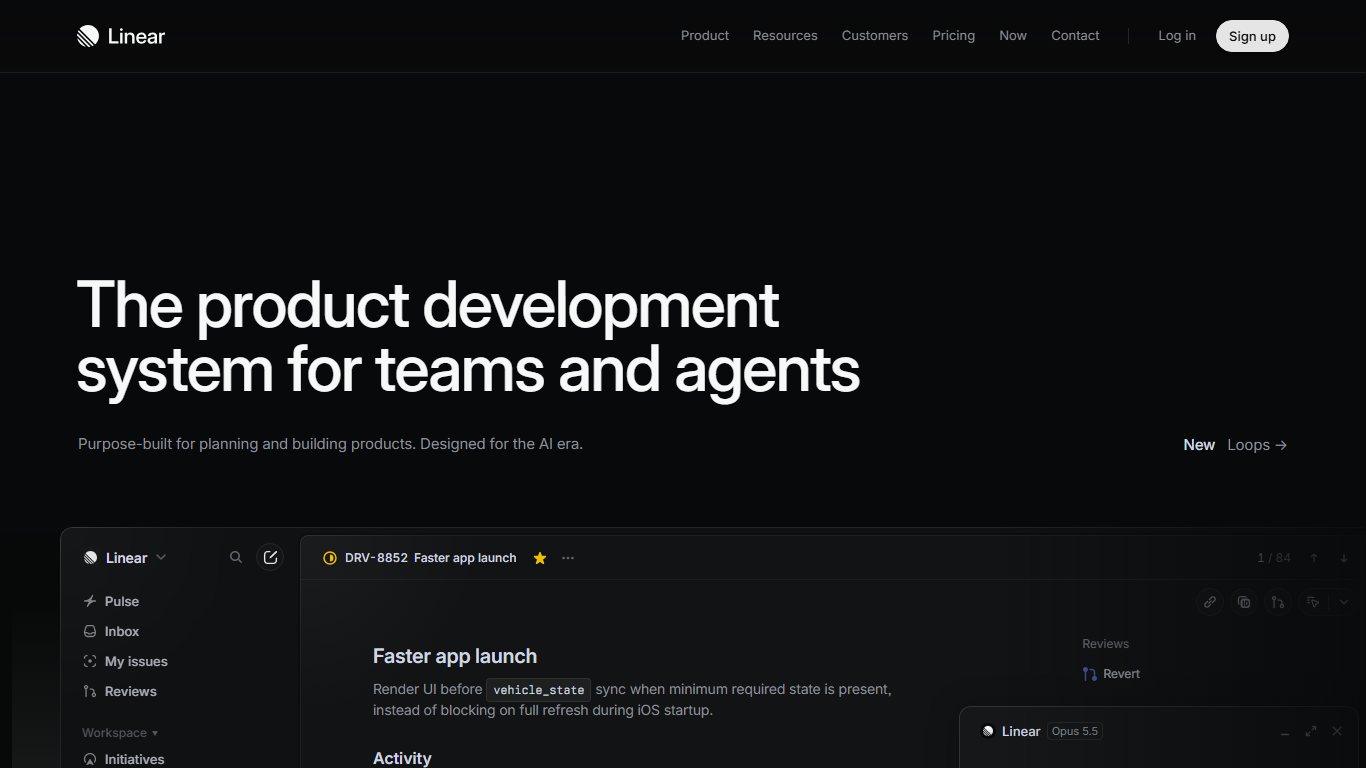

Linear is an issue tracker and project planning tool for software teams.
It is widely praised for its clean design and very fast response times.
Linear works more like a full project management tool than a plain online issue tracker. It handles sprints (called cycles), projects, roadmaps and boards.
Its keyboard navigation is the standout feature for developer productivity. You can manage issues, cycles, lists and boards without touching the mouse.
Almost everything is a shortcut away, and Cmd+K (Ctrl+K on Windows) opens a command menu that reaches the rest.
Pricing: Linear has a free plan. Basic costs $10 per user per month billed yearly ($12 billed monthly), Business costs $16 per user per month billed yearly, and Enterprise is priced on request.
10. Krispy
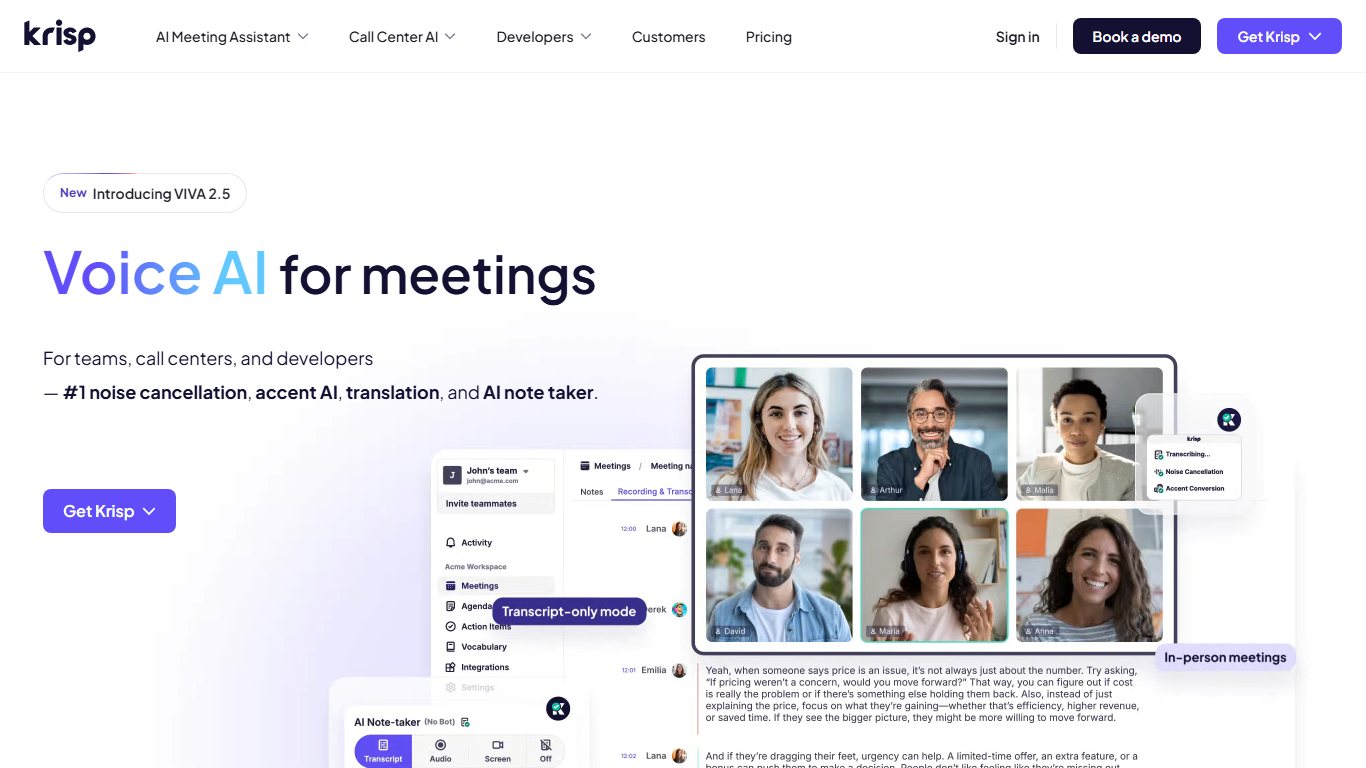

Krisp, often searched as Krispy, is an app that removes background noise from calls. Video calls are a vital way for remote teams to communicate.
Many people don’t join from a quiet office. Everyone else on the call then has to strain to hear over barking dogs or the noise of a busy coffee shop.
Krisp was built to fix exactly that.
It uses AI to strip out background noise and keep the voice you want to hear.
It also cuts unwanted echo.
Krisp runs on Windows and Mac and works with the apps you already use for calls, including Zoom, Google Meet, Microsoft Teams and Slack. Newer versions add meeting transcription and AI summaries.
Price: The free plan gives you 60 minutes of noise cancellation a day. Pro, with unlimited noise cancellation, starts at about $8 per month billed yearly and costs more billed monthly.
11. Twist



Twist is a team messaging app built for asynchronous work, made by Doist, the company behind Todoist. Many teams are moving from live chat to asynchronous messaging so people in different time zones and on different schedules can still communicate well, although live chat still has its uses.
Twist is one of the apps driving that shift.
It works as a slower, more deliberate alternative to Slack because conversations are organised into threads, not a constant stream.
The interface is clean and has no notification dots or online status indicators.
It strikes a good balance between teamwork and keeping distractions low.
Pricing: Twist has a free plan with limited message history. The Unlimited plan costs $6 per user per month.
How to pick the right tools
There are developer productivity tools of every size and type, so the right mix depends on where your time actually goes.
Today’s tools help software professionals stay focused, organise tasks, improve code quality and automate the tedious parts of software development.
A sensible order works like this:
- Fix your biggest bottleneck first. If deployments are slow or manual, look at GitLab CI/CD or AWS CodeDeploy before anything else.
- Add tracking next. A fast tracker such as Linear means fewer status meetings.
- Automate your testing with Testsigma or LambdaTest once releases become frequent.
- Finish with comfort and focus tools such as Krisp, Twist, Paste and f.lux. They cost little or nothing and pay off every day.
Try one tool at a time on its free tier for two weeks. Keep it only if you can name the task it made faster.
FAQ
What is the best free developer productivity tool?
For most developers it is GitLab’s Free tier, because it covers source control, CI/CD pipelines and issue tracking in one place. If you already use GitHub, Linear’s free plan and f.lux add the most value for nothing. Krisp’s free plan is also worth having if you are on calls every day.
Is LambdaTest the same as TestMu AI?
Yes. LambdaTest renamed itself TestMu AI in January 2026 to reflect its focus on AI-driven testing. The platform, accounts and core browser testing features carried over, but some plans and prices changed during 2026.
Is CodeStream still available?
Yes, as New Relic CodeStream. New Relic bought CodeStream in 2021 and now offers it as an extension for VS Code and JetBrains IDEs. You need a New Relic account to use it, and New Relic’s free tier is the cheapest way to start.
Is Pastebin the same as Paste?
No. Pastebin is a website where you paste text or code and share it through a link. Paste is a clipboard manager for Mac, iPhone and iPad that saves everything you copy and syncs it through iCloud.
Do you still need f.lux on Windows 11 or a Mac?
Not always. Windows 11 has Night light under Settings > System > Display, and macOS has Night Shift under System Settings > Displays. f.lux is still worth installing if you want finer control over colour temperature, schedules and how gradually the screen changes.
How much does GitLab Premium cost?
GitLab Premium costs $29 per user per month, billed yearly. The Free tier on GitLab.com covers up to 5 users per top-level group, and Ultimate is priced through GitLab’s sales team.
Sources
- AWS CodeDeploy pricing page, Amazon Web Services
- GitLab pricing page, GitLab Inc.
- New Relic pricing page and CodeStream documentation, New Relic
- Testsigma Community Edition repository and pricing page, Testsigma
- TestMu AI (formerly LambdaTest) pricing page, TestMu AI
- Paste pricing and download pages, Paste
- Linear pricing page, Linear
- Krisp pricing page, Krisp
- Twist pricing page, Doist
- f.lux download page, f.lux Software LLC













