

In November 2026, BuzzStream is the strongest all-in-one choice for blogger outreach. Pair it with Hunter or Snov.io if you need to find and verify email addresses cheaply. If you already pay for Semrush, try its built-in Link Building Tool before buying anything else. BuzzSumo and Awario are better for finding influencers and conversations than for sending email.
The right outreach tool can turn a slow, manual chore into a repeatable process. The nine tools below cover every stage of the work: finding influencers and well-read blogs, getting the right contact address, and then sending and tracking your outreach campaigns.
What these tools cover
Each tool on this list helps with at least one part of blogger outreach: finding contacts, verifying email addresses, sending sequences, setting follow-up reminders or tracking replies. At the end, you’ll find advice on which tool suits which use case.
The tools were picked for their outreach features, their free or entry-level options, and how well they fit into a normal email workflow. Prices are list prices in US dollars unless noted. Vendors change them often, so check the pricing page before you subscribe.
Quick comparison
| Tool | Best for | Free option | Entry paid plan (monthly billing) |
|---|---|---|---|
| BuzzStream | Outreach CRM and campaign management | Free trial | Starter tier for one user |
| Snov.io | Email finding, verification and drip campaigns | Free Trial plan, 50 credits a month | Starter, about $39/month |
| Hunter | Finding and verifying business emails | Free plan, 50 credits a month | Starter, $49/month |
| Semrush | Outreach for SEO teams already using Semrush | Limited free account | Pro, $139.95/month |
| BuzzSumo | Influencer and content research | Free trial only | Content Creation, $199/month |
| Mailshake | Cold email campaigns at scale | No free plan | Starter, $29/user/month |
| Awario | Social listening to find influencers | Free trial | Starter, $49/month |
| Crystal Knows | Personality insights for writing better emails | Free basic plan | Paid monthly or yearly |
| FollowUpThen | Email follow-up reminders | Free plan, 50 follow-ups a month | Paid plans add more features |
1. BuzzStream
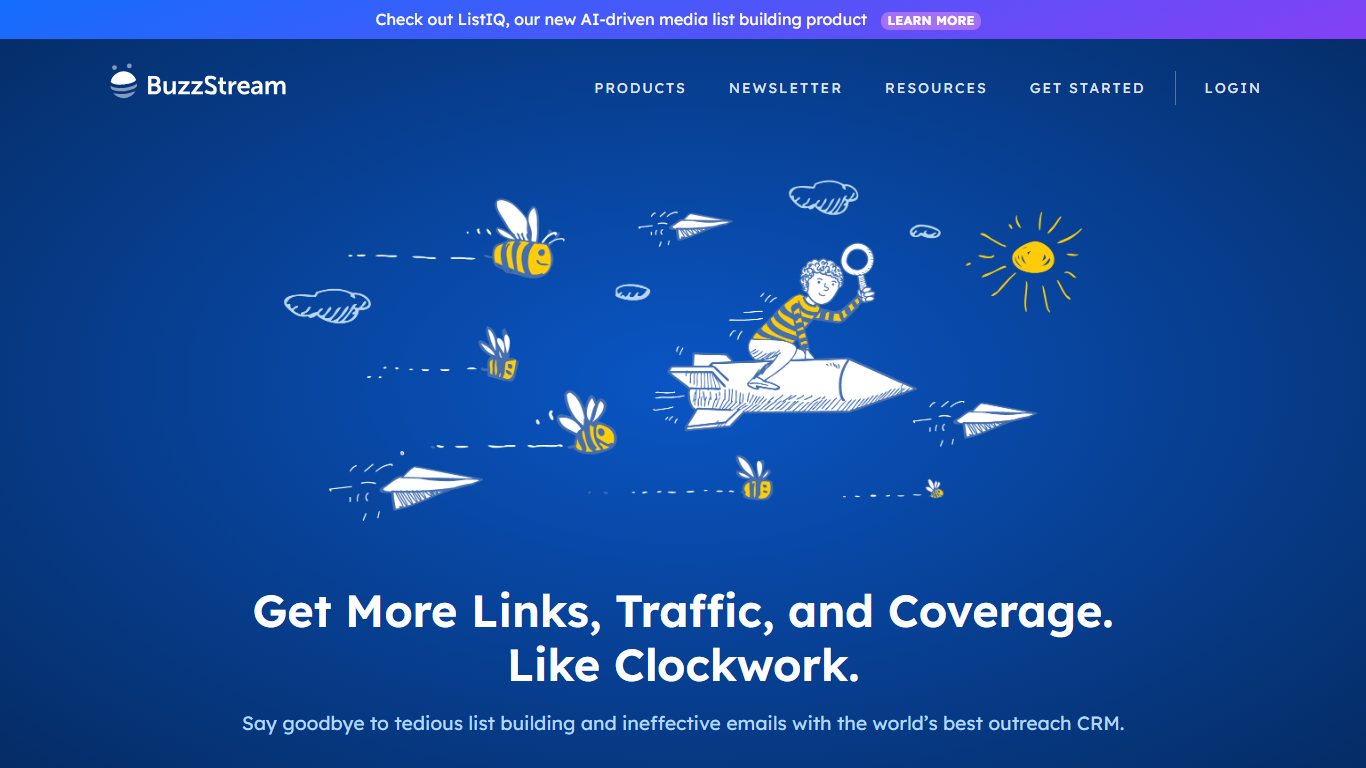

BuzzStream is a popular all-in-one outreach tool. It handles everything from finding influencers to managing your campaigns once you start contacting them. Agencies and in-house SEO and PR teams use it as a CRM built for link building and digital PR.
BuzzStream’s best features
- Prospecting: Use BuzzStream’s browser extension to collect email addresses and social media profiles as you browse, then add them to your database as leads. You can also find influencers by searching keywords and URLs.
- Segmentation: Filter and group leads by relationship stage, website authority, tags and follower count. You can save these segments and reuse them as filters later.
- Email: Connect your email account to BuzzStream and write emails inside the app. You can send them right away or schedule them.
- Email templates: Choose from ready-made templates or create your own and save them for later.
- Follow-up campaigns: Track emails at each stage of a campaign, from unopened to opened but not answered. BuzzStream can remind you to follow up and can also send follow-up emails for you.
- Reports: Detailed reports show how well individual campaigns and your outreach as a whole are performing.
BuzzStream pricing
BuzzStream has no free plan, but you can start with a free trial. The Starter tier covers one user. The Growth and Professional tiers add more users, much larger contact limits and team features, and custom plans are available for big teams. Prices have changed several times, so check BuzzStream’s plans page for today’s figures.
2. Snov.io
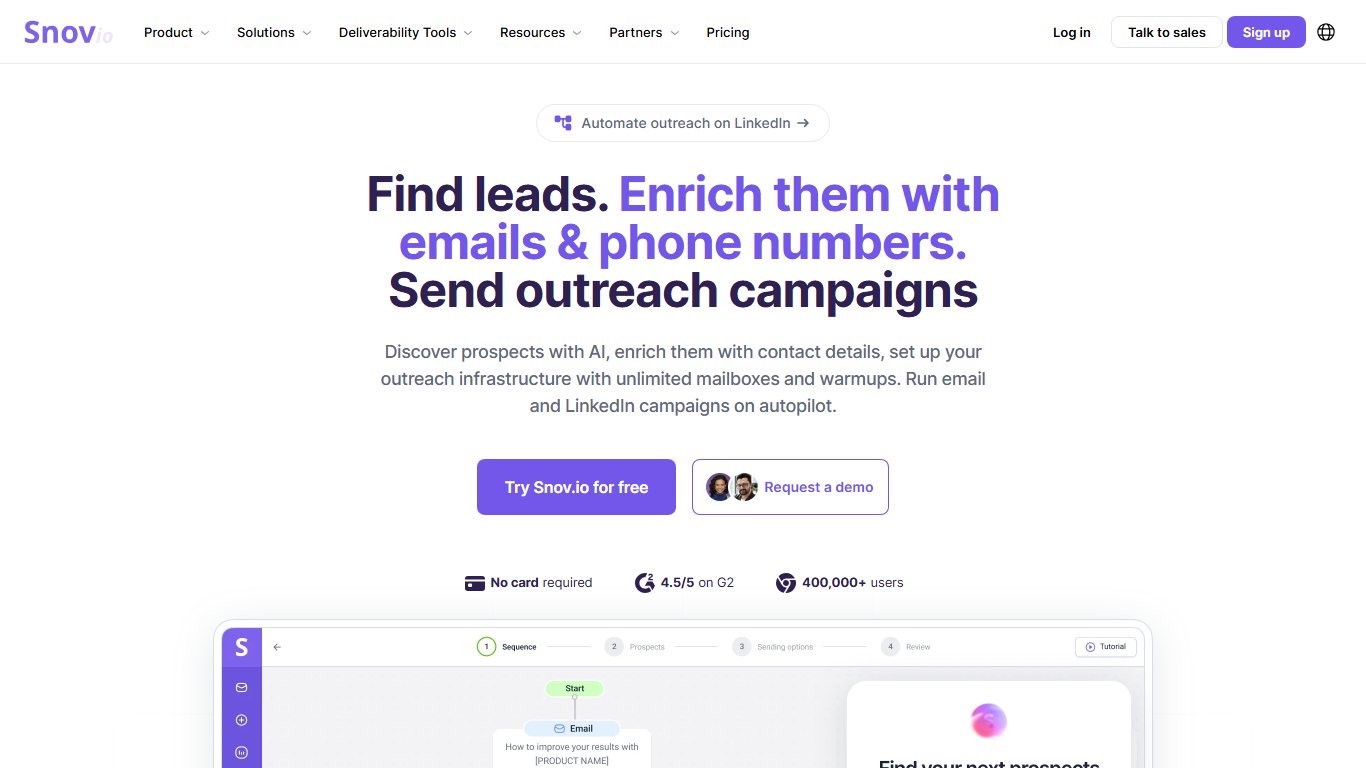

Snov.io is a simple but capable email outreach tool. You can use it to find email addresses in several ways, verify single addresses or whole lists, and build automated outreach campaigns.
What Snov.io is known for
- Email Finder: Look up email addresses by domain, company or person’s name. You can also build lead lists by job title, location and skills.
- Email Verifier: Check whole email lists in one go. The tool flags duplicate, temporary, catch-all and disposable addresses, and it can verify single emails instantly.
- Drip campaigns: Build email sequences that run on events, triggers and schedules, with follow-ups planned in advance.
- Gmail integration: Track the emails you send from Gmail.
- Chrome extension: Find email addresses for any website you visit, straight from the browser.
Snov.io pricing
Snov.io has a free Trial plan that does not expire. It renews 50 credits and 100 email recipients every 30 days, and you don’t need a credit card. Credits come from one shared pool for the email finder, the verifier and campaigns. Paid plans start with Starter at about $39 a month for roughly 1,000 credits. Annual billing cuts the price by about 25%.
3. Hunter
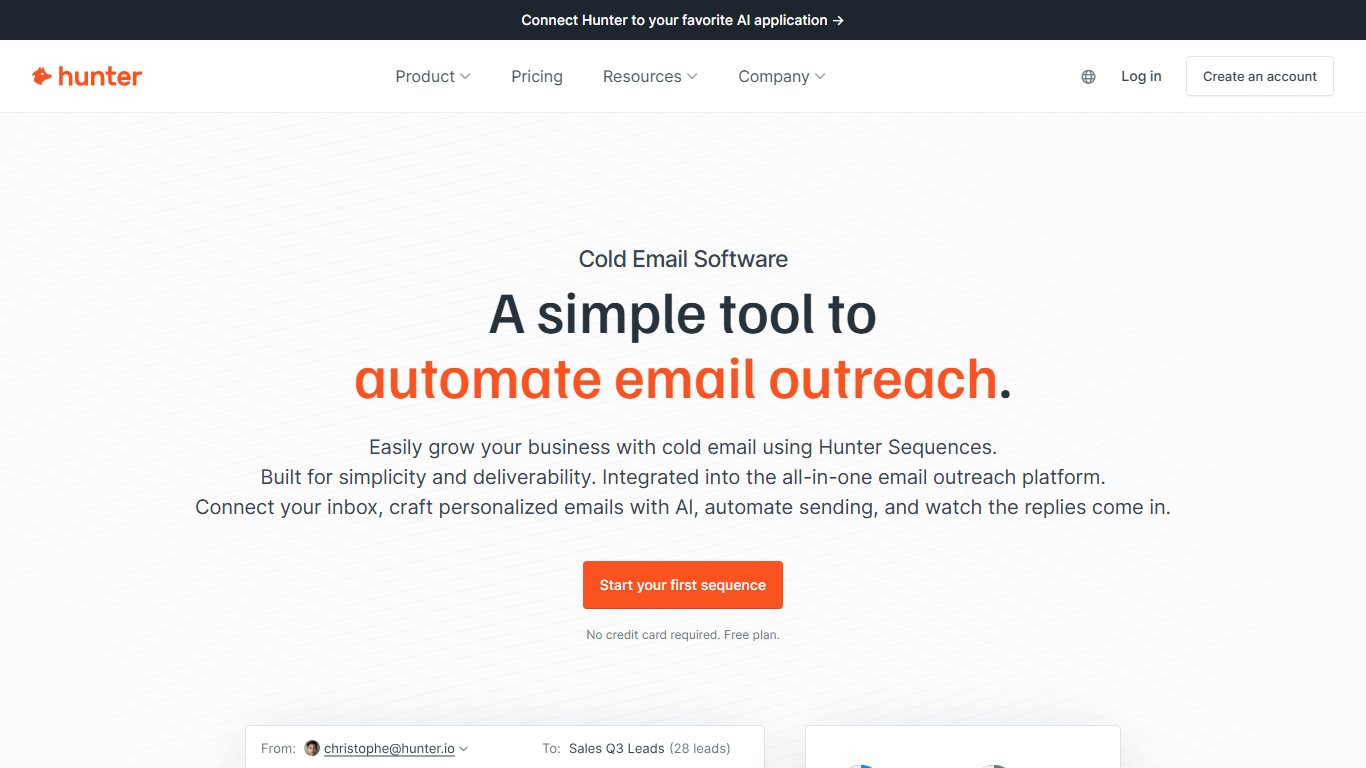

Hunter launched in 2015 as an email-finding tool. It is still best known for finding email addresses, but over the years it has added the features you need to run outreach campaigns from start to finish.
Hunter’s main features
- Domain Search: Enter a domain to see every email address Hunter has found for it.
- Email Finder: Enter a person’s name and company or domain to find their work email address.
- Email Verifier: Check one or many addresses at once. Hunter looks at things like deliverability, email type and domain information.
- Chrome extension: Find email addresses for the website you are on with one click.
- Sequences (formerly Campaigns): Connect your Gmail or Google Workspace account (formerly G Suite) to send outreach sequences from Hunter and track opens and replies.
- Templates and personalization: Save templates to speed up your outreach, and customize individual emails inside a sequence when you need to.
- Scheduled emails: Schedule when your emails and follow-ups go out.
Hunter pricing
Hunter’s free plan includes 50 credits a month. One credit pays for a search or a verification. The Domain Search, Email Finder and Email Verifier all draw on the same pool.
Paid plans start with Starter at $49 a month, or $34 a month billed annually. It includes 2,000 credits a month and adds features such as automatic verification and lead enrichment. Growth costs $149 a month ($104 billed annually) for 10,000 credits. Scale costs $299 a month, and Enterprise is priced on request. CSV exports are available, and yearly billing saves about 30%.
4. Semrush
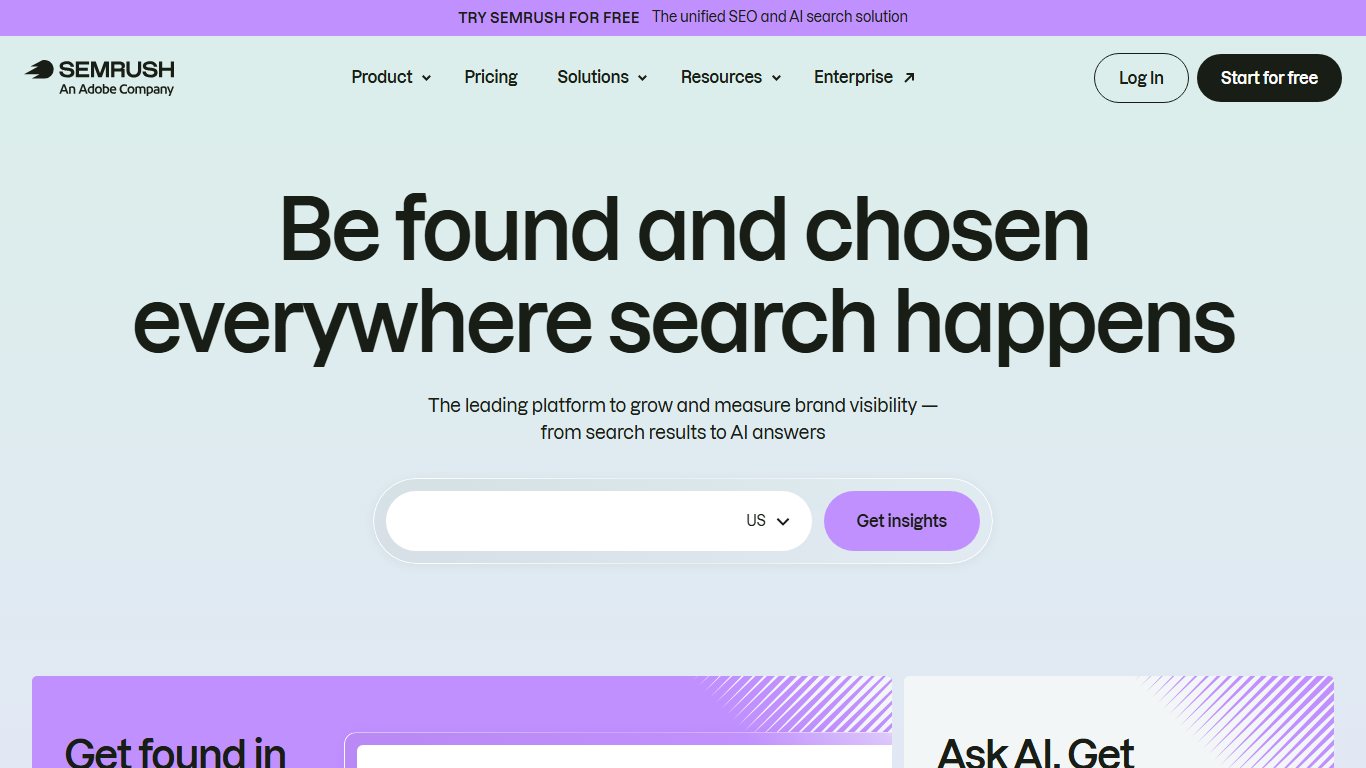
Semrush is a full marketing platform with a wide range of tools.
Its Domain Overview and Keyword Overview are among its best-known tools. They let you research your own site and your competitors’ sites and do in-depth keyword research. Semrush also has tools for backlink analysis and advertising research.
Many people don’t realize that Semrush also has a complete workflow for outreach campaigns: prospecting, emailing and tracking replies.
To find it, open the SEO toolkit in the left-hand menu and look for the Link Building Tool under Link Building.
Semrush features for outreach campaigns
- Link Building Tool: Find prospects, send emails and follow-ups, and track your progress.
- Backlink Analytics: See the backlink profile of any URL or domain. Use it to find link-building opportunities for the keywords you want to rank for.
- Domain Overview: See traffic and keyword data for any domain to judge whether it is worth pitching for a link or a guest post.
- Topic Research: Generate guest post ideas quickly. This is especially useful if you do a lot of content outreach.
- Backlink Gap: See which sites link to your competitors but not to you.
- Position Tracking: Track rankings for your target keywords.
- Brand monitoring: Track mentions of your brand and your competitors’ brands online.
Semrush pricing
Semrush’s classic plans start with Pro at $139.95 a month. Guru costs $249.95 a month and Business costs $499.95 a month. Annual billing saves up to 17%. The plans differ in their limits: results per report, reports per day, projects, tracked keywords, pages crawled per month and more.
The cheapest plan doesn’t include every tool. Content marketing tools such as Topic Research, historical data and API access are kept for Guru and Business.
5. BuzzSumo
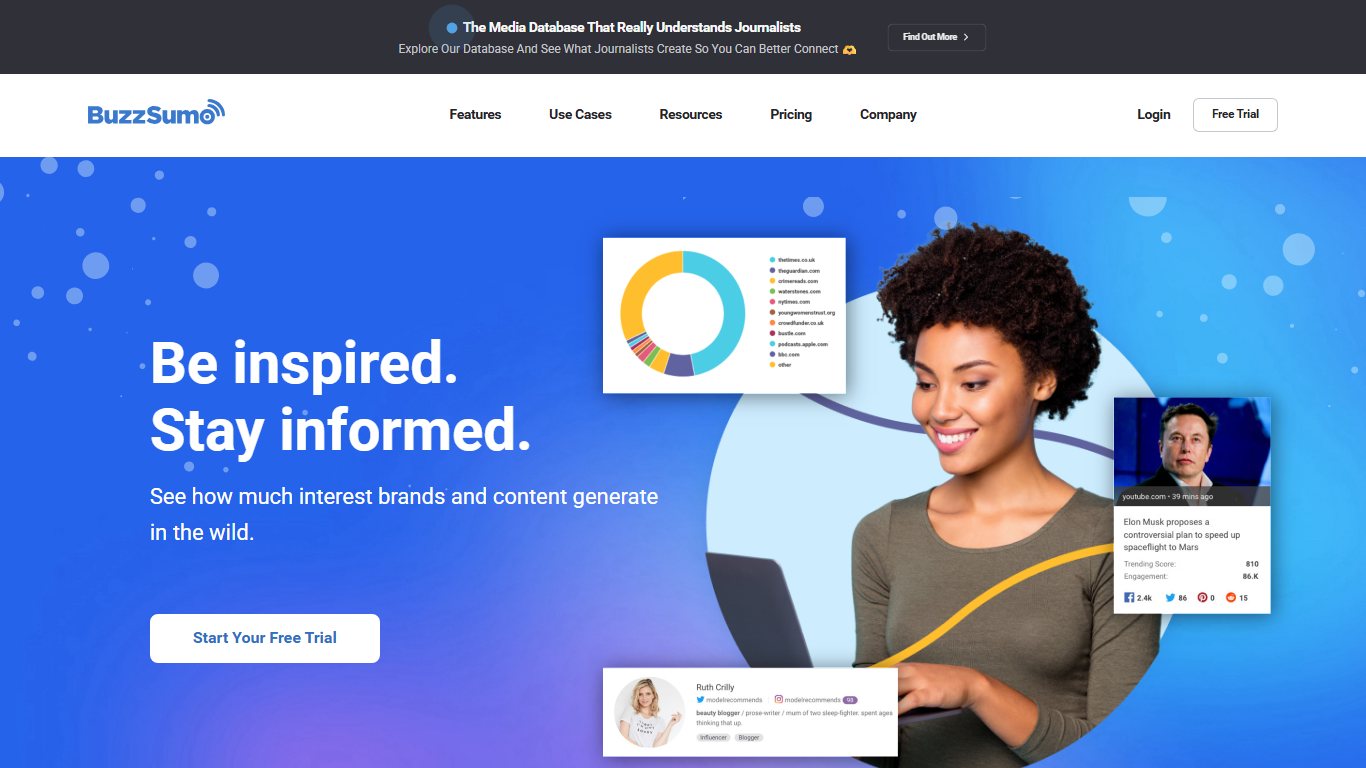
BuzzSumo is a content research platform you can use in several ways to find influencers and trending topics. Publishers, brands and agencies use it to see which content performs and who shares it.
PR professionals also rely on it for campaign research and media monitoring.
How BuzzSumo helps your outreach campaigns
- Influencers: Find the top influencers in your niche on several social platforms. Results are ranked by engagement, not only by follower count.
- Monitoring: Set up alerts for keywords, your brand, competitors and product mentions. This helps you spot influential people and new leads.
- Content Discovery: Find the most popular content for any keyword or domain. Use it to spot influential blogs and come up with topic ideas.
- Content Research: Dig into competitors’ social engagement to see what works for them. Backlink data shows you more link-building opportunities.
BuzzSumo pricing
BuzzSumo no longer has a permanent free plan, but it offers a free trial. Paid plans start with Content Creation at $199 a month. PR & Comms costs $299 a month, Suite $499 a month and Enterprise $999 a month. Paying annually saves about 20%. Higher plans add more users, alerts and features.
6. Mailshake
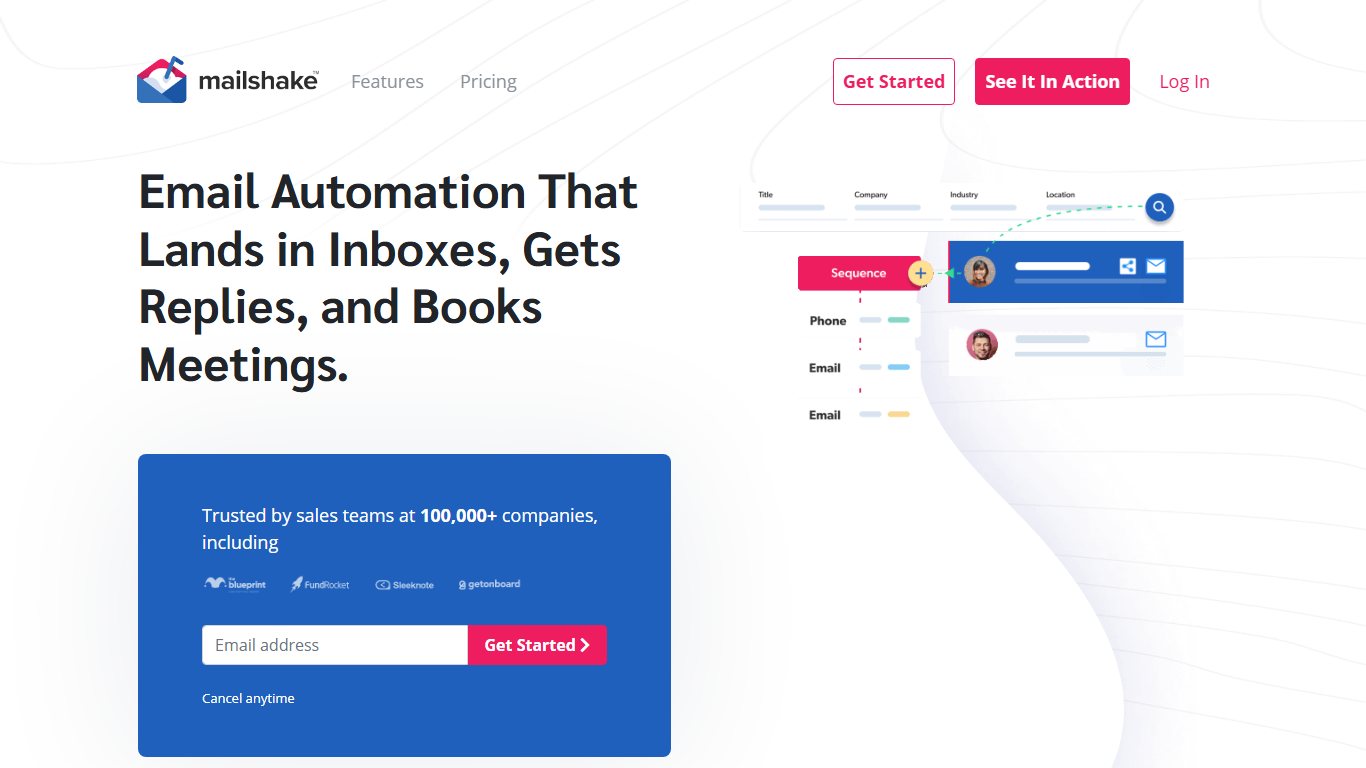
Mailshake is a cold email tool that started out with a focus on link building and outreach. You can use it to build and send cold email campaigns, automate much of the process, and track who opened, clicked and replied.
Mailshake’s best features
- Mail merge: Send personalized emails to a whole list at once. Create a template, then fill in the blanks with Mailshake’s merge fields, so each recipient gets a personalized email in seconds.
- Scheduled emails: Choose when emails go out and automate your follow-ups.
- Drip campaigns: Instead of scheduling by hand, set up sequences that send emails based on timing, triggers and recipient actions.
- Lead Catcher: Anyone who replies becomes a lead. Sort leads with the “Won,” “Lost” and “Ignored” labels.
Mailshake pricing
Mailshake prices every plan per user, with no free plan. Starter costs $29 per user a month, Email Outreach $49 and Sales Engagement $99. Annual billing lowers these to $25, $45 and $85. An Agency plan is priced on request. Mailshake raised the Sales Engagement price from $83 to $99 in February 2026.
7. Awario
Awario is a social media monitoring tool that tracks brand mentions across many networks. For outreach, you can monitor keywords related to your niche to find top influencers and guest posting opportunities.
Awario’s best features
- Social listening: Track mentions of any keyword in real time across X (formerly Twitter), Facebook, Instagram, YouTube, Reddit, forums, news sites and blogs.
- Lead generation: Find potential customers in posts where people are looking for products like yours or complaining about your competitors.
- Email alerts: Get daily or weekly summaries of your mentions across platforms.
- Reach: Awario estimates the reach of each mention, so you can prioritize the conversations that matter most.
- Boolean search: Build precise search rules with Boolean operators. Awario has a tutorial that shows how.
- Analytics: See the overall volume of mentions and how many come from each source. You can also find top influencers by network and split mentions into positive, negative and neutral.
Awario pricing
Awario’s Starter plan costs $49 a month on monthly billing, or $29 a month billed annually. It includes one project, three mention alerts and 30,000 mentions a month. Pro ($149 a month, or $89 billed annually) raises that to three projects, 15 alerts and 300,000 mentions. Enterprise ($399 a month, or $249 billed annually) covers 10 projects, 100 alerts and 1,000,000 mentions. Data export and report sharing are only on Pro and Enterprise.
8. Crystal Knows
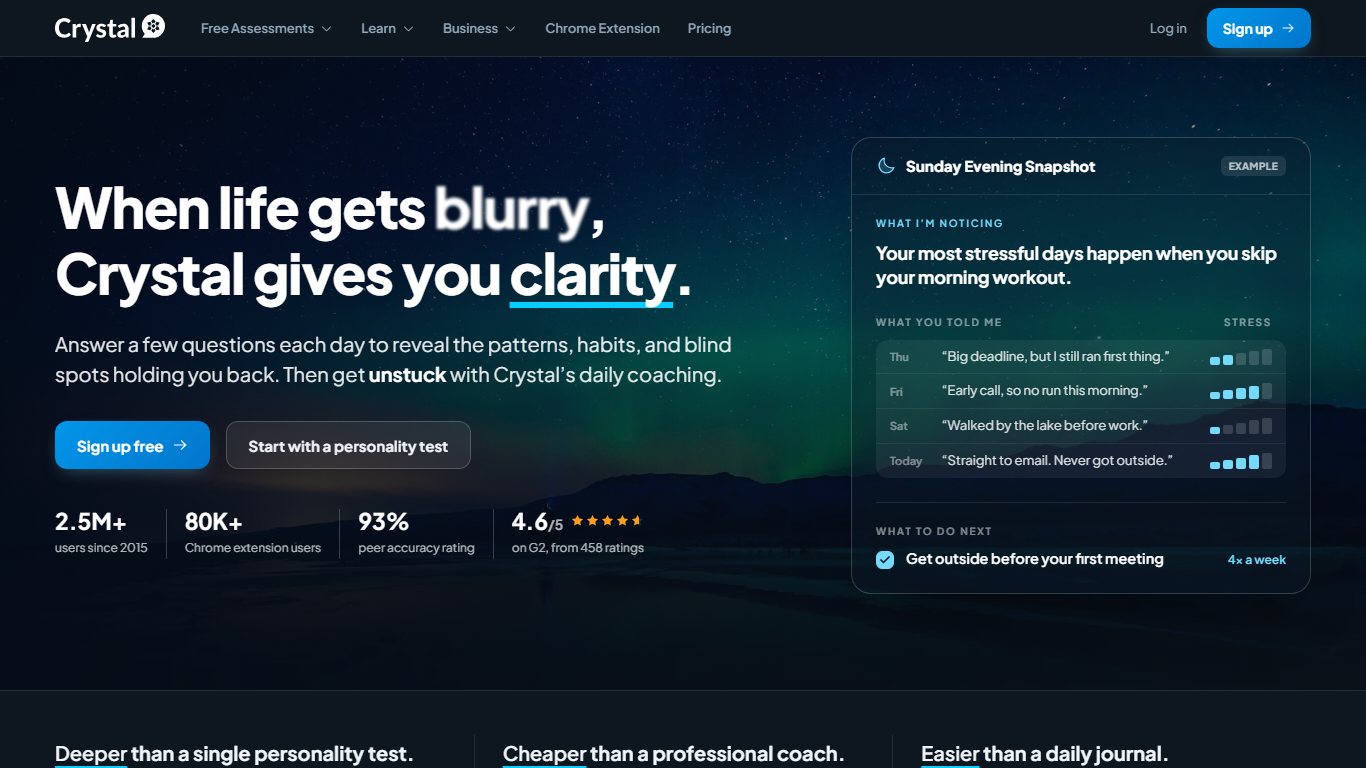

Crystal Knows, usually just called Crystal, is a personality insights tool that launched in 2015. It uses the DISC personality model to predict how influencers, prospects and customers like to communicate at work. Use it to fine-tune your outreach emails and replies.
Crystal Knows features
- Personality profiles: See a person’s likely professional personality type and the behaviors they prefer to avoid. This helps you pitch them more effectively by email or on a call.
- Communication advice: Get tailored dos and don’ts for emailing or calling each lead or influencer, based on their personality type.
- Multiple sources: Crystal builds profiles from public information such as a LinkedIn profile, from your own interactions with the person, or from a personality assessment you ask them to take.
- Integrations: See personality profiles inside HubSpot, Salesforce, LinkedIn and other tools.
Crystal Knows pricing
Crystal has offered a free basic plan with limited profile access. Paid plans unlock more profiles and features, with monthly or yearly billing and separate options for teams.
9. FollowUpThen
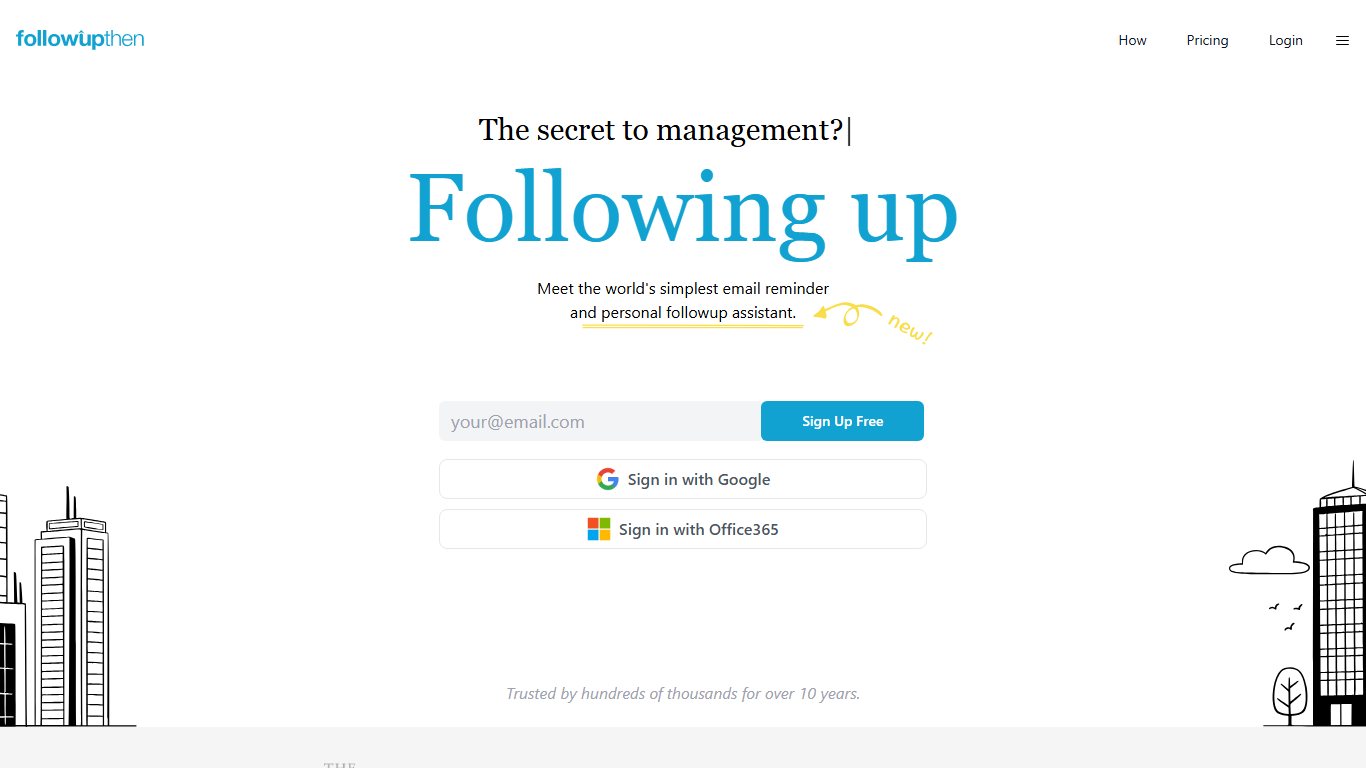

FollowUpThen is a simple but very useful outreach tool. It lets you put emails aside and get a reminder about them later, which gives you much more control over your inbox.
You don’t need a browser extension or an email plugin. Instead, FollowUpThen uses special email addresses such as “[email protected]” that you add to your messages, so it works with any email program.
What FollowUpThen is known for
- Email reminders: Snooze an email until a better time, whether that is tomorrow or a few weeks from now. When the time comes, the email lands back in your inbox.
- Follow-up reminders: After you send a pitch, have FollowUpThen remind you if the recipient hasn’t replied after a set time.
- General reminders: Email yourself reminders for any task on your to-do list.
- Special email addresses: Put a FollowUpThen address in the To, CC or BCC field to control who gets the reminder and when. BCC reminds only you, while CC also reminds the recipient.
FollowUpThen pricing
FollowUpThen’s free plan allows 50 active follow-ups a month for one user. Paid plans remove that limit and add extra features, such as tasks, automatic cancellation when someone replies, and team options. Check FollowUpThen’s pricing guide for current prices before you upgrade.
Choosing the right blogger outreach tools for your needs
The best tool for you depends on what you need and which marketing tools you already pay for.
For most people doing serious blogger outreach, BuzzStream is the best all-round choice. You get a powerful CRM for managing relationships and outreach to influencers. It works just as well for small, carefully targeted outreach as for large campaigns.
It also adds prospecting, research, contact discovery and backlink monitoring, and its support has a good reputation. The trade-off is cost: there is no free plan, and team plans get expensive. A solo blogger can find that a cheaper stack does the job.
Snov.io is a good fit if you don’t need a full CRM. Its email verifier is especially useful because it keeps bad addresses off your list, which protects your sender reputation and helps more of your emails reach the inbox.
Hunter is the best pick if your main need is finding email addresses. It has grown into a complete outreach tool with sequences, and its free plan is enough for small, occasional campaigns.
A few more pointers:
- Already paying for Semrush: Try the Link Building Tool before adding another subscription.
- PR and content research: BuzzSumo is excellent but priced for professionals, starting at $199 a month.
- High-volume cold email: Mailshake is built for sending at scale, priced per user.
- Finding people already talking about your niche: Awario’s social listening does this better than an email tool.
- On a zero budget: Hunter’s free plan plus FollowUpThen’s free plan, used from your normal inbox, covers the basics.
Whichever tool you choose, warm up a new sending address slowly, verify your list before you send, and keep each pitch personal. A smaller, verified list with tailored emails usually gets more replies than a big blast.
FAQ
What is a blogger outreach tool?
A blogger outreach tool helps you find bloggers and influencers, get their contact details and manage the emails you send them. Some tools cover the whole process, like BuzzStream. Others handle one step, like Hunter for finding emails or FollowUpThen for follow-up reminders.
Is there a free blogger outreach tool?
Yes, with limits. Hunter’s free plan gives you 50 credits a month, and Snov.io’s free Trial plan gives you 50 credits and 100 recipients a month. FollowUpThen’s free plan covers 50 active follow-ups a month. Together they are enough for small campaigns.
Which tool is best for finding bloggers’ email addresses?
Hunter and Snov.io are the most popular email finders. Both can search by domain or by a person’s name and company, and both include a verifier. Hunter is generally the simpler of the two, while Snov.io bundles in more campaign automation.
Can you do blogger outreach with Semrush?
Yes. Semrush’s Link Building Tool, in the SEO toolkit, finds prospects, sends outreach emails from your connected mailbox and tracks your progress. It makes the most sense if you already pay for a Semrush plan, which starts at $139.95 a month for Pro.
How many follow-up emails should you send?
One or two polite follow-ups, spaced a few days apart, is a sensible limit for blogger outreach. More than that tends to annoy editors and can hurt your sender reputation. Tools like Mailshake, Hunter and BuzzStream can stop a sequence automatically once someone replies.
Do outreach tools hurt email deliverability?
They can if you send too much from a new address or to unverified lists. Verify addresses first, keep your daily volume modest and personalize each email. Most tools also let you set sending limits to protect your domain.
Sources
- BuzzStream plans and pricing
- Snov.io pricing
- Hunter pricing
- Semrush prices
- BuzzSumo pricing
- Mailshake pricing
- Awario Help: Plans and quotas
- FollowUpThen Help: Pricing guide













