Yandex still handled about 70% of searches in Russia in October 2026, according to StatCounter. Outside Russia, most people use it for one or two things: its strong reverse image search, and results that seem less filtered than Google’s. The best Yandex alternative depends on which of those you want to keep. For photos, use Google Lens plus TinEye. For results from a search engine’s own index, use Brave Search or Mojeek. For private everyday search, use DuckDuckGo or Startpage. If you’d pay to get rid of ads, use Kagi.
Last checked: November 19, 2026.
Key takeaways
- Yandex is legal to use in the US, but your data is handled under Russian law, which lets the authorities ask for it.
- Many “private” engines show Bing or Google results. Brave Search, Mojeek and the European Staan index use their own crawlers.
- For photos, Google Lens finds similar objects and places, and TinEye finds exact and edited copies, including the oldest one it has crawled.
- Face search tools like PimEyes and Lenso.ai cost money to use fully and raise real consent problems.
- Switching takes about two minutes per browser. Most problems come from extensions that force Yandex back as your search engine.
Fact-checked
We checked these key facts against the sources named, on November 19, 2026:
- Kagi’s Starter plan is $5 a month for 300 searches (source: kagi.com)
- Perplexity Pro costs $20 a month or $200 a year, and a Max tier costs $200 a month (source: krater.ai)
- Even inside Russia, Google still had about 28% of searches in October 2026, according to StatCounter, so many Russians use Google alongside Yandex (source: gs.statcounter.com)
- In early 2023, leaked Yandex code raised more questions about how much data the company collects, according to reporting collected by the same human rights group (source: business-humanrights.org)
- Ecosia and Qwant built their own European search index, Staan, which went live in France in August 2025 and also powers the French engine Lilo, according to AlternativeTo (source: alternativeto.net)
Quick answer: the best Yandex alternative for each reason
The best replacement depends on why you used Yandex in the first place. Find your reason in the table below, then read that engine’s section for details.
| Your reason for using Yandex | Best replacement | Runner-up |
|---|---|---|
| Reverse image search | Google Lens | TinEye, Bing Visual Search |
| Face matching | PimEyes (paid) | Lenso.ai (paid, region-limited) |
| A non-Google default | Brave Search | DuckDuckGo |
| Privacy away from Russian law | DuckDuckGo or Brave Search | Startpage |
| Google-quality results, no tracking | Startpage | Kagi |
| Ad-free search | Kagi | SearXNG (self-hosted) |
| Results that don’t come from Google or Bing | Brave Search | Mojeek |
| A European company | Ecosia or Qwant | Startpage (Netherlands) |
All 15 alternatives at a glance
The 15 picks are nine search engines and six image or face search tools. The numbers follow the order the tools appear in this guide. They aren’t a ranking.
Search engines
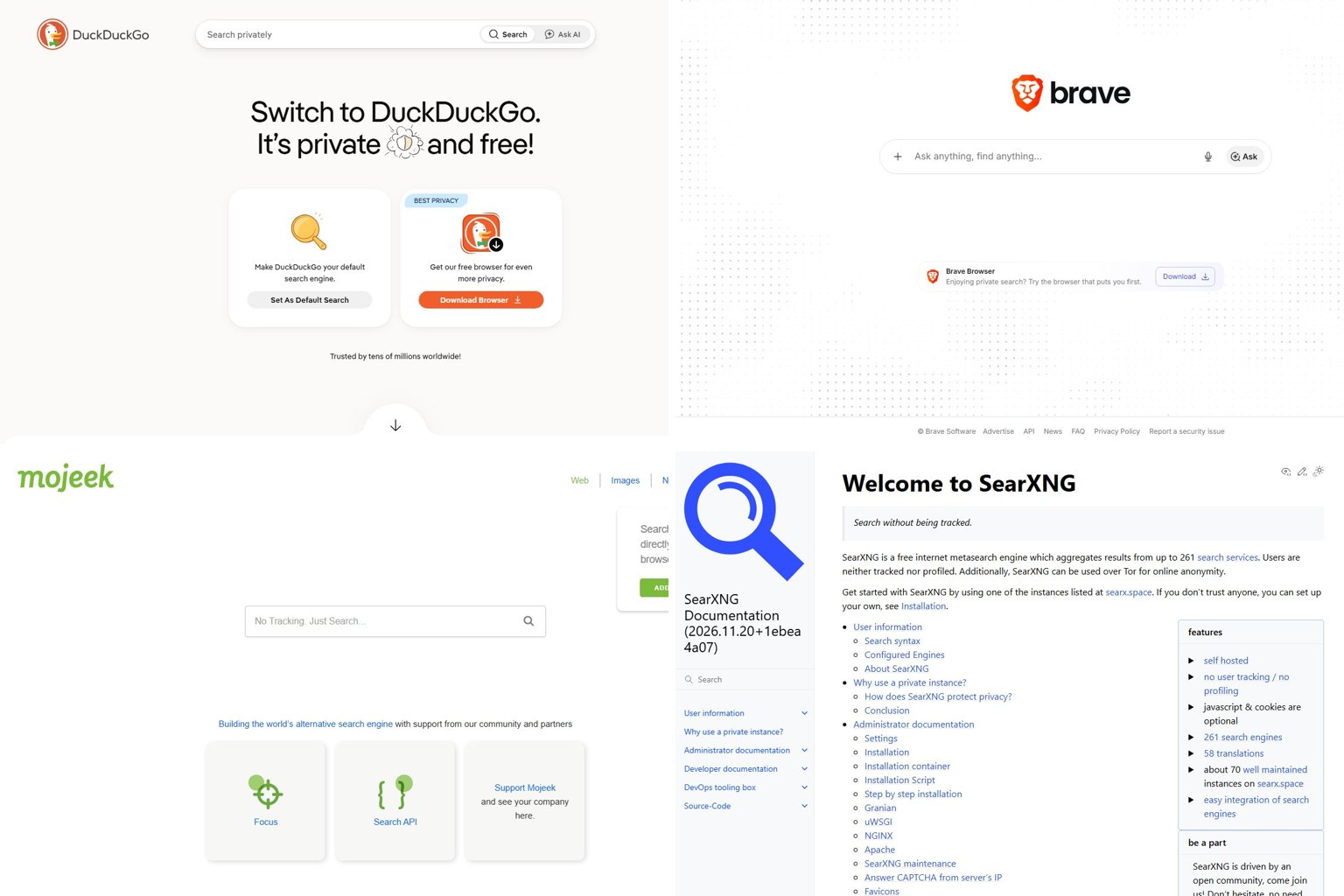
- DuckDuckGo: the easiest private default, mostly built on Bing results.
- Brave Search: free, private, and running on its own independent index.
- Startpage: Google’s results without the tracking.
- Mojeek: a small UK engine with its own crawler and genuinely different results.
- SearXNG: open-source software that combines results from many engines, and you can host it yourself.
- Ecosia: a Berlin-based engine that funds climate projects, partly powered by the European Staan index.
- Qwant: a French privacy engine that also helps run Staan.
- Kagi: paid, ad-free search you can customize.
- Perplexity: AI answers that list their sources, for research questions.
Image and face search tools
- Google Lens: identifies objects, products, places and text in photos.
- TinEye: finds exact and edited copies of an image and the oldest version it has crawled.
- Bing Visual Search: a free third check, strong for shopping.
- PimEyes: paid face matching across the web.
- Lenso.ai: paid face, place and duplicate search, limited in some regions.
- SauceNAO: finds the source of anime, manga and artwork.
How these picks were chosen
Each engine was judged on four things, in this order of importance: where its results actually come from, how much data it keeps about you, how good its results are for everyday searches, and price. Index independence counts for a lot. Plenty of “alternative” engines are just a privacy wrapper around Microsoft Bing, so switching between them changes very little. The picks are based on each company’s published policies and pricing pages, its reported usage figures, and independent reporting.
Also considered
Three engines that other lists often include didn’t make this one:
- Yahoo Search gets its web results from Microsoft Bing, so it adds nothing Bing doesn’t, and its tracking is no lighter.
- Presearch is a decentralized engine built around a crypto-token rewards scheme. That adds complexity most people leaving Yandex don’t need.
- Baidu is China’s dominant engine. It follows Chinese government censorship rules and focuses on Chinese-language content, so using it means swapping one state-supervised engine for another.
Why people are moving away from Yandex
People leave Yandex mostly because of where it’s based. Yandex operates under Russian law, which requires companies to store users’ personal data inside Russia and hand it over to the authorities when asked. Its search can be very good. The question is who else can see your queries.
Four things are behind the trust problem:
- Data localization. Russia’s data localization law, Federal Law No. 242-FZ (effective September 2015), requires online companies to store Russian citizens’ personal data in Russia. Separate 2016 Yarovaya legislation expanded data retention and access obligations for security services like the FSB. The Business & Human Rights Resource Centre has documented how this applies to Yandex.
- App tracking. In March 2022, 9to5Mac reported that AppMetrica, Yandex’s analytics kit used inside many iPhone and Android apps, sent device information to Yandex servers in Russia. Opera turned it off in its apps before removing it completely.
- The source code leak. In early 2023, leaked Yandex code raised more questions about how much data the company collects, according to reporting collected by the same human rights group.
- The corporate split. In July 2024, Yandex N.V., the Dutch-registered parent company, finished selling all its Russian businesses to a Russian investor consortium for about $5.4 billion, The Star reported. The international company that remained became Nebius Group, an AI infrastructure business led by co-founder Arkady Volozh. Bloomberg reported that the EU lifted Volozh’s personal sanctions in 2024.
The split matters because the Yandex you search on today, including yandex.com and the Russian home page Ya.ru, belongs to Russian owners. There’s no Western parent company between it and the Russian authorities anymore.
Did you know?
The company that ran Yandex internationally no longer owns Yandex. In July 2024 Yandex N.V. sold its Russian business to a Russian consortium for about $5.4 billion and renamed itself Nebius Group, according to The Star.
Is Yandex legal in the USA?
Yes. No US law stops you from visiting yandex.com, searching on it, or uploading a photo to Yandex Images, and the site isn’t blocked in the US. Businesses are a different case. If your company pays for Yandex advertising or cloud services, check the current US Treasury sanctions rules first. Sanctions on Russia cover business deals, not reading websites.
Is Yandex safe to use?
For a casual one-off search, Yandex won’t infect your computer. The real risk is to your data. Anything tied to your Yandex account, browser or apps sits with a company that must cooperate with Russian security services. Don’t use Yandex for anything sensitive: health questions, work documents, or photos of people who haven’t agreed to it. And don’t install Yandex Browser just to get its search.
Is Yandex really less censored?
Partly. Users often say Yandex shows pages Google pushes down, especially piracy-adjacent sites, forums and fringe content, because it’s less strict about Western copyright and policy complaints. On Russia-related topics it’s the opposite. Yandex follows Russian government blocking and content demands, so it isn’t uncensored. People often ask whether Yandex.com is “uncensored except for Russian stuff.” A fairer answer is that it’s censored differently. If you want results less shaped by any one company’s policies, an independent index like Brave Search or Mojeek is a better choice.
Best private search engines to replace Yandex
These are free search engines you can set as your default today. Each review covers where the results come from, what the engine does with your data, and who it suits.
| Search engine | Where results come from | Tracks you? | Price | Image search | Best for |
|---|---|---|---|---|---|
| DuckDuckGo | Mostly Microsoft Bing, plus own sources | No profiling | Free | Yes (Bing-based) | Easy private default |
| Brave Search | Own independent index | No profiling | Free, optional Premium | Yes | Independent results |
| Startpage | No profiling | Free | Yes (Google) | Google results, privately | |
| Mojeek | Own independent index (UK) | No tracking | Free | Limited | Truly different results |
| SearXNG | Many engines combined | Depends on host | Free, self-host | Yes | Tinkerers, no ads |
| Ecosia | Staan (France), Bing/Google elsewhere | Minimal | Free | Yes | Climate-minded users |
| Qwant | Staan plus Bing | Minimal | Free | Yes | French/EU users |
| Kagi | Mix of providers plus own indexes | No ads, no profiling | From $5/month | Yes | Ad-free power users |
| Perplexity | AI answers built from web sources | Account-based | Free, Pro $20/month | Limited | Research questions |
| Own index | Yes, heavily | Free | Google Lens | Best overall coverage | |
| Microsoft Bing | Own index | Yes | Free | Bing Visual Search | Mainstream fallback |
DuckDuckGo
DuckDuckGo is the easiest swap for most people. It doesn’t build a profile of you, it’s a built-in search option in Safari, Firefox and Edge, and it has apps for iPhone and Android.
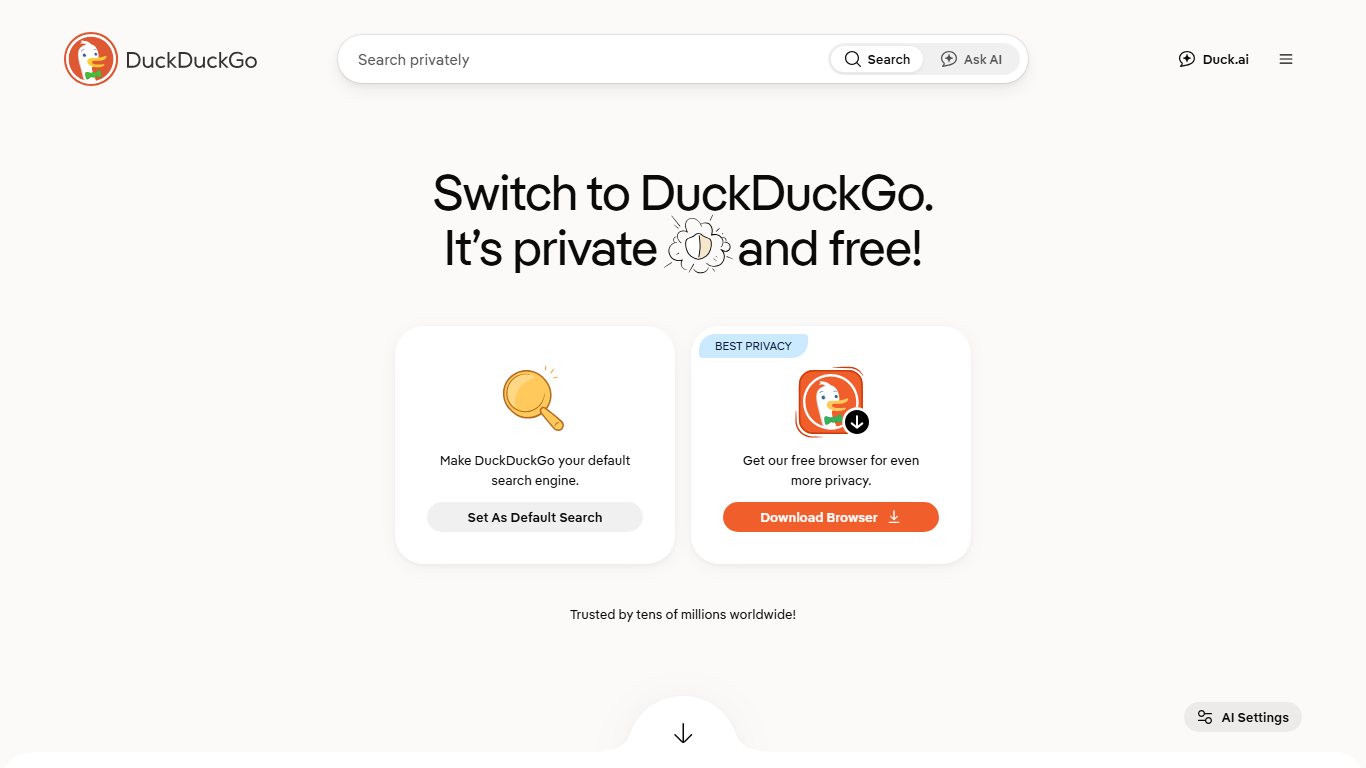
Most of its regular web results come from Microsoft Bing. DuckDuckGo re-ranks them and combines them with its own Instant Answers, Wikipedia and partner sources. It stopped using Yandex as a source in 2022. When Bing goes down, DuckDuckGo suffers too, as happened during a 2024 Bing API outage.
Its best feature for former Yandex users is bangs. Type !g, !b or !yandex before a search to send it straight to Google, Bing or Yandex without changing your default.
Who it’s for: anyone who wants a private default and doesn’t want to think about it.
Pro tip
In DuckDuckGo, type !g, !b or !yandex before a search to jump to that engine’s results. If you still need Yandex Images now and then, this keeps it as an occasional tool instead of your default.
Brave Search
Brave Search is the strongest free alternative if you want results that don’t come from Google or Bing. Brave Software runs its own web index and calls it one of only three independent indexes in the Western world, alongside Google and Bing.
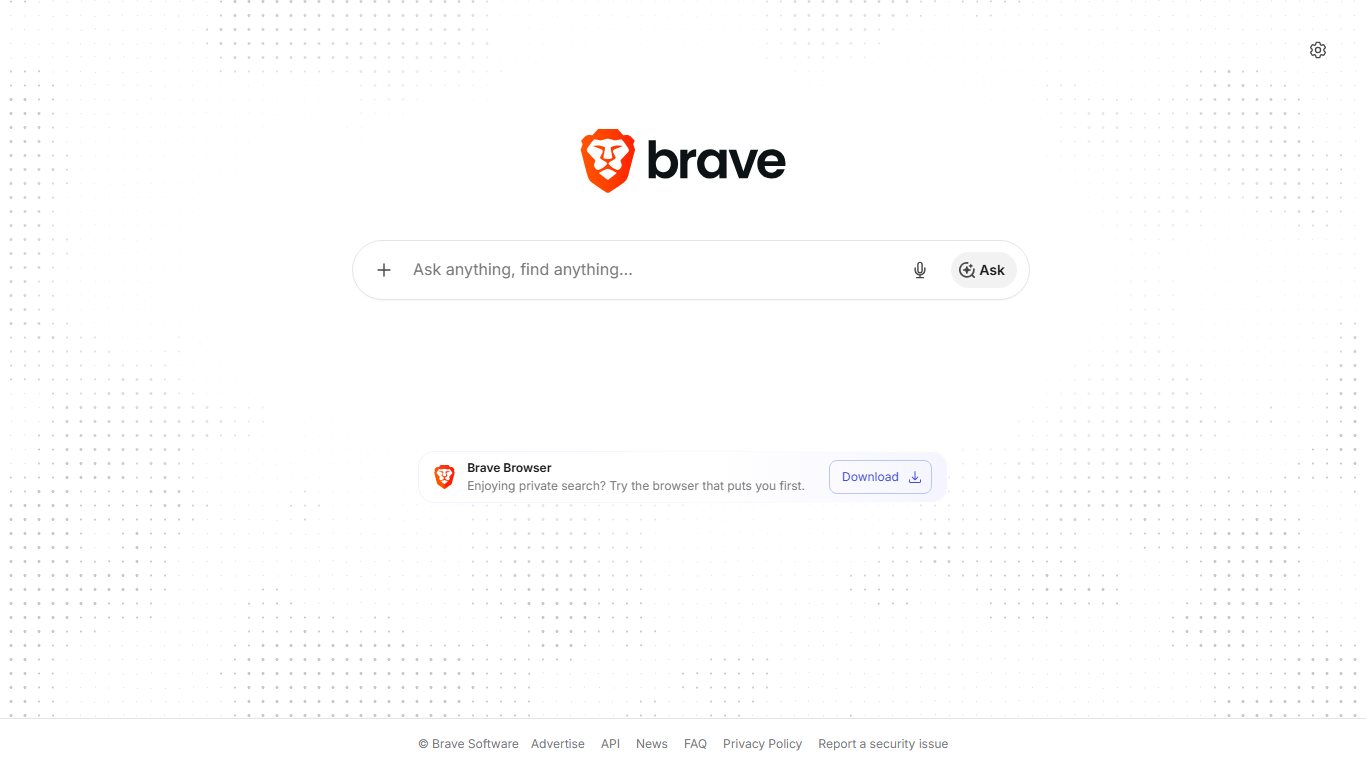
It’s also growing fast. PPC Land and PiunikaWeb reported Brave’s own figures for October 2026: 2.71 billion Brave Search queries, up about 56% from a year earlier, and about 130.77 million monthly active users, the first time Brave has passed 130 million. Brave also set a single-day record of 91.77 million searches on October 25. For comparison, Brave’s own blog put the browser at 101 million monthly users and more than 1.6 billion monthly searches on September 30, 2025. Brave Search has also been added to Google Chrome’s built-in list of search engines.
It offers image and video search, a “Goggles” feature that lets you re-rank results by your own rules, and AI answers you can turn off. One change to know about: Brave dropped its free Search API tier in 2026 and moved developers to metered billing. That only affects people who build apps, not people who just search.
Who it’s for: people who used Yandex because they wanted a real second opinion instead of Google’s results.
Startpage
Startpage gives you Google’s results without tying your searches to your Google account. It’s based in the Netherlands and sends your queries to Google anonymously.
Its “Anonymous View” opens result pages through a proxy, so the site you visit doesn’t see your IP address. The downside is that with Google’s results you also get Google’s ranking choices, which is exactly what some Yandex users were trying to get away from.
Who it’s for: people who like Google’s results but not Google’s tracking.
Mojeek
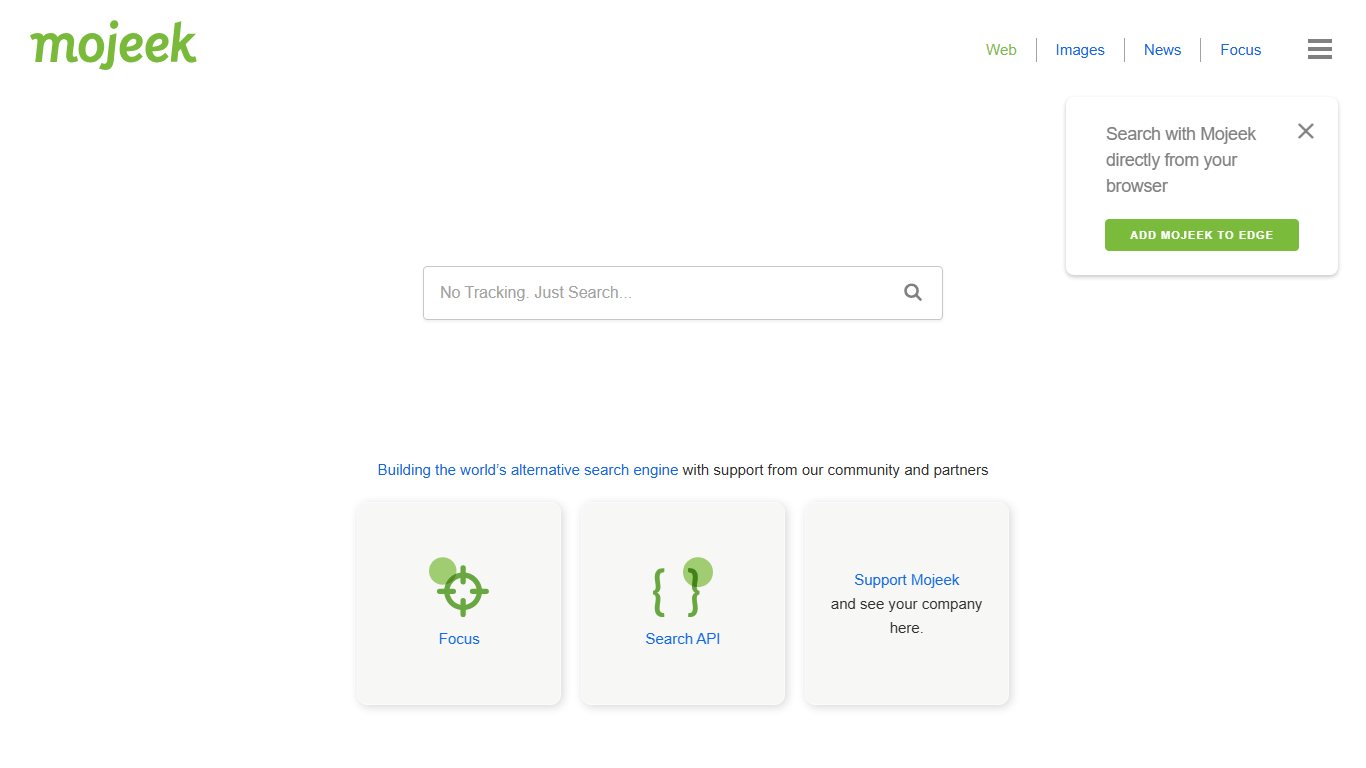
Mojeek is a small UK search engine that has run its own crawler and index since 2004, and it doesn’t track users. Its results really are different. They’re sometimes better for niche blogs and old personal sites, and sometimes thin for local or very recent searches.
Who it’s for: people who want a third index to check when Google, Bing and Brave all return the same few big websites.
SearXNG
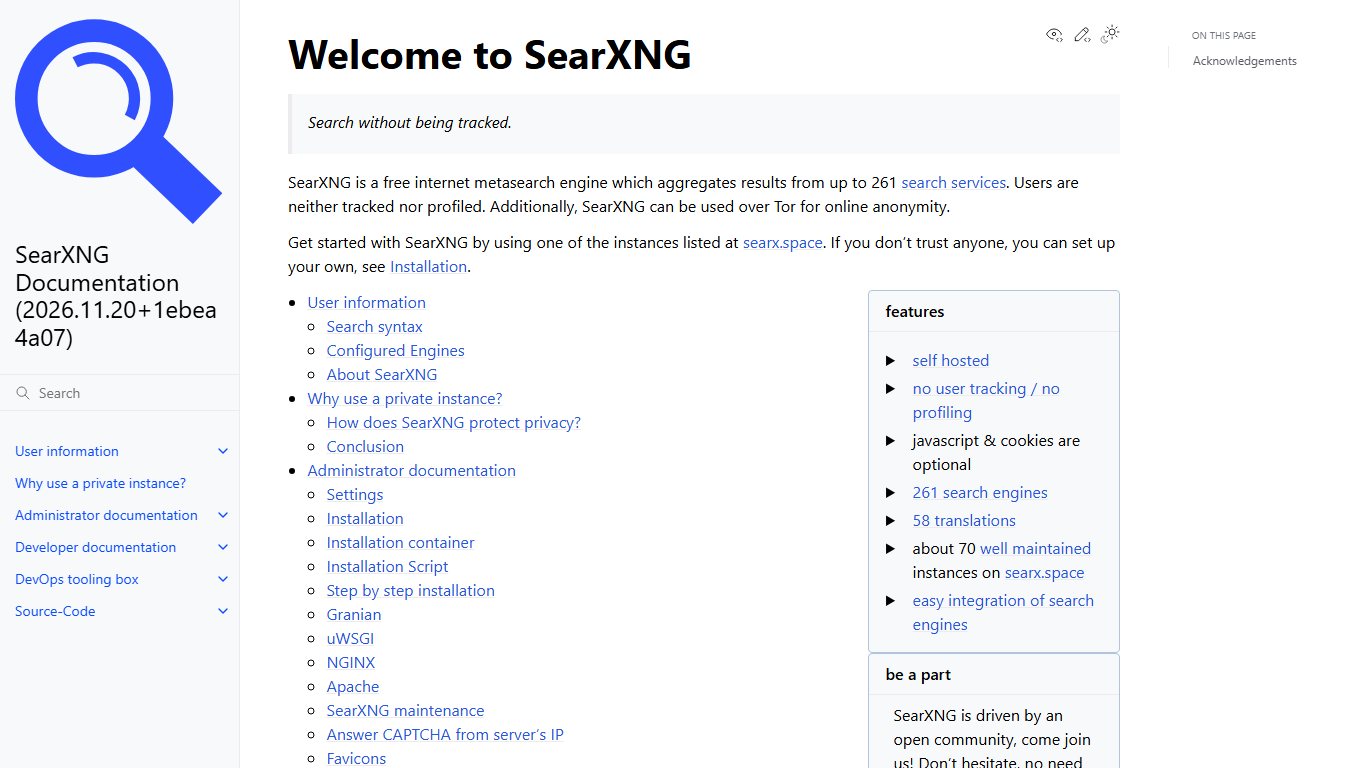
SearXNG is free, open-source software that sends your query to many engines at once and combines the results, with no ads. You can use a public instance or host your own on a home server or a cheap cloud server. On a public instance, your privacy depends on whoever runs it, so self-hosting is the safest way to use it.
Who it’s for: technical users who want control. Most people should pick one of the options above.
Ecosia and Qwant (Staan)
Ecosia, based in Berlin, spends its profits on climate projects such as tree planting. Qwant is a French privacy search engine. In November 2024 the two formed a joint venture called European Search Perspective (EUSP) to build a shared European index.
That index, Staan (short for Search Trusted API Access Network), launched in 2025. Ecosia started serving Staan results to users in France on August 7, 2025, and TechCrunch covered the launch. According to AlternativeTo, Staan also powers Lilo, another French search engine. Outside France, both engines still rely heavily on Bing (and on Google for some Ecosia results). For US users, they mostly work like a Bing front end with a European privacy policy.
Did you know?
Ecosia and Qwant built their own European search index, Staan, which went live in France in August 2025 and also powers the French engine Lilo, according to AlternativeTo.
Best paid and AI alternatives
Paying for search gets rid of ads, and with them the reason to track you. Kagi is the main paid option. Perplexity is an AI answer engine and works more like a research assistant than a search engine.
Kagi
Kagi has no ads, doesn’t profile you, and lets you boost, lower or block websites in your own results. Kagi’s own pricing page lists these individual plans:
| Plan | Monthly price | Yearly price | Searches | Extras |
|---|---|---|---|---|
| Trial | Free | Not applicable | About 100 searches | Full features |
| Starter | $5 | $54 | 300 per month | Kagi Assistant with standard models, limited use |
| Professional | $10 | $108 | Unlimited | Kagi Assistant, Summarize and Translate |
| Ultimate | $25 | $270 | Unlimited | Premium AI models, higher limits |
Prices verified on November 19, 2026, against Kagi’s official pricing page. Sales tax is extra, and paying yearly saves 10%.
Is Kagi worth paying for, and does it still use Google’s index? Kagi combines results from several outside providers with its own small indexes, so it doesn’t depend on any single index. It has acknowledged in the past that Yandex was one of those sources, and some users objected in 2024. If you’re leaving Yandex for political reasons, check Kagi’s current list of sources first.
Users have also asked on Kagi’s feedback board for a cheaper tier with more searches and no AI. For now, Starter is the only plan under $10, and its 300-search limit runs out quickly if you search more than 10 times a day. If you search 20 times a day, that’s about 600 searches a month, so Professional at $10 is the realistic plan.
Who it’s for: people who search a lot and find ads and SEO spam more annoying than $10 a month.
Perplexity and AI search
Perplexity answers questions in plain language and lists its sources under each answer. The free tier is enough for most people. Perplexity Pro costs $20 a month or $200 a year, and a Max tier costs $200 a month. Click through and read the sources it cites. AI answers sometimes misread or overstate a source, so treat them as a starting point and check the facts yourself.
Best Yandex reverse image search alternatives
No single free tool matches Yandex Images at everything. Together, Google Lens and TinEye cover most of what people use it for. Yandex got popular for finding near-identical photos and matching faces, which most Western tools deliberately limit.
| Tool | Free? | Face matching | Best at | Privacy note |
|---|---|---|---|---|
| Google Lens | Yes | No (limited for people) | Objects, products, places, text | Tied to your Google account if signed in |
| Bing Visual Search | Yes | No | Products, similar images | Microsoft keeps uploaded images under its policy |
| TinEye | Yes, paid API | No | Exact and edited copies, oldest crawled version | Says uploaded images aren’t kept |
| PimEyes | Limited free, paid from $29.99/month | Yes | Finding a face across the web | Serious consent problems |
| Lenso.ai | Limited free, paid from $19.99/month | Yes, only in some regions | Faces, places, duplicates | Face search blocked in some countries |
| SauceNAO | Yes | No | Anime, manga, artwork sources | Built for art, not people |
Prices checked November 19, 2026. PimEyes and Lenso.ai show the final price, in your local currency, at checkout, and both discount yearly billing.
Finding where a photo came from
Start with TinEye to find the original. It looks for exact and edited copies and lets you sort by oldest, but the oldest result only shows when TinEye first crawled the image, not necessarily when or where it was first posted. Then use Google Lens to identify what’s in the photo: a product, landmark, plant or piece of text. Bing Visual Search is a good free third check, especially for shopping.
Use two tools, not one
If you only used Yandex for reverse image search, run the same photo through Google Lens and TinEye. Lens finds similar objects and places, and TinEye finds the oldest copy it has crawled, which can help expose fake profile photos.
Face search: what works and the ethics
Is there a free Yandex alternative for face search? Not really. PimEyes and Lenso.ai both match faces, but their free versions blur the results or hide the source links. PimEyes’ entry plan, Open Plus, costs $29.99 a month. Its PROtect monitoring tier costs more and adds alerts and help with removal requests. Lenso’s Starter plan is $19.99 a month, with a Professional tier at $69.99 a month, when billed monthly. Lenso turns off face search in regions where local law restricts it.
Before you start
Only search faces you have a right to search: your own, or with the person’s consent. Using face search to identify strangers can break privacy laws such as Illinois’ biometric law and the EU’s GDPR, and it can put real people in danger.
The most legitimate use is checking your own face. PimEyes’ paid tiers can alert you when new photos of you appear online, which helps if your photos are being misused.
Spotting fake profiles and catfish
Most romance and impersonation scams reuse stolen photos. Check a profile in this order:
- Screenshot the profile photo.
- Run it through TinEye and sort by oldest.
- Run it through Google Lens and look for the same person under a different name.
- If the photo shows up on a model’s portfolio, a stock photo site, or someone else’s account, treat the profile as fake.
- Report it on the platform. Don’t confront the person or send money.
Replacing the rest of Yandex: Browser, Translate, Maps, Mail
If you use other Yandex services, replace them at the same time. Otherwise you’re still sending data to Yandex after changing your search engine.
| Yandex product | Recommended replacement | Why |
|---|---|---|
| Yandex Search | Brave Search or DuckDuckGo | Private, with no Russian data law |
| Yandex Images | Google Lens + TinEye | Similar-image and original-source search |
| Yandex Browser | Brave, Firefox or Chrome | Chromium speed or Firefox privacy |
| Yandex Translate | Google Translate or DeepL | DeepL reads more naturally for European languages |
| Yandex Maps | Google Maps, Apple Maps, OpenStreetMap | Better US coverage. OSM is open data |
| Yandex Mail | Proton Mail, Gmail, Outlook | Proton is encrypted and Swiss-based |
| Yandex Disk | Google Drive, iCloud, Proton Drive | Your files stay outside Russia |
Before you delete a Yandex Mail account, export your contacts and change the email address on your important accounts. People most often forget banks, their Apple ID and Google sign-ins.
Whose results are you really getting? Independent vs borrowed indexes
Only a few companies run their own full web index. Most alternatives rent results from Microsoft Bing or Google. That’s why switching from Bing to DuckDuckGo, or from Google to Startpage, often gives you almost the same results.
| Index owner | Engines that use it |
|---|---|
| Google, Startpage, part of Ecosia | |
| Microsoft Bing | Bing, Yahoo Search, DuckDuckGo (mostly), Ecosia and Qwant outside France |
| Brave Software | Brave Search |
| Mojeek | Mojeek |
| EUSP (Staan) | Ecosia and Qwant in France, Lilo |
| Mixed / meta | Kagi, SearXNG |
| Yandex | Yandex, Ya.ru |
To compare engines properly, compare indexes, not brands. Run the same search in Google, Bing, Brave and Mojeek. Those four give you four genuinely different views of the web.
Pro tip
Want results that don’t come from Google or Bing? Try Brave Search or Mojeek. Many “private” engines just repackage Bing.
Which engine still shows recent Reddit results?
Since 2024, Google and engines that use Google’s results, like Startpage, have been the most reliable for fresh Reddit threads. That year Reddit signed a data deal with Google and restricted other crawlers. Bing-based engines often show older Reddit pages. In any engine, add site:reddit.com to your search to narrow it down.
How to switch your default search engine and remove Yandex
Changing your default takes a minute in each browser. Removing Yandex Browser and any extension that hijacks your search takes about ten minutes.
Windows and Mac browsers
Change your default search engine
- Chrome: Settings > Search engine > choose from the list, or Manage search engines and site search to add one.
- Edge: Settings > Privacy, search, and services > Address bar and search > Search engine used in the address bar.
- Firefox: Settings > Search > Default Search Engine.
- Safari on Mac: Safari > Settings > Search > Search engine.
- Delete any Yandex entry from the list so it can’t be selected by accident.
To uninstall Yandex Browser on Windows 11, go to Settings > Apps > Installed apps, find Yandex, click the three dots and choose Uninstall. On a Mac, quit Yandex, drag it from Applications to the Trash, then delete the Yandex folder in ~/Library/Application Support.
iPhone and Android
On iPhone and iPad, go to Settings > Apps > Safari > Search Engine. On older iOS versions it’s Settings > Safari > Search Engine. DuckDuckGo and Ecosia are built-in choices, and you can install the Brave app to use Brave Search.
On Android, open Chrome, tap the three dots > Settings > Search engine, and pick a new one. To remove Yandex apps, long-press each one and tap Uninstall. Remove any Yandex search widget from your home screen too.
You can’t easily see AppMetrica inside other apps, because it’s built into the app’s code. If an app you don’t trust asks for permissions it doesn’t need, uninstall it. You can also check the “App Privacy” section on its App Store listing.
If Yandex keeps coming back (search hijacker)
When Yandex keeps coming back as your search engine or homepage, the cause is almost always an extension or software that came bundled with something else, not the browser itself.
Remove a Yandex search hijacker
- Open your extensions page (chrome://extensions, edge://extensions or about:addons) and remove anything you don’t recognize, especially “new tab” or “search” add-ons.
- In Chrome, go to Settings > Reset settings > Restore settings to their original defaults.
- Check Windows Settings > Apps > Installed apps for Yandex or unknown toolbars and uninstall them.
- Visit chrome://policy. If it shows a search policy you didn’t set, run a full scan in Windows Security.
- Set your default search engine again and restart the browser.
If a policy still puts Yandex back after a full Windows Security scan, stop there. Get help from a computer repair shop you trust or from your company’s IT team, because the computer may have deeper malware.
What do Russians use instead of Google?
Russians mostly use Yandex, but Google still has a big share. In October 2026, StatCounter put Yandex at 70.15% of the Russian search market and Google at 28.43%.
| Month (2026) | Platform | Yandex | |
|---|---|---|---|
| October | Overall | 70.15% | 28.43% |
| June | All devices | 71.03% | 26.53% |
| May | Mobile | 67.9% | 29.79% |
The gap is smaller on phones, where Android puts Google in front of people. Microsoft Bing had about 1.02% of Russian searches across all devices in June 2026. Worldwide it’s the reverse: StatCounter shows Google at about 91% in October 2026 and Yandex at about 1.1%.
Did you know?
Even inside Russia, Google still had about 28% of searches in October 2026, according to StatCounter, so many Russians use Google alongside Yandex.
FAQ
Is Yandex legal in the USA?
Yes. You can legally visit and search yandex.com from the US. Businesses paying for Yandex services should check current US sanctions rules first.
Is Yandex safe to use?
It’s fine for occasional searches but a bad choice for sensitive ones. Russian law requires Yandex to keep user data in Russia and make it available to the authorities, so don’t log in or use it for anything private.
What do Russians use instead of Google?
Mostly Yandex, which had about 70% of Russian searches in October 2026. Google had about 28%, according to StatCounter.
Is Yandex or DuckDuckGo better?
DuckDuckGo is better for privacy and for everyday searches in English. Yandex is better for Russian-language content and some reverse image searches. For most US users, DuckDuckGo is the better default.
What is the best unfiltered search engine?
No engine is completely unfiltered. Brave Search and Mojeek come closest to an independent view because they crawl the web themselves instead of reusing Google’s or Bing’s rankings.
Is Yandex search less censored than Brave Search?
On Western copyright and policy takedowns, Yandex can feel looser. On Russian politics it’s more restricted. Brave Search uses neither Google’s ranking nor follows Russian state demands, so it’s the more trustworthy option overall.
What is the best alternative to Yandex reverse image search?
Use Google Lens to identify objects and places and TinEye to find the original source. Add SauceNAO for anime and artwork.
Is there a free Yandex alternative for face search?
Not one that works fully. PimEyes and Lenso.ai both match faces, but their free versions hide or blur results, and paid plans start at about $20 to $30 a month. Only use them on your own face or with the person’s consent.
Is Yahoo a good Yandex alternative?
Not really. Yahoo Search gets its web results from Microsoft Bing, so you get Bing’s view of the web with Yahoo’s ads and tracking. DuckDuckGo gives you similar results with better privacy.
How much does Kagi cost?
Kagi’s Starter plan is $5 a month for 300 searches. Professional is $10 a month for unlimited searches, and Ultimate is $25 a month with premium AI models. Sales tax is extra, and paying yearly saves 10%.
Who owns Yandex now?
Since July 2024, a group of Russian investors. The former parent company, Yandex N.V., sold the Russian business for about $5.4 billion and became Nebius Group, led by Arkady Volozh.
How do I remove Yandex from my browser?
Change your default search engine in your browser’s settings, delete the Yandex entry, remove extensions you don’t recognize, and uninstall Yandex Browser through your system’s app settings. If it keeps coming back, reset the browser and run a security scan.
Is Brave Search better than Yandex?
For US users, yes in most cases. It runs its own independent index, doesn’t profile you, and handled 2.71 billion queries in October 2026. Yandex is still stronger for Russian-language searches.
Is it okay to use Yandex given it follows Russian government demands?
That’s up to you. In practice, your queries and anything you upload fall under Russian law. If that bothers you, switch your default and use Yandex only through DuckDuckGo’s !yandex bang when you really need it.
Your next step
Do two things today. Set Brave Search or DuckDuckGo as the default in every browser you use, and bookmark TinEye and Google Lens for checking photos. That covers the two main reasons most US users open Yandex: private everyday search and reverse image lookups. For the rare search only Yandex can answer, use a !yandex bang without signing in, and close your Yandex account.