
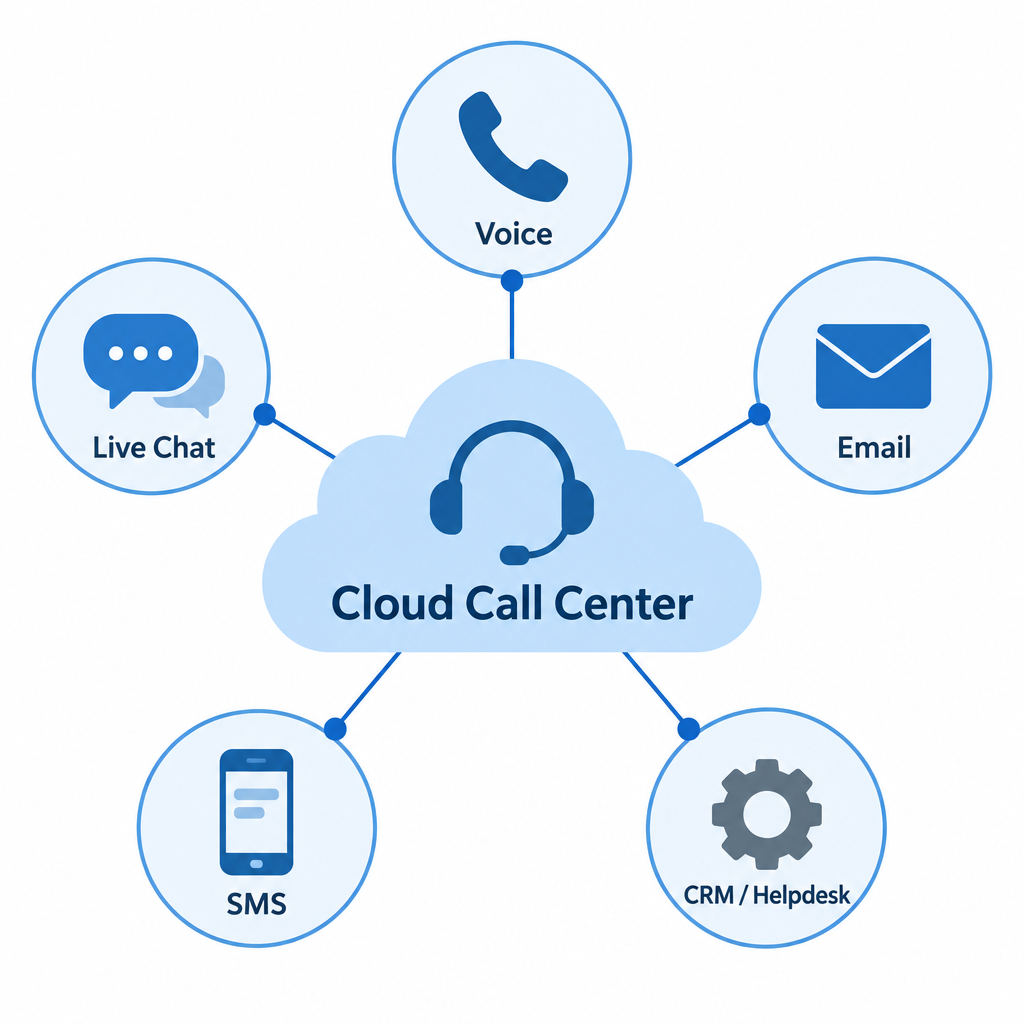
Start with your needs, not the vendor list. Write down why customers contact you, which channels they use (voice, chat, email, SMS) and which tools the platform must connect to, usually your CRM and helpdesk. Then compare a shortlist on setup time, security and compliance (HIPAA, GDPR, PCI DSS), how easy it is for agents to use, training, reporting and total cost. In 2026, list prices for the main platforms run from about $65 to $240 per agent per month, plus calling charges, so get a written quote before you commit.
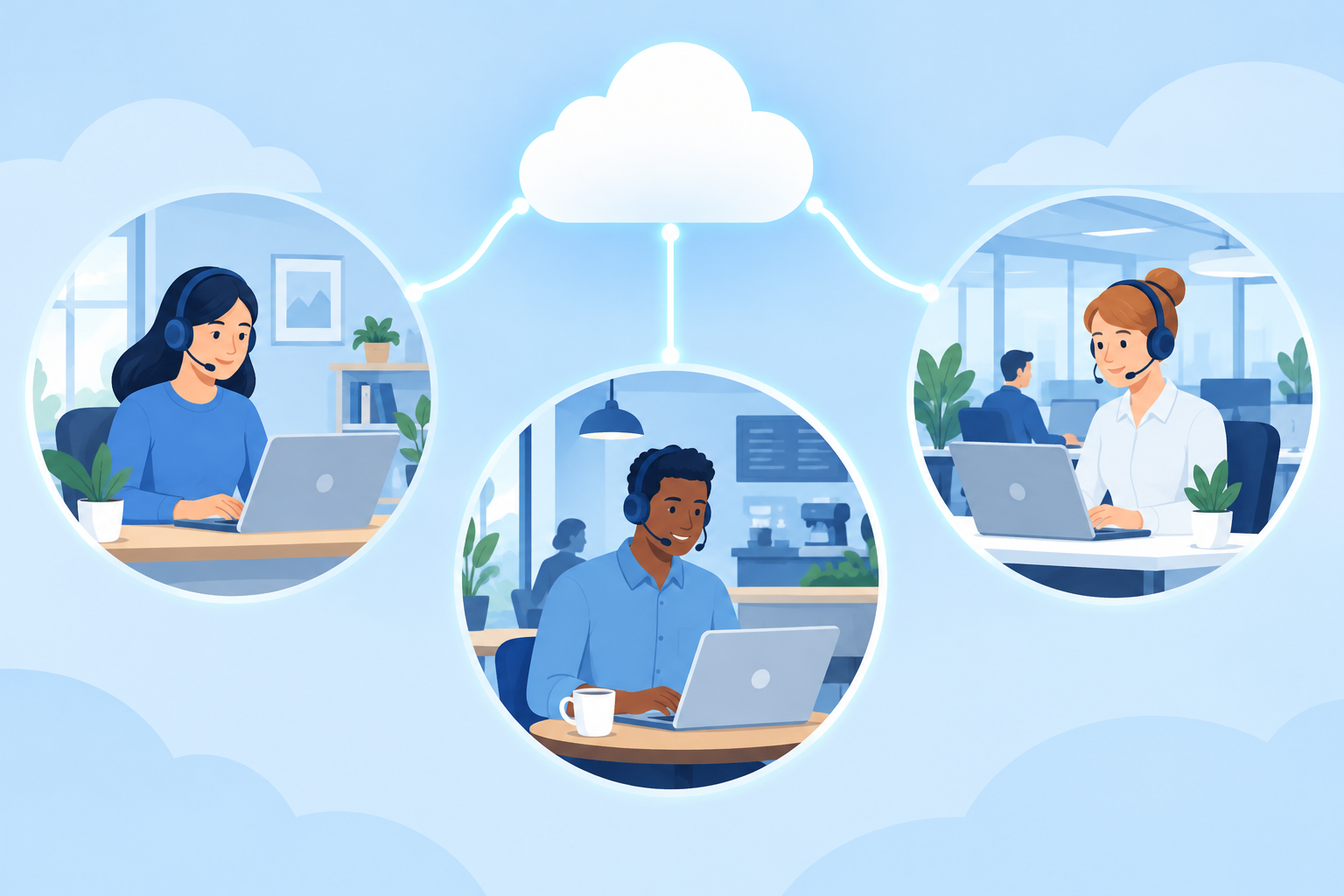
Cloud call center solutions keep gaining ground because they do things that are hard to do with traditional on-premise systems. Agents can work from anywhere, new channels can be switched on in minutes and updates arrive without a server upgrade.
Competition pushes businesses to find better ways to measure how they are doing, and in most cases that means better software.
With so many products on the market, it is easy to feel overwhelmed. The factors below are the ones that matter most before you invest in cloud call center software. Skip them and you risk lost revenue and a poor customer experience.
Business Needs
Be clear about what your business needs before you look at any product. These questions help:
- Why do customers usually contact you?
- Which channels do you use to talk to customers: phone, live chat, email, SMS, social messaging?
- How important is it that the new cloud system works with the applications you already use?
The best software purchases don’t only plan for today. Ask where the business will be in one year, five years and ten years.
That is why integration matters so much. It is how you future-proof the business against changes in your needs or your tools.
Most modern customer service teams need the call center system to connect with their marketing tools, their helpdesk software (Zendesk or Freshdesk, for example) and their CRM (Salesforce or HubSpot, for example). Before you sign, ask each vendor whether the integration is a ready-made connector or something you would have to build through their API.
Setup Time
Look at how easy the software is to set up. The vendor should give you a clear timeline and show evidence that it sticks to timelines like that. A shorter setup isn’t always better, though. A basic tool might be running in a few hours, and then you have a basic tool.
Also ask what disruption to expect while the switch happens. Will the move be smooth, or is there a risk of serious downtime? Moving your existing phone numbers to the new provider (number porting) is often the slowest part, so ask how the vendor handles it and whether old and new systems can run side by side during the cutover.
Security
Criminals have many ways to steal data. Call centers hold large amounts of customer information and are often treated as a soft target, so never compromise on security.
Choose software with strong, provable security features. Check that the provider supports the regulations that apply to you:
| Standard | Applies when | What to ask the vendor |
|---|---|---|
| HIPAA | You handle US patient health information | Will you sign a Business Associate Agreement (BAA)? |
| GDPR | You handle personal data of people in the EU | Where is data stored, and will you sign a data processing agreement? |
| PCI DSS v4.0.1 | You take card payments over the phone | How do you keep card numbers out of recordings and transcripts? |
| SOC 2 Type II | General proof of security controls | Can we see your latest audit report? |
PCI DSS deserves extra attention. Under version 4.0.1, the requirements that were “future-dated” in version 4.0 have counted in assessments since 31 March 2025. Security codes and other sensitive authentication data must not be kept after a payment is authorized, and that includes call recordings. Any stored card number has to be made unreadable, and recordings that hold card data must be protected to match. That is why many centers use payment tools that send card details straight to the payment processor and keep them out of the call center’s systems entirely.
Configurability is the next big security question. In practice, it means being able to set up roles such as agent, supervisor and manager, and decide exactly how much customer data each role can see. That is one of the most important parts of good security practice.
People are still the weak spot. Verizon’s 2026 Data Breach Investigations Report found a human element (mistakes, stolen passwords or falling for scams) in 62% of breaches. The same report found that attackers exploiting unpatched software is now the most common way in. Ask vendors about multi-factor authentication, single sign-on and how quickly they patch.
Customer Support Features
Small features often make the biggest difference to the support your customers receive. Look for:
- A user-friendly interface for agents
- Customer surveys after calls or chats
- Call recording, with automatic pausing or masking for card details
- Real-time transcription and agent-assist suggestions, which many 2026 platforms offer, often as a paid add-on
These help agents give great support without burning out. Bring a few agents into the demo. Let them try the interface and see whether it feels right before you make any decision.
Training and Support
The only cloud call center software solutions worth considering include solid training and onboarding as a core feature. There is no point paying for something your agents and senior team will struggle to use.
Check the vendor’s support program as well. How does it handle errors or outages? Do you get a direct line to someone who can help, and what response times does the service level agreement (SLA) promise? Some vendors save 24/7 phone support for their higher plans, so check which tier you are actually buying.
Strong Reporting Tools
Don’t overlook reporting and analytics. They show you how you are doing and help you make better decisions.
You can’t fix problems you can’t see. Good reporting tools give you real-time data on:
- Agent productivity and occupancy
- First call resolution (FCR) rate
- Abandonment rate (callers who hang up before reaching someone)
- Average handle time (AHT)
- Service level (the share of calls answered within a target time)
With these numbers you can build better plans to improve performance. Choose software with reports that are complete and easy to read, and check whether real-time dashboards and custom reports come with the base plan or cost extra.
Pricing
Security, support, training and reporting don’t matter much if the price is wrong.
The method is simple. Write down the features you need and how much you are willing to spend. Then start researching. To give you a sense of the market, these are the published starting prices reported for well-known platforms in 2026:
| Platform | Pricing model | Reported list price |
|---|---|---|
| RingCentral RingCX | Per agent, per month | From about $65 |
| Talkdesk | Per user, per month | About $85 (Digital Essentials) to $225 (Industry Experience Clouds) |
| Genesys Cloud CX | Per user, per month, billed annually | $75 (CX 1), $115 (CX 2), $155 (CX 3), $240 (CX 4) |
| Amazon Connect | Pay as you go, per minute of use | No seat fee or monthly minimum |
These figures are the starting point, not the full bill. Telephony charges, toll-free numbers, AI features and premium support are often billed on top, and larger contracts are usually discounted. Ask for a quote based on your real agent count and call volume.
If a few tools meet your criteria, you are off to a good start. If none do, you have a choice to make: accept fewer features, or spend more money.
FAQ
What is a cloud call center?
A cloud call center is a contact center system run on the vendor’s servers and used through a web browser or app. You pay a subscription instead of buying on-site phone hardware. Agents can take calls, chats and emails from anywhere with an internet connection.
How much does cloud call center software cost?
Most major platforms charge per agent per month. Reported 2026 list prices start at about $65 for RingCentral RingCX and run up to $240 for the top Genesys Cloud CX tier. Amazon Connect charges by the minute instead. Calling charges and add-ons usually come on top.
Is a cloud call center secure enough for healthcare or payments?
It can be, if the vendor supports the right standards. For US health data, the vendor should sign a HIPAA Business Associate Agreement. For phone payments, it should support PCI DSS v4.0.1. That standard requires stored card numbers to be made unreadable and bans keeping security codes and other sensitive authentication data after a payment is authorized. Any recordings that hold card data must be protected to match. Ask for a current SOC 2 Type II report as general proof of its security controls.
How long does it take to set up a cloud call center?
A basic setup can be running within hours or days. A larger rollout with CRM integration, number porting and agent training often takes several weeks. Ask the vendor for a written timeline and a plan for running the old and new systems side by side.
Which metrics should a call center track?
The core metrics are first call resolution, average handle time, abandonment rate, service level and agent occupancy. Customer satisfaction (CSAT) scores from post-call surveys add the customer’s view. Pick software that shows these in real time.
Sources
- Verizon Data Breach Investigations Report
- PCI Security Standards Council: PCI DSS
- U.S. Department of Health and Human Services: HIPAA for Professionals
- Genesys Cloud CX pricing
- Talkdesk pricing
- Amazon Connect pricing













