
A five-person shop pays BambooHR the same $250 a month as a 25-person one, while Connecteam and Homebase charge nothing at all for teams of up to 10. The right simple HR software depends far more on your headcount and on whether you need payroll than on any feature list. This guide sorts out the confusing “SimpleHR” name, works out what each tool really costs at 5, 10 and 25 employees, and says plainly what the free plans leave out.
Key takeaways
- SimpleHR.com is a Florida PEO you hire. It isn’t software you can buy.
- Connecteam, Homebase Basic and Zoho People are genuinely free for very small teams, but none of them includes US payroll.
- Gusto Simple and OnPay both cost $49 a month plus $6 per employee, which works out to $109 a month for 10 staff.
- BambooHR’s Core plan has a flat $250 monthly floor up to 25 employees, and payroll costs extra.
- If you self-host free OrangeHRM Starter, you become responsible for protecting Social Security numbers and bank details.
Fact-checked
We checked these key facts against the sources named, on November 16, 2026:
- It costs a flat $250 a month up to 25 employees, with payroll extra (source: compono.com)
- A five-person shop pays BambooHR the same $250 a month as a 25-person one, while Connecteam and Homebase charge nothing at all for teams of up to 10 (source: yardstick.team)
- A $79-a-month cloud tool is cheaper than one weekend lost to a broken upgrade. OrangeHRM’s release notes for Starter 5.4 list support for PHP 7.4 to 8.2, MariaDB 5.5 to 10.11 and MySQL 5.5 to 8.0 (source: orangehrmlive.com)
Looking for SimpleHR? Read this first
“Simple HR” can mean three different things. One is SimpleHR, a professional employer organization (PEO) in Destin, Florida. One is a source-code HR app sold from simplehr.site. The third is the general category of easy HR software, which the rest of this page covers.
| Name | What it is | Who uses it | Where to log in / get it |
|---|---|---|---|
| SimpleHR (simplehr.com) | A PEO on Florida’s Emerald Coast that runs payroll, benefits and HR for client businesses | Employees and owners of businesses that contract with SimpleHR | The login menu on simplehr.com, or your employer’s HR contact |
| simplehr.site | A Next.js HR management app sold as source code, plus deployment services | Developers or owners willing to host it themselves | Upwork and Etsy listings; the hosted version is still on a waitlist |
| Simple HR software (general) | Cloud apps such as Gusto, BambooHR, Zoho People, Connecteam and Homebase | Small businesses managing their own HR | Each vendor’s own website and mobile app |
SimpleHR (the Destin, FL PEO) and its employee login
SimpleHR is an outsourced HR company with its headquarters at 36474 Emerald Coast Parkway in Destin. It also has offices serving Pensacola and Panama City. As a PEO it becomes the co-employer of your staff. That means it handles payroll, benefits, workers’ comp and compliance for you, instead of handing you a tool and leaving the work to you.
If you work for a SimpleHR client company, start with the official login menu on simplehr.com. That’s where you’ll find the mySimpleHR employee portal and the SimpleHR Time clock. Look there for pay stubs and your Form W-2. If the portal doesn’t show your W-2, call your own employer’s HR contact or SimpleHR’s Destin office during business hours (8 a.m. to 5 p.m., Monday to Friday). Don’t use “SimpleHR login” pages that turn up in search results on other domains.
Did you know?
SimpleHR, the brand that ranks first for this search, isn’t downloadable software at all. According to its own site and its Destin Area Chamber of Commerce listing, it’s a Florida PEO that has run payroll and benefits for local businesses for more than two decades.
SimpleHR source code (simplehr.site)
simplehr.site sells a self-hosted HR app. Its creator’s Upwork listing offers deployment packages at $49, $149 and $299. The “Basic Payroll” feature produces pay slips. The site says nothing about US payroll tax filing, W-2s or state compliance, so treat it as a records tool and not as payroll. Its security claims, “GDPR Ready” and “Regular Security Audits”, aren’t backed by any named third-party certification such as SOC 2. The hosted SaaS version has been marked “Coming Soon” for most of 2026.
Simple HR software in general
This category covers subscription apps you sign up for online. They hold employee records, track time off, run a time clock, collect onboarding forms and, in some cases, run payroll. The rest of this page compares the strongest options.
The quick answer: best simple HR software by situation
For most teams under 25 people, the choice comes down to two questions. Do you need payroll? Are your staff hourly? Each pick below wins one specific situation.
- Free, for under 10 hourly staff: Connecteam. Its Small Business plan is free for up to 10 users and includes the time clock, the scheduler and up to 9 time-off policies.
- Free, for 5 or fewer office staff: Zoho People. The free edition covers an employee database and time-off tracking for 5 users.
- Shift teams at a single location: Homebase. Basic is free for one location with up to 10 employees, and the scheduling is the easiest on this list.
- You need payroll plus light HR: Gusto Simple or OnPay. Both cost $49 a month plus $6 per employee, and both file your payroll taxes.
- Polished HR records and reports: BambooHR Core. It costs a flat $250 a month up to 25 employees, with payroll extra.
- Many apps in one place as you grow: Rippling. It’s modular and the final price is quote only.
- Self-hosting on your own server: OrangeHRM Starter. It’s free and open source, but there’s no payroll.
Simple HR software compared (2026 list prices)
| Tool | Best for | Free plan? | Starting price | Payroll included? | Employee mobile app | Skip it if |
|---|---|---|---|---|---|---|
| Gusto | Payroll-first small teams | No | $49/mo + $6/employee | Yes | Yes | You only need PTO and files |
| OnPay | Low-cost payroll with HR basics | No | $49/mo + $6/worker paid | Yes | Yes | You need built-in scheduling |
| BambooHR | Clean employee records | No | $250/mo flat (≤25 staff, Core) | No, extra | Yes | You have under 10 people on a tight budget |
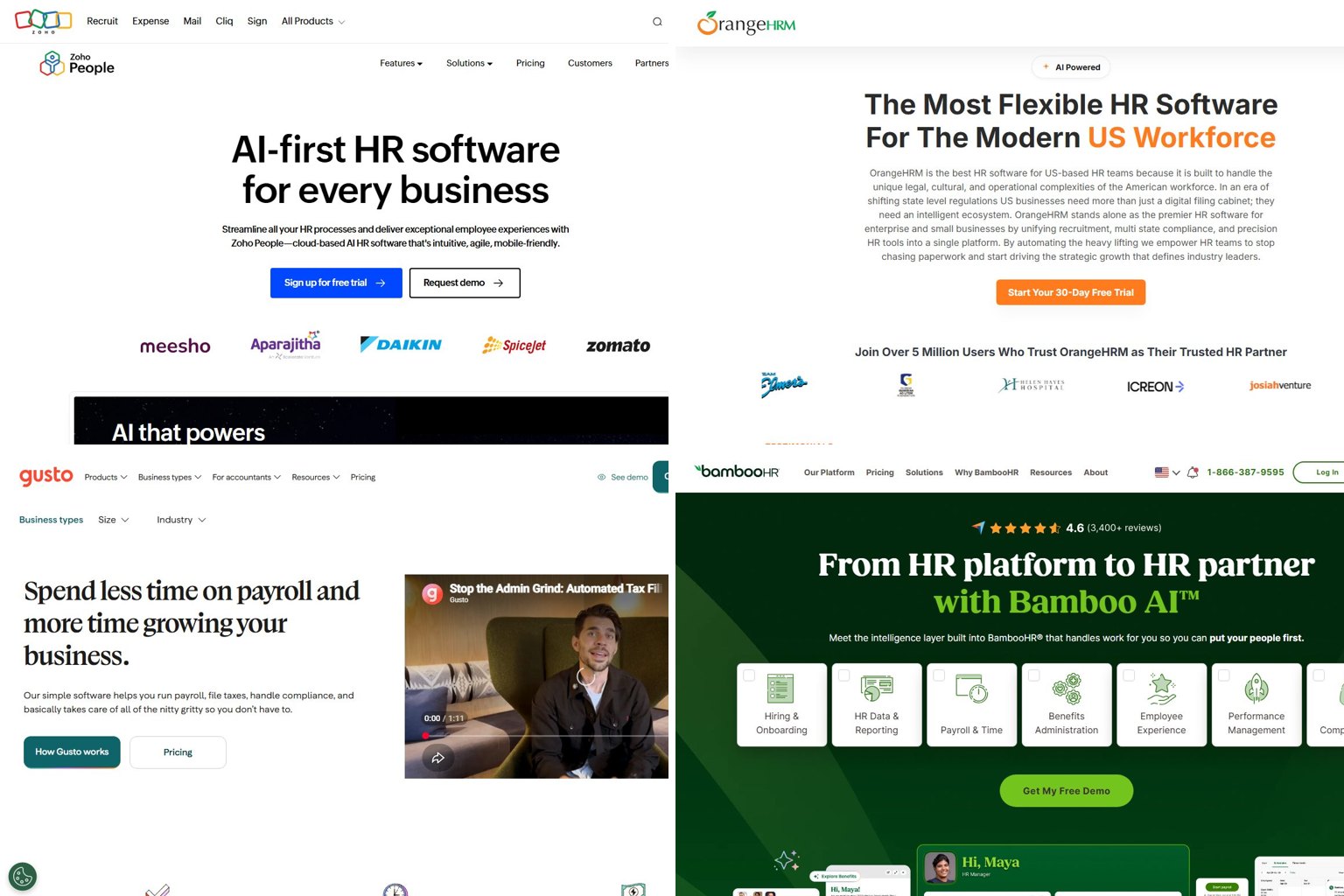
| Zoho People | PTO and files on a budget | Yes, 5 users | Free; paid plans from a few dollars per user | No (US) | Yes | You need US payroll in the same app |
| Connecteam | Hourly and field staff | Yes, 10 users | $29/mo per hub (annual) for up to 30 users | No | Yes, mobile-first | Your team is mostly desk-based |
| Homebase | Restaurants and retail shifts | Yes, 1 location, 10 staff | $30/mo per location | Add-on | Yes | You run several locations on a tiny budget |
| Rippling | Fast-growing teams adding IT and benefits | No | From about $8/employee | Module | Yes | You want a published, predictable price |
| OrangeHRM Starter | DIY, self-hosted | Yes (open source) | $0 plus hosting | No | Limited | Nobody on staff can maintain a server |
How these picks were chosen: Each tool was weighed on five things, using vendor pricing pages and recent 2026 pricing analyses. Ease of setup and an interface staff can use without training count most. Published, predictable pricing comes next. Then a usable free or low-cost tier, an employee mobile app for PTO requests and pay stubs, and whether payroll is included or easy to add. Tools that only give prices to large companies, or that need a sales call before you can see the product, ranked lower.
What “simple” HR software actually needs to do
A team under 25 people needs six things done reliably. Anything beyond that is optional.
- Employee records: names, addresses, emergency contacts, job titles, pay rates and stored documents.
- Time off: a PTO policy, accrual tracking, a request button for staff and an approval for you.
- Time clock and scheduling: essential for hourly staff, optional for salaried office teams.
- Onboarding paperwork: Form I-9 (plus E-Verify if your state or contracts require it), Form W-4 and direct deposit details, collected digitally.
- Payroll and tax filing: paychecks, federal and state tax deposits, and Form W-2s in January.
- An employee app: staff check their own pay stubs, balances and schedules, which saves you constant questions.
At this size you can usually skip performance review cycles, applicant tracking, org charts and engagement surveys. Those features are what push monthly bills from $100 toward $500.
Signs you’ve outgrown spreadsheets
If your team has fewer than 10 people, a payroll provider plus a shared drive can genuinely be enough. Move to HR software once two or more of these apply:
- You’ve missed or miscounted someone’s PTO balance.
- Staff text you their hours or swap shifts by group chat.
- New-hire paperwork lives in email attachments or a desk drawer.
- More than one person needs access to employee files, and you can’t control who sees salaries or Social Security numbers.
- You spend more than an hour a pay period checking hours before payroll.
HR software vs payroll software vs a PEO
These are three different jobs. HR software stores people data and tracks time. Payroll software moves money and files taxes. A PEO takes legal co-employment of your staff and does both for you.
| Option | What you get | What you still do | Typical fit |
|---|---|---|---|
| HR software (BambooHR, Zoho People, Connecteam) | Records, PTO, time tracking, onboarding | Run payroll somewhere else | You already have payroll sorted |
| Payroll with HR (Gusto, OnPay) | Paychecks, tax filing, W-2s, basic HR | Policies, compliance decisions | Most teams of 2 to 25 |
| PEO (SimpleHR and others) | Payroll, benefits, workers’ comp, HR advice, co-employment | Approve hours, manage people | You want benefits buying power and expert help |
What it really costs at 5, 10 and 25 employees
Most simple HR tools charge in one of two ways: a base fee plus a per-employee fee, or a flat price per plan or location. The table below works out monthly list prices for each pick. It uses monthly billing unless noted and leaves out taxes and promotions.
| Tool / plan | 5 employees | 10 employees | 25 employees | What’s not included |
|---|---|---|---|---|
| Gusto Simple ($49 + $6) | $79 | $109 | $199 | Next-day deposit and fuller time tools sit on higher tiers |
| Gusto Plus ($80 + $12) | $140 | $200 | $380 | Premium-level HR support |
| OnPay ($49 + $6 per worker paid) | $79 | $109 | $199 | Built-in scheduling and time clock |
| BambooHR Core (flat to 25) | $250 | $250 | $250 | Payroll, more than 5 open jobs |
| BambooHR Pro (flat to 25) | $425 | $425 | $425 | Payroll |
| Zoho People | $0 (free edition) | About $13-$30 | About $31-$75 | US payroll |
| Connecteam | $0 | $0 | $29-$35 per hub | Payroll |
| Homebase | $0 (Basic) | $0 (Basic) | $30 (Essentials) | Payroll at $49 + $6 per employee |
| Rippling (typical total) | About $75-$125 | About $150-$250 | About $375-$625 | Exact price is quote only |
| OrangeHRM Starter | $0 + hosting | $0 + hosting | $0 + hosting | Payroll, vendor support |
The Zoho People ranges reflect regional pricing. Analyses this year put Essential HR anywhere from about $1.25 to $3 per user per month, with a 5-user minimum on paid plans.
Do the multiplication first
Write down your headcount and work out base fee + (per-employee fee × staff) before you compare anything. At every size up to 25, Gusto Simple ($199 at 25 staff) costs less than BambooHR Core’s $250 floor, and Gusto includes payroll.
Worked example: A café with 8 hourly staff can run Connecteam’s free plan for scheduling and time clock, and Gusto Simple for payroll. That comes to $49 + (8 × $6) = $97 a month. Homebase Plus at $70 per location plus its $49 + $48 payroll add-on would be $167. An owner who said “BambooHR wants $250 for 6 employees” has a cheaper route too. Zoho People Essential HR at 6 users costs roughly $8 to $18 a month, or OnPay costs $85 with payroll included.
2026 price changes to know about
Three changes this year make older reviews unreliable:
- Gusto: the Simple plan’s base fee rose from $40 to $49 a month on March 1, 2026, according to Noon.ai’s 2026 Gusto pricing analysis. The $6 per-employee fee stayed the same.
- BambooHR: CostBench’s changelog recorded a price cut on the top tier to $25 per employee per month in April 2026. A Yardstick review of the pricing page dated November 9, 2026 lists Core at about $10, Pro at $17 and Elite at $25 per employee, with flat monthly minimums of $250, $425 and $650 for 25 or fewer employees.
- Homebase: pricing trackers logged a September 2026 increase in the payroll add-on base fee to $49, alongside a time-limited promotion of six months free.
Did you know?
Gusto’s cheapest plan went from $40 to $49 a month on March 1, 2026, roughly a 23% rise in the base fee, according to Noon.ai’s 2026 Gusto pricing analysis. Any review written before then understates your bill.
For anyone asking “Gusto raised their price again, what are people switching to?”, OnPay is the obvious comparison. It costs the same $49 plus $6 and comes as one plan, with no feature tiers.
Hidden costs and add-ons
These add-ons are what push quotes past the headline price:
- BambooHR payroll: Core, Pro and Elite list prices don’t include payroll. Job openings are capped at 5, 25 and 50 depending on the plan.
- Gusto tiers: next-day direct deposit and broader time and PTO tools sit above Simple. The Contractor-only plan ($35 a month plus $6 per contractor) doesn’t cover W-2 employees.
- Rippling modules: the roughly $8 per employee is a platform fee. Once you add payroll, benefits administration and device management, 2026 analyses put typical bills at $15 to $25 or more per employee. That’s why a quote that “looked cheap at $8” comes back much higher.
- Homebase extras: Tip Manager is $25 a month per location, Task Manager is $13, and background checks are $30 each.
- Connecteam: each “hub” (Operations, Communications, HR & Skills) is priced separately once you leave the free plan.
Is there free HR software that’s actually usable?
Yes, for teams of 10 or fewer. Connecteam, Homebase Basic and Zoho People’s free edition are real products, not demos. But none of them includes free US payroll with tax filing, so you’ll still pay for payroll somewhere.
| Tool | User cap | What’s free | What you’ll pay for |
|---|---|---|---|
| Zoho People Free | 5 users | Employee database, time-off management | Attendance, shifts, more users (paid plans have a 5-user minimum) |
| Connecteam Small Business | 10 users | Time clock, scheduler, up to 9 time-off policies, all hubs | 11+ users ($29/mo per hub annual, $35 monthly) |
| Homebase Basic | 1 location, 10 employees | Scheduling, time clock basics | Extra locations, payroll, hiring and HR tools |
| OrangeHRM Starter | No cap (self-hosted) | Core HR records, leave, time, recruitment | Hosting, your own maintenance time; no payroll |
Zoho People Free
The free edition suits a small office that only needs files and PTO, and it handles those well. The jump to paid is the catch. Paid plans require at least 5 users and come with a 30-day free trial.
Connecteam Small Business plan
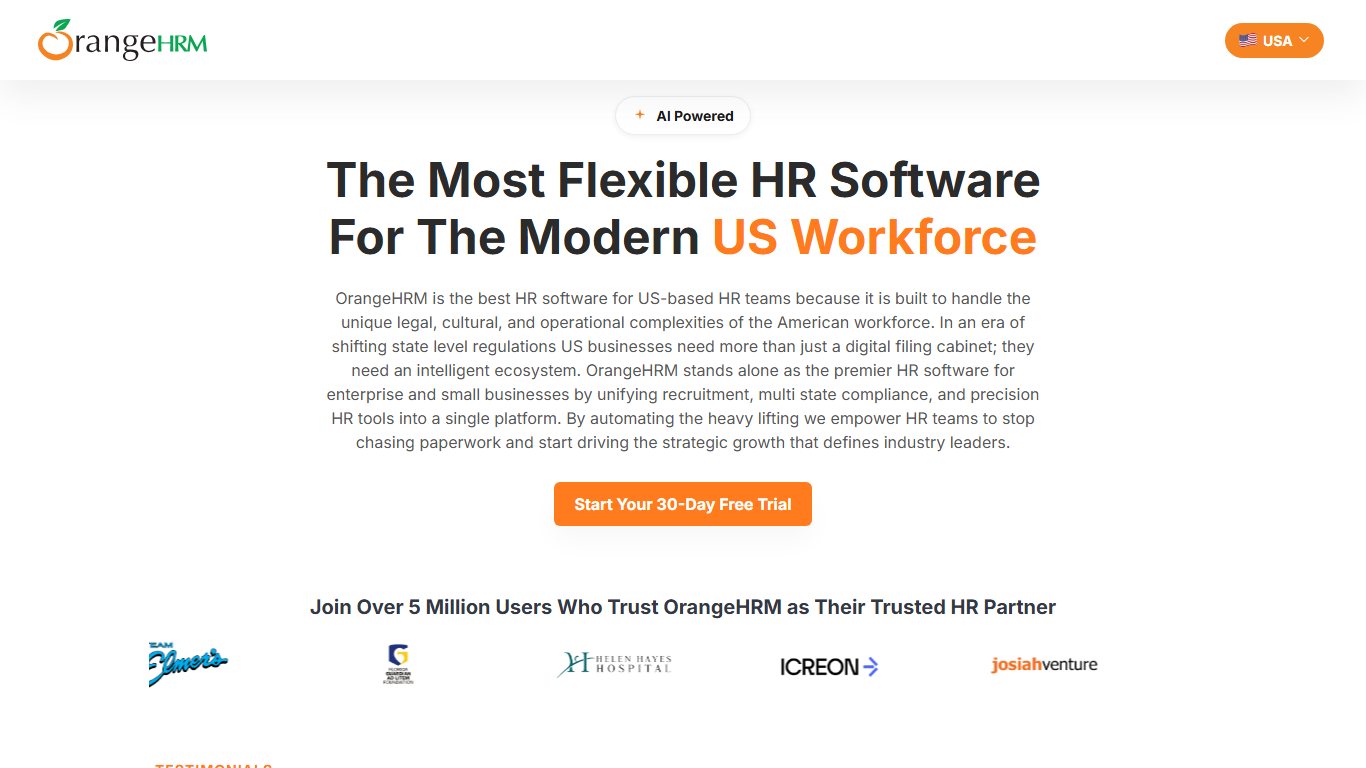
This is the strongest answer to “is there an HR app my hourly staff can clock in on from their phone for free?” It’s built mobile-first, with GPS time clock and shift scheduling included. At 11 users you move to paid hubs.
Homebase Basic
Homebase Basic covers one location with up to 10 employees. It’s built around restaurants and retail. Paid tiers are priced per location with unlimited employees, which suits a growing single shop.
OrangeHRM Starter (open source)
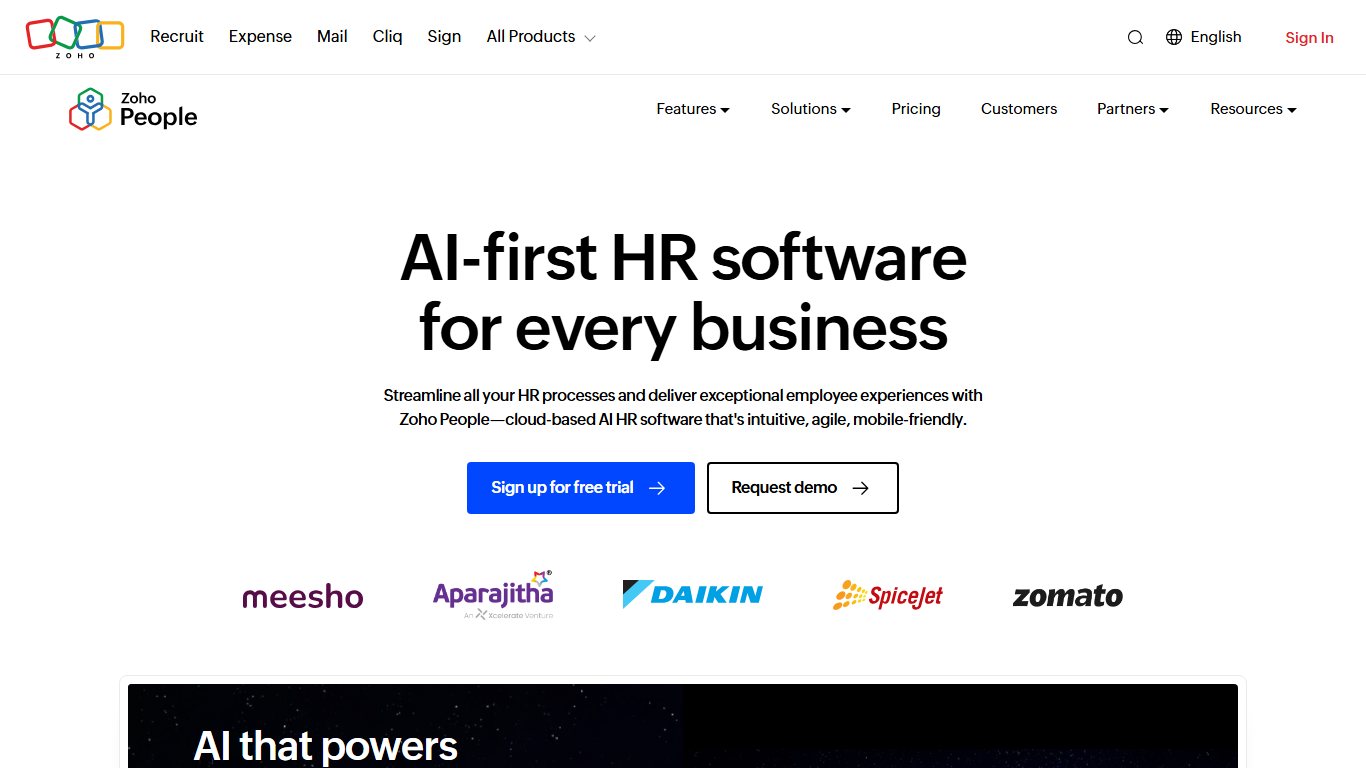
Free to download, and OrangeHRM says more than 5 million people use it. You need a server and the skills to keep it patched. The next section covers that.
Start free, then add payroll
For shift or hourly workers, try Connecteam’s free plan or Homebase Basic for a full pay cycle before you pay for a full HR suite. For 5 or fewer office staff, Zoho People’s free edition covers records and time off while payroll stays where it is.
Mini-reviews: the simplest HR tools to set up for a friend
Each review below covers who the tool suits, what it costs, the most common complaint and when to skip it.
Gusto
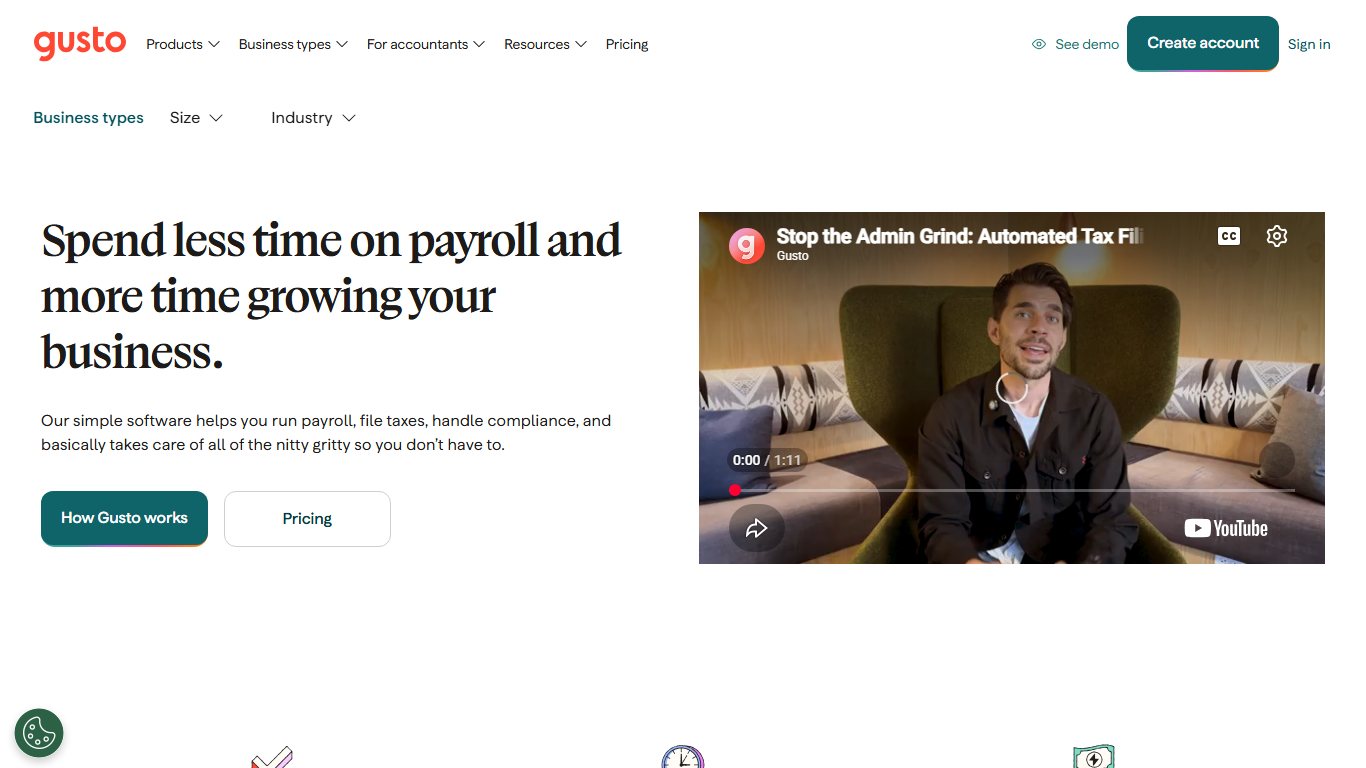
Gusto suits most US small businesses that want payroll and basic HR in one login. Setup walks you through it step by step, and new hires fill in their own W-4 and direct deposit details. Pricing: Simple $49 + $6 per employee, Plus $80 + $12, Premium reported at $180 + $22 (some sources list it as custom). The main complaint is that useful features such as time tracking push you up to Plus. Compared with OnPay, the price is the same and the interface is slicker, but there are more tiers to choose between. Skip it if you only need PTO tracking and employee files.
BambooHR
BambooHR has the cleanest employee records and reports on this list, and staff find the app easy to use. Its pricing hits small teams hardest: Core costs $250 a month for 5 employees or 25, and payroll is extra. Compared with Zoho People, it’s far more polished and many times the price. Skip it if you have fewer than 10 people and payroll already runs elsewhere.
Did you know?
BambooHR charges a flat floor for small teams. According to Yardstick’s review of its pricing page, Core is $250 a month for anyone with 25 or fewer employees, so a 5-person shop pays the same as a 25-person one.
Zoho People
Zoho People is the answer for “I just need PTO tracking and employee files, everything else is overkill.” It’s free for 5 users and cheap after that. The interface is busier than BambooHR’s, and setup has more menus. Skip it if you want payroll in the same app.
Connecteam
Connecteam is the best free option for hourly, field and deskless teams. Your staff do almost everything from their phones. Compared with Homebase, it’s better for mobile crews and for chat and checklists, while Homebase is better for one fixed storefront. Skip it if your team works at desks and never clocks in.
Homebase
Homebase is the easiest scheduling tool for a single restaurant or shop. Basic is free. Essentials costs $30, Plus $70 and All-in-One $120 per location per month on monthly billing, or $24, $56 and $96 if you pay annually. Users complain about upsells and add-on fees. Skip it if you have several small locations, because every location is billed separately.
OnPay
OnPay is low-cost payroll with HR basics for $49 a month plus $6 per worker paid in that billing period. There’s no free plan and only one tier, which makes it simple to budget. Compared with Gusto, the price is identical and the decisions are fewer. Skip it if you want built-in scheduling, since that’s handled through integrations.
OrangeHRM Starter
OrangeHRM Starter is free, open-source HR for people who can run a web server. It has solid modules for records, leave and recruitment. OrangeHRM also sells a separate paid product, OrangeHRM 8.0, launched in February 2026 with an assistant called “Citra AI”. Don’t confuse the two. Skip it if “Linux server” means nothing to you.
Rippling belongs in the conversation for teams expecting fast growth or international hires, where it competes with Deel. For a simple setup under 25 people, its modular quotes make it harder to budget than Gusto.
Self-hosted and “buy once” HR software: worth it?
Only if someone on your team already manages servers. The licence costs nothing, but you take on hosting, upgrades, backups and the legal risk of storing Social Security numbers yourself. For a non-IT owner, self-hosting OrangeHRM really is a chore. A $79-a-month cloud tool is cheaper than one weekend lost to a broken upgrade.
What you need to run it
OrangeHRM’s release notes for Starter 5.4 list support for PHP 7.4 to 8.2, MariaDB 5.5 to 10.11 and MySQL 5.5 to 8.0. Newer 5.x builds have followed. OpenTechHub, a community software aggregator, reports v5.9 dated June 28, 2026, and a hosting template running v5.8.1 as of May 2026. Check OrangeHRM’s own GitHub release notes before you install. simplehr.site needs a Node.js environment for its Next.js code, plus a database you’ll maintain.
Before you start
Self-hosted HR software holds Social Security numbers, bank accounts and I-9 data. If the server is breached or the disk dies without a backup, the responsibility is yours, not the vendor’s.
Security checklist if you host HR data yourself
- Use HTTPS only, with a valid certificate.
- Turn on two-factor authentication for every admin account.
- Run automated, encrypted, off-site backups, and test a restore once a quarter.
- Apply OrangeHRM or app updates within days of each release.
- Limit admin rights to the fewest people possible.
- Keep the database off the public internet.
OrangeHRM Starter has real users: the University at Albany uses it to teach MBA students HR systems, and the restaurant chain Johnny Rockets has run it too. Both have IT resources behind them.
When a PEO like SimpleHR makes more sense than software
Choose a PEO when you want someone else to carry payroll, benefits and compliance, and you’re willing to pay a service fee for it. Choose software when you’re comfortable making HR decisions yourself and want the lowest monthly cost.
PEOs pool clients’ employees together, so a 12-person firm can buy health insurance and workers’ comp at group rates. They also give you HR experts to call. NAPEO, the PEO industry’s trade association, is the place to check a provider’s accreditation before you sign.
A plain decision rule: if offering competitive health benefits is the reason you’re shopping, get a PEO quote (SimpleHR is the local option on Florida’s Emerald Coast). If you just need paychecks, PTO and files, Gusto or OnPay costs less and you keep full control.
Set it up in an afternoon: first-week checklist
Most cloud tools can be running in a few hours if you have your employee data ready. Here’s the order that avoids rework:
Fix it
- Pick the plan that matches your headcount, using the cost table above.
- Export staff names, emails, start dates and pay rates to a CSV file.
- Import the CSV under the tool’s employee or people import screen.
- Set your PTO policy: accrual rate, carryover cap and approval rules.
- Upload your handbook and set up I-9, W-4 and direct-deposit onboarding forms.
- Turn on two-factor authentication for every admin account.
- Invite employees to the mobile app and ask each of them to check their own profile.
- Run a test or parallel payroll before your first live pay date.
Lock it down on day one
HR systems hold Social Security numbers and bank details. Turn on two-factor authentication for every admin account before you invite a single employee.
FAQ
Is there a free HR software?
Yes. Connecteam is free for up to 10 users, Zoho People is free for 5, and Homebase Basic is free for one location with up to 10 employees. OrangeHRM Starter is free and open source if you host it yourself.
What is the most popular HR software?
For small US businesses, Gusto and BambooHR are the names you’ll hear most. OrangeHRM claims more than 5 million users of its free Starter edition.
What is the cheapest HR software?
Free plans are cheapest: Connecteam, Zoho People and Homebase Basic. Among paid tools that include payroll, Gusto Simple and OnPay both start at $49 a month plus $6 per employee.
What is the best HR software with a simple interface?
BambooHR has the cleanest records interface. For your employees, Connecteam and Homebase are the easiest apps to clock in and request time off on, which also answers which HR system is easiest for staff to use.
How do I log in to SimpleHR as an employee?
Use the login menu on the official simplehr.com website, which leads to the mySimpleHR portal and SimpleHR Time. For W-2 problems, contact your employer’s HR contact or SimpleHR’s Destin office.
Is SimpleHR a PEO or software?
SimpleHR.com is a PEO based in Destin, Florida. The simplehr.site product is an unrelated source-code HR app.
Can I download free HR software?
Yes. OrangeHRM Starter is a free open-source download. You’ll need PHP, a MySQL or MariaDB database, and the skills to secure and back it up.
Do I need HR software with fewer than 10 employees?
Not always. A payroll provider plus a shared drive can work until PTO tracking, shift swaps or onboarding paperwork start eating your time.
Does free HR software include payroll?
No. None of the free plans covered here includes US payroll with tax filing. Homebase sells payroll as an add-on, listed at $39 a month plus $6 per employee with Basic, or $99 a month plus $6 per employee with Essentials.
What’s the difference between HR software and a PEO?
HR software is a tool you run yourself. A PEO becomes the co-employer of your staff and handles payroll, benefits and compliance for you.
Your next step
Count your staff and decide whether payroll belongs in the same app. Those two facts narrow this list to one or two tools. Open the free plan or trial and import five real employees. If it isn’t clear within a week, try the closest alternative from the comparison table.













