

As of November 2026, Sellfy is the simplest way to sell ebooks from your own store with no transaction fees (plans from $29 a month). Payhip is the cheapest way to start, because its free plan only takes 5% per sale. Amazon KDP gives you access to a huge readership, and since 7 July 2026 Amazon pays its 70% royalty on ebooks priced from $2.99 to $12.99 on Amazon.com. Most authors do best selling direct to their own audience and using Amazon to reach new readers.
There are more places to sell ebooks online now than ever before. This guide compares the best ones. Some let you market and sell ebooks on your own website and keep all of the sale price apart from payment processing fees.
Others are online marketplaces. They give you access to an audience that is already there, but they keep a share of every sale.
Quick picks
Here is a summary of the five platforms in the full list, in the same order:
- Sellfy is best for selling ebooks with no transaction fees. You can build an online store with Sellfy or sell ebooks straight from your existing website. It also sells print-on-demand goods, physical products and subscriptions.
- Podia is best if you want everything for digital products in one place. It sells courses, webinars, ebooks and more, and it includes affiliate marketing, email marketing and customer messaging.
- Payhip is best for starting for free. Its Free Forever plan has no monthly fee and takes 5% of each sale.
- BigCommerce is best if you want a complete online store that sells books alongside other goods.
- SendOwl is best for adding a checkout and delivery to a site you already have, with extras such as license keys and chapter-by-chapter Drip releases.
Compare the platforms at a glance
Pricing below is correct as of November 2026. Amazon KDP is not in the numbered list because it is a marketplace rather than your own store, but it is included here so you can compare the costs.
| Platform | Best for | Entry price/month | Platform transaction fee | Free plan or trial | Sales cap on entry plan |
|---|---|---|---|---|---|
| Sellfy | No transaction fees | $29 (about $22 yearly) | 0% | 14-day free trial | $10,000 a year |
| Podia | All-in-one digital products | $49 ($42 yearly) | 5% on Mover, 0% on Shaker | 30-day free trial | No sales cap, 5% fee instead |
| Payhip | Starting for free | $0 | 5% free, 2% Plus, 0% Pro | Free Forever plan | None |
| BigCommerce | Large mixed-product stores | $39 ($29 yearly) | 0% | 15-day free trial | $50,000 a year on Standard |
| SendOwl | Checkout for an existing site | $39 | 0% | Paid plans only | $10,000 a year, 5,000 orders |
| Amazon KDP | Reaching new readers | $0 | Keeps 30% at $2.99 to $12.99, 65% outside that band | Free to join | None |
Every own-store option above also charges standard Stripe or PayPal processing fees on top.
How to sell ebooks: step by step
Selling an ebook comes down to seven steps: choose a topic, write and edit, format the file, design a cover, pick where to sell, set a price, then launch and promote. Most authors can get from a finished draft to a first sale in a few weeks.
- Pick a topic readers already buy. Look at Amazon’s bestseller lists for your genre or niche. Romance, crime and mystery, self-help, and business and finance sell steadily. See the FAQ on popular ebook types below.
- Write and edit the book. Write the full draft, then edit it yourself or hire an editor. Check the length guide in the FAQ so your book matches what readers expect in your genre.
- Format it as EPUB, PDF or both. EPUB works for retailers and e-readers, and PDF works for direct downloads. The format section below covers free tools such as Calibre and Kindle Create.
- Design a cover that works at thumbnail size. Most buyers see your cover as a small image first. Size it to Amazon KDP’s guidelines (covered in the format section) and the same file works almost everywhere.
- Choose a direct store, a marketplace, or both. Use one of the five platforms below for sales to your own audience. Use Amazon KDP, Etsy, Gumroad or a distributor like Draft2Digital to reach new readers.
- Set a price that fits your royalty or fee model. On Amazon.com, prices from $2.99 to $12.99 earn the 70% royalty. On your own store, price for your audience and your platform’s fee.
- Launch and promote. Use your platform’s built-in tools: coupons, affiliates, email and free promotions. The promotion section below shows which platform offers what.
1. Sellfy
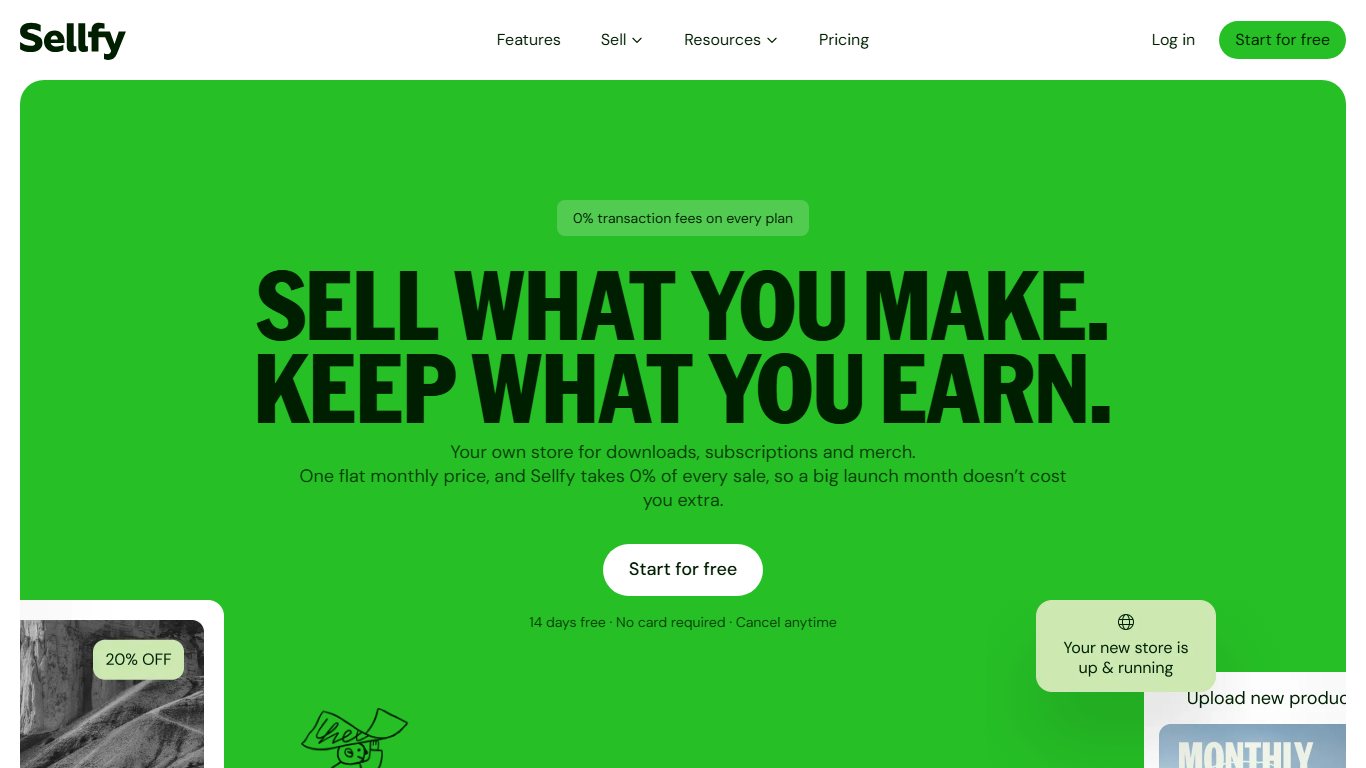
Sellfy is the best online storefront for selling ebooks. You can build your own store with it and sell ebooks, print-on-demand products and much more.
It is one of the easiest ecommerce systems to use, which makes it a good fit for new authors who want a simple way to self-publish. Getting your first store live takes only a few clicks.
Once your store is set up, you can add products, change how the store looks, and choose your payment options. Sellfy handles digital products such as ebooks as well as print-on-demand goods.
After your book launches, you can add ad tracking pixels, such as the Facebook pixel, to measure paid ad campaigns. You can track store performance with Sellfy’s own analytics or connect another tool such as Google Analytics. Email marketing is built in, with a monthly allowance of email credits on every plan: 2,000 on Starter, 10,000 on Business and 50,000 on Premium. Each credit is one email sent, and you can buy more from the dashboard.
Sellfy also has features that protect your files and your customers. You can limit the number of downloads to stop buyers sharing your book, and you take payments securely through PayPal or Stripe.
Sellfy charges 0% transaction fees on every plan, which makes it a strong choice for solo creators and new authors. PayPal and Stripe still charge their standard processing fees.
Sellfy pricing
Paid plans start at $29 a month for Starter when billed monthly, or about $22 a month when billed yearly. Starter covers up to $10,000 a year in sales. Business costs $79 a month (up to $50,000 in yearly sales) and Premium costs $159 a month (up to $200,000). Billed yearly, Business drops to $59 and Premium to $119 a month. If you go over your plan’s yearly limit, Sellfy expects you to upgrade to the next plan. There is no free plan, but a 14-day free trial is available.
2. Podia
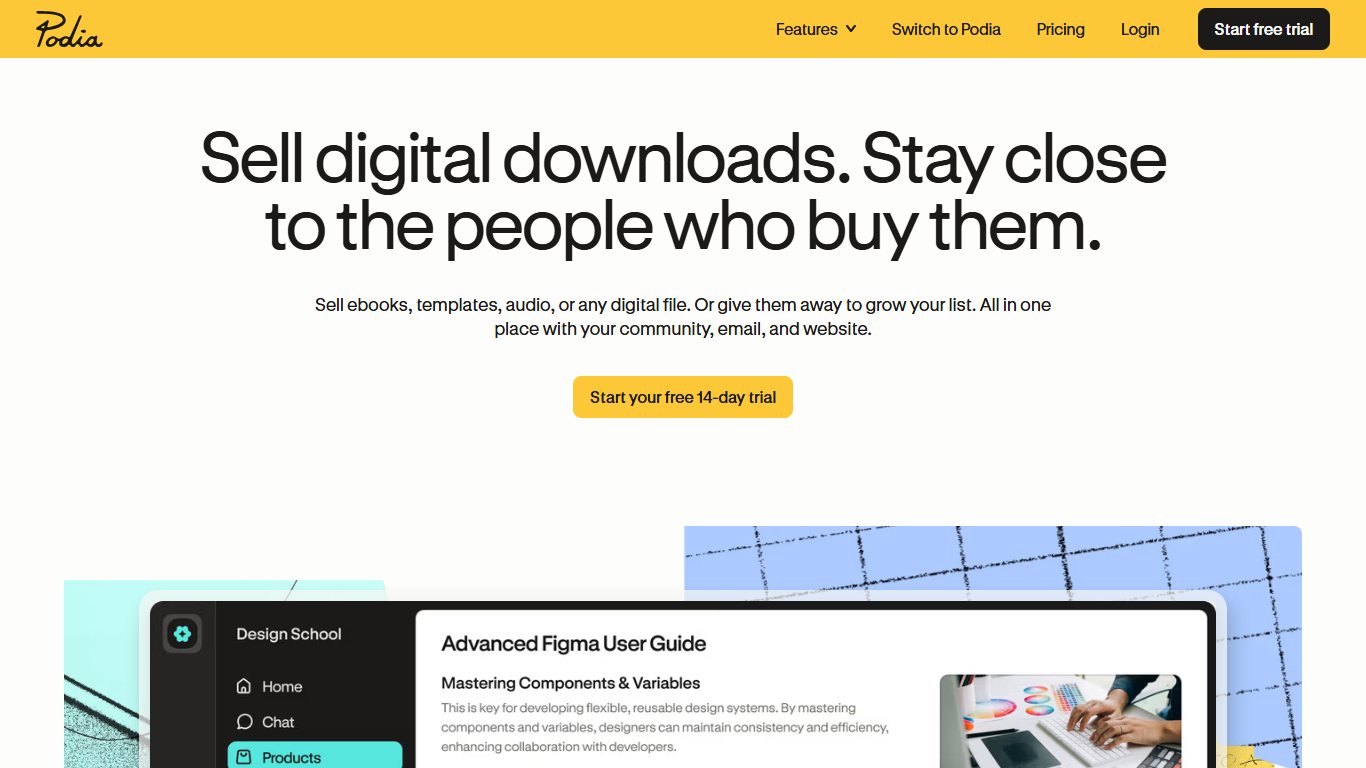

Podia is an all-in-one sales and marketing platform that makes it easy to sell ebooks and other digital products.
It suits business owners who want to start selling digital goods quickly. You can set up your own store fast, and you have plenty of choice in what you sell.
For example, you can sell downloads such as audio files, ebooks, templates and presets. Podia also includes webinars and online courses.
Its biggest strength is the number of marketing tools included out of the box. Email campaigns, messaging, embeds and affiliate programs are all managed in one place.
Podia’s template library makes designing and customizing your store simple. Overall, it is an easy, feature-rich platform for creators who want to sell a wide range of digital products.
Podia pricing
Podia now has three paid plans. Mover costs $49 a month ($42 a month billed yearly) and charges a 5% transaction fee. Shaker costs $99 a month ($84 billed yearly) with no Podia transaction fee, and Earthquaker costs $179 a month ($150 billed yearly).
Podia’s free plan, which charged a higher transaction fee, was removed in October 2024. A 30-day free trial is available instead. Stripe and PayPal processing fees apply on every plan.
3. Payhip
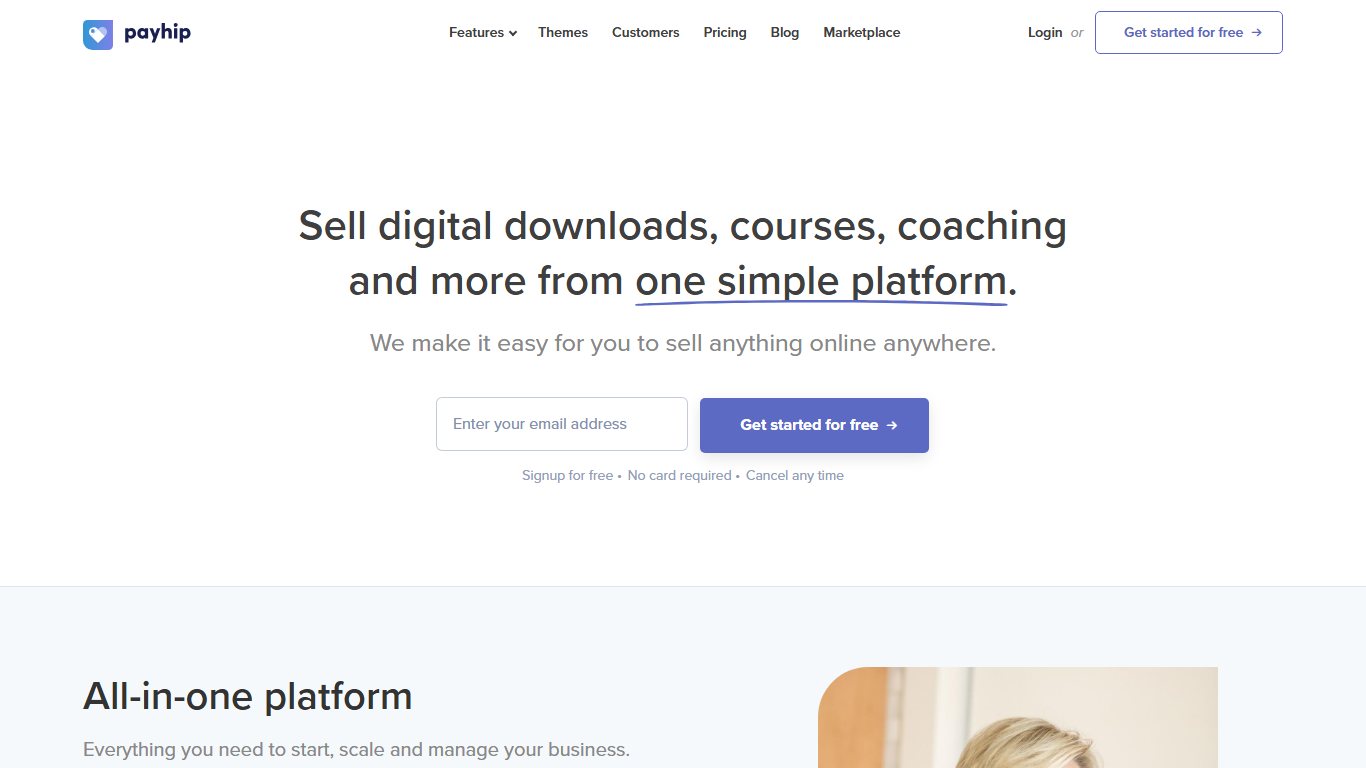

Payhip is an excellent ecommerce platform for selling ebooks online. Its beginner-friendly tools let you build a professional-looking store quickly.
Once your store is customized, you can start selling ebooks and other digital products. Payhip also handles online courses, memberships and other subscription products.
It includes useful sales tools such as pay-what-you-want pricing, coupons and an affiliate program. These make it easier to lift revenue and conversions.
Payhip takes payments through PayPal and Stripe, so you need to connect an account with one or both before you can sell. Depending on your plan, Payhip charges a transaction fee of 0% to 5%, and PayPal or Stripe charge their standard fees on top. Overall, Payhip is a simple, low-cost way to sell ebooks online.
Payhip also takes a tax job off your hands. Its help center says it applies EU and UK VAT on digital sales by default and files the collected VAT with tax authorities each quarter.
Payhip pricing
Payhip has three plans:
| Plan | Monthly price | Payhip transaction fee |
|---|---|---|
| Free Forever | $0 | 5% |
| Plus | $29 | 2% |
| Pro | $99 | 0% |
The free plan needs no credit card to start. As a rough guide, Plus starts to save money once you sell about $1,000 a month, and Pro beats Plus at around $3,500 a month in sales.
4. BigCommerce
BigCommerce is a popular ecommerce platform built for larger online stores. You can sell a wide range of products with it, both physical goods and digital ones such as ebooks.
It includes a visual editor for building and customizing your store, along with flexible selling options.
BigCommerce also comes with marketing tools that help you get started and scale up as your business grows.
It works as an all-in-one system for running an online business and handling bigger marketing campaigns. That makes it best for people or companies who want a customizable store that grows with them and who plan to sell a mix of physical and digital products. If you only sell ebooks, it is more platform than you need.
BigCommerce pricing
The Standard plan costs $39 a month when billed monthly, or $29 a month billed yearly, a 25% saving. Plus costs $105 a month ($79 billed yearly) and Pro costs $399 a month ($299 billed yearly). There is no free plan, but you can try BigCommerce free for 15 days.
5. SendOwl
SendOwl is a platform built to help creators sell and deliver digital products such as ebooks quickly and reliably. You can sell many kinds of digital goods with it, including ebooks, photos, memberships and tickets.
SendOwl lets you set up your own ebook checkout and offers plenty of ways to promote and deliver your products.
For example, it can issue license keys and codes to help stop people copying your content. Its Drip feature lets you release an ebook chapter by chapter, which can help you build interest and increase sales.
Overall, SendOwl is a solid choice for self-published authors who want ecommerce features aimed at digital products.
SendOwl pricing
SendOwl overhauled its pricing in April 2025 and moved to flat monthly plans tied to sales volume. The Starter plan costs $39 a month and covers up to $10,000 in yearly sales, 5,000 orders and 20 products. Standard ($87 a month) raises the limits to $36,000 in yearly sales and 25,000 orders. Pro ($159 a month) raises them to $100,000 and 50,000 orders. SendOwl measures your volume over a rolling 12 months and moves you to the next plan automatically if you go over. SendOwl takes no cut of each sale, but Stripe and PayPal fees still apply.
Other options worth a look
A few more tools are worth knowing about, even though they did not make the numbered list.
- PublishDrive is a distributor that sends your ebook to stores such as Amazon and Apple Books from one dashboard. It competes directly with Draft2Digital, covered below.
- Gumroad is a simple checkout for creators. It suits you if you want to sell a single ebook fast without building a store. Fees are covered in the next section.
- Etsy works well for short, practical PDF ebooks such as planners, guides and workbooks. Readers there often find these through search.
Marketplaces and distributors: reaching new readers
Marketplaces bring buyers who have never heard of you, and distributors push one upload out to many stores. Both keep a bigger share of each sale than your own store, so they work best for discovery rather than for selling to readers who already follow you.
Amazon KDP
Amazon Kindle Direct Publishing (KDP) is free to join and reaches the largest ebook audience. Since 7 July 2026, the 70% royalty covers list prices from $2.99 to $12.99 on Amazon.com, up from a $9.99 ceiling. Prices outside that band earn 35%.
Under the 70% option, Amazon deducts a delivery fee of $0.15 per megabyte in the US before applying the royalty. A 1 MB ebook at $2.99 earns about $1.99 per sale. At $9.99 it earns about $6.89, and at $12.99 about $8.99. Your ebook price must also be at least 20% below the price of any print edition on Amazon to qualify for 70%.
If your book was already priced between $9.99 and $12.99 on the 35% plan, the Authors Guild points out that you need to switch it to the 70% plan yourself. Amazon does not change existing books automatically.
KDP suits almost every author as one channel. Romance, thriller and other high-volume fiction genres benefit most, because Kindle Unlimited readers read heavily in those categories.
Etsy
Etsy charges a $0.20 listing fee per item, a 6.5% transaction fee on each sale, and in the US a payment processing fee of 3% plus $0.25. Etsy can also charge an offsite ads fee of 15% when a sale comes from one of its ads on other sites.
Etsy suits short, practical, visual ebooks: planners, recipe collections, craft patterns and printable guides. It is a poor fit for novels, because Etsy shoppers do not browse there for fiction.
Gumroad
Gumroad has no monthly fee. Its pricing page describes a 10% plus 50 cents fee on sales through your own profile or links, and a 30% fee when a new buyer finds you through Gumroad’s Discover marketplace. Card processing may apply on top.
Gumroad suits creators who sell one or two ebooks to an audience they already have on social media or a newsletter, and who want the fastest possible setup. Once sales grow, Sellfy’s flat plans or Payhip Pro usually cost less.
Draft2Digital and other distributors
A distributor (also called an aggregator) takes one upload and sends your ebook to many retailers, so you do not have to manage separate accounts. Depending on the service, that can include Apple Books, Kobo, Barnes & Noble and Google Play Books.
Draft2Digital takes about 10% of the list price per sale. Since 14 April 2026, new accounts pay a $20 activation fee, and from year two there is a $12 yearly fee if your royalties stay under $100 a year. Accounts opened before 14 April 2026 do not pay the activation fee. Draft2Digital does not deliver to Google Play Books, so authors who want that store publish there directly.
Distributors suit authors who want to “go wide” across many stores without the admin. The trade-off is that Apple Books, Kobo and Google Play pay up to 70% when you publish with them directly. Going through a distributor costs you a share of every sale in return for the convenience.
Going wide also means you cannot enroll that ebook in KDP Select, because KDP Select requires the digital edition to be exclusive to Amazon.
What format should your ebook be in?
Use EPUB for retailers and e-readers, and PDF for direct downloads from your own store. Many sellers offer both in one purchase, because readers like to choose.
EPUB is reflowable, so the text adjusts to any screen size, from a phone to a Kindle. PDF keeps a fixed layout, which suits workbooks, cookbooks and anything with complex design. A PDF is hard to read on small e-readers, though.
| Format | Best for | Accepted by |
|---|---|---|
| EPUB | Novels and text-heavy books read on e-readers and phones | Amazon KDP, Apple Books, Kobo, Google Play Books, Barnes & Noble, Draft2Digital, plus all direct stores as a download |
| Workbooks, guides, planners and designed layouts | Sellfy, Podia, Payhip, BigCommerce, SendOwl, Gumroad and Etsy as a download | |
| KPF | Kindle-only ebooks built in Kindle Create | Amazon KDP only |
| DOCX | Uploading a manuscript for conversion | Amazon KDP and Draft2Digital |
You do not need paid software to make these files. Calibre is a free, open-source ebook manager that converts between formats such as DOCX, EPUB and PDF. Amazon’s free Kindle Create app turns a Word manuscript into a formatted Kindle ebook. Draft2Digital also formats an uploaded manuscript into EPUB at no charge.
For the cover, Amazon KDP recommends an ideal size of 2,560 pixels tall by 1,600 pixels wide, a 1.6:1 ratio. A cover made to that size also works on most other stores and as the product image in your own shop.
How to promote your ebook with the tools you already have
The most effective promotion uses features already built into your platform: discounts, affiliates, email and free promotions. Here is how each tactic maps to the platforms in this guide.
| Tactic | Where it is built in | How to use it |
|---|---|---|
| Coupons and discounts | Payhip, Sellfy, Podia | Run a launch-week discount for your email list |
| Pay what you want | Payhip | Set a low minimum price so new readers can try your work |
| Affiliate program | Podia, Payhip | Pay other creators a commission to recommend your book |
| Email marketing | Sellfy (2,000 to 50,000 credits a month), Podia | Email past buyers when a new book or bundle comes out |
| Ad tracking pixels | Sellfy | Measure which Facebook ads actually lead to sales |
| Chapter-by-chapter release | SendOwl Drip | Release a book in parts to build anticipation |
| Free or discounted days | Amazon KDP Select | Use Free Book Promotions or Kindle Countdown Deals to collect reviews |
For a first book, focus on two tactics: an email list and early reviews. A list lets you sell direct with no marketplace cut. Reviews help your book convert on Amazon. Paid ads work better once you have several books, because a reader who likes one book often buys the rest.
Choose the platform that fits how you sell
Use the comparison table near the top to match a platform to your budget and sales volume. Sellfy, Podia, Payhip, BigCommerce and SendOwl all suit direct sales to your own readers, and Amazon KDP or a distributor reaches new ones. Most authors end up using one of each.
Selling ebooks: FAQ
Is selling ebooks profitable?
It can be, because the costs are low: no printing, no shipping and free tools to start. Profit depends on writing in a genre or niche with steady demand, pricing well and building an audience. Most authors earn modest amounts from a first book, and income grows with each title they add.
What is the best place to sell ebooks?
For sales to your own audience, Sellfy is the best place if you want 0% transaction fees, and Payhip if you want to start for free. For reaching new readers, Amazon KDP is the biggest ebook store. The strongest setup combines your own store with Amazon.
How much can I make selling ebooks?
There is no ceiling. You can earn a good living, but it depends on your price, your profit margin and how many copies you sell.
For example, if you sell your book through Kindle Direct Publishing for $2.99 with the 70% royalty, Amazon first deducts a delivery fee of $0.15 per megabyte in the US. For a 1 MB file, you make about $1.99 per sale. Sell only 100 copies and you earn about $199, which probably won’t cover the time you spent writing.
Sell 1,000 copies at that price and you make about $1,990. Sell 10,000 and you make about $19,900. Price the same book at $9.99 and 10,000 copies earn about $68,900.
Since 7 July 2026, the 70% royalty also applies up to $12.99 on Amazon.com, up from $9.99. At $12.99, a 1 MB ebook earns about $8.99 per sale. Books priced above the band drop to the 35% royalty.
Do I need an LLC to sell ebooks?
No. In the US, a sole proprietorship is generally enough to start selling ebooks. An LLC is optional, and its main benefit is keeping your business liabilities separate from your personal assets.
As a sole proprietor, you usually report ebook income on Schedule C (Form 1040), and IRS.gov explains how self-employment tax applies. Sales tax is a separate question. Many US states tax digital products such as ebooks, and the rules vary by state. Marketplaces like Amazon generally collect sales tax for you, but on your own store you may be responsible.
Here is how each platform handles tax:
- Sellfy: Sellfy’s help center says it is not the merchant of record. It offers EU VAT calculation and a VAT report, but you collect and remit tax yourself.
- Podia: Podia does not remit sales tax for you. Confirm the current tax settings in Podia’s help center.
- Payhip: Payhip handles EU and UK VAT on digital sales by default. Its help center says that from 1 July 2026 it also collects and pays US sales tax on sellers’ behalf.
- BigCommerce: BigCommerce is not a marketplace facilitator, so you collect and remit sales tax. It integrates with tax tools such as Avalara, Vertex, TaxJar and TaxCloud.
- SendOwl: SendOwl’s own guidance says the sales tax obligation stays with you when you sell from your own storefront.
- Amazon KDP: Amazon handles tax on Kindle sales and calculates your royalty after VAT where it applies.
Talk to a tax professional before your first sales, especially if you sell to buyers in other states or countries.
Should you use a marketplace or sell ebooks directly?
Selling ebooks from your own website builds your brand and lets you keep almost all of the income. You avoid sending your own readers to a site that takes a cut of every sale.
Marketplaces keep a large share of your earnings, but they give you access to their audience and widen your reach.
If all you do is send your existing audience to a site like Amazon, you give up income you did not need to give up.
The best approach is to sell ebooks both on your own website and through stores like Amazon.
Use marketplaces to reach new readers and grow your audience. Don’t use them to sell to the people you already have, such as your email list. For those direct sales, use a platform like Sellfy or Podia so you keep everything except payment processing fees and your plan cost.
That way you get the best of both.
Is it worth selling ebooks on Amazon?
Amazon is a popular choice for new authors and people new to ecommerce. Signing up and publishing is simple, and Amazon’s huge customer base can help your work get noticed.
Even so, it is not the best way to maximize income. Amazon keeps 30% or more of every ebook sale, and on lower or higher prices it keeps 65%.
Amazon has real benefits for discovery, but for sales to readers who already know you, your own ebook store on a platform like Sellfy is the better option.
That way you control your sales and keep nearly all of the money.
Which types of ebooks are most popular?
Romance, crime and mystery, and religious and inspirational titles are among the best-selling ebook genres on Amazon’s bestseller lists.
If you would rather write non-fiction than a novel or short story, business and finance and self-help are also popular categories.
Any kind of ebook can succeed if it is well written, well presented and engaging. Whatever you write about, focus on strong content and a polished, professional cover.
How can free ebooks make money?
There are several ways. One is Amazon’s KDP Select program. If your ebook is enrolled, Kindle Unlimited subscribers can read it at no extra cost, and Amazon pays you for the pages they read. Payouts come from a shared monthly fund, divided by total pages read (measured in Kindle Edition Normalized Pages, or KENP). KDP Select requires the ebook to be exclusive to Amazon while it is enrolled.
Another is affiliate marketing. If you recommend products in your ebook and readers buy through your affiliate links, you earn a commission on each sale.
Free ebooks also build exposure. A common tactic is to make an ebook free for a short time. It picks up early reviews and new readers, and sales often continue after the price goes back up.
How to self-publish an ebook?
Self-publishing an ebook takes several steps. First you write the book and get it ready to sell, including editing, formatting and a cover.
Then you decide where to sell it: on marketplaces such as Amazon or Etsy, or in your own online store on a platform like Sellfy.
Both routes work, but your own store gives you more control over your sales and avoids marketplace commissions. You still pay payment processing fees and, depending on the platform, a monthly plan fee or transaction fee.
Getting from idea to first sale can take a few weeks, but the process itself is straightforward. The step-by-step section near the top walks through it in order.
How long should an ebook be?
Most ebooks run between 25,000 and 100,000 words depending on the genre, and some fall outside that range.
Full-length novels usually run 80,000 to 100,000 words, while non-fiction books often run 50,000 to 75,000 words. Short stories can be much shorter.
A typical ebook page holds 250 to 300 words. A 50,000-word ebook comes to about 182 pages, and a 100,000-word ebook to about 364 pages.
What is the cheapest way to start selling ebooks?
Payhip’s Free Forever plan costs nothing per month and takes 5% of each sale, plus PayPal or Stripe fees. Amazon KDP is also free to join, but it keeps 30% to 65% of each ebook sale depending on your price. Once your monthly sales grow, a flat-fee plan such as Sellfy Starter at $29 a month usually works out cheaper.
Can you sell the same ebook on Amazon and your own website?
Yes, as long as the ebook is not enrolled in KDP Select. KDP Select requires the digital edition to be exclusive to Amazon while it is enrolled. If you want Kindle Unlimited page-read income, you have to stop selling that ebook in your own store and on other retailers.
Do you need an ISBN to sell an ebook?
Not for Kindle ebooks or for direct sales from your own store. Amazon assigns its own ASIN to Kindle ebooks, and platforms like Sellfy, Payhip and SendOwl simply deliver your file. Some other retailers and distributors ask for an ISBN, so check before you publish there.
Do these platforms charge payment processing fees on top?
Yes. Sellfy, Podia, Payhip, BigCommerce and SendOwl all use payment processors such as Stripe and PayPal, which charge their own standard fee on each sale. A “0% transaction fee” plan only means the platform itself takes no cut, not that you avoid other fees such as payment processing.
What changed with Amazon KDP ebook royalties in 2026?
Effective 7 July 2026, the 70% royalty option on Amazon.com covers list prices from $2.99 to $12.99, up from a $9.99 ceiling. Other Amazon stores got matching changes. The delivery fee of $0.15 per megabyte in the US still comes off before the 70% is applied. Books already priced between $9.99 and $12.99 on the 35% plan have to be switched to the 70% plan by the author.
Sources
- Sellfy Help Center: How much does Sellfy cost?
- Sellfy Help Center: Merchant of Record
- Podia pricing breakdown (Ruzuku)
- Podia pricing breakdown (Sellfy blog)
- Payhip pricing breakdown (Sellfy blog)
- Payhip Help: Digital EU VAT and UK VAT
- Payhip Help: US Sales Tax
- BigCommerce pricing
- BigCommerce: Ecommerce sales tax guide
- SendOwl blog: Pricing changes 2026
- SendOwl blog: Tax and VAT guide for digital product sellers
- SendOwl Help: Which plan
- Amazon KDP Help: eBook royalties and list price requirements
- Authors Guild: Statement on Amazon KDP raising the 70 percent royalty ceiling
- Gumroad vs Etsy fee comparison 2026
- Draft2Digital review 2026













