
As of November 2026, you can pay much less than Adobe Acrobat costs, or nothing at all, and still get the PDF tools most people need. For free reading on Windows, Sumatra PDF and PDF24 are hard to beat. For full editing, OCR and e-signatures at a lower price than Acrobat Pro (about $19.99 a month on Adobe’s annual US plan), look at Foxit PDF Editor, Nitro PDF Pro, PDF-XChange Editor or Tungsten Power PDF. On a Mac, iPhone or iPad, Readdle PDF Expert is the usual pick.
Adobe Acrobat is one of the most widely used programs among office workers and students. It lets you create, view, edit, print and manage PDF (Portable Document Format) files. It can also turn images, scanner output, web pages and the contents of the Windows clipboard into PDFs.
With Acrobat you can crop pages, edit hyperlinks, reorder pages, sign files digitally and add comments. The catch is the price. Acrobat Standard costs about $14.99 a month and Acrobat Pro about $19.99 a month on an annual plan in the US, and going month to month costs more. The free Acrobat Reader only lets you view, comment, fill and sign. That is why so many people look for an alternative.
Acrobat features to look for in an alternative
A good Acrobat replacement should cover the same core jobs. Use this list to check whether a tool does what you need:
- Create, view and store PDFs
- Fill in and sign forms
- Work from any device
- Organize pages (reorder, rotate, delete)
- Combine and split files
- Share and protect files with passwords and permissions
The 18 best Adobe Acrobat alternatives
The tools below were chosen on four things: which platforms they run on, what they cost compared with Acrobat, how deep their editing goes (text editing, OCR, forms, redaction) and whether they handle signing and security. Free viewers and full paid editors both appear, because many people only need one or the other.
| Tool | Main platforms | Cost model | Best for |
|---|---|---|---|
| EaseUS PDF Editor | Windows, Mac | Paid | Converting PDFs to Office files |
| PDF Lite | Windows | Free | Lightweight viewing and printing |
| PDF Candy | Web, Windows | Free with paid plan | Quick online jobs |
| Liquid Text PDF Reader | iPad, Mac, Windows | Free with paid plan | Research and note-taking |
| Power PDF | Windows, Mac | Paid | Business editing and dictation |
| React PDF Viewer | Web (developer library) | Licensed | Showing PDFs inside web apps |
| Google PDF Reader | Chrome, Google Drive, Android | Free | Simple reading |
| SwifDoo PDF | Windows | Free trial, paid | Budget all-in-one editing |
| Sumatra PDF | Windows | Free, open source | Fast, portable reading |
| PDF Studio | Windows, Mac, Linux | Paid (one-time) | Linux users and cross-platform teams |
| PDF-Xchange Editor | Windows | Free with paid editions | Power users on Windows |
| Foxit Phantom PDF Editor (now Foxit PDF Editor Pro) | Windows, Mac | Paid | Advanced OCR and security |
| LightPDF | Web, Windows, Mac, mobile | Free with paid plan | Cloud-based editing |
| PDF Architect | Windows | Free with paid modules | Pay only for the modules you need |
| Readdle PDF Expert | Mac, iPhone, iPad | Free with paid plan | Apple users |
| Foxit PDF Editor | Windows, Mac, mobile, web | Paid | Closest overall match to Acrobat |
| PDF24 | Windows, web | Free | Free all-round PDF tools |
| Nitro PDF Pro | Windows, Mac | Paid | Teams that need e-signatures |
1. EaseUS PDF Editor
EaseUS PDF Editor is a PDF maker, reader, editor and converter that started as a Windows program and is now also sold for Mac. Its strongest feature is conversion: you can turn PDFs into Word, Excel, PowerPoint or JPG files and back again. You can also edit, merge, split, annotate, compress and create PDFs with a drag-and-drop interface. It includes OCR for scanned documents, plus tools to sign, encrypt and remove passwords from files you own.
2. PDF Lite
PDF Lite is a free PDF viewer, converter and printer tool for Windows. It is mainly a very lightweight viewer, but it also lets you annotate, highlight and search text, zoom, print and sign PDF documents. It can convert files to PDF too, including Word documents and JPEG or other images.
3. PDF Candy
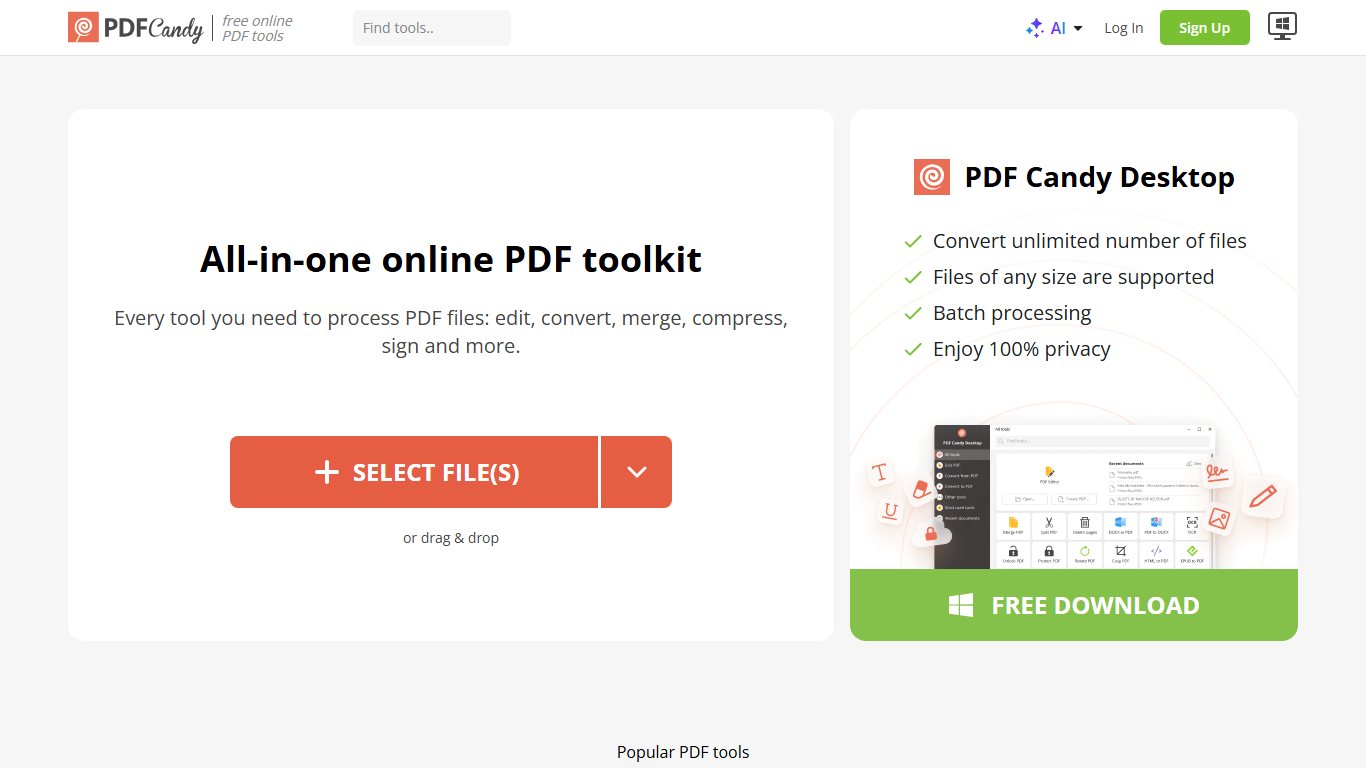
PDF Candy is a free online PDF toolkit with dozens of tools for creating, editing, splitting, merging, compressing and converting PDFs. It works through a drag-and-drop interface in your browser, and a desktop version for Windows is also available. Beyond conversion, it offers OCR, page reordering, watermarks, password protection and metadata editing. The free tier has limits on how many tasks you can run, and a paid plan removes them.
4. Liquid Text PDF Reader
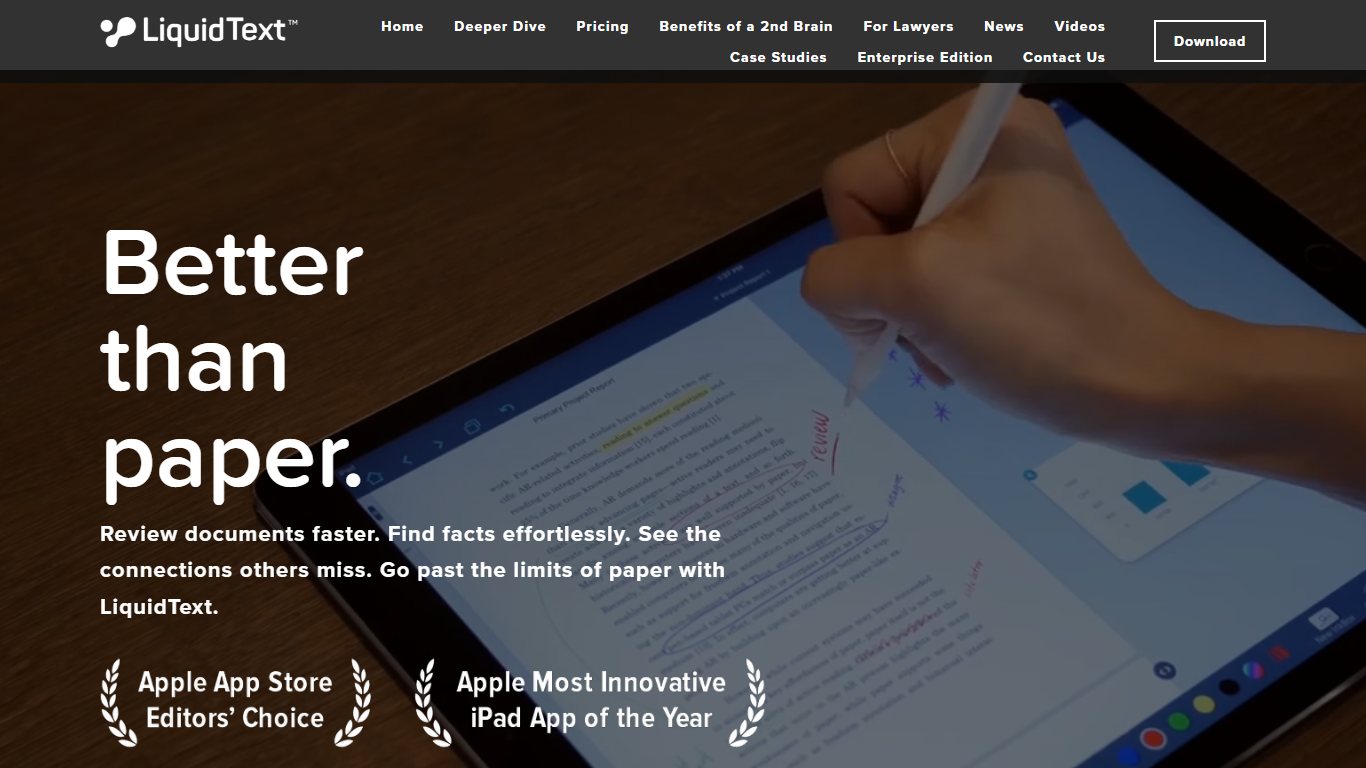
Liquid Text PDF Reader is a smart PDF reader for iPad, Mac and Windows that lets you capture notes, highlights and comments the way you would on paper. Its standout feature is linking: you can connect highlights, notes and excerpts and jump between them with a single tap. You can search across dozens or hundreds of pages at once, which makes it popular with students, lawyers and researchers. When you are done, you can export your organized notes and excerpts to share or keep.
5. Power PDF
Power PDF is a PDF reader and editor for Windows and Mac that lets you create, edit, convert, share and digitally sign PDF files. It was built by Kofax, which renamed itself Tungsten Automation in 2024, so the product is now sold as Tungsten Power PDF. A dictate-to-text option lets you add text by speaking instead of typing. You can also protect files with encrypted passwords and permissions, redact sensitive information, strip private metadata and extract pages or content from PDFs.
6. React PDF Viewer
React PDF Viewer is a PDF viewer component for web developers, written in TypeScript and built with React Hooks. It is not an app you install. Developers add it to a website or web app so users can open, search, zoom, highlight and print PDFs right in the browser. If you are an everyday user looking to edit files, skip this one. If you build web apps and want to avoid sending users off to Acrobat, it is worth a look, but check its license terms before using it in a commercial product.
7. Google PDF Reader
Google does not sell a standalone Acrobat rival, but its built-in PDF viewers cover simple reading for free. You can open PDFs in Chrome, in Google Drive and in Files by Google on Android. These viewers let you zoom in on part of a page, search inside the document and, in many cases, fill in forms and add basic notes or highlights. Their main advantage is simplicity: nothing extra to install and almost nothing to learn.
8. SwifDoo PDF
SwifDoo PDF is an easy-to-use, lightweight PDF editor for Windows that lets you create, convert, merge, compress and sign PDF documents. Its clean design makes it simple to make changes to PDFs and to convert them into Microsoft Office formats. For security, it offers two-level passwords (one to open the file, one to control permissions) and electronic signatures. You can also split a PDF into individual pages or combine several files into one.
9. Sumatra PDF
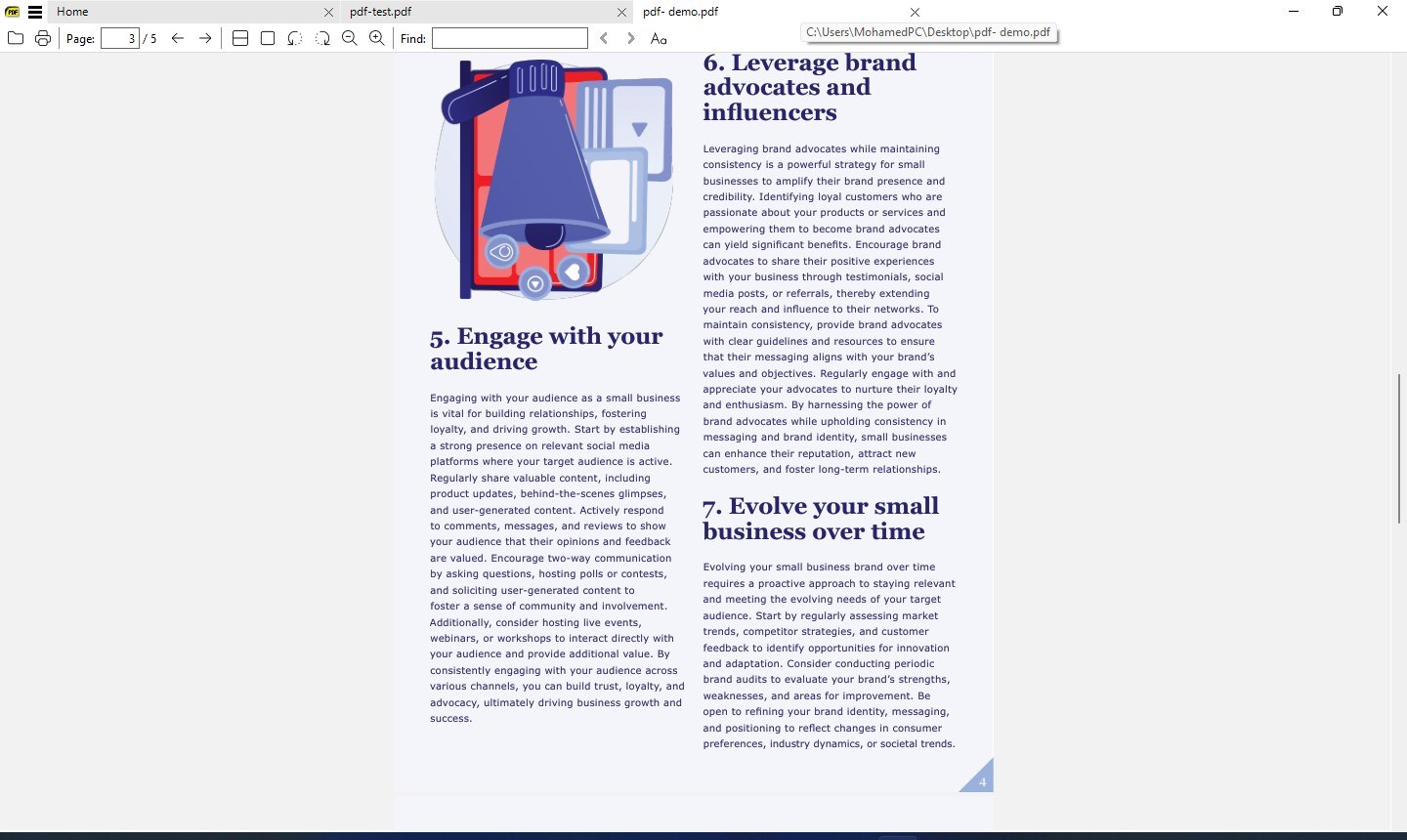
Sumatra PDF is a free, open-source and very lightweight document reader for Windows. It is a viewer, not an editor, and that focus is why it opens files so quickly. Besides PDF, it reads eBooks (ePub and Mobi), XPS, DjVu, CHM, images and comic books (CBZ and CBR). A portable version runs straight from a USB drive with no installation. Version 3.5, released in 2023, added dark mode and native builds for 64-bit ARM PCs. Since Sumatra opens ePub files directly, you only need an Epub To Pdf Converter when someone specifically asks for a PDF copy.
10. PDF Studio
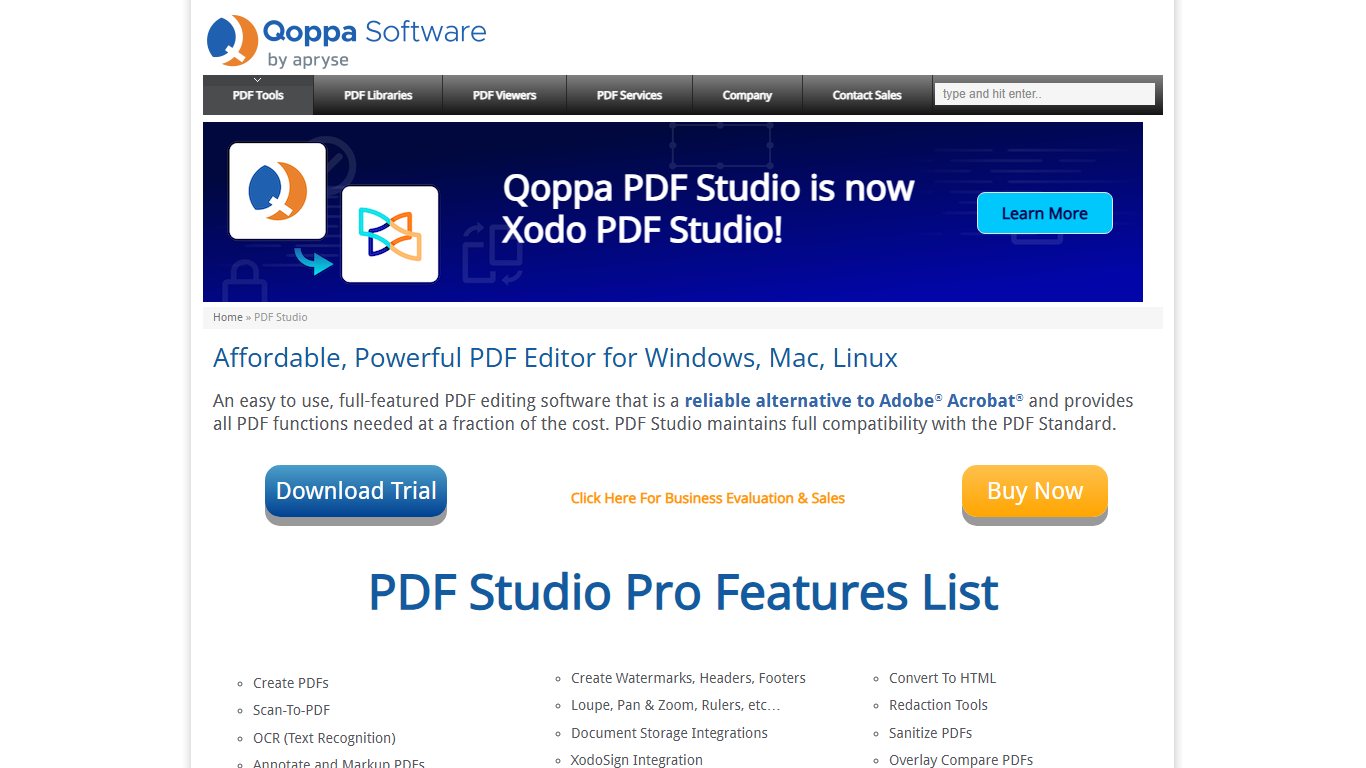

PDF Studio is a cross-platform PDF editor from Qoppa Software that runs on Windows, macOS and Linux. You can create and assemble documents, annotate, edit content, convert files and add security. Its review tools help when several people comment on the same documents, and it can compare two versions of a file. It converts Word, Excel, JPG, PNG, HTML and many other formats to PDF, and lets you edit text, images and shapes. Linux support is the big draw, since few full editors offer it.
11. PDF-Xchange Editor
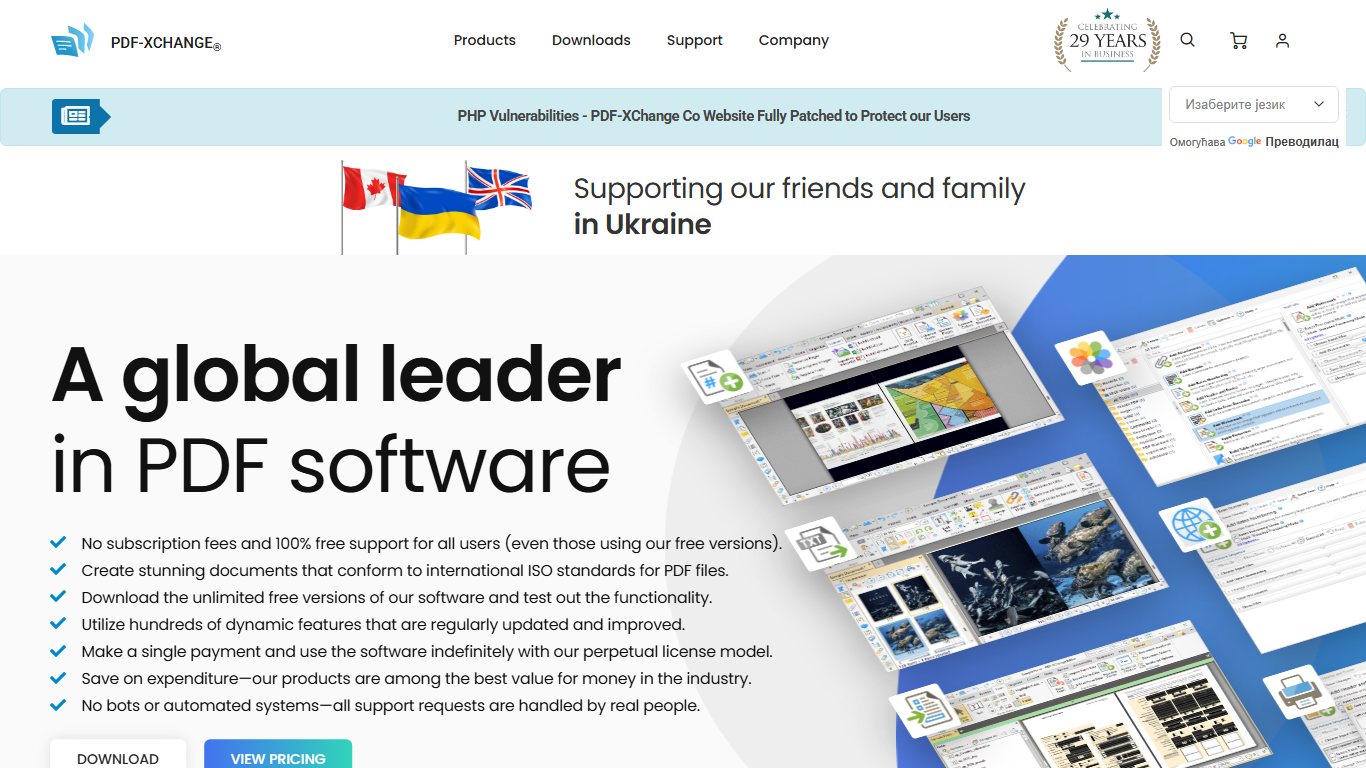
PDF-Xchange Editor is a Windows PDF editor from PDF-XChange Co. that lets you create, view, edit, annotate, scan, OCR and sign PDF files. You can create custom stamps, including dynamic stamps that fill in the date automatically, and you can build and edit fillable forms. It can also turn scans, image files and plain.txt files into PDFs. Many features work in the free version, but some add a watermark to saved files unless you buy a license.
12. Foxit Phantom PDF Editor
Foxit Phantom PDF Editor is the old name of Foxit’s full-featured desktop editor. In 2021, with the launch of version 11 and new Foxit branding, Foxit renamed PhantomPDF to Foxit PDF Editor, and the former PhantomPDF Business edition became Foxit PDF Editor Pro. If a download site still offers “PhantomPDF”, it is an outdated build, so get the current version from Foxit directly.
The Pro edition is the one to consider for heavier work. It lets you view, create, edit, comment on, secure, organize, export, OCR and sign PDFs and forms. Its OCR turns a scanned paper document into text you can search and edit. It also adds stronger security and redaction tools, and it connects to cloud storage services so you can open and save files there.
13. LightPDF
LightPDF is a PDF maker and editor that lets you merge, compress, OCR, split, rotate, sign, edit and convert PDFs to Office files and images. It works in the browser and also has desktop and mobile apps. Files can be uploaded and stored in the cloud, so you can reach them from any device. You can also share a link to a file instead of sending it as an attachment. That makes it a handy Online PDF Editor when you are on a computer where you cannot install software.
14. PDF Architect

PDF Architect is a PDF editor and viewer for Windows from pdfforge, the company behind the free PDFCreator. Instead of one big package, it is split into modules, so you pay only for the features you need. You can edit text and images, convert PDFs to other formats, turn a PDF into a fillable form, add comments and protect files with 256-bit AES encryption. Version 9 added a Fill & Sign module, a resizable window for split-screen work and a Read Aloud feature.
15. Readdle PDF Expert
Readdle PDF Expert is a PDF editor for Mac, iPhone and iPad that lets you edit, annotate, sign and organize PDFs. It has a clean, well-designed interface where you can extract or rearrange pages, merge documents, redact sensitive information, highlight text and add notes. It works with forms made in Adobe Acrobat and lets you add text fields, check boxes, radio buttons and other form elements. It can also use OCR to turn scanned pages into searchable text. There is no Windows version, and Readdle says it has no plans to make one. For more Apple options, see our guide to the best PDF readers mac users can choose from.
16. Foxit PDF Editor
Foxit PDF Editor is Foxit Software’s main PDF editor and the closest all-round match to Acrobat on this list. It runs on Windows and Mac, with mobile and web apps as well. You can edit, redact, annotate and rearrange PDFs, add watermarks, headers and footers, set password permissions and create templates. Drag-and-drop conversion turns images, PowerPoint and Excel files into PDFs. Its built-in viewer is fast and light even with large files.
17. PDF24
PDF24 is a free PDF tool for Windows from the German company Geek Software GmbH. It lets you create, edit, merge, compress and convert PDFs, and the same tools are available in a browser through PDF24 Tools. It also installs a virtual PDF printer, so any program that can print can save a PDF. You can use it to add overlays, such as letterheads, to existing PDFs. PDF24 is free for personal and business use, which makes it a strong choice for offices on a tight budget.
18. Nitro PDF Pro
Nitro PDF Pro is a PDF editor and viewer from Nitro Software, a company founded in Melbourne, Australia, in 2005. It lets you create, edit, convert, combine, fill, sign and annotate documents, and it is aimed at businesses with security and compliance needs. Nitro’s Mac version grew out of PDFpen, which Nitro bought in 2021. Nitro Sign, its e-signature service, supports multiple signers, custom branding, templates, audit trails and bulk signing, plus admin tools for managing users. It also connects to cloud storage and common business apps.
How to choose the right alternative
Start with what you actually do with PDFs, then match the tool to your device.
- Only reading and printing: use Sumatra PDF or PDF Lite on Windows, or the PDF viewer already built into Chrome or your phone.
- Occasional merging, compressing or converting: PDF24 or PDF Candy will do it for free.
- Regular editing on Windows: PDF-Xchange Editor, SwifDoo PDF or PDF Architect cost far less than Acrobat.
- Business work with OCR, redaction and signatures: Foxit PDF Editor, Nitro PDF Pro or Power PDF.
- Mac, iPhone or iPad: Readdle PDF Expert, or Liquid Text PDF Reader if you mainly study and take notes.
One honest caveat: if your workplace exchanges complex forms, uses Adobe Sign workflows or relies on Acrobat’s preflight and print production tools, switching can cause small compatibility problems. In that case, try the free trial of your chosen alternative on real files before you cancel Acrobat.
FAQ
Is there a free alternative to Adobe Acrobat?
Yes. PDF24 is free for personal and business use and covers merging, splitting, compressing, converting and creating PDFs. Sumatra PDF is a free, open-source reader for Windows. For editing text inside a PDF, free tools are more limited, though PDF-Xchange Editor’s free version handles many tasks.
What is the best Adobe Acrobat alternative for Mac?
Readdle PDF Expert is the most popular choice for Mac, iPhone and iPad, with editing, forms, OCR and redaction. Nitro PDF Pro and Foxit PDF Editor also have Mac versions if you need the same tool on Windows and Mac. On Linux, PDF Studio is one of the few full editors available.
Can these programs open and fill PDF forms made in Acrobat?
Most full editors on this list, including Foxit PDF Editor, Nitro PDF Pro, PDF-Xchange Editor and Readdle PDF Expert, can fill and edit standard Acrobat forms. Forms that rely on Adobe-specific scripting can behave differently, so test an important form before relying on another program.
Is Foxit PhantomPDF the same as Foxit PDF Editor?
Yes. Foxit renamed PhantomPDF to Foxit PDF Editor in 2021, alongside the launch of version 11, and PhantomPDF Business became Foxit PDF Editor Pro. Any download still labeled PhantomPDF is an old version, so get the current one from Foxit’s own website.
Are online PDF editors safe for private documents?
Online tools such as PDF Candy and LightPDF upload your files to their servers to process them. They are fine for everyday documents, but for contracts, medical records or anything containing ID numbers, a desktop program like PDF24, Sumatra PDF or a paid editor keeps the file on your computer.
How much does Adobe Acrobat cost compared with these tools?
In the US, Acrobat Standard costs about $14.99 a month and Acrobat Pro about $19.99 a month on an annual plan, with higher month-to-month prices. Several alternatives here are free, and paid options like PDF Studio sell one-time licenses, which can work out cheaper over a few years.
Sources
- Readdle Support: Is PDF Expert available on Windows?
- pdfforge: PDF Architect 9 is out
- pdfforge: Release notes
- EaseUS: How to edit a PDF on Mac













