

As of November 2026, the quickest free starting point is HubSpot’s Blog Ideas Generator. It uses AI to suggest topics, several headline versions and even outlines from a short description of your subject, and it asks you to sign in with a free HubSpot account. QuillBot’s free AI Title Generator needs no sign-up at all. For template-style headlines, SEOPressor’s Blog Title Generator, Portent’s Content Idea Generator and FatJoe’s blog title generator are all still online and free. Whichever you use, treat the result as a first draft. Pick one, then edit it so it matches your keyword and what the post actually delivers.
A post can answer every question your readers have and still get almost no visits if the headline doesn’t earn the click. A weak title is one of the most common reasons good content gets ignored.
This list covers 15 free title generator tools for headlines people want to click. It also covers tools for book, essay, YouTube and character titles, and the formulas to write a catchy title yourself.
What does a title generator do?
A title generator is a free web tool that turns a keyword, topic or short description into a list of possible headlines. Some fill your words into fixed formulas. Others use AI to write fresh variations.
Your headline is often your only chance to win a visitor. It’s the first thing people see in search results and social feeds, and it largely decides whether they click. A clear, specific headline gets people onto the page. A vague one can sink a post that’s otherwise strong.
The tools split into two camps:
- Template tools drop your keyword into proven headline formulas: lists, how-tos, questions, “mistakes to avoid” and so on. Results are predictable, instant and often a little stiff.
- AI tools read a description of your topic and write new variations. Results fit the topic better, but you need to check them more carefully for accuracy and overpromising.
Either way, you get a spread of options in seconds instead of staring at a blank line.
The 15 tools at a glance
The table sums up what each tool asks for, how it builds titles and whether it asks for an account or email. The bigger, actively maintained tools (HubSpot, QuillBot, Grammarly, The Hoth, SEOPressor, Portent, FatJoe) are the safest bets. Several of the smaller generators are side projects that can change or go offline without notice.
| # | Tool | What you enter | AI or template | Sign-up / email required | Best for |
|---|---|---|---|---|---|
| 1 | HubSpot Blog Ideas Generator | A short description of your topic | AI | Yes, free HubSpot account | Topics, headline variations and outlines in one place |
| 2 | The Hoth headline generator | Topic details in several fields | AI | No (free account for its other tools) | Tailored headlines with a quick refresh |
| 3 | SEOPressor Blog Title Generator | Keyword plus what kind of term it is | Template | No | A steady supply of keyword-based titles |
| 4 | Portent Content Idea Generator | One subject | Template | No | Quirky link-bait angles, with notes on why they work |
| 5 | Content Row Headline Generator | A one- or two-word topic | Template | Only for the full analyzer | Headlines sorted by style |
| 6 | Tweak Your Biz Title Generator | Keyword, noun or verb, case style | Template | No | Long lists grouped by headline type |
| 7 | Sumo (BDOW) Kickass Headline Generator | Details for a chosen category | Template | No | Formula-based headlines by category |
| 8 | BlogAbout by Impact | Your keywords in fill-in-the-blank templates | Template | No for browsing | Browsing headline templates |
| 9 | FatJoe Blog Title Generator | A keyword | Template | Email only for 100 extra titles | Quick batches of 10 |
| 10 | Title-Generator.com | A keyword | Template | No | Hundreds of headline variations at once |
| 11 | QuillBot AI Title Generator | A topic or description | AI | No | Fast AI titles with no account |
| 12 | Grammarly AI Title Generator | A topic or description | AI | No | Articles, emails, presentations and essays |
| 13 | TitleGenerator.com | A description or pasted text | AI | No | Separate tabs for blogs, YouTube, books and slogans |
| 14 | Capitalize My Title AI Title Generator | A keyword or topic | AI | No | Titles plus correct title-case formatting |
| 15 | Build Your Own Blog Post Ideas Generator | Nothing (one idea per click) | Template | No | Quick inspiration for new bloggers |
If you want a title generator with no AI, these 9 tools use fixed formulas: SEOPressor, Portent, Content Row, Tweak Your Biz, Sumo (BDOW), BlogAbout, FatJoe, Title-Generator.com and Build Your Own Blog.
The 15 best free title generators
Your headline drives clicks from search results and social media. These are the 15 free tools, with what each one does, how to use it and what the free version gives you.
1. HubSpot Blog Ideas Generator
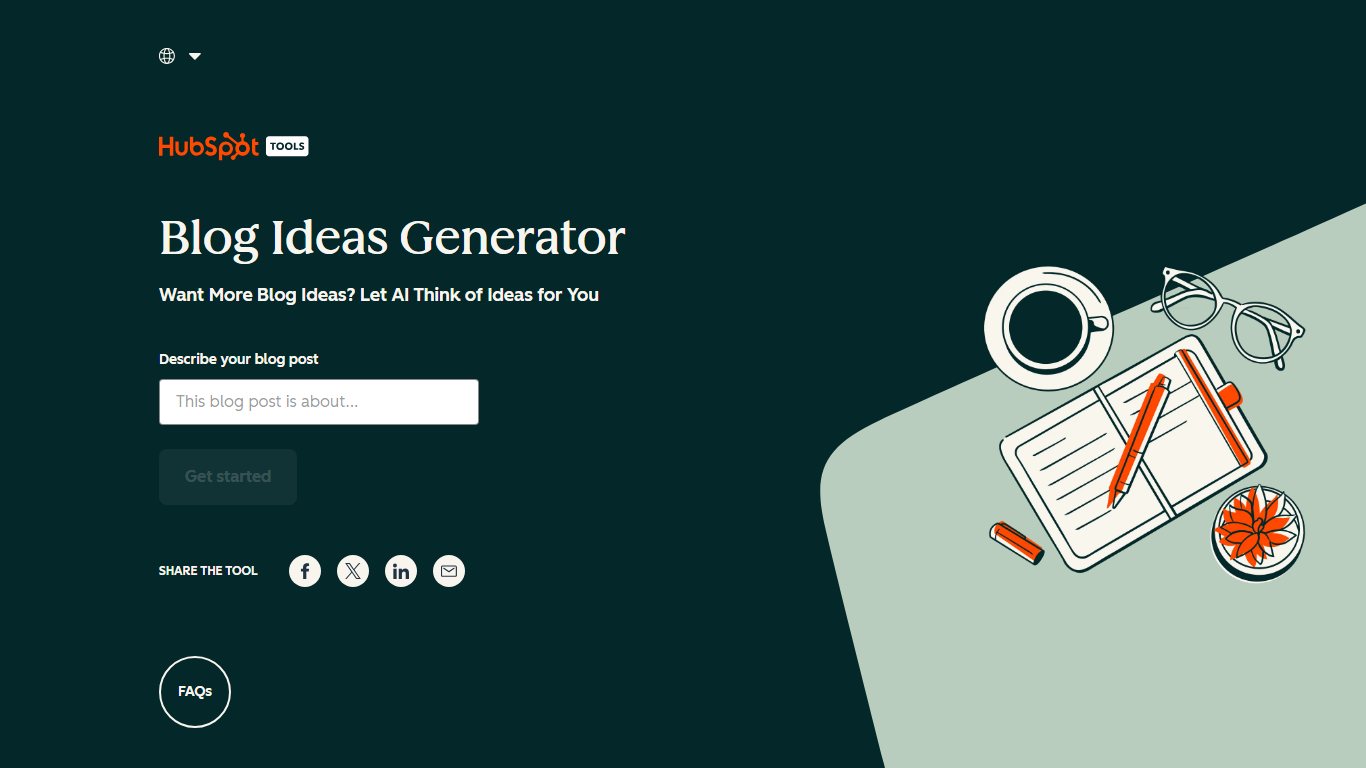
HubSpot’s free generator is the most complete tool on this list. It turns a short description of your subject into topic ideas, gives you several headline versions for each, and can go on to build an outline or a full draft.
HubSpot makes a CRM platform with marketing, sales, service and content products, including call center software in its Service Hub. Alongside the paid products it gives away a set of free marketing tools, and its blog ideas generator is the best known of them.
The tool used to ask for up to five nouns and return five blog ideas. The current version is AI-powered and works from a plain description instead. After you describe your topic, HubSpot asks you to sign up or log in to a HubSpot account. The account is free and, according to HubSpot, needs no credit card.
How to use it
- Open the Blog Ideas Generator on HubSpot’s website.
- Describe your blog or the topic you want to cover in a sentence or two, then click “Get Started”.
- Sign up for a free HubSpot account, or log in to an existing one.
- Read through the topic ideas and the headline variations for each.
- Pick a title. If you want, let the tool build an outline or a draft from it, then copy the result or send it to HubSpot’s CMS.
Features
- Input: one or two sentences describing your topic, not a single keyword.
- Output: several topic ideas, each with multiple headline variations, plus an optional outline or draft.
- Gate: a free HubSpot account, with no credit card, per HubSpot.
- Publishing: sends results to HubSpot CMS, or you copy them to any other platform.
2. The Hoth Blog Topic Headline Title Generator
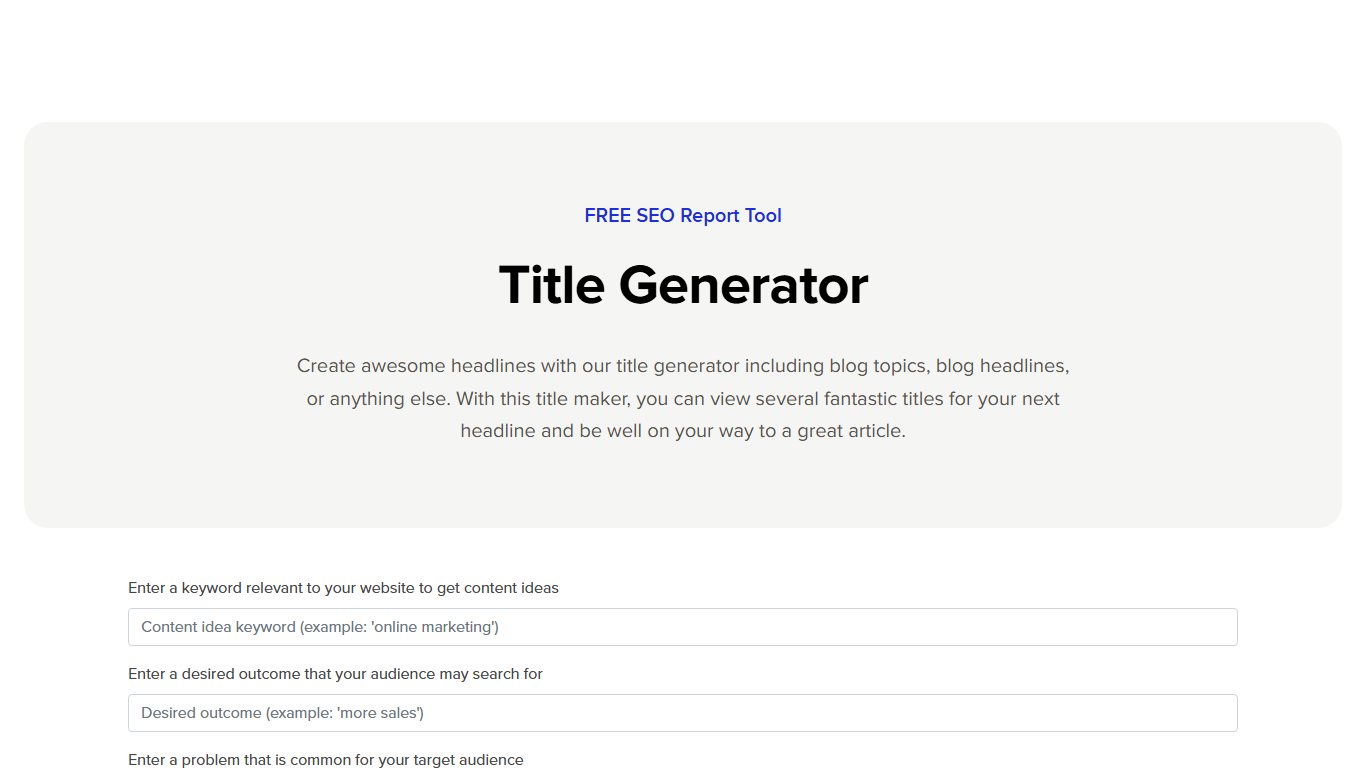
The Hoth’s free headline generator gives you a fresh batch of headline ideas for blog posts and other web content, and a single button refreshes the list. It’s tailored to what you type in, so the results fit your topic better than a pure keyword swap.
The Hoth is an SEO company that sells link building and content services, and it offers this generator free. The best part is how closely you can match the inputs to your content. If you don’t like any of the titles, you still have plenty of angles to work from when you write your own.
How to use it
- Open the headline generator on The Hoth’s website.
- Fill in the fields with details about your topic and audience.
- Click the button to generate headline ideas.
- If none of them work, click “Generate More Ideas” to refresh the list.
- Sign up for a free Hoth account if you want its other free tools. You can also order written content on your topic from The Hoth.
Features
- Input: several fields describing your headline, which Search Engine Journal counts as five components.
- Output: a batch of tailored headlines per round, with a one-click refresh.
- Gate: none for headlines; a free account unlocks The Hoth’s other free tools.
- Upsell: an option to order the written post from The Hoth.
3. SEOPressor Blog Title Generator
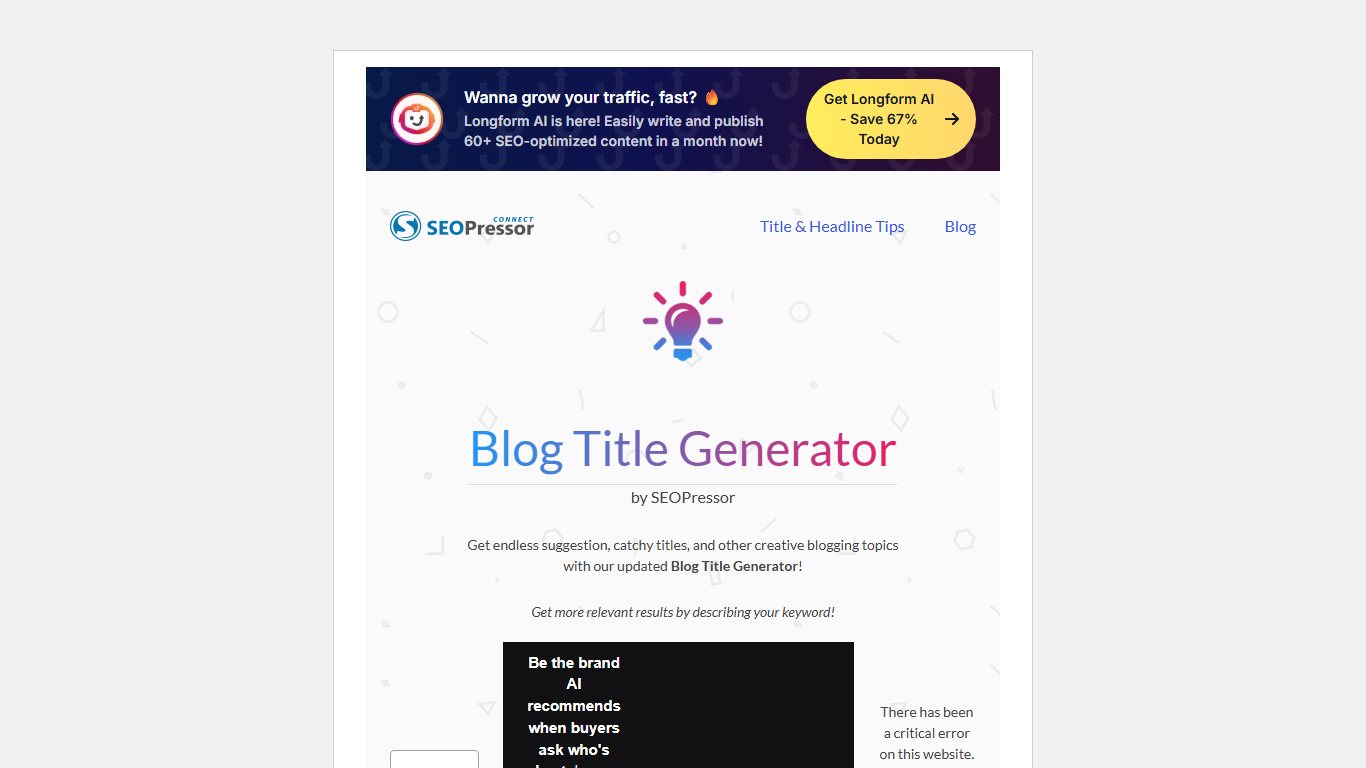
SEOPressor’s Blog Title Generator builds titles around one keyword and what that keyword means. Its official page promises endless suggestions, catchy titles and other blogging topics, and it costs nothing to use.
What makes it stand out is the description step. You tell the tool whether your keyword is a general term, a brand or product name, an event, an industry, a location, a person’s name or a skill. It then writes titles that make sense for that type of term, so you get fewer generic or awkward results.
How to use it
- Enter your keyword.
- Use the dropdown to describe what the keyword is.
- Click to generate titles.
- If you don’t like the results, refresh to get a new list.
- Repeat as often as you like. There’s no cap on rounds.
Features
- Inputs: one keyword plus a dropdown with seven term types, from “brand or product name” to “skill”.
- Output: a fresh list on every refresh, with no cap on rounds.
- Gate: none, no account or email.
- Name check: make sure you’re on seopressor.com, since many other tools use the same “Blog Title Generator” name.
4. Portent Content Idea Generator
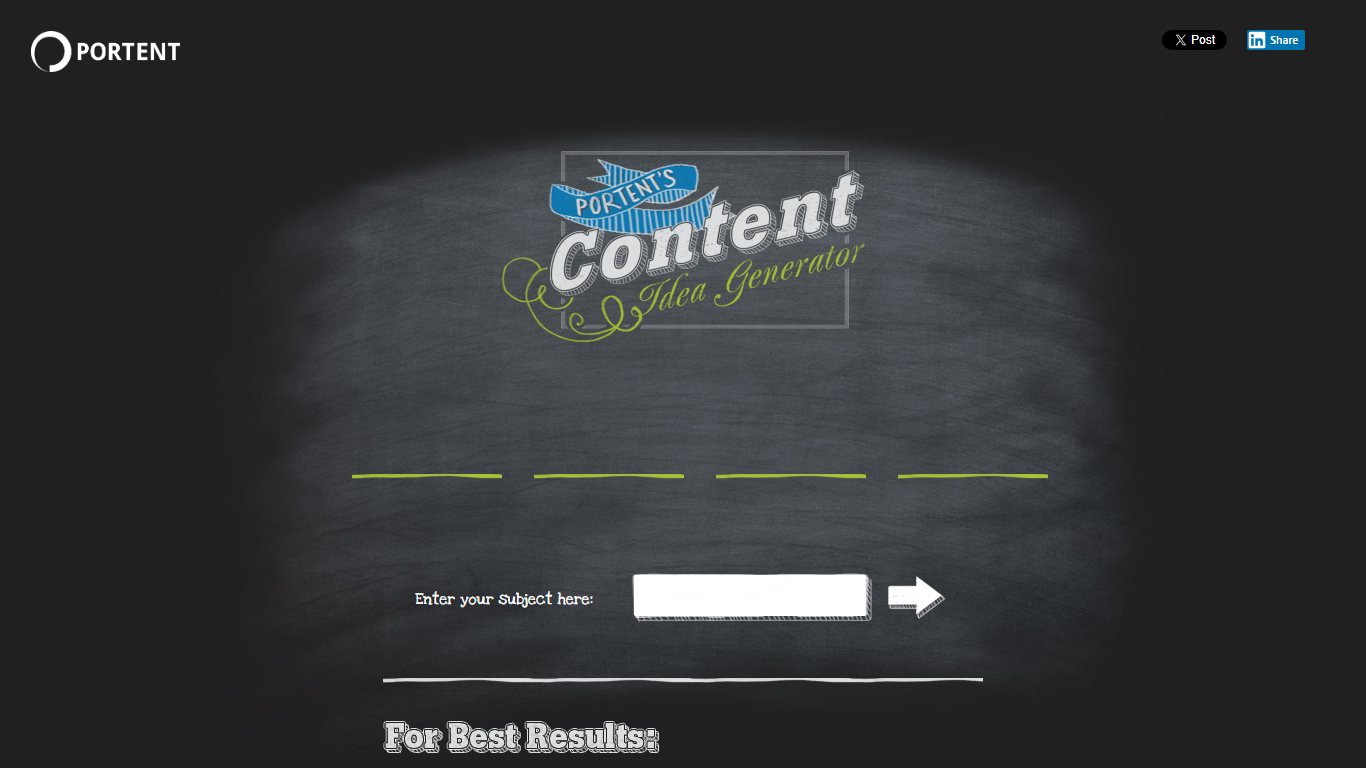
Portent’s Content Idea Generator turns one subject into a title idea and explains why each part of that title works. It’s free and unlimited, and it gives quirkier, more playful angles than HubSpot’s tool.
Portent is a digital marketing agency, now part of Clearlink. It built the tool from an older link-bait title generator, so the titles lean on classic link-bait hooks such as ego, attack, resource and news angles. You can use the ideas for blog posts, podcasts or videos.
The explanations are the best feature. Hover over or click a part of the generated title, and the tool shows why that word or phrase is there. That helps you understand the idea behind the headline rather than just copy it.
How to use it
- Type your subject or keyword into the generator. A proper noun that captures the core idea works best.
- Use the singular form of your subject and capitalize proper nouns.
- The tool shows a title in a few seconds.
- Click for another title until you find an angle you like.
- Edit the result so the grammar reads naturally. The tool doesn’t always get it right.
Features
- Output: one title per click, with a note explaining each part of it.
- Input: one subject, ideally singular, with proper nouns capitalized.
- Angles: link-bait hooks such as ego, attack, resource and news.
- Limits: free, no sign-up and no usage cap.
5. Content Row Headline Generator
Content Row’s headline generator returns a batch of headlines for a short keyword. It sorts them into styles so you can pick the tone you want, and it leans into curiosity-driven, click-friendly phrasing.
You can compare headlines across four styles: clickbait, timeless, timely and topical. That makes it easy to see how one topic reads as an evergreen guide compared with a news-style post.
How to use it
- Enter a one- or two-word topic in the search box.
- Click “Get Headlines” to see the first batch.
- Filter by topic and category to narrow the results.
- Click “Generate More Headlines” to keep loading new options.
Features
- Input: a one- or two-word topic.
- Output: batches sorted into four styles (clickbait, timeless, timely, topical), with “Generate More Headlines” for more.
- Analyzer: grades word choice, strength and emotion; the full breakdown needs a login, free analyses are limited and a Pro plan removes the cap.
- Editor: save favorite headlines and start writing in the built-in editor.
6. Tweak Your Biz Title Generator
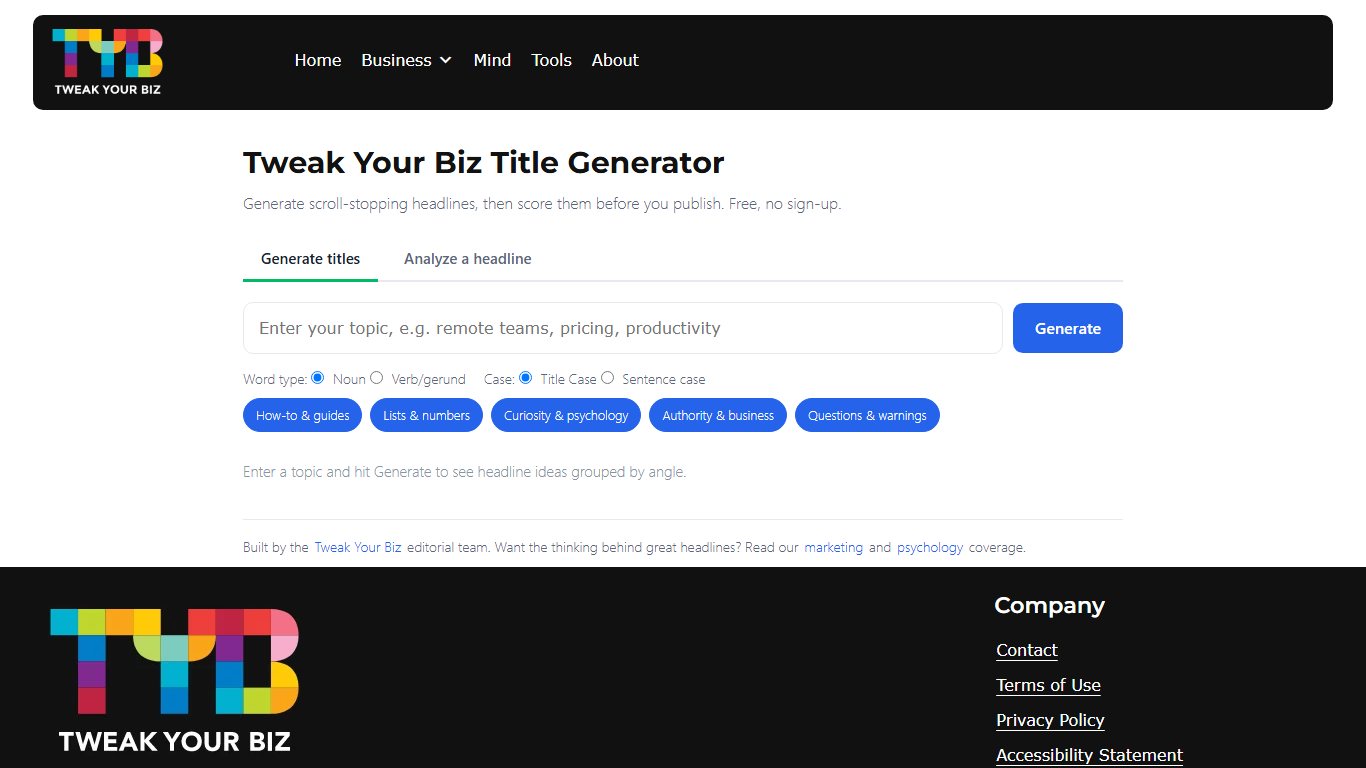
The Tweak Your Biz Title Generator turns one keyword into a long list of titles, grouped by type. It generates titles and doesn’t score them, so pair it with a headline analyzer if you want a grade.
One click gives you a whole range of headlines as a categorized list, which sets it apart from tools that show a few titles at a time. The Tweak Your Biz blog says a strong title can lift tweets, Facebook likes and visitor traffic by 50% or more. That’s the publisher’s own marketing claim, not a measured result for the tool.
How to use it
- Enter the keyword for your content.
- Choose whether the keyword is a noun or a verb.
- Pick how you want the results formatted: title case, sentence case or all caps.
- Click submit to get your headlines.
Features
- Inputs: keyword, noun or verb, and title case, sentence case or all caps.
- Output: one long list per click.
- Groups: questions, lists, how-to guides, celebrity angles, business lists and motivational quotes.
- Gate: none; it doesn’t score titles.
7. Sumo (BDOW) Kickass Headline Generator
Sumo’s Kickass Headline Generator builds titles from proven headline formulas, sorted by category. Sumo now operates under the BDOW name, and the free headline tool is still offered on its site.
Sumo became popular with site owners for its list-building tools. Its headline generator’s best feature is the range of categories: you fill in specific details for each formula, so the headline fits your content closely.
How to use it
- Pick one of the six categories.
- Fill in the fields for that category with accurate details.
- If you aren’t sure what a field wants, hover over the question mark next to it to see an example.
- Generate the list and pick the strongest headline.
Features
- Categories: numbered lists, how-to, explanatory/why, strong/controversial, fun/playful and DIY.
- Inputs: several detail fields per category, each with a hover example.
- Output: several headline options per category.
- Gate: none for the headline tool.
8. BlogAbout Blog Title Generator
BlogAbout by Impact is a fill-in-the-blank tool. It shows headline templates on the topic area you pick, and you complete each one with your own keywords. Impact has promoted it as a way to grow blog traffic and conversions, though that’s the maker’s claim and not a tested figure.
The titles come with blanks, so you have to add your own keywords to finish them. That takes a little more effort, but the result is more personal than a fully automatic title.
How to use it
- Browse the suggested topic areas and pick one.
- Click Next to start seeing title templates.
- Fill in the blanks with your keywords.
- Click the heart icon to save the titles you like to your notebook.
- Refresh for more templates, or write your own.
Features
- Input: a topic area first, then your own words in each blank.
- Output: headline templates you complete by hand.
- Saving: a heart icon sends favorites to a notebook.
- Refresh: new templates on demand.
9. FatJoe Blog Title Generator
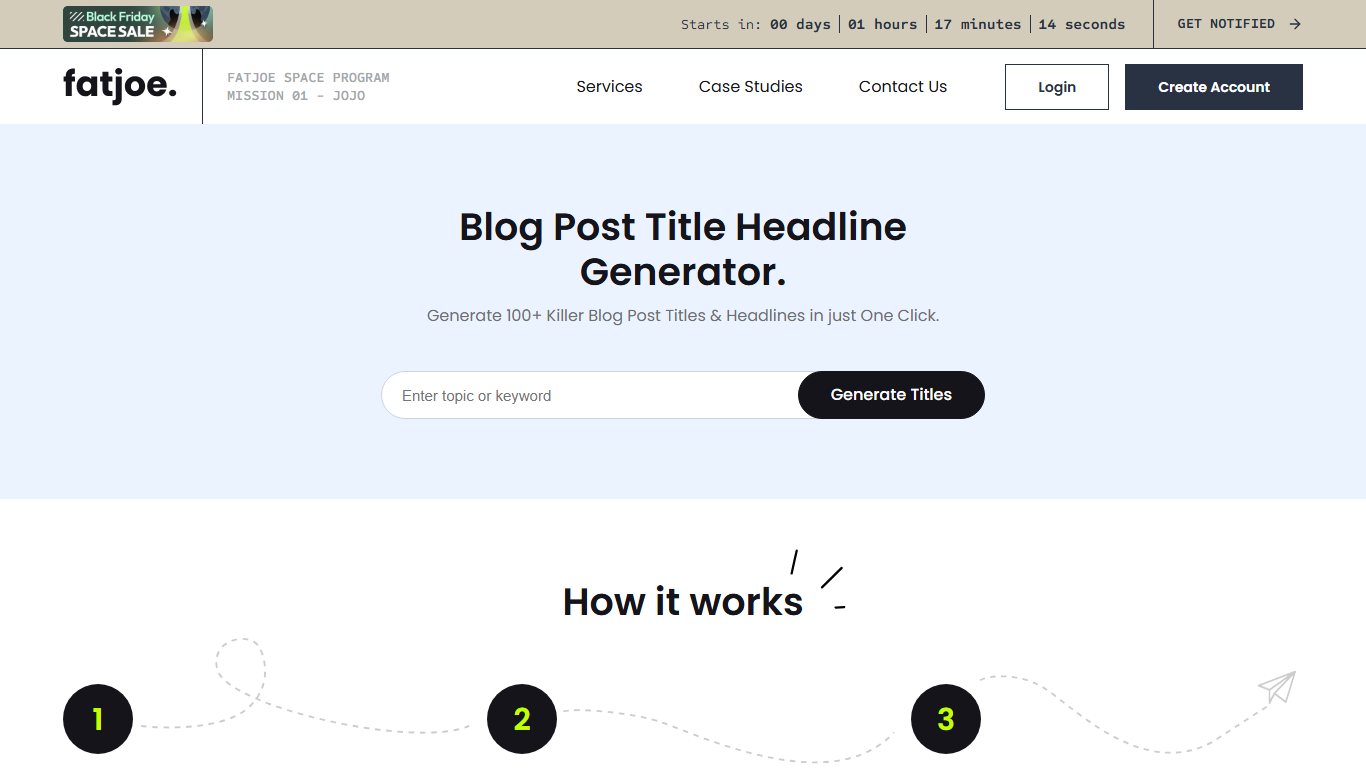
FatJoe’s free blog title generator turns one keyword into headline ideas in seconds. You get 10 titles on screen, and you can get 100 more by email. FatJoe is an SEO agency that sells content writing and link building, and the generator is its free way in.
FatJoe’s own page promises 100+ blog post titles in one click, and it suggests passing the best ones to your writers or its paid blog writing service. FatJoe also says the titles won’t always be perfect and you should tweak them, which is good advice for every tool on this list.
How to use it
- Type your keyword into the generator box. It should be the focus of the article.
- Click the button to generate blog title ideas.
- Review the 10 headlines it shows.
- To get 100 more, enter your email address in the pop-up. The extra titles arrive in your inbox.
Features
- Input: one focus keyword.
- Output: 10 titles on screen per click.
- Email gate: 100 extra titles only arrive after you enter an email address.
- Caveat: FatJoe itself says results need tweaking.
10. Title-Generator.com
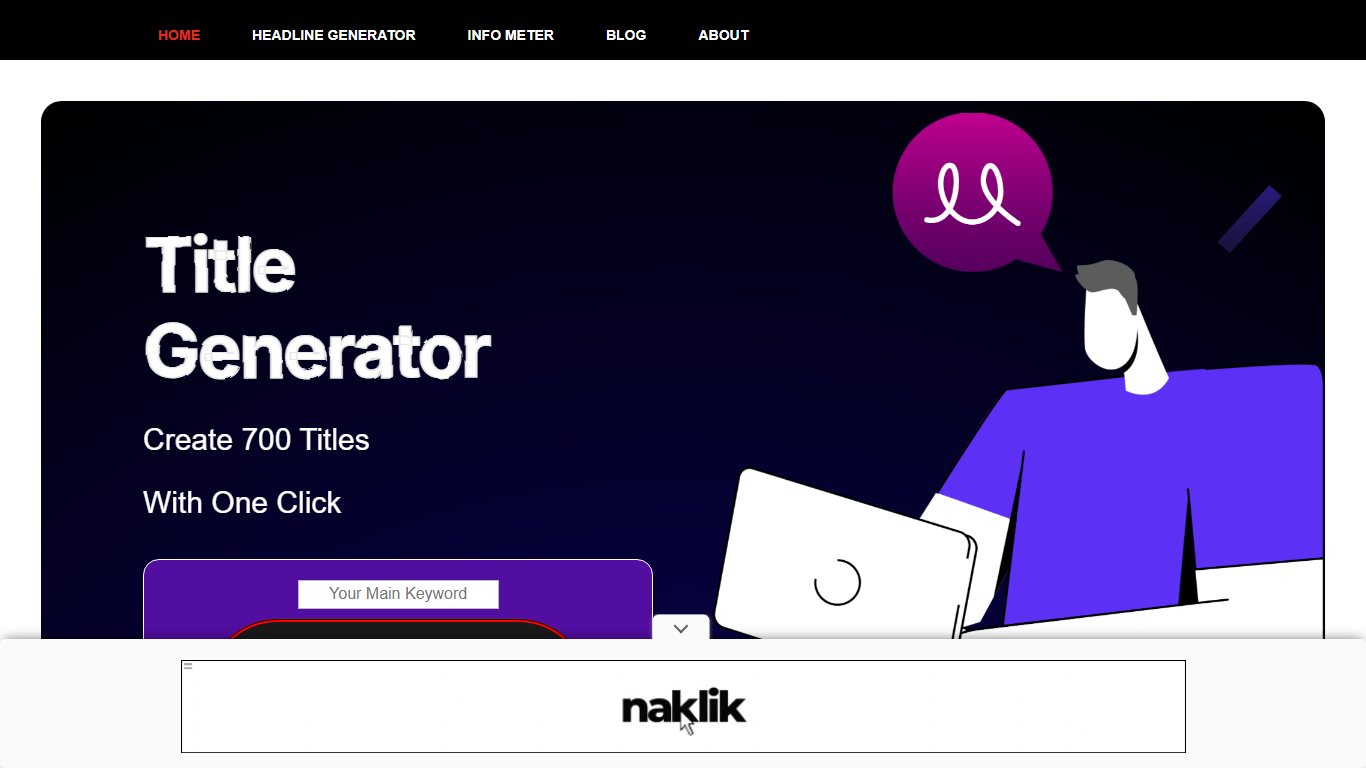
Title-Generator.com is a one-click tool that turns a keyword into a very long list of headlines, advertised at around 700 per search. The list mixes headlines, email subject lines and ad-style titles.
It’s simple and fast. The results are pre-written title formulas that you can adjust slightly to fit your content.
How to use it
- Enter your main target keyword and click “Get Headlines”.
- A new page loads. Scroll down to find your headlines.
- The results span three pages, so go through them and pick the ones that fit best.
Features
- Input: one keyword.
- Output: around 700 headlines per search, spread over three pages.
- Mix: blog headlines, email subject lines and ad-style titles.
- Extras: headline-writing tips beside the results.
11. QuillBot AI Title Generator
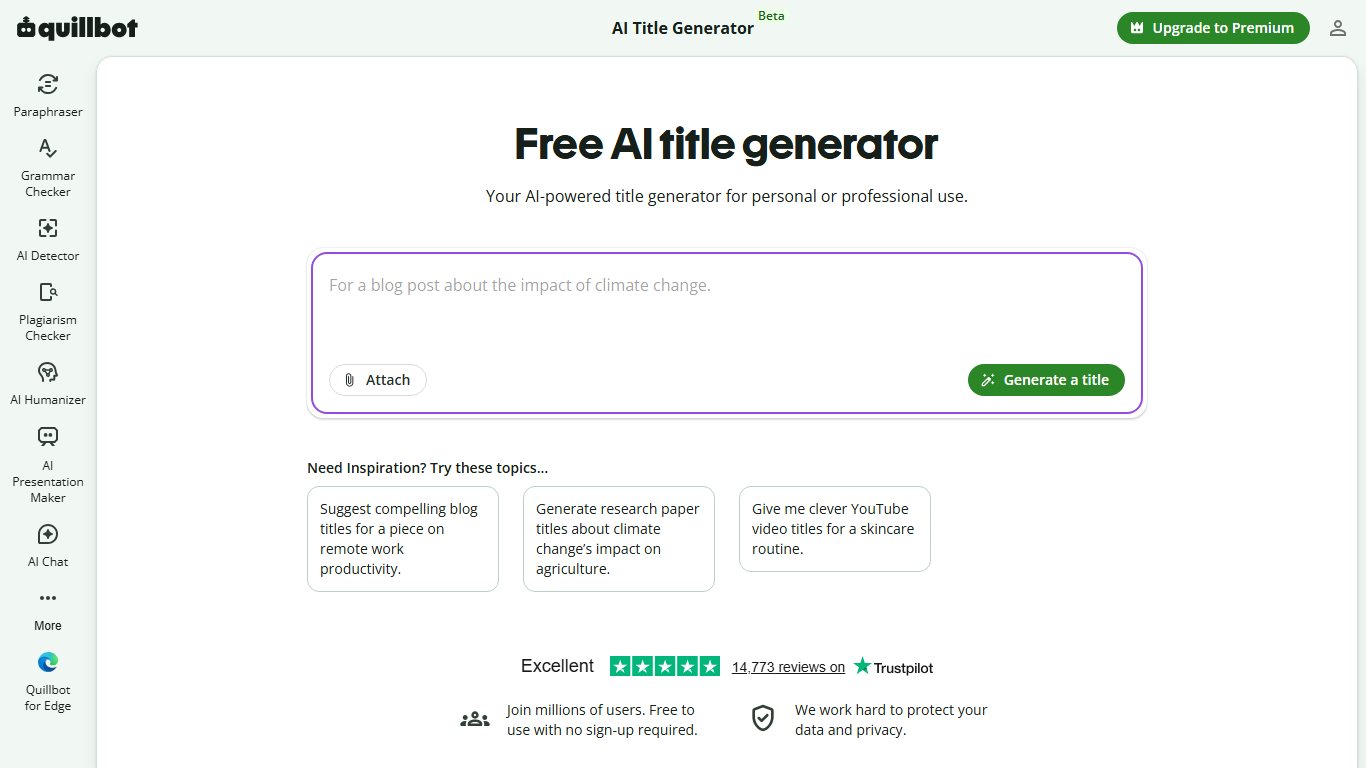
QuillBot’s AI Title Generator is the easiest AI option to try, because its page says it’s free with no sign-up required. QuillBot is best known for its paraphrasing and grammar tools, and the title generator sits in its set of free writing tools.
QuillBot says the generator can produce dozens of customized title ideas in seconds. It also runs separate generators for book titles, novel titles, SEO titles and product titles, which helps when a blog title isn’t what you need.
How to use it
- Open the AI Title Generator on QuillBot’s website.
- Describe your topic, audience and the kind of content.
- Generate titles and read through the list.
- Run it again with a tighter description if the results are too broad.
Features
- Input: a plain-language description of your topic.
- Output: dozens of title ideas per run, according to QuillBot.
- Gate: none; QuillBot says no sign-up is required.
- Sister tools: book, novel, SEO and product title generators.
12. Grammarly AI Title Generator
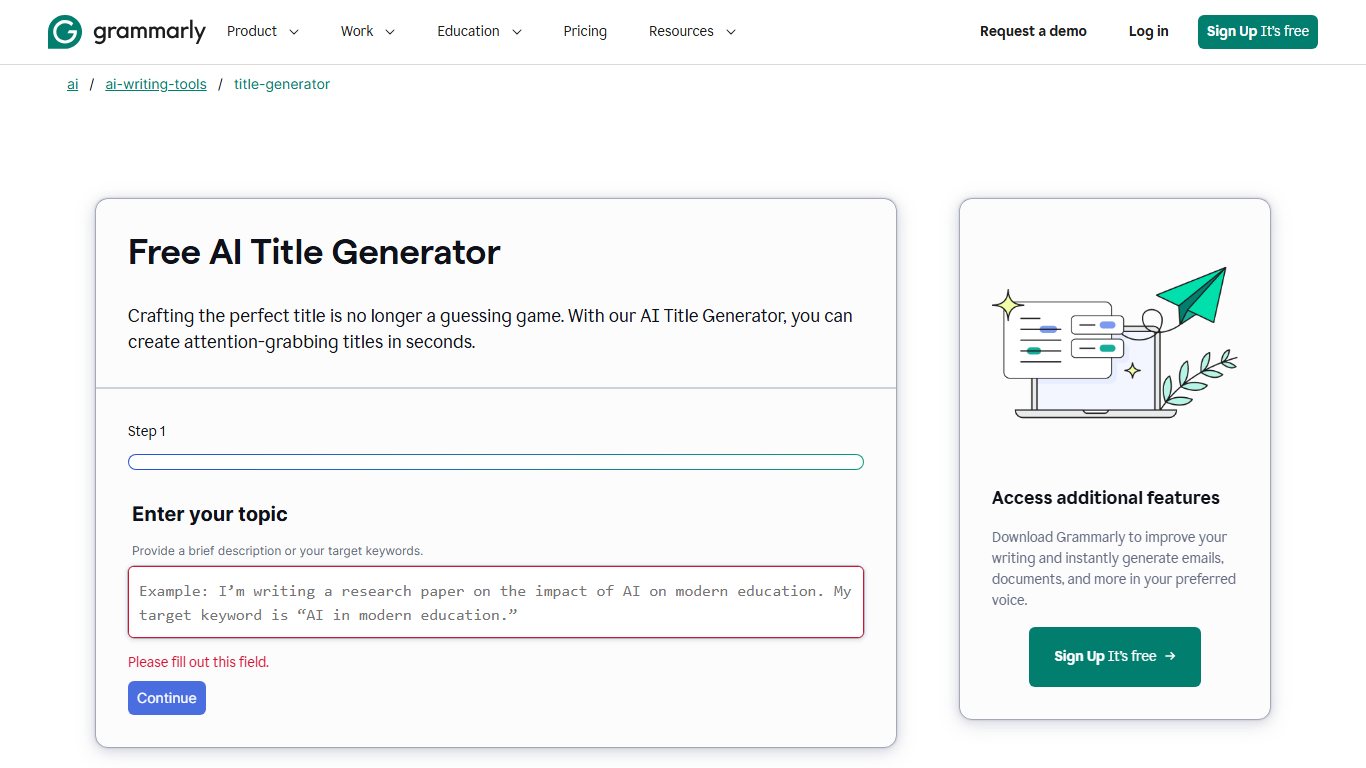
Grammarly’s free AI Title Generator writes titles for articles, blog posts, emails and presentations. Grammarly says it’s free, with no ads or hidden fees.
Its strength is the set of specialized versions. Separate pages cover essay titles, blog post titles, headlines and meta titles. The essay page shows the kind of output to expect, with the sample “From Likes to Distractions: How Social Media Affects Student Study Habits.” That two-part, colon-split style is common in academic writing.
How to use it
- Open the generator that matches your format: title, essay title, blog post title, headline or meta title.
- Describe your topic and the angle you want.
- Generate titles and pick the closest fit.
- Edit the result so the claim matches your actual content.
Features
- Formats: articles, blog posts, emails and presentations, plus separate essay, headline and meta title pages.
- Cost: free with no ads or hidden fees, per Grammarly.
- Sample: “From Likes to Distractions: How Social Media Affects Student Study Habits.”
13. TitleGenerator.com
TitleGenerator.com is a free generator with separate tabs for blogs, YouTube videos, books, slogans and all-purpose titles. Don’t confuse it with Title-Generator.com (number 10), which is a formula tool on a hyphenated domain.
According to tool directory listings, the YouTube tab works from your video description, and the blog tab works from pasted article text to suggest search-friendly headlines. The trade-off is depth. Listings note that results can be generic, so treat them as rough starting points.
How to use it
- Pick the tab for your format: blog, YouTube, book, slogan or all-purpose.
- Paste your description or article text.
- Generate titles and shortlist two or three.
- Rewrite the shortlist so it includes your main keyword.
Features
- Tabs: blogs, YouTube videos, books, slogans and all-purpose titles.
- Inputs: a video description for YouTube, pasted article text for blogs.
- Cost: free, with no subscription.
- Weakness: results can be generic.
14. Capitalize My Title AI Title Generator
Capitalize My Title started as a title-case checker, and it’s still the best place to make a finished title follow a style guide. It now runs a family of free generators too. Its AI Title Generator takes a keyword or topic and uses large language models to write a title.
The checker supports AP, APA, Chicago, MLA, AMA and other styles, and it adds a headline score. That makes it a useful last stop after any generator on this list.
How to use it
- Open the AI Title Generator, or the specific generator you need.
- Enter your keyword or topic.
- Click “More like this” next to a title you like to get similar versions.
- Paste the final title into the title-case tool and pick your style guide.
Features
- Input: a keyword or topic; “More like this” returns similar titles.
- Other generators: essay, book, story, poem, YouTube and headline titles.
- Essay options: tone, use, essay type and grade level.
- Formatting: title case in AP, APA, Chicago, MLA or AMA, plus a headline score.
15. Build Your Own Blog Post Ideas Generator
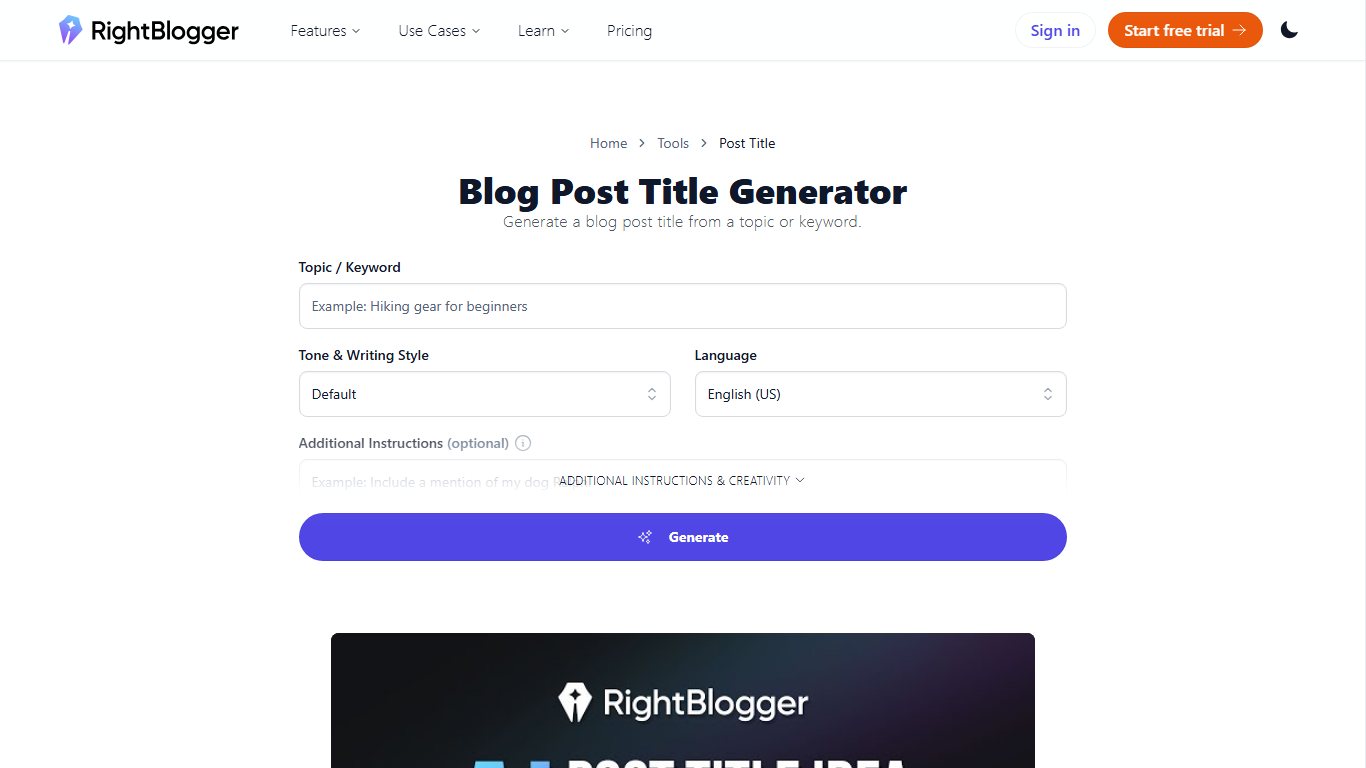
Build Your Own Blog’s generator gives you one ready-made blog post idea per click. You then add your keyword to finish the title. It’s aimed at bloggers who want inspiration more than a long list.
The site behind it, buildyourownblog.net, has also offered a Chrome app version of the generator. It works well for a first blog post, or whenever you need a new angle on a familiar topic.
How to use it
- Click “Generate Blog Post Ideas” to see one headline.
- Keep clicking until you find one that suits your post.
- Add your keyword, and the title is ready.
Features
- Output: one idea per click.
- Input: none up front; you add your keyword afterwards.
- Bank: more than 100 title suggestions in the generator, and more than 300 blog post ideas on the wider site.
- Gate: none.
Other options worth a look
Two more routes are worth knowing about: general chat assistants, and the smaller formula generators. A chat assistant gives you the most control over the output. The small formula tools work like the template tools above.
Smaller formula generators such as Topical Brainstorm, the Copywriting Course title generator, Inbound Now’s title idea generator and Content Majestic’s Blog Title Generator work much like SEOPressor or Title-Generator.com. They’re small side projects, so expect them to change or go offline without notice.
Using ChatGPT or Gemini as a title generator
ChatGPT and Google’s Gemini make flexible title generators if you tell them exactly what you need. Vague requests get vague titles. Name the topic, audience, format, tone, keyword and length limit every time.
Here’s a reusable prompt you can save and fill in:
Write 10 title options for a [format, e.g. blog post / YouTube video / essay] about [topic]. The audience is [who they are and what they already know]. Use a [tone, e.g. plain and practical / playful / formal] tone. Every title must include the keyword “[keyword]”, ideally in the first half. Keep each title under [number] characters. Mix formats: at least two numbered lists, two how-tos, one question and one curiosity hook. Don’t promise anything the content doesn’t deliver.
For a blog post, a limit of 60 characters fits the common search-result target. For a YouTube video, you can go longer, but keep the hook near the start.
Title generators for other kinds of writing
Blog headline tools aren’t the best fit for books, essays, video titles or character names. Those formats have their own rules, and several of the tools above have dedicated versions for them.
Book and story titles
For book and story titles, start with Reedsy’s Book Title Generator. Reedsy is a marketplace for book editors, designers and marketers, and its generator has separate pages by genre: fantasy, romance, science fiction, horror, thriller, literary fiction, historical fiction and contemporary fiction. Each run returns 10 title suggestions, each with a short note on what it conveys. The free limit is four generations per session, so about 40 titles in total.
Write a sharp one-line summary of your plot before you start, because that’s what the tool works from. QuillBot’s book and novel title generators and Capitalize My Title’s story title generator are good second opinions.
Essay and research paper titles
For essays, use Grammarly’s AI Essay Title Generator or Capitalize My Title’s Essay Title Generator. Grammarly’s version targets persuasive, analytical and personal essays. Capitalize My Title lets you set tone, use, essay type and grade level, with variants for narrative, persuasive and argumentative essays. CoSchedule also offers a free essay title generator.
Academic titles follow different rules from blog headlines. Clarity beats curiosity, and many essays use a two-part “Hook: Specific Topic” structure. Once you pick a title, run it through Capitalize My Title’s checker in the style your course or journal requires, such as APA, MLA or Chicago. A wrongly capitalized title is an easy mark to lose.
YouTube titles
For video titles, try the YouTube tab on TitleGenerator.com, which works from your video description, or Capitalize My Title’s YouTube Title Generator. Both are free.
YouTube allows titles of up to 100 characters, but search results and mobile screens often cut off the end. Put the main keyword and the hook in the first 50 or so characters. Make sure the title and thumbnail tell the same story instead of repeating the same words. A title that promises something the video doesn’t show early on tends to lose viewers fast, whatever generator wrote it.
Fantasy and character names
For fantasy titles, Reedsy’s fantasy book title page gives genre-specific results, still at 10 suggestions per run and four runs per session. For names, Capitalize My Title’s name generators let you pick a gender option (any, male, female or non-binary) before generating.
Generated names work best as raw material. Say a few out loud, check that no two main characters start with the same letter, and search each name to make sure it doesn’t belong to a famous existing character. If a name feels close but not right, swap a syllable or two. That small edit usually makes a name feel like it belongs to your world rather than to a tool.
Minecraft and “aesthetic” titles
Searches for a “Minecraft title generator” or an “aesthetic title generator” usually mean decorative text, not headlines. Fancy-text generators are web pages that convert ordinary letters into stylized Unicode characters you can copy into a bio, server description or display name. In Minecraft itself, the built-in /title command shows on-screen titles in your own worlds.
Use web-based converters only, and never install apps or downloads that promise “fancy fonts”. Keep in mind that some platforms and screen readers can’t display stylized Unicode properly.
How to create a catchy title yourself
A catchy title makes one specific promise to one specific reader, and it puts the keyword where people can see it. Pick a proven formula, add a concrete number or outcome, and cut every word that doesn’t earn its place.
These formulas power most of the generators above:
- Number plus benefit. “7 Ways to Speed Up a Slow Windows 11 PC”. Odd, specific numbers signal a skimmable list.
- How-to. “How to Free Up Storage on Your iPhone Without Deleting Photos”. Promises a clear outcome.
- Question. “Why Does My Laptop Battery Drain Overnight?” Mirrors what people actually type into search.
- Curiosity gap. “The One Router Setting That Fixes Most Buffering”. Hints at the answer without giving it away. Make sure the post delivers it early.
- Mistakes to avoid. “5 Password Mistakes That Leave Your Accounts Exposed”. Fear of getting it wrong is a strong pull.
- The X of Y. “The Beginner’s Guide to Backing Up a Mac”. Signals depth and authority.
- Problem plus fix. “Wi-Fi Keeps Dropping? Try These Fixes in Order”. Names the pain first, then the payoff.
- Comparison. “Gmail vs Outlook: Which Free Email Is Better for You?” Captures readers who are close to a decision.
Then run three quick checks. Is the keyword in the first half? Is it under about 60 characters? Does the post deliver exactly what the title promises?
Building a simple title generator of your own takes minutes. Keep a list of formulas like the eight above with a [keyword] slot, then swap your keyword in to get a full set of drafts. Or save the reusable prompt from the ChatGPT and Gemini section and change the topic, audience and keyword each time.
Which title generator to start with
For most bloggers, the best free picks are HubSpot’s Blog Ideas Generator, The Hoth’s headline generator and SEOPressor’s Blog Title Generator. All three are actively maintained and free, and each one uses more than a bare keyword to shape its results.
These picks were weighed on four things, in this order:
- Relevance. Does the tool use context (a description, a keyword type, extra fields), or does it just swap your keyword into a template?
- Reliability. Is the tool still maintained by a known company?
- Cost and friction. Is it free without an email gate or a sign-up for the basic results?
- Range. How many distinct angles do you get per round?
HubSpot wins on relevance and range because it works from a description, not a single word, though it now asks for a free account. The Hoth and SEOPressor are better if you want headlines you can edit quickly with no account. Portent is worth keeping in your rotation for unusual angles.
There’s an honest counterpoint. A generator can’t know what your post actually delivers, and many formula titles read as clickbait. A headline that overpromises may win the click and then lose the reader. Use these tools for options, then choose the title that’s both specific and true to the content.
Best AI pick and best no-AI pick
The best AI pick is QuillBot’s AI Title Generator, because it’s free, needs no sign-up and has sister tools for books, novels and SEO titles. Choose HubSpot instead if you also want outlines and drafts and don’t mind making a free account.
The best no-AI pick is SEOPressor’s Blog Title Generator. The keyword-type dropdown gives formula titles that fit, there’s no cap on rounds, and there’s no email gate. If you want to see why a formula works, add Portent alongside it.
FAQ
Are title generators really free?
Every tool on this list has a free version, but some keep extras behind an email or account. HubSpot asks for a free account, FatJoe emails its extra 100 titles, Content Row limits free analyzer use, and Reedsy’s book title generator allows four generations per session. QuillBot says its title generator needs no sign-up.
Is there a title generator with no AI?
Yes. SEOPressor, Portent, Content Row, Tweak Your Biz, Sumo (BDOW), BlogAbout, FatJoe, Title-Generator.com and Build Your Own Blog all fill your keyword into fixed formulas. Their results are predictable and instant, but they need more editing to sound natural.
What is the best free AI title generator?
QuillBot is the easiest free AI option because it needs no account. HubSpot is the most complete if you want topic ideas, headline variations and outlines together. Grammarly is the strongest for essays and presentations.
Do title generators help with SEO?
Only indirectly. A generator helps you write a clear, clickable title that includes your keyword, and a better click-through rate from search results helps. It doesn’t do keyword research for you, so pick the keyword first with your SEO tools, then generate titles around it.
Can you use a generated headline exactly as it is?
You can, but it usually pays to edit it. Formula titles often come out generic or slightly awkward, and FatJoe tells users to tweak its results. Check that the headline matches what the post delivers and reads naturally.
What is the difference between a title generator and a headline analyzer?
A title generator gives you new headline ideas from a keyword or description. A headline analyzer scores a headline you already have, on things like word choice, length and emotion. Content Row and Capitalize My Title do both. Tweak Your Biz only generates titles.
How long should a blog post title be?
Keep it short enough that the main point shows before Google cuts it off in search results. Roughly 50 to 60 characters is a common target. Put the keyword and the main benefit near the start so they stay visible even if the end gets trimmed.
How do I make my own title?
Pick a formula such as a numbered list, a how-to or a question, then add your keyword and one concrete benefit. Trim it to about 60 characters and check that the post delivers what the title promises.
How can I create a title generator?
Write a list of headline formulas with a [keyword] slot and swap your keyword into each one. Or save a reusable prompt for ChatGPT or Gemini that states the topic, audience, format, tone, keyword and character limit.
Which tool is best for beginners?
QuillBot is the easiest place to start, because you describe your topic in plain words and get finished options without making an account. Build Your Own Blog and Portent are also very simple, since each shows one idea per click.
Sources
- HubSpot, Blog Ideas Generator: https://www.hubspot.com/blog-topic-generator
- HubSpot, What Should I Write About: https://hubspot.com/blog-topic-generator/what-should-i-write-about
- The Hoth, Headline Generator: https://www.thehoth.com/headline-generator/
- SEOPressor, Blog Title Generator: https://seopressor.com/blog-title-generator
- Portent, Title Maker (Content Idea Generator): https://www.portent.com/tools/title-maker
- Portent, The Secret Backstory of Portent’s Content Idea Generator: https://portent.com/blog/content/content-idea-generator-origin-story.htm
- FatJoe, Blog Title Generator: https://fatjoe.com/blog-title-generator/
- Tweak Your Biz, Titles That Click: https://tweakyourbiz.com/posts/titles-that-click-how-to-write-headlines-that-entice-your-audience
- BDOW (formerly Sumo), How To Write The Best Headlines: https://bdow.com/stories/writing-headlines/
- QuillBot, AI Title Generator: https://quillbot.com/ai-writing-tools/ai-title-generator
- Grammarly, Free AI Title Generator: https://www.grammarly.com/ai/ai-writing-tools/title-generator
- Grammarly, Free AI Essay Title Generator: https://www.grammarly.com/ai/ai-writing-tools/essay-title-generator
- Capitalize My Title, Free AI Title Generator: https://capitalizemytitle.com/ai-title-generator/
- Capitalize My Title, Essay Title Generator: https://capitalizemytitle.com/essay-title-generator/
- Capitalize My Title, YouTube Title Generator: https://capitalizemytitle.com/youtube-title-generator/
- Reedsy, Book Title Generator: https://reedsy.com/studio/generators/book-title
- Reedsy, Fantasy Book Title Generator: https://reedsy.com/studio/generators/book-title/fantasy/













